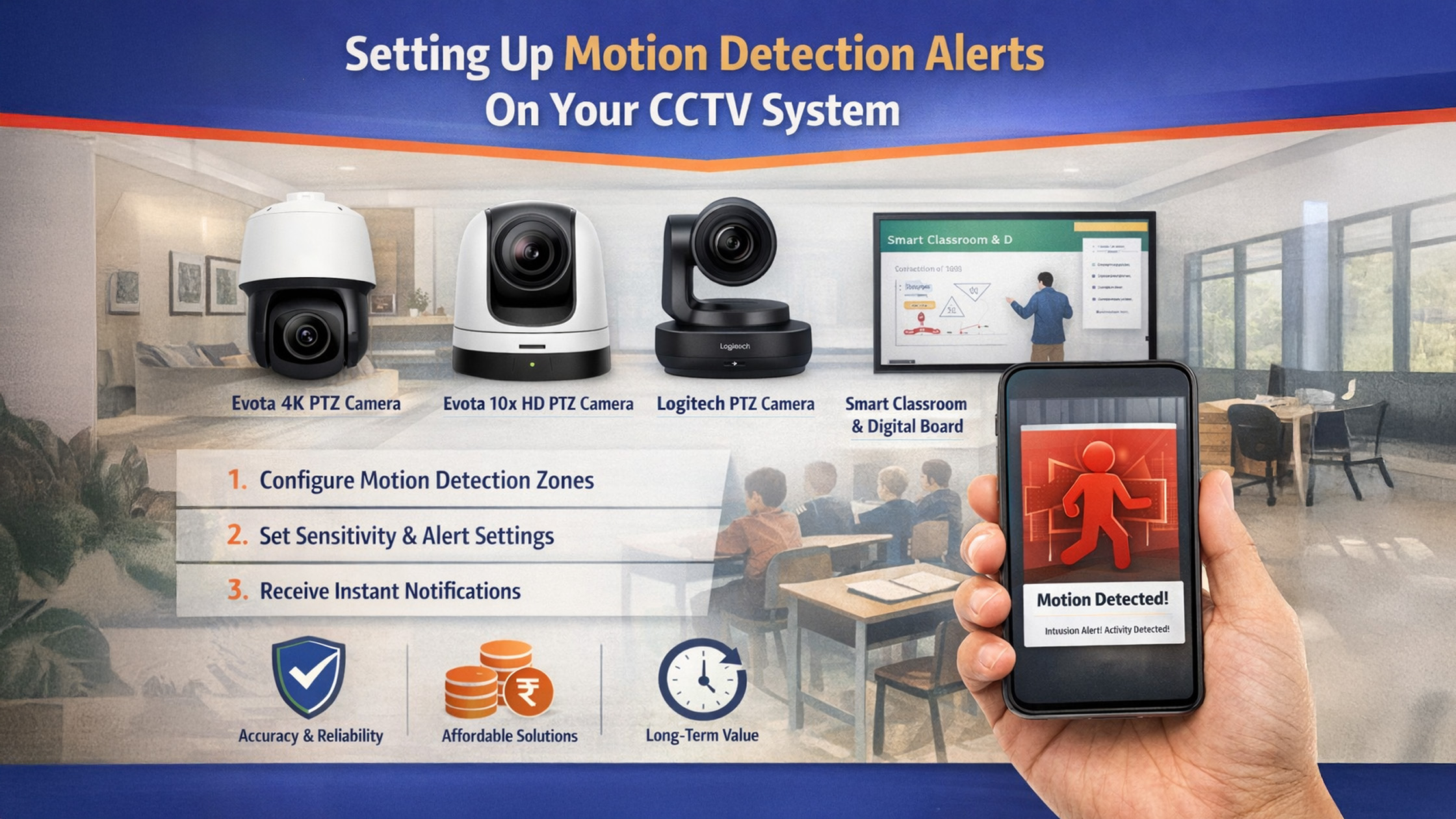
With rising security concerns across Indian homes, offices, schools, and commercial spaces, CCTV motion detection alerts have become a necessity rather than a luxury. Whether you are monitoring a home, a coaching institute, a smart classroom, or a corporate office, motion alerts help you act instantly when unusual activity is detected. At GoLive eTechnologies India Private Limited, we offer advanced surveillance solutions including Evota 4K PTZ cameras, Evota 10x HD PTZ cameras, Logitech PTZ cameras, and integrated smart classroom & digital board ecosystems—designed for security, education, and enterprise use. This guide explains how to set up motion detection alerts on your CCTV system, best practices, and how GoLive eTechnologies’ products deliver accuracy, affordability, and long-term value.
What Is Motion Detection in CCTV Systems?
Motion detection uses video analytics to identify movement within a camera’s field of view. When motion crosses predefined zones, the system triggers:
Mobile push notifications
Email alerts
Alarm integrations
Cloud or local video recording
Modern cameras like the Evota 4K PTZ Camera and Evota PTZ Camera series use AI-based detection, reducing false alerts caused by shadows, lights, or animals.
Step-by-Step: How to Set Up Motion Detection Alerts on CCTV
1. Choose the Right CCTV Camera
The accuracy of motion alerts depends heavily on camera quality.
Recommended by GoLive eTechnologies:
Evota 4K PTZ Camera – Ultra-clear visuals, AI motion tracking
Evota 10x HD PTZ Camera – Ideal for classrooms & offices
Logitech PTZ Camera / PTZ Pro 2 – Professional conference & monitoring
Evota Camera Series – Budget-friendly options for homes & shops
These cameras integrate seamlessly with digital boards, interactive panels, and online class studio setups.
2. Install & Position the Camera Correctly
Proper placement minimizes false alerts.
Best practices:
Mount cameras 8–12 feet high
Avoid direct sunlight and reflective surfaces
Cover entry/exit points (doors, corridors, gates)
Use PTZ cameras for wide-area coverage
Evota PTZ cameras allow remote pan, tilt, and zoom—ideal for smart classrooms, coaching centers, and hybrid offices.
3. Access CCTV Software or Mobile App
Most GoLive-supported cameras work via:
Mobile apps (Android/iOS)
Web dashboard
NVR/DVR software
From here, locate:
Settings → Motion Detection → Alert Configuration
4. Enable Motion Detection & Define Zones
Configure motion detection zones to avoid unnecessary alerts.
Tips:
Focus on doors, walkways, desks
Exclude trees, fans, roads
Adjust sensitivity (low for outdoors, medium-high for indoors)
Evota cameras offer custom zone mapping for precise control.
5. Configure Alert Notifications
Choose how you want alerts delivered:
Mobile push alerts
Email notifications
Cloud or local recording
Alarm integration
This is especially useful for:
Smart classrooms after hours
Digital board labs
Corporate meeting rooms
Retail outlets
6. Test & Optimize Settings
Walk through monitored areas to test alerts. Fine-tune:
Sensitivity levels
Detection zones
Alert frequency
GoLive eTechnologies also provides installation & support services across India, ensuring optimal performance.
Why Choose GoLive eTechnologies for CCTV & Smart Solutions?
GoLive eTechnologies reviews consistently highlight quality, pricing transparency, and after-sales support.
Key Advantages:
Trusted Evota official website products
Competitive Evota camera price & PTZ camera price in India
End-to-end solutions: CCTV + digital boards + smart classroom setup
Nationwide delivery & local support (Delhi NCR & PAN India)
Use Cases: Where Motion Alerts Add Maximum Value
|
Use Case |
Benefit |
|---|---|
|
Homes & Apartments |
Instant intrusion alerts |
|
Schools & Smart Classrooms |
After-hours security |
|
Coaching Institutes |
Protect digital boards & equipment |
|
Offices & Conference Rooms |
Monitor restricted access |
|
Retail Stores |
Theft prevention |
Pricing Relevance (India)
Evota PTZ Camera Price: Cost-effective vs imported brands
Evota 4K PTZ Camera Price: Premium performance, long-term ROI
Bundled options with digital panel boards, interactive flat panels, and online class studio setup
Contact GoLive for custom pricing based on your requirement.
Your email address will not be published. Required fields are marked *

By Inhype • May 14, 2026
In today’s evolving education landscape, engagement is no longer optional—it’s essential. Traditional lecture-based teaching often leaves many s
Read More
By Inhype • May 14, 2026
Hybrid Classrooms in India: Why Friction Still Exists Hybrid learning—where some students attend physically while others join remotely—has beco
Read More
By Inhype • May 14, 2026
The Future of Education: Smart Classrooms Meet Digital Innovation Hybrid learning is no longer just a trend—it’s the backbone of modern educati
Read More
By Inhype • May 14, 2026
From School Diaries to Digital Alerts: The Evolution of Parent Communication For decades, communication between schools and parents relied on handw
Read More
By Inhype • May 14, 2026
Introduction: The Shift Towards Digital Fee Management in India Across India, schools and educational institutions are rapidly embracing digital tr
Read More




Golive eTechnologies India Private Limited (CIN - U31909UP2021PTC148242) is one of India's leading providers of smart classrooms, interactive boards, video conferencing solutions, and display technologies for the education, healthcare, corporate, and government sectors.

No comments yet. Be the first to comment!