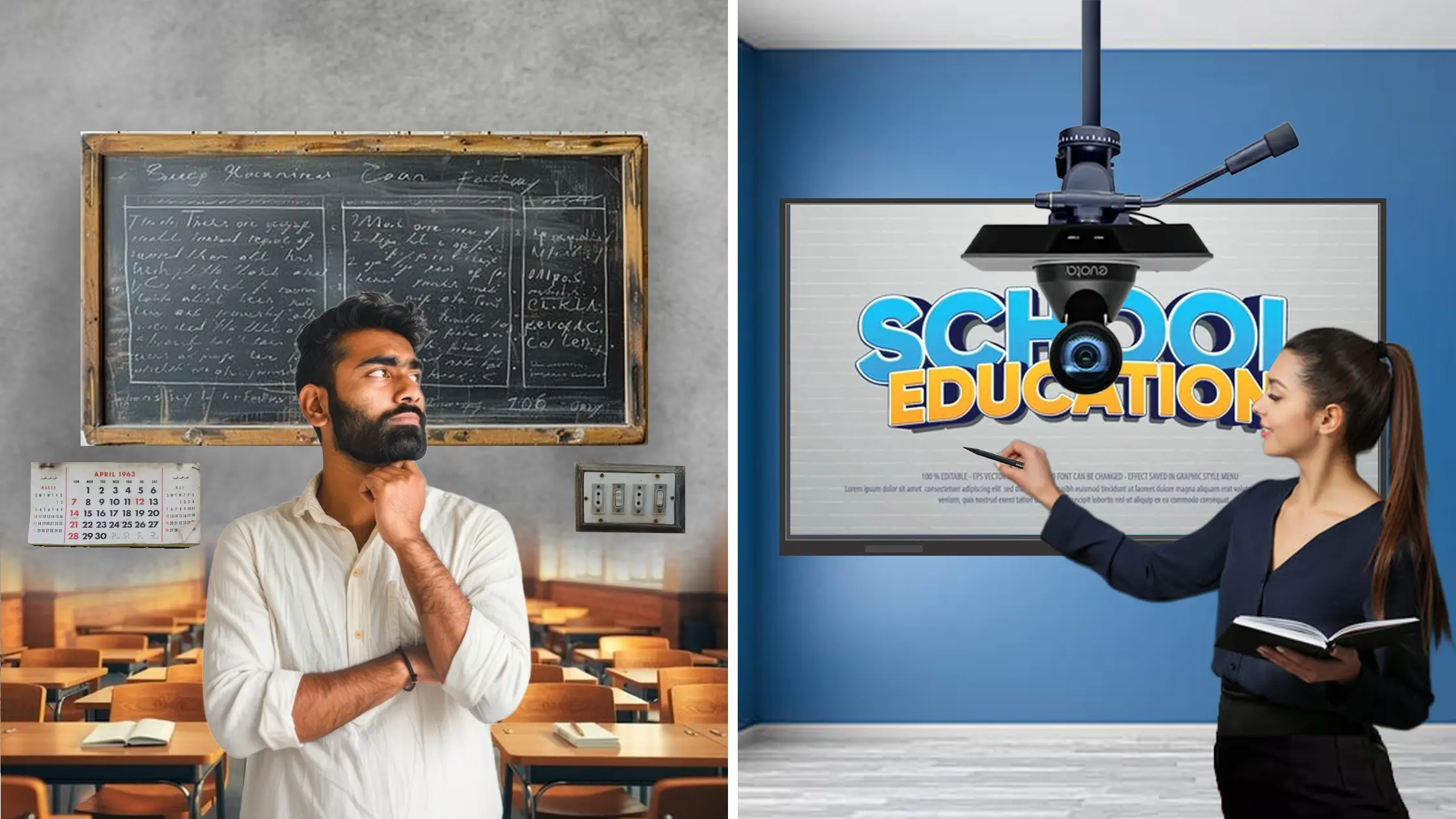
Online teaching and content recording have become a major part of the modern education system in India. Whether you're a school teacher, coaching instructor, trainer, or content creator, your PC build directly impacts your video quality, audio clarity, and student engagement. A slow computer, lagging camera, or unclear sound can break the flow of a class. At GoLive eTechnologies India Private Limited, we help teachers, trainers, and studios choose the perfect PC build, recording setup, and smart classroom equipment—from mini PCs to PTZ cameras, interactive boards, lighting, writing pads, and more. In this guide, you’ll learn how to choose the best PC build based on your teaching level, budget, and equipment requirements.
Why Your PC Build Matters in Online Teaching & Recording
Online education demands multi-tasking—running Zoom/Google Meet, a digital board, OBS Studio, presentations, recording tools, and multiple browser tabs.
A powerful PC ensures:
Zero lag during live classes
Smooth screen sharing of smart classroom PPT
Clear video output for hybrid classes
Consistent audio-video sync
Support for PTZ cameras, vision mixers, capture cards
Teachers today use Evota Smart Board, Maxhub Smart Board, LG CreateBoard, Newline Interactive Panels, ring lights, pentabs, and PTZ cameras. These tools require a PC build strong enough to handle real-time processing.
Key Factors to Consider Before Choosing a PC Build
1. Processor (CPU): The Most Important Component
A fast processor ensures smooth multitasking during:
Online classes
PowerPoint presentations
OBS recording
Green mat shooting
Using digital boards
Recommended:
Intel i5 / Ryzen 5 (Basic teaching)
Intel i7 / Ryzen 7 (Recording + editing)
Intel i9 / Ryzen 9 (Professional studio setup)
2. RAM Requirements for Seamless Hybrid Classes
Minimum recommended:
8GB RAM – Online classes
16GB RAM – Recording + live streaming
32GB RAM – Professional studios with PTZ cameras, vision mixers, teleprompters
RAM helps avoid system freeze while using tools like:
Digital bulletin board
Smart class educational software
Streaming tools
Online whiteboards
3. Storage: Always Choose SSD
SSD ensures:
Fast booting
Quick video exporting
Smooth recording
Recommended:
256GB SSD + 1TB HDD for mixed storage
512GB SSD for creators
4. Graphics Card (GPU): Needed for Recording & Editing
If you make professional-quality lessons, a GPU helps with:
Green mat shooting
Chroma key
Video editing
OBS Studio filters
High-resolution PTZ camera streaming
Recommended:
NVIDIA GTX 1650 – mid-level
RTX 3050 / 3060 – professional
5. Ports & Connectivity
Look for:
4+ USB ports
HDMI port for interactive panels
Type-C for modern cameras
Support for HDMI video capture card
Ethernet port for stable internet
PC Build Recommendations Based on Teaching Needs
A. Basic Online Teaching Setup (Affordable)
Best for school teachers & beginners.
Recommended PC Build:
Intel i3 / Ryzen 3
8GB RAM
256GB SSD
Recommended GoLive Products:
Writing Pad for PC / USB Writing Pad
Logitech B525 Webcam
Ring Light (12-inch)
Wired microphone for teaching
B. Mid-Level Setup (Recording + Teaching)
Ideal for coaching, YouTube educators, hybrid classes.
Recommended PC Build:
Intel i5 / Ryzen 5
16GB RAM
512GB SSD
Recommended GoLive Products:
Evota 4K PTZ Camera / Evota 10x HD PTZ Camera
Logitech C930e webcam
Mini Ring Light / LED Ring Light
Ahuja Amplifier DPA770 + Ahuja big speakers
Writing pad for desktop / computer pencil
C. Professional Studio-Level Teaching Setup
Best for institutes, coaching centers, and content creators.
Recommended PC Build:
Intel i7/i9 or Ryzen 7/9
32GB RAM
1TB SSD
Dedicated GPU (RTX 3060)
Pair with GoLive’s Premium Products:
Evota Interactive Panel
Maxhub Digital Board
Newline Smart Board
LG CreateBoard 75-inch
OPS PC (high-performance)
PTZ Cameras for live streaming
Podcast microphones + audio interfaces
Green mat shooting setup
Vision mixer / video mixer for live streaming
Why Buy from GoLive eTechnologies?
Verified brand with strong Golive eTechnologies reviews
PAN India delivery & installation
Specialist in smart classrooms, interactive boards, hybrid studios
Official partner for Evota, Maxhub, LG, Newline, Digitek
Best pricing on:
Maxhub Smart Board Price in India
Evota Digital Board Price
LG Interactive Digital Board Price India
Newline Interactive Panel Price
Conclusion
Choosing the right PC build makes your teaching smoother, clearer, and more engaging. Whether you're teaching online, recording videos, conducting hybrid classes, or setting up a coaching center studio, GoLive eTechnologies offers everything you need—from PC components to cameras, lights, microphones, and interactive panels.
1. What is the best PC build for online teaching in India?
A PC with Intel i5/16GB RAM/512GB SSD handles classes smoothly.
2. Do I need a graphics card for teaching?
Not mandatory, but useful for recording, OBS Studio, and green screen.
3. Which camera is best for online classes?
Evota 4K PTZ Camera and Logitech C930e are top choices.
4. Does GoLive eTechnologies offer installation?
Yes—PAN India delivery, installation & training.
5. Can I connect interactive panels to my PC?
Yes. All Evota, Maxhub, LG, and Newline panels support HDMI/OPS.
Your email address will not be published. Required fields are marked *
By Inhype • September 12, 2026
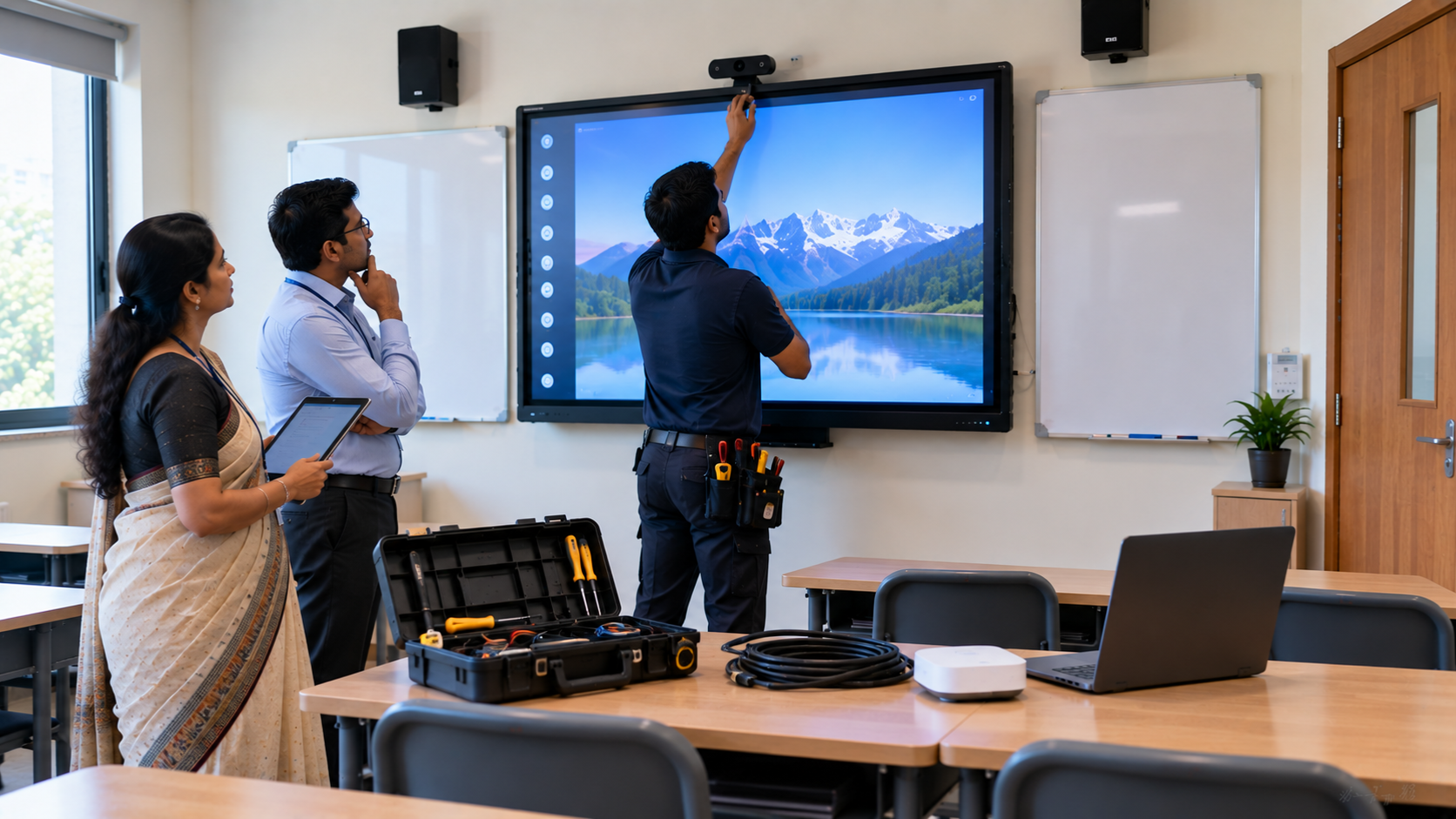
A smart classroom is only as effective as the technology supporting it. Interactive panels, smart boards, PTZ cameras, microphones, speakers, PCs and
Read More
By Inhype • September 12, 2026
Higher education is rapidly moving beyond traditional chalkboards and projectors. Today, colleges and universities need technology that supports inter
Read More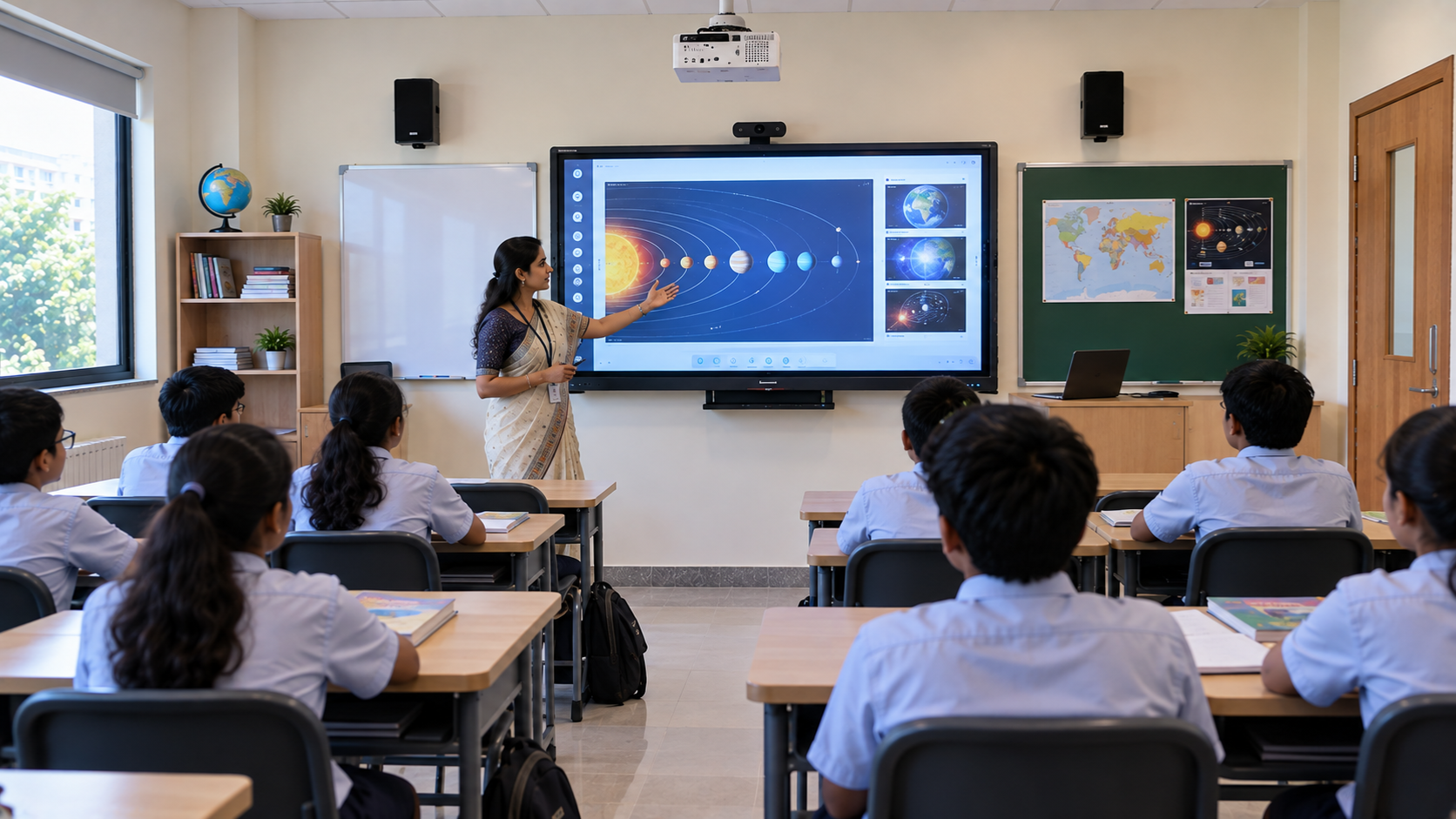
By Inhype • September 12, 2026
A smart classroom for CBSE schools is no longer simply a classroom with a digital board. Modern schools are building connected learning environments t
Read More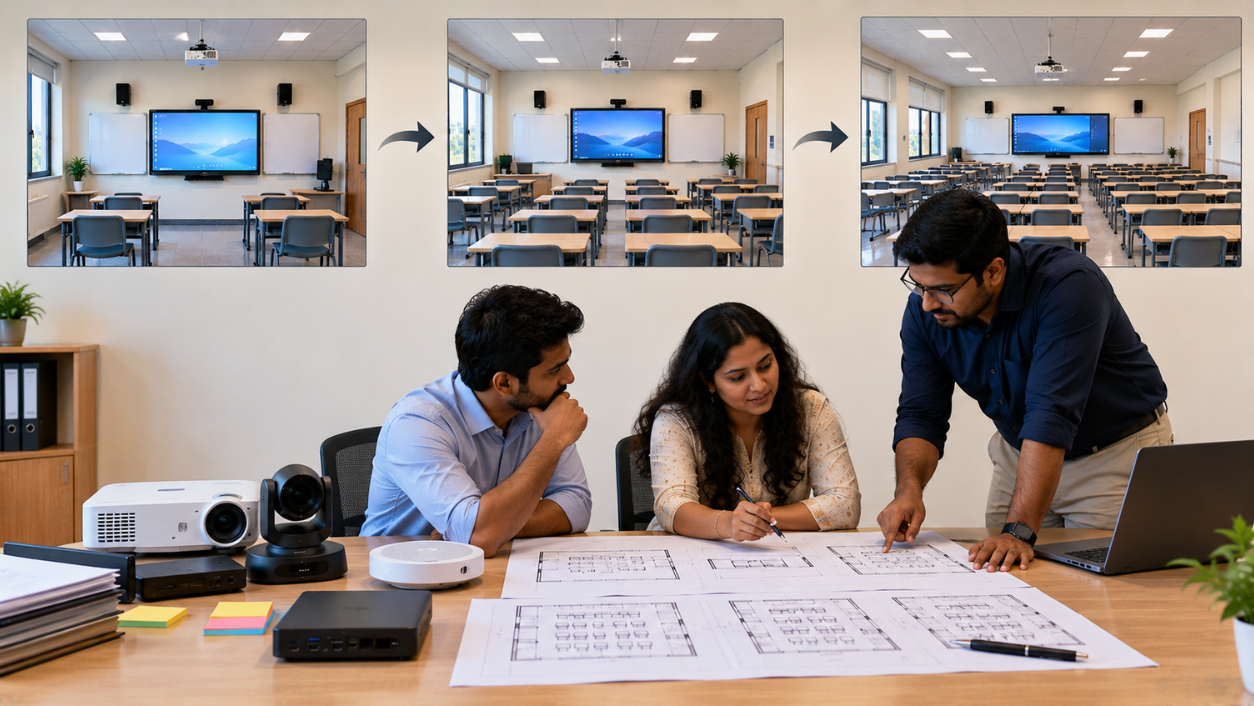
By Inhype • September 12, 2026
Planning a smart classroom project for 10, 20 or even 50 classrooms requires more than simply purchasing digital boards. Schools, colleges, universiti
Read More
By Inhype • September 12, 2026
A smart classroom can transform the way teachers explain concepts, students interact with lessons, and institutions deliver digital education. From in
Read More


Golive eTechnologies India Private Limited (CIN - U31909UP2021PTC148242) is one of India's leading providers of smart classrooms, interactive boards, video conferencing solutions, and display technologies for the education, healthcare, corporate, and government sectors.
No comments yet. Be the first to comment!