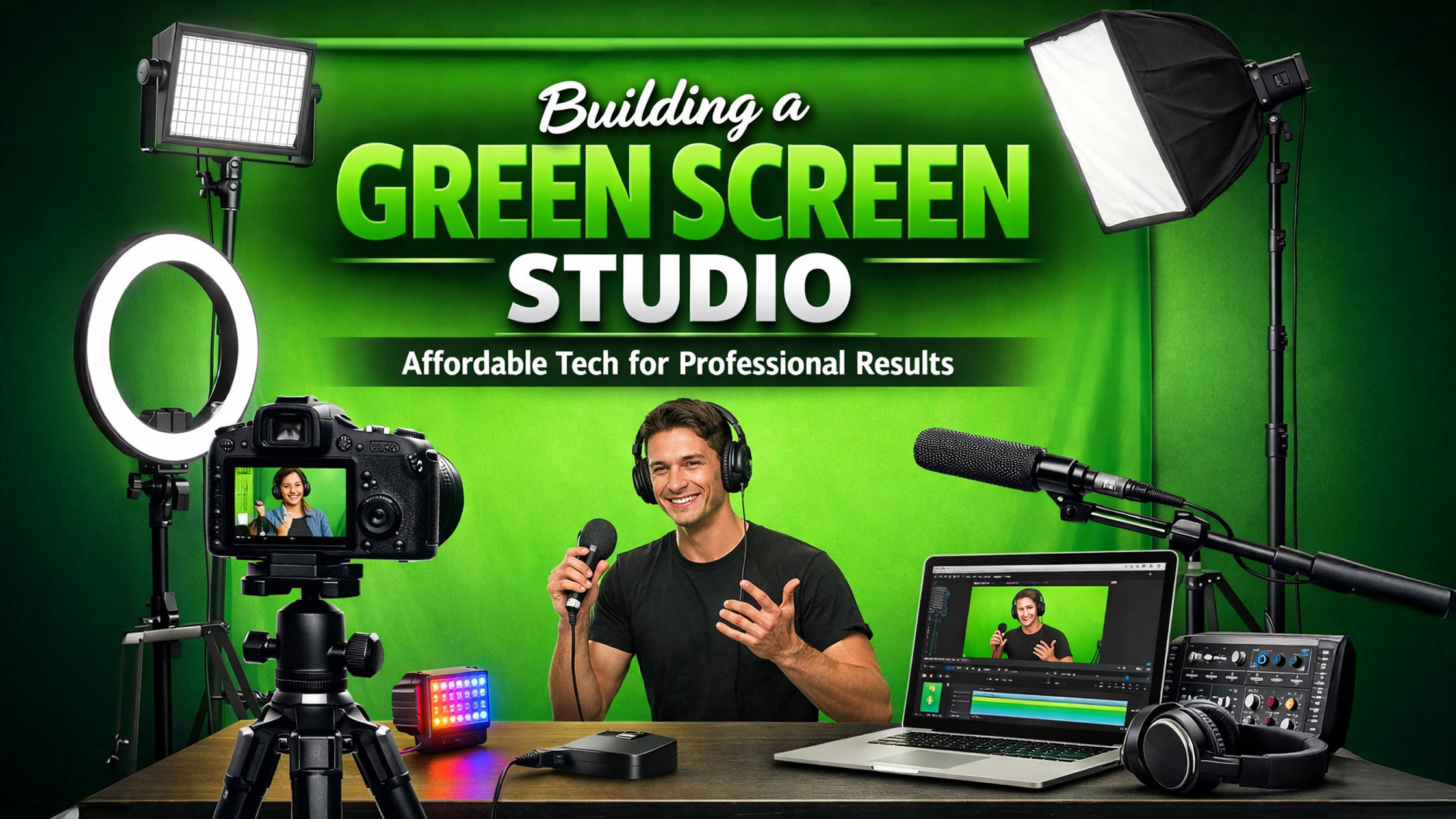
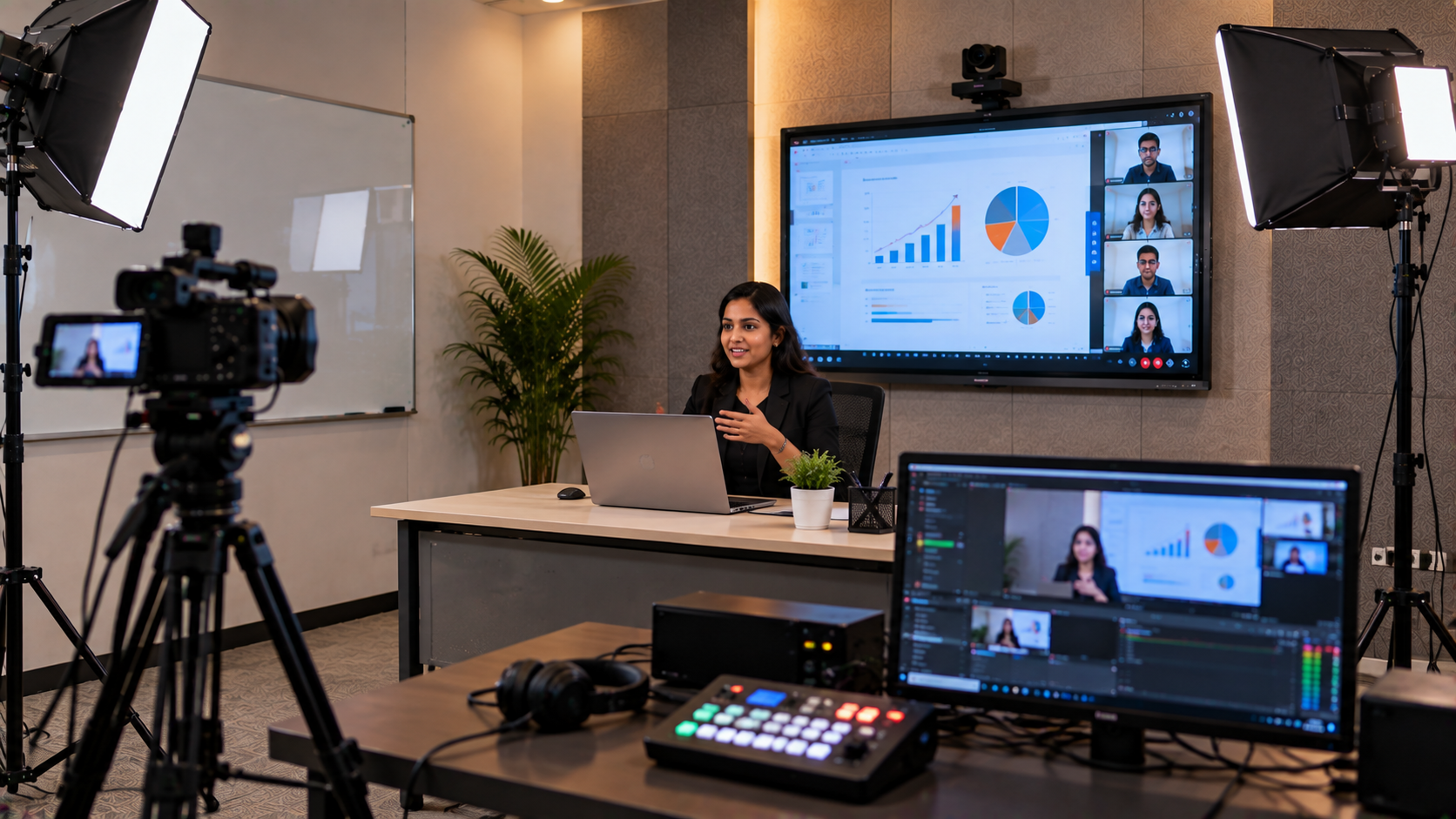
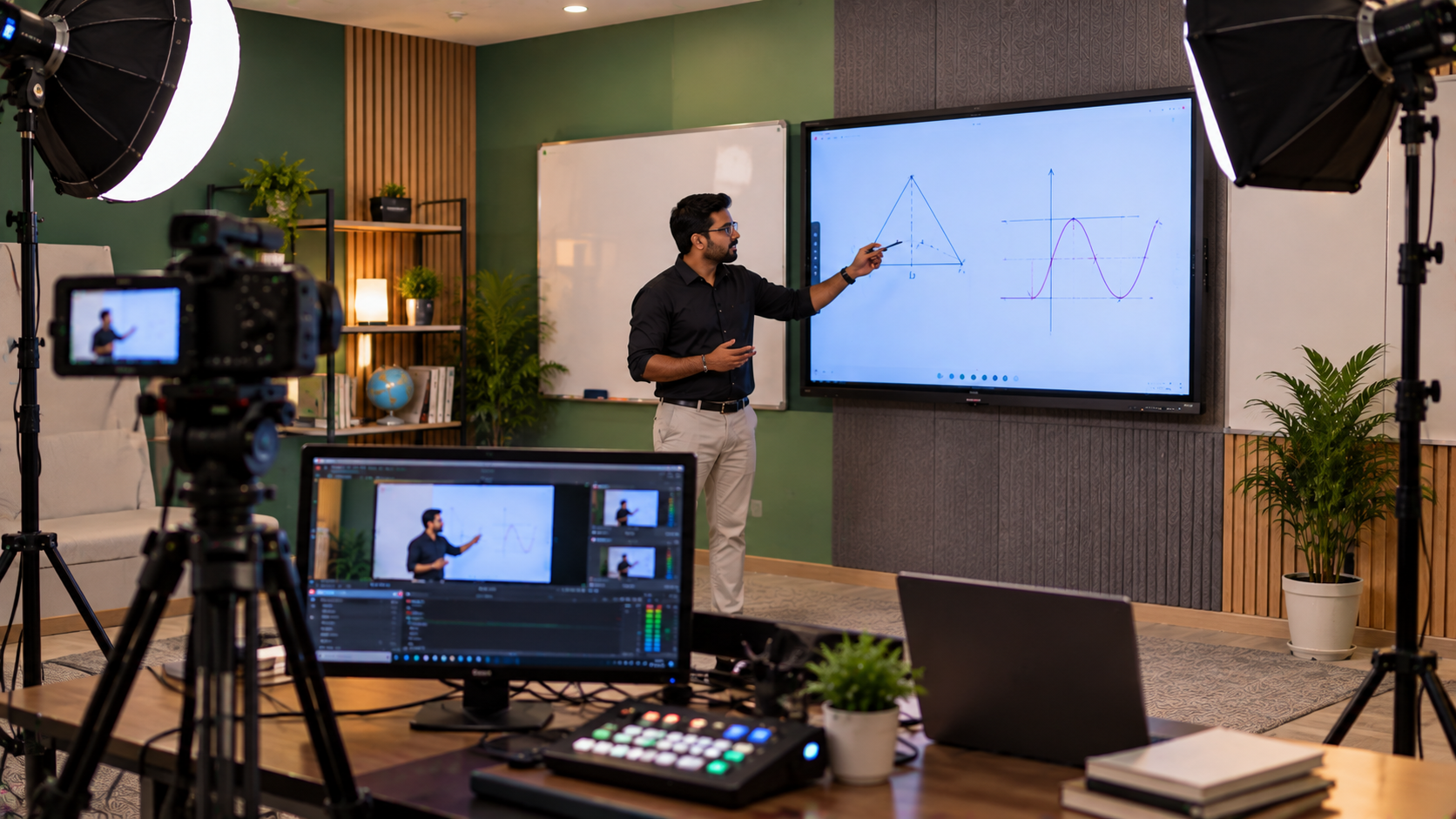
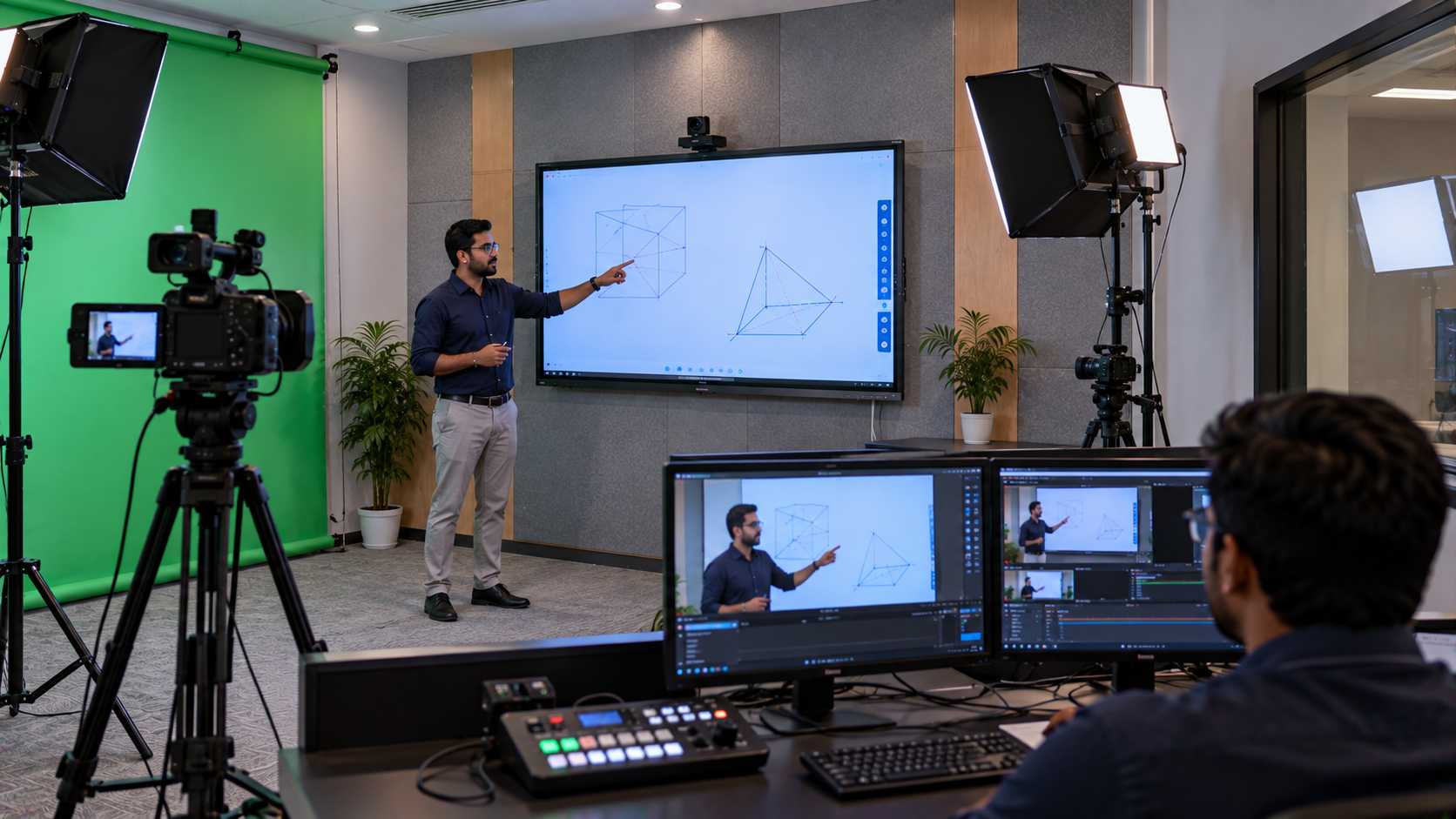
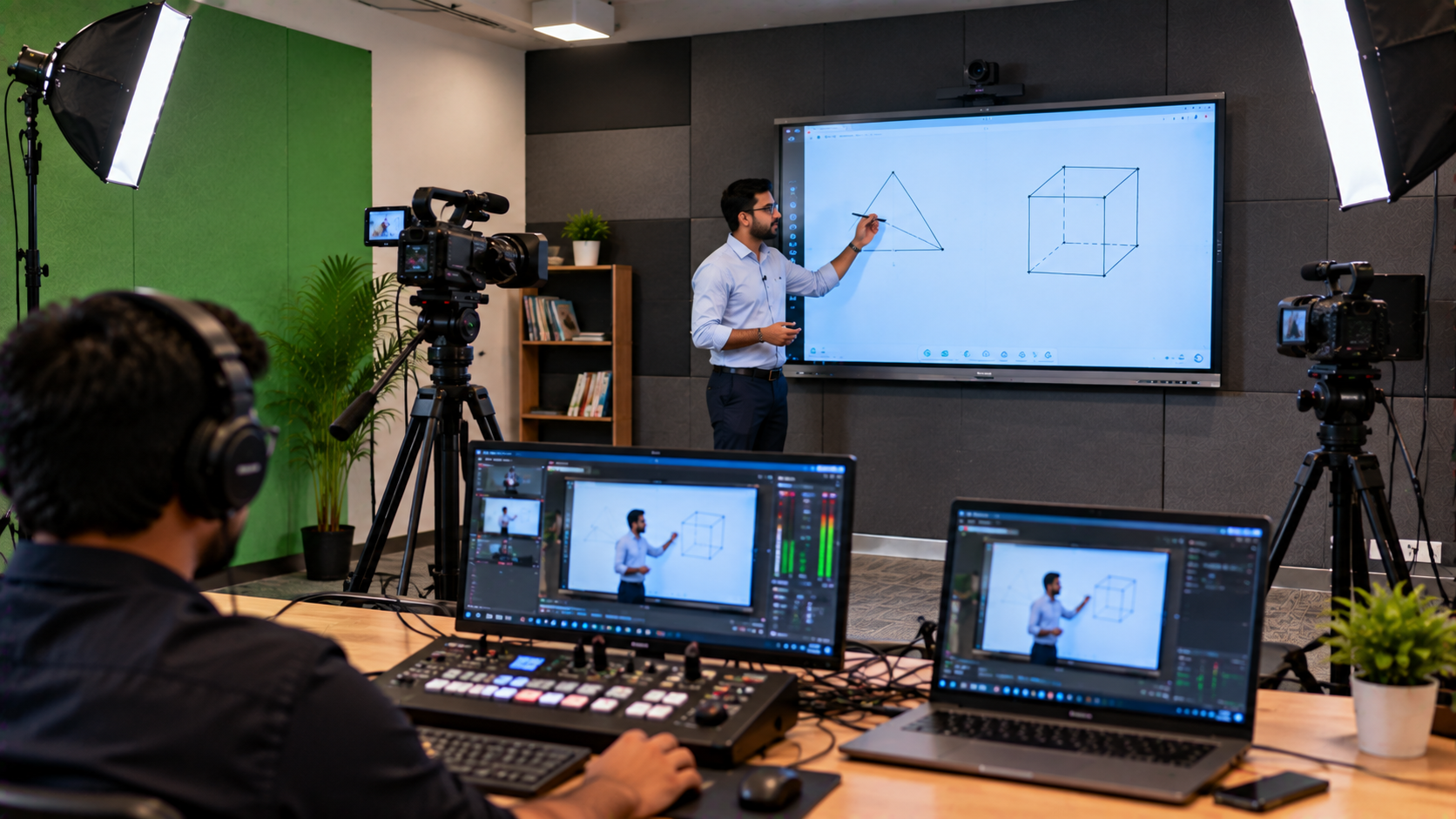
Creating a professional-looking green screen studio doesn’t have to break the bank. Whether you’re a content creator, teacher, or business professional, you can build an efficient studio using affordable, high-quality technology from GoLive eTechnologies India Private Limited.
Why a Green Screen Studio?
A green screen setup allows you to:
Replace your background for webinars, YouTube videos, and online courses.
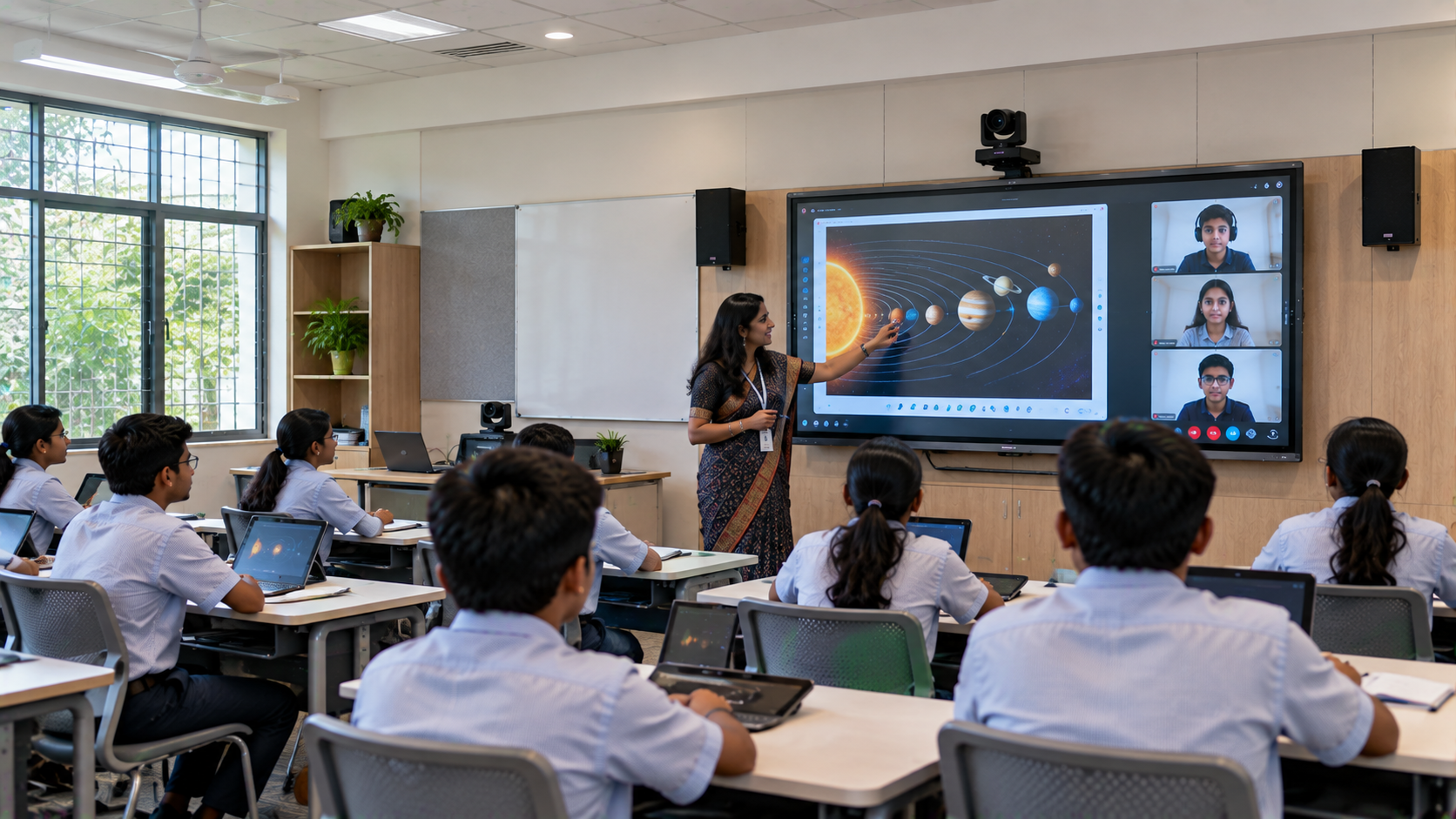
Create immersive learning experiences for hybrid classes.
Enhance video quality for professional presentations.
Essential Tech for an Affordable Green Screen Studio
1. Green Mat and Backdrop
Use a green mat shooting setup or portable green screen to eliminate background distractions.
Lightweight and easy to store, perfect for home studio setup.
2. Lighting Setup
Good lighting is key:
Ring light for video: Provides even lighting for facial features.
Three-point lighting setup: Reduces shadows on your green screen.
Affordable options include LED ring lights and diamond LED lights available from GoLive eTechnologies.
3. Camera for Professional Video
Evota 4K PTZ camera and Sony NX80 are ideal for sharp, high-resolution video.
PTZ cameras allow remote pan, tilt, and zoom control, perfect for studio setup for online classes.
Price-conscious options include the most affordable 4K camera under 1 lakh INR.
4. Microphones & Audio
Clear sound is crucial:
Sennheiser wireless microphone or Ahuja collar mic for teachers and presenters.
Use a microphone with low noise and high clarity to match your video quality.
GoLive eTechnologies offers both wired and wireless mics suitable for home studio acoustic treatment.
5. Capture Cards & Software
HDMI video capture device software connects your camera to your computer for live streaming.
Use OBS Studio for recording or streaming directly to YouTube or online classes.
6. Interactive Boards for Hybrid Classes
Evota smart board, Maxhub smart board, Newline interactive panel, and LG interactive digital board are perfect for digital teaching and live content creation.
These boards integrate with your green screen setup, making it easy to create engaging smart class education content.
Affordable Setup Comparison
|
Component |
Budget Option (₹) |
Professional Option (₹) |
|---|---|---|
|
Camera |
Evota 4K Camera |
Sony NX80 |
|
Microphone |
Sennheiser SC60 |
Sennheiser Wireless |
|
Ring Light |
Mini Ring Light |
LED Ring Light 18” |
|
Interactive Panel |
Newline Digital Board |
Maxhub Smart Board 100” |
|
Video Capture |
HDMI Capture Card |
4K Video Capture Card |
Tips to Record High-Quality Green Screen Videos
Ensure even lighting on your green mat.
Keep distance between subject and background to reduce shadows.
Use USB writing pad or desktop writing pad for annotations.
Optimize audio with soundproofing and high-quality microphones.
Why Choose GoLive eTechnologies Products
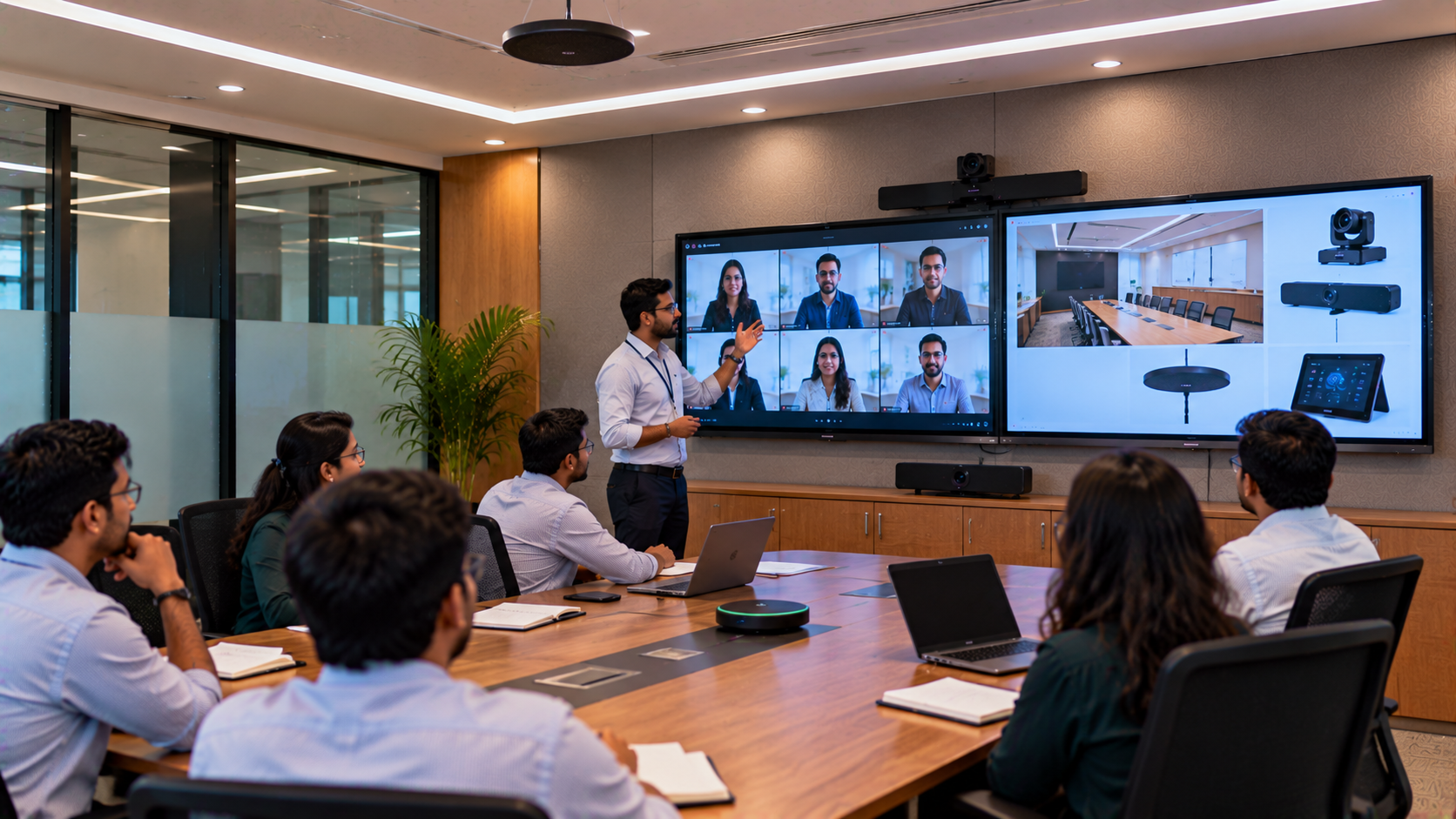
Reliable Indian vendor for studio setup for YouTube and hybrid classes.
Competitive pricing for Evota digital boards, Maxhub smart boards, and Newline interactive panels.
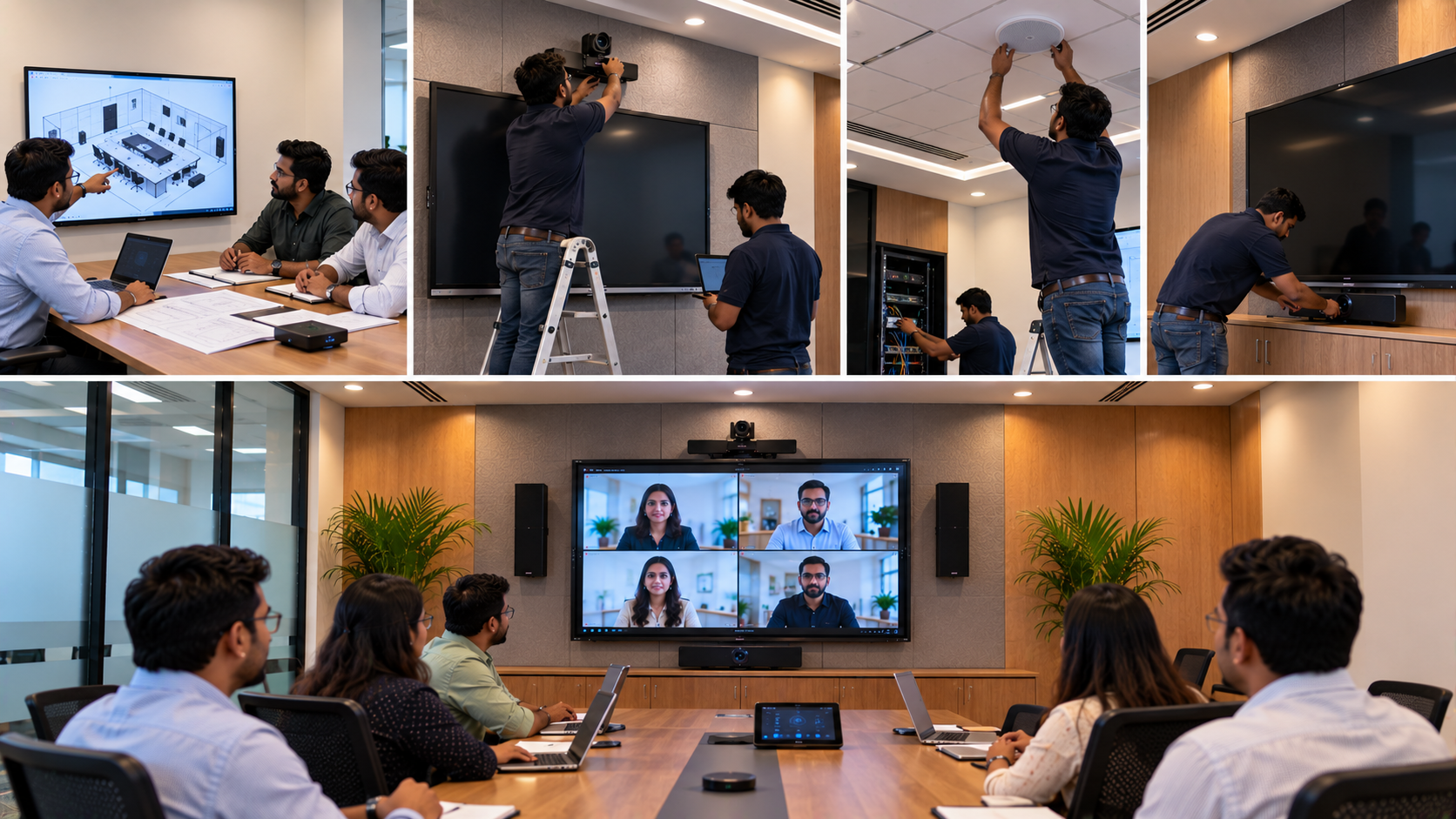
Nationwide delivery across India with installation support.
Positive customer feedback: GoLive eTechnologies reviews highlight ease-of-use, durability, and affordability.
Your email address will not be published. Required fields are marked *
By Inhype • September 12, 2026
A smart classroom is only as effective as the technology supporting it. Interactive panels, smart boards, PTZ cameras, microphones, speakers, PCs and
Read More
By Inhype • September 12, 2026
Higher education is rapidly moving beyond traditional chalkboards and projectors. Today, colleges and universities need technology that supports inter
Read More
By Inhype • September 12, 2026
A smart classroom for CBSE schools is no longer simply a classroom with a digital board. Modern schools are building connected learning environments t
Read More
By Inhype • September 12, 2026
Planning a smart classroom project for 10, 20 or even 50 classrooms requires more than simply purchasing digital boards. Schools, colleges, universiti
Read More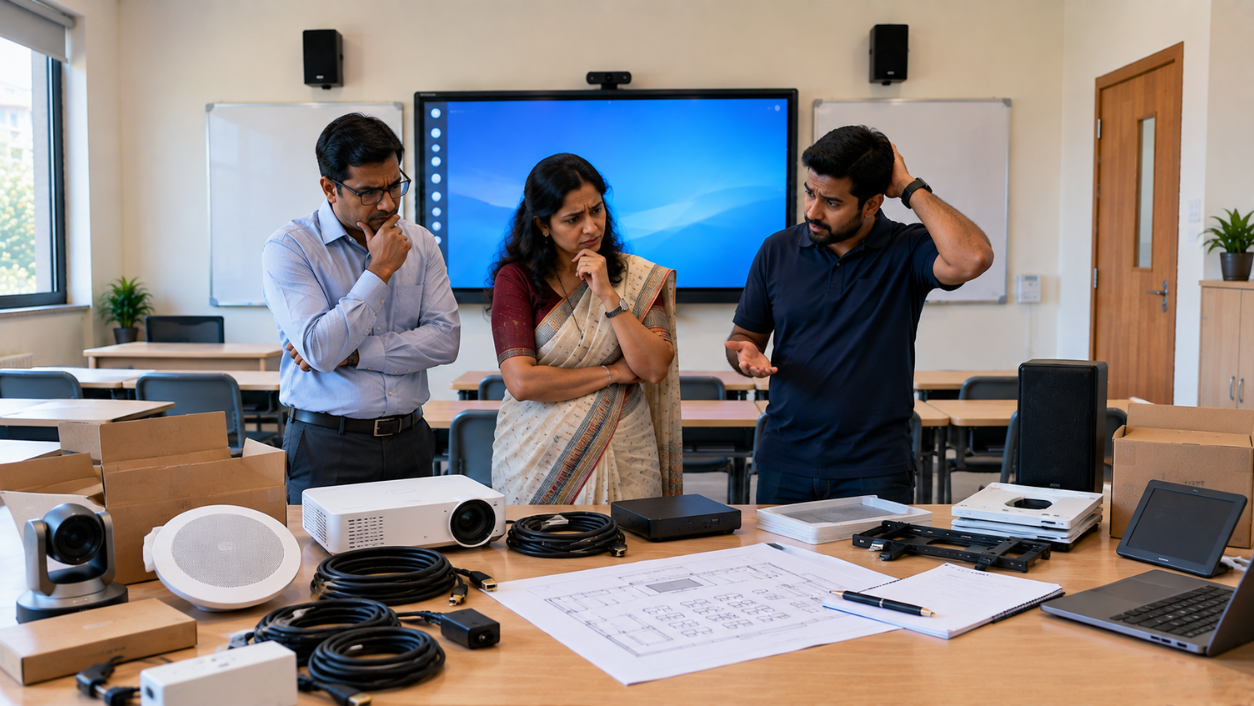
By Inhype • September 12, 2026
A smart classroom can transform the way teachers explain concepts, students interact with lessons, and institutions deliver digital education. From in
Read More


Golive eTechnologies India Private Limited (CIN - U31909UP2021PTC148242) is one of India's leading providers of smart classrooms, interactive boards, video conferencing solutions, and display technologies for the education, healthcare, corporate, and government sectors.
No comments yet. Be the first to comment!