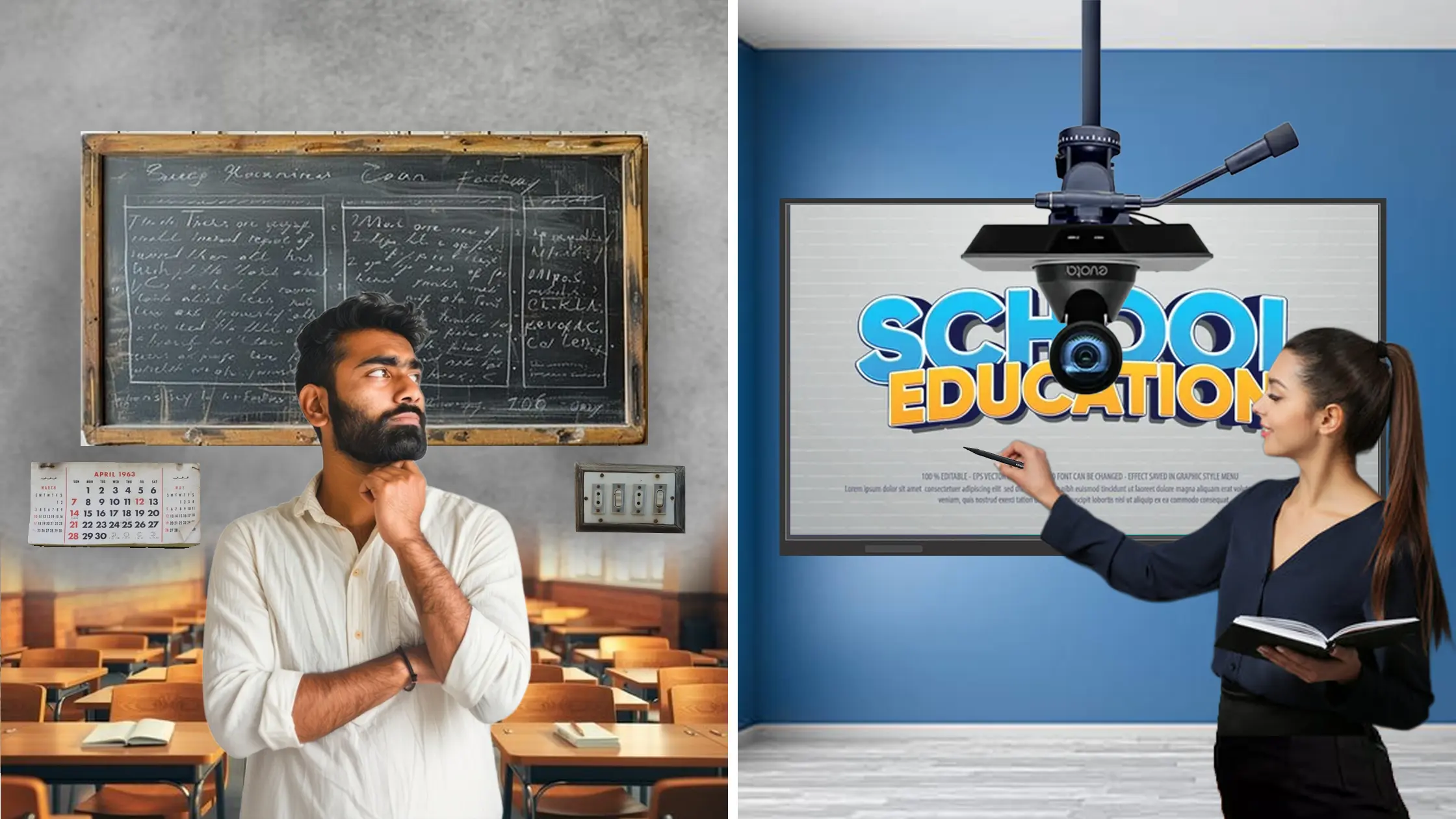
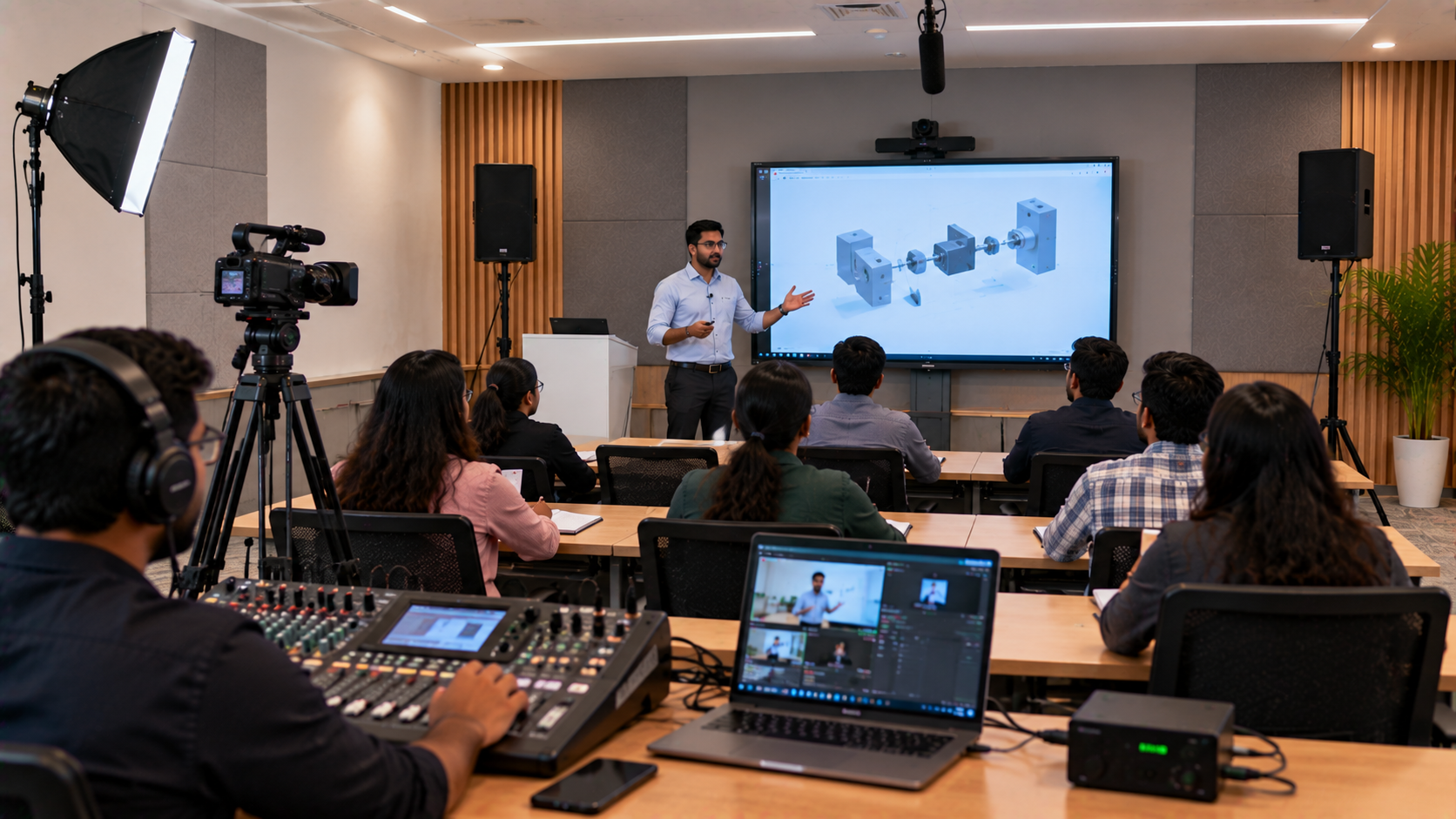
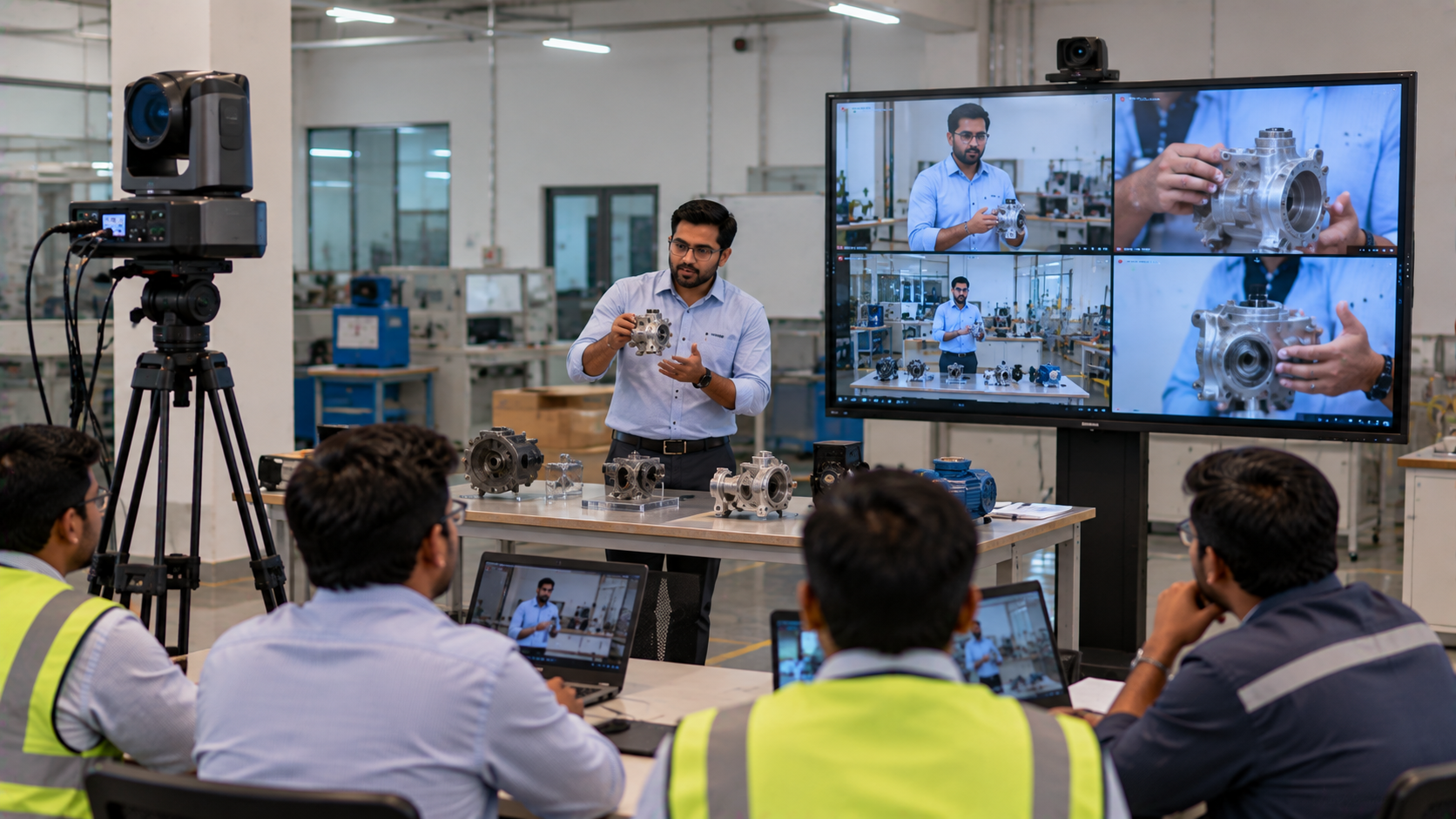
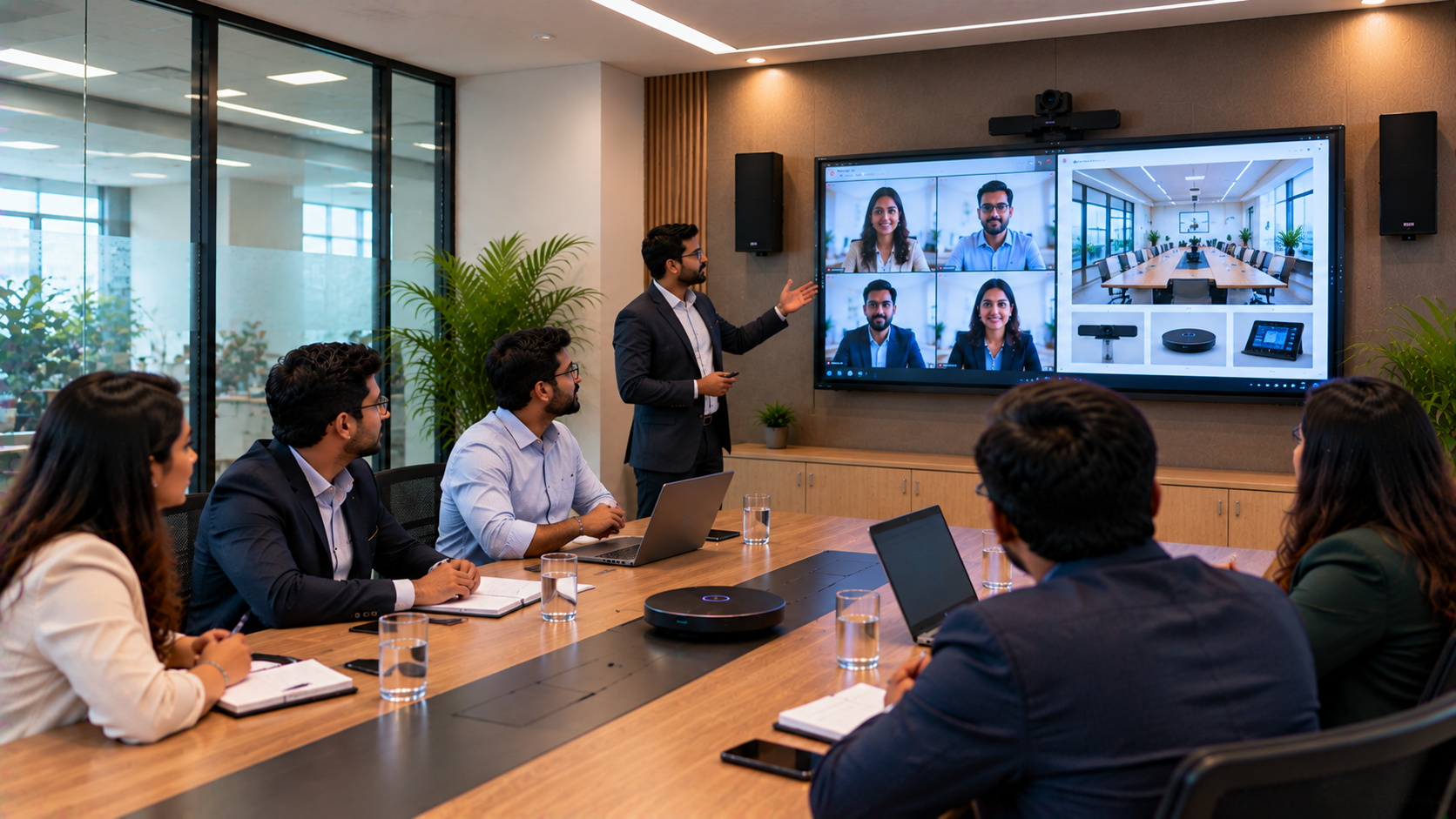
Smart classrooms, hybrid learning spaces, coaching centres, and modern boardrooms across India now rely heavily on interactive panels. Whether it’s an Evota Smart Board, Maxhub Digital Board, LG CreateBoard, or a Newline Interactive Panel, the core component that powers their performance is the OPS PC. At GoLive eTechnologies India Private Limited, we integrate high-performance OPS units to ensure your smart class, teaching studio setup, corporate meeting room, or digital learning centre runs seamlessly—without lag, cables, or complexity.
What Exactly Is an OPS PC? (OPS PC Meaning)
OPS stands for Open Pluggable Specification, a modular PC standard created by Intel.
It is a plug-in Windows computer that slides inside the interactive flat panel—no external CPU, no wires, no clutter.
How an OPS Works Inside an Interactive Panel
It powers Windows applications directly inside the display
Works alongside the panel’s Android OS
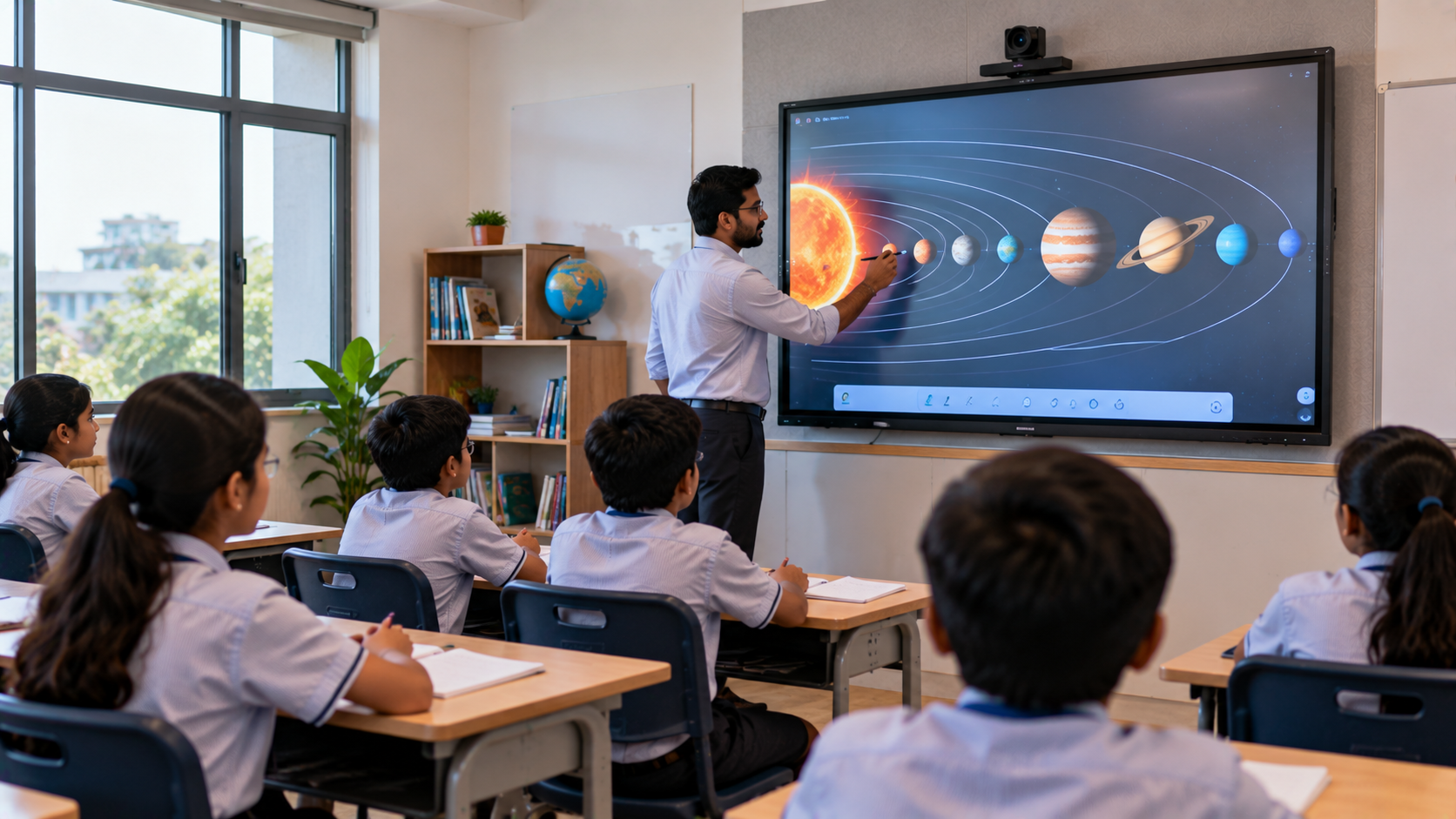
Allows teachers to run PowerPoint, Zoom, OBS, Google Classroom, LMS platforms, etc.
OPS vs External PC – What’s Better?
|
Feature |
OPS PC |
External CPU/Mini PC |
|---|---|---|
|
Cable Management |
No cables |
Too many cables |
|
Stability |
Very stable |
External damage risk |
|
Maintenance |
Easy |
Hard |
|
Aesthetic |
Clean & built-in |
Bulky |
|
Heat Management |
Optimized |
Depends on placement |
Winner: OPS PC
This is why almost all modern panels—from Evota, Maxhub, LG, Newline—come with an OPS slot.
Why an OPS PC Is Essential for Interactive Panels
1. Zero Cable Mess – Plug & Perform
Unlike external CPUs, OPS PCs slot directly into the display.
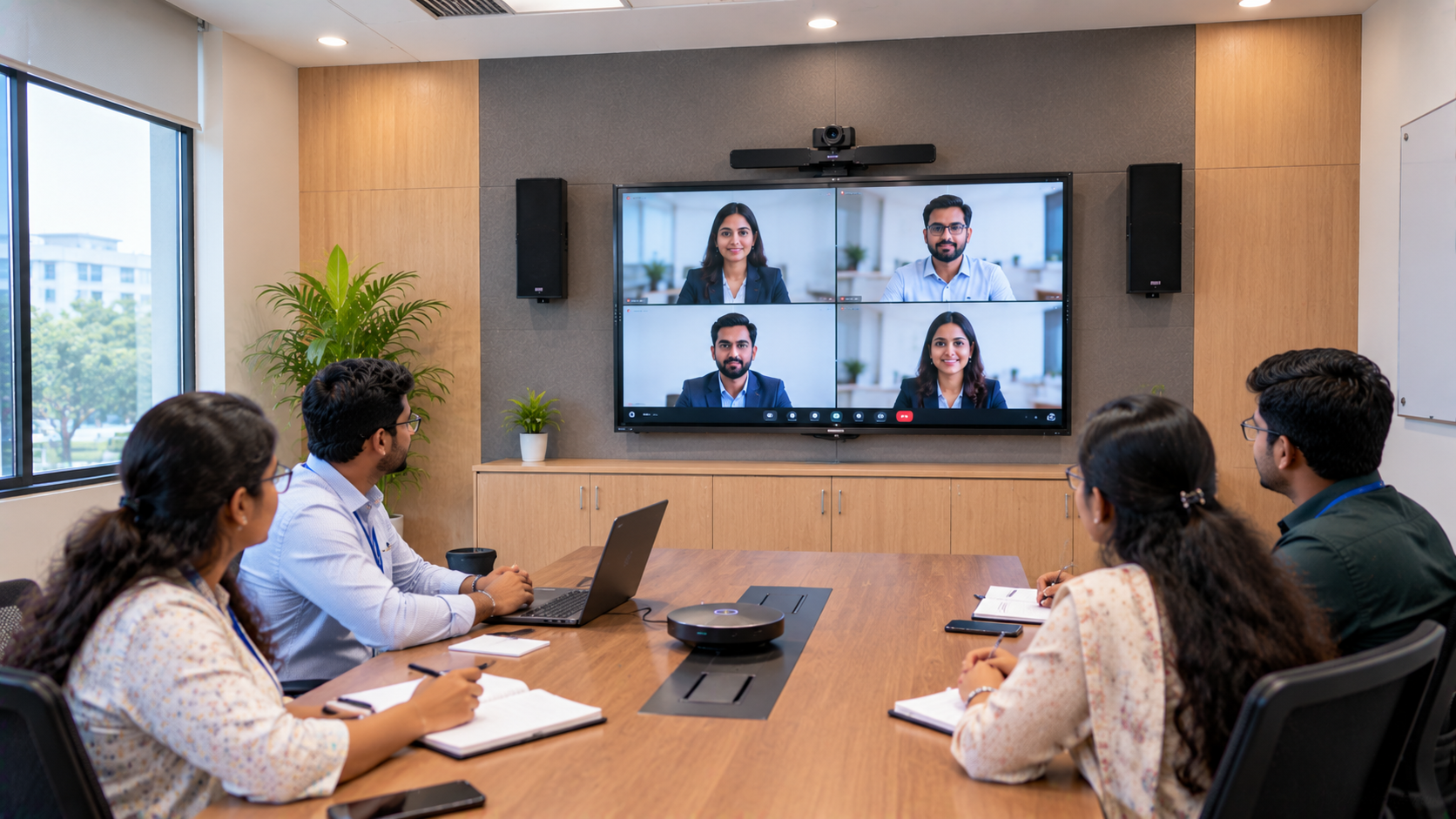
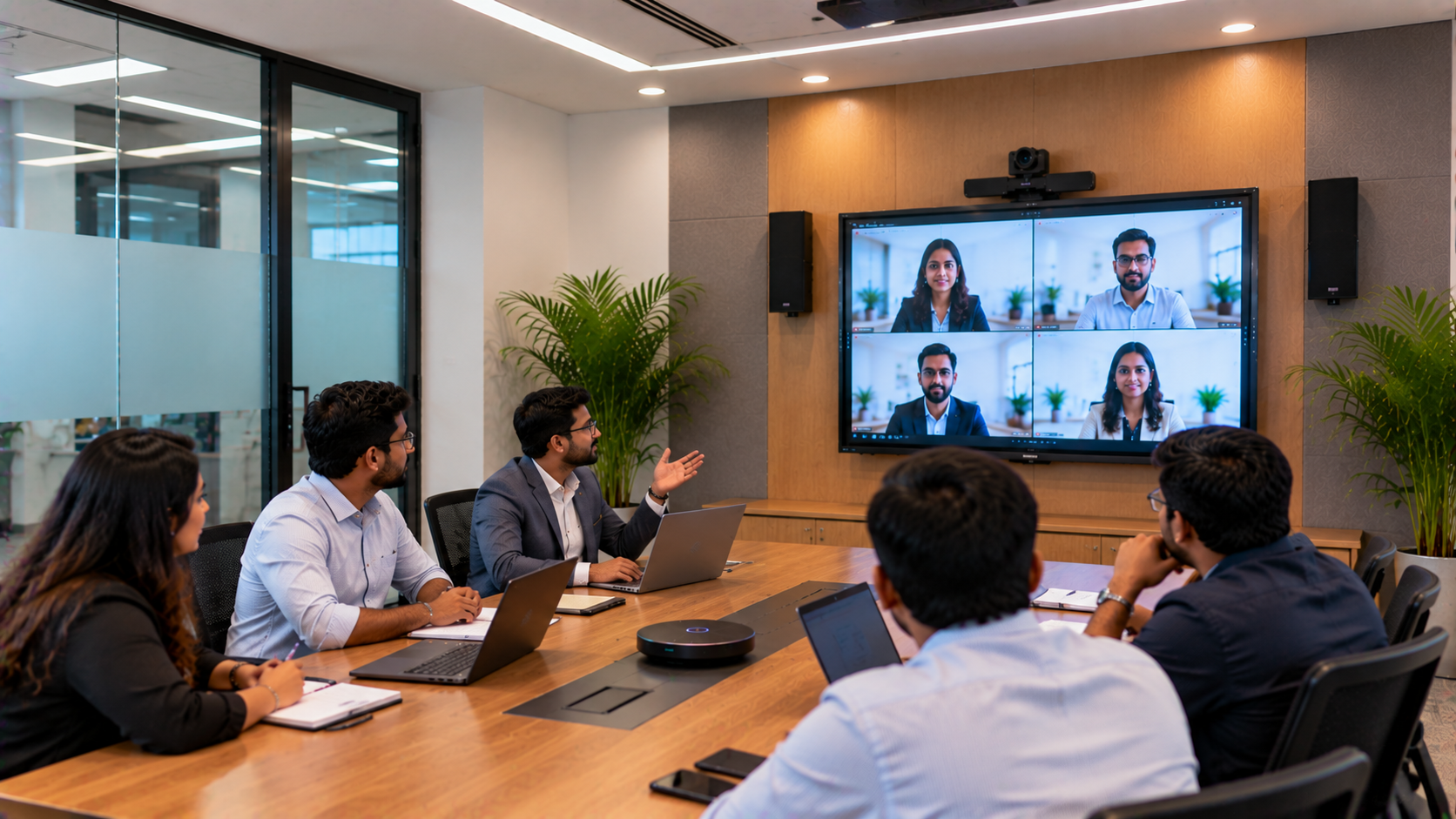
Perfect for schools, coaching classes & boardrooms.
2. Smooth Smart Teaching & Presentations
Use Windows apps like:
PowerPoint
OBS Studio
Zoom
Google Meet
Canva
Smart Class Educational Tools
3. Heavy Applications Run Lag-Free
Great for:
Digital board writing
4K content
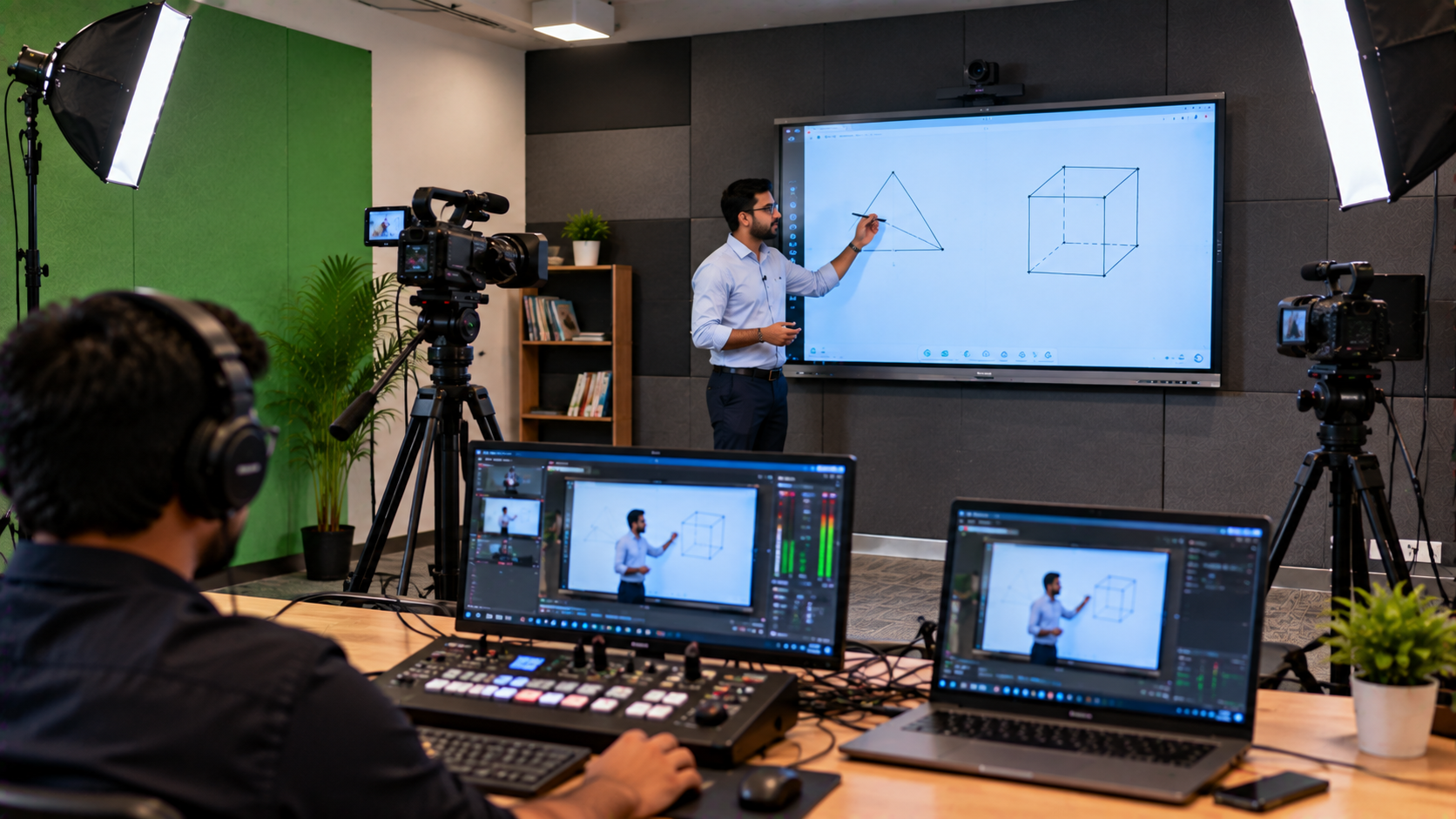
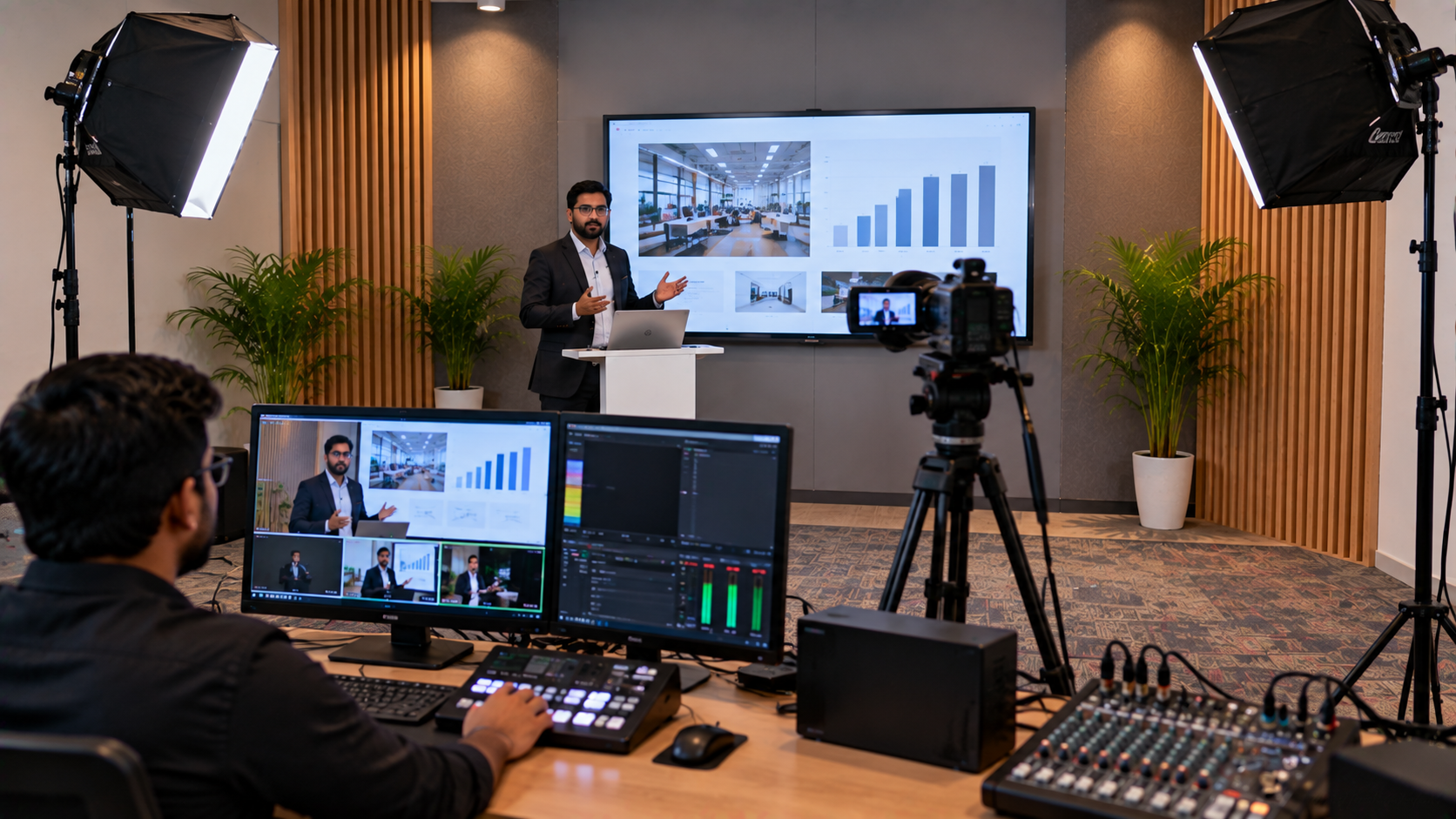
Lecture recording
Vision mixer setups
PTZ camera streaming (Evota 4K PTZ Camera, Logitech PTZ Pro 2)
4. Dual OS Flexibility (Android + Windows)
Makes switching between teaching & presentations effortless.
5. Faster Boot, Higher Processing Power
Supports:
i5 / i7 / i9 processors
8GB–32GB RAM
256GB–1TB SSD
Ideal for coaching centres, hybrid classes, corporate training, and online teaching studios.
OPS Compatibility with Major Interactive Boards
Evota Interactive Panel
Works seamlessly with:
Evota Smart Board
Evota Digital Board
Evota 75-inch / 86-inch panels
Evota OPS (i5/i7)
Maxhub Smart Board
All Maxhub education & corporate models support OPS.
LG Interactive Digital Board
LG CreateBoard 65/75/86 inch models support OPS Windows PCs.
Newline Interactive Panels
Highly compatible—OPS enhances touch response & performance.
GoLive eTechnologies provides brand-certified OPS units for all models above.
How to Choose the Best OPS PC in India (Checklist)
Choose based on:
✔ Processor: Intel i5/i7/i9
✔ RAM: 8GB/16GB/32GB
✔ SSD: 256GB/512GB/1TB
✔ Connectivity: WiFi 6, Bluetooth
✔ OS: Windows 11 Pro
✔ Teaching/Office usage level
✔ Panel brand (Evota, Maxhub, LG, Newline)
OPS PC Price in India (2025)
At GoLive eTechnologies:
Basic OPS (i5): ₹24,999 – ₹34,999
Mid-Level OPS (i7): ₹38,999 – ₹54,999
Premium OPS (i9): ₹68,000+
(Actual price varies by RAM/SSD & panel brand)
Why Buy OPS PCs from GoLive eTechnologies?
✔ 100% compatible with Evota, Maxhub, LG & Newline
✔ Genuine Windows & hardware
✔ Fast delivery across India
✔ On-site support in Delhi NCR
✔ Excellent GoLive eTechnologies reviews
✔ Affordable pricing for schools
Conclusion
An OPS PC is not just an accessory—it is the brain of any interactive panel.
For seamless teaching, high-quality presentations, and lag-free performance, investing in a powerful OPS is essential.
Your email address will not be published. Required fields are marked *
By Inhype • September 12, 2026
A smart classroom is only as effective as the technology supporting it. Interactive panels, smart boards, PTZ cameras, microphones, speakers, PCs and
Read More
By Inhype • September 12, 2026
Higher education is rapidly moving beyond traditional chalkboards and projectors. Today, colleges and universities need technology that supports inter
Read More
By Inhype • September 12, 2026
A smart classroom for CBSE schools is no longer simply a classroom with a digital board. Modern schools are building connected learning environments t
Read More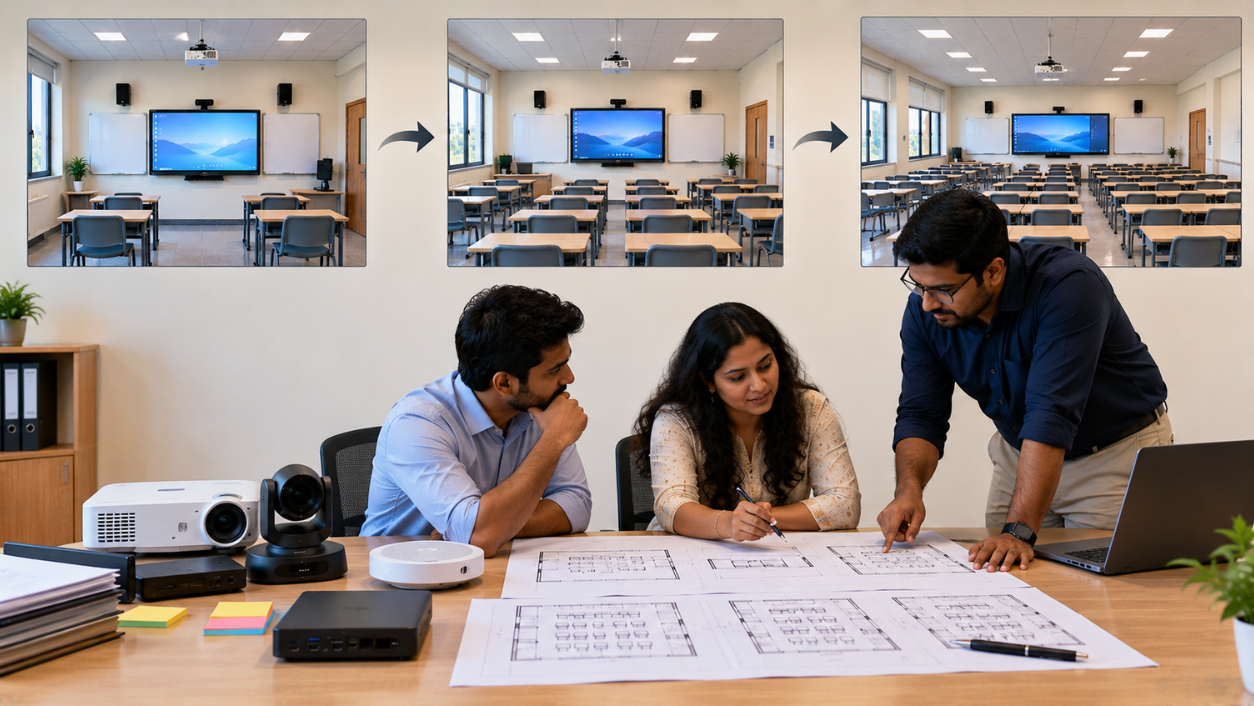
By Inhype • September 12, 2026
Planning a smart classroom project for 10, 20 or even 50 classrooms requires more than simply purchasing digital boards. Schools, colleges, universiti
Read More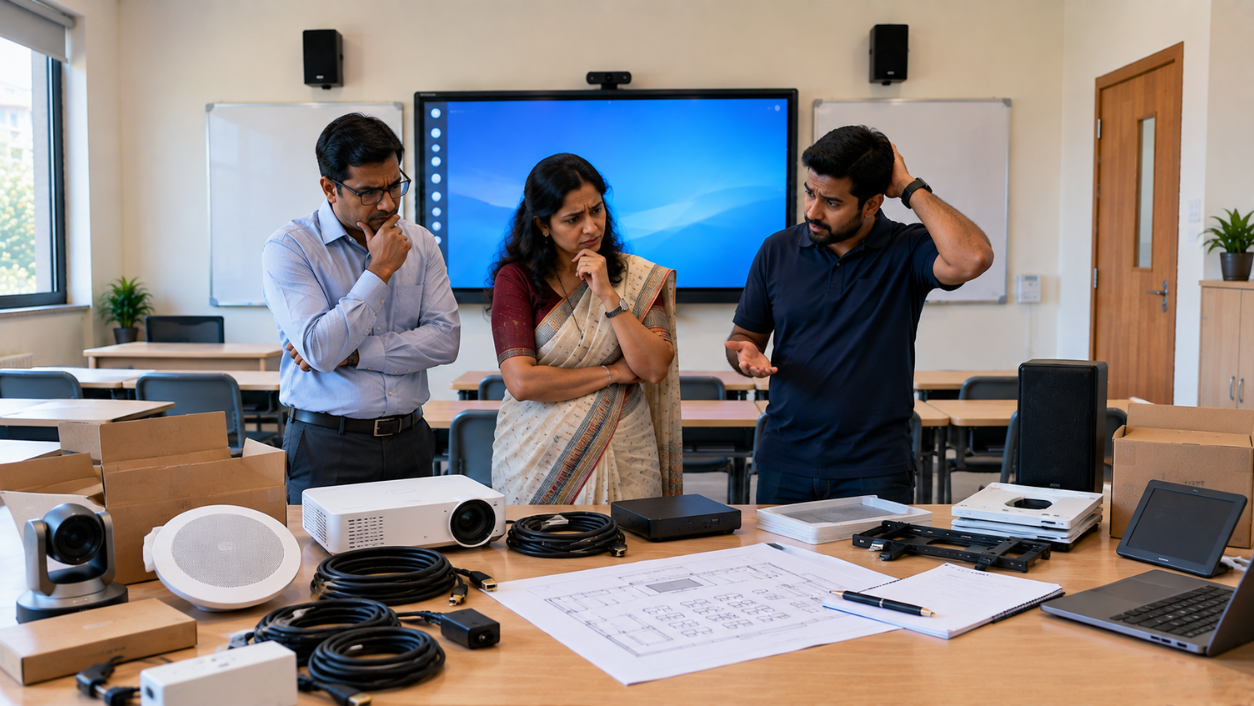
By Inhype • September 12, 2026
A smart classroom can transform the way teachers explain concepts, students interact with lessons, and institutions deliver digital education. From in
Read More



Golive eTechnologies India Private Limited (CIN - U31909UP2021PTC148242) is one of India's leading providers of smart classrooms, interactive boards, video conferencing solutions, and display technologies for the education, healthcare, corporate, and government sectors.
No comments yet. Be the first to comment!