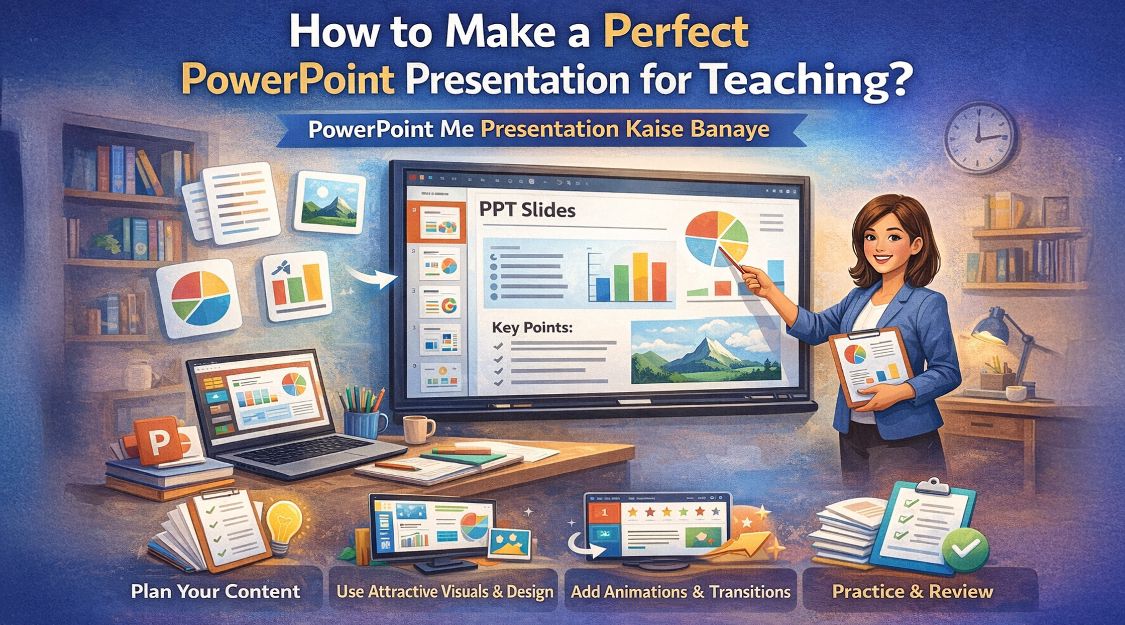
In today’s digital education era, a PowerPoint presentation is no longer just slides—it’s your virtual teaching assistant. Whether you teach in a school classroom, coaching institute, hybrid classroom, or online studio, learning power point me presentation kaise banaye the right way can dramatically improve student engagement and learning outcomes. This guide explains step-by-step how to create a perfect PowerPoint presentation for teaching, while also showing how smart classroom tools from GoLive eTechnologies India Private Limited—like Evota Smart Board, Evota 4K PTZ Camera, writing pad for PC, and interactive digital boards—can take your teaching to a professional level.
Why PowerPoint is Essential for Modern Teaching
A well-designed PPT helps teachers:
Explain complex concepts visually
Maintain students’ attention
Support smart classroom & hybrid class models
Record lectures easily for revision
When combined with digital board, interactive panel board, or smart board for teaching, PowerPoint becomes a powerful teaching medium.
Step-by-Step: Power Point Me Presentation Kaise Banaye (For Teachers)
Define Your Teaching Objective
Before opening PowerPoint, be clear:
What should students learn?
Is it conceptual, visual, or exam-oriented?
This clarity helps structure slides effectively.
Choose the Right Slide Size & Theme
Use 16:9 ratio for smart boards & digital panel boards
Pick light background + dark text
Avoid flashy animations
Works best on Evota Interactive Panel, Maxhub Digital Board, LG Interactive Digital Board, and Newline Smart Board
Keep Slides Simple & Visual
Follow the 6×6 rule:
Max 6 lines per slide
Max 6 words per line
Use:
Diagrams
Flowcharts
Digital board images
Infographics
Use Writing & Annotation Tools
Students learn better when teachers write live.
Recommended tools from GoLive eTechnologies:
Computer Writing Pad / USB Writing Pad
Desktop Writing Pad
PC Writing Pad
These allow live explanations during PPT teaching—perfect for maths, science & problem-solving subjects.
Add Images, Videos & Screen Recording
Enhance PPTs using:
Short concept videos
Screen recordings
Diagrams explained live
For best video clarity:
Evota 4K PTZ Camera
Evota 10x HD PTZ Camera
Logitech PTZ Pro 2
These cameras integrate perfectly with PPT-based teaching and online class studio setup.
Practice & Deliver on Smart Boards
Deliver your PPT using:
Evota Smart Board
Evota Interactive Flat Panel
Maxhub Smart Board
LG Interactive Panel 75 Inch
Newline Interactive Panel
These touch screen boards allow:
Zooming
Writing over slides
Switching apps smoothly
Why Teachers Prefer GoLive eTechnologies for PPT-Based Teaching
GoLive eTechnologies India Private Limited is a trusted smart classroom & teaching technology provider with strong GoLive eTechnologies reviews across India.
Popular Teaching Solutions:
Evota Digital Board (75” & 86”)
Evota Smart Board Price – Competitive & educator-friendly
Maxhub Digital Board Price in India
LG Interactive Digital Board Price India
Newline Digital Board 75 Inch Price
Evota 4K PTZ Camera Price – Best for online & hybrid classes
Writing Pad for Desktop / PC Writing Pad
Ideal for:
Schools & colleges
Coaching institutes
Online teachers
Hybrid classrooms
Digital studios
PPT Teaching Setup: Product Comparison (Quick View)
|
Teaching Tool |
Best Use Case |
|---|---|
|
Evota Smart Board |
Classroom PPT + live writing |
|
Evota Interactive Panel |
Smart classroom teaching |
|
Maxhub Smart Board |
Premium education institutes |
|
LG Interactive Digital Board |
Corporate & college use |
|
Computer Writing Pad |
Budget-friendly PPT writing |
|
Evota 4K PTZ Camera |
Online & hybrid classes |
Common PPT Mistakes Teachers Should Avoid
Too much text
Poor font contrast
Over-animations
No live explanation tools
Low-quality camera/audio
Upgrade your teaching with digital board, PTZ camera, and writing pad for PC from GoLive Technologies.
Your email address will not be published. Required fields are marked *
By Inhype • September 12, 2026
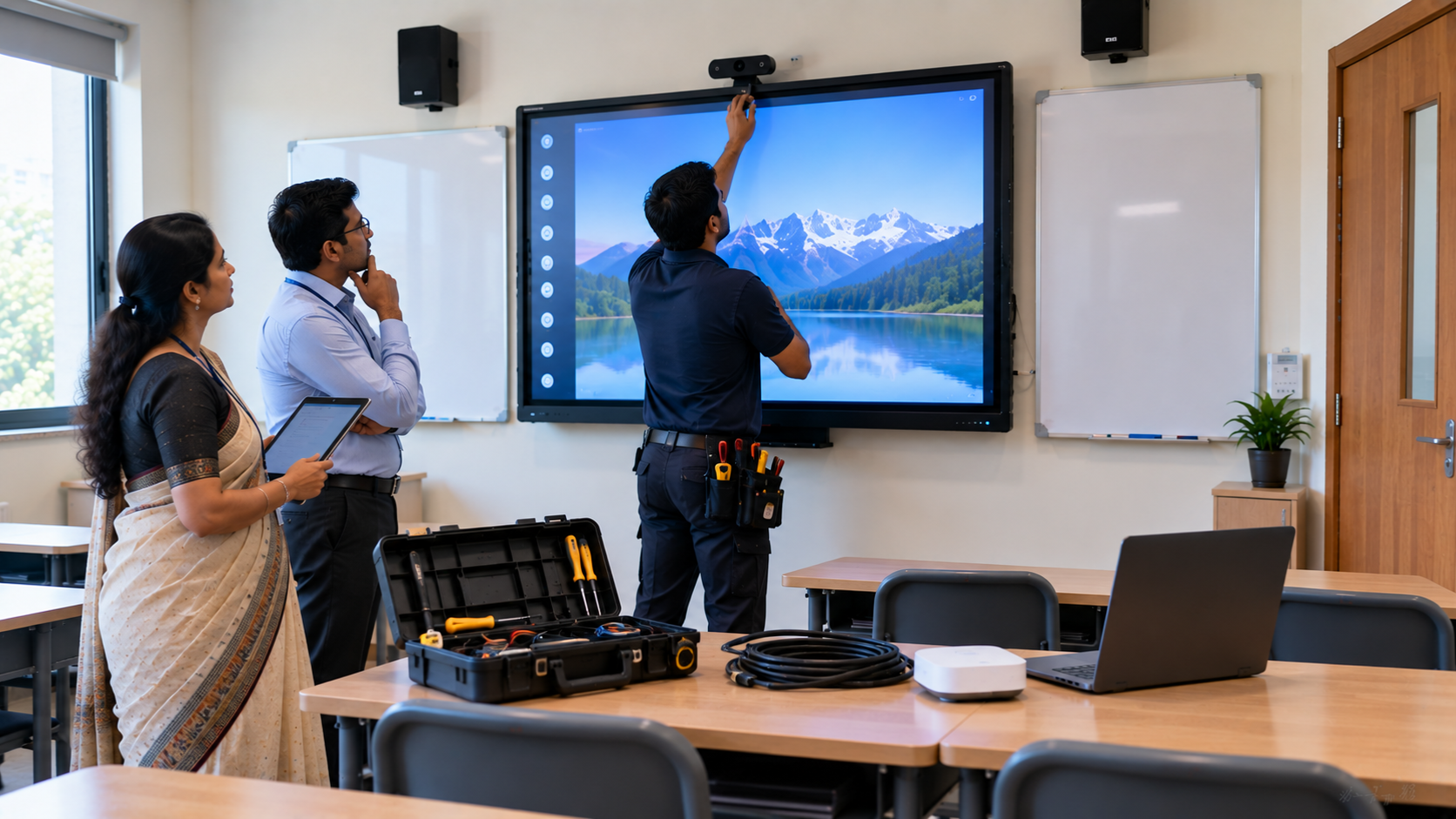
A smart classroom is only as effective as the technology supporting it. Interactive panels, smart boards, PTZ cameras, microphones, speakers, PCs and
Read More
By Inhype • September 12, 2026
Higher education is rapidly moving beyond traditional chalkboards and projectors. Today, colleges and universities need technology that supports inter
Read More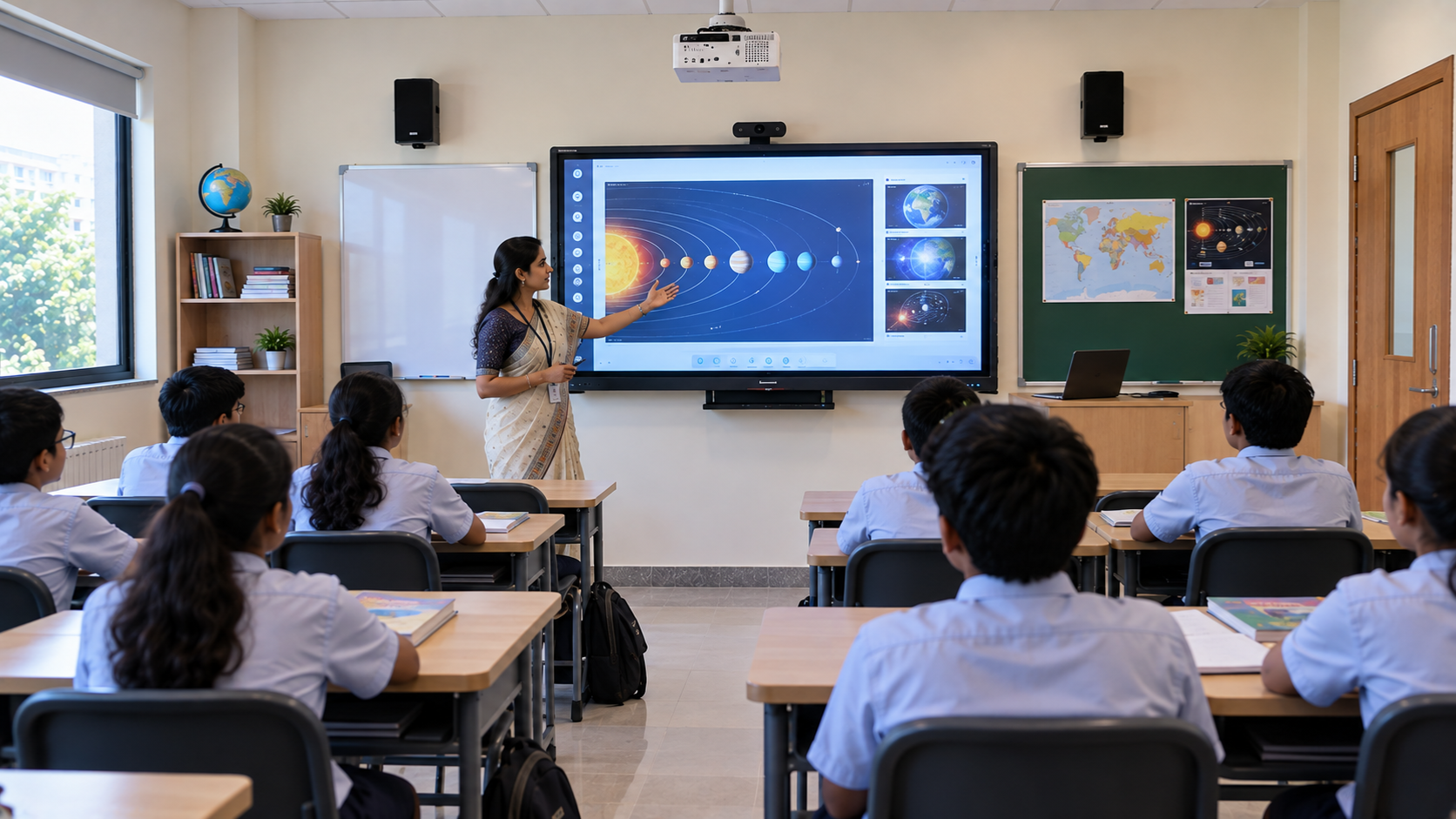
By Inhype • September 12, 2026
A smart classroom for CBSE schools is no longer simply a classroom with a digital board. Modern schools are building connected learning environments t
Read More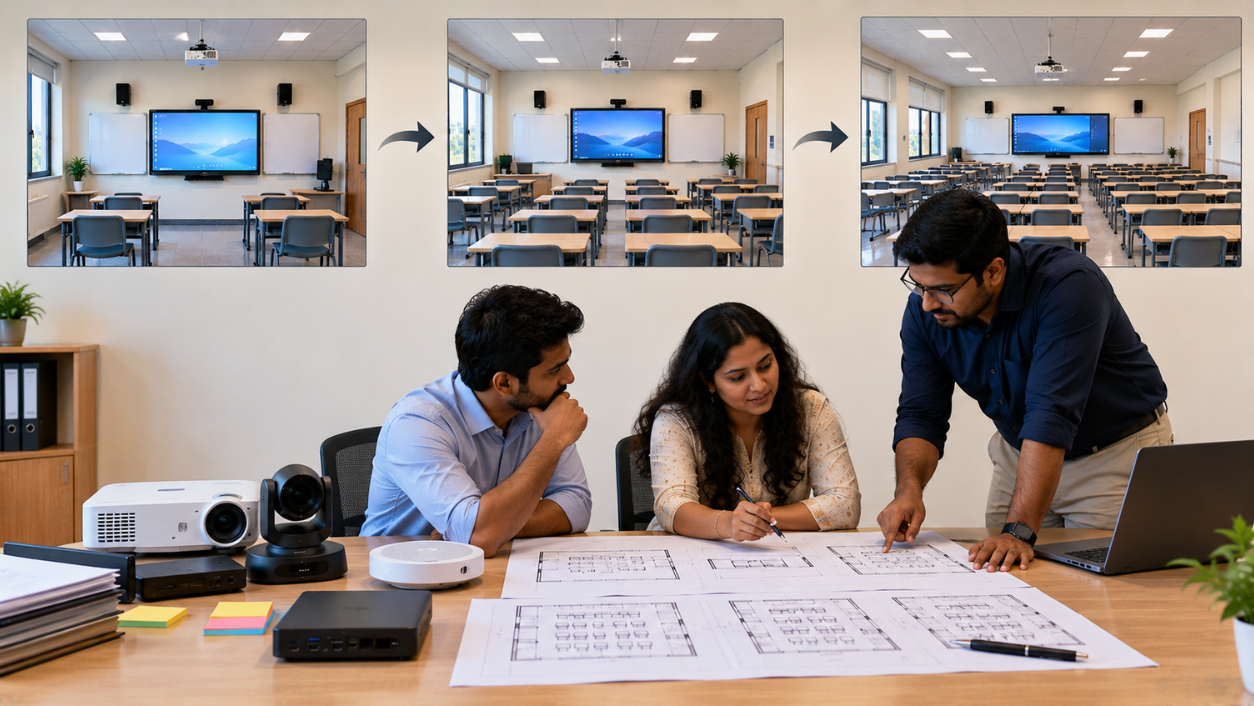
By Inhype • September 12, 2026
Planning a smart classroom project for 10, 20 or even 50 classrooms requires more than simply purchasing digital boards. Schools, colleges, universiti
Read More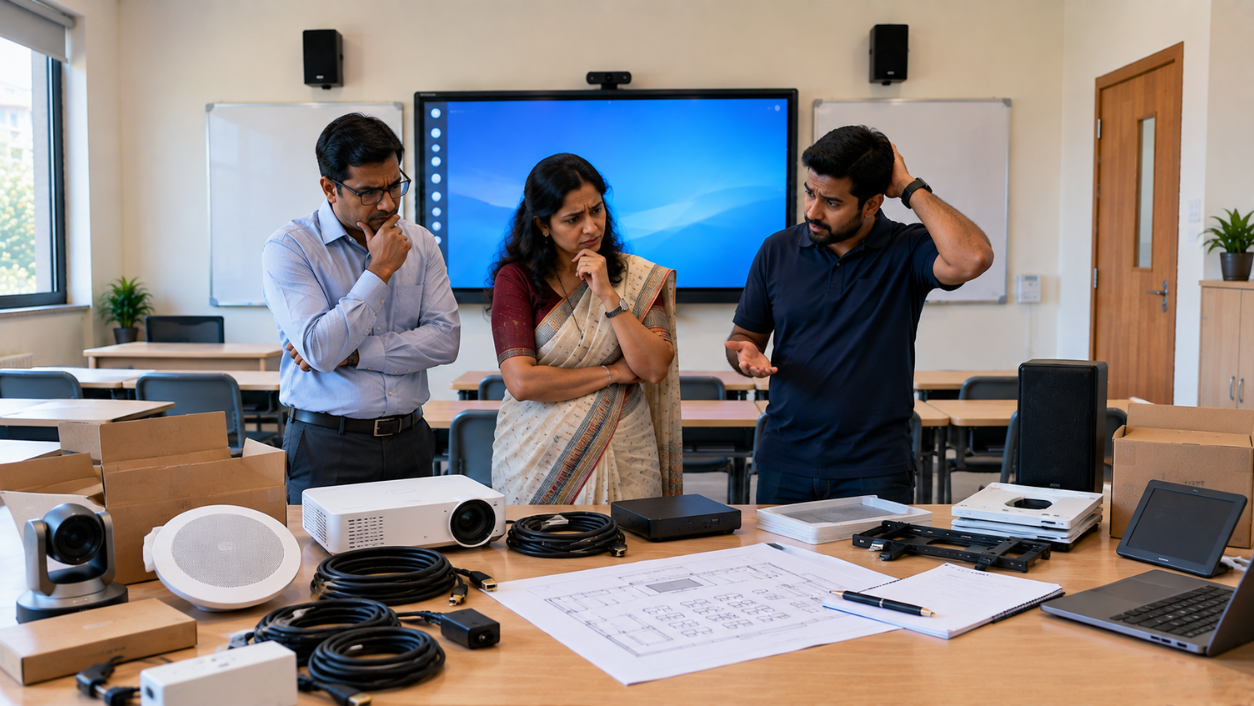
By Inhype • September 12, 2026
A smart classroom can transform the way teachers explain concepts, students interact with lessons, and institutions deliver digital education. From in
Read More




Golive eTechnologies India Private Limited (CIN - U31909UP2021PTC148242) is one of India's leading providers of smart classrooms, interactive boards, video conferencing solutions, and display technologies for the education, healthcare, corporate, and government sectors.


No comments yet. Be the first to comment!