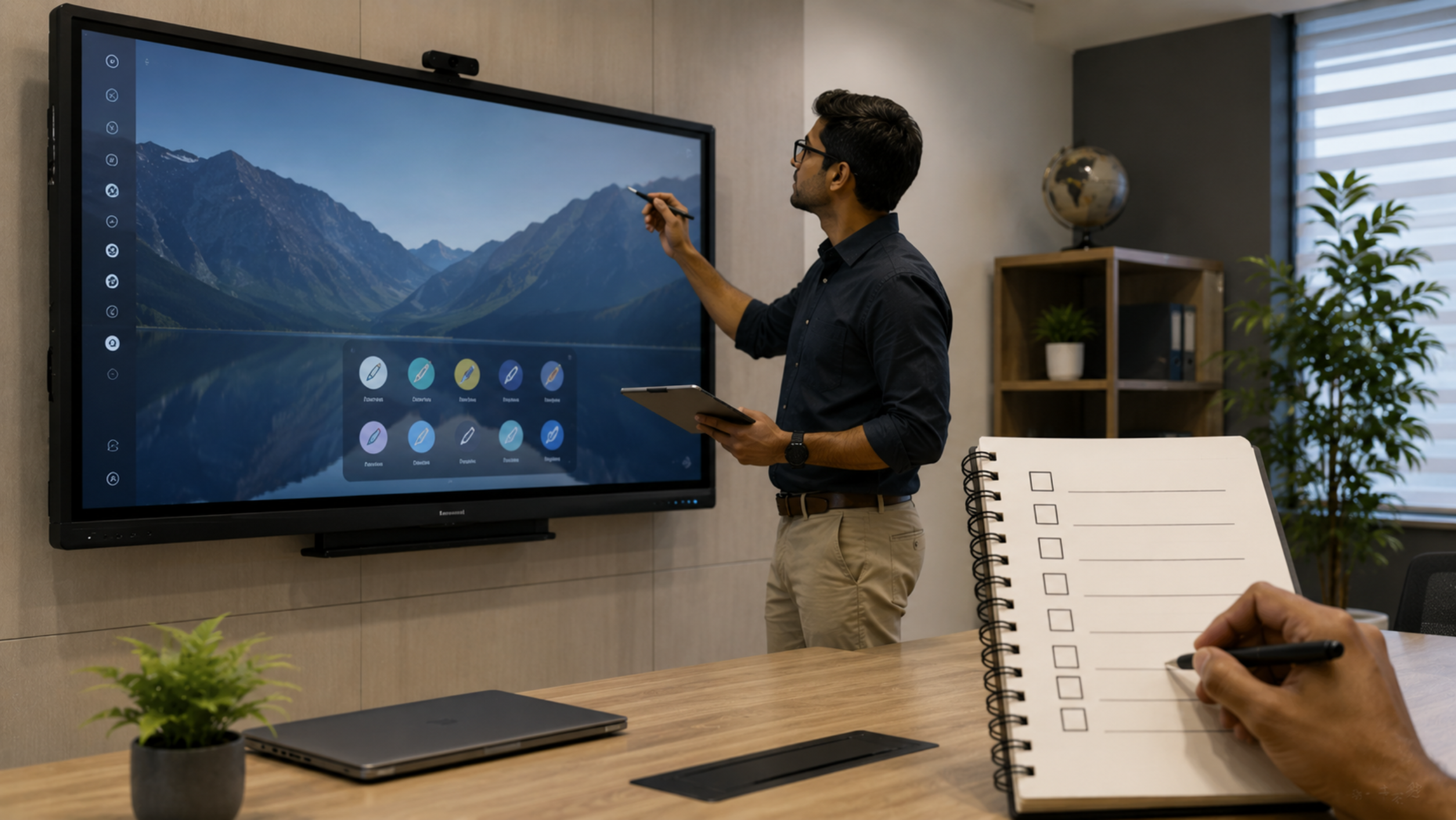
Buying an interactive flat panel (IFP) is a major investment for a school, coaching centre, college, corporate office or training room. With brands such as EVOTA, MAXHUB, LG and Newline available in the Indian market, comparing only the digital board price is not enough. The right interactive display should offer the appropriate screen size, touch performance, operating system, connectivity, audio, durability, software compatibility and after-sales support. If you are searching for an interactive panel price, smart board price in India, digital board for teaching price or 75 inch interactive display, here are 10 important things to check before making your purchase.
1. Choose the Right Interactive Panel Size
Screen size should match the room dimensions and viewing distance.
Common options include:
65-inch interactive panel – suitable for smaller classrooms and meeting rooms.
75-inch interactive display – a versatile choice for classrooms, coaching centres and boardrooms.
86-inch interactive panel – ideal for larger classrooms, training rooms and corporate spaces.
Larger displays may be appropriate for specialised environments.
For example, GoLive eTechnologies currently offers Evota 65-inch, 75-inch and 86-inch interactive panels, along with MAXHUB, LG and Samsung options.
Don't select a panel simply because it has a lower digital board price. Consider whether students or participants sitting at the back can comfortably read the content.
2. Check Display Resolution and Picture Quality
For modern classrooms and professional presentations, 4K UHD resolution is an important consideration.
A 4K interactive flat panel can provide sharper:
Text
Presentations
Charts
Videos
Images
Online teaching content
If you frequently use PowerPoint presentations, educational videos, diagrams or detailed documents, display quality can significantly affect the user experience.
Look for terms such as 4K UHD, suitable brightness, contrast and viewing angles when comparing an interactive display panel.
3. Evaluate Touch Technology
The primary difference between a conventional display and an interactive panel is the touch experience.
Before purchasing, check:
Number of simultaneous touch points
Touch response time
Accuracy
Stylus support
Palm rejection, where available
Writing and annotation experience
Multi-user collaboration
A good digital board for teaching should allow teachers to write naturally, annotate presentations and interact with educational content without noticeable delays.
For schools and coaching centres, test the actual writing experience before buying.
4. Check the Operating System and Computing Performance
An interactive panel is more useful when it can run applications smoothly without requiring an external computer for every task.
Check:
Android version
RAM
Internal storage
Processor
App compatibility
Google/EDLA capabilities, where applicable
OPS PC compatibility
For example, GoLive's Evota EP75 is listed with 4K UHD, Android 14, 8GB RAM and 128GB storage, while newer Evota models listed by GoLive include Android 16 and EDLA configurations.
If your organisation plans to use Windows applications, also check OPS compatibility or the option to connect an external computer.
5. Don't Ignore Connectivity Options
A smart board is only as useful as the devices you can connect to it.
Before purchasing, check for:
HDMI
USB
USB-C
LAN/Ethernet
Wi-Fi
Bluetooth
DisplayPort, where required
Audio output
Wireless screen casting
Good connectivity makes it easier to connect laptops, PCs, cameras, microphones and other classroom equipment.
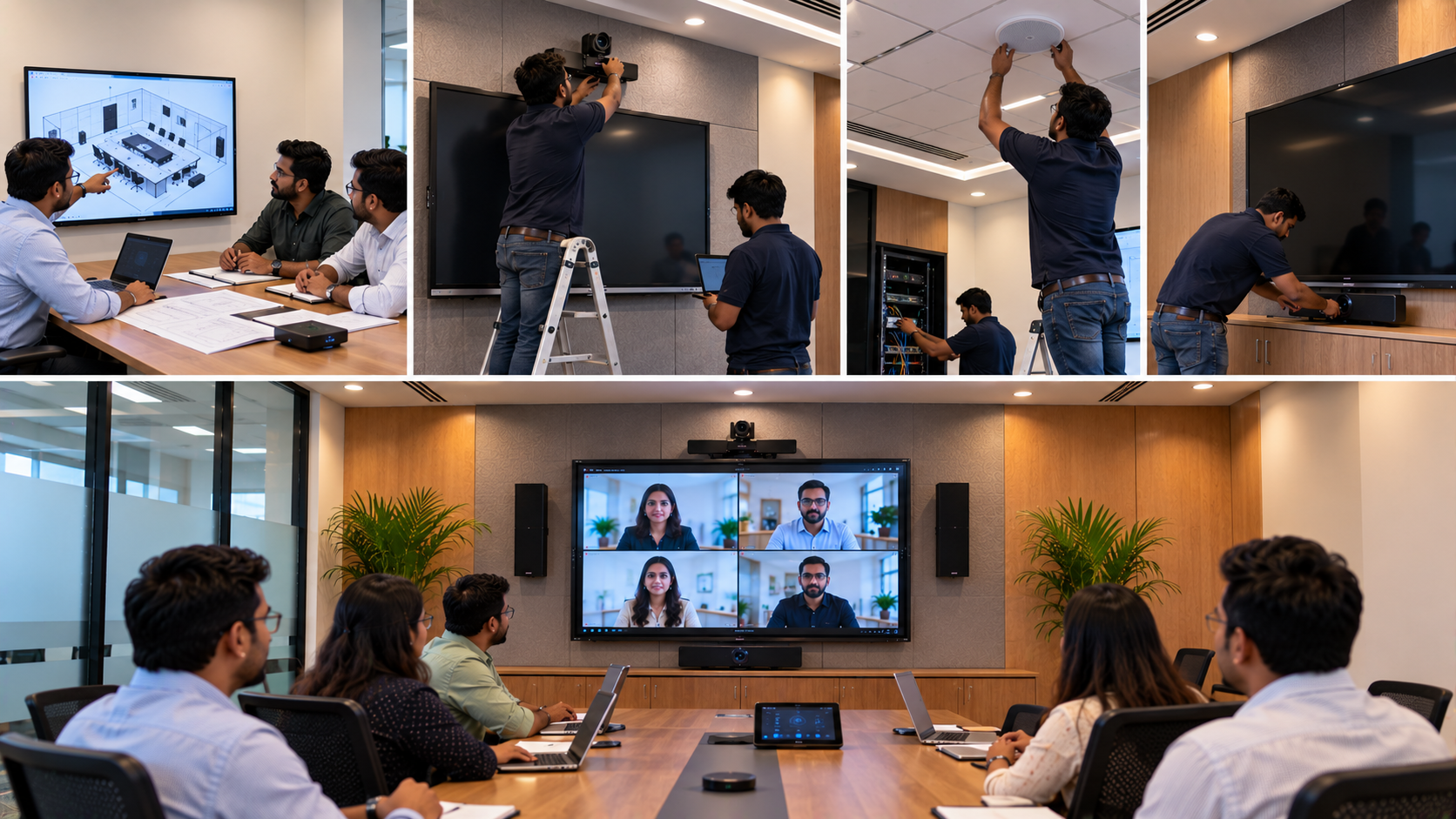
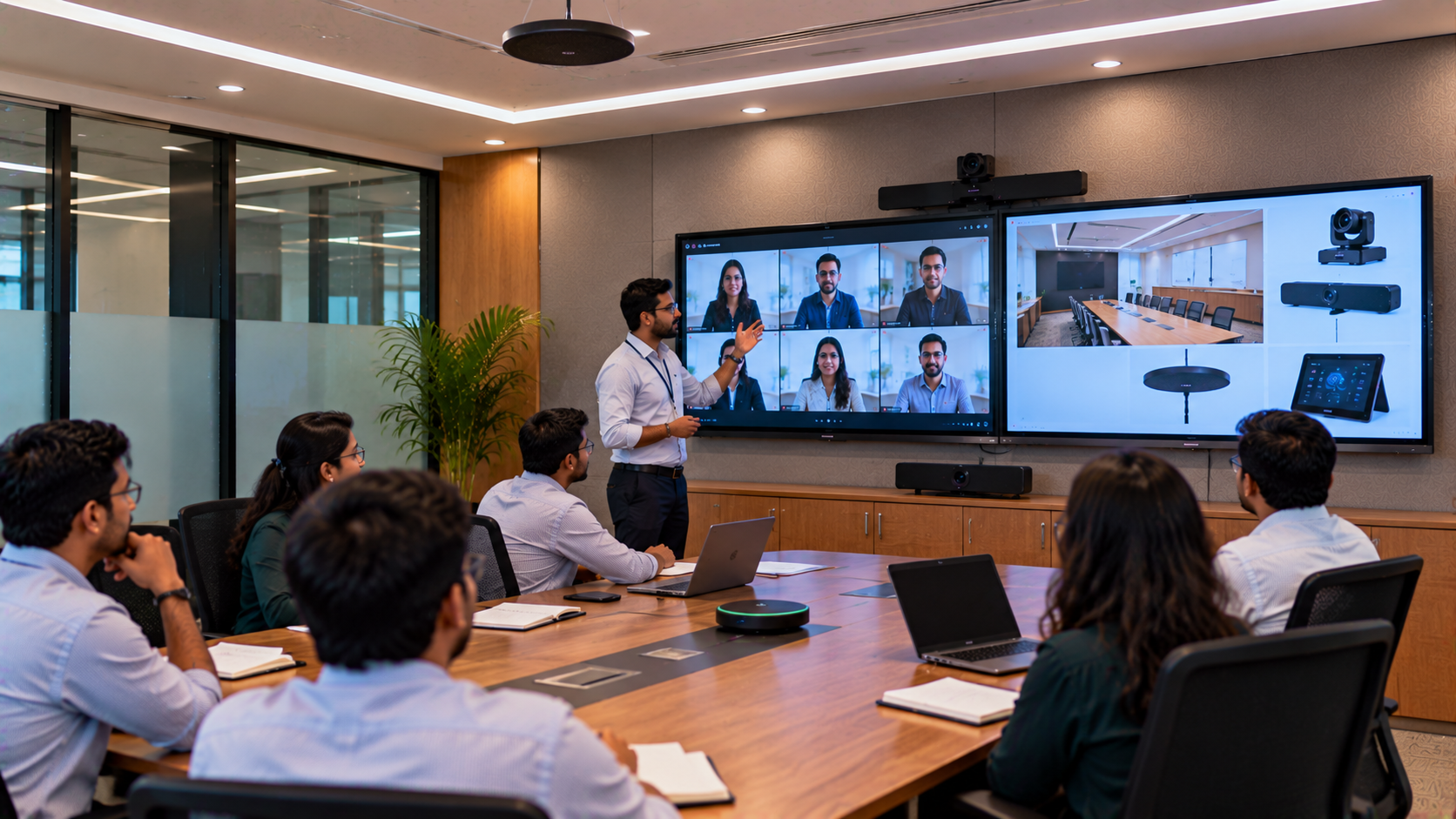
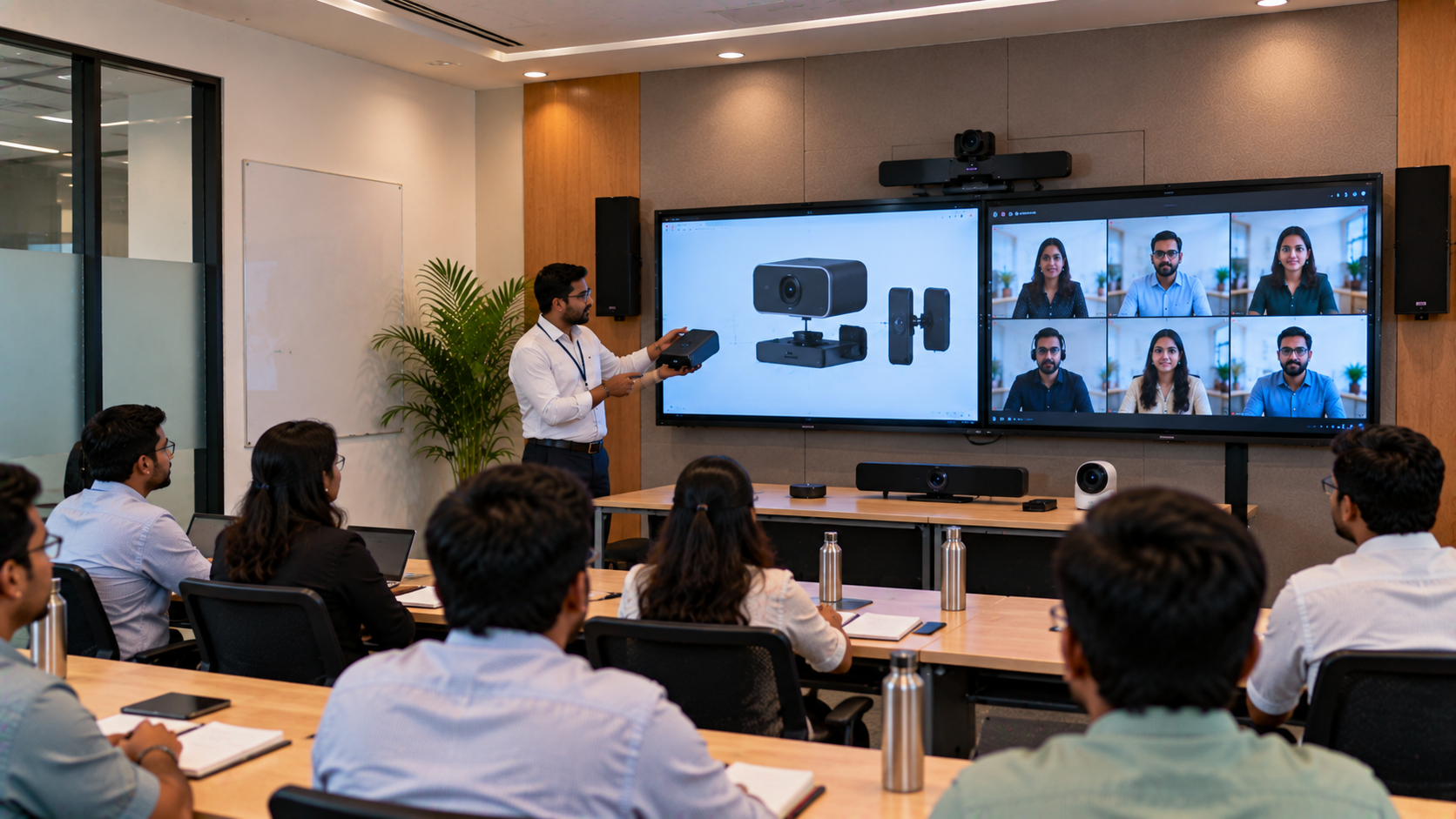
For hybrid classrooms, you may also need a PTZ camera, microphone and capture device.
GoLive's catalogue includes interactive panels alongside PTZ cameras, microphones, OPS mini PCs and other AV equipment, allowing institutions to build a more complete setup.
6. Check Built-In Audio Quality
Speakers are frequently overlooked when comparing smart board price and interactive panel price.
If the panel will be used for:
Online classes
Training videos
Presentations
Hybrid meetings
Educational content
Video conferencing
check the built-in speaker output and audio clarity.
For larger classrooms and conference rooms, you may need dedicated speakers or a complete audio solution rather than relying exclusively on the panel's internal speakers.
7. Consider Your Software and Teaching Requirements
A modern smart classroom requires more than a touchscreen.
Before purchasing, identify how the panel will be used.
For example:
Schools:
Digital lessons, annotation, educational videos and collaborative activities.
Coaching centres:
PPT presentations, problem solving, recorded lectures and online teaching.
Corporate offices:
Meetings, presentations, brainstorming and hybrid collaboration.
Training centres:
Interactive presentations, demonstrations and remote sessions.
This helps you select the right interactive whiteboard, software ecosystem and accessories.
8. Compare the Total Cost, Not Just the Digital Board Price
Searching for digital board price in India or interactive whiteboard cost is a good starting point, but the purchase price isn't the complete cost.
Consider:
|
Cost Factor |
What to Check |
|---|---|
|
Interactive panel |
Screen size, brand and specifications |
|
Installation |
Wall mount/stand and installation charges |
|
OPS PC |
Required for Windows-based applications |
|
Accessories |
Stylus, cables and mounting hardware |
|
Camera |
Required for hybrid/online classes |
|
Audio |
Speakers/microphones if necessary |
|
Warranty |
Warranty duration and coverage |
|
Support |
Installation, training and service |
For reference, GoLive's current online catalogue lists products at different price points—for example, an Evota EP75 75-inch panel is currently listed at ₹92,700, while other brands and models have different pricing. Prices and availability can change, so buyers should confirm the current price for their exact configuration before ordering.
9. Check Warranty, Installation and After-Sales Support
A low interactive panel price isn't necessarily the best deal if installation and service support are difficult to access.
Ask the supplier about:
Warranty
Installation
Product demonstration
Technical support
Replacement parts
Software support
On-site service
Teacher/staff training
This is especially important when installing multiple digital boards across schools, colleges or corporate locations.
GoLive eTechnologies positions its solutions for education, corporate, healthcare and government applications and provides installation and support services as part of its broader AV offering.
10. Buy According to Your Use Case—not Just the Brand
There is no single "best digital board" for every buyer.
Instead, compare brands and models according to your requirements.
|
Requirement |
Suitable Consideration |
|---|---|
|
School classroom |
65"/75" interactive panel |
|
Large classroom |
75"/86" panel |
|
Coaching centre |
65"/75" 4K panel |
|
Corporate boardroom |
Premium collaboration panel |
|
Hybrid classroom |
IFP + PTZ camera + microphone |
|
Training room |
Large 4K interactive display |
|
Online teaching |
IFP + camera + audio + capture solution |
At GoLive eTechnologies, buyers can compare EVOTA Interactive Panels, MAXHUB Digital Boards, LG Interactive Digital Boards and Newline Interactive Panels based on size, specifications, application and budget.
EVOTA vs MAXHUB vs LG vs Newline: What Should You Compare?
When users search for Evota smart board price, Maxhub smart board price, LG interactive digital board price India or Newline interactive panel price in India, the important question isn't simply which brand costs less.
Compare:
Screen size
4K resolution
Touch technology
Android/OS capabilities
RAM and storage
Connectivity
OPS compatibility
Warranty
Installation
Service support
Intended application
GoLive eTechnologies provides multiple brands and configurations, making it easier to compare solutions based on actual requirements rather than choosing solely by brand name.
Why Buy an Interactive Flat Panel from GoLive eTechnologies?
GoLive eTechnologies offers interactive flat panels and complementary AV solutions for schools, colleges, coaching centres, offices, government organisations and other institutions across India.
Its current catalogue includes:
EVOTA Interactive Panels
MAXHUB Smart Boards
LG CreateBoard
Samsung Interactive Panels
PTZ cameras
OPS Mini PCs
Microphones
IFP stands
Commercial displays
This makes GoLive useful for buyers looking for more than just a digital panel board—you can plan a complete smart classroom, hybrid classroom or meeting-room setup.
Final Buying Checklist
Before placing an order, make sure you have checked:
Screen size
4K resolution
Touch performance
Operating system
RAM & storage
Connectivity
Audio
Software compatibility
Warranty & service
Installation and total cost
Ready to Upgrade Your Classroom or Meeting Room?
Don't choose an interactive flat panel based on price alone. Compare screen size, touch performance, computing power, connectivity, warranty and after-sales support to find the right solution.
Explore interactive panels from GoLive eTechnologies and compare EVOTA, MAXHUB, LG and other leading options for your application.
Visit GoLive eTechnologies today to check current prices, availability and configurations—or contact the team for a customised interactive classroom or corporate display recommendation.
What is an interactive flat panel?
An interactive flat panel is a large touchscreen display that combines a digital display, interactive writing surface and computing/connectivity features. It is commonly used for smart classrooms, meetings, training and presentations.
What is the price of an interactive flat panel in India?
The interactive panel price in India varies according to brand, screen size, resolution, operating system and features. GoLive's current catalogue includes options across different price points, including 65-inch, 75-inch and 86-inch models.
Is a 75-inch interactive panel good for classrooms?
Yes. A 75-inch interactive display is a popular size for classrooms, coaching centres, training rooms and boardrooms because it offers a good balance between viewing area and room requirements.
Which is better: EVOTA, MAXHUB, LG or Newline?
The right choice depends on your budget, room size, touch requirements, OS, connectivity, software and support requirements. GoLive eTechnologies offers multiple brands so buyers can compare specifications and configurations.
Does GoLive eTechnologies deliver interactive panels across India?
GoLive serves customers across India and offers interactive display, smart classroom and AV solutions. Buyers should confirm delivery, installation availability and current stock for their specific PIN code before ordering.
Your email address will not be published. Required fields are marked *

By Inhype • September 12, 2026
A smart classroom is only as effective as the technology supporting it. Interactive panels, smart boards, PTZ cameras, microphones, speakers, PCs and
Read More
By Inhype • September 12, 2026
Higher education is rapidly moving beyond traditional chalkboards and projectors. Today, colleges and universities need technology that supports inter
Read More
By Inhype • September 12, 2026
A smart classroom for CBSE schools is no longer simply a classroom with a digital board. Modern schools are building connected learning environments t
Read More
By Inhype • September 12, 2026
Planning a smart classroom project for 10, 20 or even 50 classrooms requires more than simply purchasing digital boards. Schools, colleges, universiti
Read More
By Inhype • September 12, 2026
A smart classroom can transform the way teachers explain concepts, students interact with lessons, and institutions deliver digital education. From in
Read More




Golive eTechnologies India Private Limited (CIN - U31909UP2021PTC148242) is one of India's leading providers of smart classrooms, interactive boards, video conferencing solutions, and display technologies for the education, healthcare, corporate, and government sectors.


















No comments yet. Be the first to comment!