
Hybrid learning allows teachers to teach students in a physical classroom while remote learners join through an online platform. For schools, colleges, universities and coaching institutes across India, a well-designed hybrid classroom can improve access to lessons, support recorded lectures and make teaching more flexible. However, a successful hybrid classroom needs more than a video conferencing link. Teachers must be clearly visible and audible, classroom content must be easy to share, and remote students should be able to participate without repeatedly asking, “Can you hear me?” or “Can you see the board?” GoLive eTechnologies India Private Limited helps organisations plan technology solutions around their teaching requirements, including interactive displays, PTZ cameras, microphones, video capture equipment and installation support. Its approach focuses on selecting suitable equipment, integrating the setup and helping users operate it confidently. This guide explains how to build a hybrid classroom in India, which equipment to consider and how to plan your budget.
What Is a Hybrid Classroom?
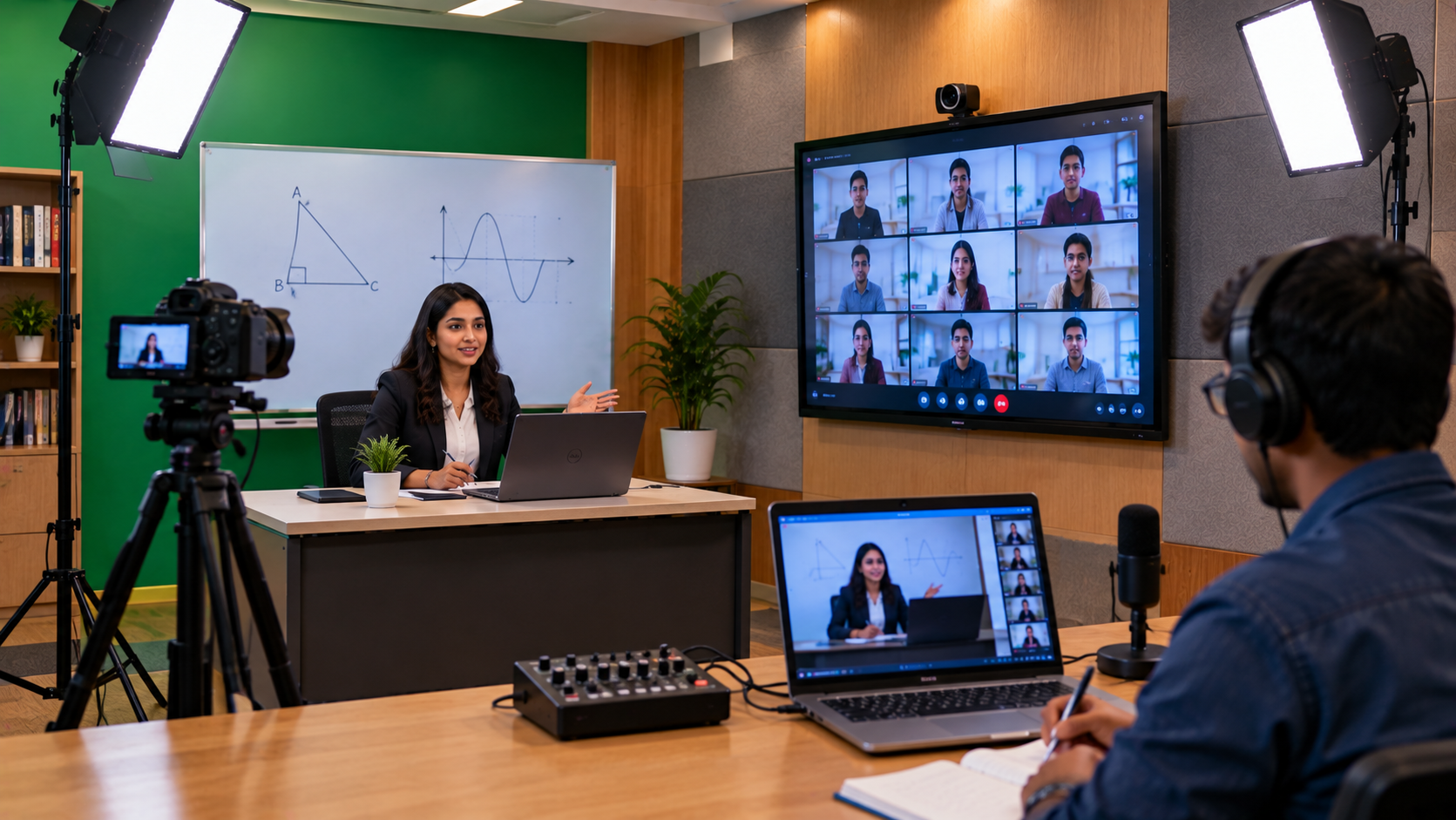
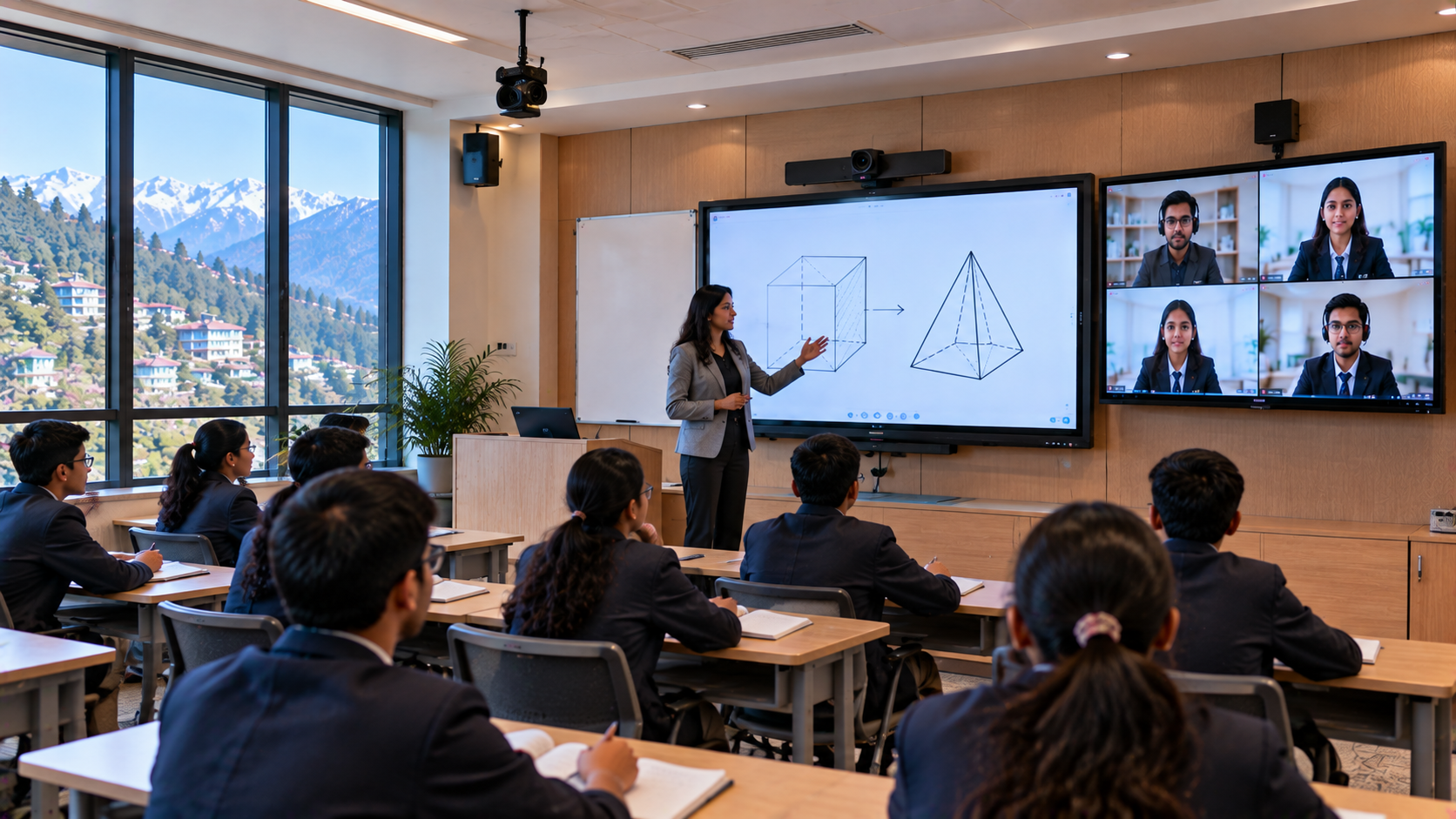
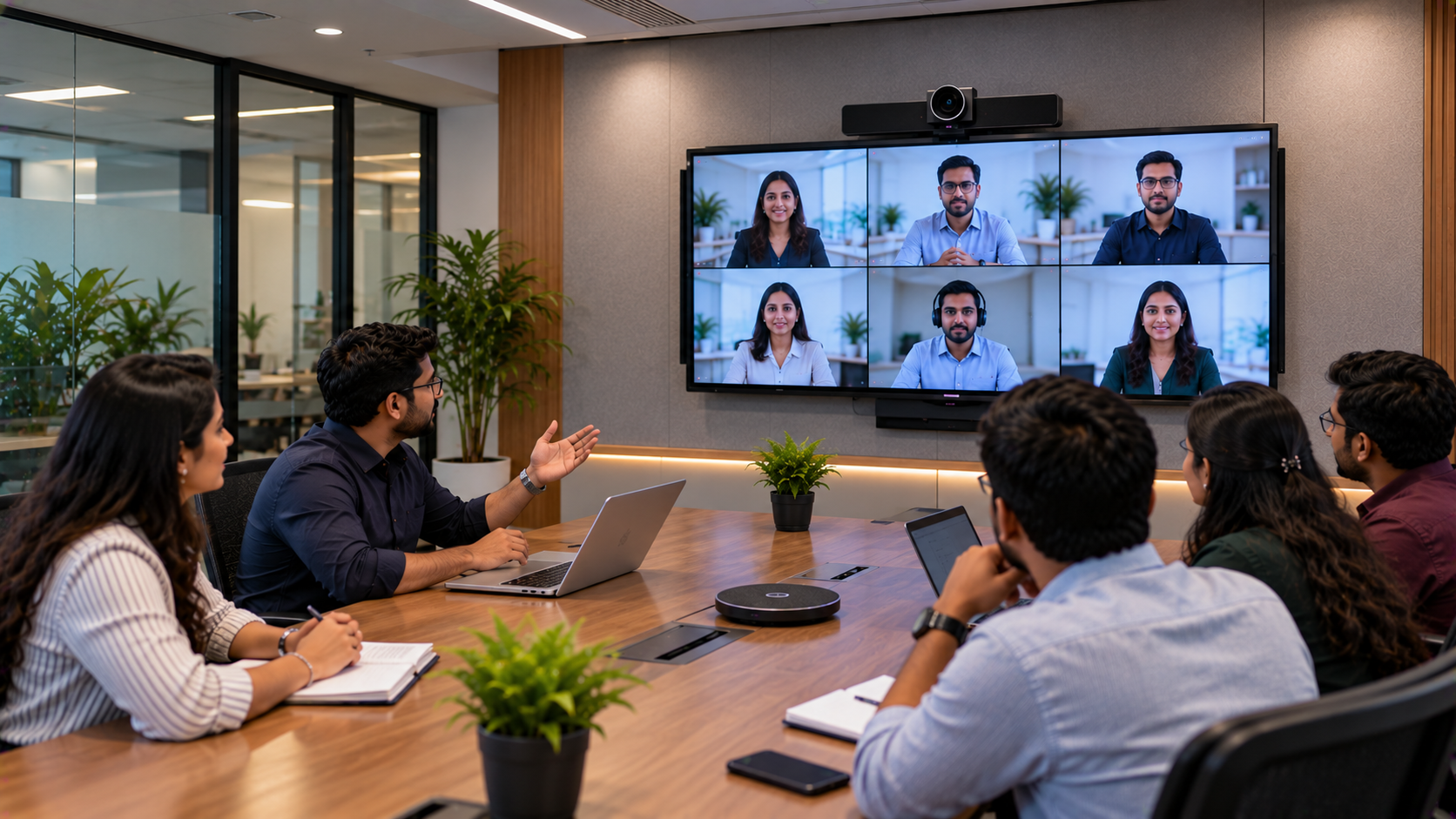
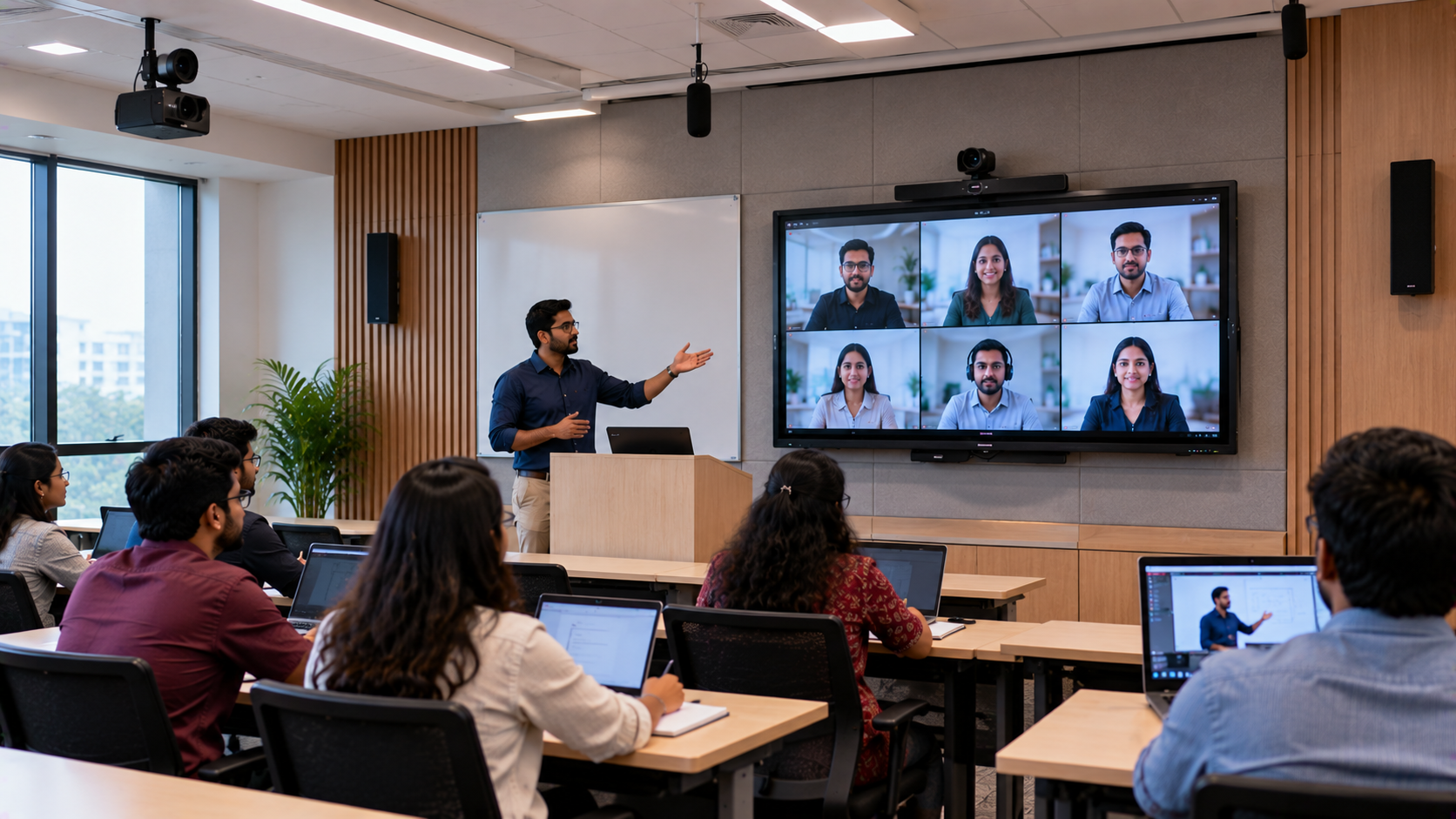
A hybrid classroom combines face-to-face teaching with online participation. Students in the classroom learn directly from the teacher, while remote students connect through a video conferencing or learning platform.
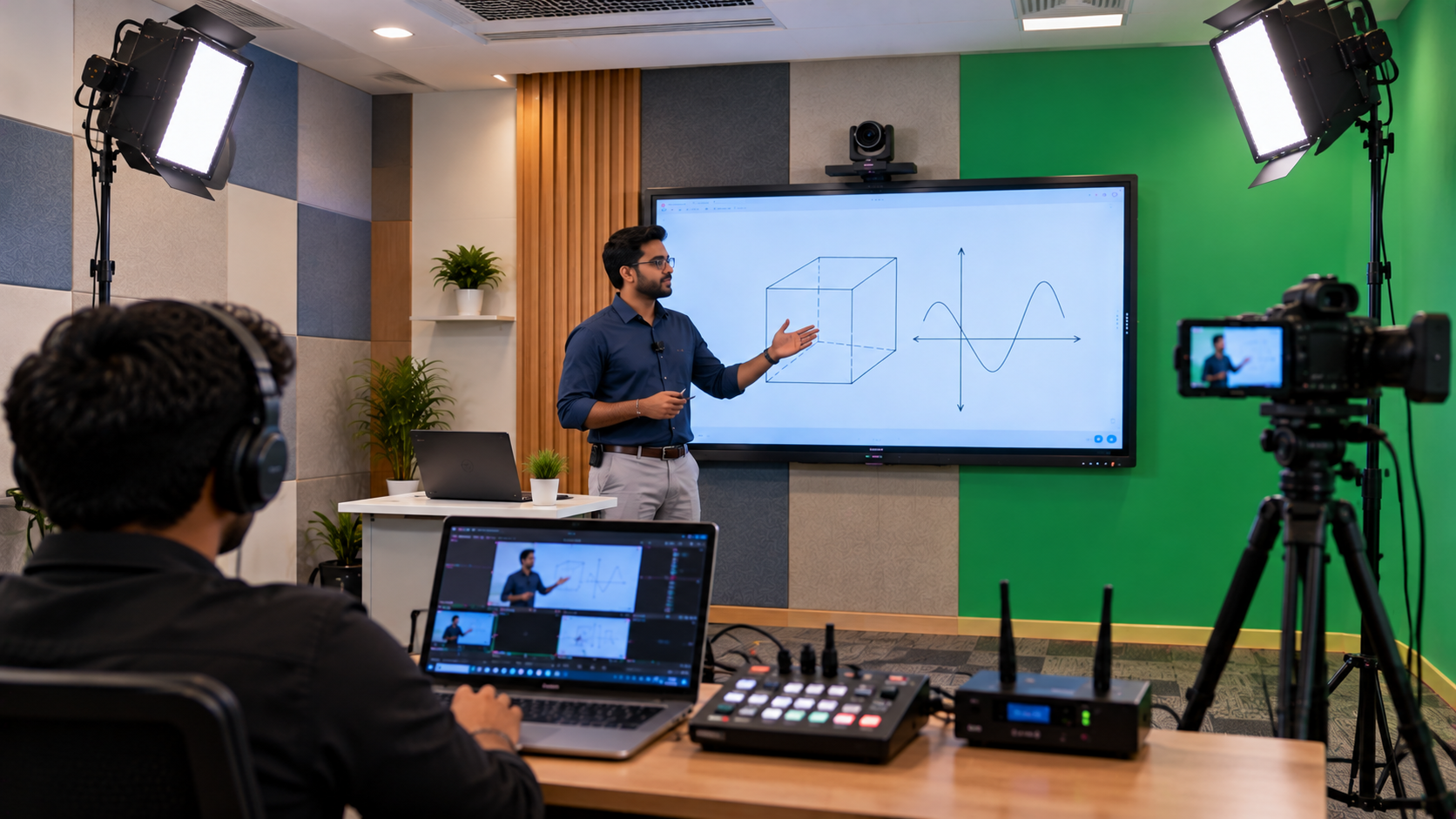
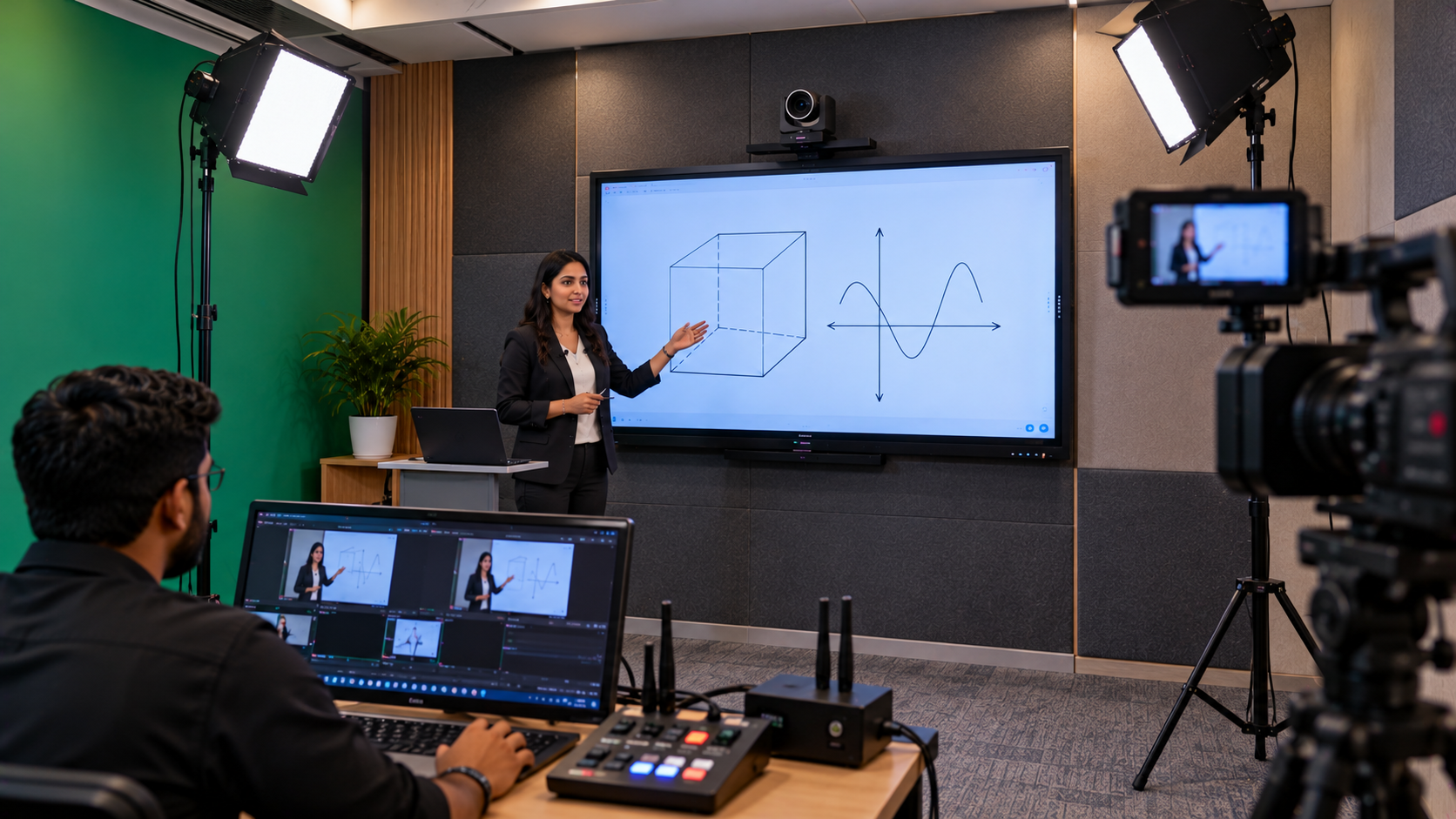
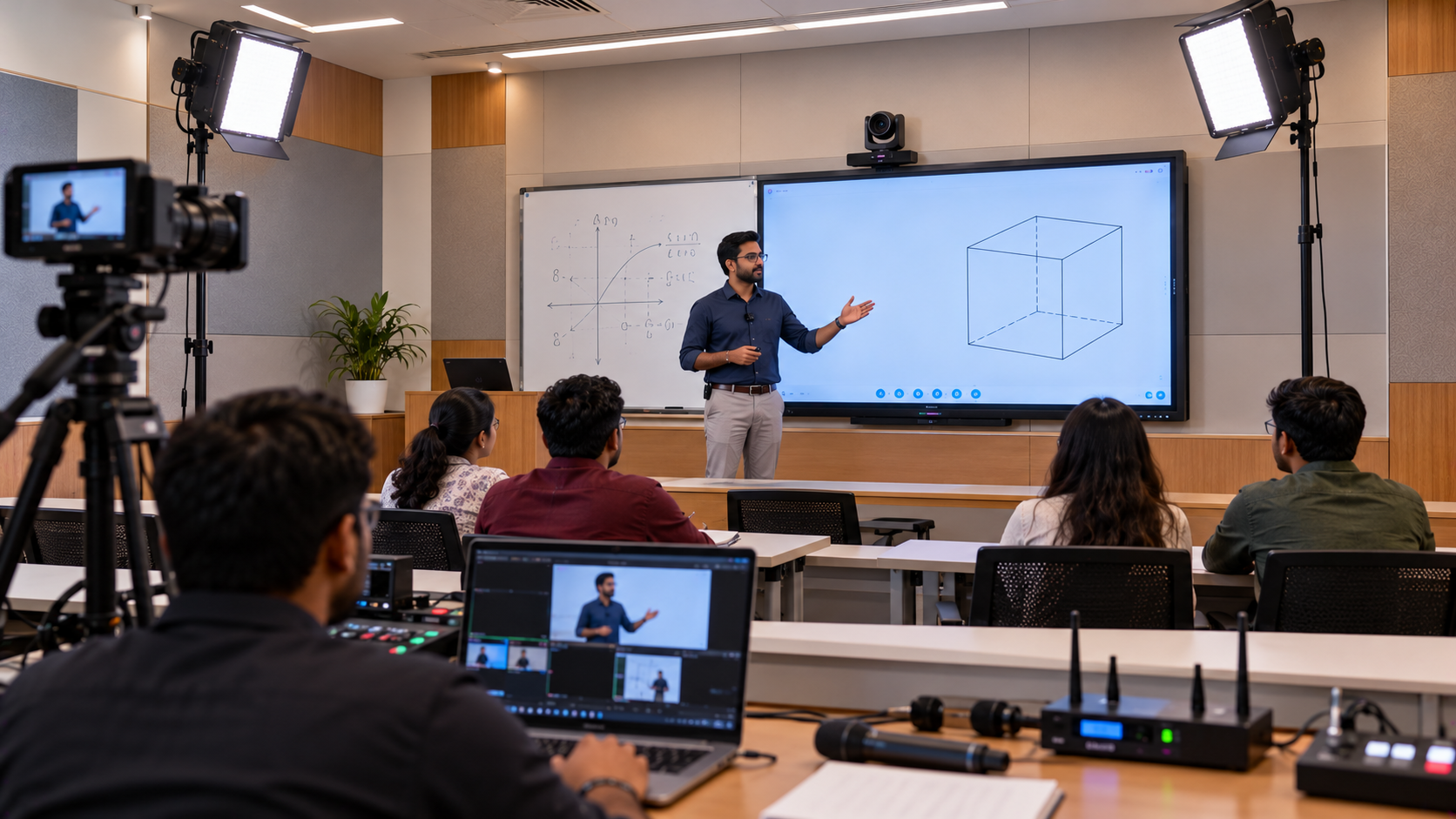
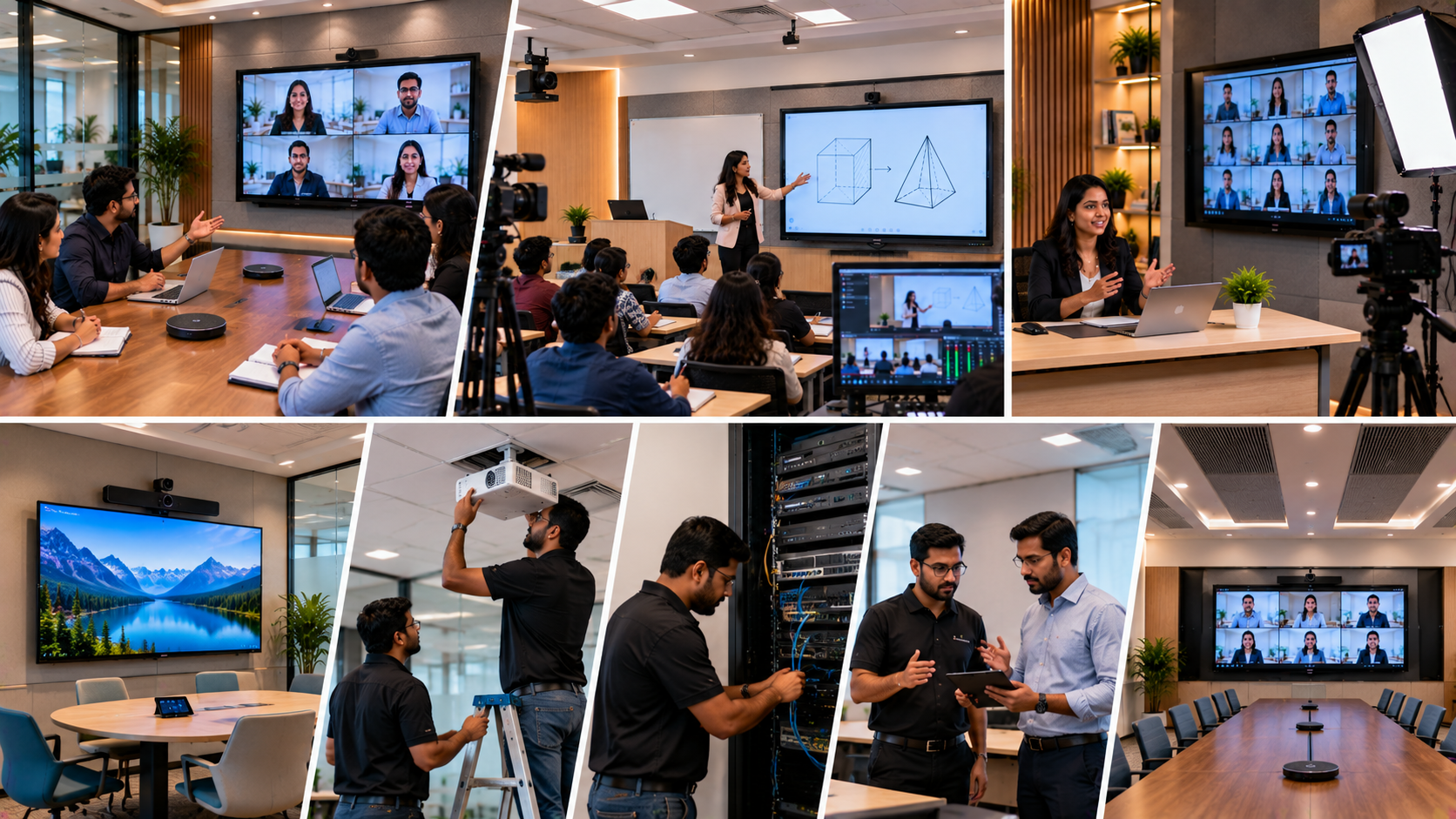
A typical hybrid classroom setup includes:
An interactive flat panel or digital board for teaching and presentations
A PTZ camera or suitable webcam to capture the teacher and classroom
A microphone system to capture the teacher's voice clearly
Speakers for playing remote participants' audio
A computer or laptop to run lessons and video conferencing software
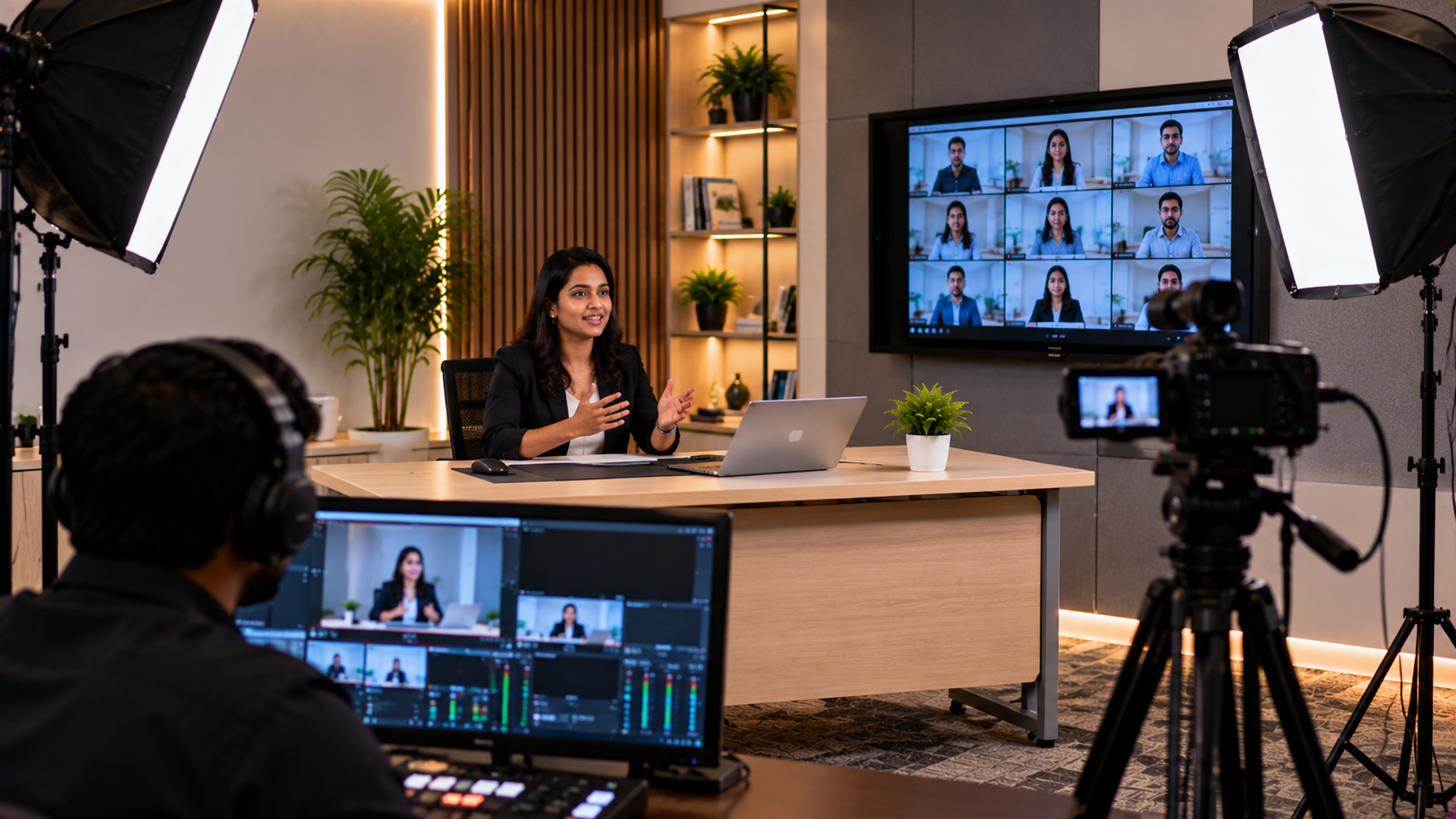
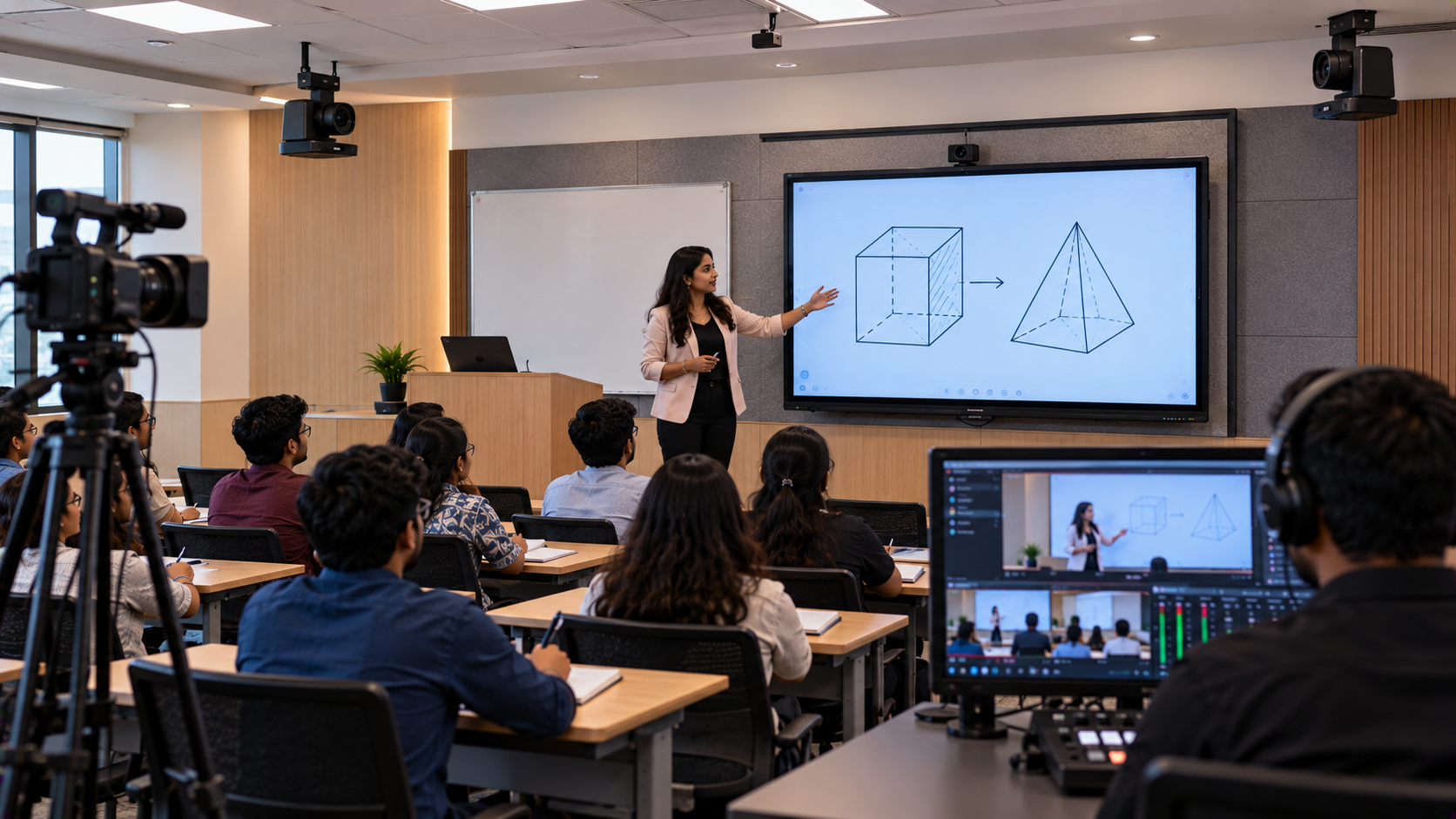
Video capture equipment, where required, for recording or streaming
Reliable internet connectivity, cables, mounting accessories and power
The right configuration depends on class size, room layout, teaching style, recording requirements and budget.
Why Schools and Coaching Institutes Need Hybrid Classroom Solutions
A properly planned hybrid classroom can help institutions:
Reach remote learners: Allow students to attend classes when they cannot be physically present.
Improve lesson delivery: Share presentations, annotate diagrams and explain concepts using a digital board.
Support recorded learning: Capture lessons for revision, subject to the institution's recording and privacy policies.
Enable interactive teaching: Let remote students ask questions, respond to discussions and participate in activities.
Use classroom resources efficiently: Extend teaching beyond the physical classroom without creating an entirely separate studio.
Hybrid classes work best when the teacher can focus on teaching rather than troubleshooting equipment.
Essential Equipment for Building a Hybrid Classroom
1. Interactive Digital Board for Teaching
An interactive flat panel gives teachers a digital surface for writing, annotating PDFs, presenting slides, displaying videos and explaining diagrams. It can make lessons easier to follow for students in the classroom and, when shared correctly, remote participants.
Institutions can explore options such as the EVOTA interactive panel, MAXHUB smart board, Newline interactive panel and LG interactive digital board through GoLive eTechnologies, subject to current product availability.
When comparing a digital board for teaching, consider:
Screen size and visibility from the back of the classroom
Touch response, writing experience and digital board pen support
Compatibility with the institution's computer and teaching applications
Screen-sharing and connectivity options
Installation requirements, warranty and after-sales support
Searches such as “EVOTA smart board 75 inch price,” “MAXHUB smart board price in India,” “Newline digital board price” and “LG interactive digital board price India” indicate that buyers are comparing different brands and screen sizes. Request a current quotation for the exact model and configuration rather than relying on a generic price.
2. PTZ Camera or Webcam for Remote Learners
Remote students need a clear view of the teacher and, when relevant, the board or classroom demonstration. A PTZ camera can pan, tilt and zoom, making it useful for larger classrooms and lecture spaces.
Options to evaluate include the EVOTA 4K PTZ camera, EVOTA 10x HD PTZ camera and suitable Logitech PTZ cameras. For smaller rooms or simpler teaching setups, a compatible webcam may be sufficient.
Before selecting a camera, check:
Resolution and image quality under classroom lighting
Optical zoom and camera movement requirements
USB or other connection compatibility
Mounting position and viewing angle
Compatibility with the conferencing and recording software
A 4K camera is not automatically the best choice for every classroom. The camera should match the room, connection method and intended use.
3. Microphones and Speakers for Clear Classroom Audio
Audio quality is one of the most important parts of a hybrid classroom. A good picture cannot compensate for a teacher's voice that sounds distant, distorted or full of echo.
Depending on room size and teaching style, consider a wired or wireless teacher microphone, a suitable microphone for online teaching, and speakers for remote participants' voices. GoLive's audio range may include suitable Ahuja and Sennheiser equipment, depending on current availability and compatibility.
Four tips to record good-quality sound:
Place the microphone close enough to the teacher's mouth.
Reduce fan noise, room echo and other background sounds where possible.
Set input levels to avoid very low or distorted audio.
Test both the teacher's voice and remote participants' audio before class.
For larger rooms, professional audio planning can help prevent feedback and uneven sound coverage.
4. Computer, Capture Card and Teaching Software
A reliable computer or laptop runs the conferencing platform, presentations and teaching applications. If the classroom uses a camera or video source that needs a separate capture interface, an HDMI video capture device may be required.
Tools such as OBS Studio can support video recording, scene composition and streaming workflows when configured correctly. Check camera compatibility, audio routing, computer performance and platform requirements before installation.
A capture card is not necessary for every hybrid classroom. Its need depends on how the camera connects to the computer and whether the institution wants advanced recording or streaming features.
5. Internet, Cables and Installation Accessories
Even high-quality equipment can perform poorly when the network or physical setup is unreliable. Plan for stable internet, sufficient power outlets, suitable cable lengths, secure camera mounting and an appropriate display installation.
For a larger digital classroom setup, also consider cable management, ventilation, equipment access and a simple operating procedure for teachers.
Hybrid Classroom Equipment: Which Setup Is Right for You?
|
Requirement |
Suggested setup |
Suitable use |
|---|---|---|
|
Basic hybrid teaching |
Laptop, webcam, headset or microphone |
Small classroom or tutoring room |
|
Interactive teaching |
Interactive panel, laptop, camera and microphone |
Schools, colleges and coaching centres |
|
Recorded lectures |
Camera, microphone, computer and recording software |
Revision content and lecture libraries |
|
Large classroom or lecture hall |
PTZ camera, suitable audio system, interactive panel and reliable network |
Larger groups and specialist teaching spaces |
These are planning examples, not fixed packages. The final selection should follow a site assessment and compatibility check.
What Is the Cost of a Hybrid Classroom Setup in India?
The cost of a hybrid classroom depends on the number of students, display size, camera specifications, microphone system, recording requirements, installation complexity and support needs.
For accurate budgeting, request separate pricing for:
Interactive panels, including 65-inch, 75-inch or larger models where suitable
PTZ cameras, webcams and mounting accessories
Teacher microphones, speakers and audio accessories
Computers, capture devices, cables and connectivity
Installation, configuration, training and ongoing support
Search terms such as “digital board price in India,” “interactive panel price,” “PTZ camera price” and “online teaching equipment” can help you compare categories. However, prices can vary by model, configuration, taxes, warranty and availability. Confirm the current price and what's included in each quotation before ordering.
A cost-effective solution is not necessarily the one with the lowest equipment price. Compatibility, installation quality, training and reliable support can reduce disruption over the long term.
How GoLive eTechnologies Can Help You Implement a Hybrid Classroom
A practical implementation process helps institutions avoid buying incompatible devices or installing equipment that teachers find difficult to use.
Step 1: Understand your requirements. Identify class size, room dimensions, teaching format, recording needs and budget.
Step 2: Select compatible products. Compare interactive panels, cameras, audio equipment, computers and accessories based on actual requirements.
Step 3: Plan the installation. Confirm camera placement, display mounting, cabling, network access and audio coverage.
Step 4: Configure and test. Check screen sharing, camera framing, audio levels, recording and remote participation.
Step 5: Train teachers and administrators. Provide practical guidance for starting classes, sharing content and handling routine issues.
Step 6: Arrange support. Confirm the available service process, warranty terms, installation scope and after-sales assistance.
GoLive eTechnologies' brand promise is simple: Technology that works, backed by people who help. The aim is to provide the right solution, support a smoother deployment and help customers use their equipment with greater confidence.
For institutions comparing EVOTA, MAXHUB, Newline or LG interactive displays, or evaluating cameras and audio equipment, GoLive can help identify a suitable configuration based on the requirement and current product availability.
Build a Better Hybrid Classroom with GoLive eTechnologies
Whether you are upgrading a school classroom, planning a college lecture room or creating a hybrid teaching space for a coaching institute, begin with the teaching experience you want to deliver.
Explore compatible interactive panels, PTZ cameras, microphones and classroom technology at GoLive eTechnologies. Share your room size, student count, preferred brands and budget to request a solution recommendation and current quotation.
With thoughtful product selection, professional implementation and practical user support, your hybrid classroom can help teachers teach with confidence and students participate from wherever they are.
Your email address will not be published. Required fields are marked *

By Inhype • September 12, 2026
A smart classroom is only as effective as the technology supporting it. Interactive panels, smart boards, PTZ cameras, microphones, speakers, PCs and
Read More
By Inhype • September 12, 2026
Higher education is rapidly moving beyond traditional chalkboards and projectors. Today, colleges and universities need technology that supports inter
Read More
By Inhype • September 12, 2026
A smart classroom for CBSE schools is no longer simply a classroom with a digital board. Modern schools are building connected learning environments t
Read More
By Inhype • September 12, 2026
Planning a smart classroom project for 10, 20 or even 50 classrooms requires more than simply purchasing digital boards. Schools, colleges, universiti
Read More
By Inhype • September 12, 2026
A smart classroom can transform the way teachers explain concepts, students interact with lessons, and institutions deliver digital education. From in
Read More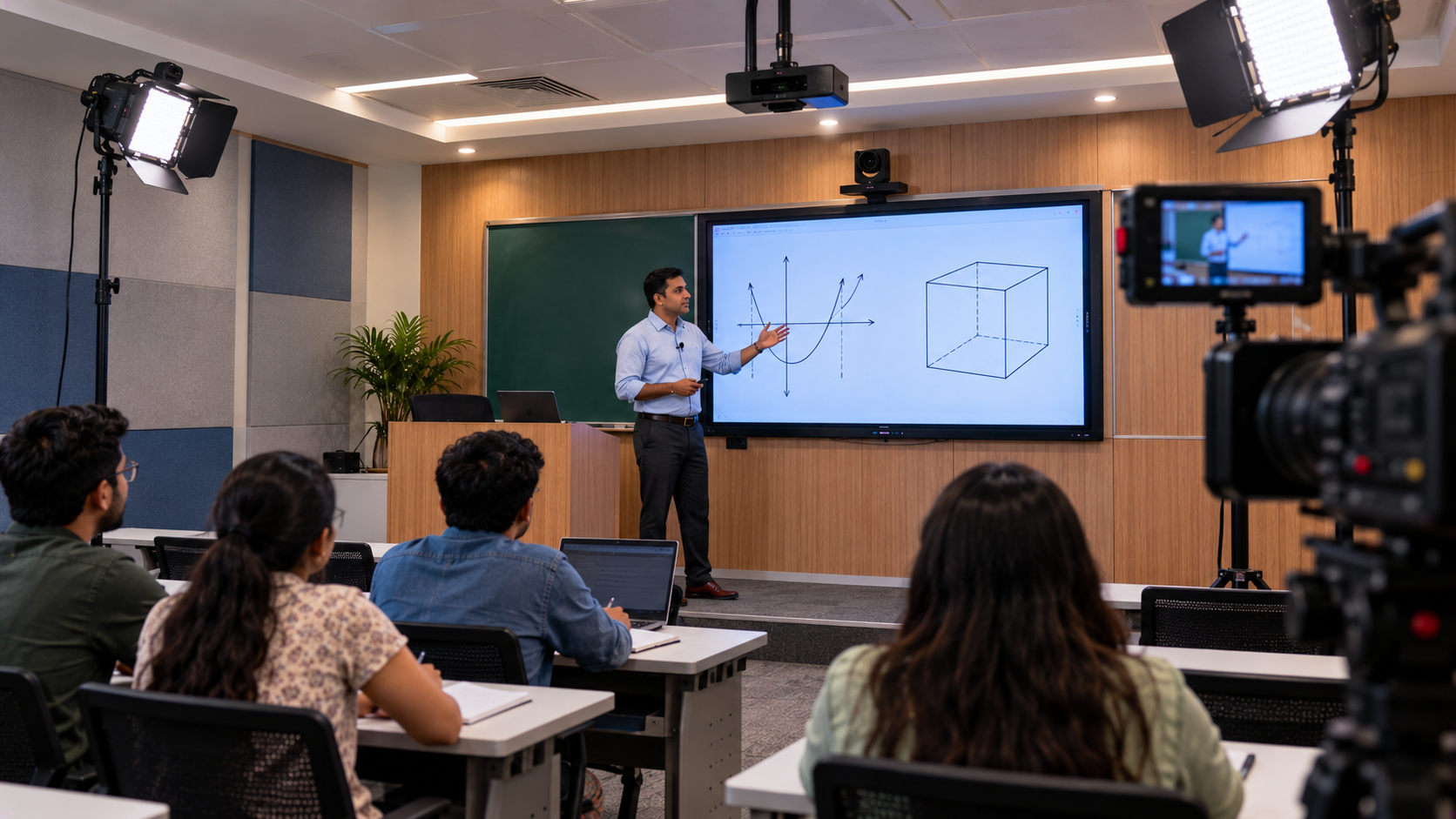
October 19, 2026





Golive eTechnologies India Private Limited (CIN - U31909UP2021PTC148242) is one of India's leading providers of smart classrooms, interactive boards, video conferencing solutions, and display technologies for the education, healthcare, corporate, and government sectors.






No comments yet. Be the first to comment!