
Online teaching has moved beyond a laptop placed on a desk. Teachers, schools, colleges and coaching institutes increasingly need clear video, readable teaching-board content and reliable recording for live classes, hybrid learning and online courses. But does every teacher need a professional camera, or is a standard webcam enough? This guide from GoLive eTechnologies India Private Limited explains the difference between a webcam and a 4K PTZ camera, where each works best, and how to select the right online teaching setup for your room, workflow and budget. Whether you teach from home, operate a coaching centre in Delhi NCR, manage a school in Kanpur or run a training institute in Lucknow, the best camera is the one that solves your actual teaching needs.
Webcam vs 4K PTZ Camera: What Is the Difference?
A webcam is a compact camera generally connected to a laptop or desktop computer. It is suitable for video calls, one-person teaching, online tutoring and small recording setups.
A 4K PTZ camera is a professional camera that supports pan, tilt and zoom functions. Depending on the model, it can be remotely controlled to adjust framing, zoom towards a teaching board or capture a presenter from a distance. A 4K PTZ camera can be useful for lecture recording, hybrid classrooms and larger teaching spaces.
The important difference is not simply resolution. It is also how much of the teaching environment you need to capture and how easily the camera can adapt during a lesson.
Webcam vs 4K PTZ Camera: Feature Comparison
|
Feature |
Webcam |
4K PTZ Camera |
|---|---|---|
|
Best suited for |
Individual tutors and desk-based teaching |
Coaching rooms, lecture halls and studios |
|
Camera movement |
Usually fixed or manually adjusted |
Remote pan, tilt and zoom, depending on model |
|
Framing |
Best for a single presenter |
Can support different views of the presenter and board |
|
Zoom |
Often limited; digital zoom may reduce detail |
Optical zoom may be available, depending on model |
|
Setup |
Usually simple USB connectivity |
May need mounting, control setup and compatibility checks |
|
Investment |
Generally lower |
Generally higher |
|
Recording workflow |
Suitable for basic classes and calls |
Useful for planned lecture capture and more advanced workflows |
Note: Features vary by model. Check the exact camera specification, supported resolution, zoom type, output connections and software compatibility before purchasing.
When Is a Webcam Better for Online Teaching?
A webcam can be the sensible choice if you teach from a desk and rarely need to show anything beyond your face and upper body.
Choose a webcam when:
You conduct one-to-one online tuition or small-group classes.
You mainly use video-conferencing platforms.
Your teaching area is compact and the camera can remain in one position.
You need a straightforward setup with a limited equipment budget.
You are starting online teaching and want to upgrade gradually.
A model such as the Logitech B525 HD Webcam may be worth evaluating for basic video communication, subject to its current availability and suitability for your computer and teaching platform.
However, a webcam is less convenient when you regularly move around, demonstrate objects at a distance or need different views of a large classroom.
When Should You Choose a 4K PTZ Camera for Online Classes?
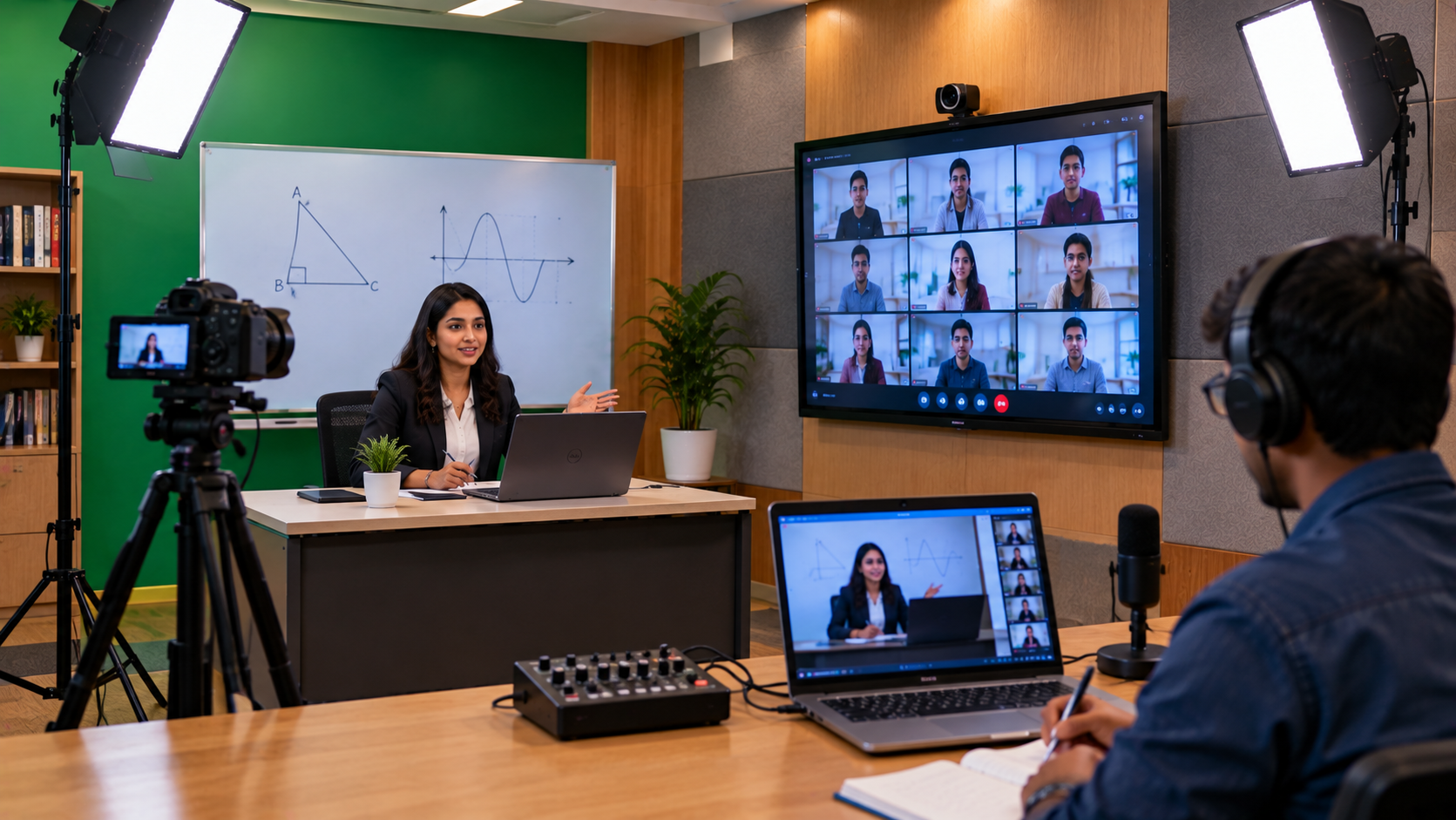
A 4K PTZ camera becomes more relevant when your teaching workflow demands flexible framing and higher-quality recording.
Consider a PTZ camera if you:
Teach while moving between a board, desk and demonstration area.
Record full-length lectures for students to watch later.
Need to show board details or practical demonstrations from different positions.
Run a coaching institute with multiple teaching rooms.
Produce educational videos, livestreams or paid online courses.
Want to build a scalable teaching studio or hybrid classroom.
EVOTA 4K PTZ Camera: A Camera Option to Evaluate
GoLive eTechnologies lists the EVOTA 4K PTZ Camera among its education and lecture-recording solutions. It may be a suitable option to evaluate when a school, coaching centre or educator needs a professional camera workflow rather than a fixed desktop view.
Before ordering, confirm the current EVOTA 4K PTZ camera price, supported outputs, optical zoom, control options, mounting requirements and compatibility with your recording software.
For classrooms that do not require 4K resolution, the EVOTA 10X HD PTZ Camera may also be worth comparing. The right choice depends on room size, viewing distance, recording requirements and budget—not just the model name.
Do You Need a Digital Board Along With Your Camera?
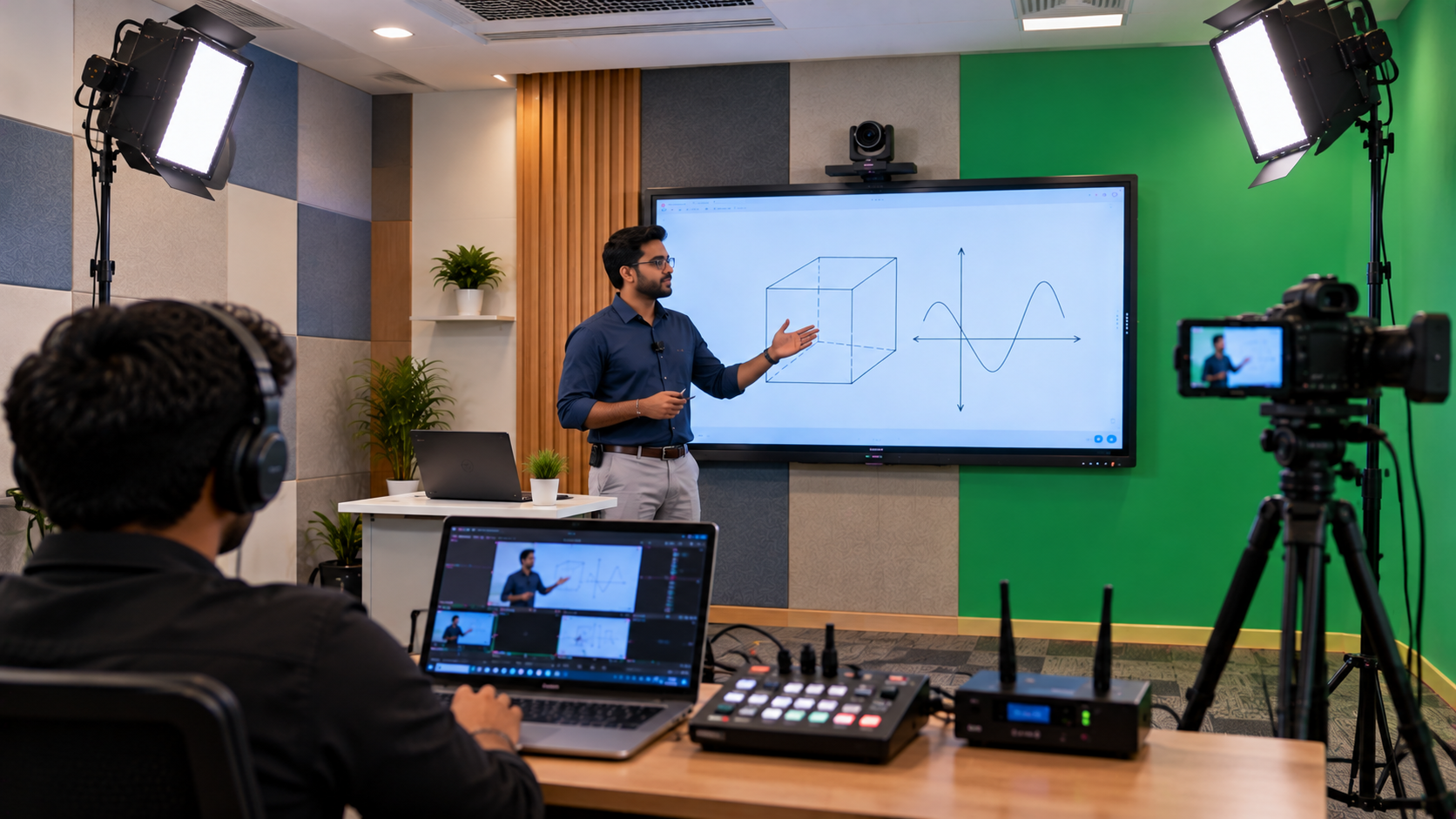
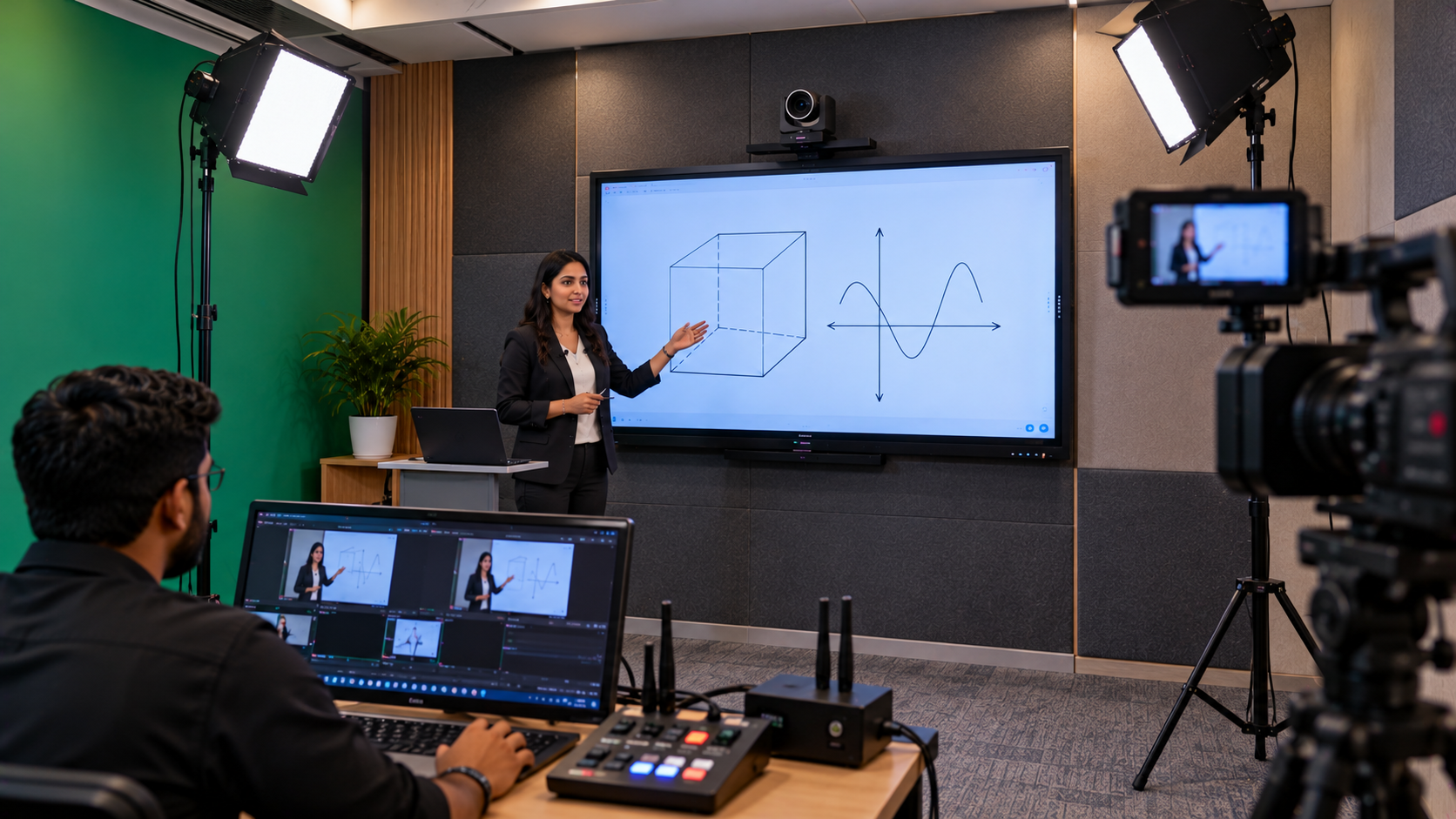
Not every online teacher needs an interactive panel. However, a camera-and-board combination can be valuable when lessons depend on diagrams, equations, presentations and live annotation.
GoLive eTechnologies offers a range of education technology options to explore, including:
EVOTA Smart Board and EVOTA Interactive Panel: for interactive lessons and digital annotation.
Newline Interactive Panel: for classroom collaboration and teaching presentations.
LG Interactive Digital Board: for institutions comparing interactive display options.
MAXHUB Smart Board: for interactive teaching and collaboration.
Writing pad for PC: for teachers who want to write or draw digitally without installing a full-size interactive panel.
When comparing EVOTA smart board price, Newline digital board price, LG interactive digital board price in India or MAXHUB smart board price in India, check the screen size, software, connectivity, installation needs and included accessories. A board is an optional part of the camera decision, not a mandatory purchase.
Build a Complete Online Teaching Studio: Camera, Audio and Software
A good camera cannot compensate for unclear audio or poor lighting. A balanced online teaching setup may include:
Camera: A webcam for desk-based teaching or a PTZ camera for flexible classroom framing.
Microphone: A suitable wired, wireless or collar microphone to make explanations easier to hear.
Lighting: Position lighting in front of the teacher to reduce harsh shadows and improve visibility.
Computer and connectivity: Check the computer's performance, USB or video connections and internet reliability.
Recording software: OBS Studio or another compatible application may support recording and streaming. Confirm the camera's connection method and software requirements.
Capture equipment: An HDMI video capture device may be required for some camera-output workflows, but not every USB camera needs one.
Installation and testing: Check camera framing, audio levels, lighting, recording quality and the full workflow before the first class.
GoLive can help customers assess their requirements and explore a solution that combines relevant products, implementation and support. This approach reflects the brand promise: Technology that works, backed by people who help.
Webcam vs 4K PTZ Camera Price in India: What Affects the Cost?
A webcam usually involves a lower initial investment. A PTZ setup may cost more because the camera can offer additional movement, zoom and integration options. The total budget may also include mounting hardware, cables, a microphone, lighting, a capture device, installation and training.
For an accurate quotation, share:
Your city and room dimensions.
Whether you teach from a desk or move around the room.
Whether you need live classes, recordings or both.
The distance between the camera, teacher and board.
Your computer, software and preferred budget.
For customers in Delhi NCR, Noida, Greater Noida, Kanpur, Lucknow and across India, ask GoLive eTechnologies to confirm current product availability, delivery options, installation scope and the final configured price. Prices and delivery timelines can change, so they should be confirmed before ordering.
Why Choose GoLive eTechnologies for Online Teaching Equipment?
Selecting equipment is only the first step. It also needs to work with your existing computer, audio equipment, display and teaching workflow.
GoLive eTechnologies focuses on the complete experience:
Right solution: choose equipment based on your actual classroom needs.
Fast deployment: plan the setup and required accessories together.
Installation and training: help users understand how to operate the system.
Support beyond delivery: get assistance when you need help with the setup.
Customer feedback and GoLive eTechnologies reviews can be useful when evaluating service, delivery, installation and support. Read current reviews and confirm the precise scope of support offered for your order.
The result you should aim for is simple: less technology headache and more confidence that everything will work.
Final Verdict: Webcam or 4K PTZ Camera?
Choose a webcam for simple, stationary, desk-based online teaching. Choose a 4K PTZ camera when flexible framing, classroom coverage, zoom and professional lecture recording matter to your workflow.
You may not need the most expensive equipment. You need the right combination of camera, audio, lighting, software and support.
Ready to upgrade your online teaching setup? Explore camera and education technology options at GoLive eTechnologies, or request a recommendation based on your classroom, recording needs and budget.
Your email address will not be published. Required fields are marked *

By Inhype • September 12, 2026
A smart classroom is only as effective as the technology supporting it. Interactive panels, smart boards, PTZ cameras, microphones, speakers, PCs and
Read More
By Inhype • September 12, 2026
Higher education is rapidly moving beyond traditional chalkboards and projectors. Today, colleges and universities need technology that supports inter
Read More
By Inhype • September 12, 2026
A smart classroom for CBSE schools is no longer simply a classroom with a digital board. Modern schools are building connected learning environments t
Read More
By Inhype • September 12, 2026
Planning a smart classroom project for 10, 20 or even 50 classrooms requires more than simply purchasing digital boards. Schools, colleges, universiti
Read More
By Inhype • September 12, 2026
A smart classroom can transform the way teachers explain concepts, students interact with lessons, and institutions deliver digital education. From in
Read More




Golive eTechnologies India Private Limited (CIN - U31909UP2021PTC148242) is one of India's leading providers of smart classrooms, interactive boards, video conferencing solutions, and display technologies for the education, healthcare, corporate, and government sectors.

















No comments yet. Be the first to comment!