
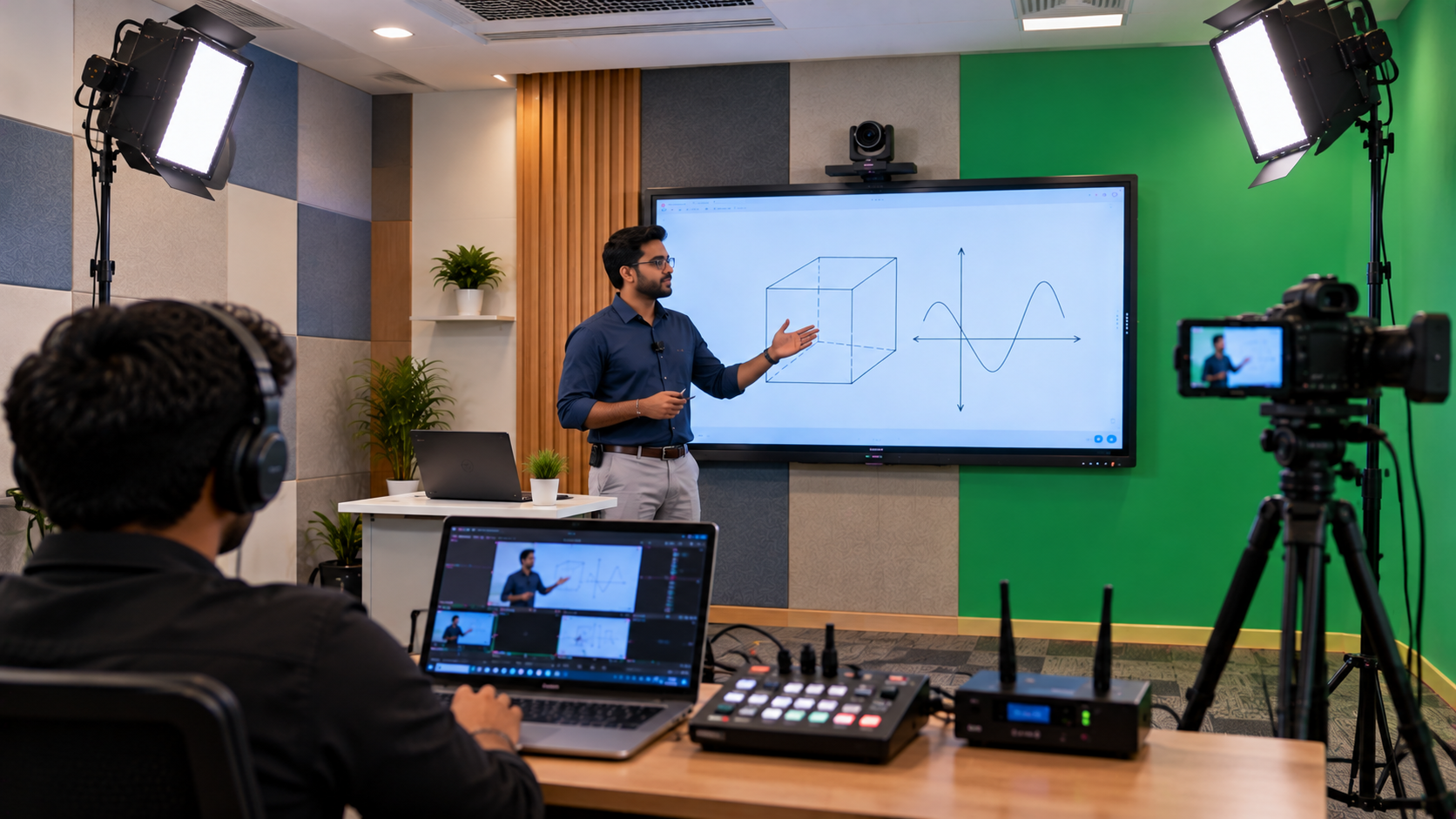
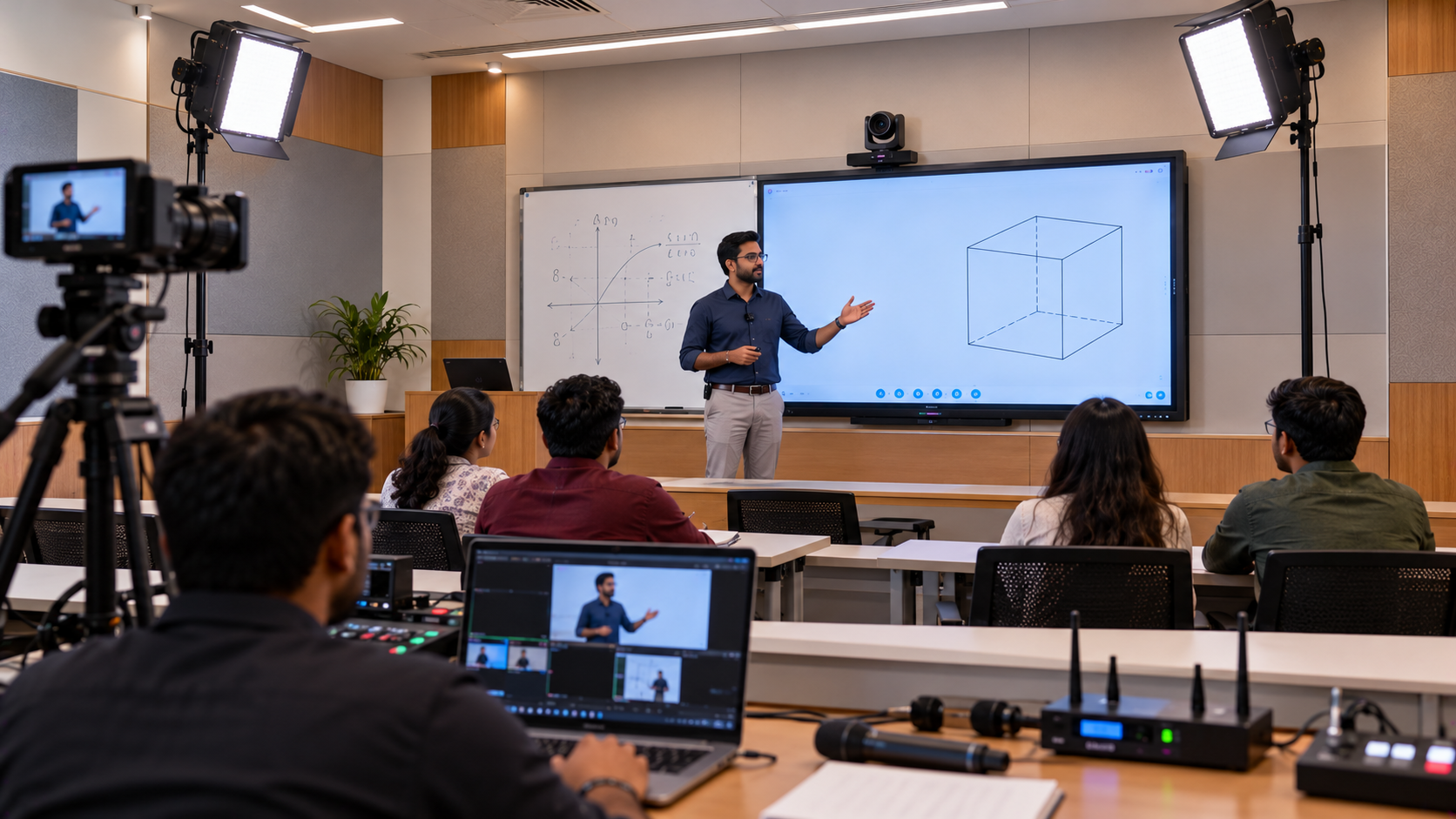
Online education has changed how schools, colleges, coaching institutes and independent educators deliver lessons. Students expect clear video, intelligible audio, readable presentations and reliable recordings they can revisit anytime. However, building a professional lecture recording studio involves more than purchasing a camera and connecting a microphone. A well-planned lecture recording studio setup combines the right camera, microphone, lighting, presentation display, computer, capture equipment and recording software. GoLive eTechnologies helps education providers plan technology solutions around their teaching environment, budget and intended use, with support from equipment selection to installation and beyond. Whether you are setting up an online class studio in Delhi NCR, upgrading a coaching centre in Kanpur or creating a digital teaching facility elsewhere in India, this guide explains the key equipment and decisions involved.
Why Do Educational Institutions Need a Professional Lecture Recording Setup?
A basic webcam may work for occasional online lessons, but regular course production often requires greater control over framing, sound and presentation quality.
A professional teaching studio can help institutions:
Record consistent, high-quality lectures for students.
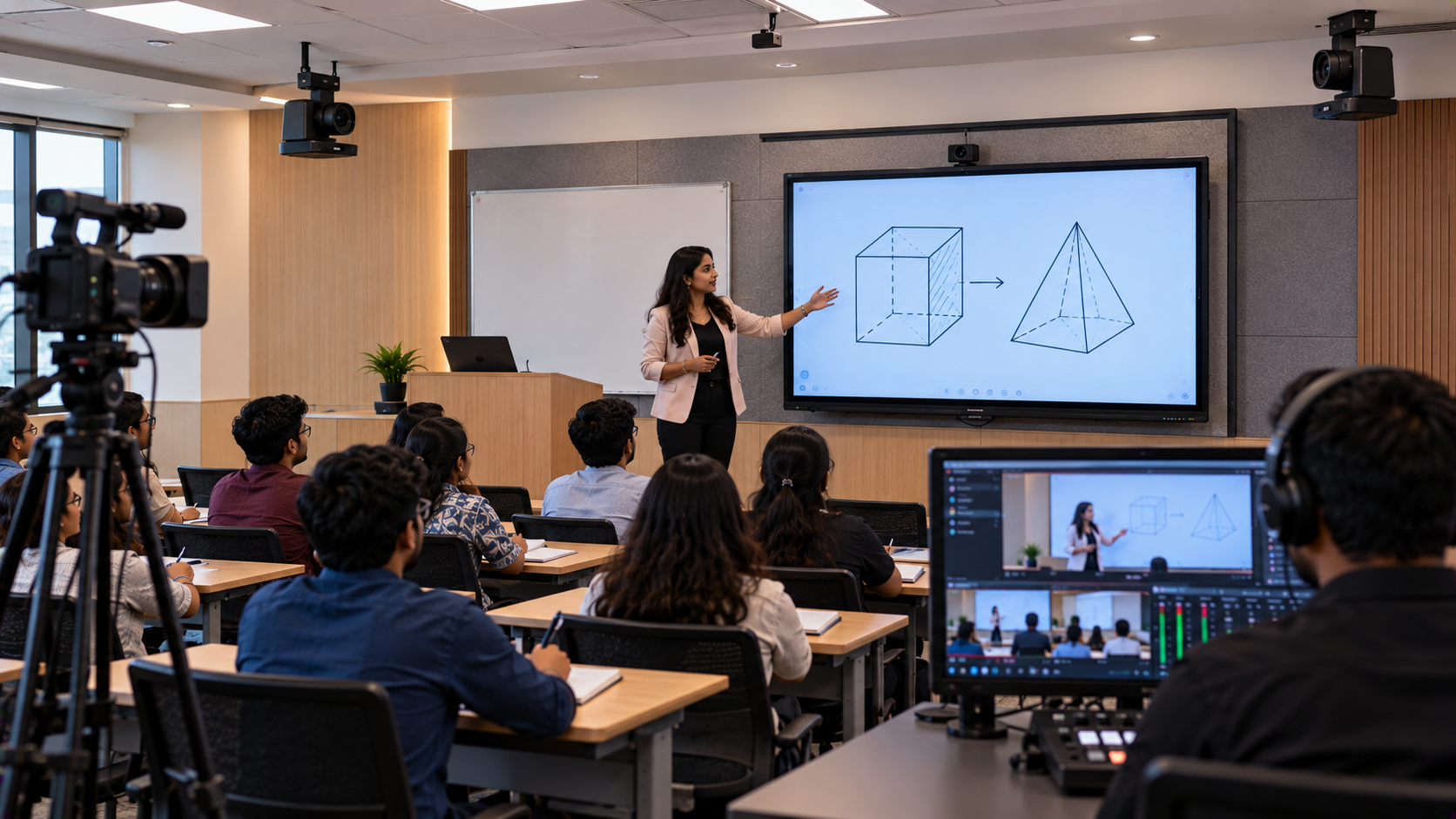
Show teachers and presentation content clearly in the same lesson.
Create reusable educational videos and online courses.
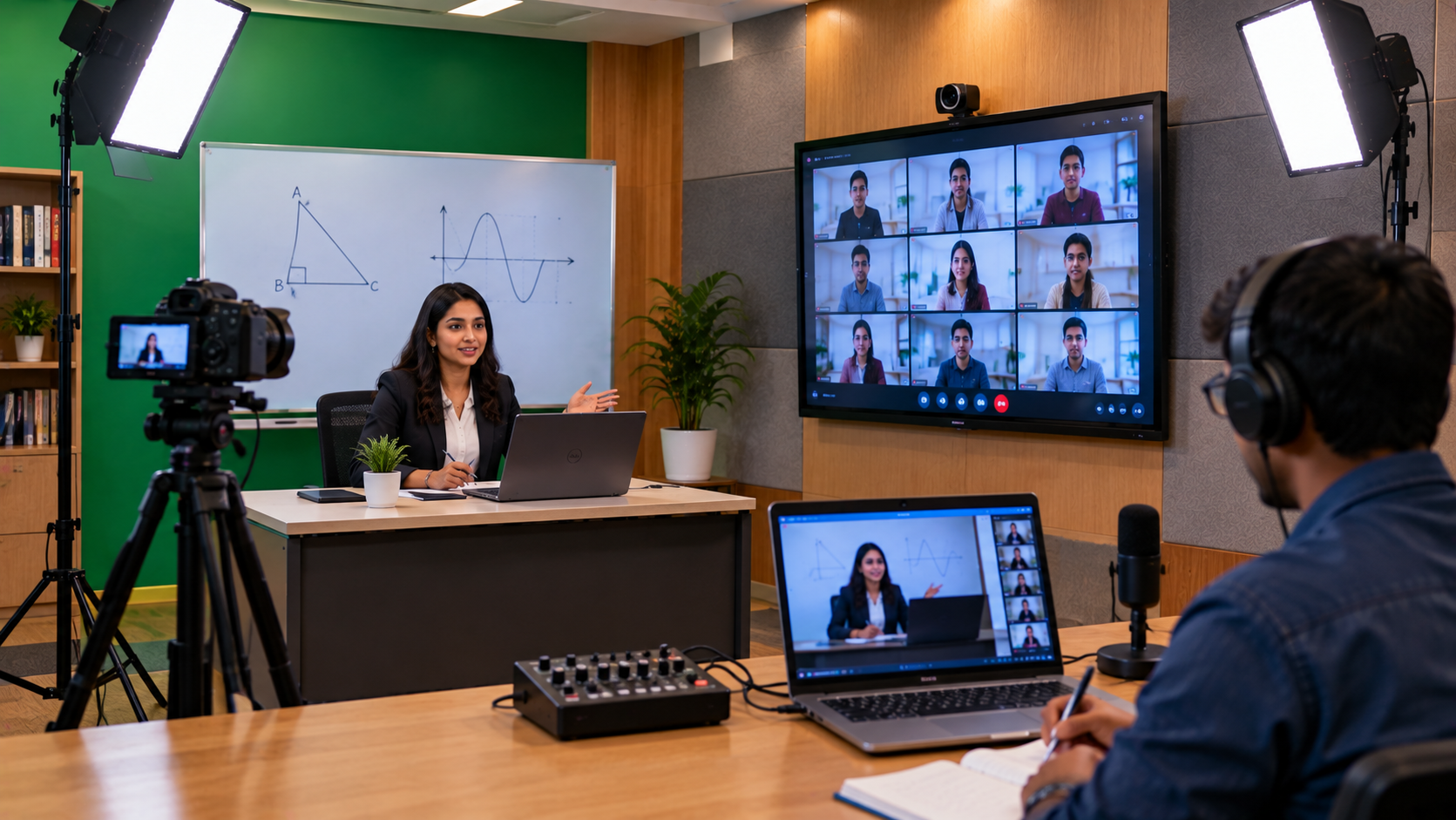
Support hybrid classes and remote learning.
Reduce repeated recording caused by poor audio or camera positioning.
Build a more consistent learning experience across subjects and batches.
For coaching institutes producing large volumes of lessons, the right recording workflow can also make it easier to standardise content and reuse recorded sessions.
Essential Equipment for a Professional Lecture Recording Studio
The best studio is not necessarily the one with the most expensive equipment. It is the one where each component works reliably with the others.
1. Choose the Right Camera for Lecture Recording
The camera determines how clearly students see the instructor, demonstrations and classroom activity. The right choice depends on room size, camera distance, movement and whether you record a single teacher or a larger classroom.
Options to consider:
EVOTA 4K PTZ Camera: Consider a 4K PTZ camera when you need remote pan, tilt and zoom control for lectures, demonstrations or larger teaching spaces.
EVOTA 10x HD PTZ Camera: A possible option for setups where remote framing and optical zoom are useful.
Logitech PTZ cameras: Consider compatible models for controlled framing in meeting, training and teaching environments.
Sony NX80: Consider a professional camcorder workflow when its recording features and connectivity match your production needs.
A PTZ camera can help an instructor or operator adjust framing without physically moving the camera. Before purchase, confirm the required resolution, zoom capability, output connections, mounting requirements and compatibility with your recording computer.
Search terms such as EVOTA 4K PTZ camera price, lecture recording camera and Sony NX80 price in India can help buyers compare options. Actual prices depend on the model, configuration, availability and included accessories.
2. Select a Clear and Reliable Microphone
Poor audio can make even excellent video difficult to watch. For online teaching, prioritise clear speech and minimise background noise.
Depending on the room and teaching style, consider:
A wired microphone for a fixed teaching position.
A wireless lapel or headset microphone for instructors who move around.
A suitable camera microphone for compatible recording workflows.
An appropriate audio interface or mixer when multiple audio sources are required.
Brands and product families such as Ahuja and Sennheiser may be considered according to the intended application and compatibility.
Four tips to record good-quality sound:
Position the microphone close enough to capture the teacher's voice clearly.
Reduce fan, traffic and equipment noise where possible.
Test recording levels before starting a full lecture.
Listen to a short test recording through headphones before publishing.
Choose the microphone based on the instructor's movement, room acoustics, number of speakers and connection requirements—not price alone.
3. Add an Interactive Panel or Digital Board for Teaching
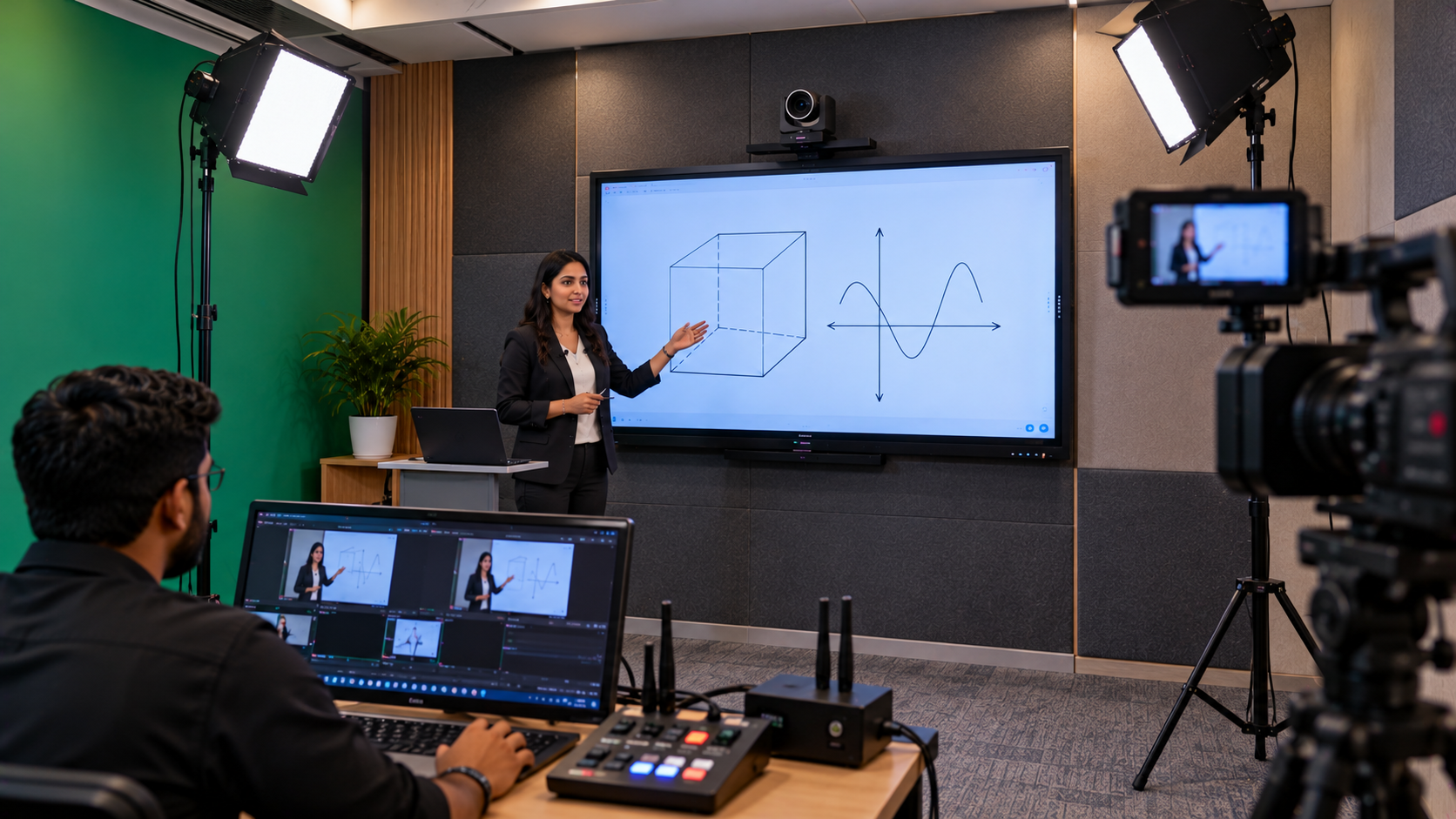
An interactive flat panel helps teachers explain concepts, annotate slides and solve problems while recording. It is particularly useful for mathematics, science, competitive-exam preparation and technical training.
GoLive eTechnologies can help buyers evaluate available options, including:
EVOTA interactive panel and EVOTA smart board: Consider for digital teaching, annotation and interactive presentations.
MAXHUB smart board: Consider for collaborative teaching and presentation workflows.
Newline interactive panel: Consider for classrooms and training spaces that need interactive content.
LG interactive digital board: Consider when display size, touch functionality and the proposed teaching workflow match institutional requirements.
A 75-inch or 86-inch interactive panel may suit some classrooms, while a smaller display may be sufficient for a compact recording room. The right size depends on viewing distance, room dimensions and how the board will appear on camera.
Searches such as EVOTA smart board 75 inch price, MAXHUB smart board price in India, Newline digital board price and LG interactive digital board price in India indicate buyer interest, but the final quotation should confirm the exact model, display size, accessories, installation and warranty terms.
If you already have a compatible display, a writing pad for PC or pen tablet may be an alternative for digital annotation without replacing the existing screen.
4. Plan Lighting and the Recording Background
Lighting helps viewers see the instructor clearly and keeps the recorded video looking consistent.
For a small teaching studio, start with:
A soft key light placed in front of the instructor.
Fill lighting where shadows need to be reduced.
A clean, uncluttered background.
A stable camera position and a suitable distance between the teacher and background.
A ring light can be useful for a compact desk-based setup, but larger rooms may benefit from a more controlled lighting arrangement. Avoid placing bright windows directly behind the instructor, and check for glare on interactive displays.
A green-screen background is optional. It is most useful when the production workflow supports chroma-key compositing and the lighting can be controlled properly.
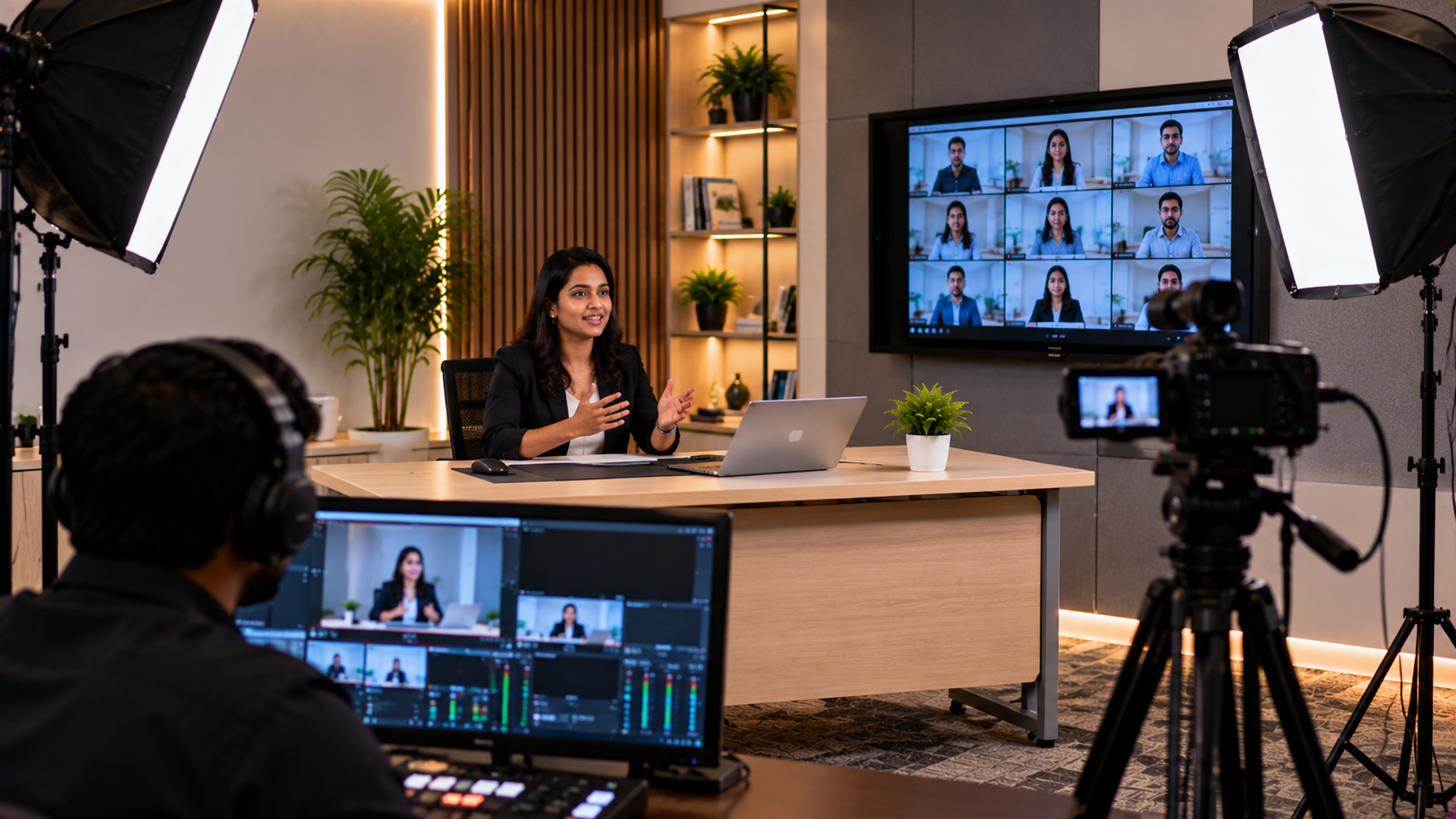
5. Use a Computer, Capture Device and Recording Software
The computer handles recording, presentation playback, file storage and, where required, live streaming. Choose a system that can comfortably manage your camera inputs, display output, recording resolution and intended software.
A typical workflow may include:
A compatible computer or laptop.
An HDMI video capture device or supported capture interface.
Recording or streaming software such as OBS Studio.
Adequate storage for long lectures and archived courses.
Suitable cables, adapters and power arrangements.
What is OBS Studio? It is software commonly used to record video and manage live-streaming scenes. It can combine supported video sources, audio inputs and screen content, depending on the computer and device configuration.
Before buying a capture card, confirm that its input and output formats, supported resolution, frame rate and connection type match the camera and computer. Not every capture device works with every camera or computer without additional configuration.
How Much Does a Lecture Recording Studio Setup Cost in India?
The cost of an online teaching studio depends on the equipment, room and level of production required. A single-teacher setup can have very different requirements from a multi-camera lecture room or a professional course-production studio.
|
Setup type |
Typical requirements |
|---|---|
|
Basic teaching setup |
Webcam or suitable camera, microphone, lighting and computer |
|
Advanced lecture studio |
Higher-quality camera, dedicated microphone, capture device and controlled lighting |
|
Interactive teaching studio |
Recording equipment plus an interactive panel or digital board |
|
Multi-camera production room |
Multiple cameras, audio management, switching or capture equipment and a more advanced workflow |
The total project cost may also include mounting hardware, cabling, room preparation, installation, configuration, training and after-sales support.
For current digital board prices, PTZ camera prices or a complete studio setup price in India, request a quote based on your room dimensions, preferred brands, recording requirements and budget. A detailed quotation is more useful than comparing product prices without checking the included components.
How GoLive eTechnologies Helps You Set Up Your Studio
Choosing separate devices without checking compatibility can lead to avoidable delays, extra costs and unreliable recordings. GoLive eTechnologies' brand promise is simple: Technology that works, backed by people who help.
A planned setup can follow these steps:
Understand your requirements: Identify the number of teachers, class format, room size and recording goals.
Select compatible products: Match the camera, microphone, interactive panel, computer and capture equipment to the workflow.
Plan installation: Confirm placement, mounting, cables, power, lighting and connectivity.
Configure and test: Check audio levels, camera framing, screen capture and recording quality.
Train the team: Help teachers or operators understand the agreed workflow.
Plan ongoing support: Keep product documentation, warranty information and support contacts accessible.
The objective is to give educational institutions the right solution, faster deployment, installation and support—helping reduce technology headaches and build confidence in their recording workflow.
Build a Better Online Teaching Experience with GoLive eTechnologies
A professional lecture recording studio is an investment in content quality, teaching consistency and student experience. Start with your actual teaching requirements, choose compatible equipment and test the complete workflow before recording an entire course.
GoLive eTechnologies supports technology selection for online education, including EVOTA cameras and interactive panels, compatible digital boards, audio equipment and recording accessories, subject to current product availability.
Planning an online class studio in India? Contact GoLive eTechnologies through golivetechnologies.in to discuss your requirements and request a tailored quotation for equipment, installation and support.
Your email address will not be published. Required fields are marked *

By Inhype • September 12, 2026
A smart classroom is only as effective as the technology supporting it. Interactive panels, smart boards, PTZ cameras, microphones, speakers, PCs and
Read More
By Inhype • September 12, 2026
Higher education is rapidly moving beyond traditional chalkboards and projectors. Today, colleges and universities need technology that supports inter
Read More
By Inhype • September 12, 2026
A smart classroom for CBSE schools is no longer simply a classroom with a digital board. Modern schools are building connected learning environments t
Read More
By Inhype • September 12, 2026
Planning a smart classroom project for 10, 20 or even 50 classrooms requires more than simply purchasing digital boards. Schools, colleges, universiti
Read More
By Inhype • September 12, 2026
A smart classroom can transform the way teachers explain concepts, students interact with lessons, and institutions deliver digital education. From in
Read More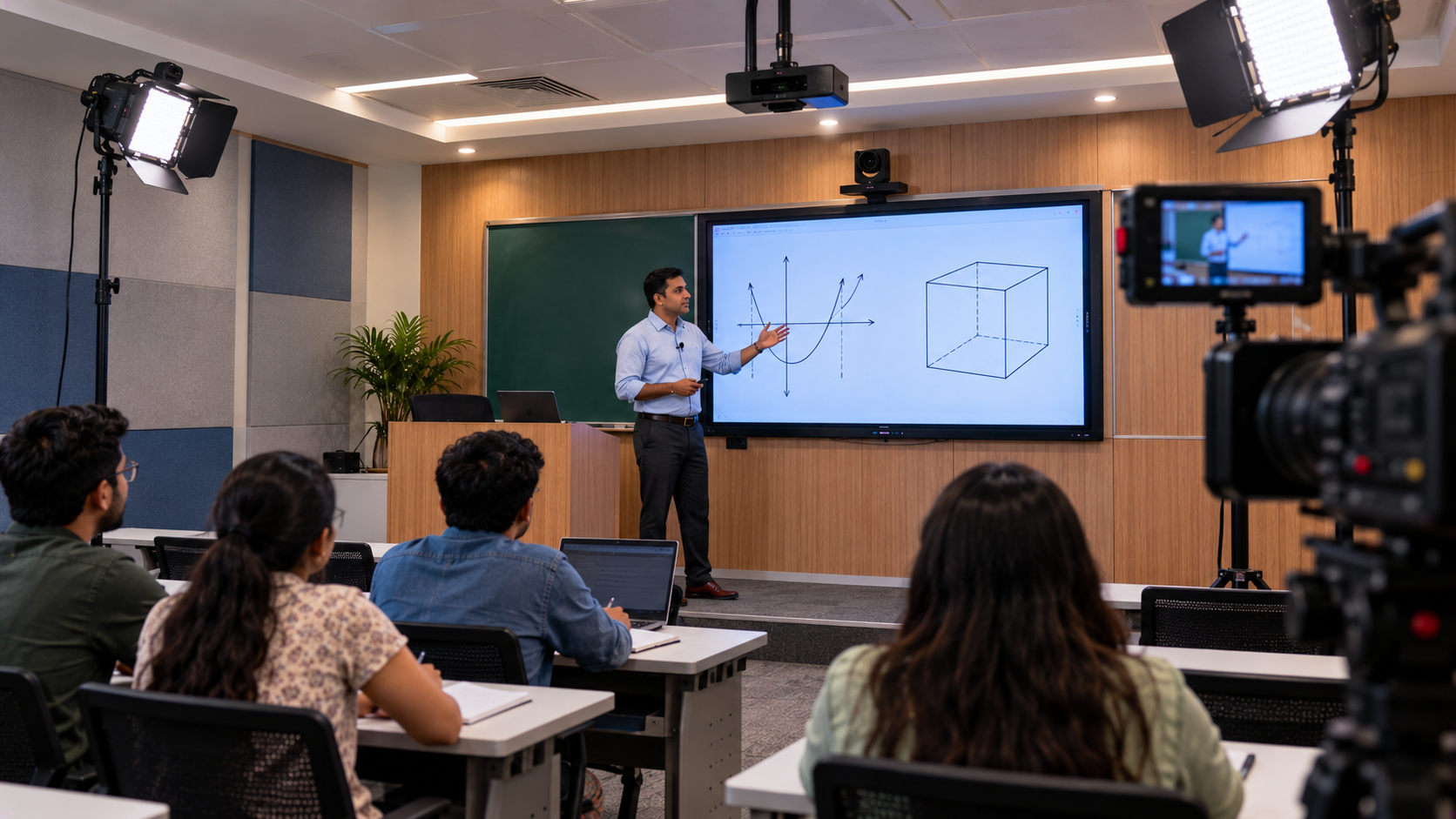
October 19, 2026





Golive eTechnologies India Private Limited (CIN - U31909UP2021PTC148242) is one of India's leading providers of smart classrooms, interactive boards, video conferencing solutions, and display technologies for the education, healthcare, corporate, and government sectors.





No comments yet. Be the first to comment!