
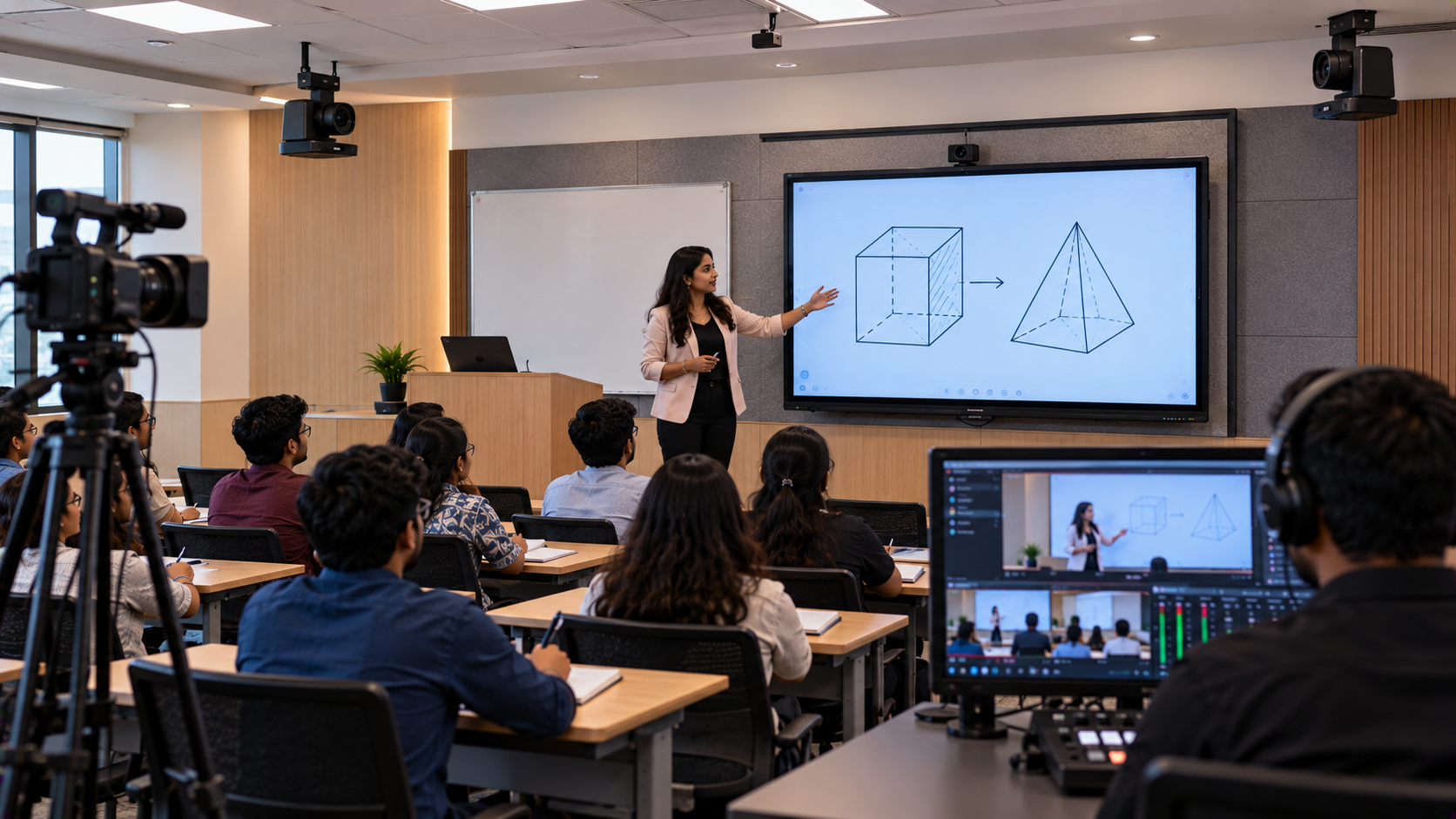
A classroom designed for 40 students needs more than a digital board. Teachers need a display that students can see clearly, responsive digital writing tools, intelligible audio, dependable connectivity and, where required, a camera system for hybrid classes and lecture recording. For schools planning a smart classroom setup in India, the challenge is to choose compatible equipment, stay within budget and ensure teachers can use the technology confidently. GoLive eTechnologies India Private Limited helps institutions plan integrated audio-visual (AV) solutions, from product selection and installation to training and technical support. This guide explains how to plan a practical 40-student smart classroom using interactive panels, digital boards, PTZ cameras, microphones, speakers and essential accessories.
1. Assess the Classroom Before Buying Smart Classroom Equipment
Start with the room, not the product catalogue. A 40-student classroom may have four or five seating rows, a teacher's desk, a front teaching wall and limited space for additional equipment.
Before choosing a digital board for teaching, assess:
Room dimensions: Measure the teaching wall, classroom depth and available mounting space.
Viewing distance: Make sure students at the back can read text and diagrams comfortably.
Lighting: Check sunlight, reflections and overhead lights that may affect visibility or camera performance.
Connectivity: Identify power outlets, Wi-Fi coverage, LAN access and cable routes.
Teaching needs: Decide whether the room needs digital writing, video lessons, hybrid classes, lecture recording or all four.
Budget: Consider installation, accessories, training and support—not only the digital board price.
GoLive eTechnologies recommends planning the entire classroom system together so that individual products work as one solution.
2. Choose the Right Interactive Panel for 40 Students
The interactive flat panel is usually the centre of a modern smart classroom. It lets teachers annotate presentations, explain diagrams, display educational videos and write directly on a digital screen.
For a 40-student classroom, 75-inch and 86-inch interactive panels are useful sizes to evaluate, depending on room depth, seating layout and viewing distance. A 65-inch panel may suit a smaller room, while a larger display may be appropriate for a deeper classroom.
GoLive eTechnologies offers options for institutions to compare, including:
Evota Smart Board and Evota Interactive Panel: Consider these for digital writing, presentations and interactive teaching.
MAXHUB Smart Board: Evaluate its available collaboration and classroom features against your teaching requirements.
LG Interactive Digital Board: A display option to compare for image quality, connectivity and classroom use.
Newline Interactive Panel: Consider the available interactive features, software and compatibility for your school.
Before purchasing, compare screen resolution, touch response, connectivity, operating-system features, warranty, accessories and installation requirements.
Searches such as Evota smart board 75 inch price, MAXHUB smart board price in India, LG interactive digital board price India and Newline digital board price are useful starting points. However, compare equivalent specifications and included services before deciding.
3. Build a Complete Smart Classroom AV System
A well-designed classroom should bring together display, computing, sound and connectivity.
|
Equipment |
Purpose in a 40-student classroom |
|---|---|
|
Interactive flat panel |
Digital lessons, writing and presentations |
|
Compatible OPS PC or computer |
PowerPoint, educational applications and browser-based resources |
|
Digital pen or stylus |
Writing, annotation and solving problems |
|
Teacher microphone |
Helps students hear explanations clearly |
|
Speakers and amplifier, if required |
Distributes sound across the room |
|
HDMI, USB and network cables |
Connects equipment reliably |
|
Wall mount or suitable stand |
Supports safe, correctly positioned installation |
A writing pad for PC or pen tablet is optional. It can be helpful when teachers prefer handwriting mathematical equations, drawing scientific diagrams or annotating content from a computer.
The goal is not to buy every available accessory. It is to select the equipment that supports your actual teaching workflow.
4. Do You Need a PTZ Camera for Your Smart Classroom?
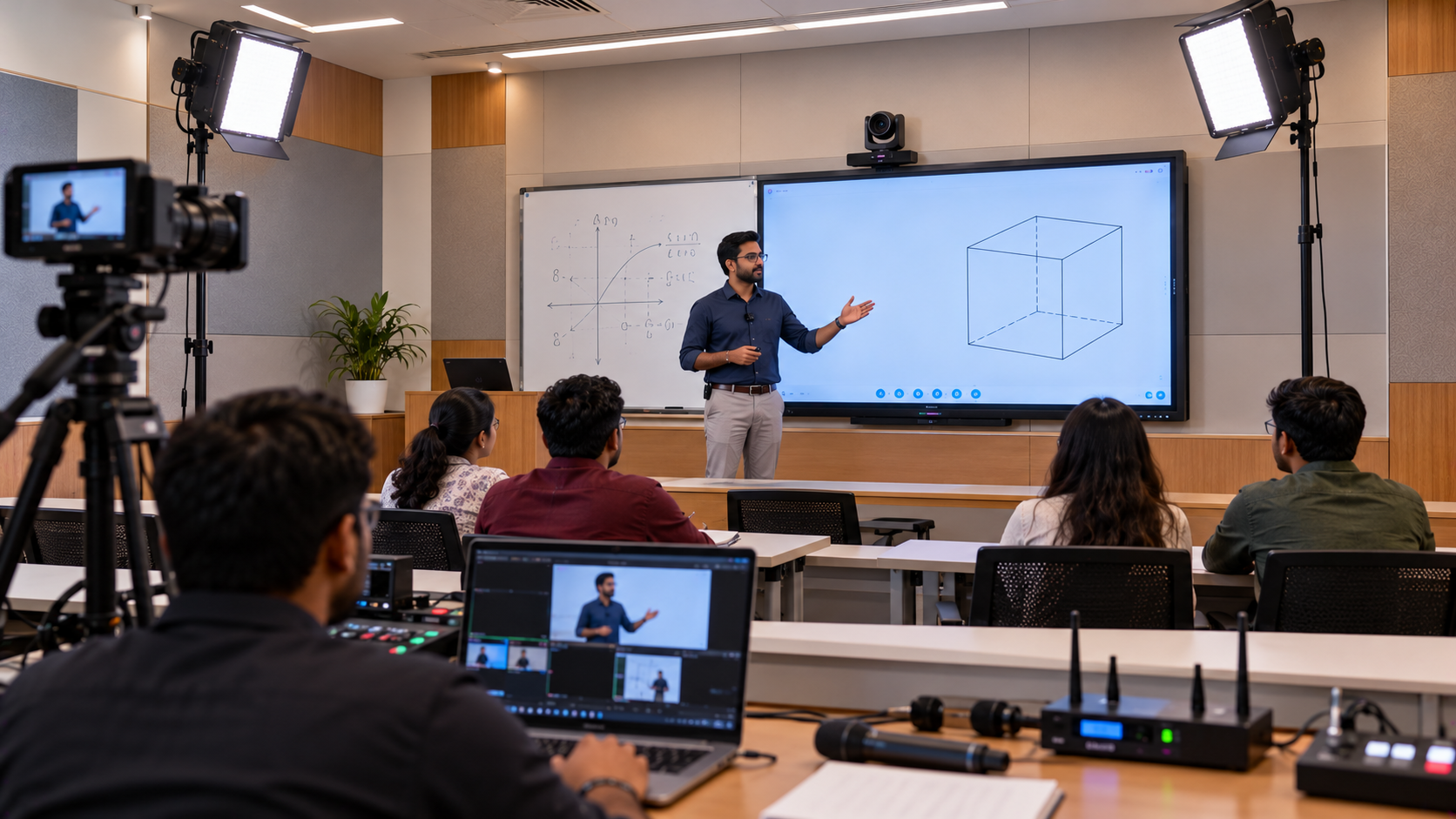
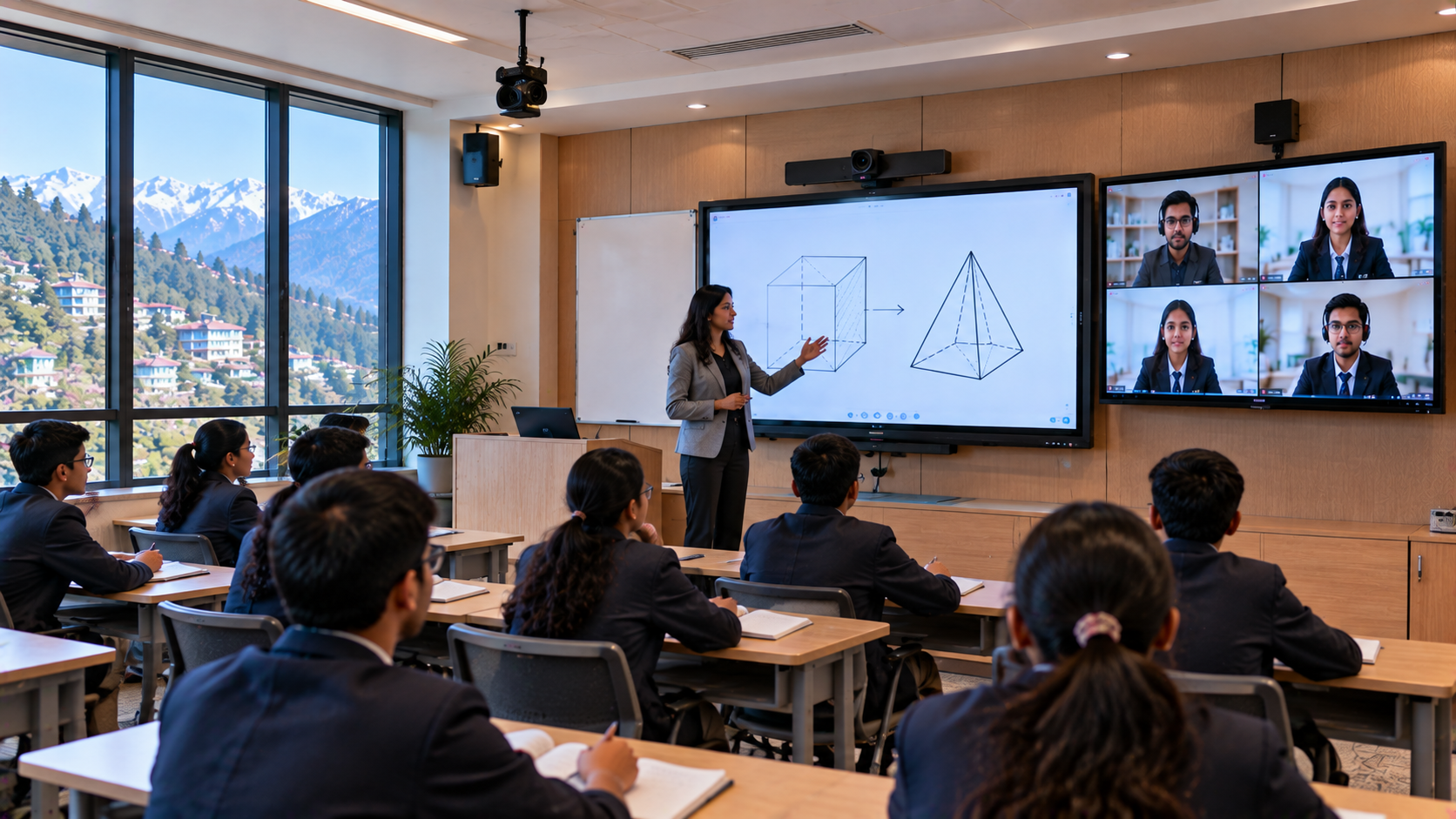
A camera is not essential for every classroom, but it becomes valuable when the school wants to record lessons, stream classes or include students joining remotely.
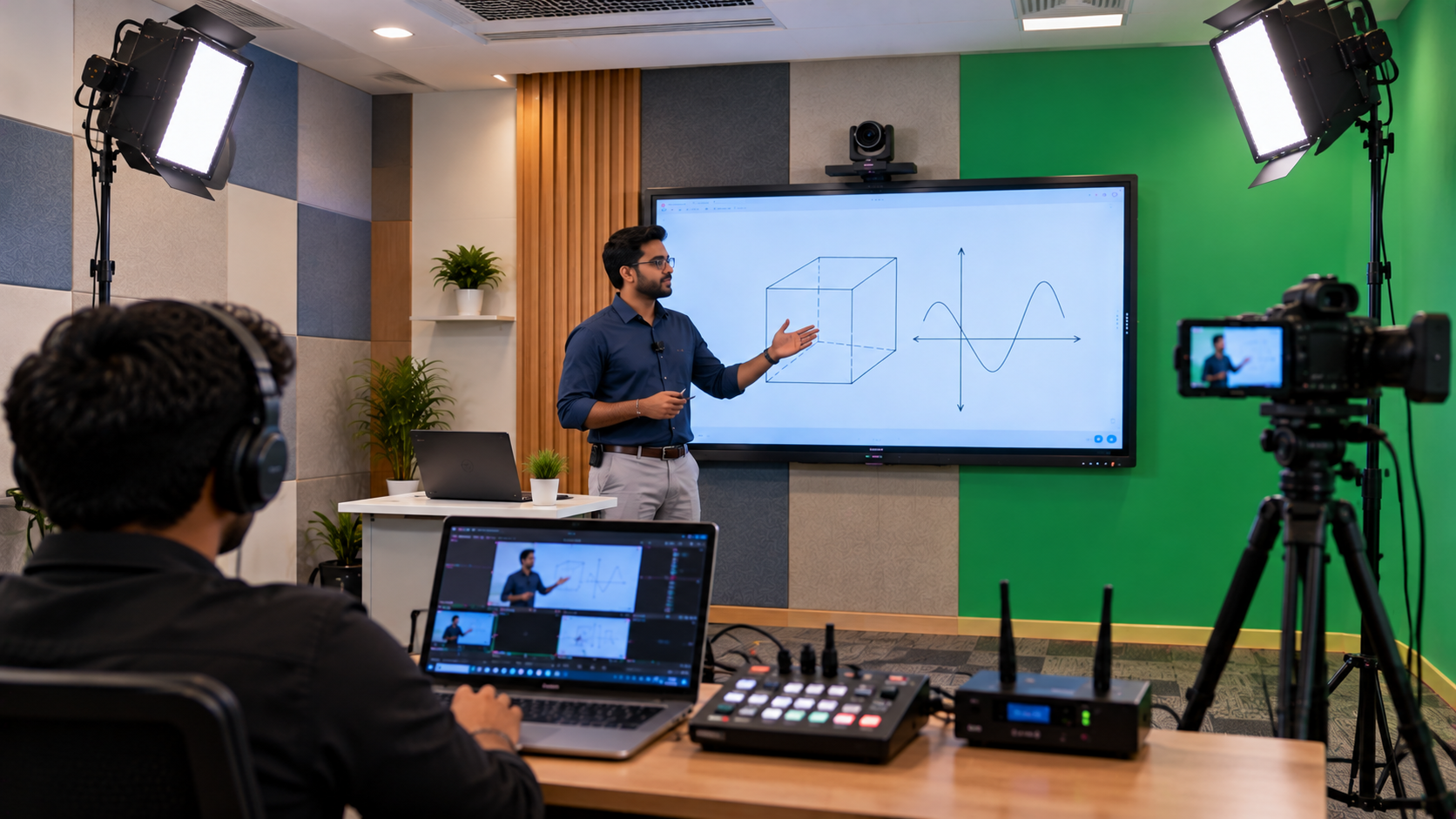
A PTZ camera can pan, tilt and zoom to capture the teacher, teaching area or board. GoLive eTechnologies offers options to evaluate, including the Evota 4K PTZ Camera, Evota 10X HD PTZ Camera and suitable Logitech PTZ solutions.
Choose the camera according to the distance from the teaching area, required zoom, image quality, lighting, connection type and recording platform. A 4K camera is not automatically necessary for every room; an HD camera may be sufficient for some teaching and recording needs.
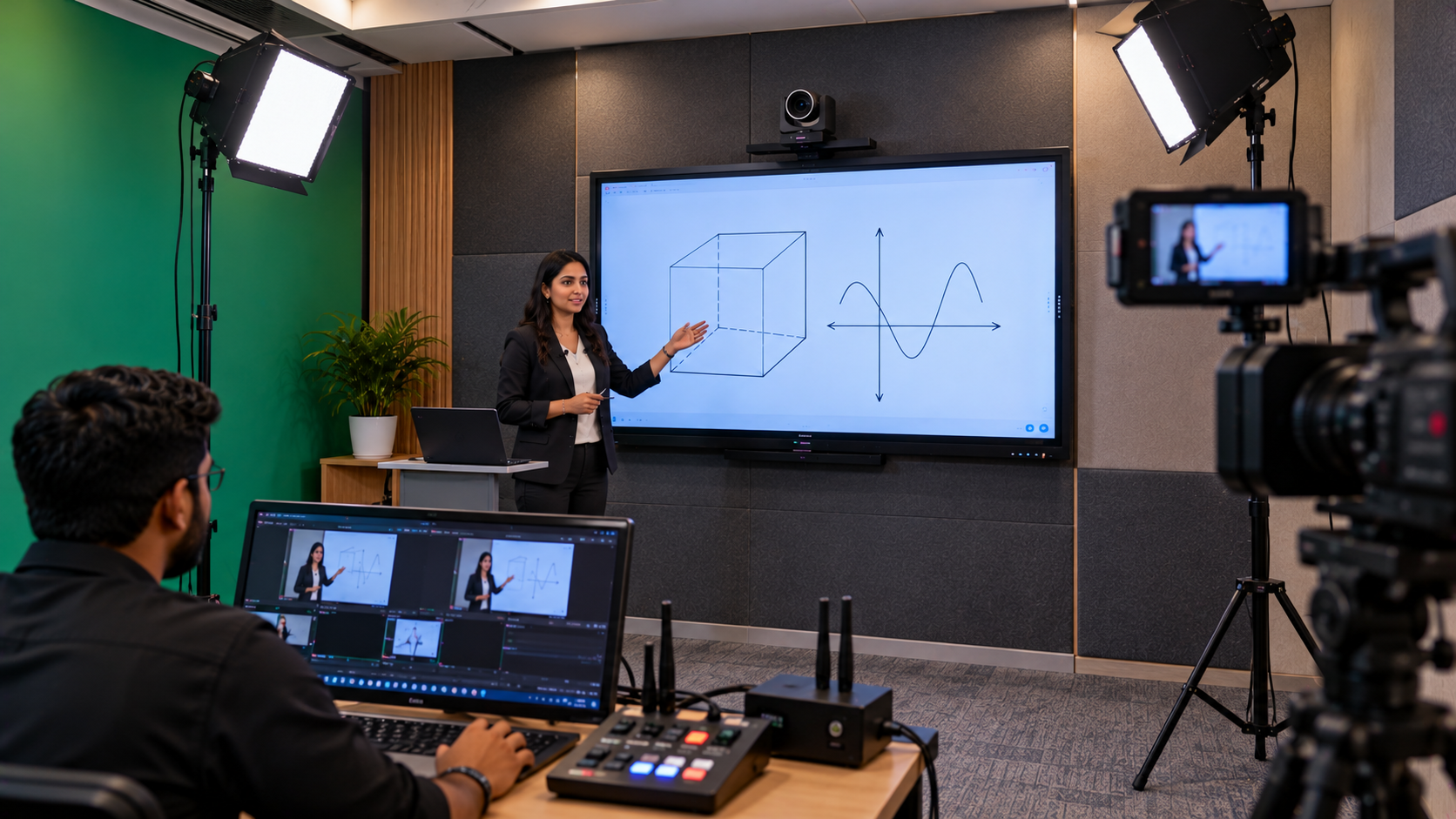
For recording or streaming, check whether your system requires an HDMI video capture device, compatible software such as OBS Studio, a computer and additional cables. Test the complete workflow before classes begin.
5. Plan Classroom Audio for Clear Teaching
Students should be able to understand the teacher without unnecessary echo or excessive volume. For a classroom with 40 students, audio selection should reflect room acoustics, seating arrangement and whether the system will also serve remote learners.
Consider:
A wired or wireless teacher microphone.
Suitable wall-mounted or other appropriately positioned speakers.
An amplifier or mixer where the selected system requires one.
Audio testing from the front, middle and back rows.
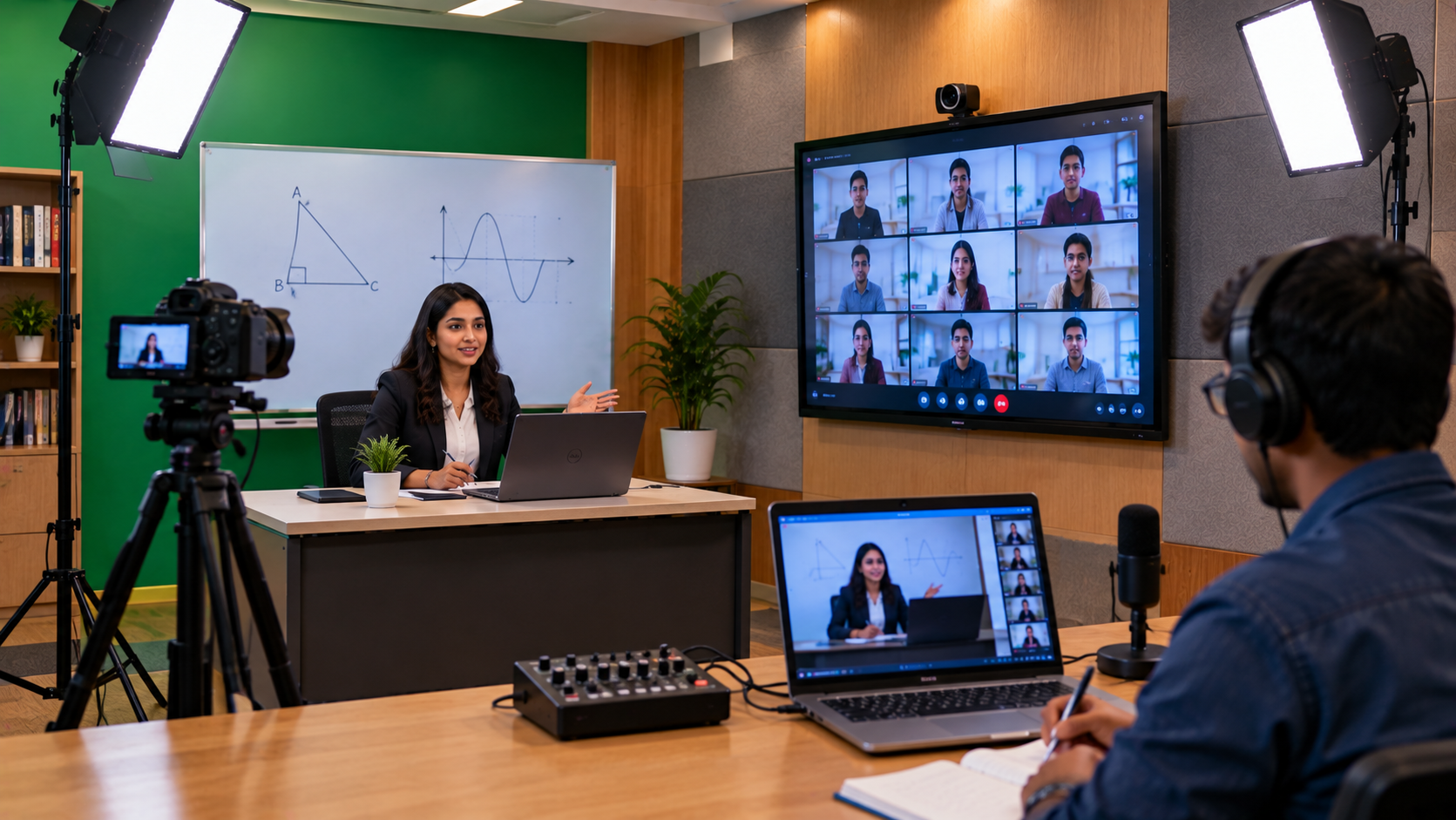
For hybrid classes, check how the microphone connects to the computer and how remote students will receive the teacher's voice. Avoid selecting speakers by wattage alone; placement and intelligibility matter just as much.
6. Understand Smart Classroom Cost in India
There is no universal smart classroom setup price for a 40-student room. The final cost depends on the display brand and size, computer, camera, audio system, accessories, installation and training.
As a reference, GoLive's published smart-classroom equipment guide lists selected products at the following prices. These are examples of listed product prices, not a complete 40-student classroom quotation.
|
Example product |
Published reference price |
|---|---|
|
Evota EP75 75-inch interactive display |
₹92,700 |
|
Evota EP86 86-inch interactive display |
₹1,72,000 |
|
Intel Core i5 OPS PC, 8GB RAM/256GB SSD |
₹27,000 |
|
Evota C12HULT 4K PTZ camera |
₹51,000 |
|
MAXHUB UC P25 4K PTZ camera |
₹58,200 |
Prices, taxes, stock, warranty and included accessories should be reconfirmed before purchase. A classroom that only needs interactive teaching may not require a PTZ camera or capture card, while a hybrid classroom may need both.
For an accurate estimate, ask GoLive eTechnologies for a bill of quantities (BOQ) that identifies each product, accessory, installation requirement and service.
7. Install, Test and Train Teachers
A smart classroom is only useful when the equipment works together and teachers know how to operate it.
A practical implementation process includes:
Requirement assessment: Review room dimensions, teaching methods and budget.
Product selection: Match the interactive panel, computer, audio and optional camera to the requirements.
Installation planning: Confirm mounting, power, network and cable routing.
Configuration: Connect and configure the display, computer, microphone, speakers and camera.
Testing: Check writing, presentations, audio coverage, screen sharing and recording if required.
Teacher training: Demonstrate everyday operation, lesson annotation and basic troubleshooting.
After-sales assistance: Confirm the applicable warranty and the process for requesting support.
This is where GoLive eTechnologies' brand promise matters: Technology that works, backed by people who help. The aim is to deliver the right solution, fast deployment, installation and support—so schools face less technology headache and have more confidence in daily classroom operations.
8. Your 40-Student Smart Classroom Checklist
Before approving your purchase, confirm that the plan includes:
An appropriately sized interactive panel or digital board.
A compatible computer or OPS PC, if required.
A digital pen or stylus.
A teacher microphone and suitable speakers.
A PTZ camera and capture equipment, if recording or hybrid teaching is planned.
HDMI, USB, network and power connections.
A secure mount and organised cabling.
Installation, testing, teacher training and support arrangements.
Build Your Smart Classroom with GoLive eTechnologies
Whether your school is in Delhi NCR, Noida, Greater Noida, Lucknow, Kanpur or another Indian city, begin with your classroom requirements—not a one-size-fits-all equipment bundle.
GoLive eTechnologies helps schools compare Evota, MAXHUB, LG and Newline interactive panels alongside compatible AV equipment and installation services. Ask for a customised recommendation and quotation based on your classroom, teaching needs and budget.
Technology that works, backed by people who help. Plan your 40-student smart classroom with GoLive eTechnologies and make the next step in digital learning easier to manage.
Your email address will not be published. Required fields are marked *

By Inhype • September 12, 2026
A smart classroom is only as effective as the technology supporting it. Interactive panels, smart boards, PTZ cameras, microphones, speakers, PCs and
Read More
By Inhype • September 12, 2026
Higher education is rapidly moving beyond traditional chalkboards and projectors. Today, colleges and universities need technology that supports inter
Read More
By Inhype • September 12, 2026
A smart classroom for CBSE schools is no longer simply a classroom with a digital board. Modern schools are building connected learning environments t
Read More
By Inhype • September 12, 2026
Planning a smart classroom project for 10, 20 or even 50 classrooms requires more than simply purchasing digital boards. Schools, colleges, universiti
Read More
By Inhype • September 12, 2026
A smart classroom can transform the way teachers explain concepts, students interact with lessons, and institutions deliver digital education. From in
Read More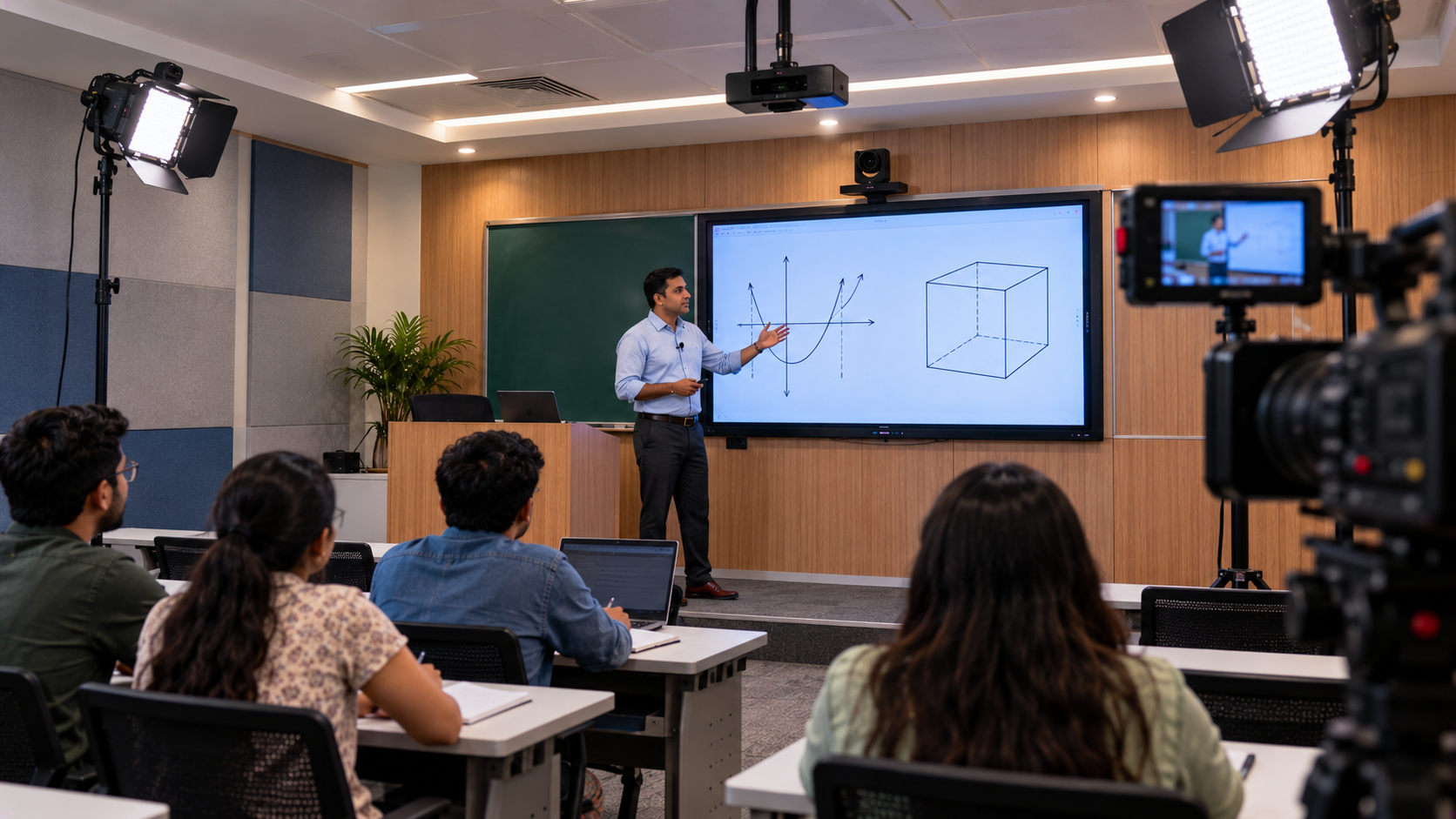
October 19, 2026





Golive eTechnologies India Private Limited (CIN - U31909UP2021PTC148242) is one of India's leading providers of smart classrooms, interactive boards, video conferencing solutions, and display technologies for the education, healthcare, corporate, and government sectors.







No comments yet. Be the first to comment!