
Modern classrooms need more than a projector and a whiteboard. Teachers need technology that makes lessons easier to explain, encourages student participation and supports digital learning without creating unnecessary technical problems. The MAXHUB E7530 75-inch 4K interactive flat panel offers schools, colleges and coaching institutes a practical way to bring interactive teaching into everyday lessons. GoLive eTechnologies India Private Limited helps education institutions explore smart classroom equipment and plan suitable display solutions. From product selection to installation coordination and after-sales assistance, the focus is simple: technology that works, backed by people who help.
What Is the MAXHUB E7530 Interactive Flat Panel?
The MAXHUB E7530 is a 75-inch interactive flat panel designed for education and collaborative learning. It combines a 4K UHD display with touchscreen interaction, digital writing and connectivity options in one classroom display. According to the manufacturer's E7530 specifications, the panel supports 40-point touch, runs Android 14, and includes 8GB RAM and 128GB storage. It also carries Google EDLA certification. Source: MAXHUB E3 Series specifications
Unlike a conventional whiteboard, an interactive display can support digital presentations, on-screen annotation and compatible learning applications. Teachers can use it to explain diagrams, work through equations, present videos and invite students to participate in activities on the screen.
5 Ways MAXHUB E7530 Can Improve Classroom Teaching
1. Make lessons more visual with a 4K UHD display
The E7530's 75-inch, 3840 × 2160 4K UHD resolution helps present text, charts, images and educational videos with clear detail. This can be useful when teaching science diagrams, mathematics, geography, business concepts and other subjects where visual explanation matters.
For schools and coaching centres, a large interactive display can help bring digital teaching materials into one central learning space.
2. Encourage participation with interactive writing
A smart board should help teachers teach—not force them to change their entire teaching style. The E7530's 40-point touch system and MAXHUB Think&Ink technology support on-screen writing and interaction. Source: official MAXHUB E3 Series page
Teachers can use interactive writing to:
Solve numerical problems step by step.
Annotate PowerPoint presentations and learning diagrams.
Highlight important exam concepts.
Invite students to participate in classroom exercises.
Explain concepts using digital notes rather than repeatedly rewriting material.
Institutions looking for a digital board for teaching can assess whether these capabilities fit their lesson plans and teaching methods.
3. Support digital learning and classroom collaboration
The E7530's Android 14 platform and Google EDLA certification support access to compatible Google applications and services, subject to institutional accounts, network access and application requirements.
Teachers can use compatible digital resources to organise lessons, share content and make classroom activities more engaging. Schools should confirm their IT policies, app requirements and network setup before deployment.
4. Connect classroom devices more conveniently
A classroom display needs to work with the devices teachers already use. The E7530 datasheet lists HDMI inputs, USB ports, USB-C connectivity, a DisplayPort input, LAN and an OPS slot. USB-C capabilities depend on the connected device and port specifications. Source: MAXHUB E7530 datasheet
This range of connections can help institutions plan for laptops, teaching computers and compatible accessories. Before purchase, ask the supplier to verify compatibility with your existing hardware, mounting arrangement and classroom network.
5. Create a more comfortable teaching environment
The manufacturer's E7530 specifications list anti-glare surface technology and TÜV Flicker Free and Low Blue Light features. These features may support viewing comfort during extended lessons, although room lighting, screen settings, viewing distance and individual needs still matter.
For institutions upgrading several rooms, a standardised interactive panel setup can also simplify staff training and day-to-day classroom operations.
MAXHUB E7530 Price in India: What Should Schools Budget For?
The MAXHUB E7530 75-inch interactive flat panel price in India depends on the supplier's current offer, taxes, delivery arrangements, installation requirements and any additional equipment.
At the time this content was prepared, the GoLive eTechnologies product listing displayed a price of ₹1,43,750, against a listed MRP of ₹1,87,500. Prices and offers can change, so buyers should confirm the current checkout price, tax treatment, stock and delivery terms directly on the product page. View the MAXHUB E7530 listing
When comparing MAXHUB smart board prices, check the full scope of supply rather than comparing display prices alone. Your budget may also need to account for:
Wall mount or compatible mobile stand.
Installation and cable management.
Optional OPS computing module or other accessories.
Teacher orientation and user training, if required.
Network configuration and compatibility checks.
Warranty terms and after-sales support.
A clearly defined quotation helps institutions understand the actual cost of deploying a working classroom solution.
How GoLive eTechnologies Helps Plan a Smart Classroom
Buying an interactive panel is only one part of a successful smart classroom. The right display must fit the room, teaching style, connectivity requirements and available budget.
GoLive eTechnologies can help customers assess the solution they need, subject to product availability and the agreed service scope.
A practical implementation process can include:
Understand the requirement: Identify room size, viewing distance, teaching needs and existing equipment.
Select the display: Evaluate the MAXHUB E7530 and compare it with alternatives where appropriate.
Plan the setup: Check mounting, power, connectivity and any additional accessories.
Coordinate deployment: Confirm delivery, installation responsibilities and commissioning arrangements.
Support adoption: Clarify available training, troubleshooting and after-sales assistance before ordering.
The aim is to reduce the uncertainty that often comes with technology purchases. Customers should confirm the exact installation, training and support inclusions in their quotation.
Explore Related Smart Classroom Products
Depending on your institution's requirements, GoLive eTechnologies also lists other interactive displays and classroom-related equipment. Options include the MAXHUB E6530 65-inch panel, the MAXHUB E8630 86-inch panel, and selected EVOTA interactive panels. Availability and specifications vary by model. Explore MAXHUB display solutions
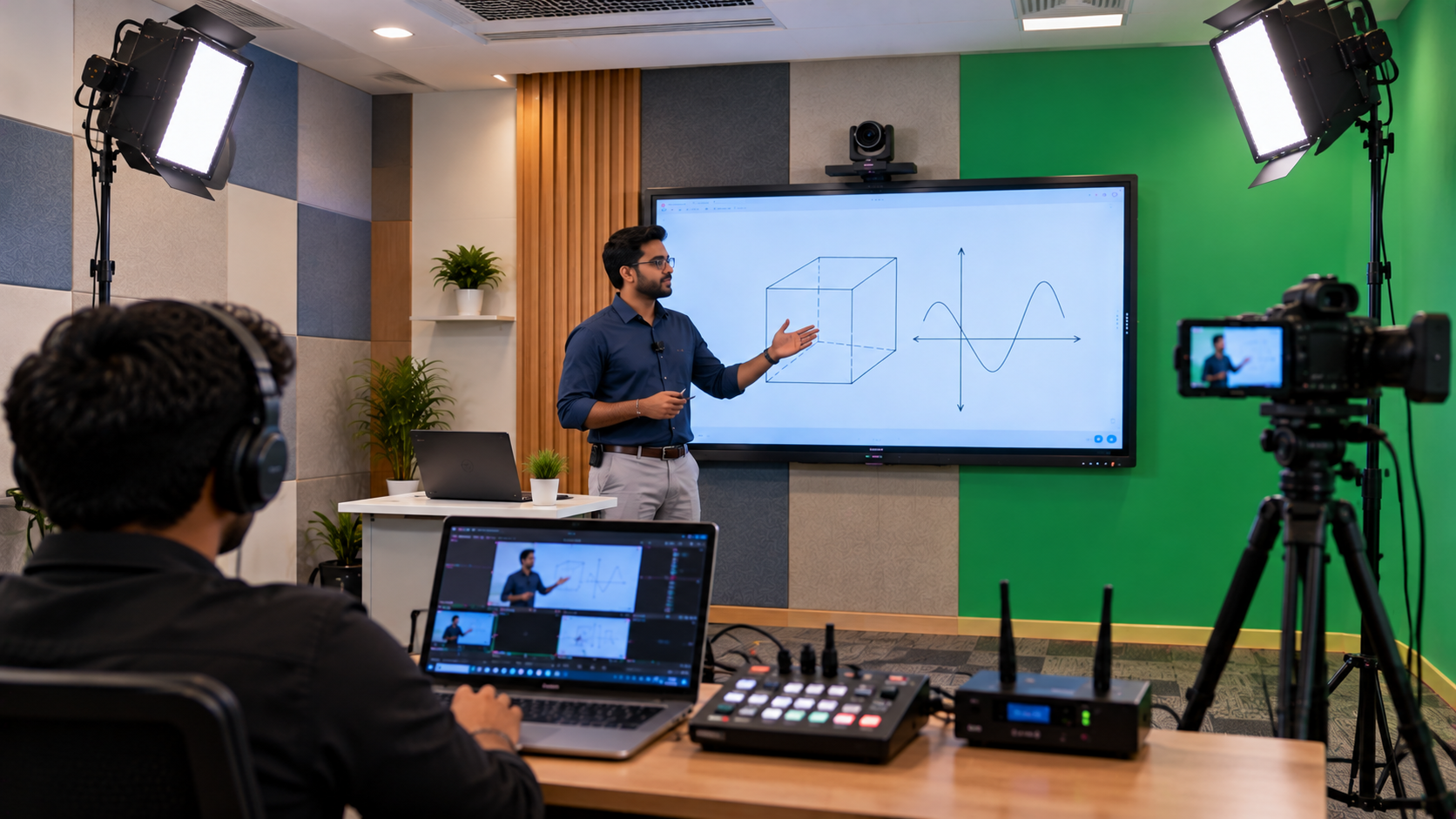
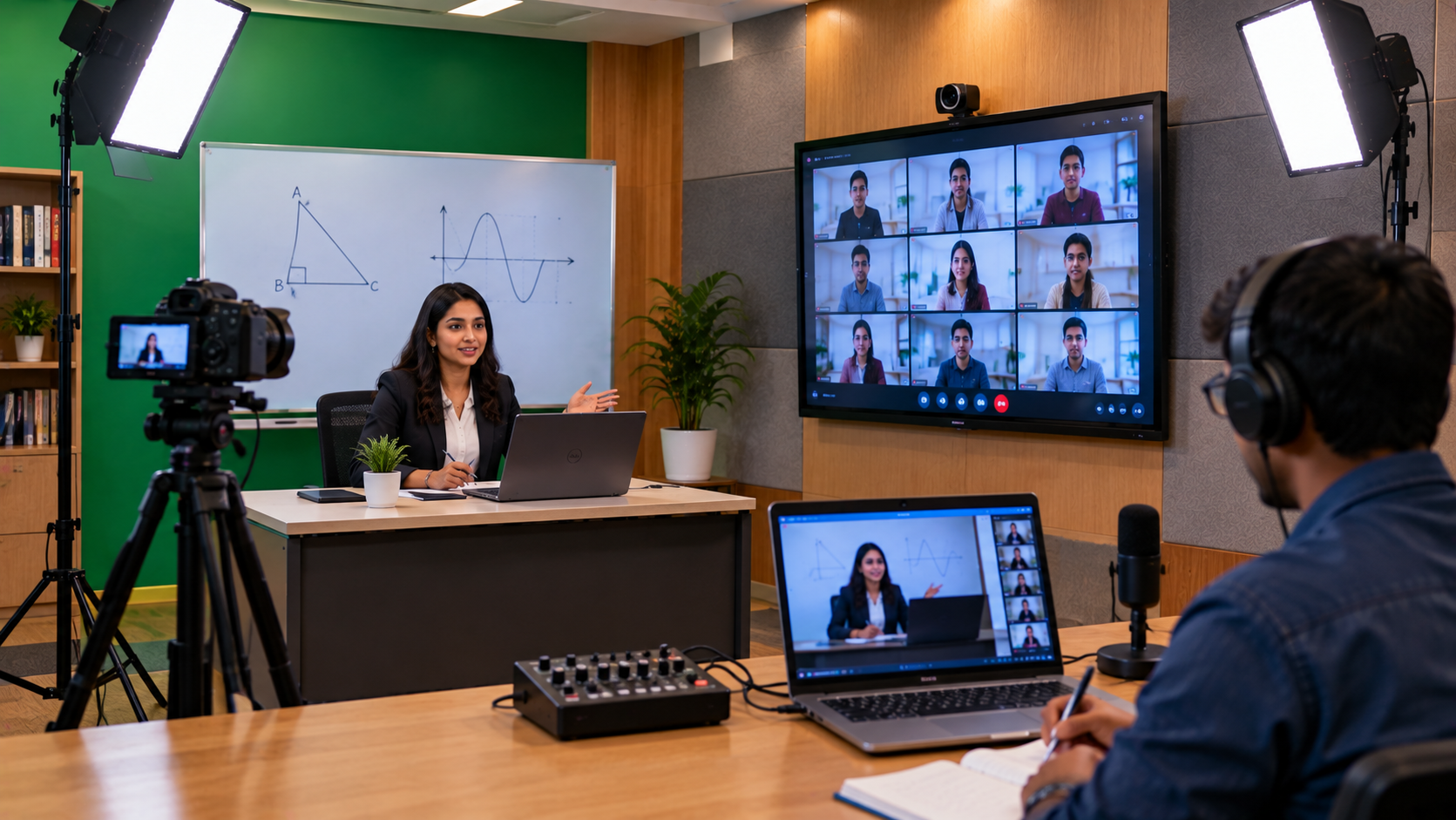
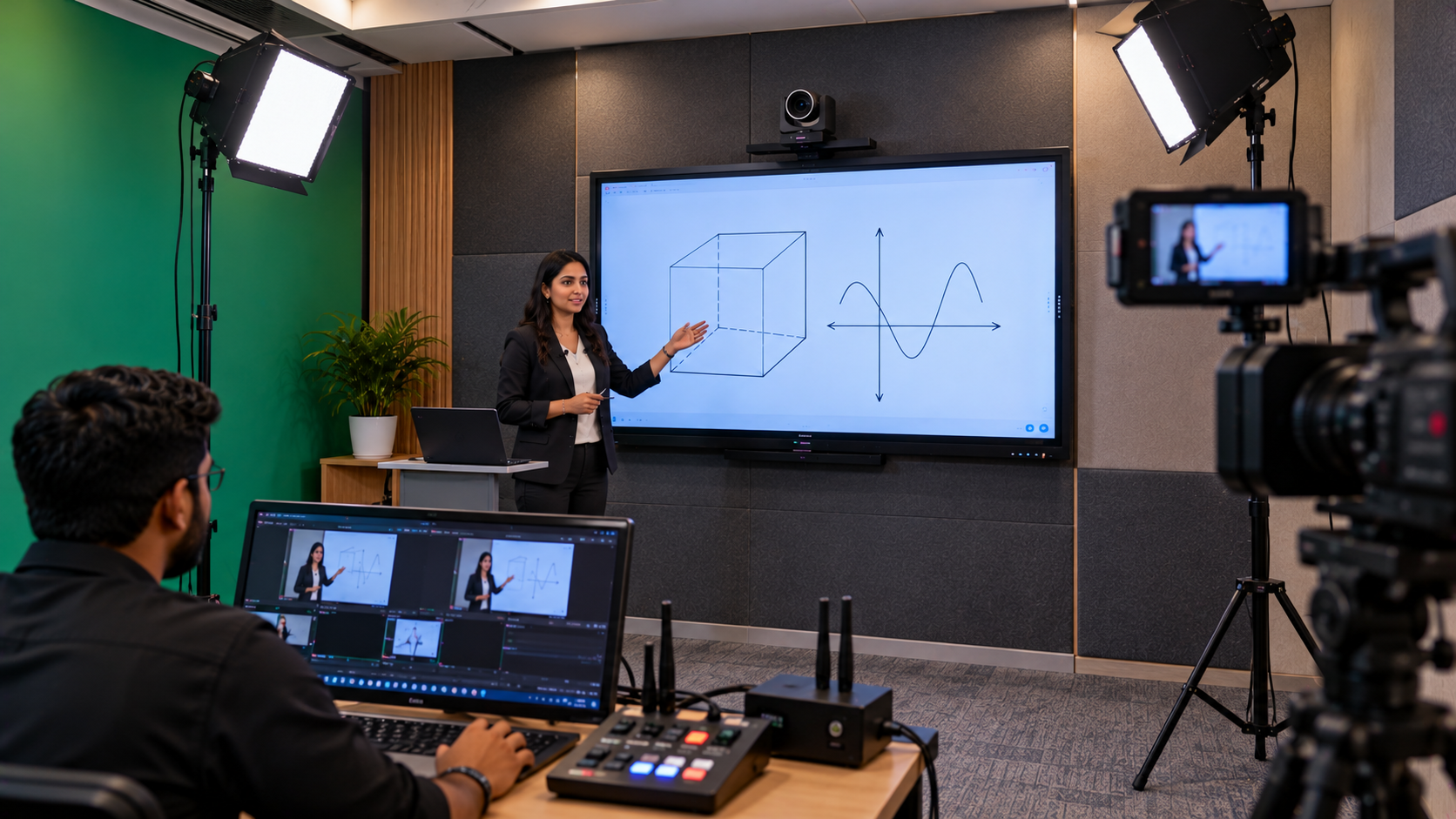
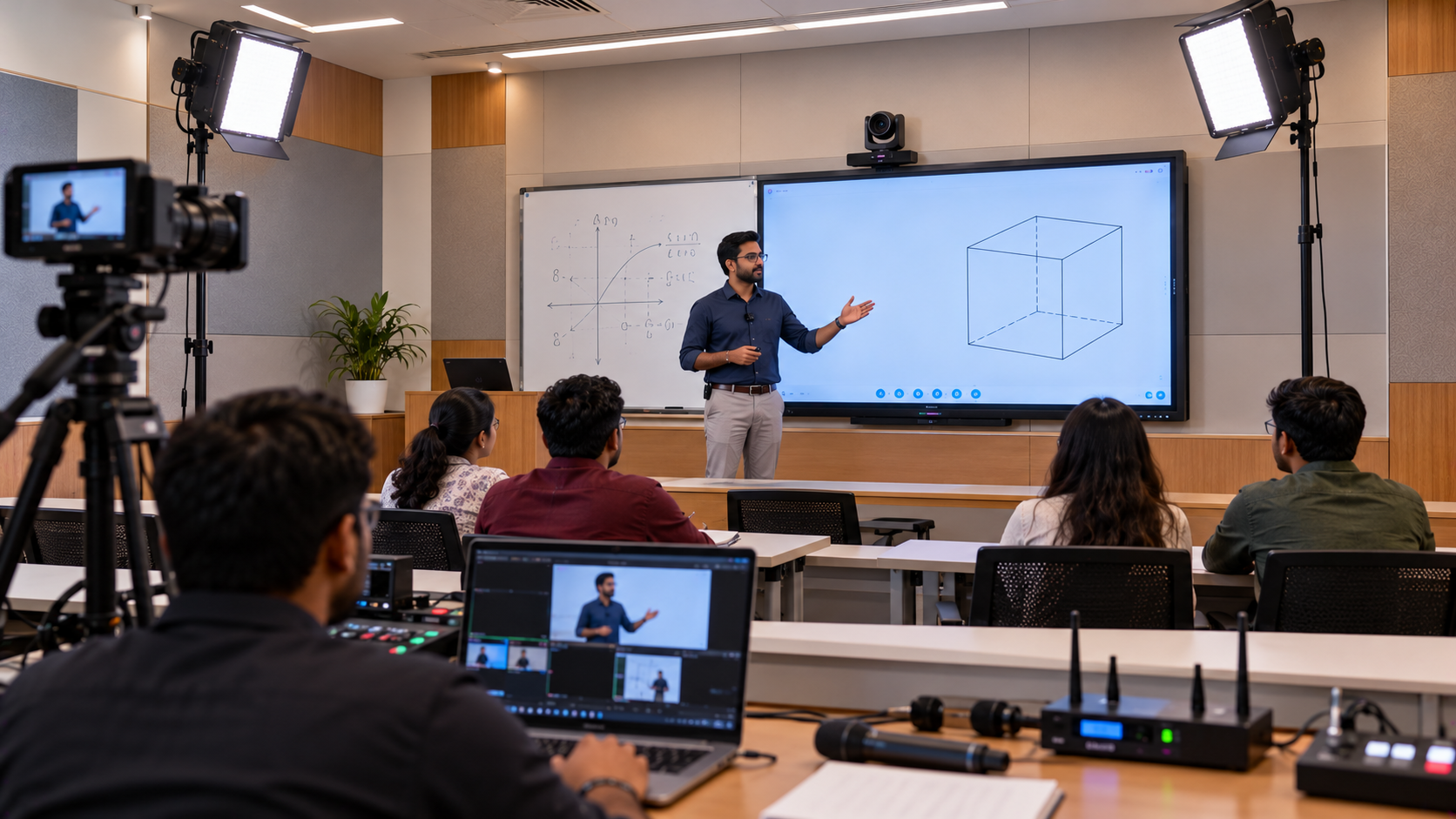
For lecture recording or hybrid teaching, institutions can separately evaluate compatible PTZ cameras, microphones, capture devices and recording software. These items are not automatically included with the E7530 display; check the proposed bill of materials before ordering.
Why Choose GoLive eTechnologies India Private Limited?
The right classroom technology should deliver value beyond the hardware. GoLive eTechnologies' brand promise—“Technology that works, backed by people who help”—reflects an emphasis on helping customers choose a suitable solution and understand the steps needed to put it to use.
For schools, colleges and coaching institutes across India, the practical benefits of a supported purchase include clearer product selection, coordination around deployment and a point of contact for questions about the order. Service, delivery, installation, training and support should always be confirmed for the specific order rather than assumed to be included.
Upgrade Your Classroom with MAXHUB E7530
If you are planning a digital classroom, replacing a projector-based setup or comparing interactive panels for teaching, the MAXHUB E7530 is worth evaluating for its 75-inch 4K display, touch interaction and education-focused platform.
Visit GoLive eTechnologies to check the latest price and availability, or enquire about a classroom solution tailored to your institution. Choose the right technology with practical guidance—from product selection to installation planning and beyond.
Your email address will not be published. Required fields are marked *

By Inhype • September 12, 2026
A smart classroom is only as effective as the technology supporting it. Interactive panels, smart boards, PTZ cameras, microphones, speakers, PCs and
Read More
By Inhype • September 12, 2026
Higher education is rapidly moving beyond traditional chalkboards and projectors. Today, colleges and universities need technology that supports inter
Read More
By Inhype • September 12, 2026
A smart classroom for CBSE schools is no longer simply a classroom with a digital board. Modern schools are building connected learning environments t
Read More
By Inhype • September 12, 2026
Planning a smart classroom project for 10, 20 or even 50 classrooms requires more than simply purchasing digital boards. Schools, colleges, universiti
Read More
By Inhype • September 12, 2026
A smart classroom can transform the way teachers explain concepts, students interact with lessons, and institutions deliver digital education. From in
Read More
October 19, 2026





Golive eTechnologies India Private Limited (CIN - U31909UP2021PTC148242) is one of India's leading providers of smart classrooms, interactive boards, video conferencing solutions, and display technologies for the education, healthcare, corporate, and government sectors.











No comments yet. Be the first to comment!