
Online teaching is no longer just about switching on a laptop and starting a class. Students expect clear visuals, understandable audio and a professional learning experience—whether they are attending a coaching session, a school lesson, a live webinar or a recorded course. For educators and coaching institutes, two upgrades can make a noticeable difference: good studio lighting and a reliable wireless microphone for teaching online. Lighting helps the teacher remain clearly visible, while a suitable microphone reduces distracting background noise and makes speech easier to follow. GoLive eTechnologies helps educators and institutions plan online teaching equipment around their room, teaching style and budget. From selecting suitable lighting and microphones to connecting equipment, installation guidance and after-sales assistance, the goal is to make technology simpler to use.
Why Does an Online Teaching Studio Need Better Lighting and Audio?
A basic online class setup may work initially, but poor lighting can create shadows, dark faces or an uneven picture. Laptop microphones may also pick up fans, room echo, keyboard sounds and other distractions.
These issues can affect the learning experience, especially when teachers record long lectures or conduct live classes every day.
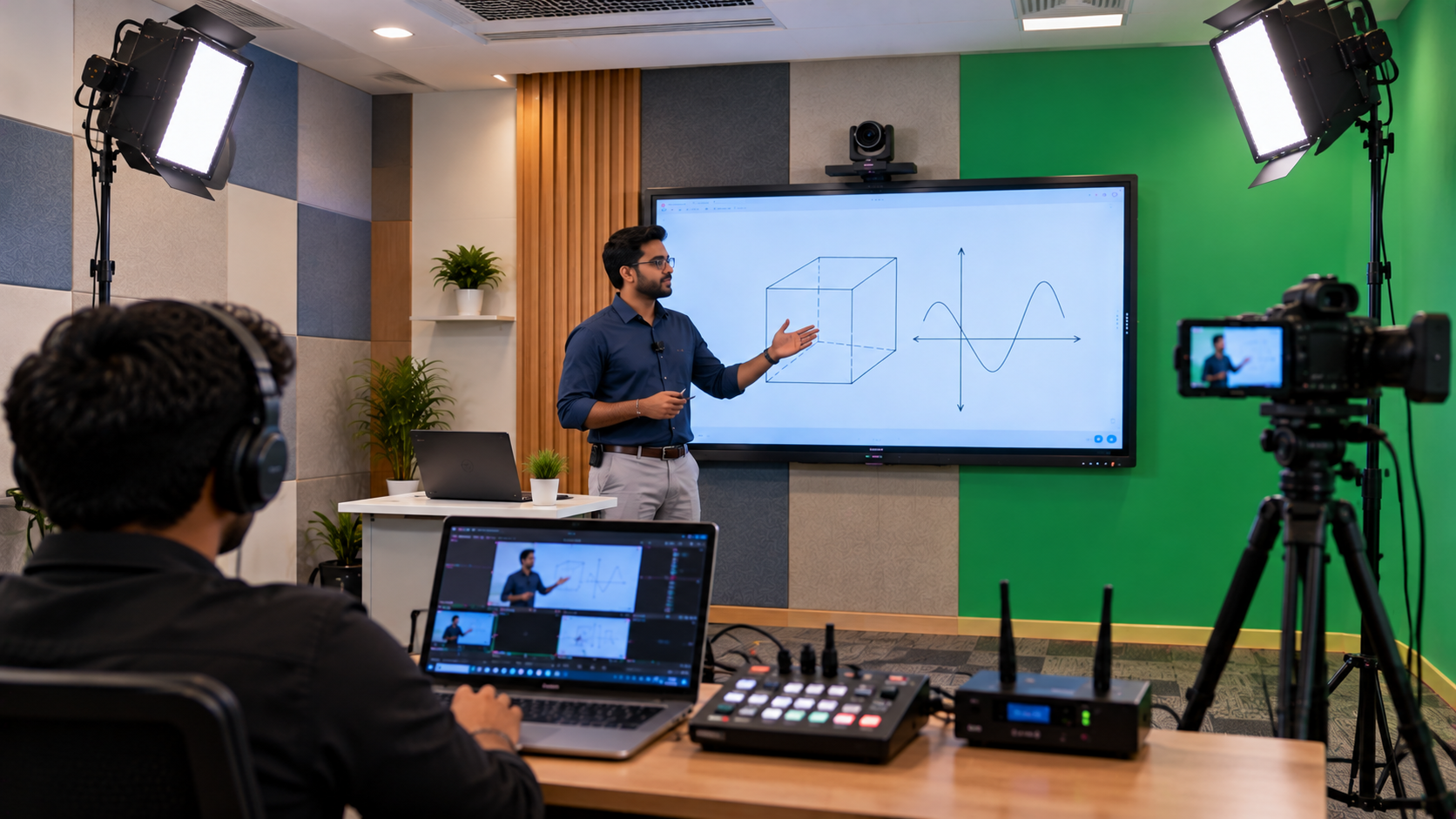
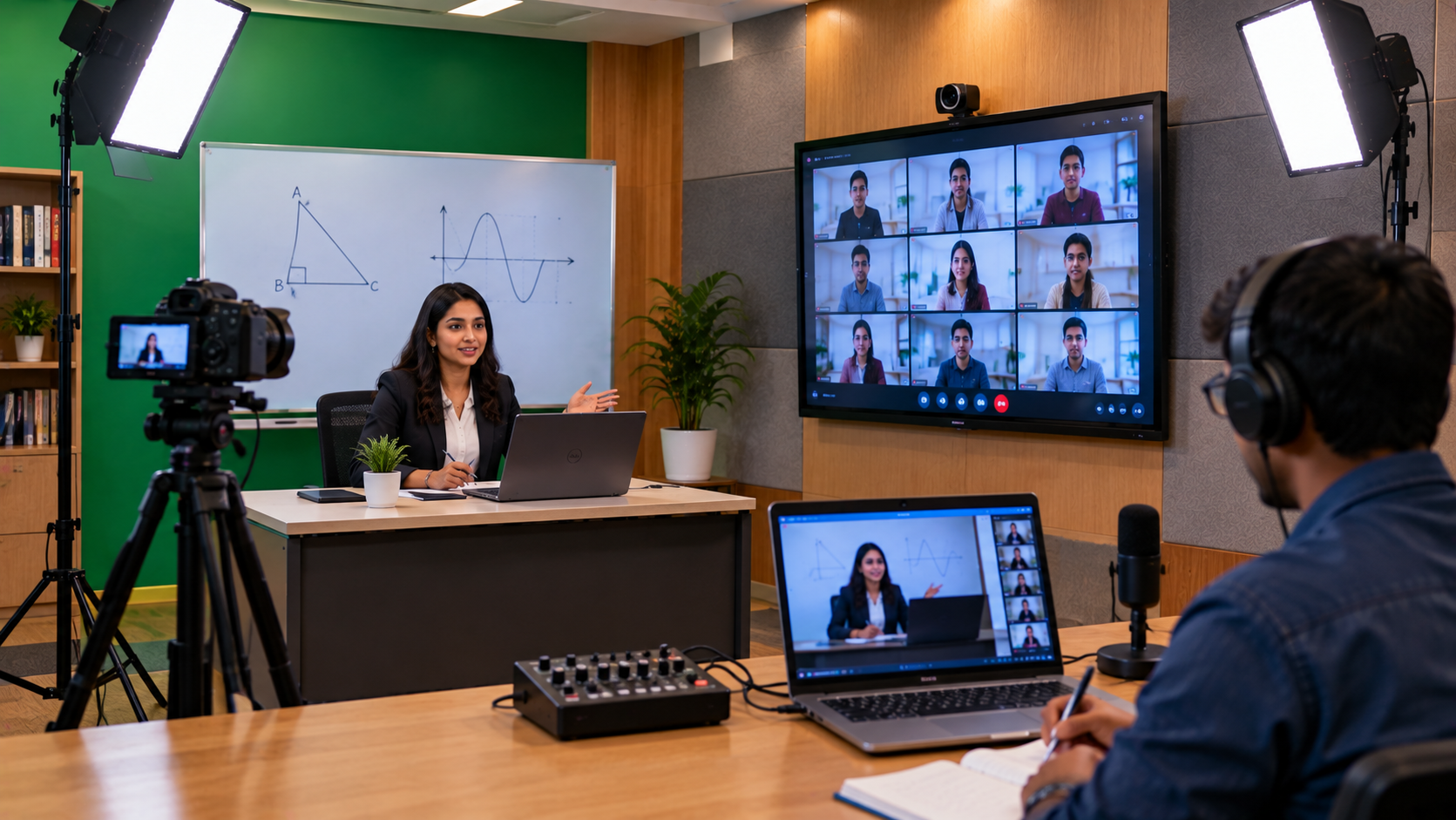
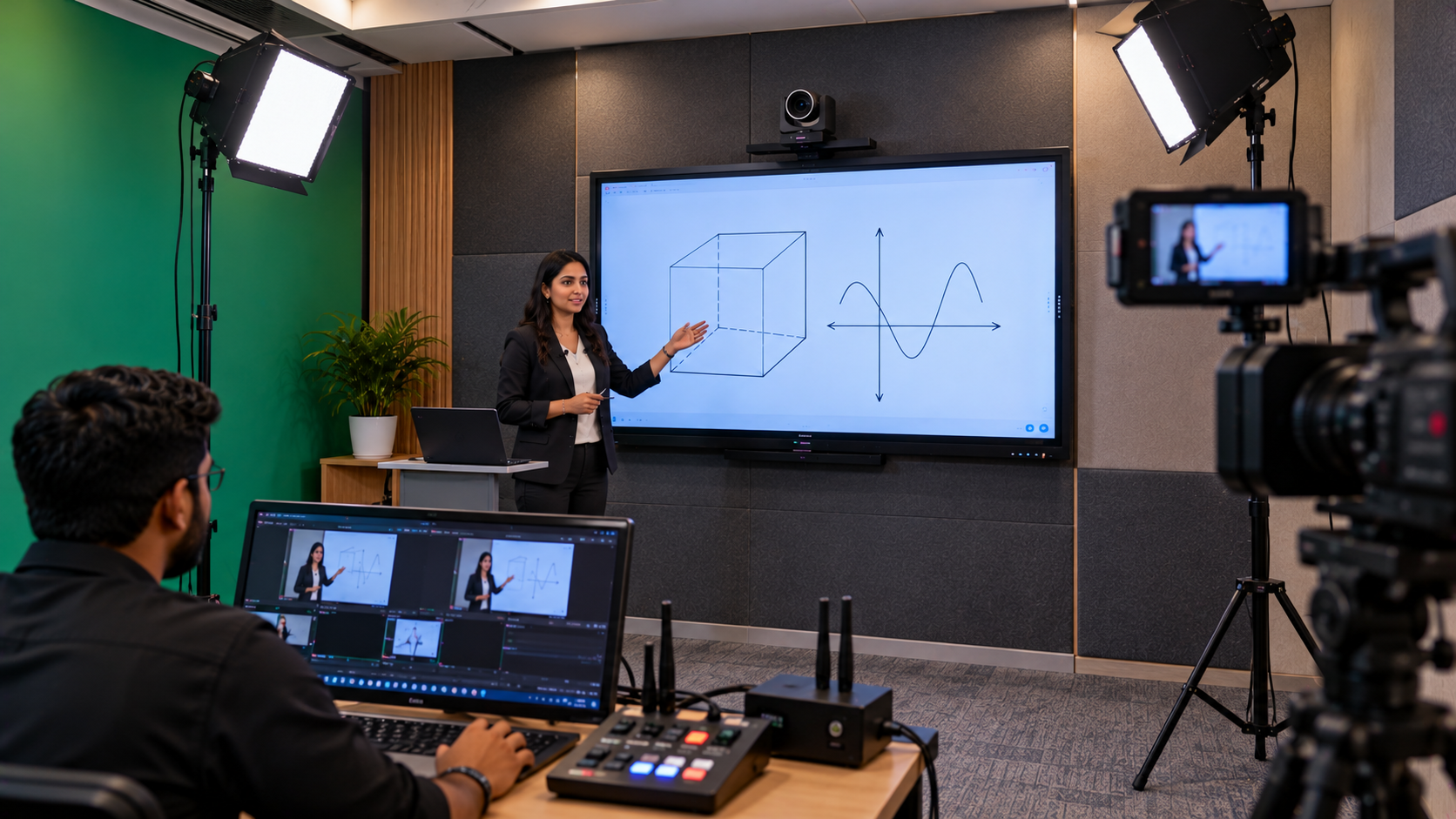
A well-planned online teaching studio setup can help educators:
Look clearer and more professional on camera.
Deliver lessons with more consistent speech quality.
Reduce repeated explanations caused by unclear audio.
Record lectures that are easier to review.
Create a more reliable setup for live classes and hybrid teaching.
The right solution does not always require an expensive professional studio. It starts with understanding the room, camera position, ambient light, microphone distance and the way lessons will be delivered.
1. How Studio Lighting Improves Online Teaching Video Quality
Lighting influences how students see the teacher. Even a good webcam or camera can produce disappointing video when the room is too dark or the light falls from the wrong direction.
Choose lighting according to your teaching space
Ring light for online teaching: A ring light can provide convenient, front-facing illumination for tutors working at a desk or in a compact teaching room. It is easy to position and can be useful for video calls, demonstrations and course recordings.
LED video light with a diffuser: A diffused LED light can produce softer illumination and help reduce harsh shadows. It may suit teachers recording for longer periods or presenting in a wider frame.
Three-point lighting setup: A more advanced studio may use a key light, fill light and backlight. The key light illuminates the teacher, the fill light softens shadows and the backlight helps separate the subject from the background.
When choosing a ring light or studio light setup, consider brightness adjustment, colour temperature, mounting options, room size and the distance between the light and the teacher. Avoid placing a bright light directly behind the teacher, as it can make the face appear dark.
Practical lighting tips for teachers
Position the main light in front of you, slightly above eye level.
Avoid mixing very different light colours from windows and room bulbs.
Check for reflections if you teach in front of an interactive flat panel.
Keep the background tidy and avoid distracting glare.
Record a short test clip before a live class.
GoLive eTechnologies can help buyers identify suitable studio accessories based on their room and recording requirements. Confirm the available lighting models, mounting accessories and current prices before ordering.
2. Why Wireless Microphones Matter for Online Classes
Students need to hear explanations clearly, especially when teachers speak while writing on a board, moving around the classroom or demonstrating a concept.
A wireless microphone for teachers allows more movement than a fixed desktop microphone, provided the system is compatible with the recording device and the room is within its reliable operating range.
Common microphone options for online teaching
Wireless lavalier or collar microphone: A compact clip-on microphone that keeps the microphone close to the teacher's mouth. It can be useful for standing lessons, board demonstrations and instructors who move during a class.
Wireless headset microphone: Keeps the microphone positioned near the mouth and can be useful for teachers who need consistent audio while moving around.
Wired USB or desktop microphone: Often suitable for tutors who remain seated at a desk. It can be a practical alternative when wireless movement is not required.
When comparing a wireless mic low-price option with a more advanced system, consider more than the purchase price. Check connection type, battery life, range, interference resistance, comfort, included receiver and compatibility with your camera, laptop or audio interface.
The right microphone is the one that reliably captures the teacher's voice in the actual teaching environment.
3. Lighting vs Microphone: Which Upgrade Should You Make First?
Both upgrades are useful, but the priority depends on your current setup.
|
Requirement |
Lighting upgrade |
Microphone upgrade |
|---|---|---|
|
Main benefit |
Clearer, more balanced video |
Clearer speech |
|
Most noticeable issue |
Dark face, shadows or glare |
Echo, low volume or background noise |
|
Useful for |
Live lessons, recorded courses and demonstrations |
Lectures, webinars and moving presentations |
|
What to check |
Brightness, colour and placement |
Compatibility, range and sound quality |
If students struggle to see the teacher, improve lighting first. If they frequently ask the teacher to repeat instructions, prioritise audio. If the budget permits, test both together because good video cannot compensate for poor sound, and clear sound cannot fix a dark or distracting picture.
4. Build a Complete Online Teaching Studio Setup
Lighting and microphones work best when selected as part of the complete recording workflow.
A basic online teaching setup may include:
Camera: A laptop webcam, compatible external webcam or suitable PTZ camera.
Lighting: A ring light or diffused LED light appropriate for the room.
Microphone: A compatible wireless lavalier, headset or desktop microphone.
Computer: A laptop or desktop capable of running the teaching or recording software.
Teaching display: An interactive flat panel or digital board when lessons involve writing, diagrams or presentations.
Recording software: A suitable platform for live teaching or lecture recording. OBS Studio is one option, subject to device and software compatibility.
Accessories: Appropriate stands, cables, adapters and mounting hardware.
For teachers who explain complex subjects using diagrams, a writing pad for PC or pen tablet may complement the setup. Coaching institutes and classrooms may also consider an EVOTA interactive panel, MAXHUB smart board or compatible Newline or LG interactive display where digital writing is part of the lesson.
These displays are optional additions, not requirements for every online studio. Check the model's connectivity, operating requirements, screen size and current availability before selecting one.
5. How GoLive eTechnologies Helps You Choose and Set Up the Right Equipment
Buying equipment separately can create compatibility problems: a microphone receiver may need an adapter, a camera may require a capture device, or a light stand may not suit the available space.
GoLive eTechnologies India Private Limited positions its service around end-to-end technology support—from selecting suitable products to installation guidance and assistance beyond delivery.
A practical selection process includes:
Understand the requirement: Identify whether you teach from a desk, move around a classroom or record a course.
Review the space: Check room dimensions, ambient light, echo, background and camera position.
Match the equipment: Compare compatible lighting, microphones, cameras, cables and optional displays.
Plan the installation: Confirm mounting, connectivity, software configuration and power requirements.
Test the complete setup: Check audio levels, framing, lighting and recording quality before teaching.
Plan for support: Confirm the available installation, training, warranty and after-sales service for the selected products.
This approach helps reduce avoidable equipment mismatches and gives educators greater confidence in their teaching setup. Service scope and charges should be confirmed in the quotation.
6. Online Teaching Studio Setup Price in India: What Affects the Cost?
The cost of an online teaching studio setup in India depends on the equipment selected and the complexity of installation. A simple desk-based setup generally requires fewer components than a dedicated lecture recording studio.
Key price factors include:
Type and quality of lighting.
Wired versus wireless microphone system.
Camera or webcam specifications.
Computer performance and recording requirements.
Interactive panel or digital board, if required.
Stands, cables, capture devices and other accessories.
Installation, configuration, training and ongoing support.
Rather than choosing equipment only by the lowest listed price, compare the total setup cost, compatibility and support included. A quote based on your teaching requirements can help identify where to spend and where a simpler option will work.
For current product pricing and availability, contact GoLive eTechnologies through its website at golivetechnologies.in. Ask for a solution matched to your city, budget, teaching format and installation requirements.
7. Create a More Confident Teaching Experience with GoLive eTechnologies
A professional online teaching studio is built on practical decisions: balanced lighting, clear audio, compatible equipment and a workflow that teachers can use comfortably.
Whether you are an independent tutor, a growing coaching institute, a school or an organisation delivering training online, start with the problems students actually experience. Then select the equipment that addresses those needs.
GoLive eTechnologies: Technology that works, backed by people who help.
Explore suitable online teaching equipment, compare available options and enquire about installation and support at golivetechnologies.in. With the right solution and dependable assistance, you can spend less time troubleshooting technology and more time teaching.
Your email address will not be published. Required fields are marked *

By Inhype • September 12, 2026
A smart classroom is only as effective as the technology supporting it. Interactive panels, smart boards, PTZ cameras, microphones, speakers, PCs and
Read More
By Inhype • September 12, 2026
Higher education is rapidly moving beyond traditional chalkboards and projectors. Today, colleges and universities need technology that supports inter
Read More
By Inhype • September 12, 2026
A smart classroom for CBSE schools is no longer simply a classroom with a digital board. Modern schools are building connected learning environments t
Read More
By Inhype • September 12, 2026
Planning a smart classroom project for 10, 20 or even 50 classrooms requires more than simply purchasing digital boards. Schools, colleges, universiti
Read More
By Inhype • September 12, 2026
A smart classroom can transform the way teachers explain concepts, students interact with lessons, and institutions deliver digital education. From in
Read More




Golive eTechnologies India Private Limited (CIN - U31909UP2021PTC148242) is one of India's leading providers of smart classrooms, interactive boards, video conferencing solutions, and display technologies for the education, healthcare, corporate, and government sectors.

















No comments yet. Be the first to comment!