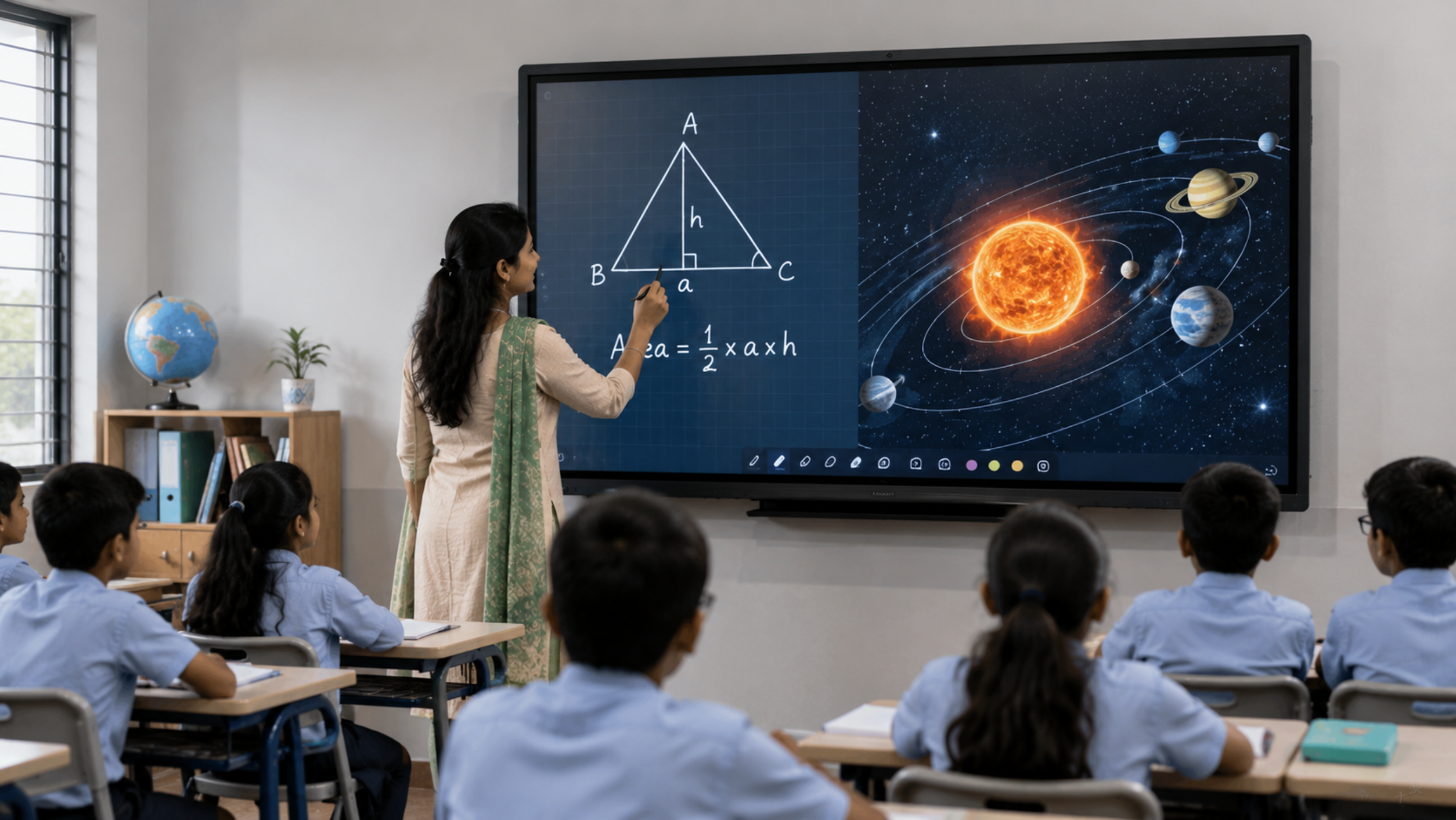
A 75-inch interactive display is one of the most practical choices for modern classrooms, coaching centres, colleges and training institutes. It provides a large digital workspace for teaching, annotation, presentations, videos, online classes and collaborative learning without the shadows, calibration and projector maintenance associated with traditional projection systems. If you are searching for a 75 inch smart board, interactive flat panel display, digital board for classroom, smart board for teaching, or digital teaching board price, the right choice depends on more than screen size and price. GoLive eTechnologies offers interactive display solutions from brands including EVOTA, MAXHUB, LG and Newline, helping schools and institutions select a configuration based on classroom size, teaching requirements, connectivity, software and budget.
A 75-inch screen provides a useful balance between visibility and room requirements. It is suitable for many medium-to-large classrooms where students need to clearly view presentations, diagrams, videos and handwritten annotations.
Key advantages include:
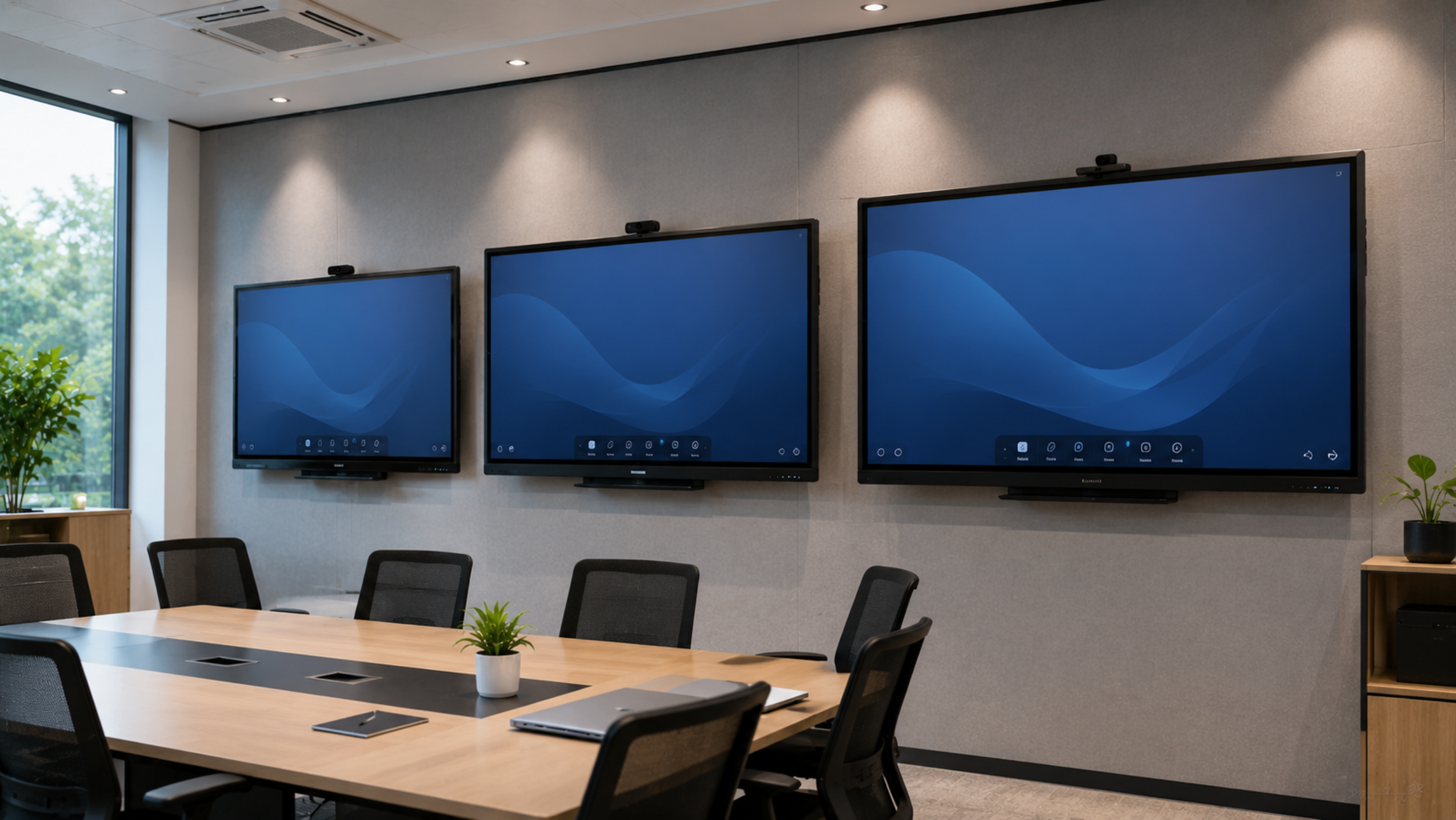
For institutions planning a smart classroom setup, a 75-inch interactive panel can become the central display, teaching and collaboration device.
An interactive flat panel display, commonly called an IFP or IFPD, is a large touchscreen display designed for education, business collaboration and presentations.
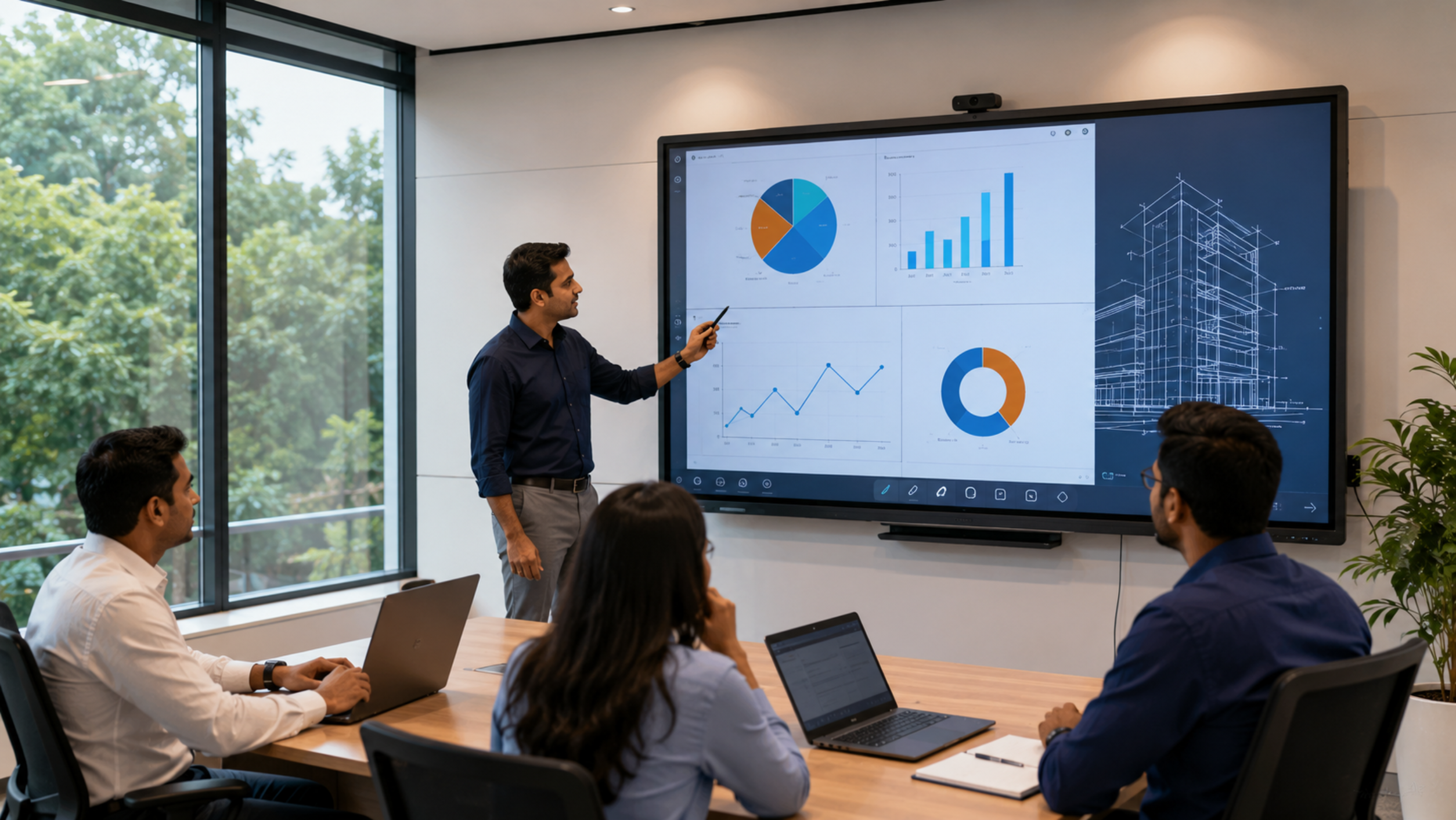
Unlike a conventional TV, an interactive panel combines display technology with touch interaction and software features. Teachers can write directly on the screen, annotate documents, open presentations, demonstrate concepts and interact with digital learning material.
A typical classroom configuration may include:
75-inch interactive panel + OPS/PC + wireless presentation + camera + microphone + speakers + mounting solution
GoLive eTechnologies can also help integrate the display with PTZ cameras, online teaching equipment, wireless microphones and video capture solutions where hybrid or recorded teaching is required.
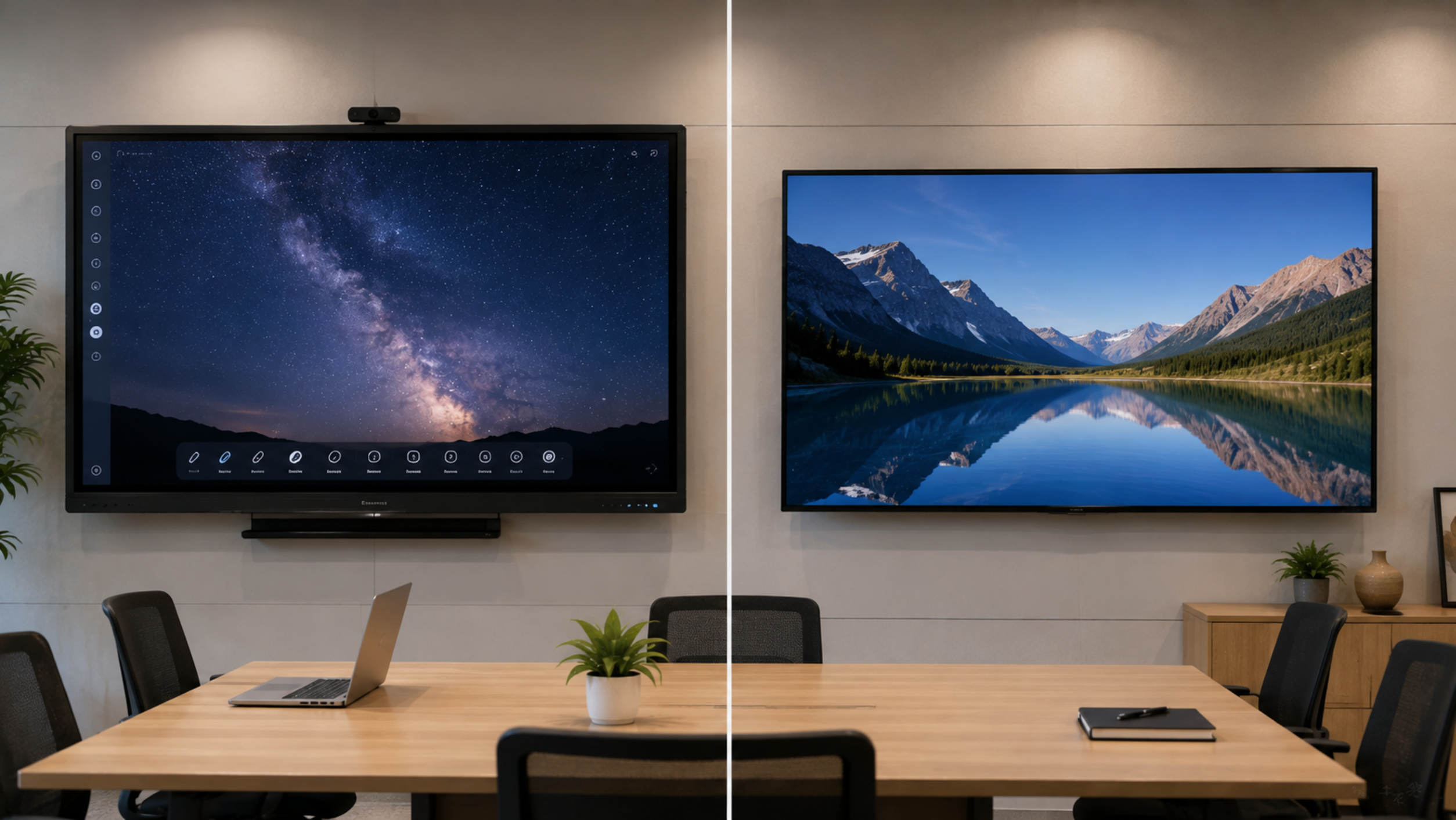
| Feature | 75-Inch Interactive Display | Traditional Projector |
|---|---|---|
| Touch interaction | Yes, depending on model | Usually requires additional hardware |
| Shadows | No projector shadow | Possible |
| Calibration | Generally not required like projectors | Periodic calibration may be required |
| Digital writing | Built-in on interactive models | Requires additional equipment |
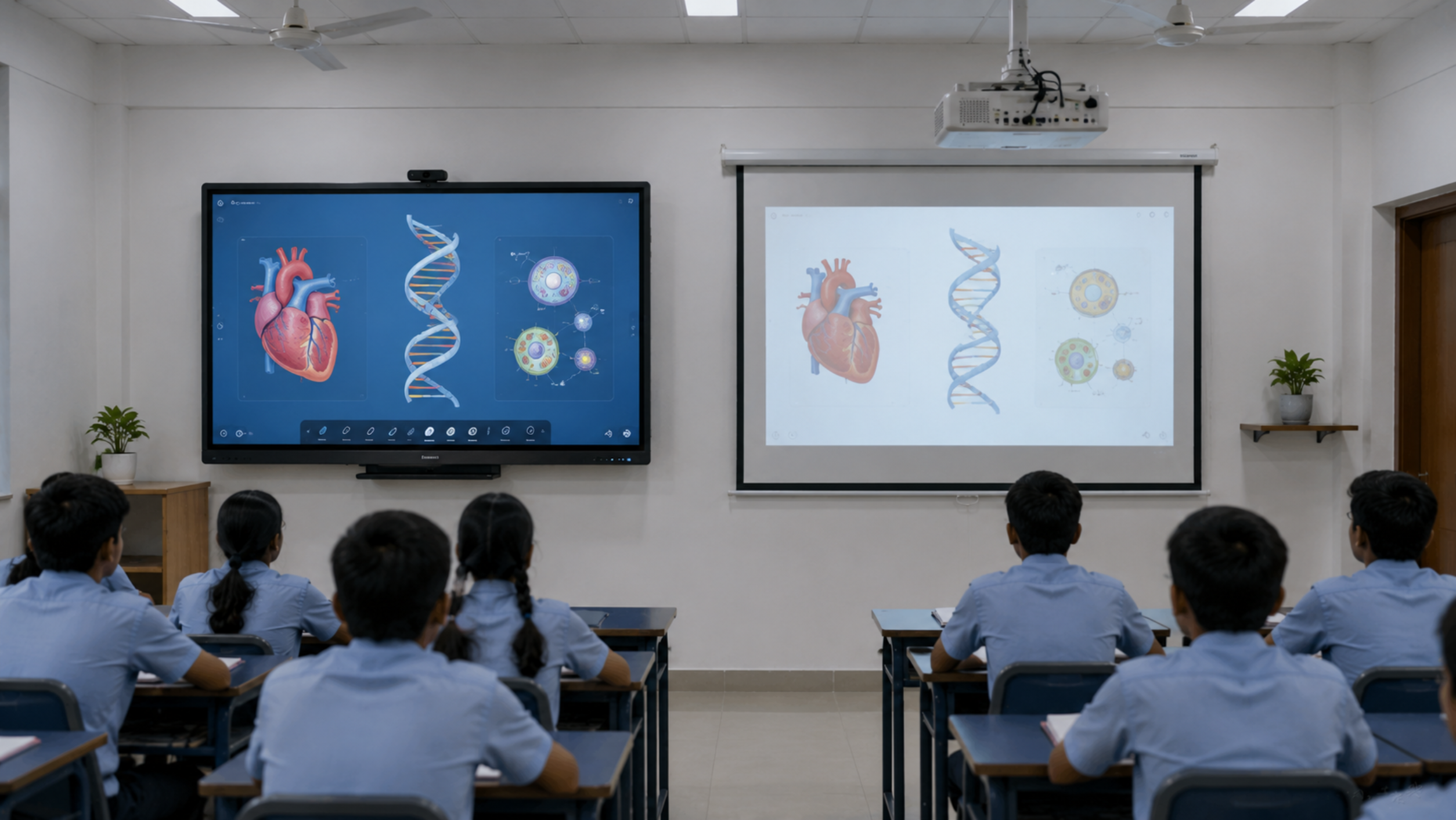
| Bright classroom use | Generally suitable | Ambient light can affect projection |
| Maintenance | Panel-based | Lamp/filter and projector maintenance may apply |
| Wireless sharing | Available on supported models | Requires compatible accessories |
| Classroom collaboration | Strong | Depends on setup |
For modern classrooms, look for a high-resolution display, particularly when teaching involves detailed diagrams, maps, engineering drawings, presentations or video content.
4K resolution can provide a sharper viewing experience, but resolution should be evaluated alongside panel quality, brightness, viewing angle and software performance.
Touch is central to an interactive classroom.
Check:
A responsive touch experience allows teachers to write naturally instead of treating the panel like a conventional television.
The software environment is just as important as the display.
Before purchase, check compatibility with:
For institutions using an OPS computer, verify the available OPS compatibility and configuration.
A classroom display should support the devices already used by teachers and students.
Check for appropriate:
A well-connected digital panel board reduces the need for adapters and external accessories.
Wireless casting can make classroom teaching faster by allowing teachers to share content from laptops, tablets and smartphones.
GoLive supports interactive display ecosystems that can integrate wireless presentation and collaboration features, depending on the selected model and configuration.
If your institution conducts online classes or records lectures, consider the complete classroom ecosystem rather than buying only the display.
A professional setup may include:
This can transform a conventional classroom into a hybrid classroom or teaching studio.
GoLive eTechnologies provides multiple options because every classroom has different requirements.
An EVOTA Smart Board, EVOTA Digital Board or EVOTA Interactive Flat Panel can be considered for schools, coaching centres, training rooms and institutions looking for an integrated interactive teaching solution.
Search terms such as EVOTA smart board 75 inch price, EVOTA digital board price and EVOTA interactive flat panel price are useful starting points, but the final quotation depends on the selected configuration, accessories and deployment requirements.
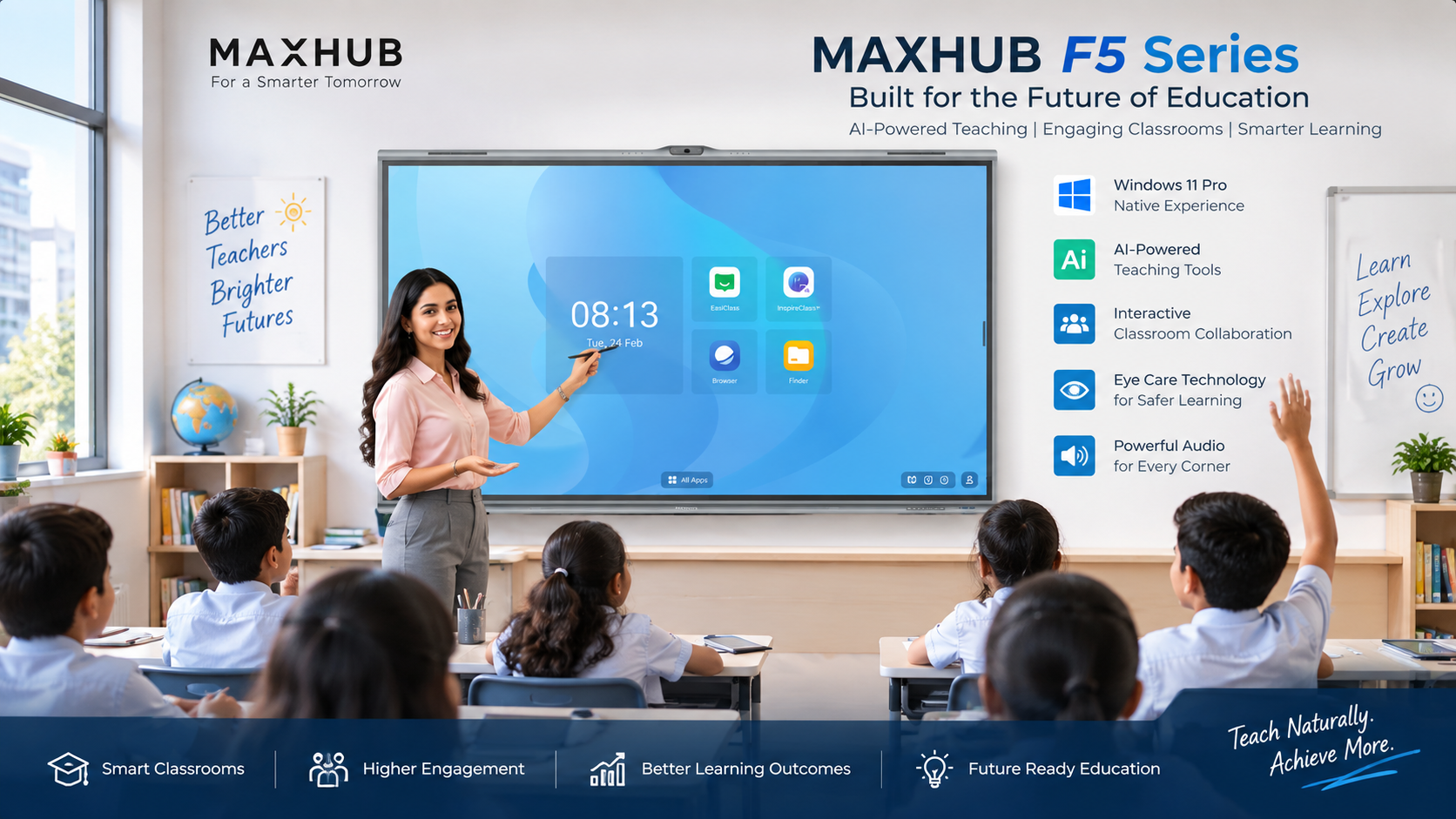
MAXHUB Digital Board and MAXHUB Smart Board solutions are suited to education and collaboration environments where interactive whiteboarding, presentation and collaboration features are important.
Customers comparing MAXHUB smart board price, MAXHUB digital board price in India or MAXHUB education board price should compare the complete configuration rather than screen price alone.
LG Interactive Digital Boards are another option for institutions looking for professional display technology.
Searches such as LG interactive digital board price India, LG interactive panel 75 inch price and LG smart board 75 inch price should be evaluated against the specific model, configuration and installation requirements.
A Newline Interactive Panel can be considered for classrooms, coaching institutes, training centres and collaborative learning environments.
When comparing Newline interactive panel price in India, Newline digital board 75 inch price or Newline smart board price, check the panel's touch, connectivity, software, warranty and support features.
There is no single universal 75-inch digital board price because the total cost depends on the brand, panel specification, operating system, OPS configuration, touch technology, software, mounting solution, installation and accessories.
Instead of selecting a product only because it has the lowest digital board price in India, institutions should evaluate the total cost of ownership.
Ask for a quotation covering:
Interactive display
Wall mount or mobile stand
Installation
OPS/PC, if required
Wireless presentation
Camera
Microphone
Speakers
Cabling
Training
Warranty and after-sales support
This approach makes it easier to compare the actual classroom investment.
Avoid choosing a panel based only on screen size or advertised price.
Common mistakes include:
GoLive eTechnologies India Private Limited provides interactive display and smart classroom solutions for educational institutions, offices, training centres and other professional environments.
Its portfolio includes:
GoLive's approach is configuration-focused: instead of treating the display as an isolated product, the solution can be planned around the classroom's teaching, collaboration and connectivity requirements.
Before placing your order, confirm:
For most modern classrooms, a 75-inch interactive display is a strong starting point when visibility, digital writing, presentations and collaborative teaching are priorities.
However, the best digital board is not necessarily the cheapest or the one with the highest specification. Choose the panel according to classroom size, teaching style, software ecosystem, connectivity, future expansion and service requirements.
For schools, colleges and coaching institutes comparing EVOTA, MAXHUB, LG and Newline interactive panels, GoLive eTechnologies can help evaluate the available configurations and select a suitable solution.
Planning a smart classroom? Explore GoLive eTechnologies' interactive display solutions and request a configuration-based quotation.
Your email address will not be published. Required fields are marked *

By Inhype • May 26, 2026
Go Digital With Confidence Using Smart Classroom & Business Solutions In today’s fast-changing digital world, businesses, schools, coaching insti
Read More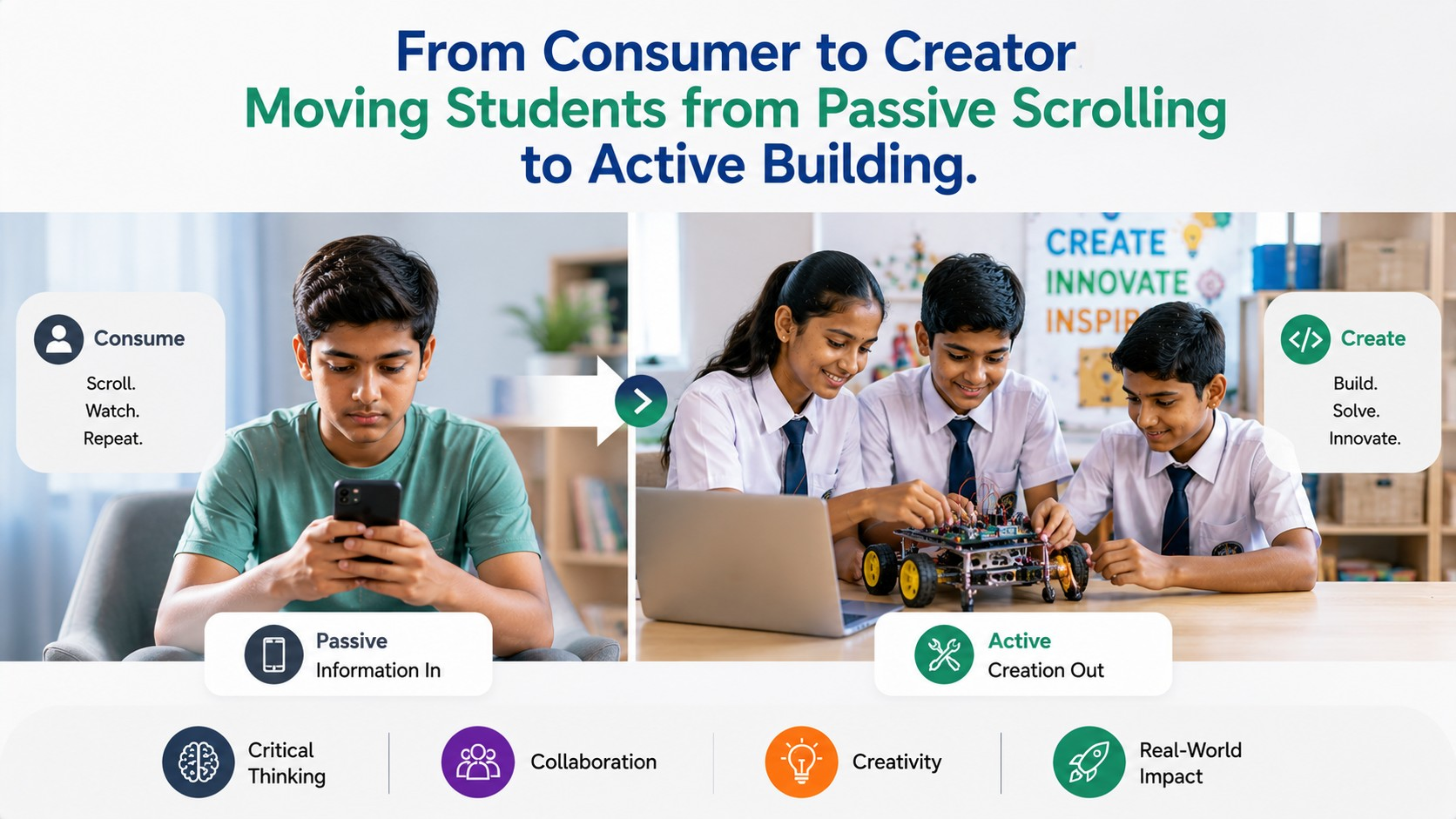
By Inhype • May 26, 2026
From Passive Scrolling to Active Building: The Future of Smart Classrooms in India India’s education landscape is rapidly transforming. Students
Read More
By Inhype • May 26, 2026
In today’s fast-changing education and business landscape, simply purchasing technology is no longer enough. Schools, coaching institutes, universit
Read More
By Inhype • May 26, 2026
India’s education ecosystem is rapidly evolving. With the rise of digital classrooms, hybrid learning, AI-powered education tools, and interactive t
Read More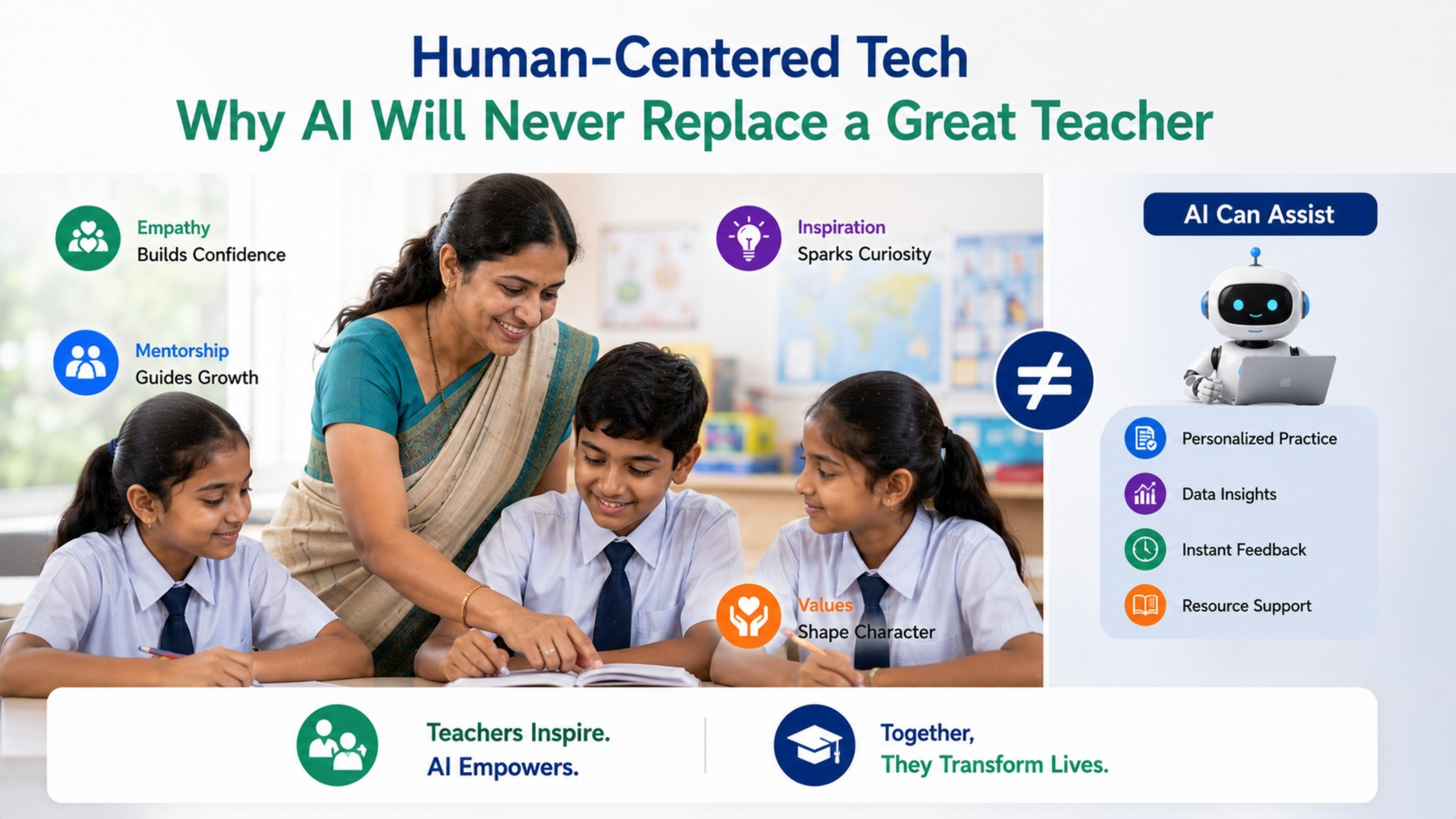
By Inhype • May 26, 2026
In today’s rapidly evolving digital education ecosystem, AI-powered tools, smart classrooms, and interactive learning technologies are transforming
Read More
September 7, 2026





Golive eTechnologies India Private Limited (CIN - U31909UP2021PTC148242) is one of India's leading providers of smart classrooms, interactive boards, video conferencing solutions, and display technologies for the education, healthcare, corporate, and government sectors.

No comments yet. Be the first to comment!