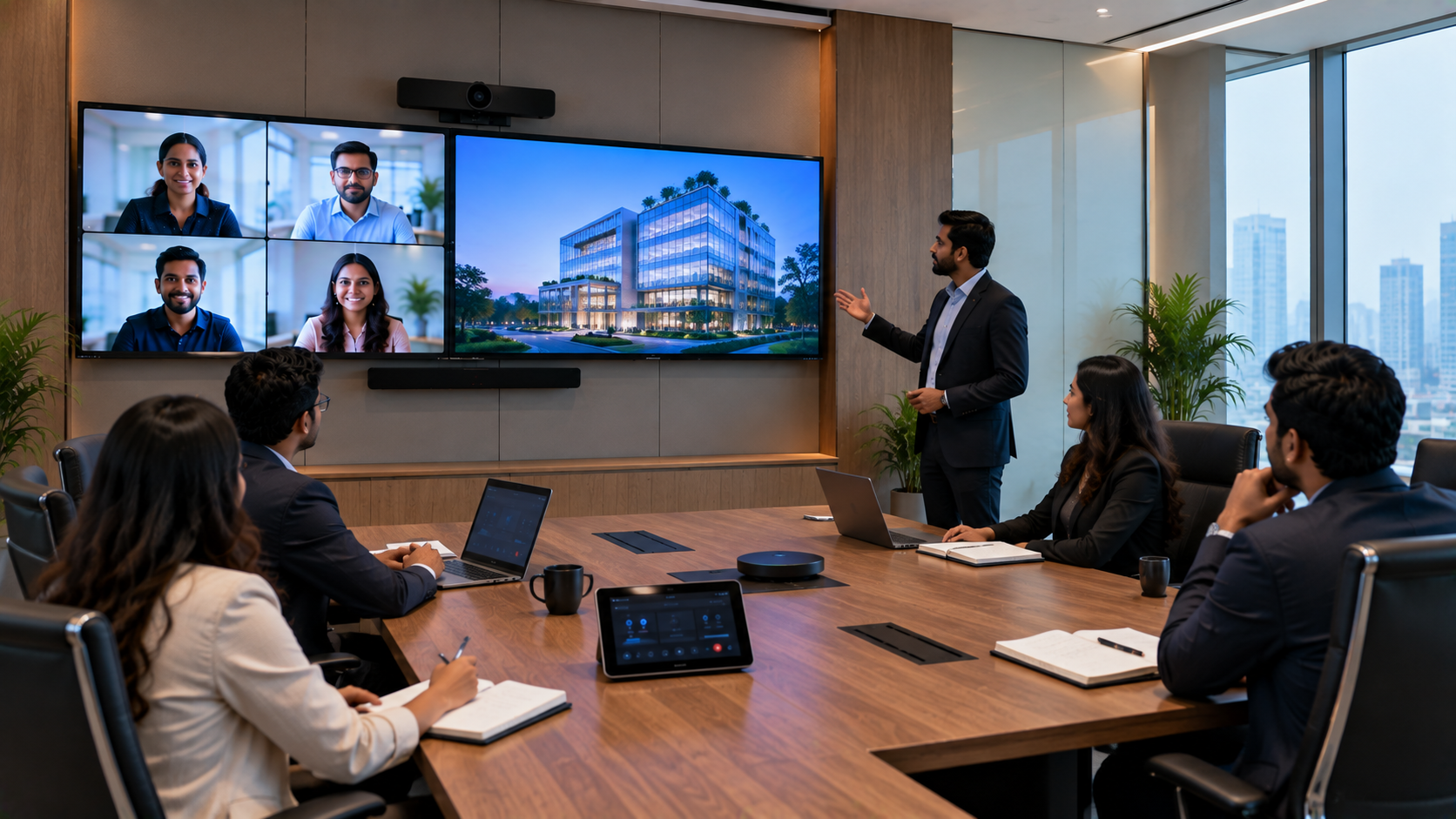
Choosing the right business computer is about more than processor speed or storage. RAM (Random Access Memory) plays a major role in how smoothly employees can multitask, switch between applications, manage browser tabs, and work with business software. For many organisations in India, the common question is simple: Is 8GB RAM enough for office work, or should businesses buy 16GB RAM? The answer depends on the workload, number of applications used simultaneously, expected device lifespan, and overall IT budget. For basic office tasks, 8GB can be adequate. For employees handling multiple applications, large spreadsheets, video meetings, browser-heavy workflows, or professional software, 16GB can provide more comfortable headroom. At GoLive eTechnologies, businesses can explore technology solutions based on actual requirements rather than simply choosing the highest specification.
8GB vs 16GB RAM: Quick Comparison
|
Requirement |
8GB RAM |
16GB RAM |
|---|---|---|
|
Word processing |
Suitable |
Excellent |
|
Emails & web browsing |
Suitable |
Excellent |
|
Excel & regular spreadsheets |
Suitable |
Better for larger files |
|
Video meetings |
Suitable |
Better multitasking |
|
Multiple browser tabs |
Moderate |
Better |
|
CRM/ERP + Office apps |
Moderate |
Recommended |
|
Design/content applications |
Limited |
Better suited |
|
Long-term business use |
Basic |
More headroom |
|
Multitasking |
Good |
Excellent |
Is 8GB RAM Enough for Office Work?
For employees performing everyday administrative tasks, 8GB RAM can still be a practical choice.
Typical 8GB office workloads include:
Microsoft Word and PowerPoint
Email and web applications
Basic Excel spreadsheets
Accounting and billing software
Cloud-based business applications
Video conferencing with limited multitasking
Browsing with a reasonable number of tabs
For reception desks, basic data-entry systems, billing counters and employees with relatively simple workflows, an 8GB computer may offer the right balance between capability and cost.
However, businesses should consider how the computer will be used over the next few years—not just what it needs to run today.
When Should Businesses Choose 16GB RAM?
16GB RAM becomes increasingly useful when employees regularly work across several applications simultaneously.
Consider 16GB for:
Finance and accounting teams using large Excel files
Sales teams running CRM and communication tools together
HR teams using HRMS, spreadsheets and browser applications
Managers working with multiple dashboards
Digital marketing teams using numerous browser tabs
Designers and content teams
Developers and technical professionals
Employees frequently attending video meetings while multitasking
Workstations expected to remain productive for several years
The main advantage is not simply "more speed." 16GB provides additional memory headroom, helping employees work with multiple applications without reaching memory limitations as quickly.
8GB vs 16GB RAM for Business Multitasking
Imagine an employee has Teams or another meeting application open, 15–20 browser tabs running, Excel, PowerPoint, email and a CRM application open simultaneously.
An 8GB system may handle the workload, but it has less memory headroom. A 16GB system provides substantially more room for simultaneous applications.
For organisations where employee productivity matters, this difference can become important.
16GB RAM Can Be a Better Long-Term Business Investment
A business computer is rarely purchased for only a few months. Organisations generally want systems that remain useful for several years.
Choosing 16GB RAM at the time of purchase can help businesses:
Handle increasingly demanding software
Support heavier multitasking
Reduce the need for early hardware replacement
Provide employees with a more comfortable workflow
Accommodate future software requirements
That does not mean every employee needs 16GB. A better approach is to match the specification to the role.
What Other Specifications Should Businesses Consider?
RAM is only one part of a business computer.
Before purchasing, consider:
Processor
Choose a processor appropriate to the workload. Office productivity, accounting and general administration have different requirements from video editing, CAD or software development.
SSD Storage
An SSD can significantly improve boot times and application loading compared with traditional hard drives. Businesses should consider an SSD alongside adequate RAM.
Display
For employees working with spreadsheets, dashboards or multiple windows, a comfortable display can improve the overall working experience.
Connectivity
Check USB ports, HDMI, networking, Wi-Fi and other connectivity requirements before deployment.
Warranty and Support
For businesses, after-sales support is just as important as hardware specifications. Downtime can affect employee productivity and operations.
GoLive eTechnologies: Technology That Works, Backed by People Who Help
Choosing the right technology shouldn't become another headache for your business.
GoLive eTechnologies India Private Limited focuses on providing an end-to-end technology experience—from selection to installation and beyond.
Whether you are setting up an office workstation, meeting room, classroom, smart classroom or complete technology environment, the goal is straightforward:
Right solution + fast deployment + installation + support.
The same approach applies when businesses evaluate related technology such as an Evota interactive panel, MAXHUB smart board, Newline interactive panel, LG interactive digital board, PTZ cameras and other workplace technology.
GoLive eTechnologies can help businesses evaluate technology according to their actual requirements instead of purchasing equipment based only on specifications or price.
Beyond Computers: Build a Complete Workplace Technology Setup
Modern businesses increasingly depend on connected technology.
A workplace may require:
Business computers and workstations
Interactive display panels
Conference cameras
PTZ cameras
Video conferencing equipment
Digital boards
Presentation accessories
Writing pads and pen tablets
Audio equipment
Installation and configuration support
For example, businesses comparing an Evota 4K PTZ camera, Logitech PTZ camera, Newline interactive panel, MAXHUB digital board or LG interactive panel can evaluate the equipment according to room size, users, connectivity and intended application.
This is where an end-to-end technology partner can add value.
8GB or 16GB: What Should Your Business Buy?
There isn't one RAM specification that fits every employee.
Choose 8GB RAM when:
The workload is primarily basic office productivity.
Employees use a limited number of applications simultaneously.
Budget is the primary consideration.
The system is intended for straightforward computing tasks.
Choose 16GB RAM when:
Employees frequently multitask.
Large spreadsheets and business applications are common.
Multiple browser tabs and cloud applications are used.
Video conferencing happens alongside other applications.
You want greater headroom for future workloads.
Final Takeaway
For basic office work, 8GB RAM can still be sufficient. But for businesses purchasing new computers with a longer replacement cycle, 16GB provides greater multitasking headroom and flexibility.
The best purchase isn't necessarily the computer with the biggest specification. It's the technology that matches your workload, budget and future requirements.
With GoLive eTechnologies, businesses can get support from selection and deployment to installation, training and ongoing assistance—helping reduce technology headaches and create greater confidence that everything will work as intended.
Your email address will not be published. Required fields are marked *

By Inhype • September 12, 2026
A smart classroom is only as effective as the technology supporting it. Interactive panels, smart boards, PTZ cameras, microphones, speakers, PCs and
Read More
By Inhype • September 12, 2026
Higher education is rapidly moving beyond traditional chalkboards and projectors. Today, colleges and universities need technology that supports inter
Read More
By Inhype • September 12, 2026
A smart classroom for CBSE schools is no longer simply a classroom with a digital board. Modern schools are building connected learning environments t
Read More
By Inhype • September 12, 2026
Planning a smart classroom project for 10, 20 or even 50 classrooms requires more than simply purchasing digital boards. Schools, colleges, universiti
Read More
By Inhype • September 12, 2026
A smart classroom can transform the way teachers explain concepts, students interact with lessons, and institutions deliver digital education. From in
Read More




Golive eTechnologies India Private Limited (CIN - U31909UP2021PTC148242) is one of India's leading providers of smart classrooms, interactive boards, video conferencing solutions, and display technologies for the education, healthcare, corporate, and government sectors.





















No comments yet. Be the first to comment!