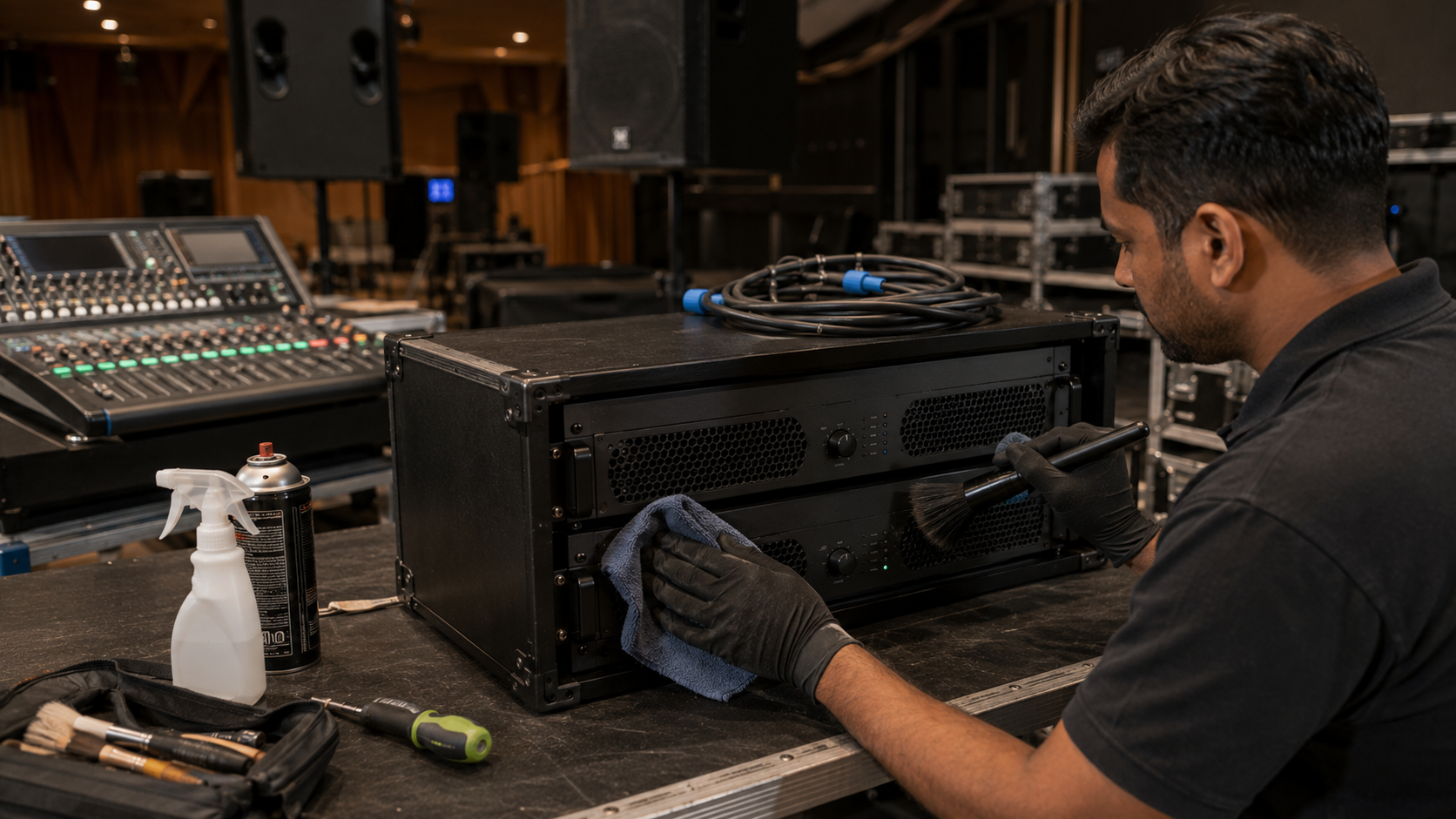
A professional audio system is a major investment for schools, colleges, coaching centres, conference rooms, auditoriums, corporate offices, studios, and event venues. From microphones and speakers to amplifiers, mixers and PTZ cameras, every component needs regular maintenance to deliver reliable performance. With the right AV maintenance strategy, businesses and institutions can reduce equipment downtime, improve sound quality, avoid premature replacement and get better long-term value from their technology investment. At GoLive eTechnologies, we provide professional AV, smart classroom, interactive display, audio, video and recording solutions for customers across India. Whether you are upgrading an auditorium, setting up an online teaching studio or maintaining a hybrid classroom, proper equipment care can significantly extend the life of your AV infrastructure.
Why AV Equipment Maintenance Matters
Audio equipment is exposed to dust, heat, humidity, electrical fluctuations, frequent handling and continuous operation. Without preventive maintenance, even high-quality equipment can experience reduced performance.
Regular maintenance can help:
Maintain clear and consistent audio quality
Reduce unexpected equipment failures
Extend microphone and speaker lifespan
Protect amplifiers and mixers from overheating
Minimize repair and replacement costs
Improve reliability during live events and classes
Maintain professional AV performance
For venues that depend on audio every day, preventive maintenance is generally more cost-effective than waiting for equipment to fail.
1. Keep Speakers, Microphones and AV Equipment Dust-Free
Dust is one of the most common causes of AV equipment degradation. It can accumulate around speaker grilles, microphone openings, ventilation areas, connectors and amplifier cooling systems.
Create a regular cleaning schedule based on how frequently the equipment is used.
For example:
Classrooms and coaching centres: monthly inspection
Conference rooms: monthly or quarterly inspection
Auditoriums and event venues: inspection before major events
Recording studios: regular cleaning and cable inspection
Use appropriate cleaning materials and avoid spraying liquid directly onto electronic components.
2. Protect Amplifiers From Heat and Poor Ventilation
Amplifiers generate heat during operation. If an amplifier is placed in a closed cabinet without sufficient airflow, excessive heat can reduce performance and shorten component life.
Make sure:
Ventilation openings remain unobstructed
Amplifiers are not stacked without adequate airflow
Equipment racks have sufficient ventilation
Cooling fans are regularly checked
Equipment is kept away from direct sunlight and excessive heat
This is particularly important for professional audio installations using equipment such as Ahuja amplifiers, conference speakers and larger venue speaker systems.
3. Handle Microphones Correctly
Microphones are frequently handled and transported, making them particularly vulnerable to physical damage.
Whether you use a wired microphone, wireless microphone, collar mic or microphone for teaching online, proper handling matters.
Avoid:
Dropping microphones
Pulling microphones by their cables
Storing microphones in damp areas
Wrapping cables too tightly
Leaving wireless microphones with batteries installed for extended periods
For teachers, presenters and trainers, choosing a suitable microphone for teaching online can also improve recording quality while reducing unnecessary equipment stress.
4. Inspect Cables and Connectors Regularly
A surprisingly large number of AV problems are caused by cables rather than the main equipment.
Check HDMI, USB, XLR, audio, power and extension cables for:
Fraying
Bent connectors
Loose connections
Intermittent signals
Damaged insulation
Excessive cable tension
For permanent installations, use appropriate cable management instead of allowing cables to remain loosely exposed.
If you are installing equipment such as an interactive panel, PTZ camera, capture card or digital board, proper cable routing should be considered during installation itself.
5. Use Surge Protection and Stable Power
Voltage fluctuations can damage sensitive electronics. AV systems containing amplifiers, displays, cameras, mixers and computers should ideally be connected through appropriate power protection.
Depending on the installation, consider:
Surge protection
UPS systems
Proper earthing
Dedicated power circuits
Voltage protection
Professional electrical installation
A stable power environment can help protect your investment and reduce unexpected shutdowns.
6. Maintain Your PTZ Cameras and Recording Equipment
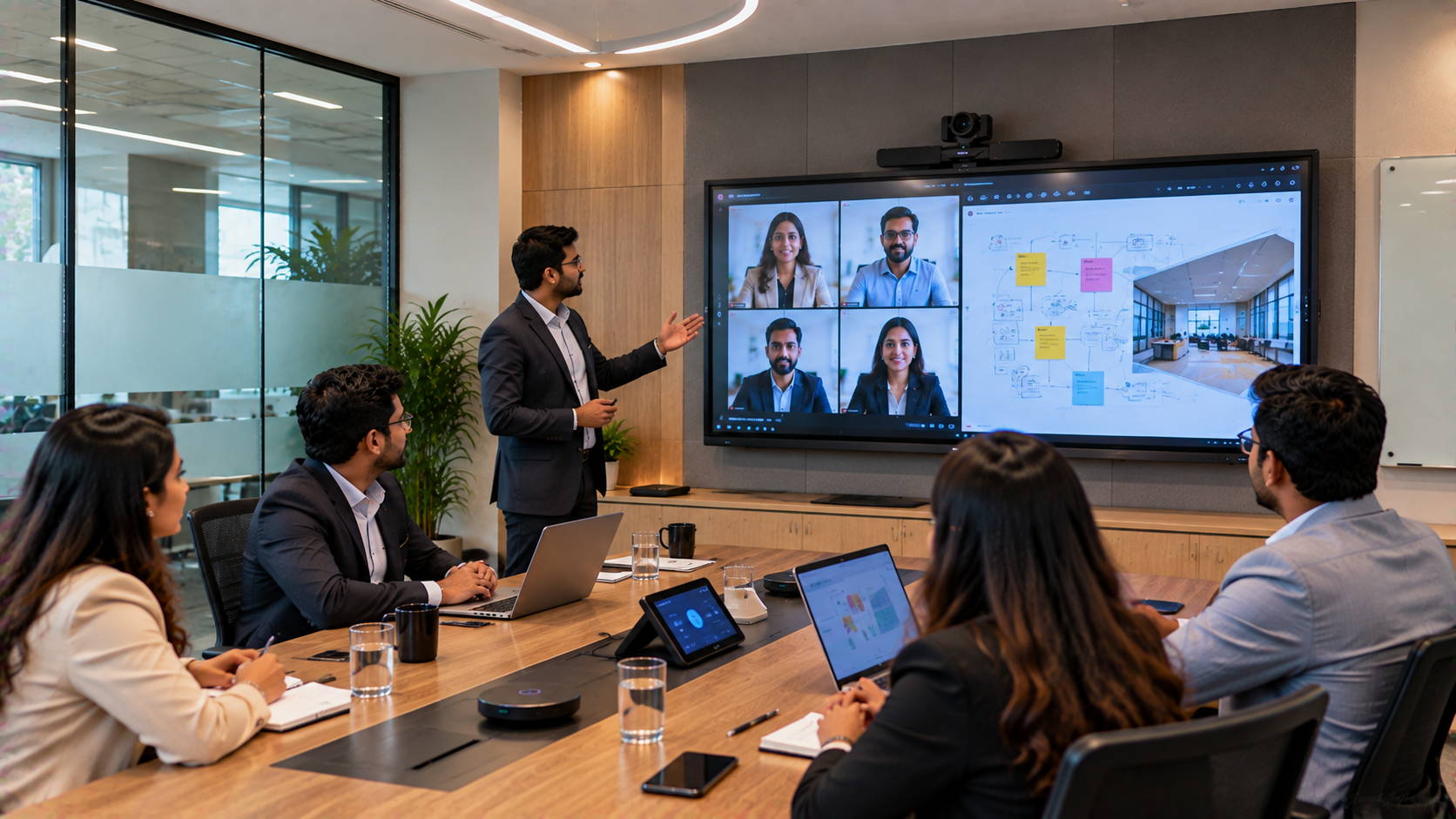
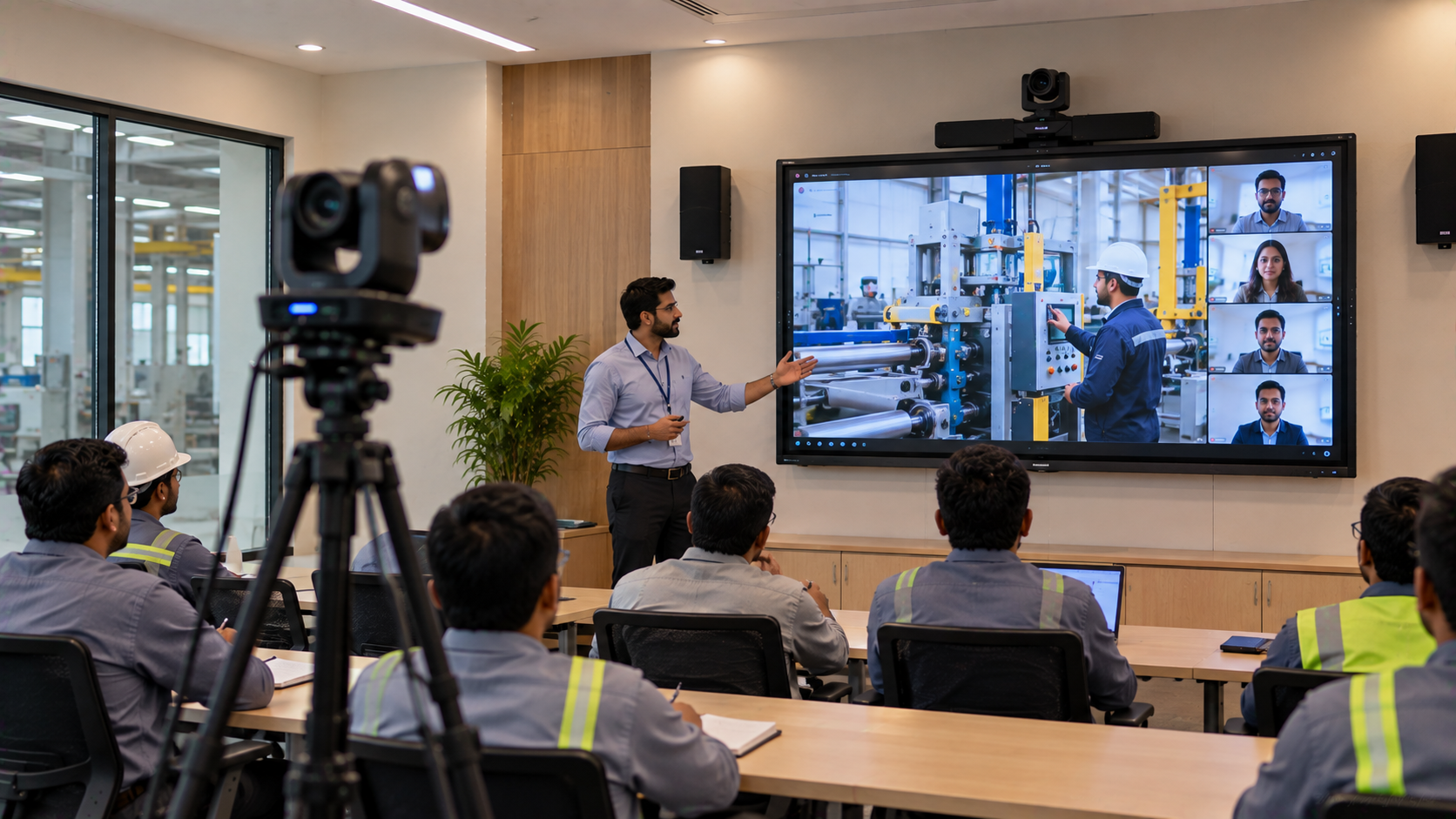
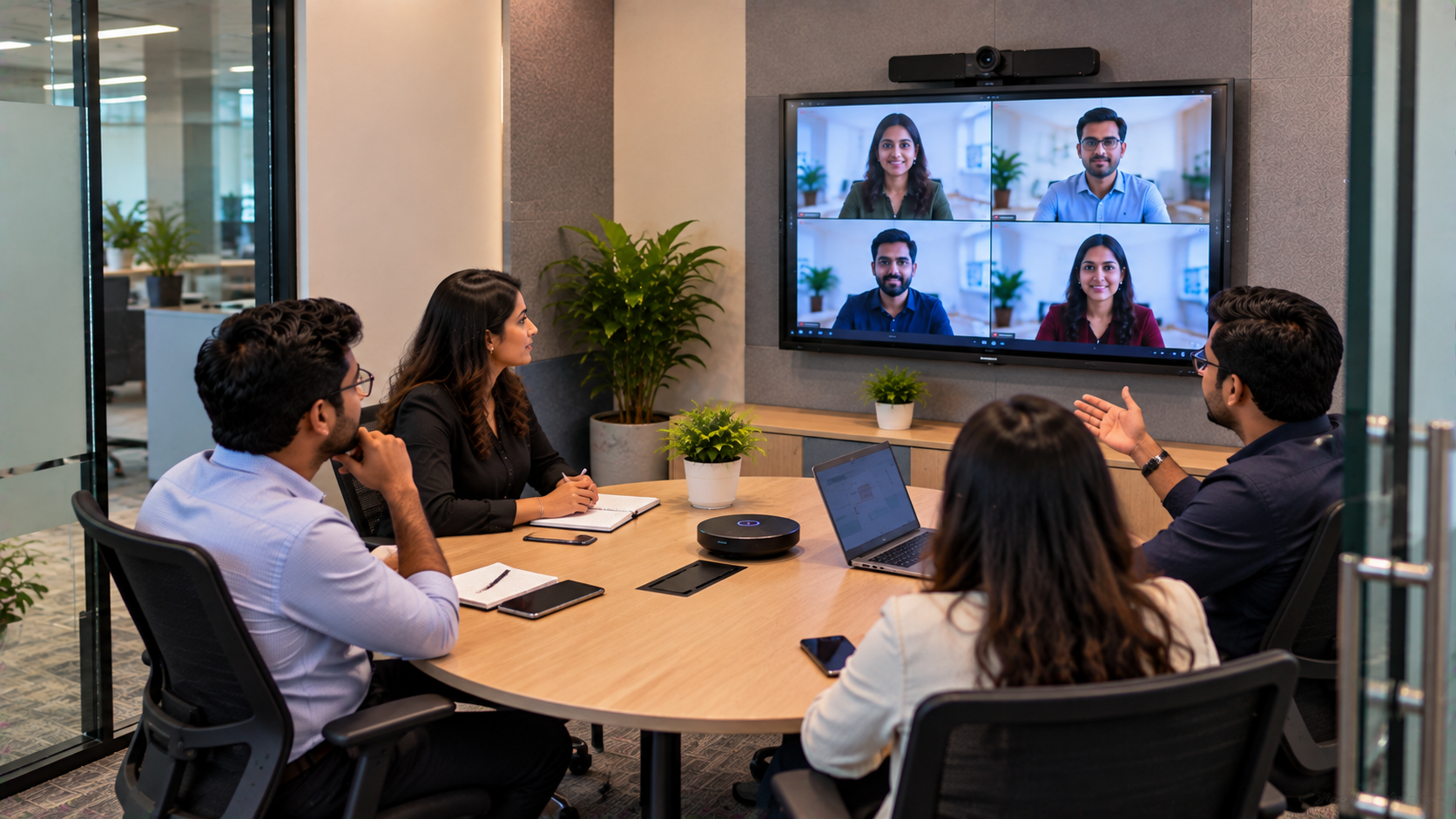
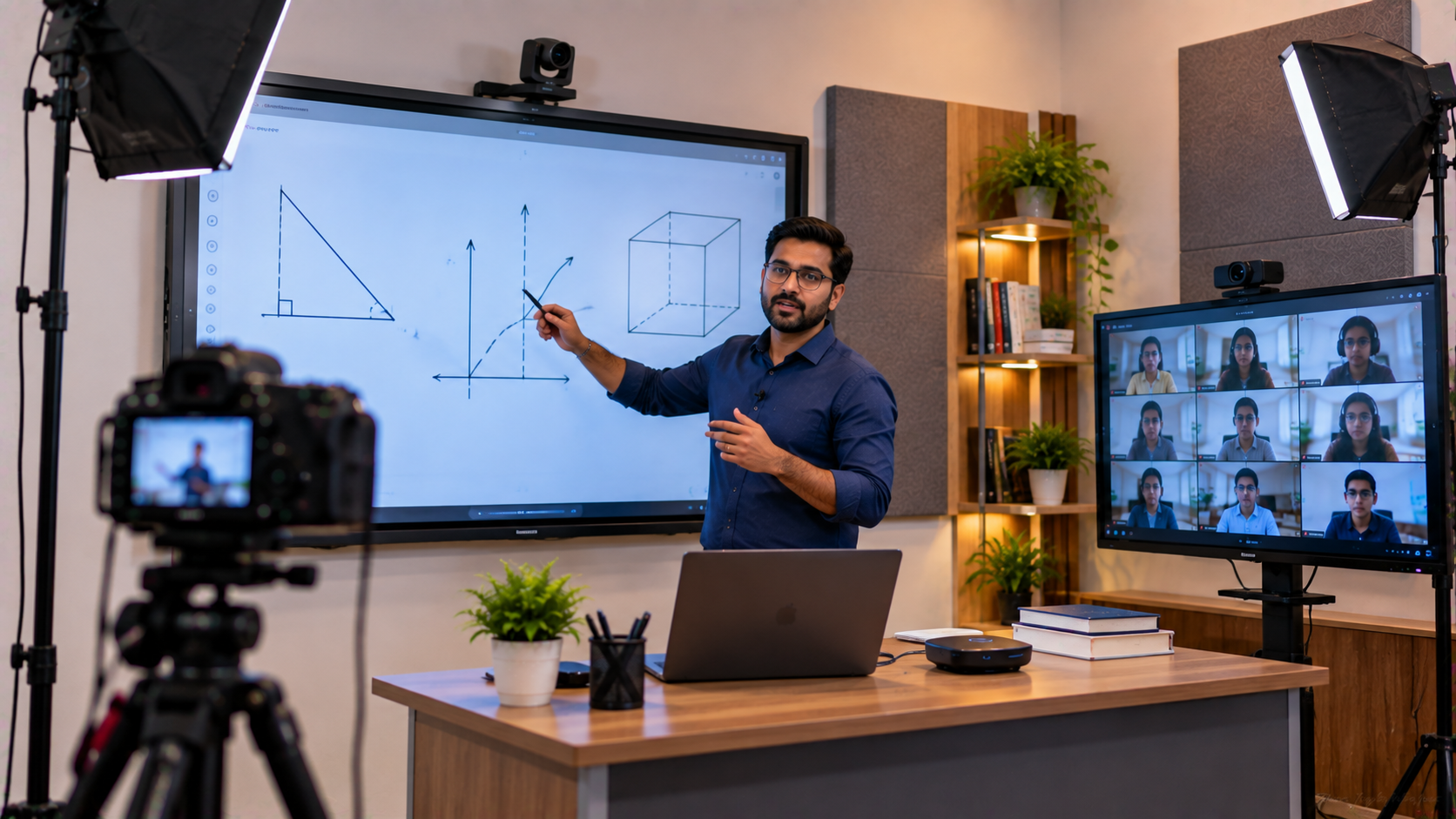
Modern venues increasingly combine audio and video equipment. PTZ cameras are widely used for classrooms, boardrooms, lecture recording, webinars, livestreaming and hybrid events.
Equipment such as an Evota 4K PTZ camera, Evota 10X HD PTZ camera, Logitech PTZ cameras and other professional video systems should be periodically checked.
Maintenance should include:
Cleaning the camera lens
Checking camera movement
Inspecting mounting hardware
Testing HDMI/USB connections
Checking image quality
Updating compatible firmware/software
Testing presets and tracking functions
For institutions creating an online teaching setup or teaching studio setup, camera and audio maintenance should be part of the same preventive maintenance schedule.
7. Maintain Interactive Displays and Digital Boards
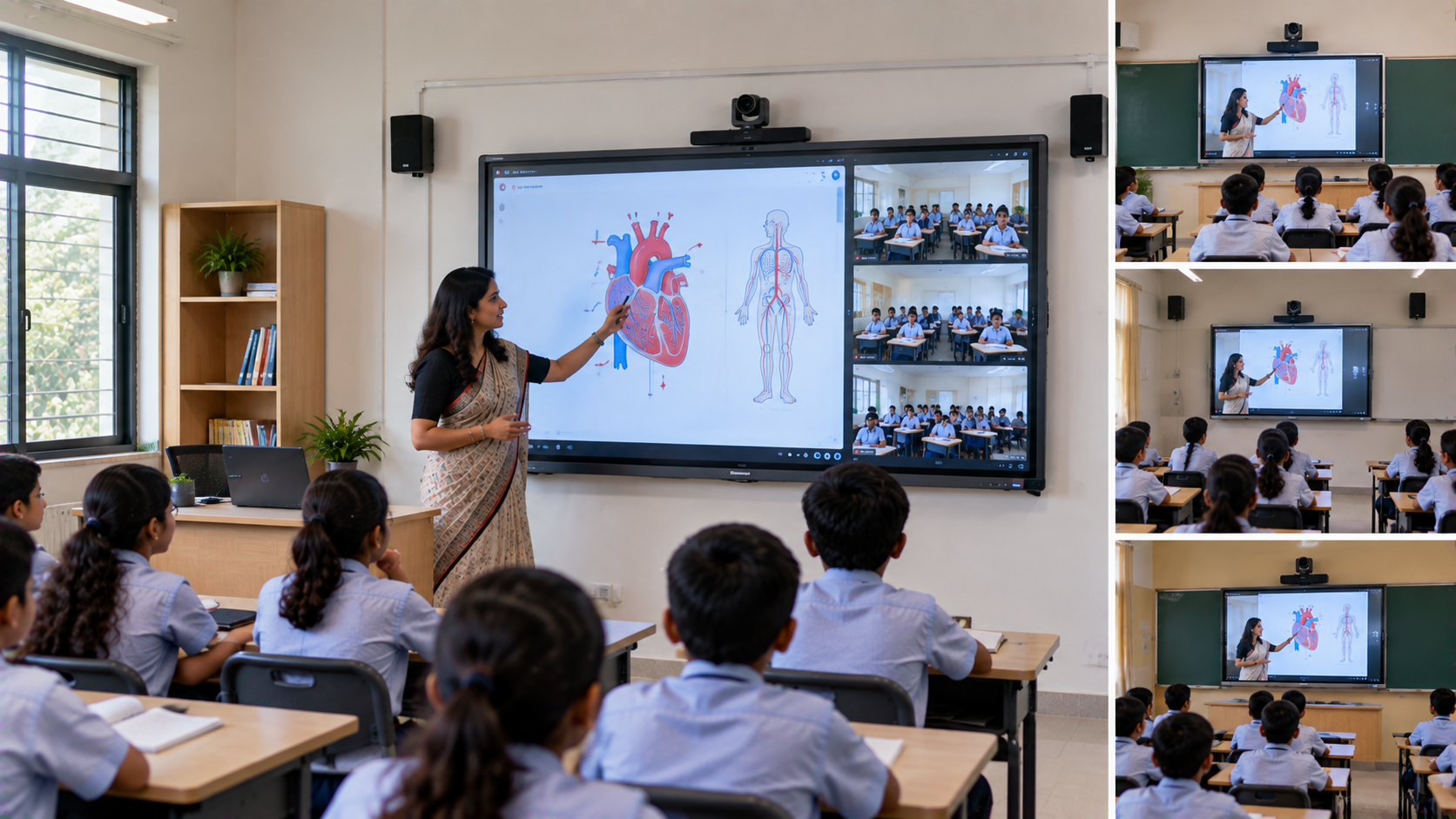
Interactive displays are now an important part of smart classrooms, corporate training rooms and hybrid learning environments.
Products such as Evota interactive panels, Evota digital boards, Newline interactive panels and Maxhub smart boards should be maintained carefully.
For an interactive display:
Clean the screen using manufacturer-approved methods
Keep liquids away from the panel
Avoid using sharp objects on the screen
Keep ventilation openings clear
Inspect touch response periodically
Keep compatible software updated
Protect the display from unnecessary impact
The same approach applies when maintaining a digital board for teaching, interactive flat panel display or smart classroom display.
8. Maintain Mixers and Audio Interfaces
Audio mixers and interfaces are central to professional AV systems. They control microphones, speakers, music sources and other audio inputs.
Before an event, test:
Microphone inputs
Main outputs
Individual channels
Gain levels
Equalization
Monitor outputs
Power connections
Avoid unnecessarily increasing gain to compensate for poor microphone placement or damaged equipment. Excessive gain can introduce unwanted noise and feedback.
9. Test Your System Before Every Major Event
One of the simplest AV maintenance practices is a pre-event test.
For an auditorium, conference room, classroom or studio, test:
Microphones
Speakers
Amplifiers
Mixer
HDMI connections
Displays
PTZ cameras
Capture cards
Streaming equipment
Power connections
A 15-minute test can prevent an embarrassing technical failure during a presentation, lecture or live event.
10. Know When Repair or Replacement Makes More Sense
Maintenance does not mean keeping every component forever. Older equipment may become inefficient, unreliable or incompatible with newer technology.
Consider replacement when:
Repairs become frequent
Spare parts are difficult to source
Audio quality has deteriorated
Equipment is no longer compatible
Downtime is affecting operations
Maintenance costs approach replacement cost
When comparing solutions, don't look only at the initial digital board price, interactive panel price or PTZ camera price. Consider installation, warranty, support, accessories, maintenance and expected operating life.
AV Maintenance Checklist
|
Equipment |
Maintenance Priority |
What to Check |
|---|---|---|
|
Microphones |
High |
Cable, battery, connector, audio quality |
|
Speakers |
High |
Grille, distortion, wiring |
|
Amplifiers |
High |
Heat, ventilation, output |
|
Mixer |
Medium/High |
Channels, gain, connectors |
|
PTZ Cameras |
Medium |
Lens, movement, cables |
|
Interactive Panels |
High |
Screen, touch, software |
|
HDMI/Capture Devices |
Medium |
Signal, connectors, compatibility |
|
Cables |
High |
Damage, loose connections |
Why Choose GoLive eTechnologies for AV Solutions?
GoLive eTechnologies helps customers evaluate and deploy technology for education, corporate communication, smart classrooms, online teaching, conference rooms and professional content creation.
Our product and solution portfolio can include:
Interactive flat panels and digital boards
Evota interactive displays and PTZ cameras
Newline interactive panels
Maxhub smart boards and digital boards
Professional microphones and speakers
PTZ cameras and webcams
HDMI capture devices
Online teaching and recording equipment
Smart classroom solutions
Studio and hybrid-classroom equipment
Instead of selecting equipment based only on a headline price, evaluate the complete solution: performance + compatibility + installation + warranty + support + maintenance.
This approach can help institutions achieve better long-term value from their AV investment.
Final Takeaway
Good AV maintenance is not simply about cleaning equipment. It is a complete preventive strategy covering ventilation, cables, power, microphones, speakers, amplifiers, cameras, displays and software.
Whether you are managing a school smart classroom, corporate conference room, coaching centre, auditorium or professional studio, regular maintenance can improve reliability and extend equipment life.
Looking for an interactive panel, digital board, PTZ camera, microphone, speaker or complete AV solution in India?
Explore the latest solutions from GoLive eTechnologies and choose equipment designed around your venue, application and budget.
Upgrade Your AV Setup With GoLive eTechnologies
Get professional AV and smart classroom solutions for education, corporate, studio and institutional applications. Contact GoLive eTechnologies today for product recommendations, pricing and installation support.
Your email address will not be published. Required fields are marked *

By Inhype • September 12, 2026
A smart classroom is only as effective as the technology supporting it. Interactive panels, smart boards, PTZ cameras, microphones, speakers, PCs and
Read More
By Inhype • September 12, 2026
Higher education is rapidly moving beyond traditional chalkboards and projectors. Today, colleges and universities need technology that supports inter
Read More
By Inhype • September 12, 2026
A smart classroom for CBSE schools is no longer simply a classroom with a digital board. Modern schools are building connected learning environments t
Read More
By Inhype • September 12, 2026
Planning a smart classroom project for 10, 20 or even 50 classrooms requires more than simply purchasing digital boards. Schools, colleges, universiti
Read More
By Inhype • September 12, 2026
A smart classroom can transform the way teachers explain concepts, students interact with lessons, and institutions deliver digital education. From in
Read More




Golive eTechnologies India Private Limited (CIN - U31909UP2021PTC148242) is one of India's leading providers of smart classrooms, interactive boards, video conferencing solutions, and display technologies for the education, healthcare, corporate, and government sectors.












No comments yet. Be the first to comment!