
Institutions today need more than a projector and a microphone to deliver effective presentations. Schools, colleges, coaching institutes and training centres require dependable audiovisual (AV) systems that support clear communication, engaging lessons, hybrid classes and professional presentations. For institutions in Shimla, upgrading an existing classroom, lecture hall or conference room means choosing equipment that suits the room, teaching requirements, connectivity and budget. GoLive eTechnologies helps institutions explore integrated technology solutions, including interactive flat panels, digital boards, PTZ cameras, microphones and presentation accessories. This guide explains how an institution in Shimla can plan an AV and presentation system upgrade, compare suitable equipment and prepare for installation—with support from product selection through deployment.
Why Institutions in Shimla May Need an AV System Upgrade
Older presentation setups can make everyday teaching and communication unnecessarily difficult. Common challenges include:
Projected content that is difficult to read in bright rooms.
Limited interaction between teachers, students and presentation materials.
Inconsistent microphone volume or unclear recorded audio.
Difficulties recording lectures or conducting hybrid sessions.
Multiple devices that require separate connections and troubleshooting.
Limited staff confidence in operating presentation equipment.
An effective upgrade should address these practical problems instead of simply adding more devices. The objective is a system that is easy to operate, appropriate for the space and supported by a clear installation and training plan.
Step 1: Assess the Institution’s Classroom or Presentation Requirements
Before comparing digital board prices or camera specifications, identify how the space will be used.
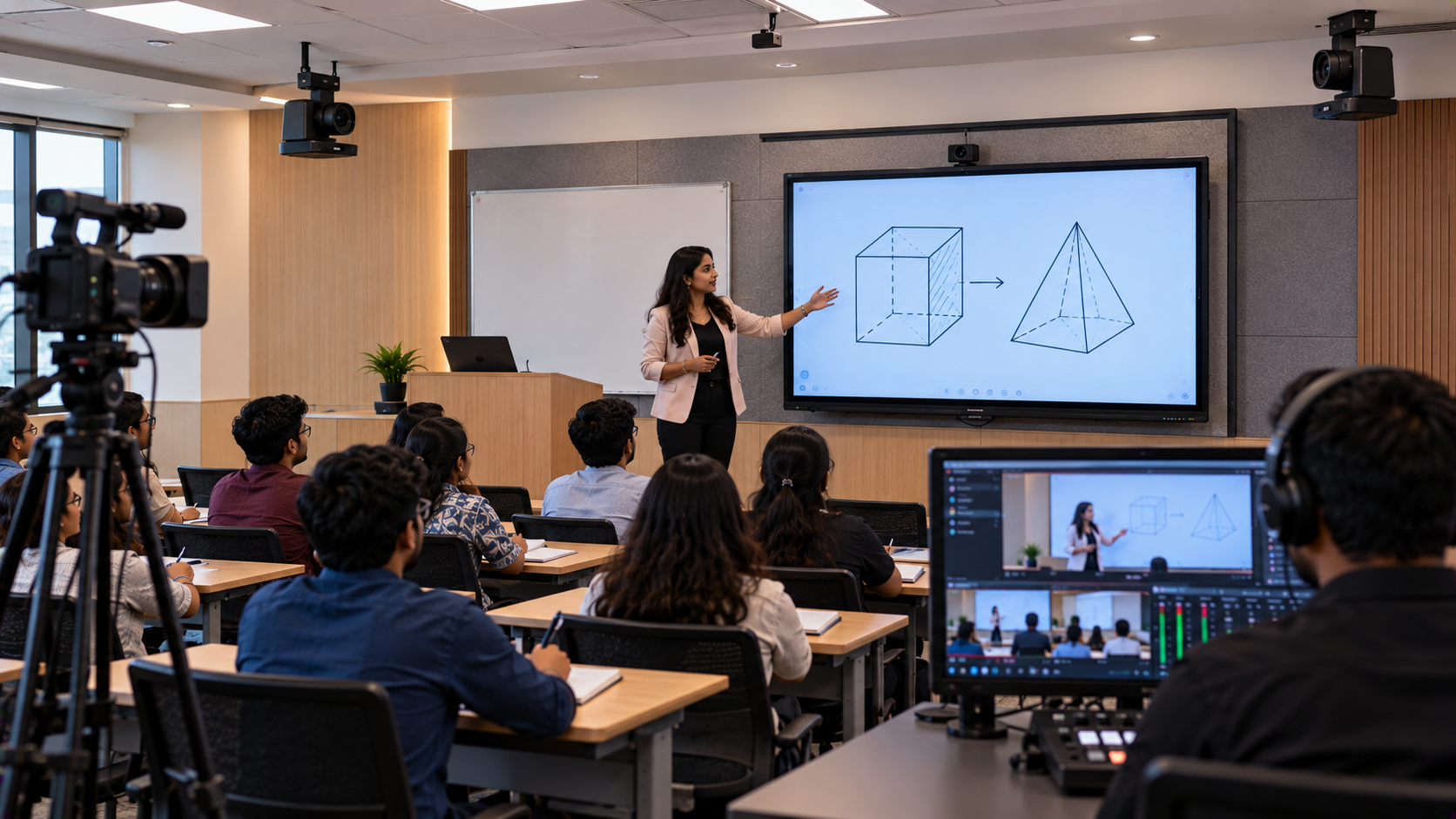
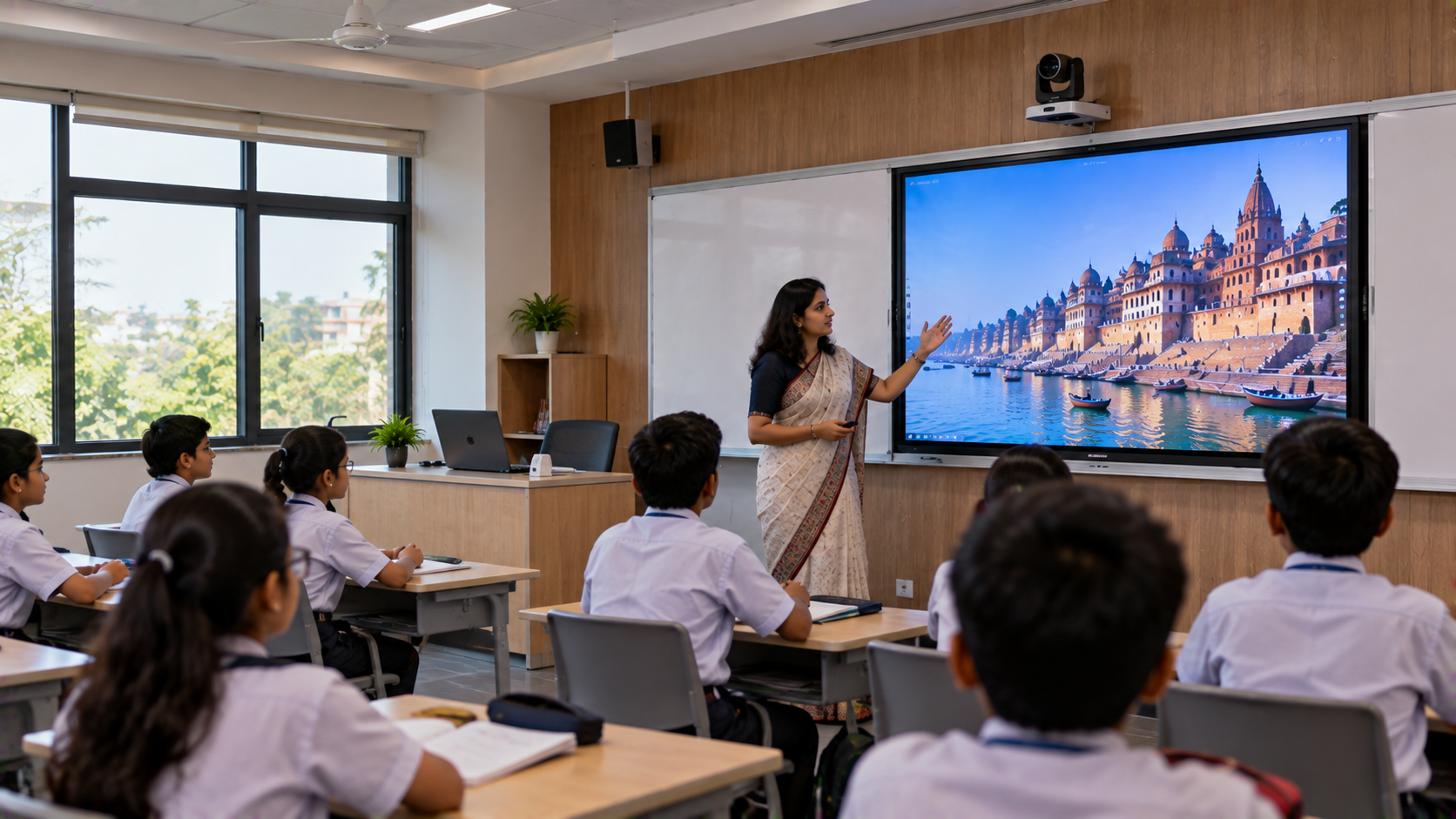
For classrooms and lecture halls: Prioritise readable displays, interactive teaching tools and reliable audio.
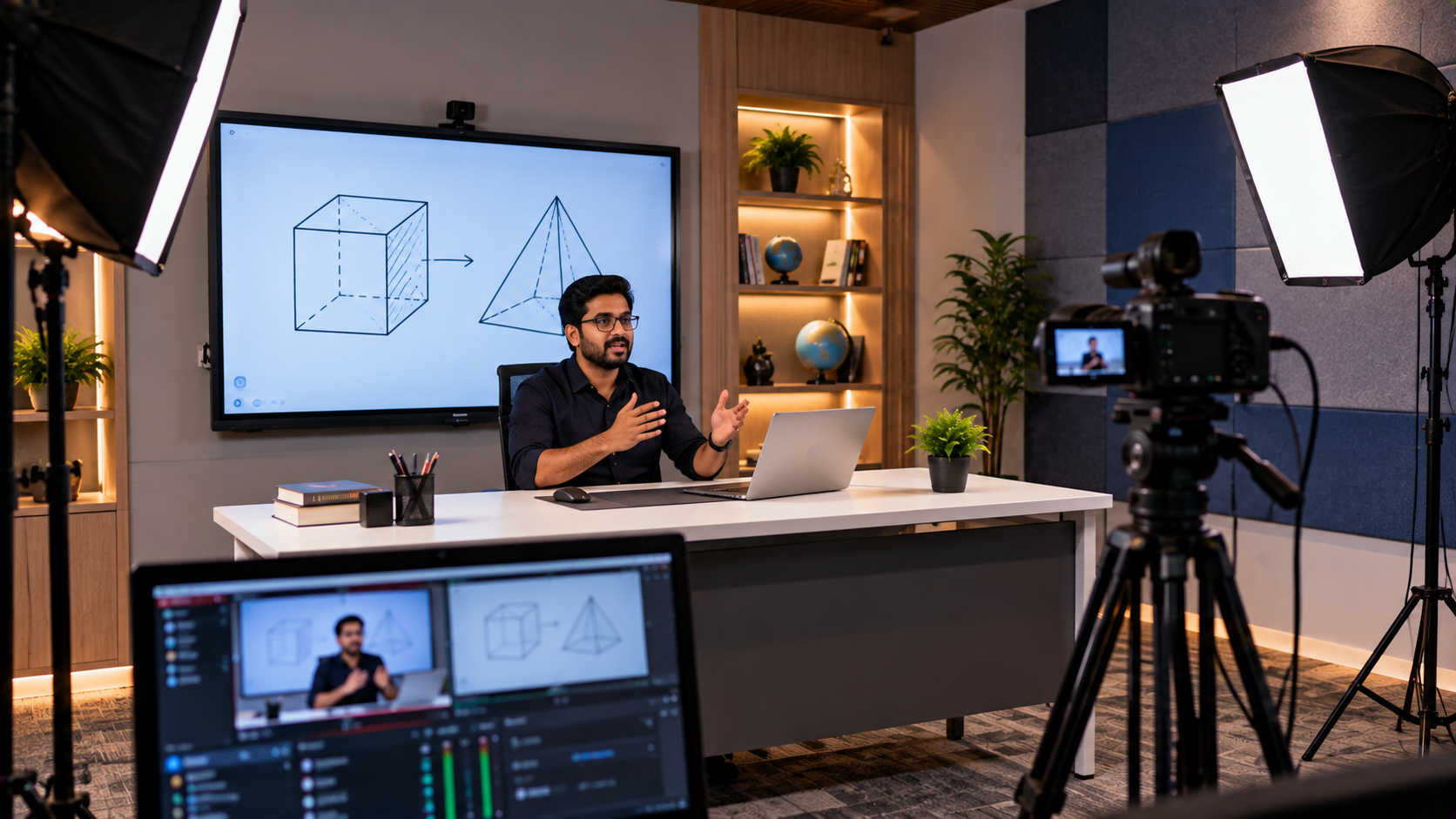
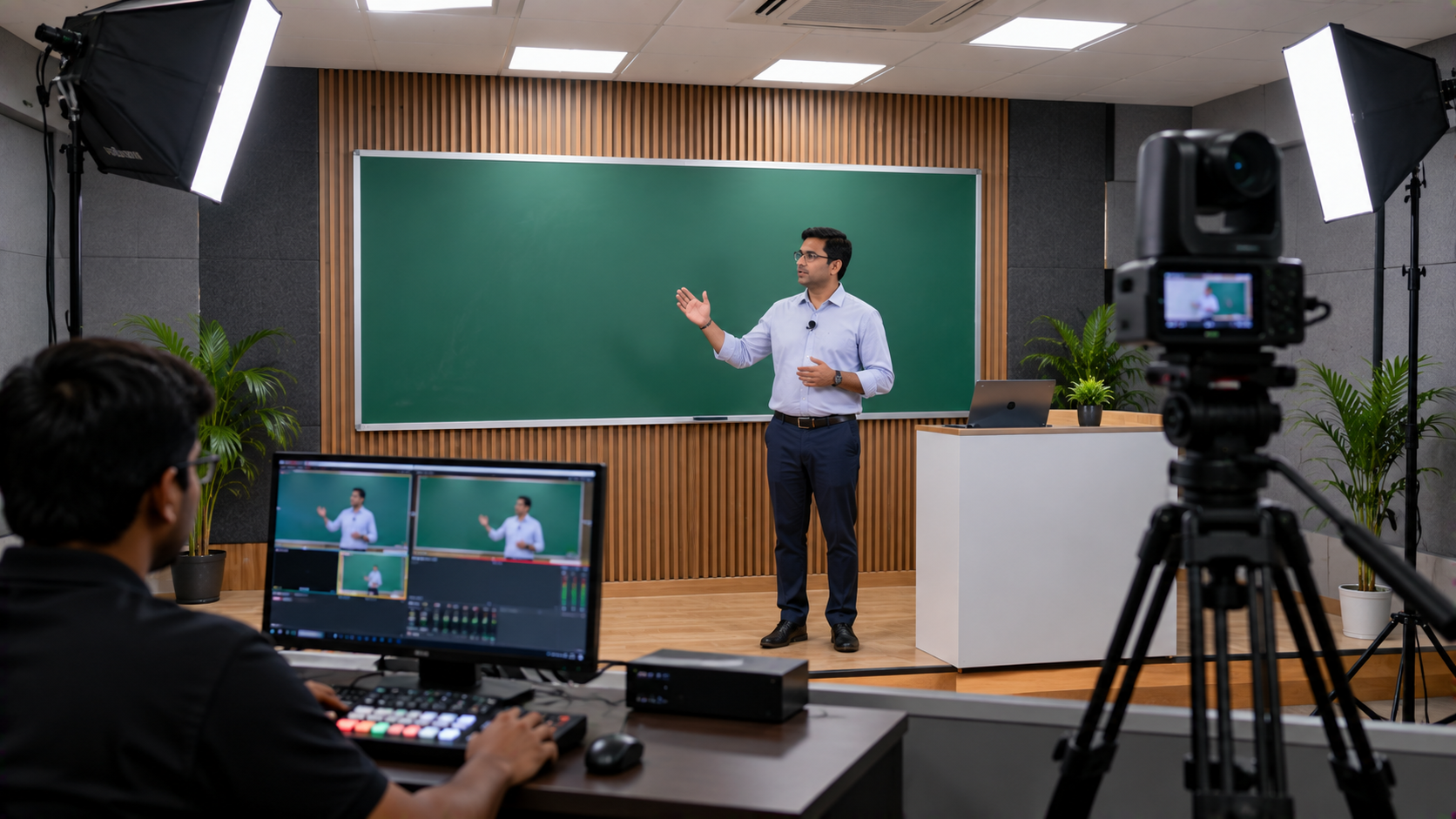
For coaching institutes: Consider lecture recording, online teaching equipment, content sharing and the ability to reuse recorded lessons.
For seminar rooms and auditoriums: Assess presentation visibility, microphone coverage, speaker placement and the need for camera-based recording.
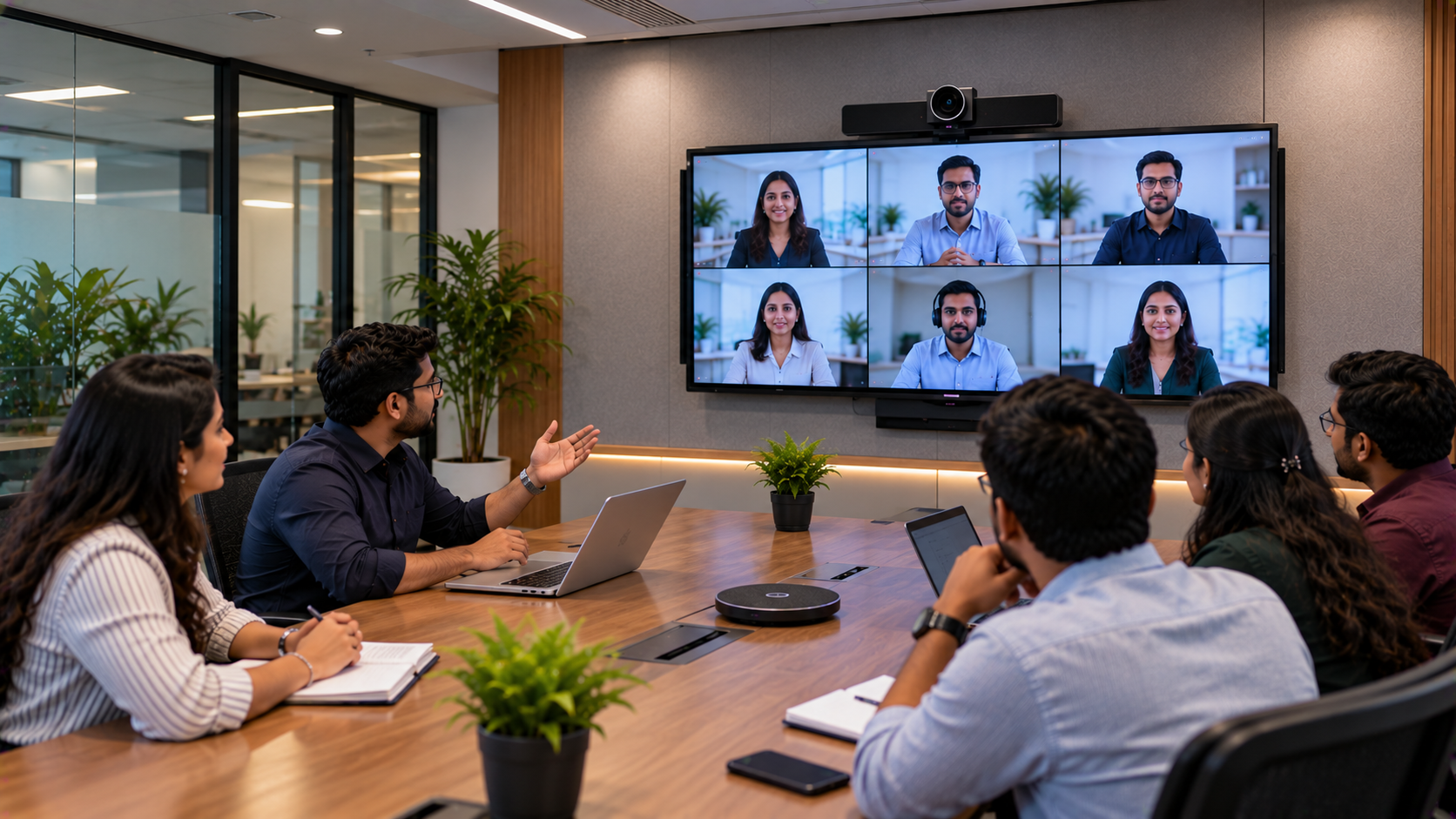
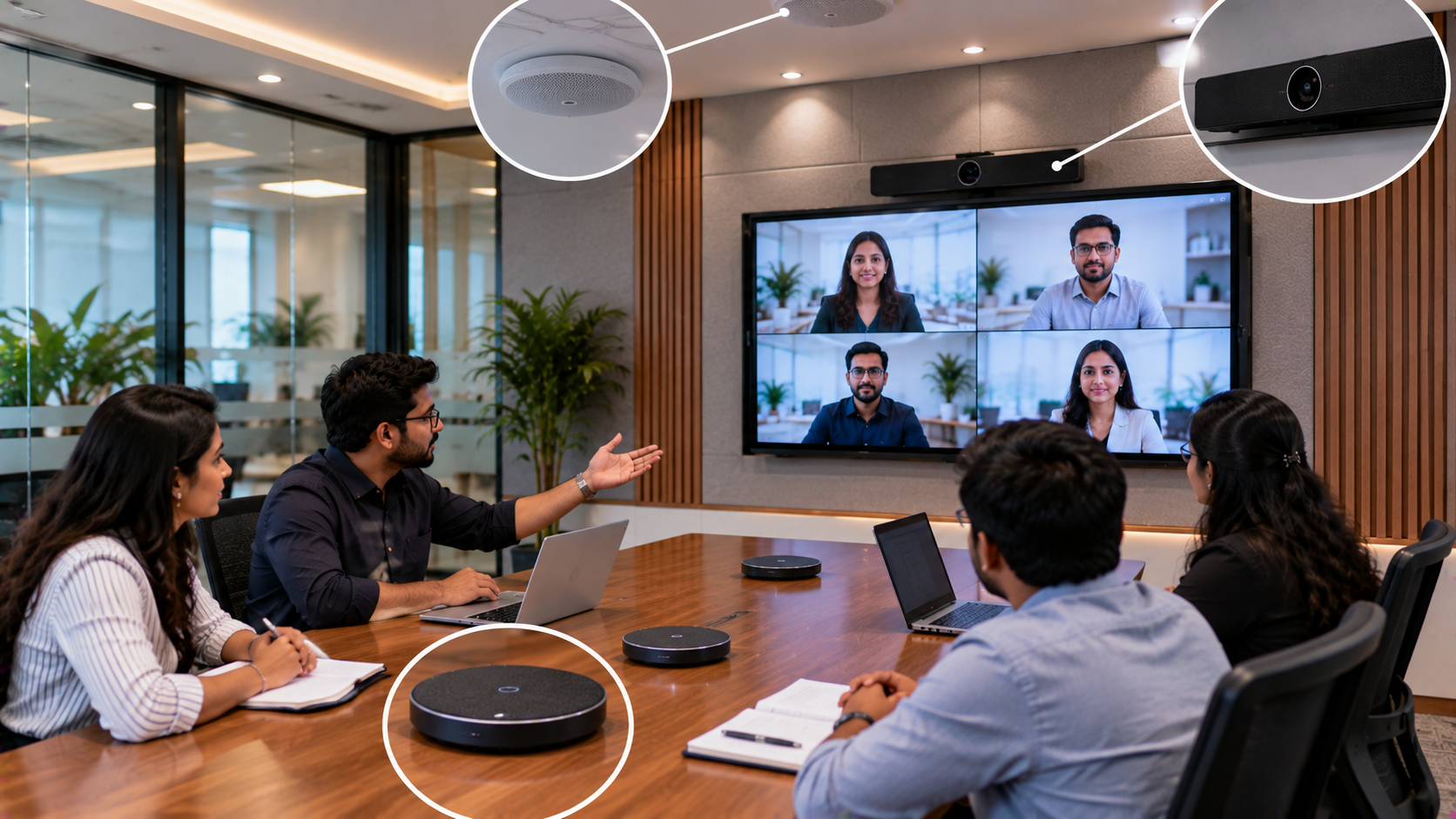
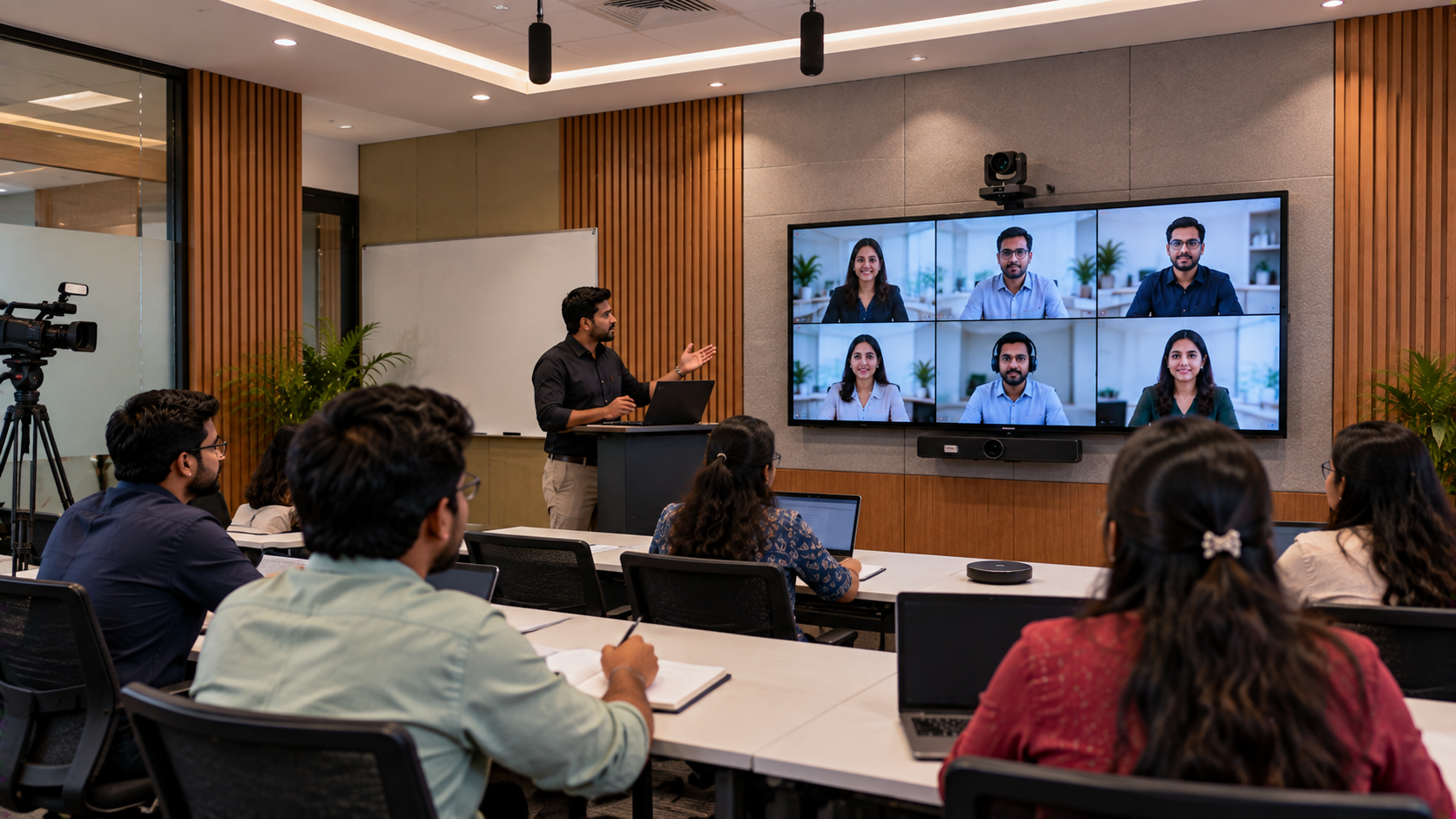
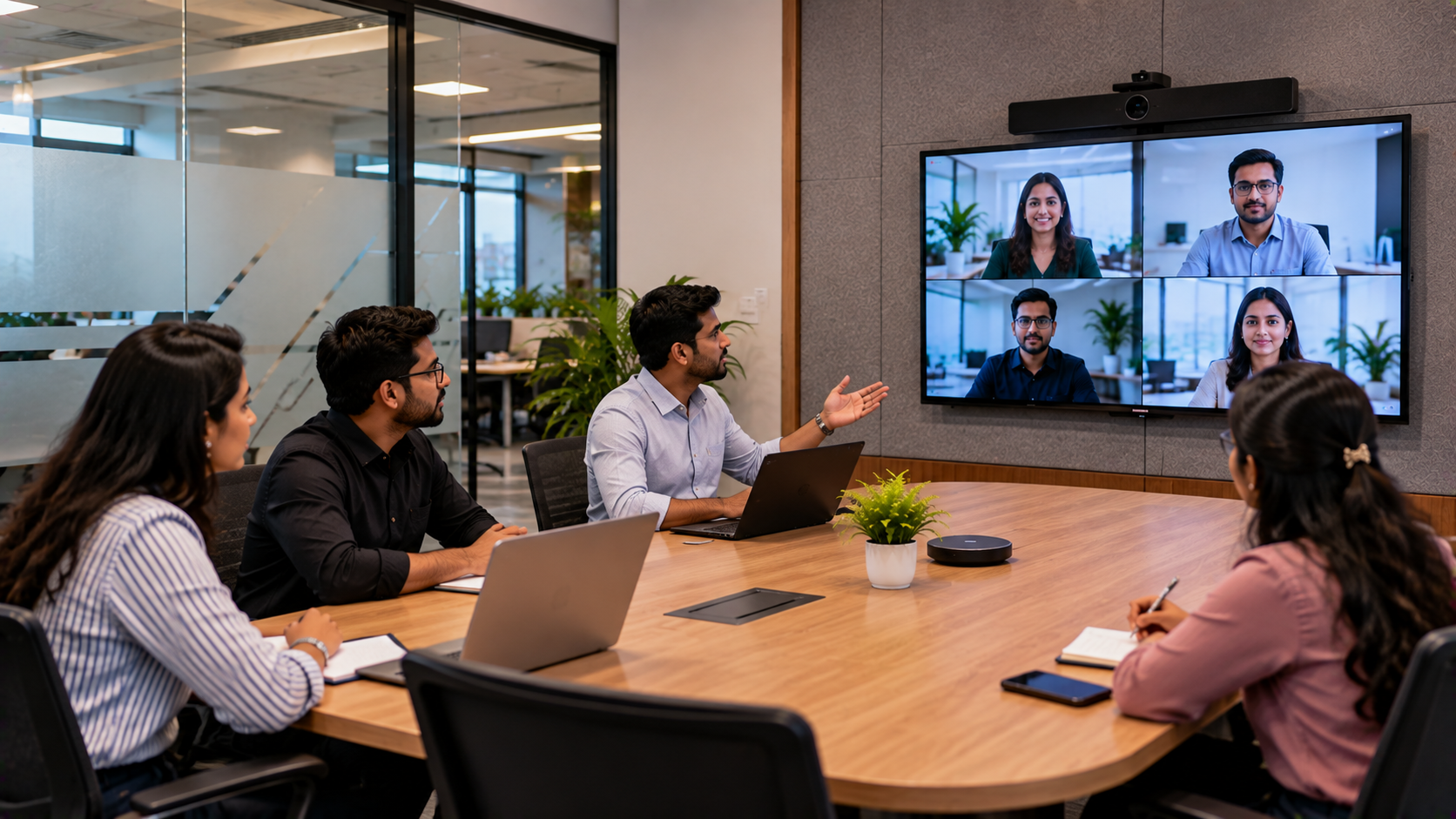
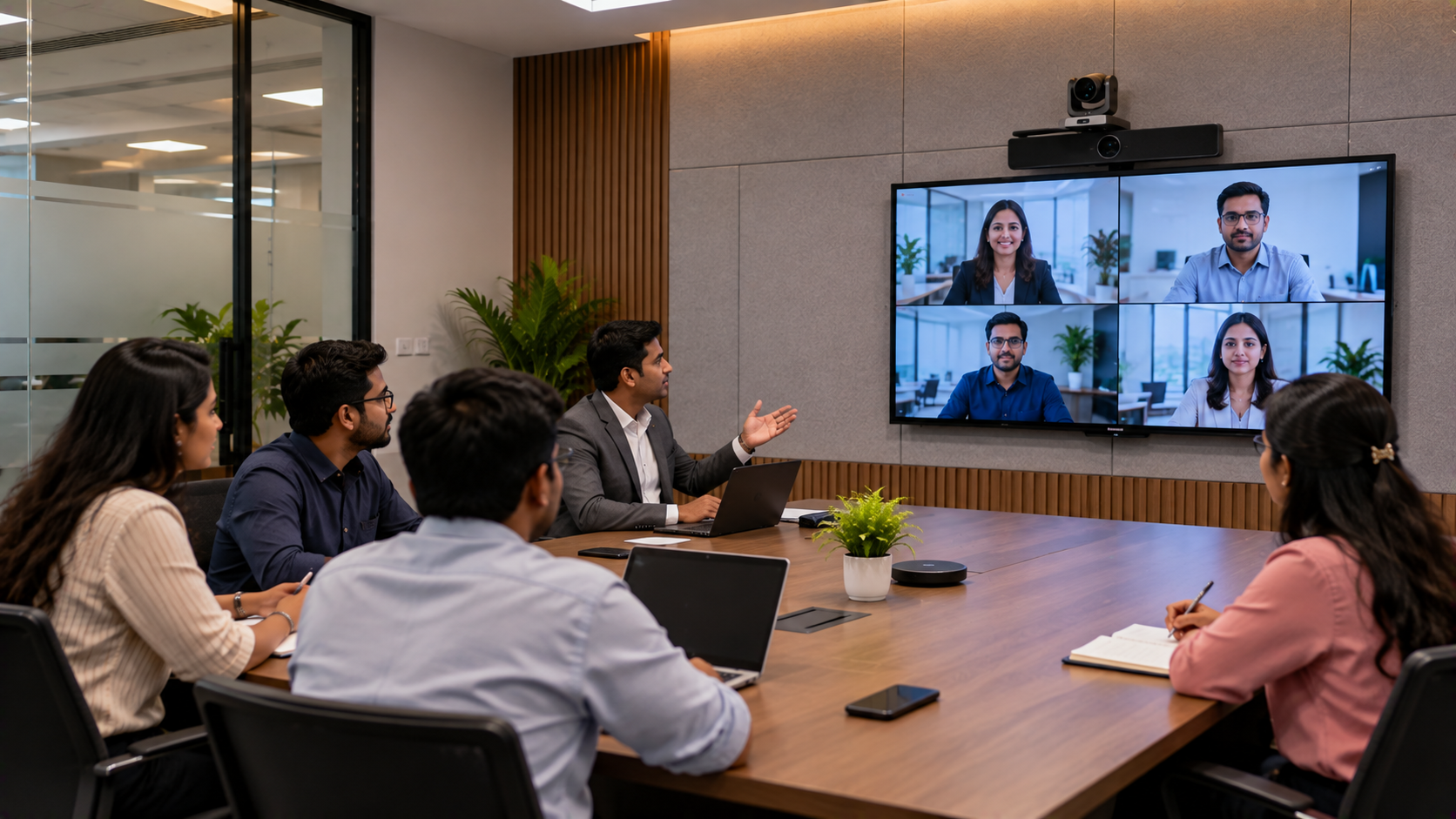
For hybrid classrooms: Check whether the system can connect to a computer, camera, microphone and conferencing software without a complicated operating process.
The room’s dimensions, seating layout, lighting, existing cabling and available budget should guide product selection.
Step 2: Choose an Interactive Digital Board or Flat Panel
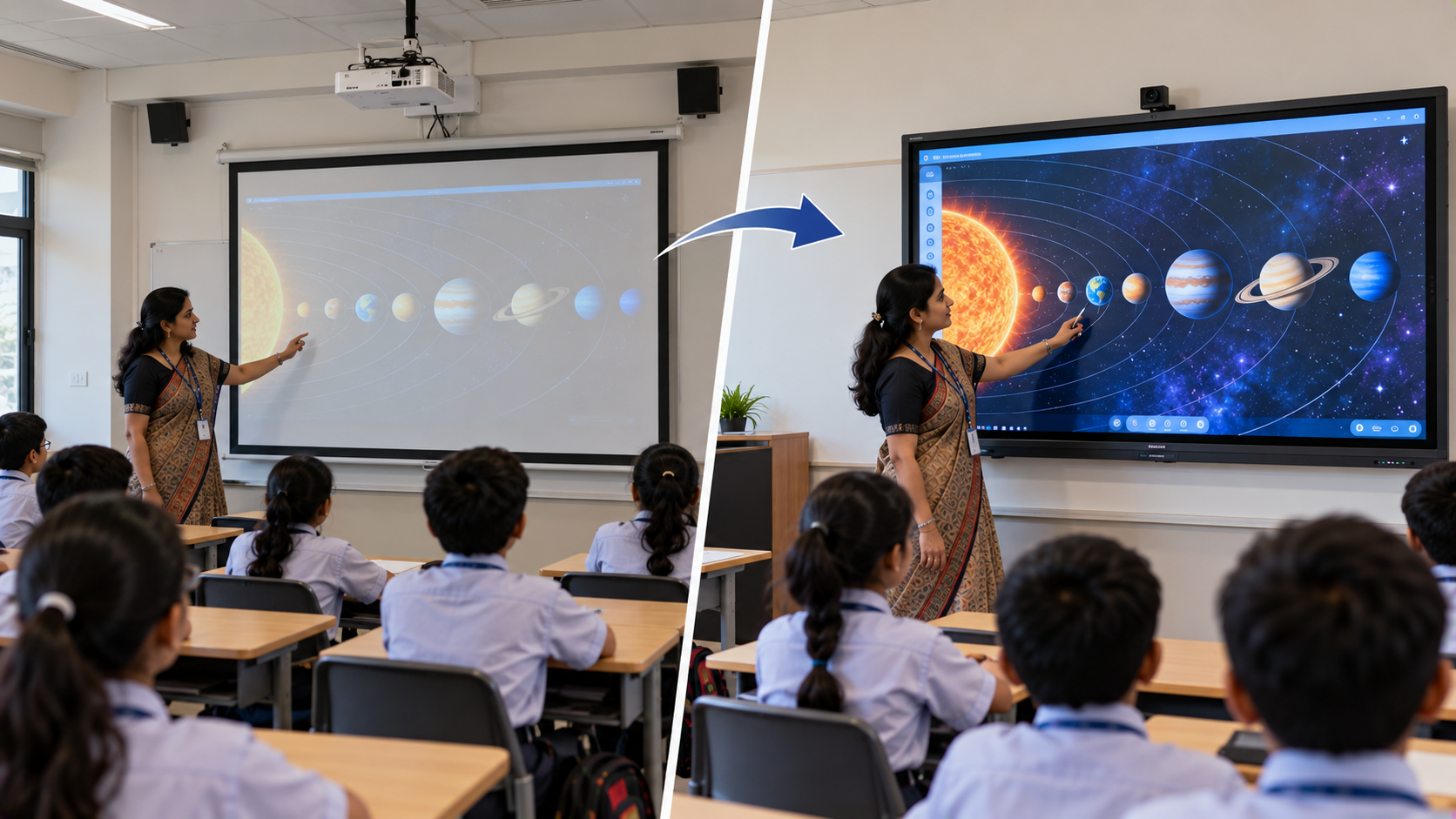
An interactive flat panel can help teachers annotate presentations, explain concepts, display learning resources and encourage classroom participation. It may also reduce reliance on a separate projector-and-screen arrangement, depending on the chosen system.
Institutions can explore the following options through GoLive eTechnologies, subject to current availability:
EVOTA interactive panel and EVOTA smart board: Consider for interactive teaching, digital writing and classroom presentations.
MAXHUB smart board and MAXHUB digital board: Explore for collaborative teaching and presentation environments.
Newline interactive panel and Newline digital board: Consider for interactive lessons, annotation and shared content.
LG interactive digital board and LG interactive panel: Evaluate for institutional presentation and collaboration requirements.
A 65-inch panel may suit a smaller classroom or meeting space, while 75-inch, 86-inch or larger displays may be appropriate for rooms with greater viewing distances. The right size depends on the room layout, viewing angles, content and number of participants.
Comparing digital board prices in India
Searches such as “EVOTA smart board 75 inch price”, “Newline smart board price”, “MAXHUB digital board price in India” and “LG interactive digital board price India” can help buyers begin comparing options.
However, a meaningful comparison should consider more than screen size. Check:
Display resolution, brightness and touch performance.
Included software, stylus or digital board pen.
Connectivity, operating system and computer compatibility.
Wall-mounting or mobile-stand requirements.
Installation, configuration, staff training and warranty terms.
Prices vary by model, specifications, included accessories and supplier quotation. Contact GoLive eTechnologies for current availability and a model-specific quote rather than relying on an assumed or outdated price.
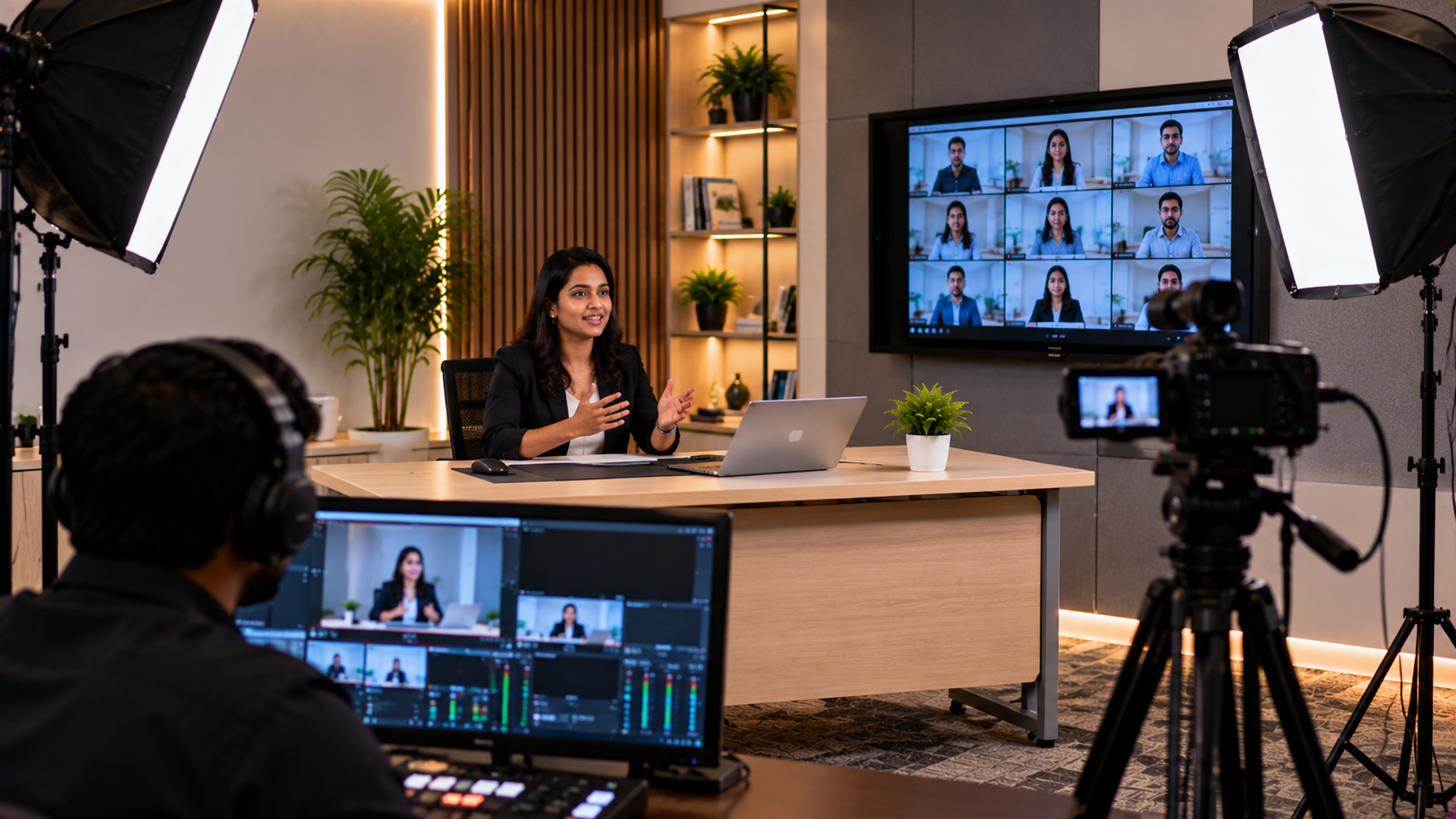
Step 3: Add a PTZ Camera for Lecture Recording and Hybrid Sessions
If the institution plans to record lectures, stream events or connect remote participants, a suitable camera may be an important part of the upgrade.
A PTZ camera can pan, tilt and zoom, allowing the operator to frame a teacher, speaker or presentation area. Depending on the model and configuration, it can reduce the need for someone to manually reposition a camera during a session.
Options to evaluate include:
EVOTA 4K PTZ camera: Consider when detailed video capture is a priority.
EVOTA 10x HD PTZ camera: Evaluate when optical zoom and room coverage are important.
Logitech PTZ cameras: Consider for compatible conferencing and presentation workflows.
Sony NX80: Explore for suitable professional video recording requirements.
These products are not interchangeable in every application. Compare resolution, optical zoom, outputs, control options, mounting requirements and compatibility with the institution’s recording or conferencing software before selecting a camera.
Step 4: Improve Audio, Capture and Presentation Connectivity
A clear picture is only part of a successful AV setup. Teachers and presenters need speech that can be heard comfortably, both in the room and in recorded sessions.
Depending on room size and use, an institution may consider:
A wired or wireless microphone suited to the presenter’s movement.
Compatible speakers and an amplifier for room coverage.
A USB or HDMI video capture device when external video sources need to be recorded on a computer.
Suitable cables, mounts and adapters to connect the display, camera and computer.
Recording or streaming software, such as OBS Studio, where it meets the institution’s workflow and technical requirements.
For example, a coaching institute recording lessons may need a camera, microphone, computer and capture workflow. A seminar room focused on live presentations may instead prioritise a display, presenter microphone and room speakers.
Plan the full signal path before purchasing accessories. Confirm that each device’s ports, resolution, power requirements and software compatibility match the rest of the system.
Step 5: Plan Installation, Testing and Staff Training
Buying suitable equipment is only one part of the process. Institutions should also plan how the system will be installed, tested and handed over to staff.
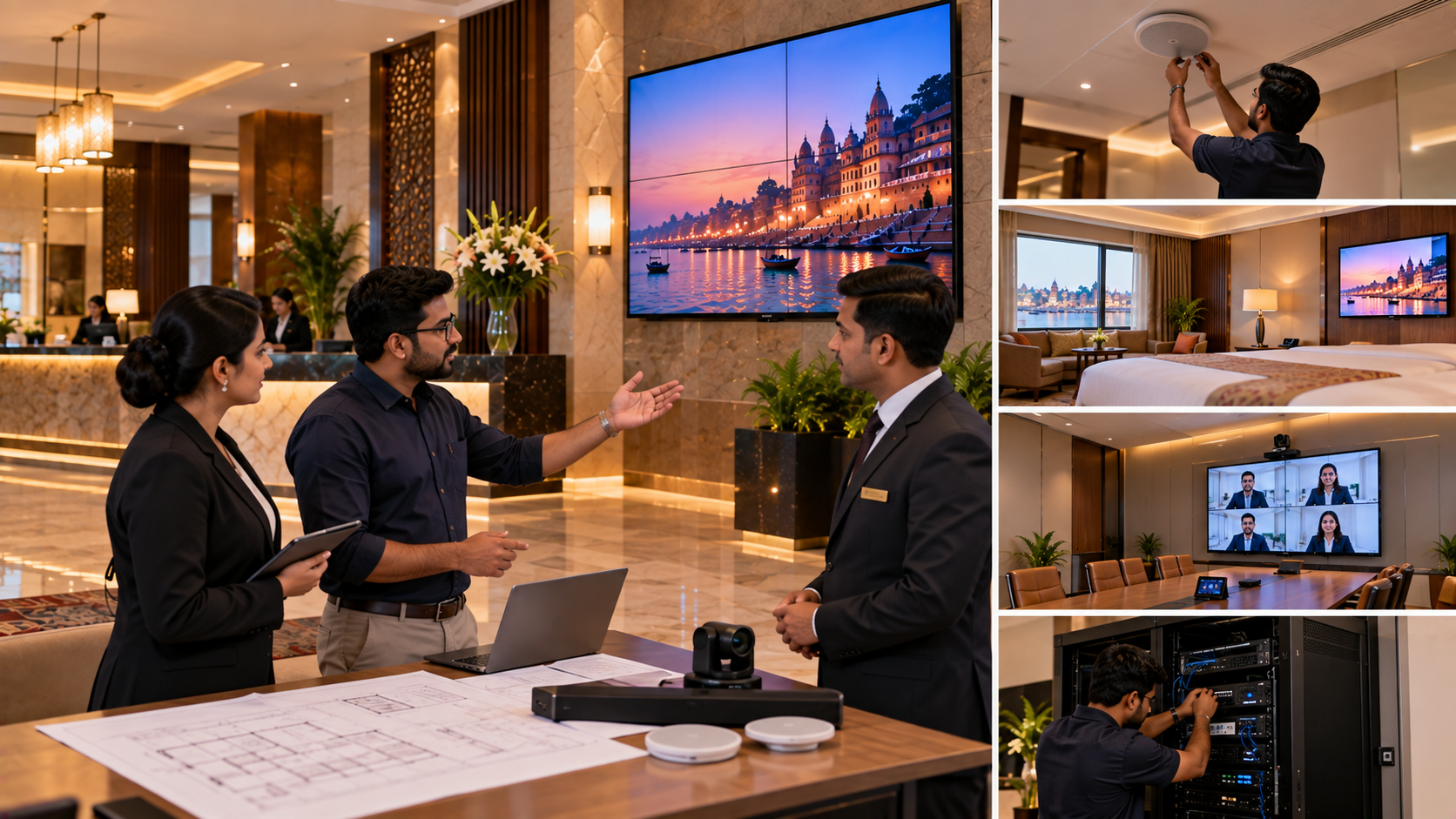
A practical implementation process includes:
Requirement assessment: Identify the room, intended use, existing equipment and budget.
Product selection: Match displays, cameras, microphones and accessories to the requirements.
Installation planning: Confirm mounting, cabling, power, network access and placement.
Configuration and testing: Check display inputs, touch functions, camera framing, audio levels and recording.
Staff orientation: Explain everyday operation, connection steps and basic troubleshooting.
Post-installation assistance: Establish the appropriate support route for product or setup questions.
GoLive eTechnologies’ positioning is built around technology backed by people who help. Institutions should confirm the precise installation scope, delivery timelines, training arrangements and support terms in their quotation before proceeding.
Why Consider GoLive eTechnologies for an Institutional AV Upgrade?
GoLive eTechnologies India Private Limited supports buyers looking to identify technology products for education, presentation and collaboration requirements.
Its end-to-end approach focuses on helping customers select a suitable solution and understand the practical steps required to put it into use.
What institutions should look for:
Product options aligned with the room and intended application.
Clear quotations and model-specific specifications.
Coordination of compatible AV components.
Installation and configuration arrangements where included.
Training and support options confirmed before purchase.
Customer feedback can be useful when evaluating a supplier. Buyers researching GoLive eTechnologies reviews should check current, genuine review sources and pay attention to comments about service, delivery, installation, training and assistance.
The aim is simple: less technology headache and more confidence that the equipment will work as expected.
Upgrade Your Institution’s AV and Presentation System with Confidence
Whether you are planning a smart classroom in Shimla, a lecture recording setup for a coaching institute or a presentation system for a college seminar room, begin with the requirements of the space—not just the price of an individual device.
Explore EVOTA interactive panels, MAXHUB and Newline digital boards, LG interactive displays, PTZ cameras and compatible AV accessories through GoLive eTechnologies. Ask for a tailored quotation that explains the recommended configuration, product availability, installation scope and support arrangements.
Visit www.golivetechnologies.in to explore available products and enquire about an AV solution suited to your institution in Shimla or elsewhere in India.
Technology that works, backed by people who help.
Your email address will not be published. Required fields are marked *

By Inhype • September 12, 2026
A smart classroom is only as effective as the technology supporting it. Interactive panels, smart boards, PTZ cameras, microphones, speakers, PCs and
Read More
By Inhype • September 12, 2026
Higher education is rapidly moving beyond traditional chalkboards and projectors. Today, colleges and universities need technology that supports inter
Read More
By Inhype • September 12, 2026
A smart classroom for CBSE schools is no longer simply a classroom with a digital board. Modern schools are building connected learning environments t
Read More
By Inhype • September 12, 2026
Planning a smart classroom project for 10, 20 or even 50 classrooms requires more than simply purchasing digital boards. Schools, colleges, universiti
Read More
By Inhype • September 12, 2026
A smart classroom can transform the way teachers explain concepts, students interact with lessons, and institutions deliver digital education. From in
Read More




Golive eTechnologies India Private Limited (CIN - U31909UP2021PTC148242) is one of India's leading providers of smart classrooms, interactive boards, video conferencing solutions, and display technologies for the education, healthcare, corporate, and government sectors.


No comments yet. Be the first to comment!