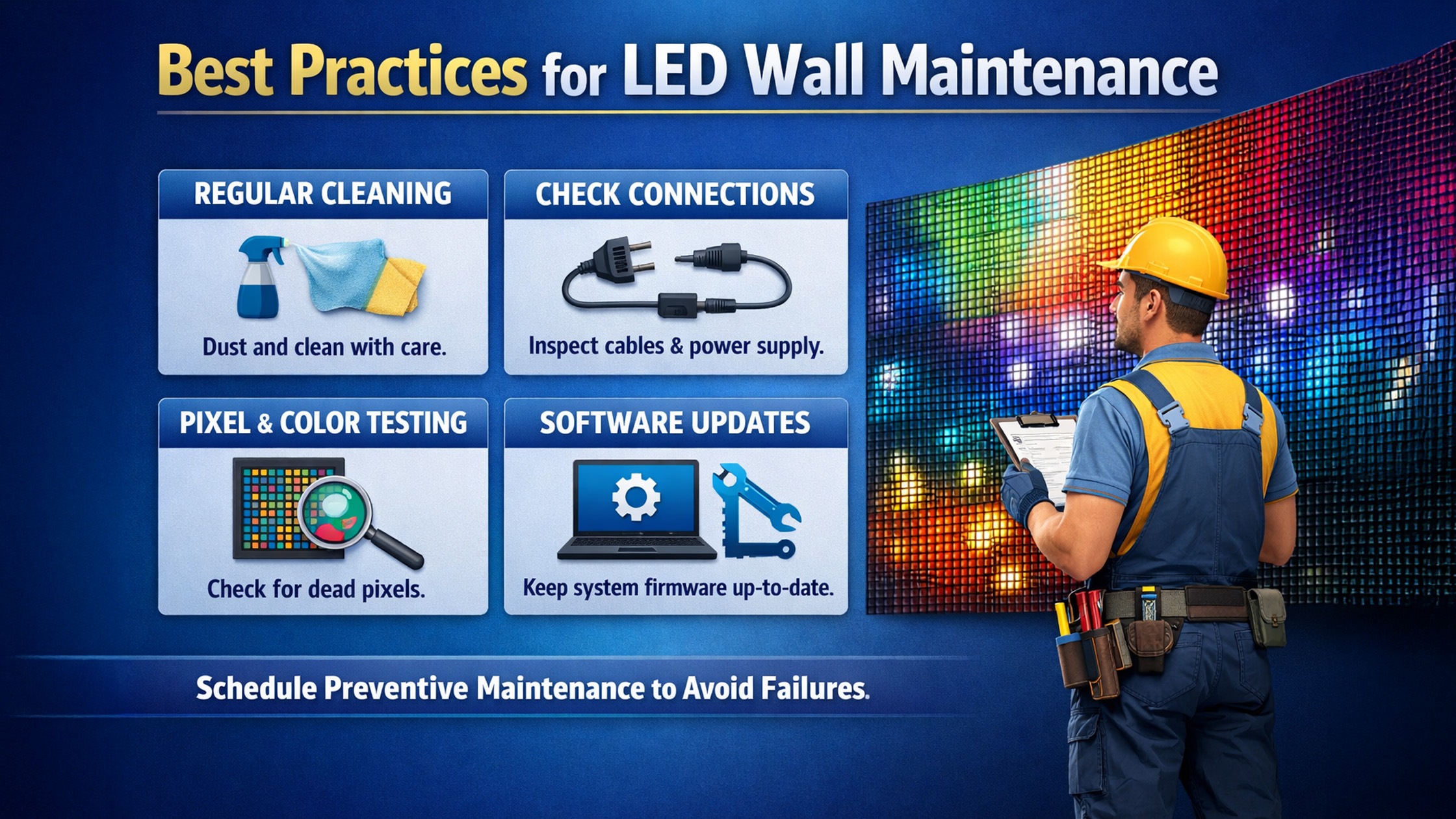
LED walls and interactive digital boards are transforming modern classrooms, conference rooms, studios, and retail environments. From smart classrooms to online class studio setup, organizations across India rely on high-quality displays such as Evota smart boards, LG interactive panels, Maxhub digital boards, and Newline smartboards. However, even the most advanced digital panel board or interactive flat panel display requires proper maintenance to ensure longevity, performance, and visual clarity. In this guide by golive etechnologies, we explain the best practices for LED wall maintenance, while helping you choose the right equipment such as Evota interactive panels, Maxhub smart boards, and LG digital boards available across India.
Why LED Wall Maintenance Is Important
A digital board for teaching, interactive display panel, or smart board for classroom is a long-term investment. Proper maintenance ensures:
Clear visuals for smart classroom education
Better touch response on interactive panels
Longer lifespan of digital boards
Reduced repair costs
Higher performance during online teaching setup or studio setup for online classes
Premium products from golive etechnologies india private limited such as Evota digital boards, Maxhub digital boards, and LG interactive digital boards are designed for durability—but regular care is still essential.
Best Practices for LED Wall Maintenance
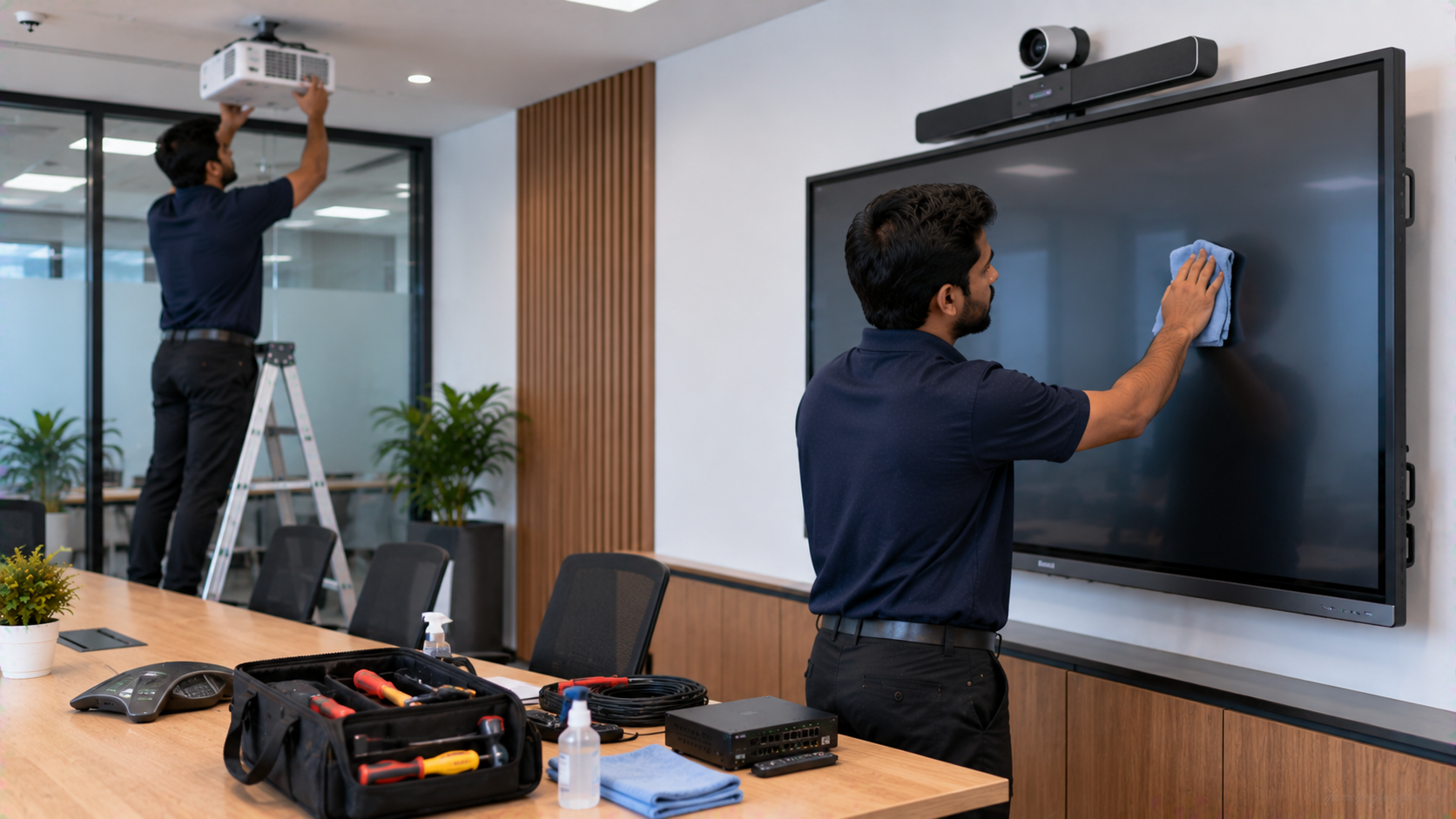
1. Clean the Digital Screen Properly
Dust and fingerprints can reduce brightness and clarity on digital screen boards.
Cleaning Tips
Use a microfiber cloth only
Avoid harsh chemicals
Use approved screen cleaners
Turn off the digital board before cleaning
This is especially important for devices like:
Evota smart board
LG smart board
Maxhub digital board
Newline interactive panel
Regular cleaning helps maintain the visual quality of 4K digital boards and interactive flat panel displays.
2. Ensure Proper Ventilation
Large 75-inch digital boards or interactive panels generate heat. Poor ventilation can damage internal components.
Examples include:
Evota smart board 75 inch price models
LG interactive panel 75 inch
Maxhub digital board 100 inch price models
Newline digital board 75 inch price
Best Practices
Maintain space behind the LED wall
Avoid installing near heat sources
Ensure airflow in classrooms or studios
This increases the life of teaching LED boards and digital smart boards for classrooms.
3. Update Software and Firmware Regularly
Modern interactive flat panels run smart operating systems.
Brands like:
Evota interactive panel
LG interactive digital board
Maxhub smart board
Newline interactive panel
receive software updates that improve performance and security.
Benefits
Better touch response
Improved digital board pen accuracy
Enhanced smart classroom functionality
Stable performance during online teaching
4. Protect the Touch Screen
The touchscreen layer in interactive boards for schools is sensitive.
Protection Tips
Use only approved smart board pens
Avoid sharp objects
Train teachers/staff on proper usage
Do not apply pressure on the display
Devices like Evota digital boards, Maxhub education boards, and LG smart boards for teaching deliver excellent touch accuracy when used correctly.
5. Check Power Supply & Cabling
Poor electrical connections can damage digital panel boards.
Recommended Checks
Stable power supply
Proper surge protection
Quality HDMI cables
Compatible accessories like hdmi video capture device software
This is important when using additional equipment like:
Evota 4K PTZ camera
Logitech PTZ Pro 2
Logitech B525 HD webcam
Sony NX80 camera
These devices are commonly used in online class studio setups and lecture capture systems.
6. Perform Routine Hardware Inspection
Schedule periodic inspection of:
Screen panels
Mounting brackets
HDMI ports
Cooling systems
Professional service from go live e technologies ensures your digital board for classroom runs smoothly.
Recommended Digital Boards for Smart Classrooms
Evota Interactive Digital Boards
Popular models include:
Evota smart board
Evota interactive flat panel
Evota 75 inch digital board
Evota smart board 86 inch price models
Benefits
Ultra HD display
Multi-touch support
Ideal for digital classroom setup
Competitive evota smart board price
Maxhub Smart Boards
Maxhub digital boards are widely used in corporate training and education.
Key Advantages
4K display clarity
Built-in collaboration tools
Ideal for hybrid classrooms
Competitive maxhub digital board price in India
LG Interactive Digital Boards
High-performance LG interactive flat panels are widely used in institutions.
Popular searches include:
LG smart board price
LG digital board 75 inch price
LG interactive panel 75 inch price
LG digital board 65 inch price
These boards offer reliable performance for smart classes in India.
Newline Interactive Panels
Newline smartboards are another premium option for modern classrooms.
Popular products:
Newline digital board
Newline smart board
Newline interactive panel 75 inch price
Newline digital board 85 inch price
They are ideal for interactive teaching boards and digital collaboration in classrooms.
Why Buy Digital Boards from GoLive eTechnologies
golive etechnologies is one of India’s trusted providers of smart classroom solutions, interactive panels, and studio equipment for online teaching.
Key Advantages
Pan-India delivery
Competitive digital board price in India
Complete smart classroom setup
Products from Evota, Maxhub, LG, and Newline
Reliable golive etechnologies reviews
The company also offers accessories like:
Evota PTZ cameras
Logitech webcams
HDMI capture devices
Ring lights
Wireless microphones for teachers
Perfect for hybrid learning and online teaching studios.
Your email address will not be published. Required fields are marked *
By Inhype • September 12, 2026
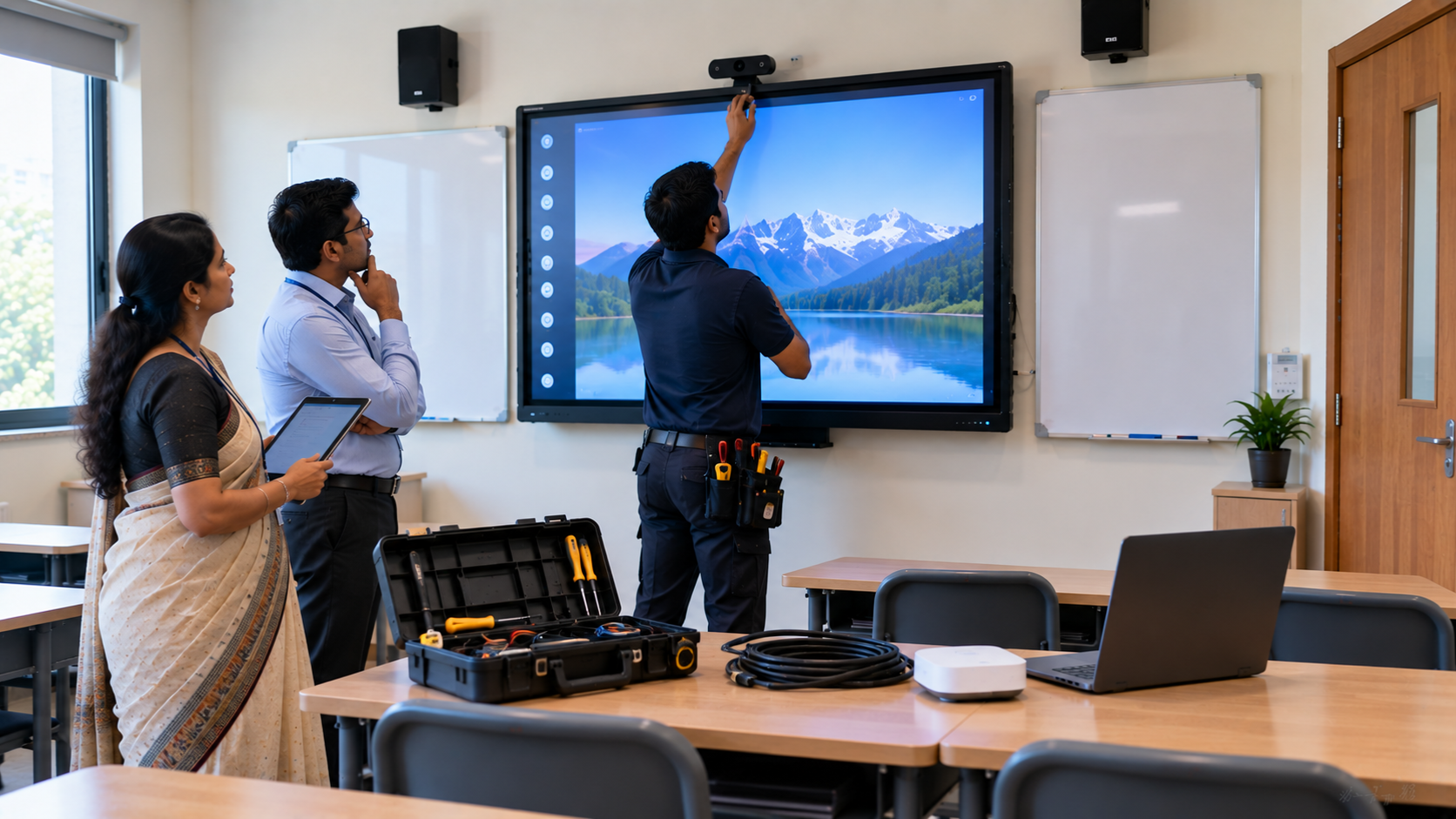
A smart classroom is only as effective as the technology supporting it. Interactive panels, smart boards, PTZ cameras, microphones, speakers, PCs and
Read More
By Inhype • September 12, 2026
Higher education is rapidly moving beyond traditional chalkboards and projectors. Today, colleges and universities need technology that supports inter
Read More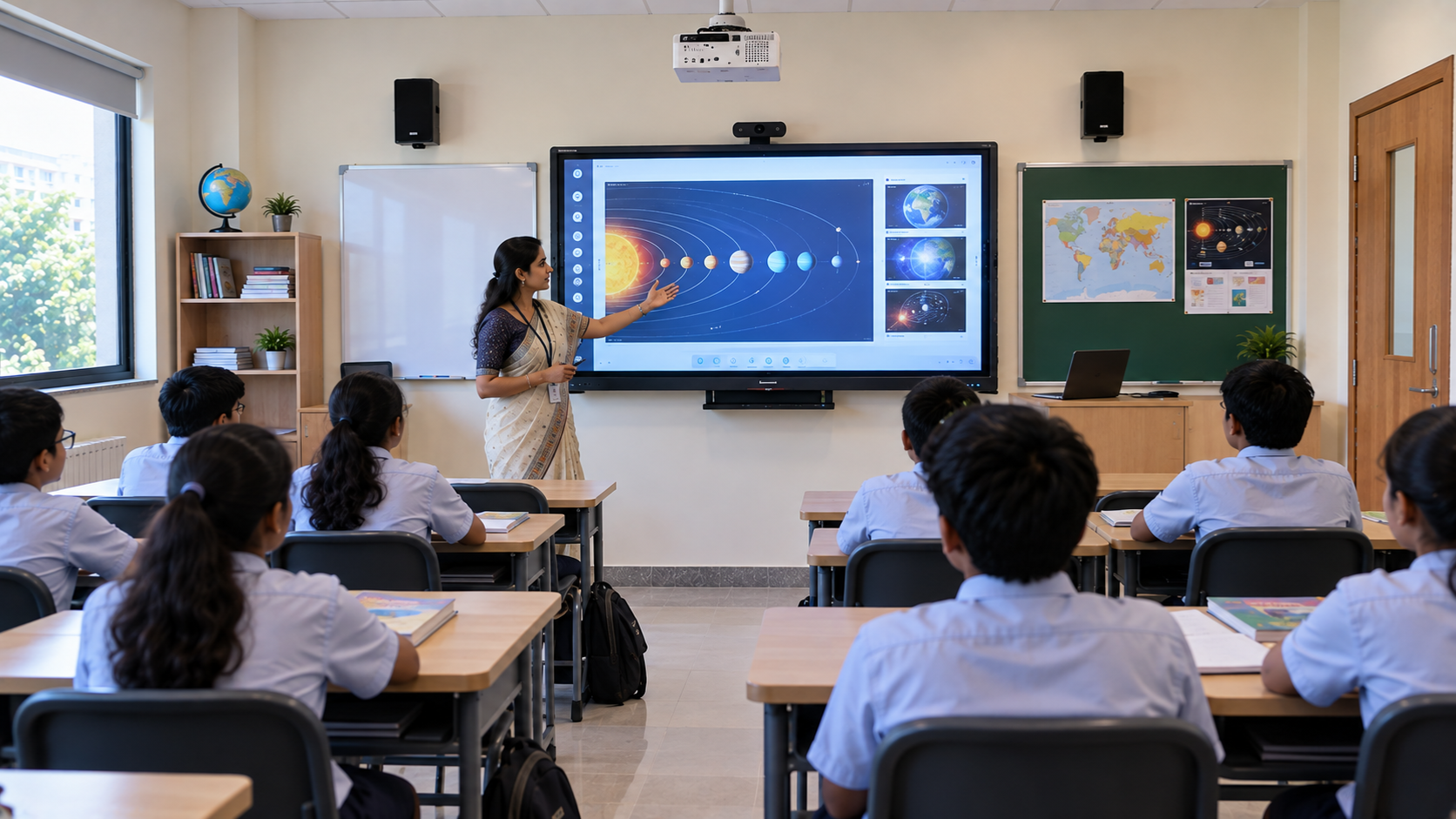
By Inhype • September 12, 2026
A smart classroom for CBSE schools is no longer simply a classroom with a digital board. Modern schools are building connected learning environments t
Read More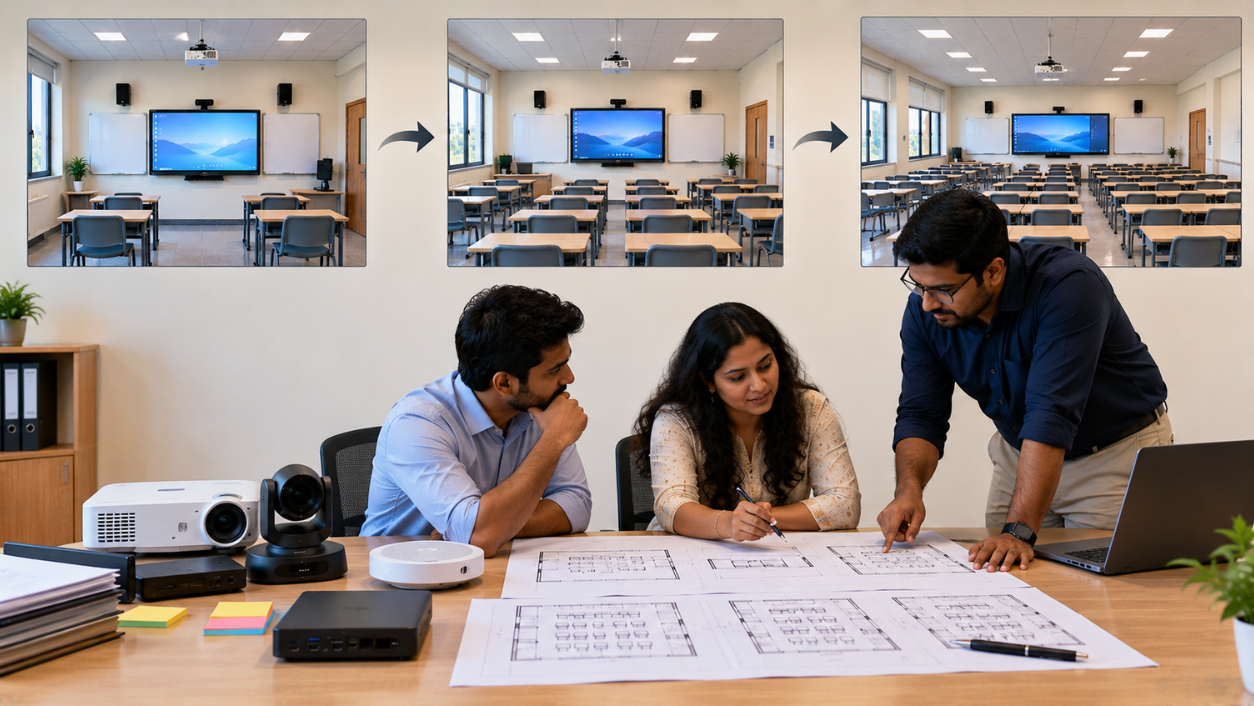
By Inhype • September 12, 2026
Planning a smart classroom project for 10, 20 or even 50 classrooms requires more than simply purchasing digital boards. Schools, colleges, universiti
Read More
By Inhype • September 12, 2026
A smart classroom can transform the way teachers explain concepts, students interact with lessons, and institutions deliver digital education. From in
Read More



Golive eTechnologies India Private Limited (CIN - U31909UP2021PTC148242) is one of India's leading providers of smart classrooms, interactive boards, video conferencing solutions, and display technologies for the education, healthcare, corporate, and government sectors.
No comments yet. Be the first to comment!