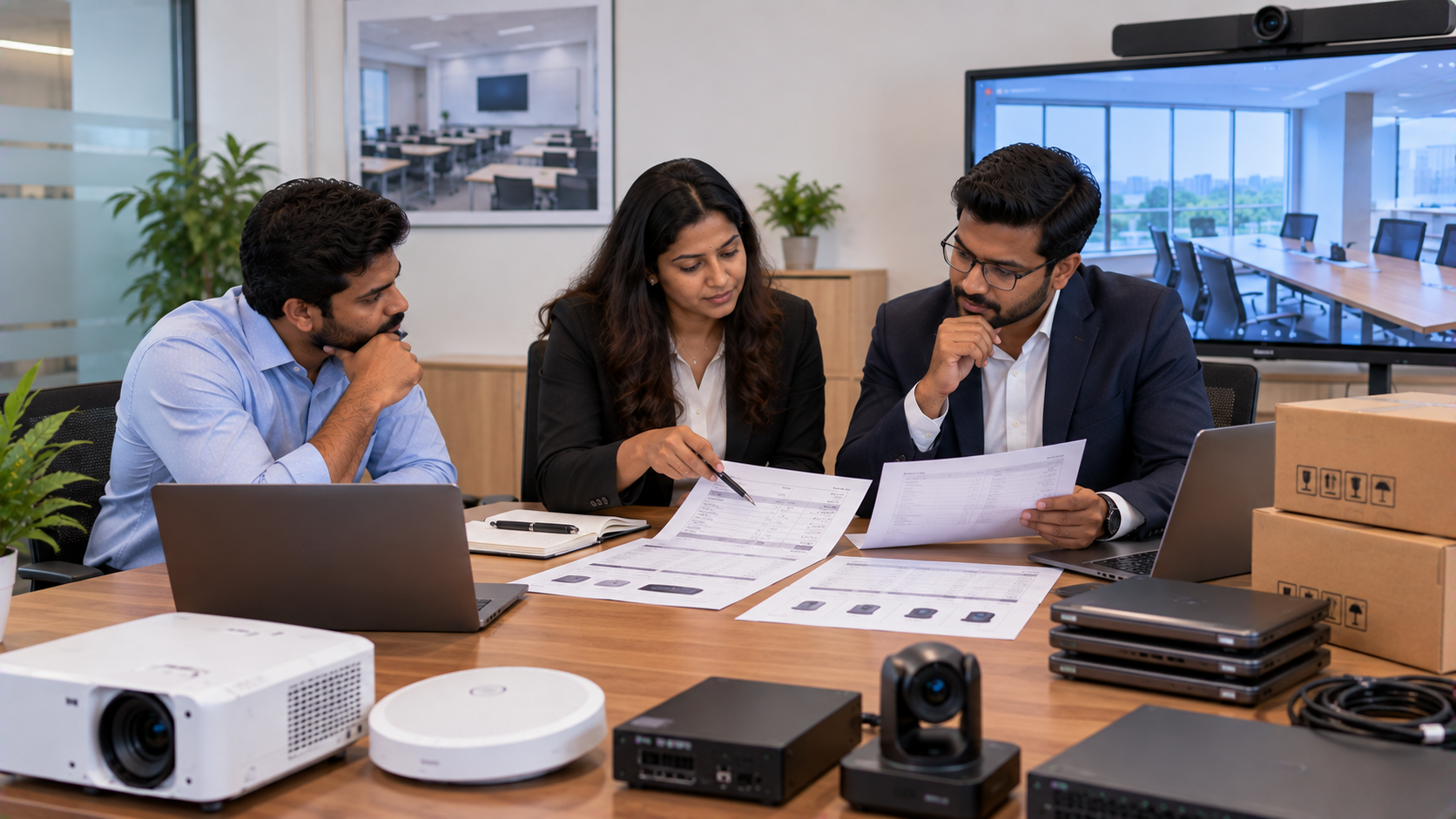
When a school plans to purchase smart classroom technology, interactive boards, digital panels, PTZ cameras, computers or complete AV equipment, one of the biggest challenges is not choosing the technology—it is understanding the procurement documents that move the purchase forward. For school administrators, purchase teams, IT managers and management committees, three terms appear repeatedly: BOQ, quotation and Purchase Order (PO). Although they are connected, they serve different purposes. A simple way to remember the process is: Requirement → BOQ → Quotation → Evaluation & Approval → Purchase Order → Delivery → Installation → Testing → Payment Understanding this sequence helps schools compare suppliers correctly, control budgets and reduce confusion during technology deployment.
What Is a BOQ in School IT and AV Procurement?
BOQ stands for Bill of Quantities.
A BOQ is generally a structured requirement document prepared before requesting commercial offers from vendors. It identifies what the school needs, how many units are required and what technical specifications should be considered.
For example, a smart classroom BOQ may include:
|
Requirement |
Example BOQ Information |
|---|---|
|
Interactive panel |
75-inch, 4K, touch-enabled |
|
PTZ camera |
4K or Full HD, optical zoom |
|
Audio |
Speakers, microphone, amplifier |
|
Computing |
OPS PC or classroom computer |
|
Accessories |
Cables, mounting kit, stylus |
|
Services |
Installation, configuration and training |
|
Quantity |
Number of classrooms/rooms |
A good BOQ should be detailed enough for different vendors to understand the same requirement.
For example, instead of simply writing “digital board – 10 units,” a school can specify screen size, resolution, operating system, touch technology, connectivity, warranty, accessories and installation requirements.
This is especially important when comparing searches such as Evota smart board price, Newline interactive panel price in India, LG interactive digital board price India, MAXHUB smart board price or other display options. The specification should remain the reference point—not just the product name.
What Is a Quotation?
A quotation is the vendor's commercial offer against a customer's requirement.
Once a school shares its BOQ, suppliers can submit quotations containing product details, quantities, unit prices, taxes, delivery terms, warranty and other commercial conditions.
A technology quotation may include:
Brand and model
Technical specifications
Quantity
Unit price
GST and applicable taxes
Delivery charges
Installation charges
Warranty
Delivery timeline
Payment terms
Quotation validity
Additional exclusions or conditions
This is where procurement teams should compare like-for-like specifications.
A lower digital board price in India does not automatically mean a lower project cost. A quote that excludes installation, mounting, OPS integration, cables, training or delivery may appear cheaper initially but cost more once the complete deployment is considered.
What Is a Purchase Order?
A Purchase Order, commonly called a PO, is the buyer's formal order issued to the selected supplier.
It converts an approved requirement into an actual purchasing instruction.
A PO normally identifies:
PO number and date
Buyer and vendor details
Product names and models
Quantities
Agreed unit prices
Taxes
Total order value
Delivery location
Delivery schedule
Installation requirements
Warranty/support conditions
Payment terms
Authorised approval
The contractual effect of a PO depends on the applicable terms, acceptance and circumstances, so schools should ensure that the PO and quotation are consistent.
BOQ vs Quotation vs Purchase Order: Key Difference
|
Document |
Main Purpose |
Usually Prepared By |
Key Information |
|---|---|---|---|
|
BOQ |
Defines what is required |
School/Buyer |
Specs, quantities, services |
|
Quotation |
Defines supplier's commercial offer |
Vendor |
Price, model, taxes, terms |
|
Purchase Order |
Authorises the purchase |
Buyer |
Final approved items and terms |
The three documents should tell the same story.
If the BOQ asks for ten 75-inch interactive panels but the quotation contains eight, the discrepancy should be resolved before the PO is issued.
Similarly, if the quotation includes installation but the PO does not mention it, the school should clarify the scope before placing the order.
What Should Schools Include in a Technology Procurement BOQ?
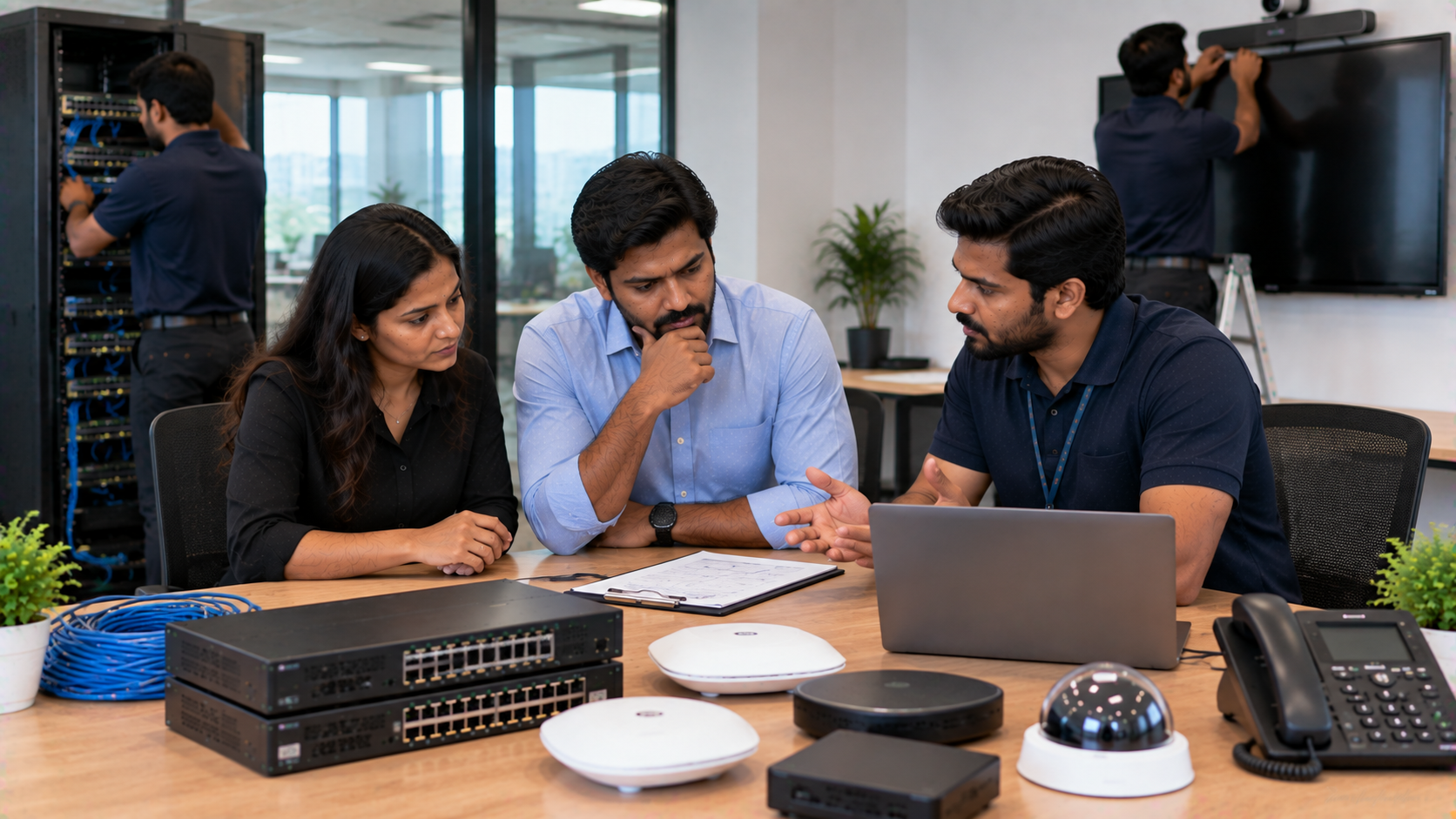
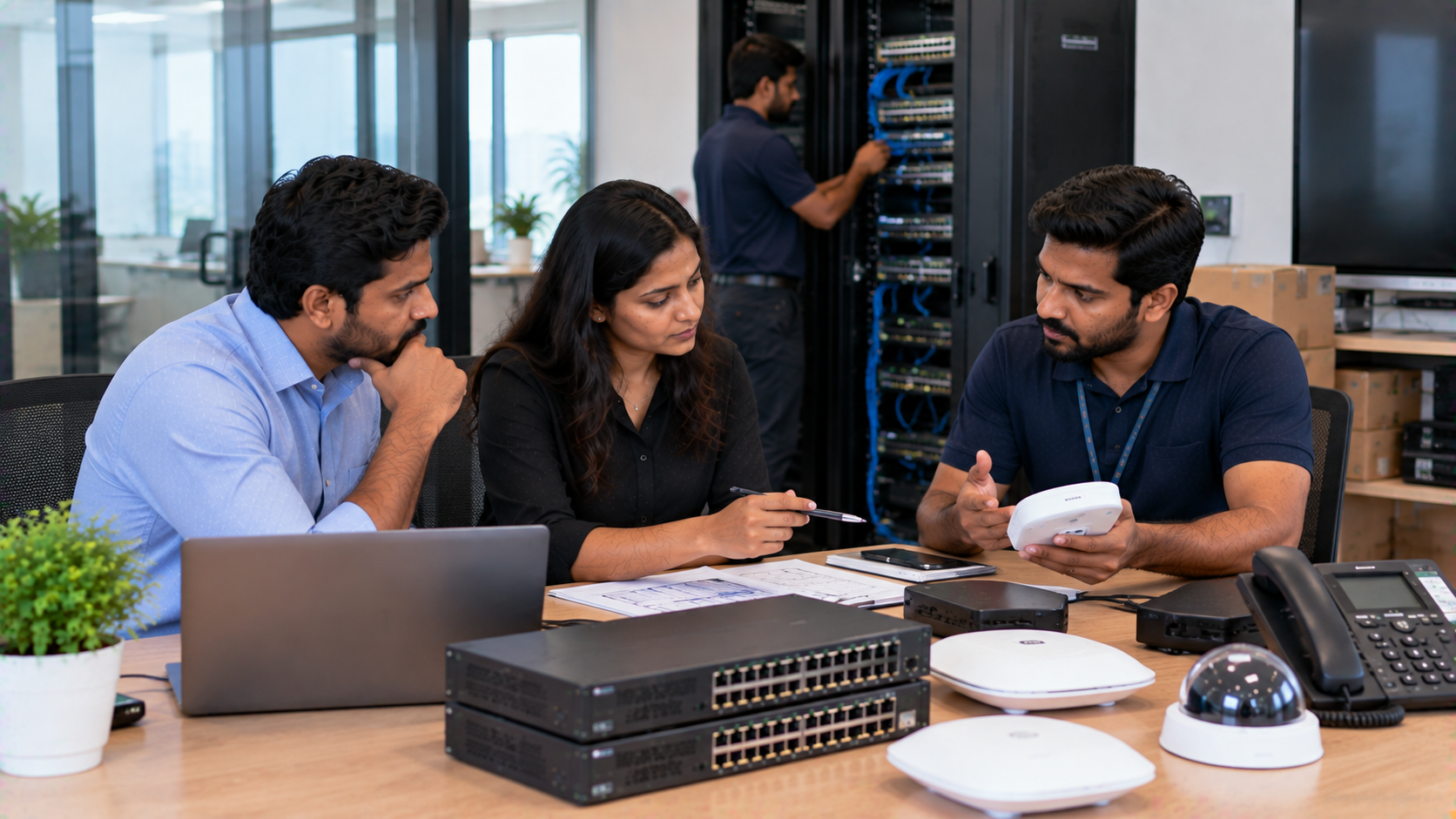
For an IT and AV procurement checklist for Indian schools, include these areas:
1. Technical Specifications
Clearly define size, resolution, connectivity, operating system, camera zoom, audio requirements and other essential specifications.
2. Quantity and Location
Mention the number of classrooms, labs, meeting rooms, studios or other locations.
3. Accessories
Include items such as:
Digital board pen or stylus
HDMI and USB cables
Mounting kits
OPS PCs
Capture devices
Microphones
Speakers
4. Installation and Configuration
Specify whether wall mounting, wiring, configuration, testing and commissioning are required.
5. Warranty and Support
Clearly document warranty duration, support channels, response expectations and training requirements.
6. Commercial Requirements
Ask vendors to clearly show taxes, delivery charges, installation charges and other applicable costs.
Choosing Technology: Compare the Complete Solution
A school may be evaluating an Evota interactive panel, MAXHUB digital board, Newline interactive panel or LG interactive panel.
The procurement team should compare:
|
Evaluation Area |
What to Check |
|---|---|
|
Display |
Size, resolution and brightness |
|
Touch |
Accuracy and multi-touch capability |
|
Computing |
Built-in system or OPS requirement |
|
Connectivity |
HDMI, USB, LAN and wireless options |
|
Camera |
Resolution, zoom and room coverage |
|
Audio |
Microphone and speaker compatibility |
|
Installation |
Mounting, wiring and configuration |
|
Warranty |
Coverage and duration |
|
Support |
Training and post-installation assistance |
|
Total Cost |
Product + accessories + deployment |
This approach helps schools avoid choosing technology purely on smart board price or interactive panel price.
For example, GoLive eTechnologies offers technology categories that can support a complete deployment, including Evota Smart Board and Evota Interactive Panel solutions, MAXHUB digital boards and PTZ cameras, Newline interactive panels, LG interactive displays and related AV equipment.
How GoLive eTechnologies Supports Technology Procurement
Technology procurement does not end when a quotation is accepted.
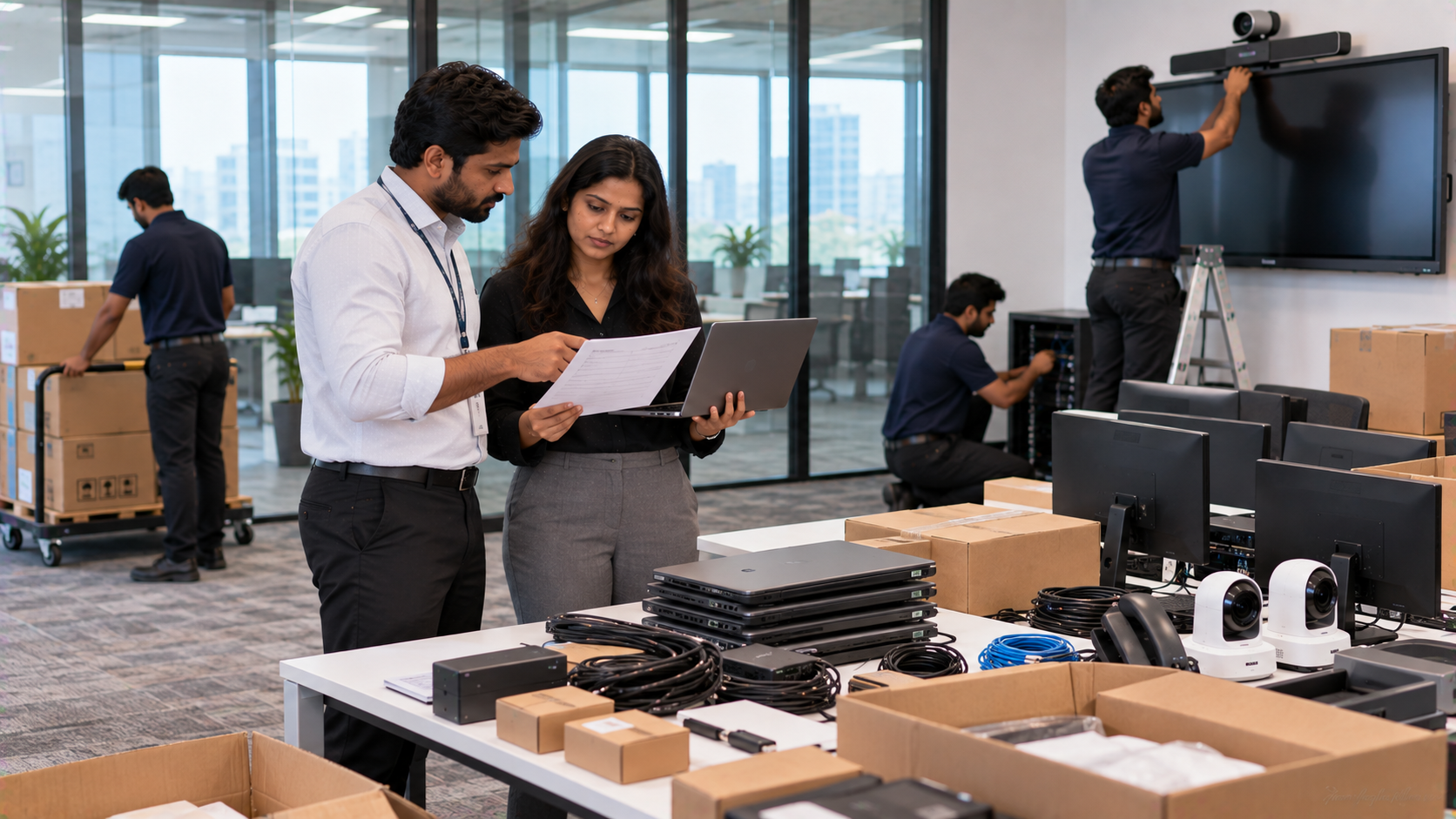
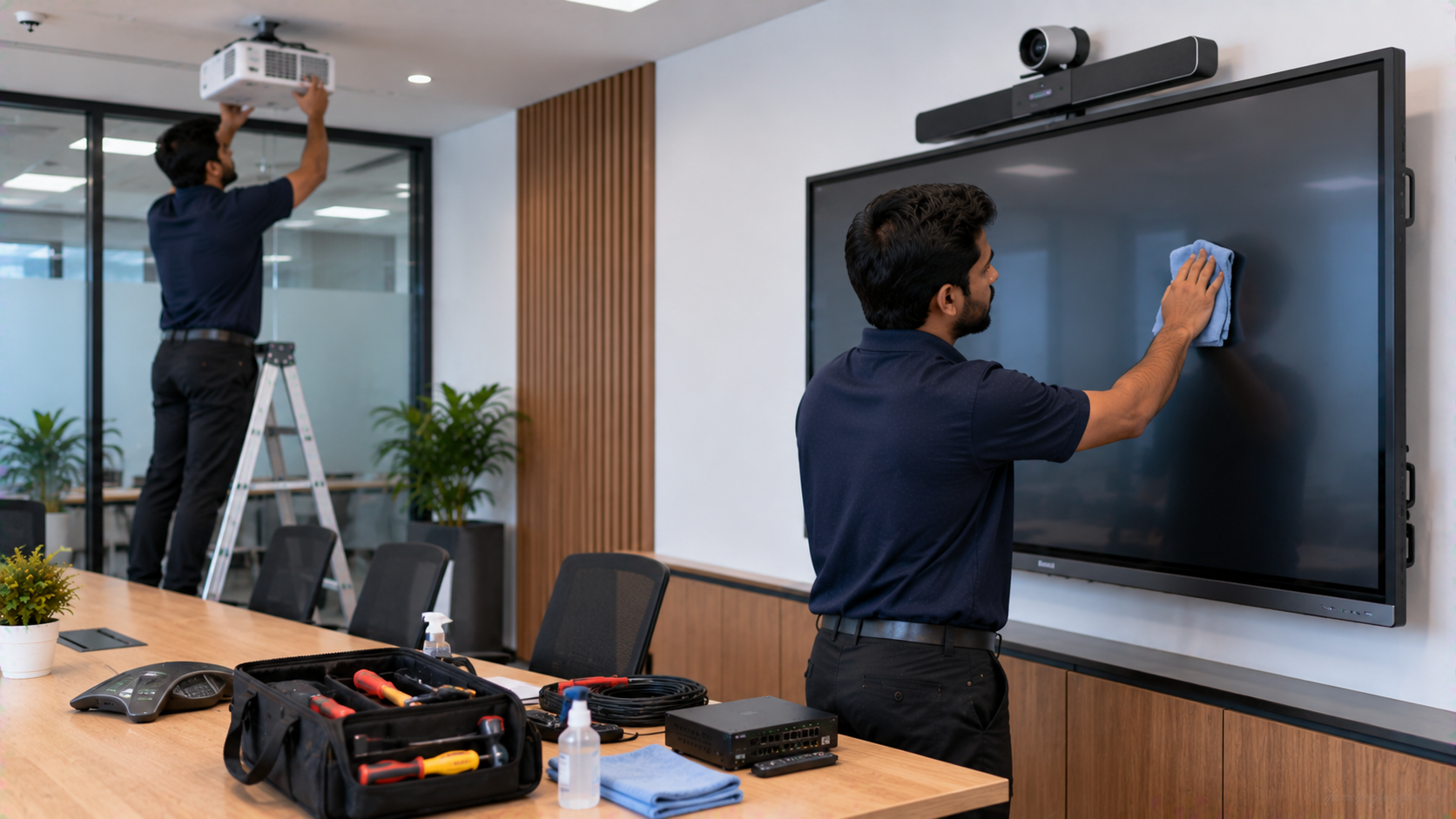
A school still needs the equipment delivered, installed, configured and tested. Teachers and administrators may also need practical training before the technology is used in classrooms.
That is where an end-to-end approach can simplify the process.
GoLive eTechnologies India Private Limited focuses on:
Selection → Supply → Installation → Deployment → Training → Support
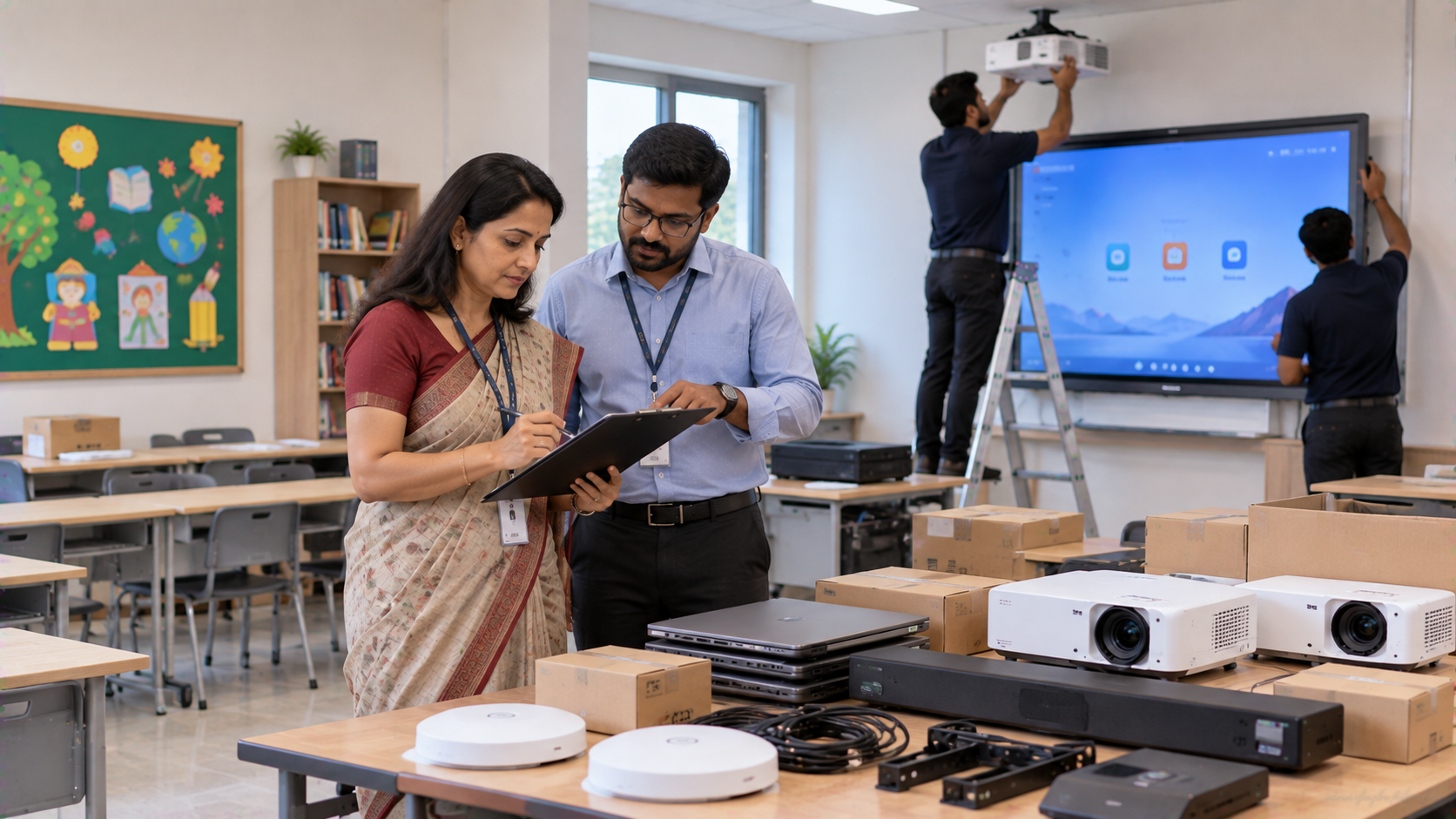
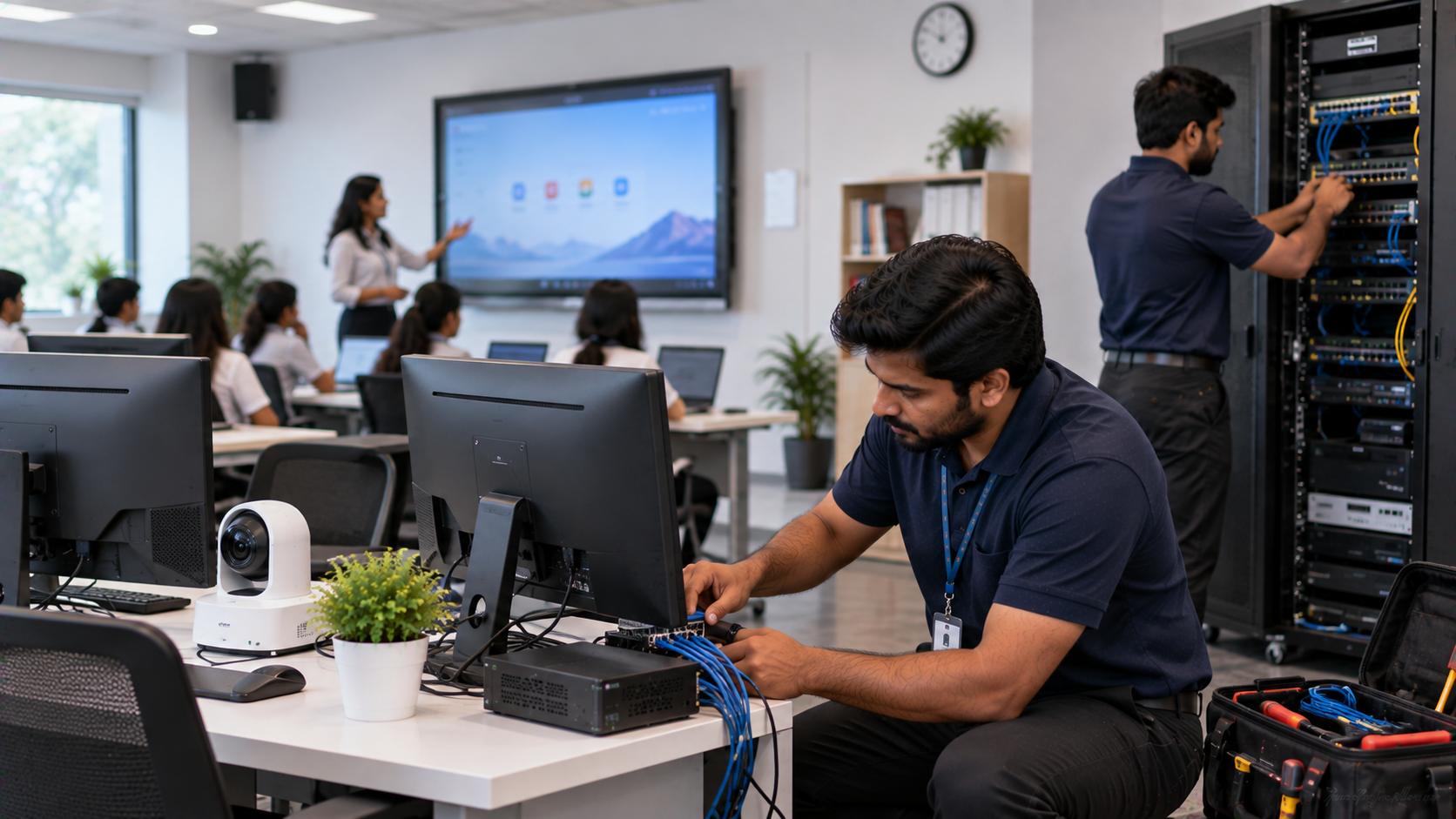
For a smart classroom, this could mean helping the school identify the appropriate digital board for teaching, choosing a compatible PTZ camera, planning accessories and coordinating installation.
The same approach can support hybrid classrooms, online teaching equipment, lecture recording environments and larger smart classroom projects.
GoLive's brand promise captures the objective:
“Technology that works, backed by people who help.”
The benefit for schools is practical: less technology headache and more confidence that everything will work.
Pricing: What Schools Should Compare
When searching for terms such as:
Evota digital board price
Evota smart board 75 inch price
Newline digital board price
LG interactive digital board price
MAXHUB digital board price
PTZ camera price
Interactive panel board price
do not compare only the headline product amount.
Review the total project cost, including applicable taxes, delivery, installation, accessories, configuration, training and support.
Product prices and availability can change, so the latest product-page price or formal quotation should be treated as the commercial reference for the purchase.
Final Technology Procurement Checklist for Schools
Before issuing a PO, verify:
BOQ specifications are complete
Quantity and locations are correct
Quotation matches the BOQ
Brand/model and technical specifications are confirmed
GST and other charges are clear
Delivery timeline is documented
Installation scope is included
Warranty and support are confirmed
Training requirements are defined
Final PO matches the approved quotation
Build Your School Technology Procurement With Confidence
Whether your school is purchasing one Evota Smart Board, multiple interactive panels, PTZ cameras or a complete smart classroom solution, the right procurement process can make deployment smoother.
With GoLive eTechnologies, the objective goes beyond supplying equipment: it is about helping you select the right solution, deploy it efficiently, install it professionally and receive assistance beyond the purchase.
Technology that works, backed by people who help.
Explore GoLive eTechnologies for interactive panels, digital boards, PTZ cameras and smart classroom solutions across India, including Delhi NCR, Noida, Gurugram, Ghaziabad and Faridabad.
Your email address will not be published. Required fields are marked *

By Inhype • September 12, 2026
A smart classroom is only as effective as the technology supporting it. Interactive panels, smart boards, PTZ cameras, microphones, speakers, PCs and
Read More
By Inhype • September 12, 2026
Higher education is rapidly moving beyond traditional chalkboards and projectors. Today, colleges and universities need technology that supports inter
Read More
By Inhype • September 12, 2026
A smart classroom for CBSE schools is no longer simply a classroom with a digital board. Modern schools are building connected learning environments t
Read More
By Inhype • September 12, 2026
Planning a smart classroom project for 10, 20 or even 50 classrooms requires more than simply purchasing digital boards. Schools, colleges, universiti
Read More
By Inhype • September 12, 2026
A smart classroom can transform the way teachers explain concepts, students interact with lessons, and institutions deliver digital education. From in
Read More




Golive eTechnologies India Private Limited (CIN - U31909UP2021PTC148242) is one of India's leading providers of smart classrooms, interactive boards, video conferencing solutions, and display technologies for the education, healthcare, corporate, and government sectors.





No comments yet. Be the first to comment!