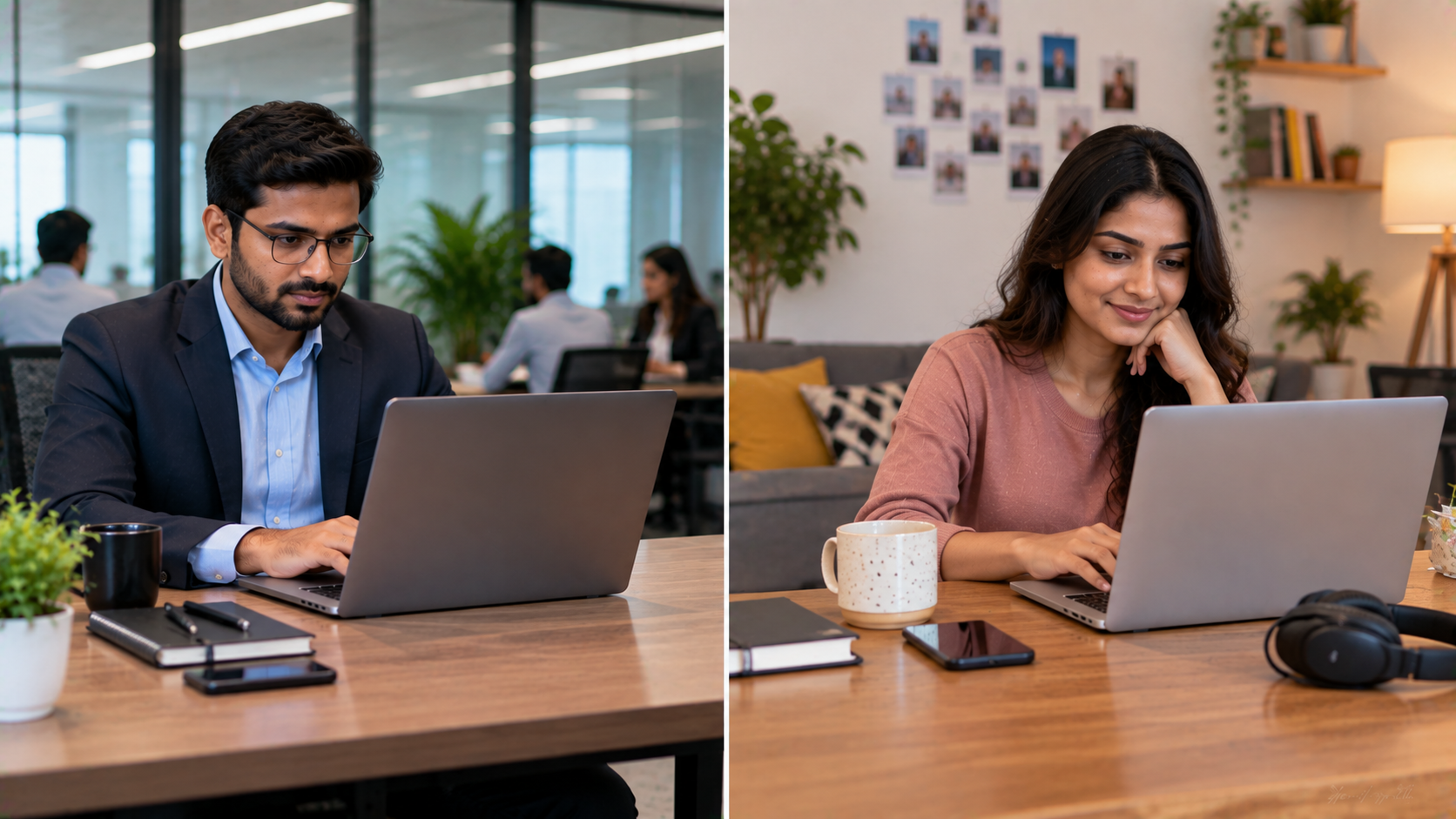
Choosing the right laptop for work is about more than comparing processor speed, RAM, storage, or screen size. One of the most important decisions is whether you need a business laptop or a consumer laptop. While both types can handle everyday computing tasks, business laptops are generally designed around professional reliability, security, connectivity, durability, and long-term use. Consumer laptops, on the other hand, are typically designed for personal computing, entertainment, general productivity, and everyday home use. For businesses, schools, coaching centres, startups, and professionals across India, understanding these differences can help avoid the wrong technology investment. At GoLive eTechnologies, the focus is not simply on selling technology. Our approach is built around technology that works, backed by people who help—from selecting the right solution to deployment, installation, training, and ongoing assistance.
Business Laptop vs Consumer Laptop: Key Differences
|
Feature |
Business Laptop |
Consumer Laptop |
|---|---|---|
|
Primary use |
Business and professional work |
Home and personal use |
|
Durability |
Usually designed for frequent use |
Generally designed for everyday use |
|
Security |
Advanced security options are common |
Basic security features |
|
Connectivity |
Business-focused ports and connectivity |
Consumer-focused connectivity |
|
Manageability |
Better suited for organisational IT management |
Usually intended for individual users |
|
Warranty/support |
Often offers business-oriented support options |
Standard consumer support |
|
Upgradeability |
Some models offer easier upgrades |
Depends heavily on model |
|
Typical users |
Companies, institutions, professionals |
Students, families, home users |
1. Business Laptops Are Built for Professional Productivity
A business laptop is designed for people who depend on their computer throughout the working day.
Employees may use laptops for:
Microsoft Office and productivity applications
Business communication and video meetings
ERP and CRM applications
Data analysis
Accounting and finance
Digital marketing
Cloud applications
Remote and hybrid work
Presentations and client meetings
For organisations purchasing laptops in larger quantities, reliability and deployment can be just as important as specifications.
2. Security Is a Major Difference
Business environments often involve confidential documents, customer information, financial data, and corporate communications.
Depending on the model, business laptops can offer features such as:
Fingerprint authentication
TPM-based security
BIOS-level protection
Webcam privacy features
Enterprise security compatibility
Device management support
This makes security an important consideration when selecting laptops for employees and institutional users.
3. Durability and Long-Term Reliability Matter
A laptop used every day in an office environment can experience significantly more usage than a device used occasionally at home.
Business laptop ranges are generally designed with professional usage in mind. Depending on the manufacturer and model, they may offer stronger chassis construction, tested components, spill-resistant keyboards, or other durability features.
However, specifications vary by model, so buyers should always evaluate the actual device rather than assuming every business laptop has the same features.
Business Laptop vs Consumer Laptop: Which One Should You Buy?
The answer depends on how the laptop will be used.
Choose a Business Laptop If You Need:
Reliable daily professional computing
Better security and device management
Business applications
Frequent video conferencing
Long working hours
Corporate deployment
Professional support
Multiple devices for employees
A Consumer Laptop May Be Suitable If You Need:
Browsing and streaming
Basic documents
Casual computing
Home entertainment
Social media
Personal use
Occasional productivity
For organisations, however, the cheapest laptop is not necessarily the lowest-cost option in the long run. Downtime, support issues, configuration problems, and replacement costs can affect the overall technology investment.
What About Interactive Displays and Other Business Technology?
For modern offices, schools, training centres, and institutions, laptops are often only one part of the technology ecosystem.
A complete setup may also include an interactive flat panel, PTZ camera, microphone, speakers, capture device, digital board, or collaboration system.
GoLive eTechnologies helps customers evaluate these requirements as part of a complete technology solution.
Interactive Panels for Offices and Classrooms
For teaching, presentations, collaboration, and hybrid meetings, products such as the Evota interactive panel, MAXHUB smart board, Newline interactive panel, and LG interactive panel can complement business computing infrastructure.
Depending on your requirement, you can explore options such as:
Evota smart board
Evota digital board
MAXHUB digital board
MAXHUB smart board
Newline digital board
Newline smart board
LG interactive digital board
LG interactive flat panel
Eyeris digital board
Instead of choosing equipment only on price, consider screen size, touch technology, connectivity, operating system, installation requirements, warranty, training, and after-sales support.
Build a Complete Business Technology Setup With GoLive eTechnologies
A professional technology purchase should not end at checkout.
GoLive eTechnologies follows an end-to-end technology support approach—from helping customers select the right solution to deployment and assistance beyond installation.
Our customer-focused approach is built around:
Right solution + fast deployment + installation + support
That means businesses and institutions can reduce technology headaches and have greater confidence that their equipment will work as intended.
Need More Than a Laptop?
GoLive eTechnologies can help businesses and institutions explore technology solutions including:
Business computing equipment
Interactive flat panels
Smart boards
PTZ cameras
Video conferencing equipment
Online teaching equipment
Digital classroom solutions
Studio and recording equipment
Audio and microphone systems
Capture devices
Classroom technology
For example, organisations creating an online teaching or hybrid classroom environment may require an Evota 4K PTZ camera, microphone, interactive panel, speakers, and HDMI video capture equipment alongside the main computer.
How to Choose the Right Business Technology
Before purchasing, consider these five factors:
1. Identify the Use Case
Determine whether the device is intended for employees, management, classrooms, training rooms, sales teams, or remote workers.
2. Compare Specifications
Look at the processor, RAM, SSD capacity, display, ports, connectivity, battery, and operating system.
3. Consider Total Cost of Ownership
The purchase price is only one part of the investment. Installation, configuration, maintenance, warranty, training, and support can also affect total cost.
4. Check Compatibility
Make sure the laptop and other technology can work with existing displays, cameras, networking equipment, applications, and peripherals.
5. Choose a Support Partner
A technology partner can help with selection, deployment, installation, training, and troubleshooting.
Why Choose GoLive eTechnologies?
At GoLive eTechnologies, our brand promise is simple:
Technology that works, backed by people who help.
Whether you are purchasing a business laptop, interactive panel, digital board, PTZ camera, or complete smart classroom setup, our objective is to make the technology journey simpler.
Our approach focuses on:
Right solution: Technology selected around your actual requirement.
Fast deployment: Helping you move from purchase to implementation efficiently.
Installation: Professional setup so your equipment is ready to use.
Support: Assistance when you need help after deployment.
Peace of mind: Less technology headache and more confidence.
Customer feedback frequently highlights areas such as service, support, fast delivery, installation, training, and assistance—the areas that matter when technology needs to work beyond the point of purchase.
Final Verdict: Business Laptop or Consumer Laptop?
A consumer laptop can be perfectly suitable for personal computing, but a business laptop can make more sense when reliability, security, professional productivity, and organisational deployment are priorities.
The right choice ultimately depends on your workload, users, budget, software requirements, and support expectations.
And if your requirement extends beyond laptops to interactive displays, cameras, digital classrooms, meeting rooms, or complete technology deployment, GoLive eTechnologies can help you evaluate the complete solution.
Looking for the right business technology solution in India? Explore GoLive eTechnologies for products, professional guidance, installation, and ongoing support.
Your email address will not be published. Required fields are marked *

By Inhype • September 12, 2026
A smart classroom is only as effective as the technology supporting it. Interactive panels, smart boards, PTZ cameras, microphones, speakers, PCs and
Read More
By Inhype • September 12, 2026
Higher education is rapidly moving beyond traditional chalkboards and projectors. Today, colleges and universities need technology that supports inter
Read More
By Inhype • September 12, 2026
A smart classroom for CBSE schools is no longer simply a classroom with a digital board. Modern schools are building connected learning environments t
Read More
By Inhype • September 12, 2026
Planning a smart classroom project for 10, 20 or even 50 classrooms requires more than simply purchasing digital boards. Schools, colleges, universiti
Read More
By Inhype • September 12, 2026
A smart classroom can transform the way teachers explain concepts, students interact with lessons, and institutions deliver digital education. From in
Read More




Golive eTechnologies India Private Limited (CIN - U31909UP2021PTC148242) is one of India's leading providers of smart classrooms, interactive boards, video conferencing solutions, and display technologies for the education, healthcare, corporate, and government sectors.





















No comments yet. Be the first to comment!