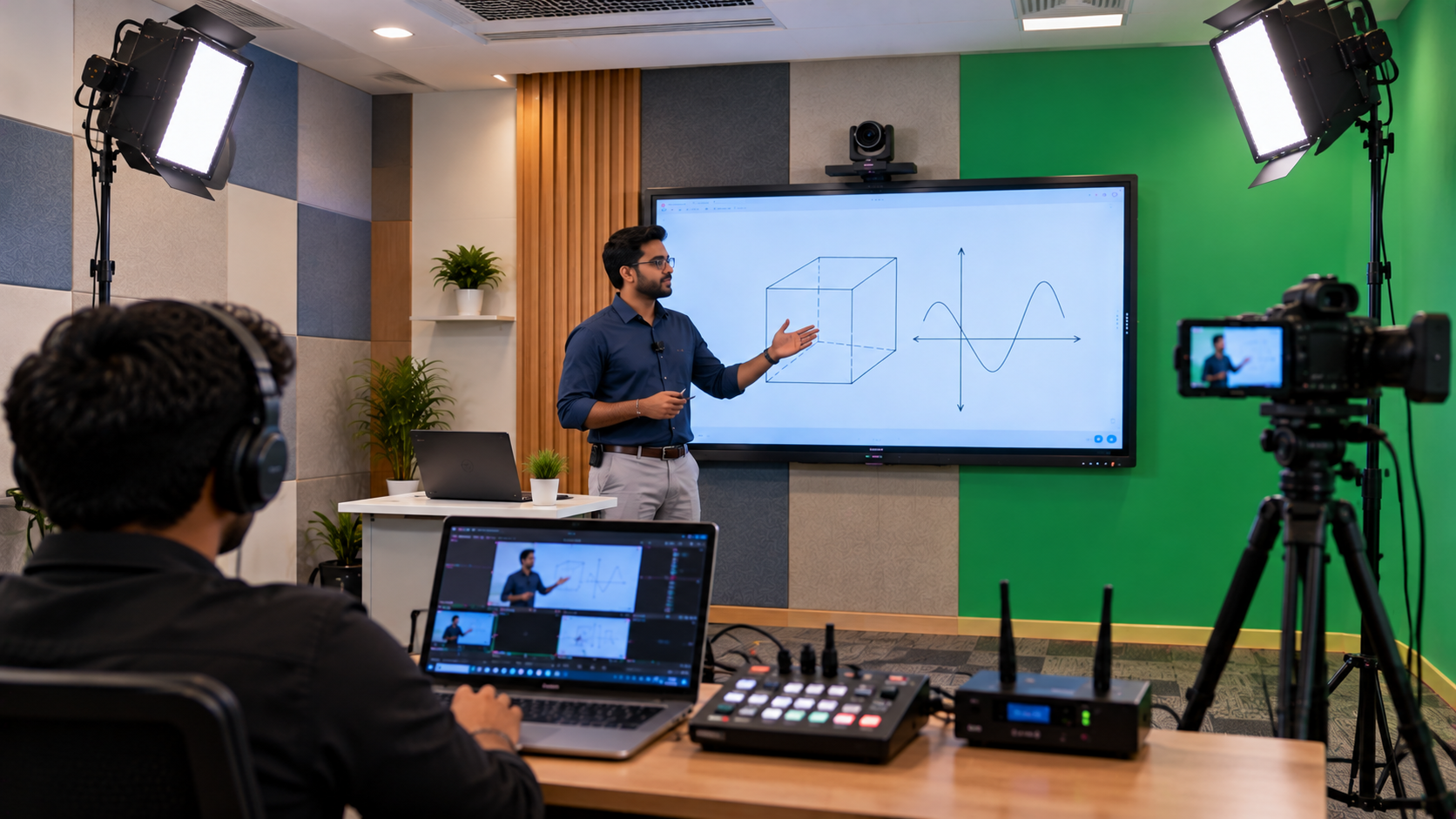
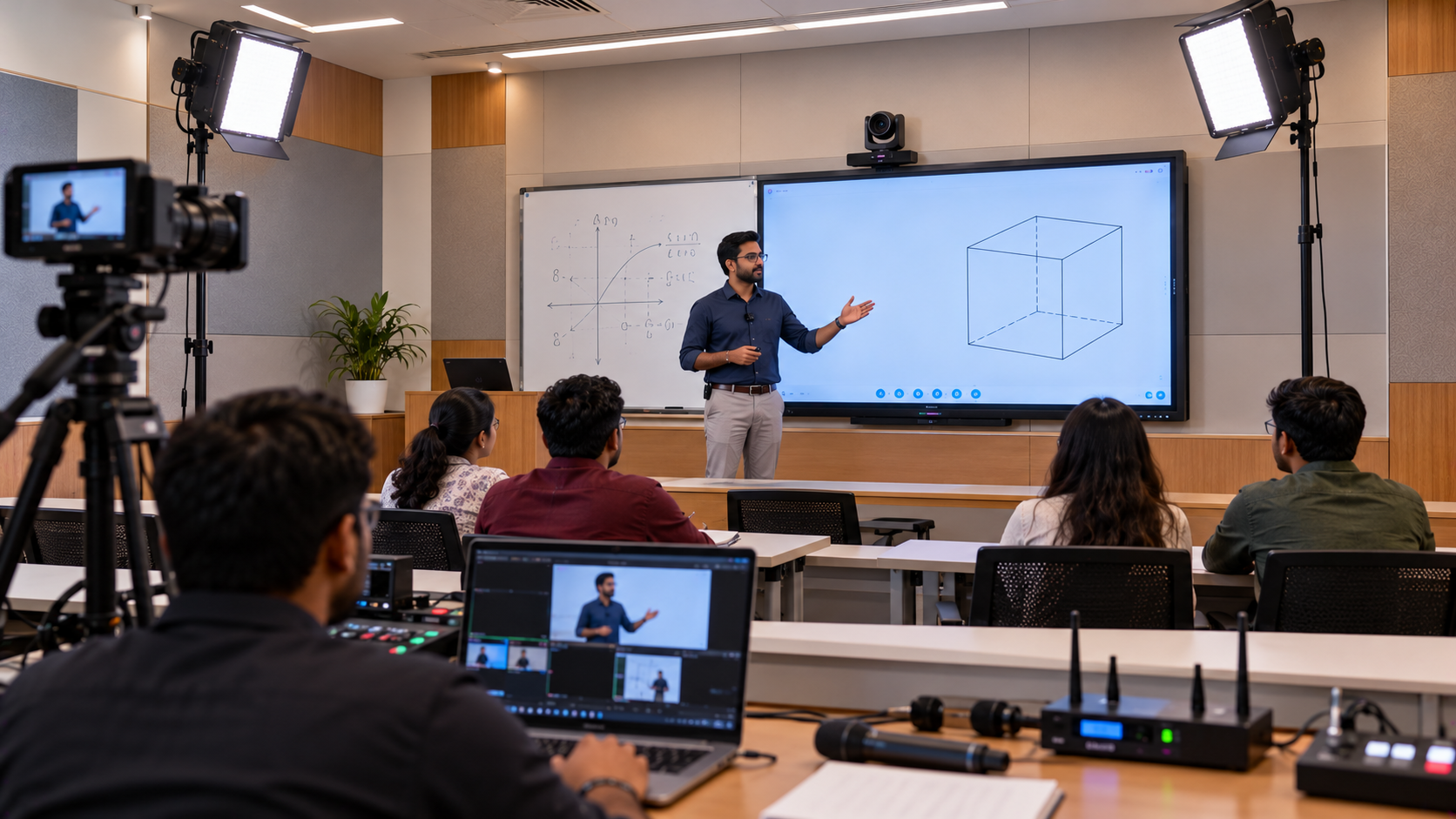
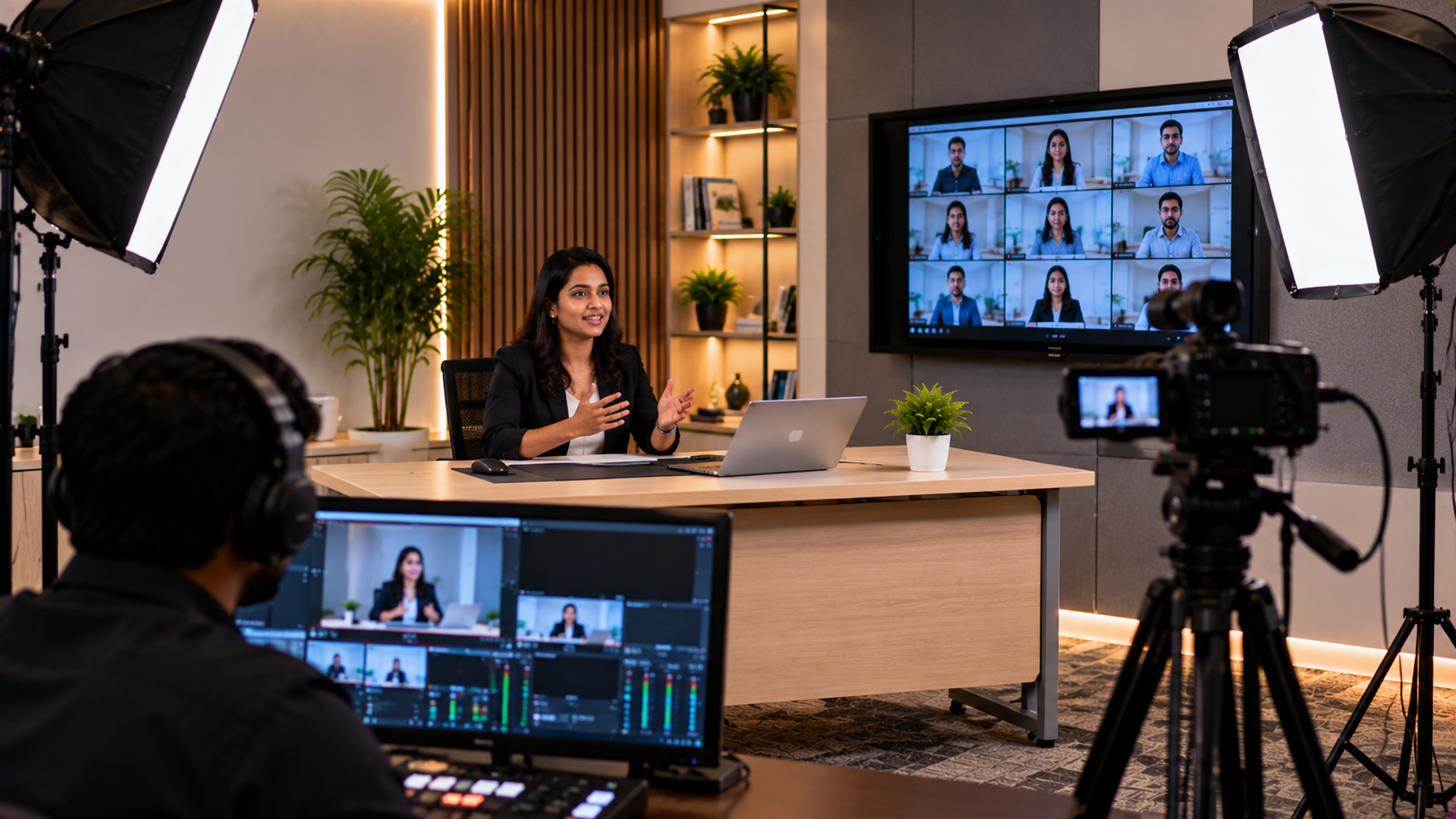
Educational institutions across Madhya Pradesh are exploring digital teaching, recorded lectures, hybrid classes, and online course delivery. Coaching institutes, schools, colleges, and independent educators need technology that helps them teach clearly without requiring a large recording room or a complicated production setup. A compact education studio can bring together an interactive display, a camera, a microphone, suitable lighting, a computer, and recording software in one organised space. The right combination depends on room size, teaching style, student audience, and budget. GoLive eTechnologies India Private Limited helps customers explore audio-visual and education technology solutions, from product selection to installation and ongoing support. This guide explains how an institute in Madhya Pradesh can plan a compact teaching studio with practical equipment choices and a clear implementation process.
Why Education Institutes in Madhya Pradesh Need Compact Teaching Studios
A traditional classroom may work well for in-person lessons but may not provide everything needed for high-quality recorded or online teaching. Common challenges include unclear audio, limited camera coverage, poor lighting, difficult screen sharing, and time-consuming recording workflows.
A well-planned education studio can help institutes:
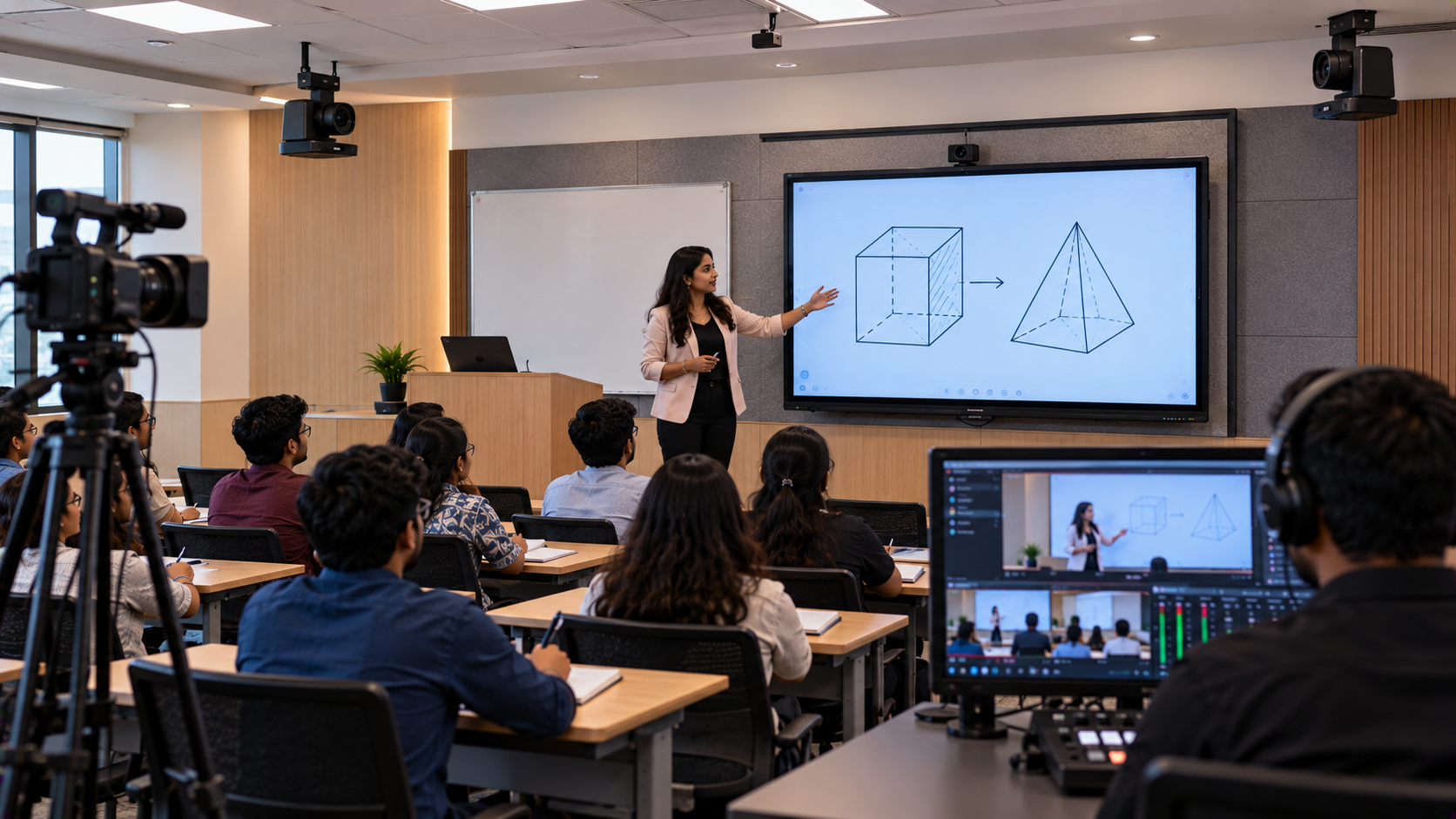
Record lessons for revision, learning management systems, and online courses.
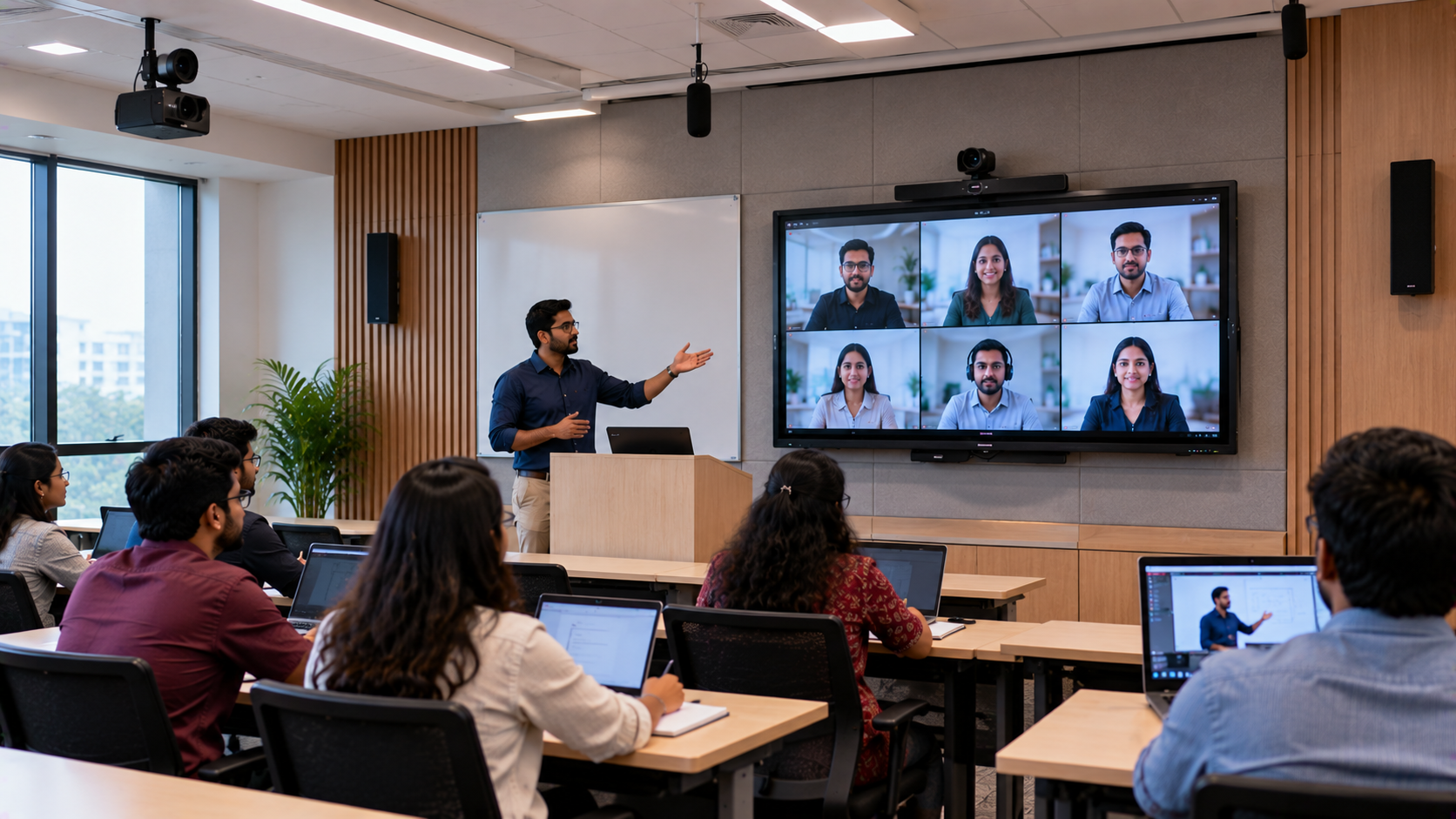
Conduct live classes for remote students.
Present PowerPoint slides, digital notes, diagrams, and demonstrations.
Improve the clarity of recorded lectures with suitable audio and lighting.
Reuse educational content across batches and academic sessions.
Support hybrid teaching without dedicating an entire room to production.
The objective is not to purchase the most expensive equipment. It is to build a reliable setup that fits the available space and teaching requirements.
How to Plan a Compact Education Studio
Before selecting equipment, an institute should assess the room, teaching format, recording needs, and budget. A small classroom or spare room may be sufficient when the equipment is arranged carefully.
1. Choose an Interactive Panel for Digital Teaching
An interactive flat panel can allow teachers to annotate presentations, explain concepts, display digital textbooks, and work through problems directly on the screen. It can be useful for coaching classes, school lessons, faculty training, and recorded demonstrations.
GoLive eTechnologies can help customers compare options such as:
EVOTA interactive panel: A product family to consider for interactive teaching and digital presentations.
MAXHUB smart board: An option to evaluate for collaborative teaching and classroom presentation.
Newline interactive panel: A choice to compare for digital annotation and classroom use.
LG interactive digital board: Another option for institutions comparing display sizes and interactive features.
A 65-inch panel may suit a smaller room, while a 75-inch or larger screen may be more appropriate when learners sit farther away. The correct size depends on viewing distance, room layout, and the content being displayed.
Searches such as “EVOTA smart board 75 inch price,” “Newline smart board price,” “MAXHUB smart board price in India,” and “LG interactive digital board price India” can help buyers begin their comparison. Actual prices depend on the model, screen size, configuration, warranty, and installation requirements. Request a current quotation rather than relying on an outdated online estimate.
2. Select a Camera for Clear Lecture Recording
A camera should capture the teacher, presentation area, or demonstration without distracting students. The right choice depends on whether the teacher remains in one place or moves around the room.
A PTZ camera—pan, tilt, and zoom—can remotely adjust its viewing direction and zoom level. It may be suitable for teaching studios that need flexible framing or recording from different positions.
Options to evaluate include the EVOTA 4K PTZ camera, EVOTA 10x HD PTZ camera, and selected Logitech PTZ camera models. Where the institute already uses a compatible professional camcorder, the Sony NX80 may also be worth evaluating.
Before purchase, compare resolution, optical zoom, connectivity, mounting options, lighting conditions, computer compatibility, and the recording software workflow. A 4K label alone does not guarantee better results if the room lighting, camera placement, or audio is poor.
3. Invest in Clear Audio and Suitable Lighting
Students need to hear every explanation clearly. A good camera cannot compensate for echo, background noise, or an unsuitable microphone.
Consider a compatible wired or wireless microphone for the teacher. Depending on the room and workflow, products such as a Sony F-V120 microphone or suitable Sennheiser microphone may be evaluated against the intended recording requirements.
For more consistent video, add soft, even lighting that reduces harsh shadows on the teacher and board. A compact LED light or ring light can be useful in a small room, provided it is positioned to avoid glare on the interactive display.
Four tips for recording better-quality sound:
Place the microphone close enough to the teacher to capture clear speech.
Reduce fan noise, traffic noise, and other background sounds where possible.
Test audio levels before starting a live session or recording.
Monitor a short test recording with headphones before teaching.
For rooms with noticeable echo, consider soft furnishings or appropriate acoustic treatment before spending more on microphones.
4. Configure the Computer and Recording Workflow
A teaching studio also needs a computer that can handle presentations, camera input, audio, and recording or streaming software.
Depending on the camera's output and the computer's available ports, an HDMI video capture device may be required to bring video into the recording system. Software such as OBS Studio can be considered for recording lessons and managing supported live-streaming workflows.
A writing pad for PC or pen tablet can be useful when a teacher needs to write equations, draw diagrams, or annotate slides without touching the main display. Check operating-system compatibility, software support, and connection requirements before selecting a writing pad.
The final setup should be tested for audio-video synchronisation, recording resolution, storage capacity, internet stability, and ease of use.
Suggested Compact Education Studio Equipment Plan
|
Requirement |
Equipment to consider |
Main benefit |
|---|---|---|
|
Digital teaching |
EVOTA, MAXHUB, Newline, or LG interactive panel |
Present, annotate, and explain concepts |
|
Lecture recording |
EVOTA PTZ camera or compatible camera |
Capture the teacher and lesson area |
|
Voice clarity |
Suitable wired or wireless microphone |
Make spoken explanations easier to hear |
|
Lighting |
Compact LED light or ring light |
Improve visibility and reduce harsh shadows |
|
Video input |
Compatible HDMI capture device, if needed |
Bring supported camera signals into a computer |
|
Recording |
Computer and OBS Studio, where suitable |
Record lessons or support streaming |
|
Digital writing |
Compatible writing pad or pen tablet |
Explain diagrams and equations digitally |
This is a planning framework, not a fixed bundle. Not every studio needs every component, and compatibility should be confirmed before ordering.
How GoLive eTechnologies Can Support the Implementation Process
A compact education studio is most useful when the products work together and teachers can operate them confidently. GoLive eTechnologies’ end-to-end approach can help customers work through the following stages:
Requirement assessment: Identify the room size, number of teachers, teaching format, camera coverage, and budget.
Product selection: Compare interactive panels, cameras, microphones, lighting, accessories, and recording options.
Compatibility planning: Check ports, mounts, cables, computer specifications, software, and power requirements.
Installation and configuration: Arrange the equipment and configure the agreed workflow according to the project scope.
Testing and training: Verify picture and sound quality, test sample recordings, and help staff understand routine operation.
Post-installation support: Clarify warranty coverage, service arrangements, and assistance available after deployment.
Installation, training, delivery timelines, and support terms should be confirmed in the quotation for the specific order and location.
What Affects the Cost of a Compact Education Studio?
There is no single price for every teaching studio. The total cost depends on the chosen equipment and the complexity of the installation.
Key cost factors include:
Interactive panel size, features, and brand.
Camera resolution, zoom, connectivity, and control options.
Microphone type and any additional audio equipment.
Lighting, mounting hardware, cables, and capture devices.
Computer upgrades or storage requirements.
Installation, configuration, training, and any additional support services.
Instead of comparing only the initial product price, consider the complete working setup. A lower-priced component may require extra adapters or upgrades, while a correctly matched solution can reduce setup difficulties and help teachers start recording sooner.
For current EVOTA, MAXHUB, Newline, LG, camera, microphone, and accessory pricing in Madhya Pradesh, request an itemised quotation from GoLive eTechnologies. Availability and delivery timelines should be confirmed for the required models and delivery PIN code.
Why Choose GoLive eTechnologies for Education Technology?
The GoLive eTechnologies promise is simple: Technology that works, backed by people who help.
For education customers, this means focusing on the complete experience rather than just the product box. The goal is to help institutions choose suitable technology, plan deployment, and understand how to operate the setup.
When evaluating a supplier, customers should look at product suitability, compatibility guidance, installation scope, training, warranty conditions, delivery commitments, and after-sales assistance. Reviews can be helpful when they are genuine, recent, and relevant to the product or service being considered.
Whether an institute is planning a compact recording room, upgrading a digital classroom, or adding online teaching capabilities, the first step is a clear discussion of its requirements.
Plan Your Education Studio with GoLive eTechnologies
A compact studio can make digital teaching more organised, help teachers reuse lesson content, and support students who cannot always attend in person. The best results come from matching the display, camera, microphone, lighting, and recording workflow to the way educators actually teach.
Contact GoLive eTechnologies to discuss your education studio requirements in Madhya Pradesh. Explore suitable interactive panels, PTZ cameras, audio equipment, and recording accessories, and request a quotation covering the products and services your institute needs.
GoLive eTechnologies: technology that works, backed by people who help.
Your email address will not be published. Required fields are marked *

By Inhype • September 12, 2026
A smart classroom is only as effective as the technology supporting it. Interactive panels, smart boards, PTZ cameras, microphones, speakers, PCs and
Read More
By Inhype • September 12, 2026
Higher education is rapidly moving beyond traditional chalkboards and projectors. Today, colleges and universities need technology that supports inter
Read More
By Inhype • September 12, 2026
A smart classroom for CBSE schools is no longer simply a classroom with a digital board. Modern schools are building connected learning environments t
Read More
By Inhype • September 12, 2026
Planning a smart classroom project for 10, 20 or even 50 classrooms requires more than simply purchasing digital boards. Schools, colleges, universiti
Read More
By Inhype • September 12, 2026
A smart classroom can transform the way teachers explain concepts, students interact with lessons, and institutions deliver digital education. From in
Read More
October 19, 2026





Golive eTechnologies India Private Limited (CIN - U31909UP2021PTC148242) is one of India's leading providers of smart classrooms, interactive boards, video conferencing solutions, and display technologies for the education, healthcare, corporate, and government sectors.







No comments yet. Be the first to comment!