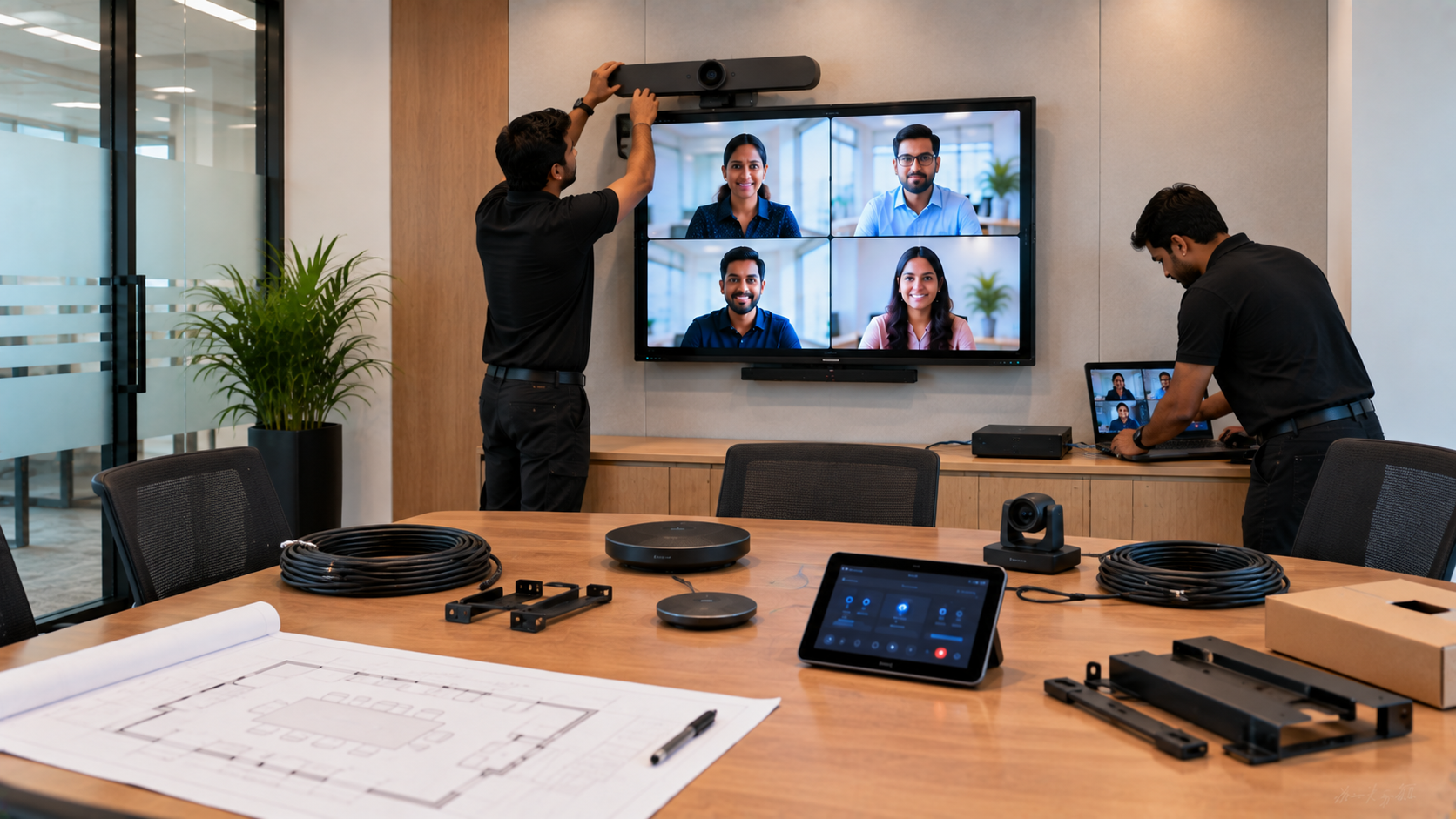
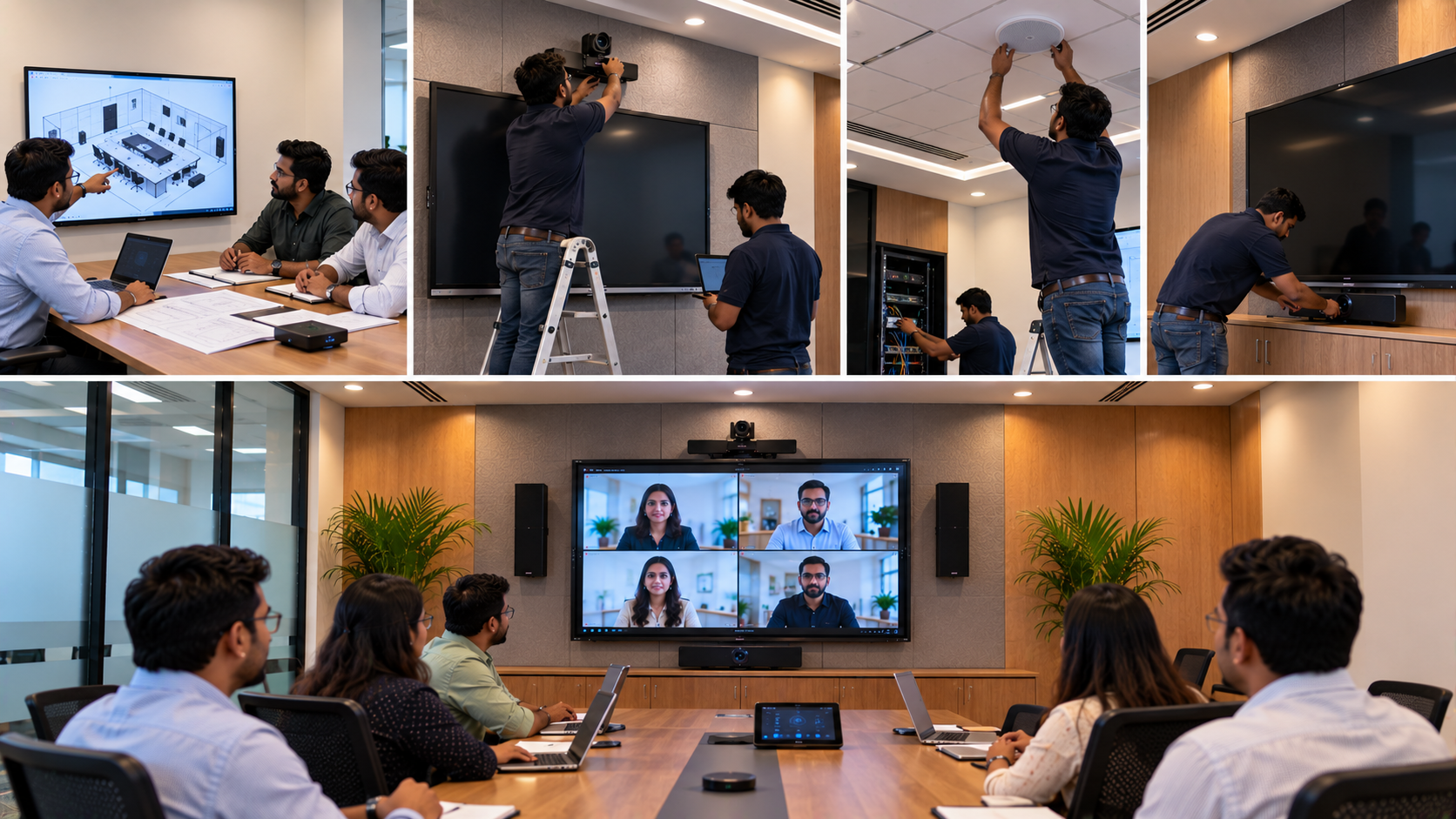
A well-designed conference room is more than a table, chairs and a display. Modern meetings require reliable audio-visual (AV) technology for presentations, video conferencing, hybrid meetings, training sessions and collaboration. A proper conference room AV installation checklist helps businesses choose the right equipment, avoid compatibility issues and ensure smooth operation from day one. Whether you are setting up a small meeting room, corporate boardroom, training room or hybrid classroom, GoLive eTechnologies provides end-to-end technology support—from selection and installation to training and after-sales assistance.
Conference Room AV Installation Checklist
Before purchasing conference room equipment, evaluate the following components.
1. Interactive Display or Digital Board
The display is usually the centrepiece of a modern conference room. An interactive flat panel display, digital board or large-format professional display can be used for presentations, brainstorming, annotation and collaboration.
Popular options include:
Evota interactive panel for interactive presentations and collaboration
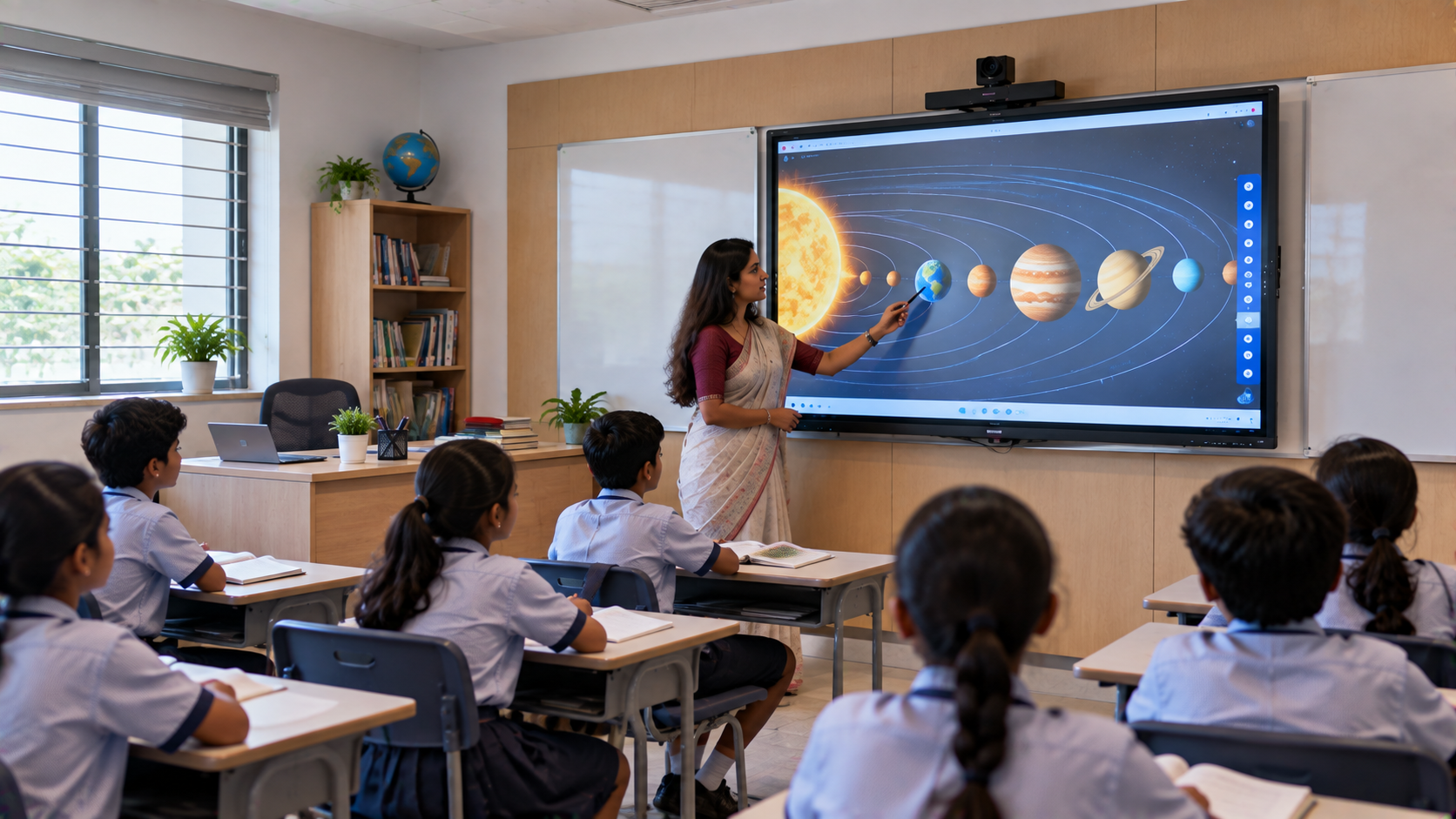
Evota smart board for meeting rooms, classrooms and training environments
MAXHUB smart board for corporate collaboration
Newline interactive panel for presentations and hybrid meetings
LG interactive panel for professional business environments
For larger rooms, a 75-inch interactive display can provide better visibility from the rear of the room. Businesses can compare options such as the Evota smart board 75 inch price, Newline digital board 75 inch price, LG interactive panel 75 inch price and MAXHUB digital board price before selecting a solution.
GoLive eTechnologies can help customers choose the right screen size, features and installation configuration according to room dimensions and budget.
2. PTZ Camera for Video Conferencing
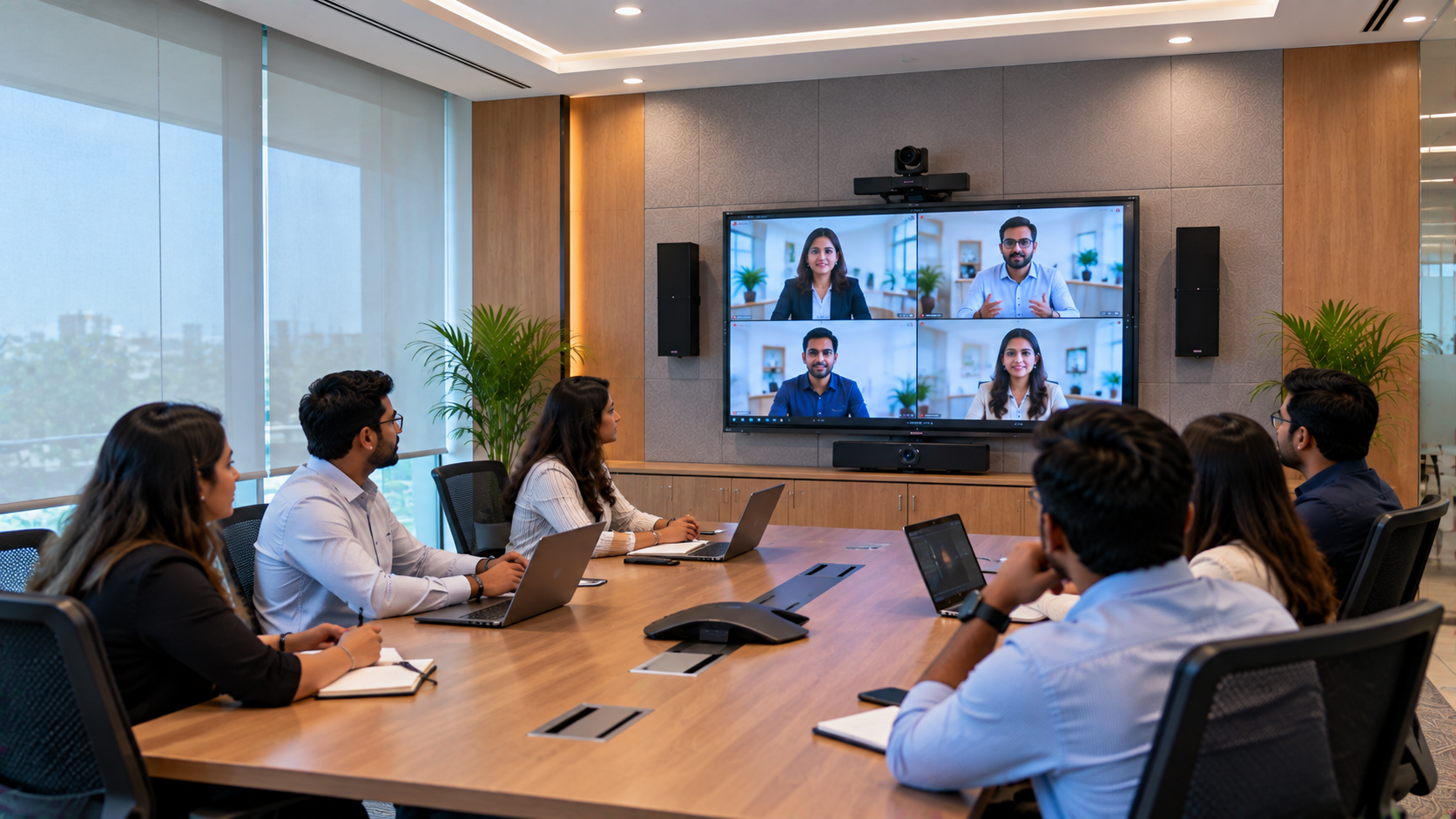
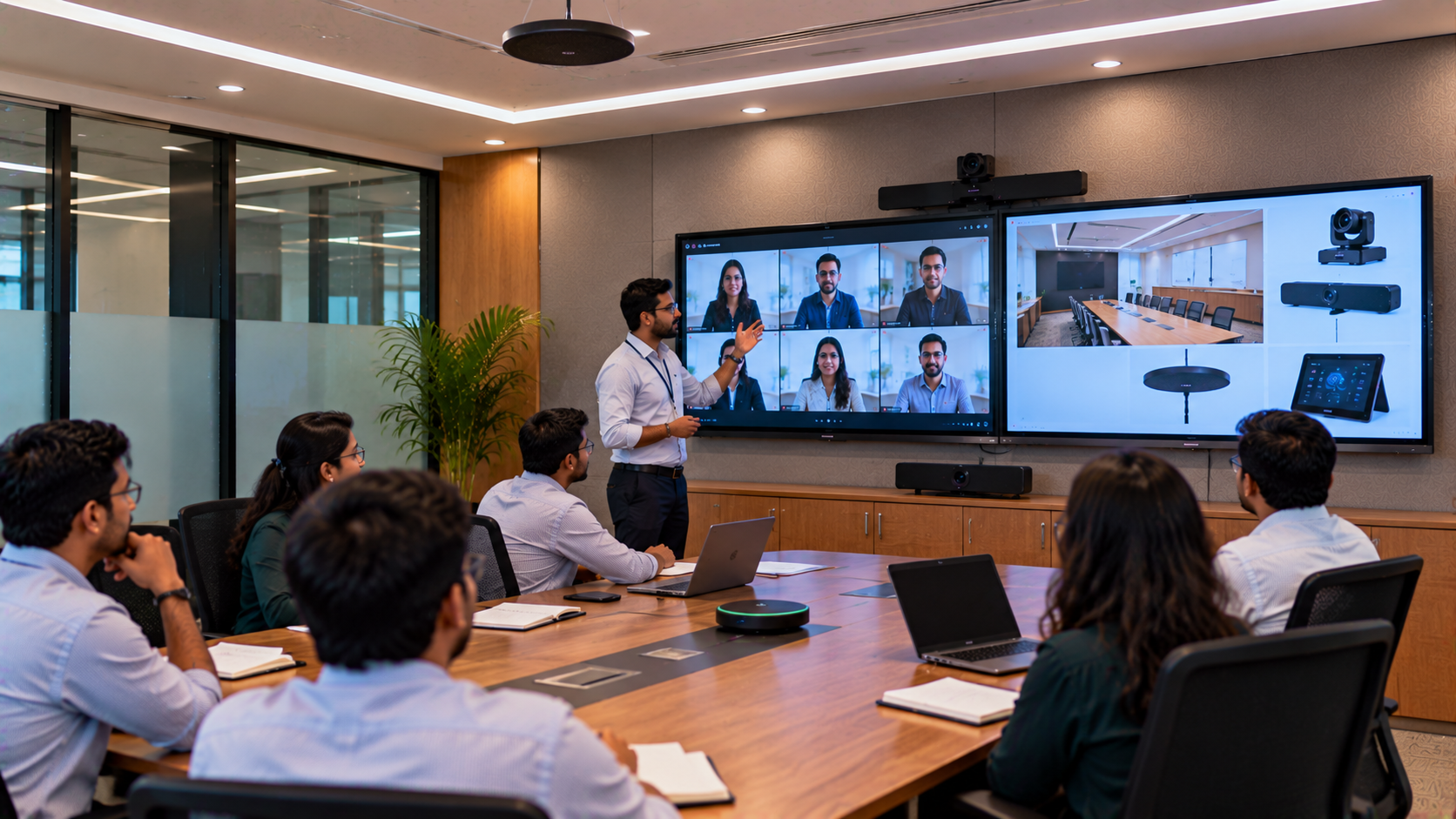
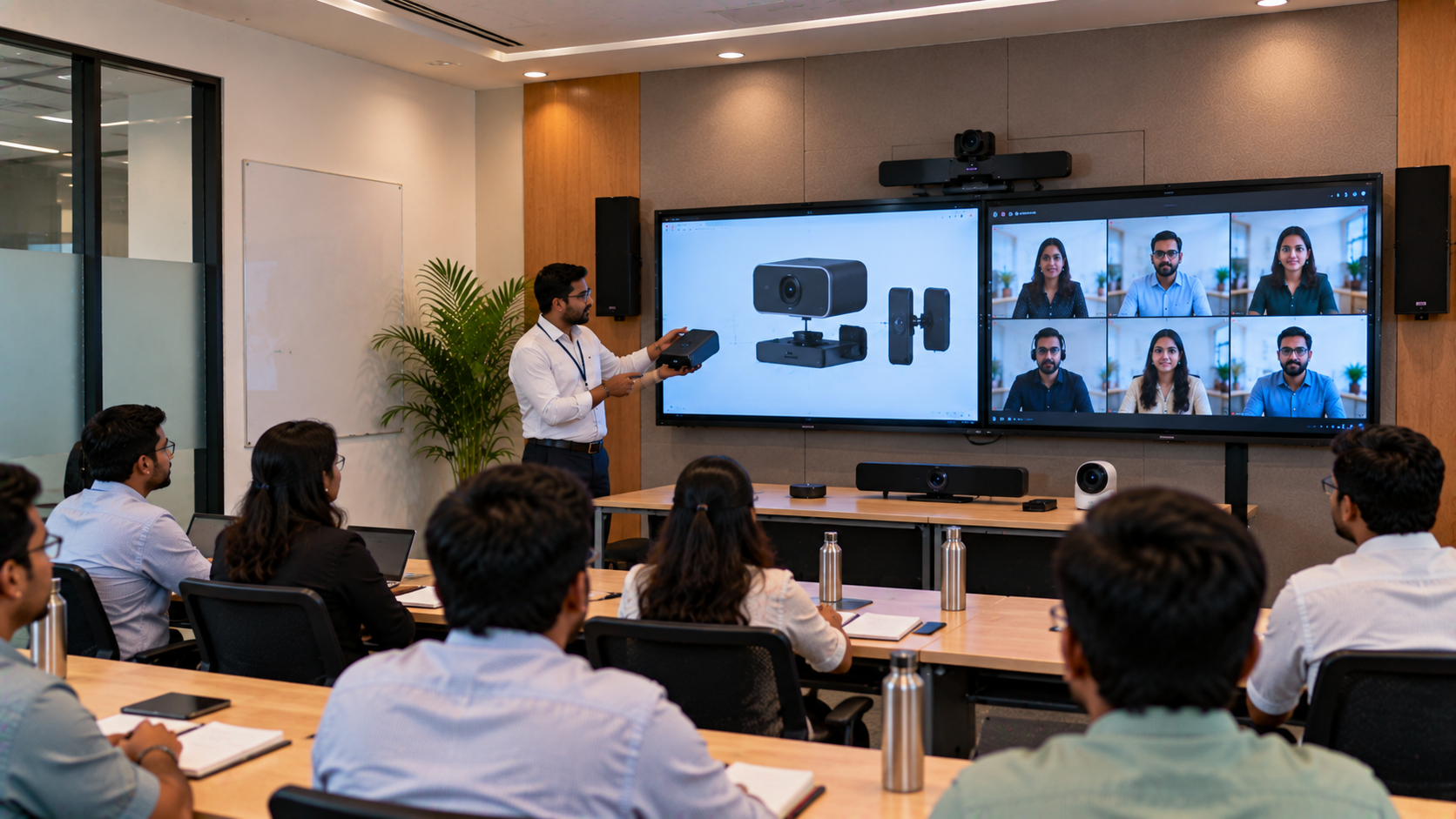
A camera is essential for hybrid meetings, remote presentations and boardroom conferences.
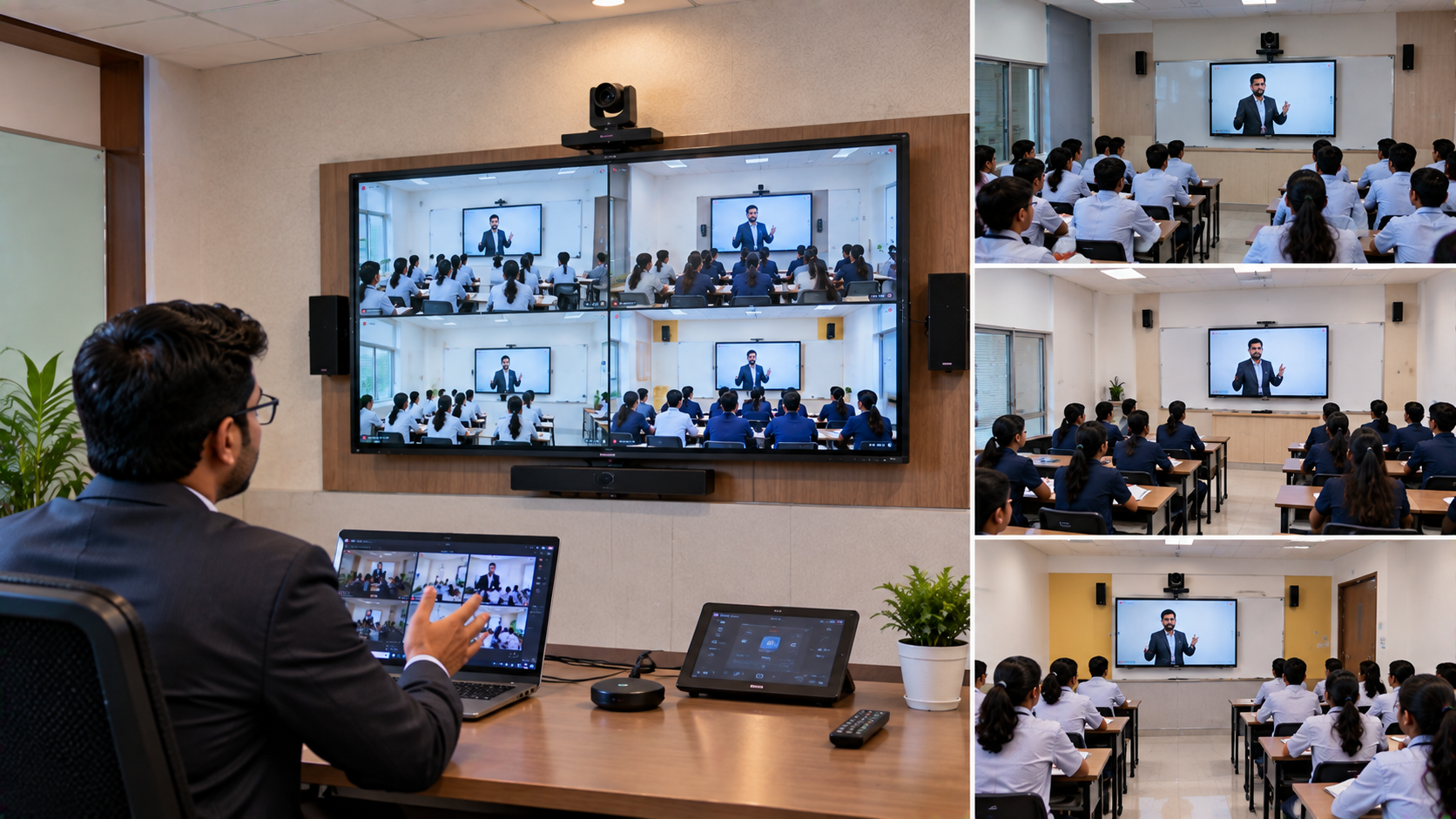
A PTZ camera offers pan, tilt and zoom functionality, allowing the camera to cover larger meeting spaces while maintaining professional framing.
The Evota 4K PTZ camera is suitable for:
Corporate conference rooms
Training and seminar rooms
Hybrid classrooms
Online teaching environments
Boardrooms and executive meetings
Businesses can also evaluate solutions such as an Evota 10X HD PTZ camera, Evota 4K camera or professional alternatives such as a Logitech PTZ camera, depending on meeting requirements.
3. Conference Room Speakers and Microphones
Poor audio can ruin an otherwise excellent video conference. Your conference room speaker and microphone setup should provide clear voice pickup and consistent sound distribution.
Consider:
Conference speakers
Wireless or wired microphones
Ceiling or wall-mounted speakers
Audio mixers and amplifiers
Echo and noise management
For larger installations, GoLive eTechnologies can recommend appropriate audio equipment, including professional microphone and speaker solutions.
The objective is simple: everyone should be heard clearly without repeatedly asking, “Can you hear me?”
4. Connectivity and Video Inputs
A conference room should support laptops, displays, cameras and other AV equipment without complicated connections.
Your checklist should include:
HDMI connectivity
USB connectivity
USB extension cables where required
Wireless presentation options
Video capture devices
Appropriate adapters and converters
Cable management
A video capture card or HDMI video capture device can be useful when meeting content needs to be streamed or recorded.
Proper cable planning during installation also improves reliability and keeps the conference room professional and clutter-free.
5. Control and Collaboration
A professional AV installation should make technology easy to operate.
Consider whether users can quickly:
Start a video conference
Share a laptop screen
Switch between presentation sources
Control the camera
Adjust microphone and speaker volume
Annotate presentations
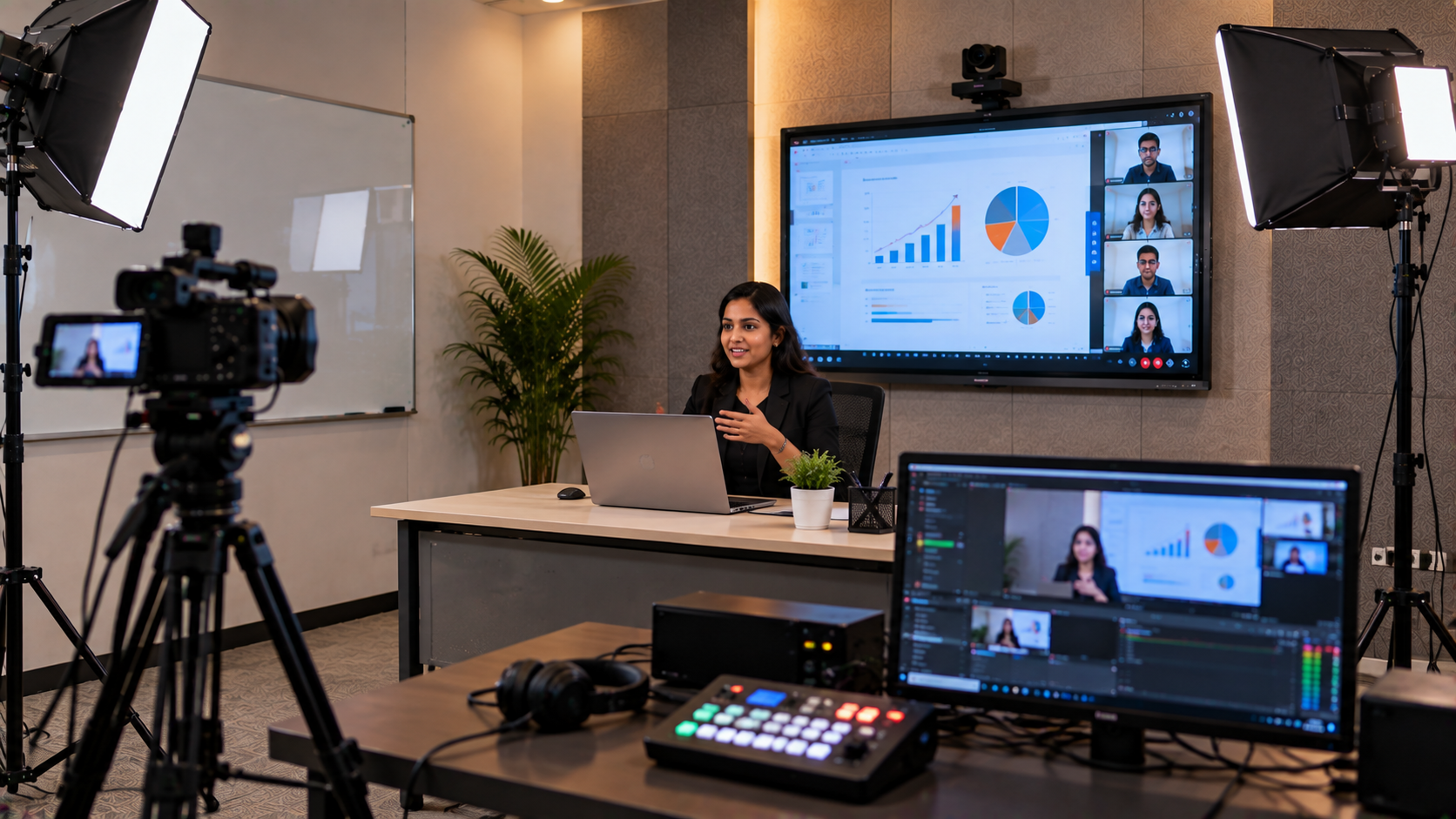
Record or stream sessions
For organisations conducting frequent meetings and training sessions, an integrated smart classroom or hybrid classroom configuration can also extend the usefulness of the room beyond conventional meetings.
Conference Room AV Equipment: Quick Comparison
|
Equipment |
Primary Use |
Recommended For |
|---|---|---|
|
Interactive Panel |
Presentations & collaboration |
Boardrooms, training rooms |
|
PTZ Camera |
Video conferencing |
Hybrid meetings |
|
Conference Microphone |
Voice pickup |
Meetings & presentations |
|
Conference Speaker |
Audio output |
Boardrooms & meeting rooms |
|
Video Capture Device |
Recording/streaming |
Training & webinars |
|
HDMI/USB Connectivity |
Device integration |
All modern AV rooms |
How to Choose the Right Conference Room AV Setup
There is no single AV configuration that works for every organisation. Start with four factors:
Room size: Larger rooms require bigger displays, wider camera coverage and distributed audio.
Number of participants: A ten-person meeting room has different requirements from a 50-person boardroom.
Meeting type: Decide whether the room will primarily be used for presentations, video conferences, training, webinars or hybrid meetings.
Budget: Instead of focusing only on the lowest digital board price in India, consider installation, compatibility, training and long-term support.
For example, organisations researching Evota digital board price, MAXHUB smart board price in India, Newline interactive panel price in India or LG interactive digital board price in India should compare the complete solution—not just the hardware price.
Why Choose GoLive eTechnologies for AV Installation?
At GoLive eTechnologies India Private Limited, technology selection is only the beginning. Our approach is built around one simple promise:
Technology that works, backed by people who help.
From selecting an Evota interactive flat panel or MAXHUB digital board to configuring a PTZ camera, microphone, speakers and connectivity, GoLive eTechnologies provides end-to-end technology support.
Our support focuses on:
Right solution selection
Fast deployment
Professional installation
Product configuration
User training
Post-installation assistance
Ongoing technical support
This means customers spend less time dealing with technology problems and more time using the technology productively.
Customer feedback and GoLive eTechnologies reviews frequently highlight the importance of service, support, fast delivery, installation, training and assistance—the same areas that define our customer-first approach.
Conference Room AV Installation in Delhi NCR and Across India
Whether you need a conference room setup in Delhi NCR, Noida, Gurugram, Ghaziabad or another location in India, planning the installation correctly can prevent costly rework.
GoLive eTechnologies can help organisations evaluate interactive displays, PTZ cameras, microphones, speakers, connectivity equipment and complete AV solutions based on their space and requirements.
Instead of purchasing individual products without considering compatibility, choose a complete solution with professional installation and support.
Final Conference Room AV Checklist
Before completing your installation, confirm:
Display size and viewing distance
Interactive panel or digital board requirements
PTZ camera coverage
Microphone voice-pickup area
Speaker placement
HDMI and USB connectivity
Video conferencing compatibility
Cable management
Power and mounting requirements
Installation and user training
After-sales technical support
A successful AV room isn't simply one where every device turns on. It is a room where the display works, the camera frames participants, microphones capture voices, speakers deliver clear sound and users know exactly how to operate everything.
Choose the Right Conference Room AV Solution
Planning a new conference room or upgrading an existing one? Explore GoLive eTechnologies solutions for interactive panels, smart boards, PTZ cameras, conference audio and professional AV equipment.
Technology that works, backed by people who help. Get in touch with GoLive eTechnologies for the right AV solution, fast deployment, professional installation, training and dependable support.
Your email address will not be published. Required fields are marked *

By Inhype • September 12, 2026
A smart classroom is only as effective as the technology supporting it. Interactive panels, smart boards, PTZ cameras, microphones, speakers, PCs and
Read More
By Inhype • September 12, 2026
Higher education is rapidly moving beyond traditional chalkboards and projectors. Today, colleges and universities need technology that supports inter
Read More
By Inhype • September 12, 2026
A smart classroom for CBSE schools is no longer simply a classroom with a digital board. Modern schools are building connected learning environments t
Read More
By Inhype • September 12, 2026
Planning a smart classroom project for 10, 20 or even 50 classrooms requires more than simply purchasing digital boards. Schools, colleges, universiti
Read More
By Inhype • September 12, 2026
A smart classroom can transform the way teachers explain concepts, students interact with lessons, and institutions deliver digital education. From in
Read More




Golive eTechnologies India Private Limited (CIN - U31909UP2021PTC148242) is one of India's leading providers of smart classrooms, interactive boards, video conferencing solutions, and display technologies for the education, healthcare, corporate, and government sectors.







No comments yet. Be the first to comment!