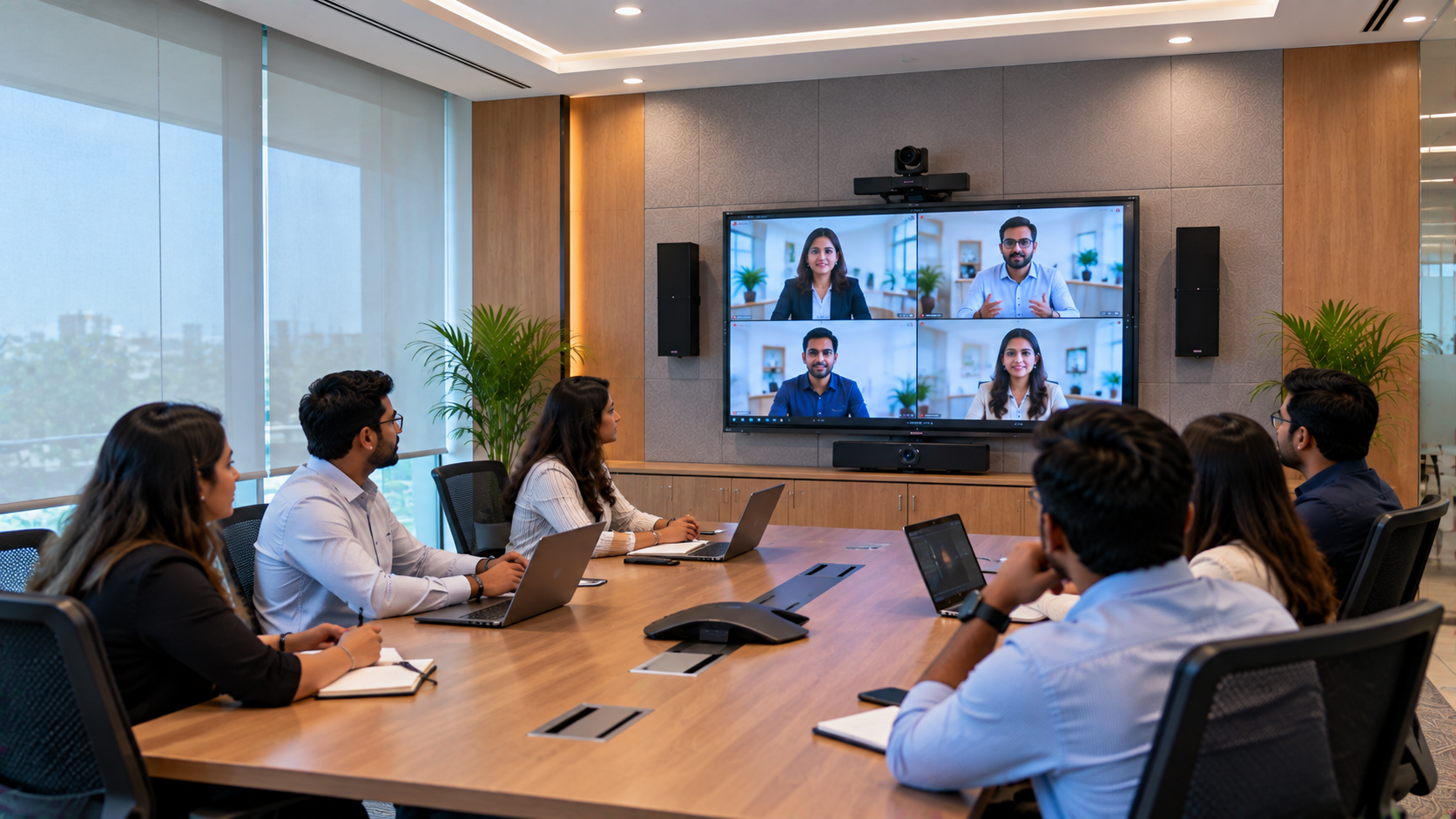
Modern business meetings require more than a screen and a conference table. Corporate teams need clear audio, reliable video conferencing, easy presentation sharing and technology that works without repeated troubleshooting. For businesses planning a conference room modernisation in Lucknow, the right audio-visual (AV) setup can make meetings more efficient and collaboration easier. GoLive eTechnologies helps organisations explore technology solutions for conference rooms, boardrooms, training spaces and hybrid workplaces. From interactive displays and PTZ cameras to conference room speakers, microphones, connectivity and installation support, the goal is to bring the right components together in one dependable setup. This article is a solution guide for corporate offices in Lucknow, not a claim about a specific completed customer installation.
Why Modernise a Corporate Conference Room?
Traditional meeting rooms can struggle to meet today's hybrid-working requirements. Employees may face small presentation screens, unclear microphone audio, awkward camera angles, tangled cables and delays when connecting laptops to meeting equipment.
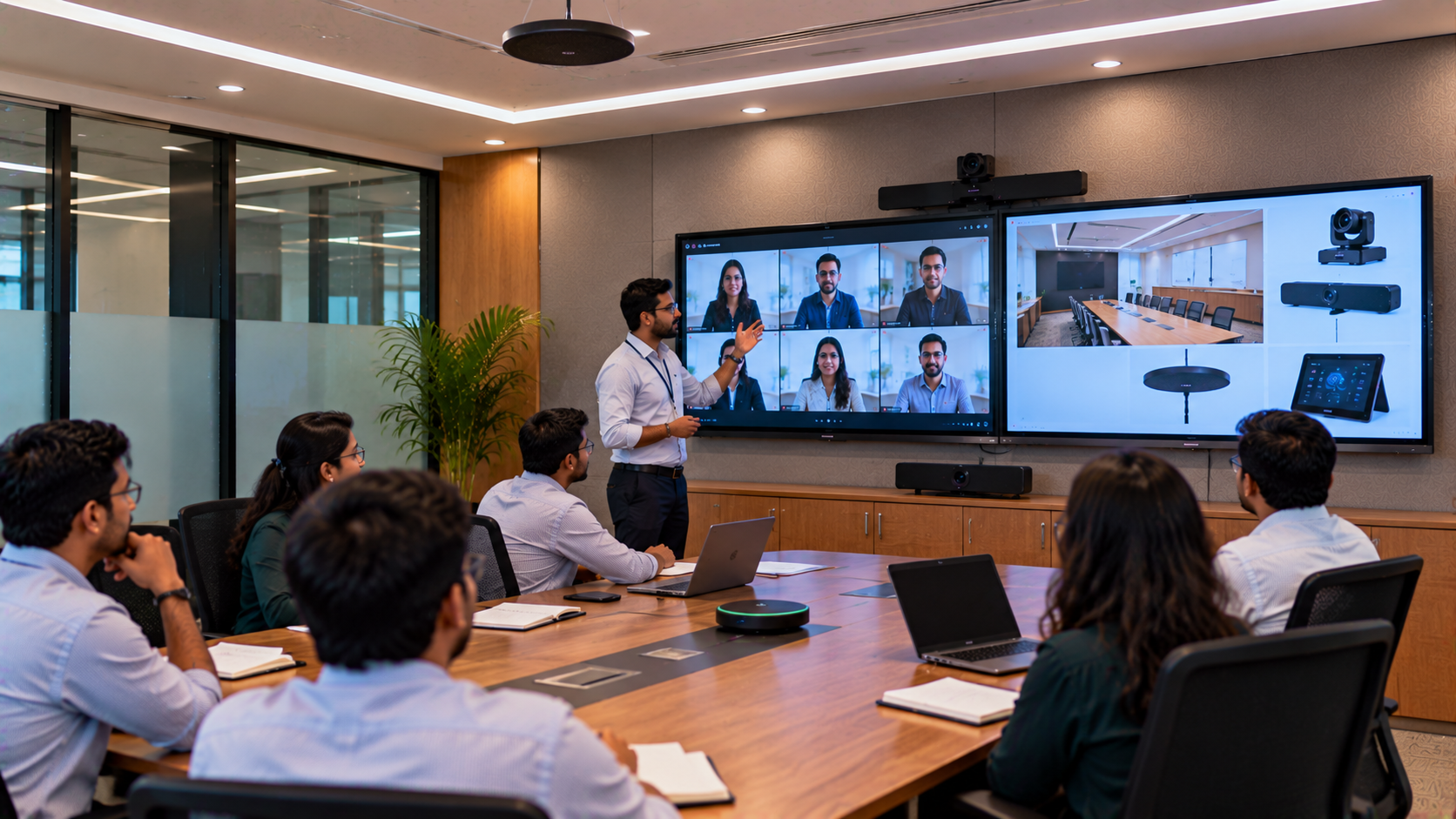
A modern conference room AV setup can help address these issues by bringing together:
A large interactive display for presentations and collaboration
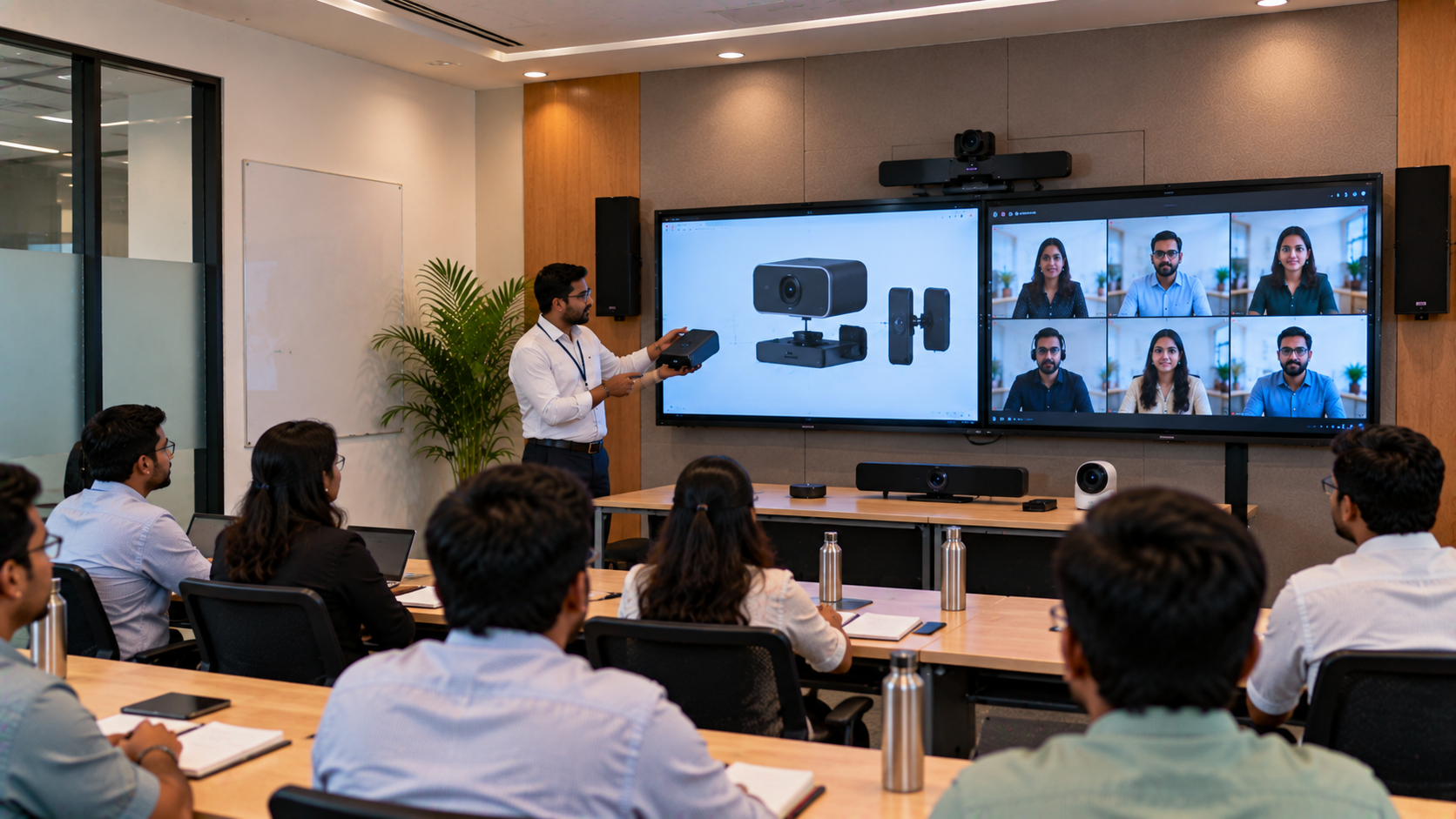
A professional PTZ camera for remote meetings
Conference room speakers and microphones for clearer communication
Reliable HDMI, USB and network connectivity
A compatible computer or meeting-room system
Professional installation, configuration and user training
The objective is simple: spend less time troubleshooting technology and more time making decisions.
1. Choose an Interactive Flat Panel for Presentations and Collaboration
The display is often the centre of a modern conference room. An interactive flat panel display can help teams present reports, review documents, annotate slides and brainstorm ideas on a shared digital workspace.
GoLive eTechnologies offers display options from brands including EVOTA, MAXHUB, Newline and LG. Depending on room size and requirements, businesses can compare:
EVOTA interactive panel: Consider for touchscreen collaboration, presentations and digital whiteboarding.
MAXHUB smart board: Consider for meeting-room collaboration and interactive presentations.
Newline interactive panel: Explore for shared presentations and collaborative workspaces.
LG interactive digital board: Compare professional display options based on size, connectivity and functionality.
For a medium-sized conference room, a 75-inch interactive display may be worth evaluating. Larger boardrooms may need a larger screen, depending on seating and viewing distance.
Before comparing terms such as EVOTA smart board 75 inch price, MAXHUB smart board price in India, Newline interactive panel price or LG interactive panel 75 inch price, consider resolution, touch functionality, connectivity, operating system, warranty and installation requirements.
The best display is not necessarily the cheapest one; it is the one that suits the room and the way your team works.
2. Improve Hybrid Meetings with a PTZ Conference Camera
A display helps people in the room see content, but remote participants also need a clear view of the presenter and meeting participants.
A PTZ camera—short for pan, tilt and zoom—can be remotely adjusted to frame a presenter or capture different parts of a meeting room. A 4K PTZ camera may be useful where detailed video is important, although the ideal resolution and zoom depend on room dimensions and conferencing requirements.
Options to explore with GoLive eTechnologies include:
EVOTA 4K PTZ camera
EVOTA 10X HD PTZ camera
Logitech PTZ camera solutions
Other compatible conference camera options
When comparing an EVOTA 4K PTZ camera price or Logitech PTZ camera, check optical zoom, connection types, camera control, mounting position and compatibility with your conferencing platform.
For smaller rooms, a USB conference camera or an integrated conference webcam may be sufficient. Larger rooms may benefit from a remotely controlled PTZ camera with suitable zoom and framing.
3. Make Every Voice Clear with Conference Room Speakers and Microphones
Poor audio can disrupt even a well-equipped conference room. Remote participants may struggle to hear people sitting at the far end of the table, while echo and background noise can make conversations tiring.
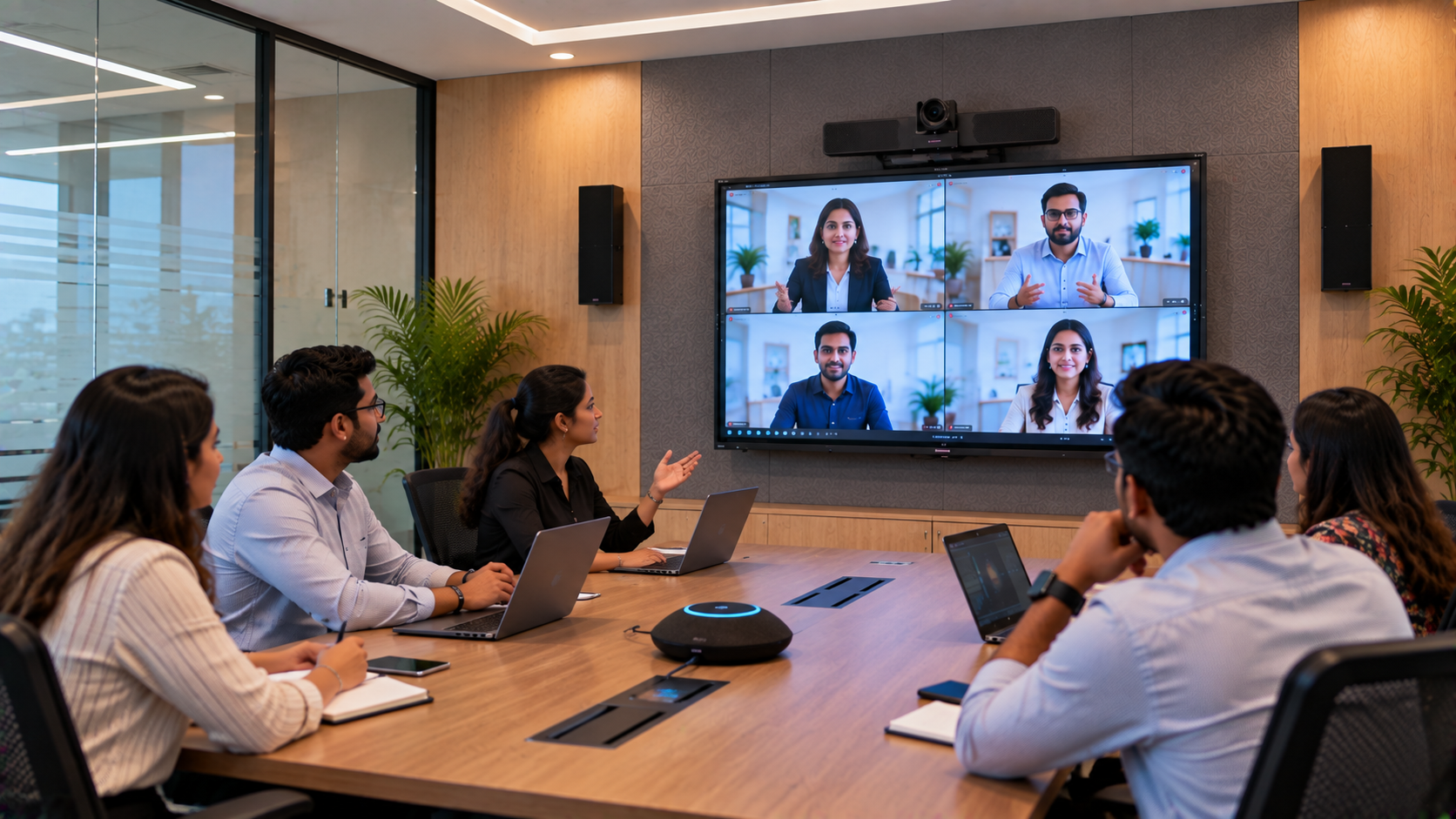
A suitable conference room speaker and microphone system may include:
Conference microphones or speakerphones
Wired or wireless microphones
Wall-mounted or other appropriately positioned speakers
Amplifiers, audio interfaces or mixers where required
Correctly planned cabling and audio configuration
The right combination depends on the number of participants, room acoustics, seating layout and whether people regularly join meetings remotely.
During installation, audio levels, microphone pickup and speaker coverage should be tested from different seating positions. The goal is to help everyone communicate without repeatedly asking, “Can you hear me?”
4. Connect Displays, Cameras and Meeting Devices Properly
A professional conference room needs more than individual products. Displays, cameras, computers and conferencing applications must work together.
Depending on the intended workflow, the setup may require:
HDMI and USB connections
A dedicated PC or compatible computing solution
Network connectivity
Wireless presentation options
Mounting hardware and cable-management accessories
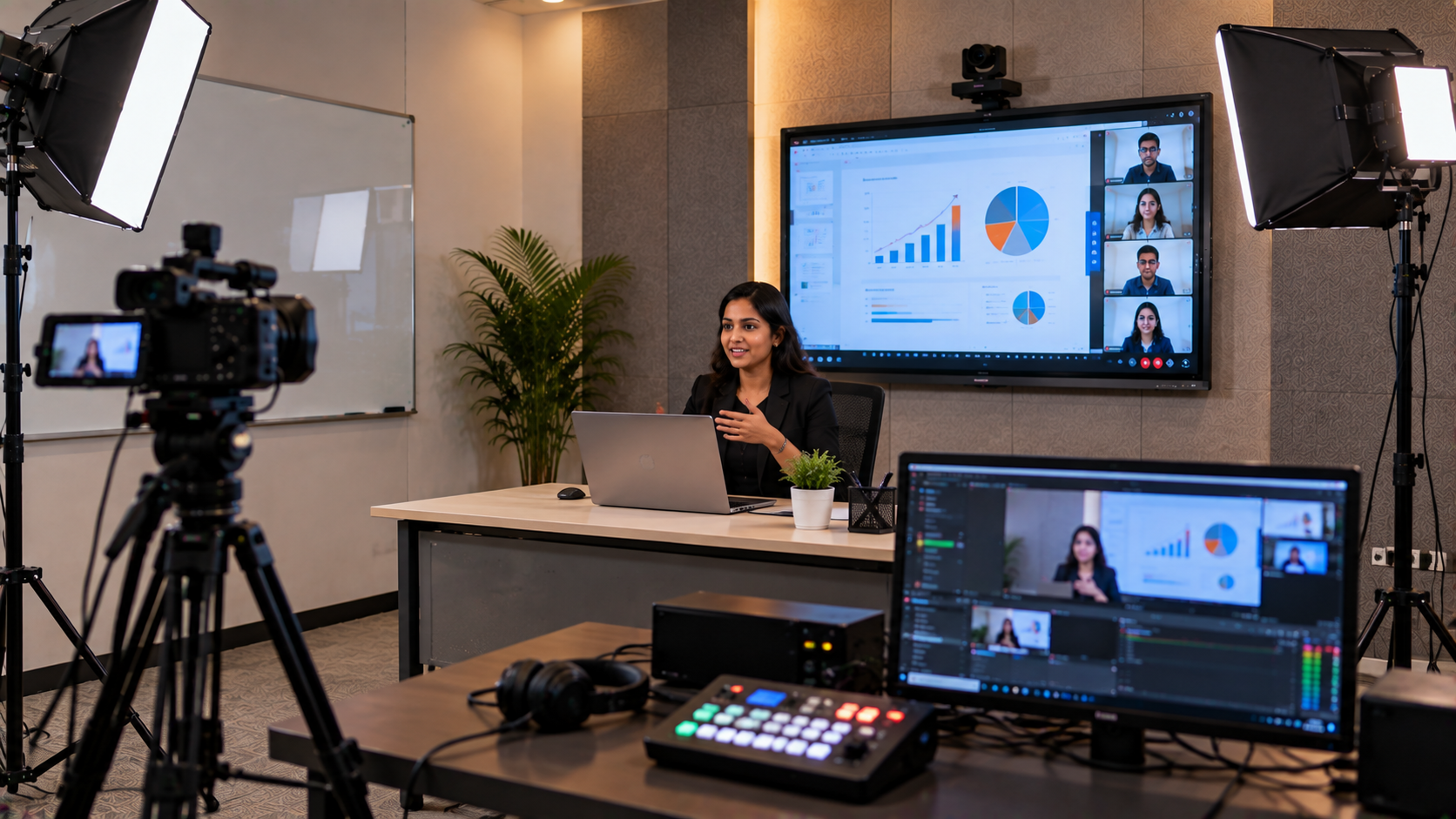
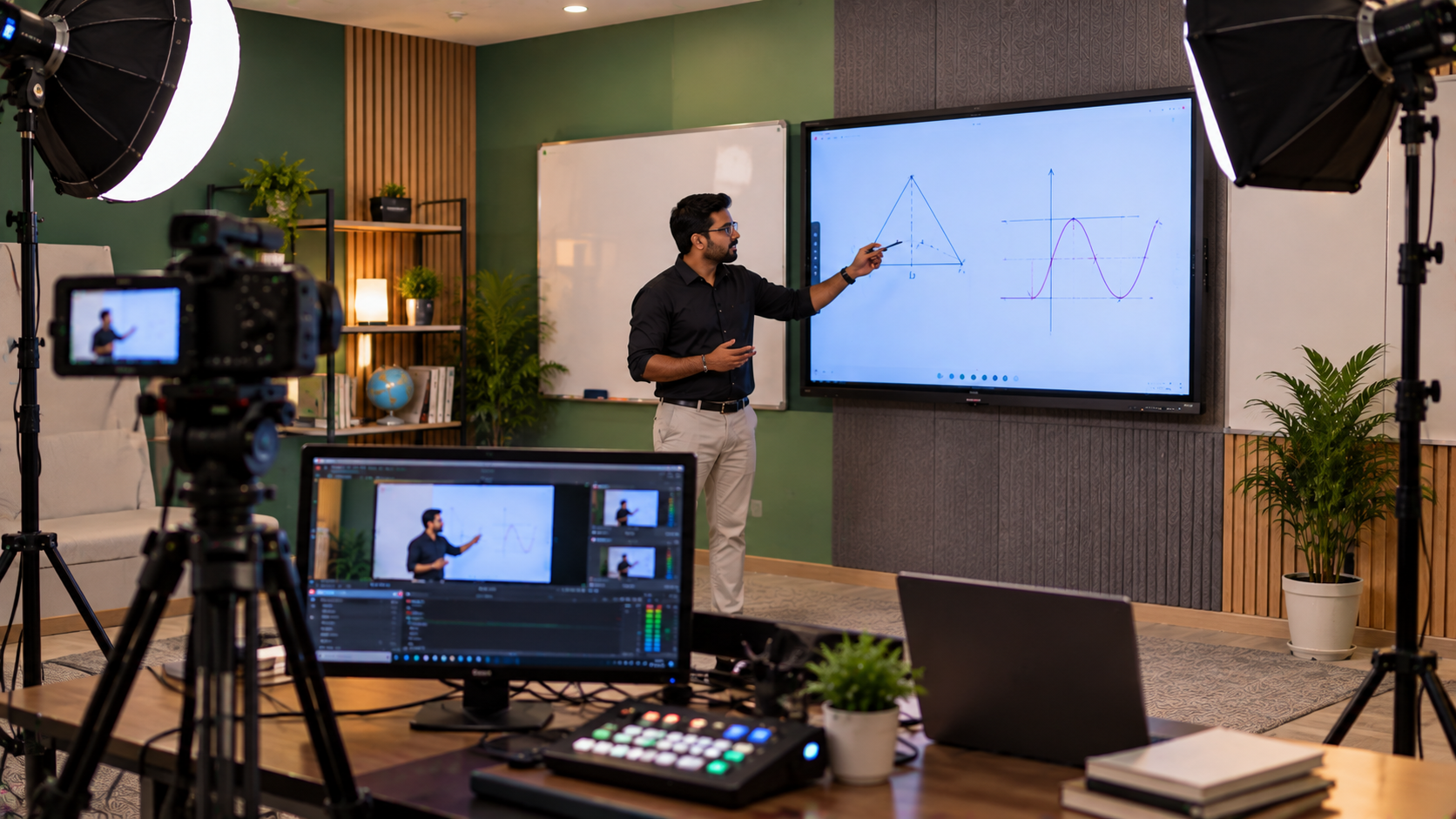
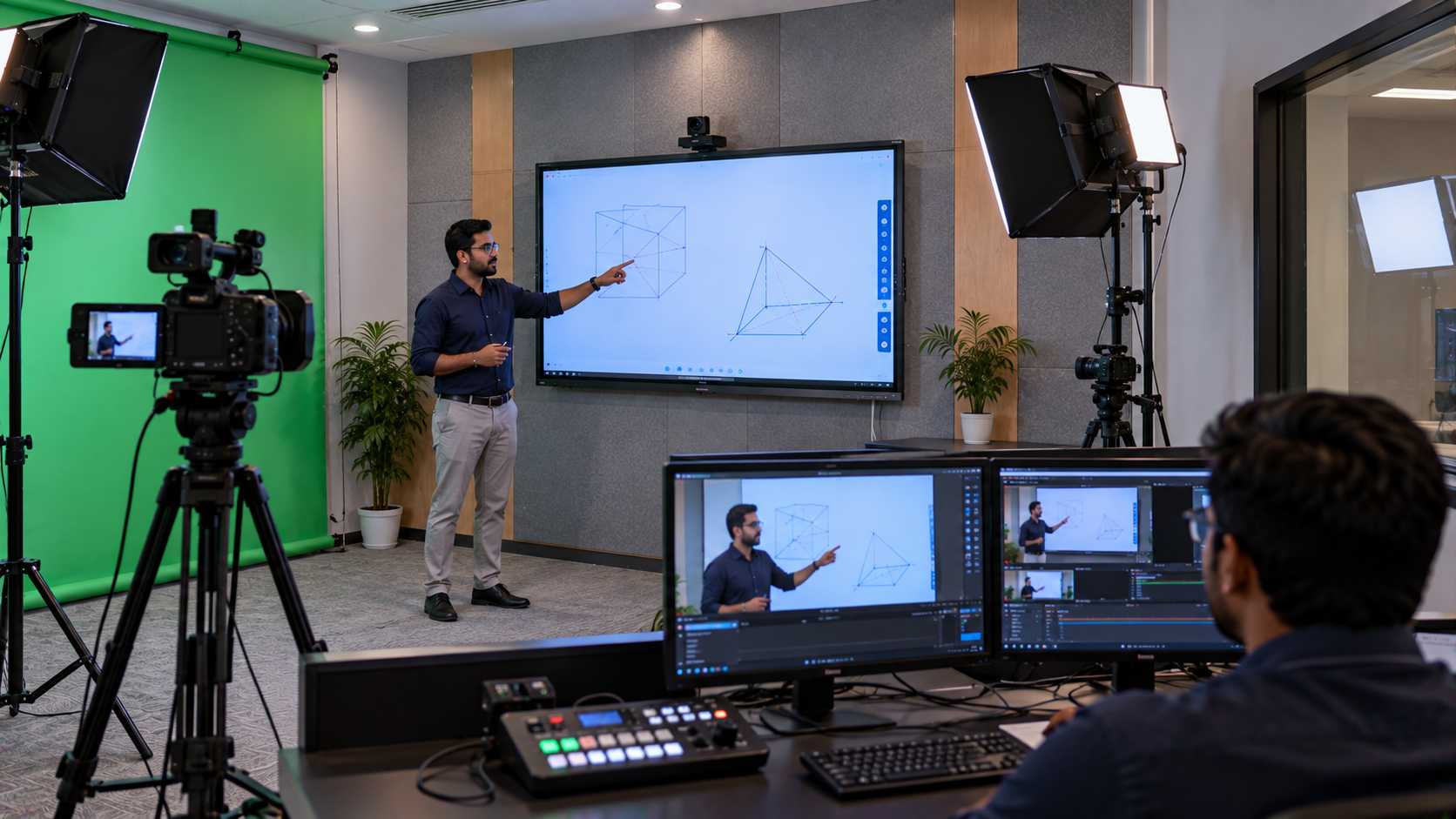
An HDMI video capture device if recording or streaming is required
A capture device is not essential for every conference room. It becomes relevant when the organisation wants to record presentations, stream internal events or create training content.
Planning connectivity before installation can reduce cable clutter and help users start meetings with fewer steps.
5. Plan the Conference Room Setup Around Your Budget
The cost of a corporate conference room setup in India depends on the display size, camera specification, audio system, computing requirements, accessories and installation complexity.
|
Requirement |
Equipment to consider |
|---|---|
|
Small meeting room |
Display, USB camera and conference speakerphone |
|
Medium conference room |
75-inch-class interactive panel, PTZ camera and microphones |
|
Large boardroom |
Larger display, suitable PTZ camera and planned audio coverage |
|
Hybrid meeting room |
Interactive display, camera, microphone system and compatible computing |
|
Training and presentation room |
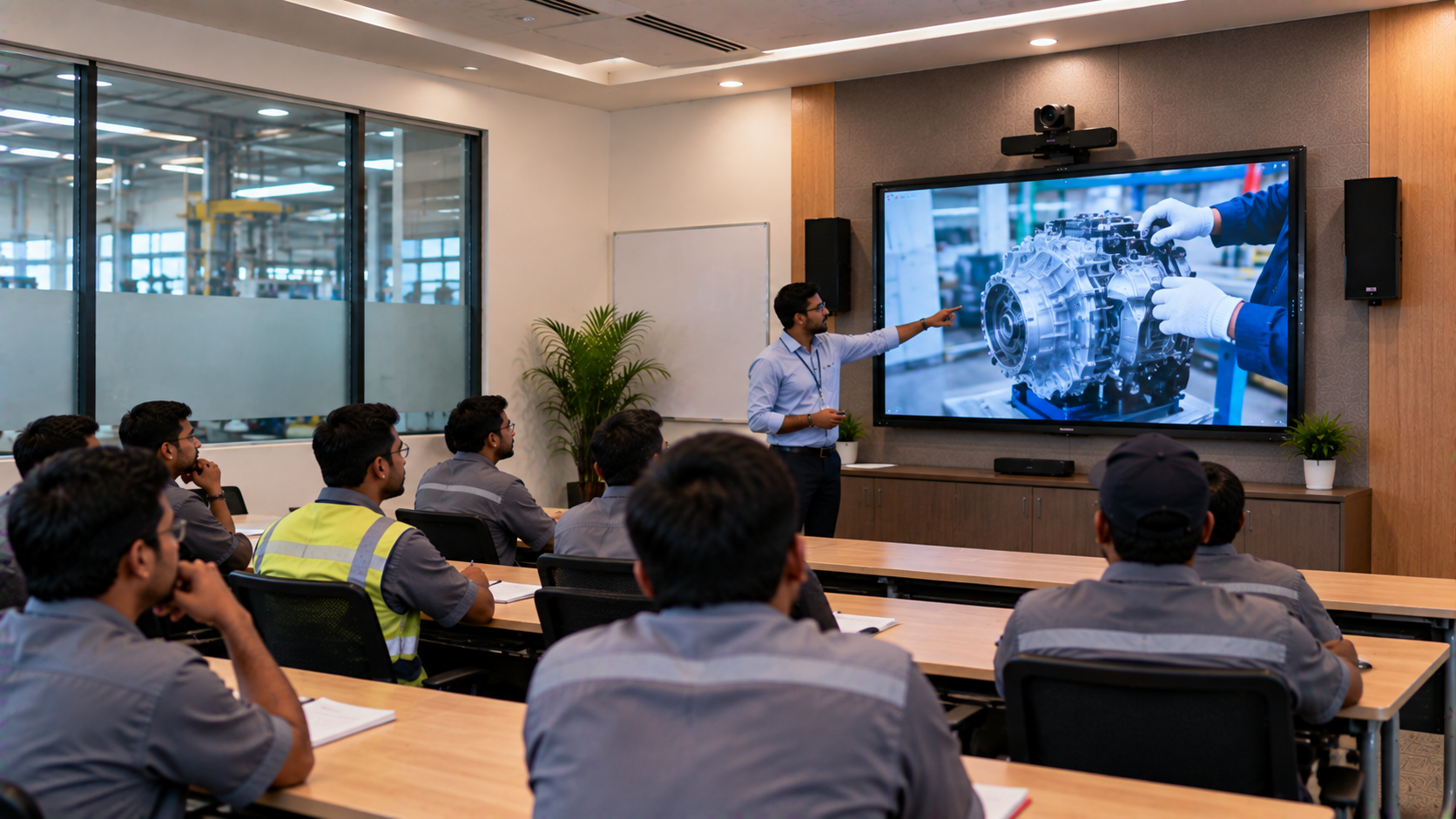
Interactive panel, camera, speakers and optional capture equipment |
Treat this as a planning guide rather than a fixed package or price quotation. Ask for a configuration based on room dimensions, participant count and meeting requirements.
When evaluating digital board price in India, EVOTA digital board price, MAXHUB digital board price or Newline digital board price, compare the full solution cost—including accessories, mounting, installation, training and support. Avoid assuming that a price for a display alone represents the cost of a complete conference room.
6. Why Choose GoLive eTechnologies for Conference Room AV Solutions in Lucknow?
Buying separate devices without checking compatibility can create unnecessary installation and support challenges. GoLive eTechnologies focuses on an end-to-end technology approach: helping customers select appropriate products, plan deployment and get assistance beyond the purchase.
Technology that works, backed by people who help.
That promise translates into practical benefits:
Right solution: Equipment recommendations based on your room and use case.
Fast deployment: A planned approach to product selection and implementation.
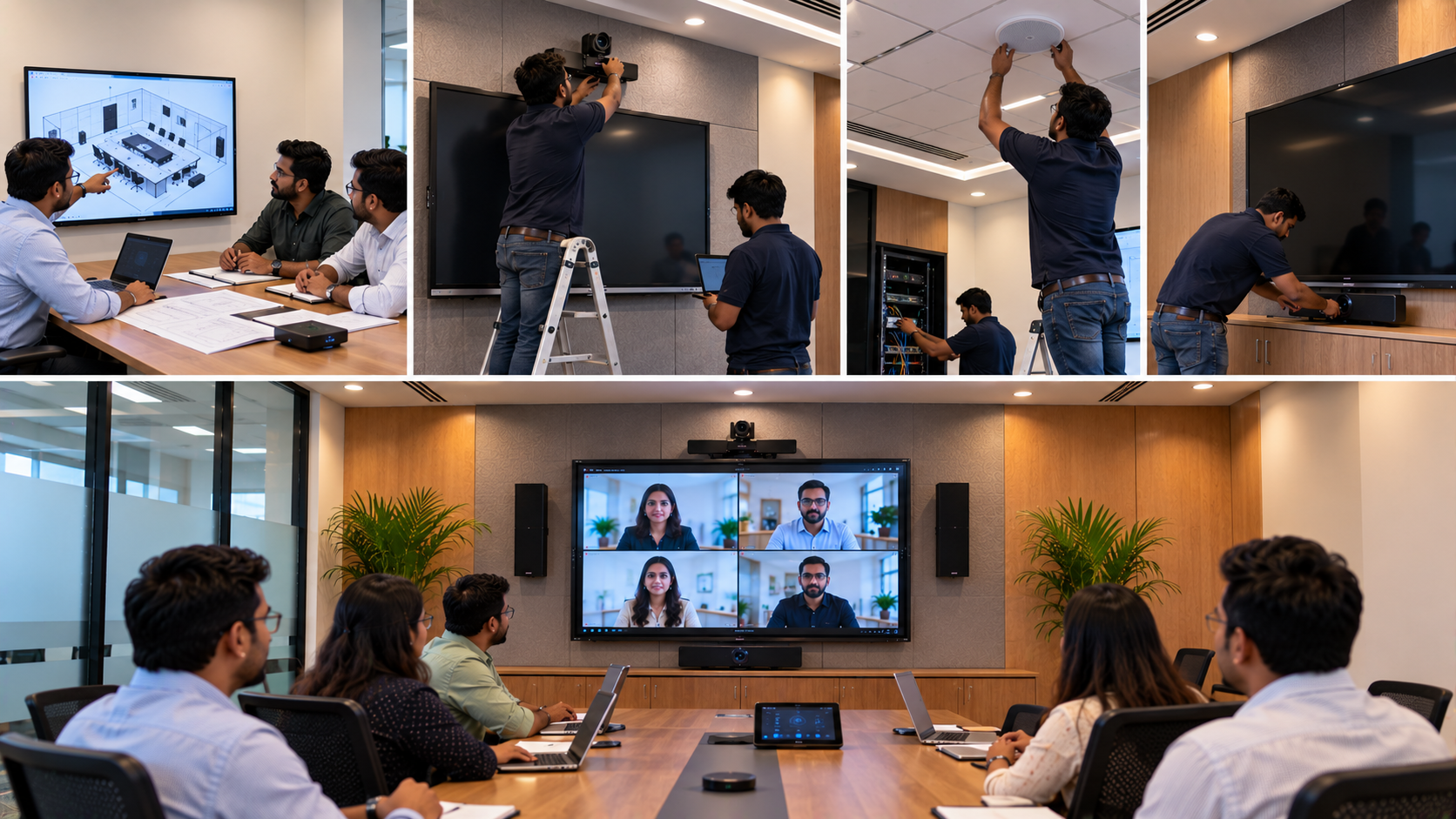
Installation: Support for bringing the selected components together.
Training: Guidance to help users operate the equipment confidently.
Ongoing assistance: Help when customers need support after installation.
For offices in Lucknow and businesses elsewhere in India, the aim is to reduce technology headaches and give teams greater confidence in their meeting-room setup. Explore GoLive eTechnologies reviews for customer feedback, and rely on specific review statements only where genuine published reviews support them.
7. What to Check Before Installation
Before finalising your corporate conference room AV setup, confirm:
Room dimensions, seating capacity and screen viewing distance
Display size, resolution and interactive features
Camera framing, zoom and conferencing compatibility
Microphone coverage and speaker placement
HDMI, USB, network and wireless presentation requirements
Mounting, power supply and cable management
Product warranty, delivery terms and installation scope
User training and post-installation support
A successful installation is not simply a room where the devices turn on. It is a room where the display, camera, audio and connectivity work together and employees know how to use them.
Modernise Your Conference Room with GoLive eTechnologies
A modern conference room should make communication easier—not add another technology headache. GoLive eTechnologies helps businesses explore interactive displays, EVOTA PTZ cameras, MAXHUB, Newline and LG display options, conference audio and related AV equipment.
Planning a conference room upgrade in Lucknow? Share your room size, seating capacity, preferred features and budget with GoLive eTechnologies to discuss a suitable configuration, pricing, delivery and installation requirements.
Visit www.golivetechnologies.in to explore products and enquire about a conference room solution designed around your business.
Your email address will not be published. Required fields are marked *

By Inhype • September 12, 2026
A smart classroom is only as effective as the technology supporting it. Interactive panels, smart boards, PTZ cameras, microphones, speakers, PCs and
Read More
By Inhype • September 12, 2026
Higher education is rapidly moving beyond traditional chalkboards and projectors. Today, colleges and universities need technology that supports inter
Read More
By Inhype • September 12, 2026
A smart classroom for CBSE schools is no longer simply a classroom with a digital board. Modern schools are building connected learning environments t
Read More
By Inhype • September 12, 2026
Planning a smart classroom project for 10, 20 or even 50 classrooms requires more than simply purchasing digital boards. Schools, colleges, universiti
Read More
By Inhype • September 12, 2026
A smart classroom can transform the way teachers explain concepts, students interact with lessons, and institutions deliver digital education. From in
Read More




Golive eTechnologies India Private Limited (CIN - U31909UP2021PTC148242) is one of India's leading providers of smart classrooms, interactive boards, video conferencing solutions, and display technologies for the education, healthcare, corporate, and government sectors.







No comments yet. Be the first to comment!