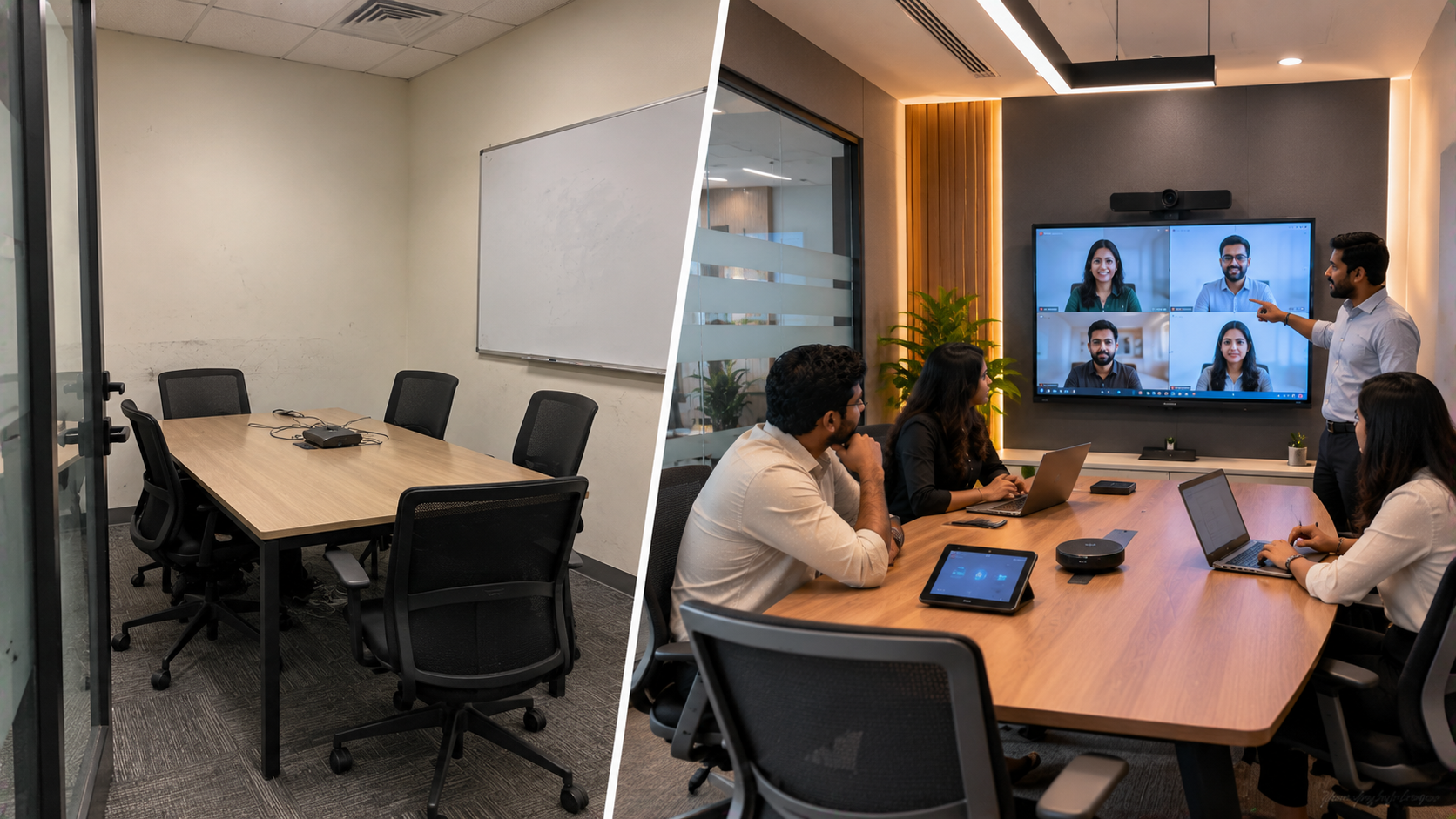
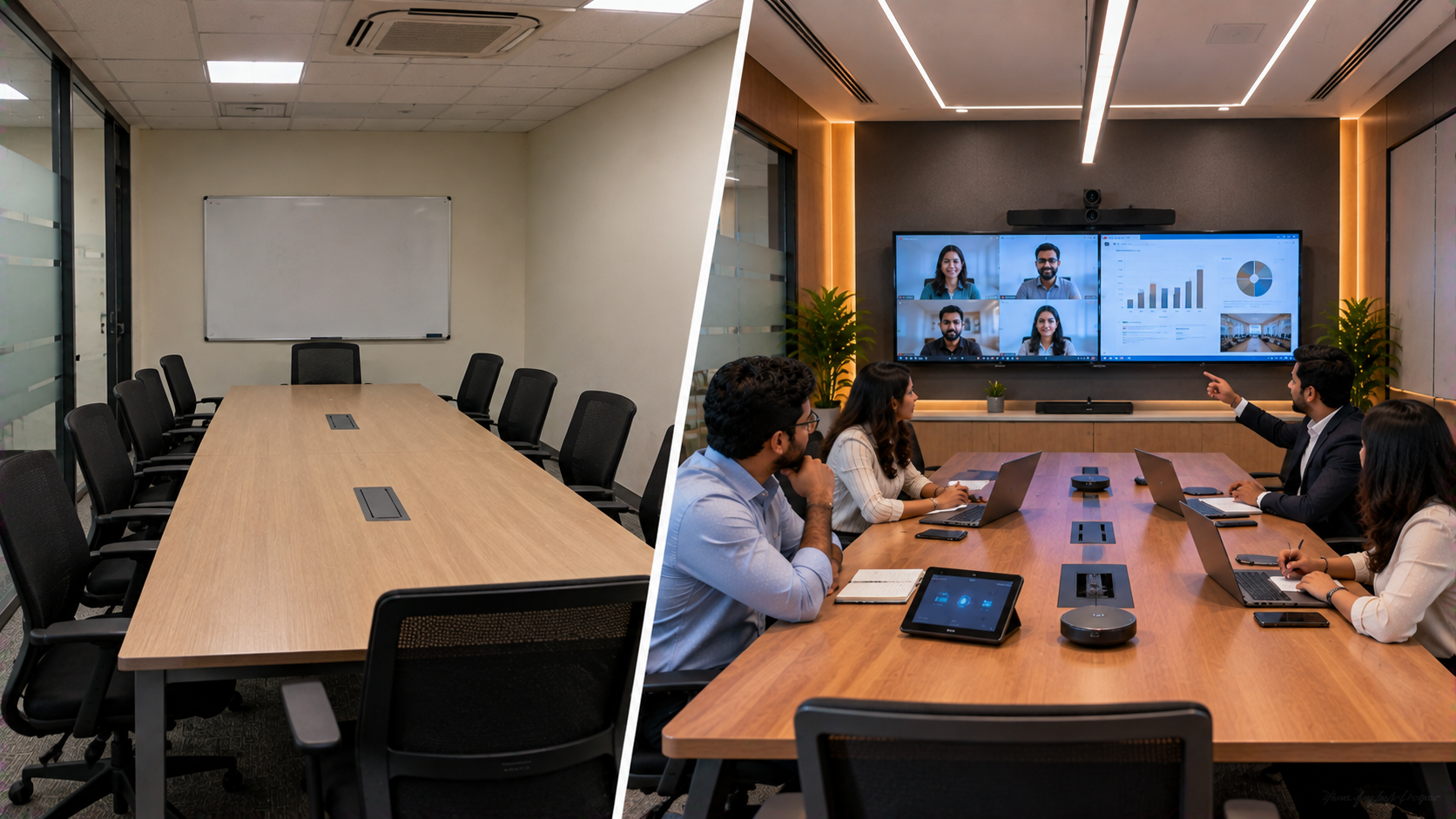
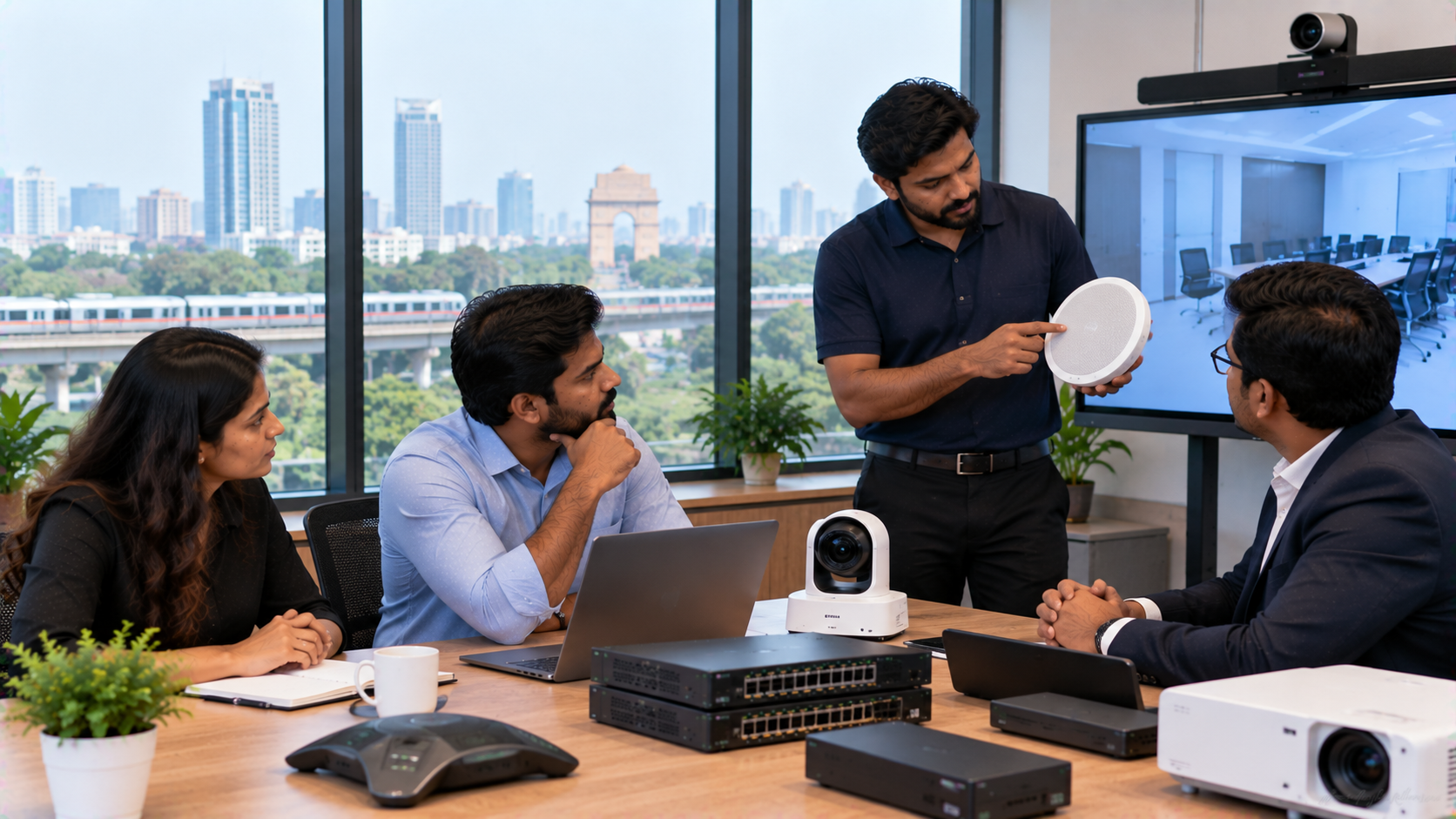
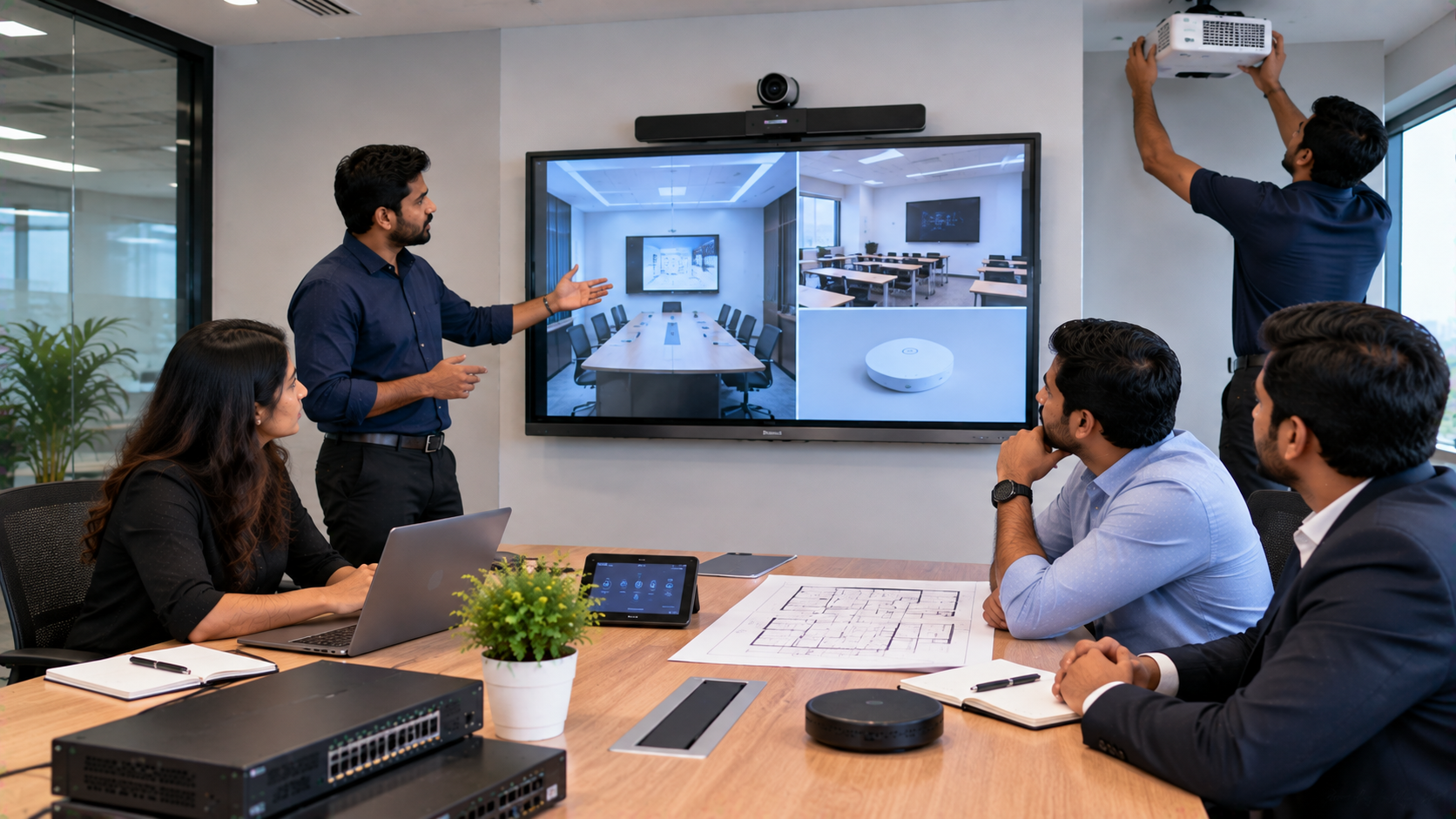
In today's hybrid workplace, a small meeting room is no longer just a table, chairs and a display. Corporate teams need spaces where people can meet, present, brainstorm, share content and collaborate with remote colleagues without dealing with complicated technology. For businesses in Greater Noida, Noida and the wider Delhi NCR region, an outdated huddle room can often be converted into a modern collaboration space without undertaking a complete office renovation. A practical technology upgrade can combine an interactive flat panel, PTZ camera, audio system and reliable connectivity to create a more productive meeting environment. GoLive eTechnologies provides end-to-end technology support—from solution selection and installation to deployment and ongoing assistance—helping businesses reduce technology headaches and gain confidence that their meeting-room setup will work when needed. Brand promise: Technology that works, backed by people who help.
The Problem with an Outdated Corporate Huddle Room
A traditional huddle room may have a basic television or projector, a conference table and separate cables for different devices. While this arrangement may work for simple meetings, it can become inconvenient when teams need to collaborate digitally.
Common challenges include:
Limited screen-sharing capabilities
Difficult video conferencing setup
Poor camera positioning
Inconsistent meeting-room audio
Multiple cables and adapters
Limited interaction with presentations
Difficulty collaborating with remote teams
No integrated technology support
Instead of adding more disconnected equipment, companies can redesign the room around an integrated digital collaboration system.
From Basic Meeting Room to Modern Collaboration Space
A modern corporate huddle room can be designed around four essential technology layers:
|
Requirement |
Recommended Technology |
Purpose |
|---|---|---|
|
Visual collaboration |
Interactive flat panel |
Present, annotate and collaborate |
|
Video conferencing |
PTZ camera |
Capture meeting participants |
|
Audio |
Conference microphone/speaker |
Clear communication |
|
Connectivity |
HDMI/USB/networking |
Easy device integration |
Depending on the room size, seating arrangement and conferencing platform, the configuration can be adapted to the company's requirements.
Interactive Flat Panel for Corporate Collaboration
An interactive panel can become the central display of the room. Instead of simply displaying content, employees can interact directly with presentations, documents, diagrams and meeting notes.
Options such as an Evota interactive panel, MAXHUB smart board or Newline interactive panel can be evaluated according to the organisation's requirements.
For larger corporate rooms, businesses can also compare 75-inch interactive displays, including relevant LG, MAXHUB, Newline and Evota options.
The right display should be selected based on:
Room dimensions
Viewing distance
Number of participants
Touch requirements
Resolution
Connectivity
Operating environment
Budget
This is why searching only for an LG interactive digital board price, Newline smart board price or Evota smart board price may not be enough. The total solution should match the actual room requirement.
Adding a PTZ Camera for Hybrid Meetings
A modern huddle room also needs a camera capable of capturing participants clearly.
A PTZ camera can provide remote-controlled pan, tilt and zoom capabilities, making it useful for conference rooms where participants may sit at different positions.
Businesses can evaluate solutions such as:
Evota 4K PTZ camera
Evota 10X HD PTZ camera
Logitech PTZ solutions
Other compatible USB or conferencing cameras
A 4K PTZ camera can be particularly useful where image clarity is important for hybrid meetings, presentations and remote collaboration.
The camera should be positioned according to the table layout and display location rather than simply being installed wherever a power point is available.
The Importance of Audio in a Collaboration Room
Video quality gets attention, but poor audio can quickly make a meeting frustrating.
A professional collaboration space should consider:
Conference microphones
Meeting-room speakers
Echo management
Microphone placement
Room acoustics
Compatibility with the conferencing platform
For larger rooms, an integrated conference speaker and microphone solution may provide a more consistent experience than relying on a laptop's built-in microphone.
GoLive eTechnologies can help organisations evaluate the required meeting speaker, microphone and audio equipment as part of a complete room solution.
A Smarter Room Design Process
Transforming a huddle room does not need to start with buying equipment. It should start with understanding how employees use the room.
Step 1: Assess the Existing Room
Evaluate:
Room dimensions
Existing display
Seating capacity
Lighting
Acoustics
Power points
Network connectivity
Camera position
Step 2: Identify Collaboration Requirements
Determine whether the room will primarily be used for:
Internal meetings
Client presentations
Hybrid meetings
Brainstorming
Training
Sales discussions
Remote collaboration
Step 3: Select Compatible Technology
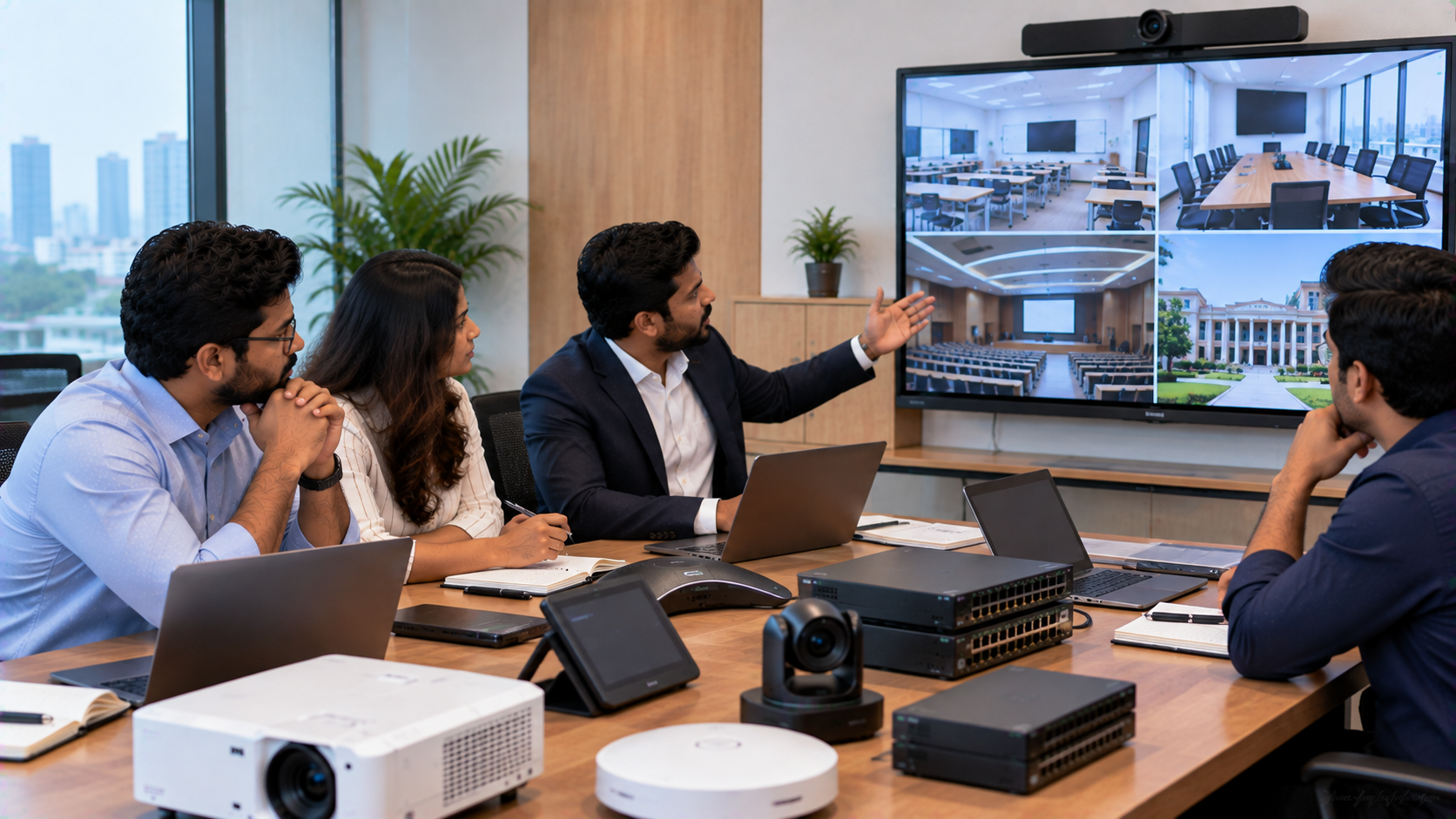
Choose the interactive display, PTZ camera, microphone, speakers and connectivity equipment as one ecosystem.
Step 4: Installation and Configuration
Equipment should be professionally installed and tested for:
Display connectivity
Camera framing
Audio clarity
Touch functionality
Video conferencing
Cable management
Step 5: Training and Handover
Employees should know how to start a meeting, connect a device, share content and use the interactive features.
This final step is important because even good technology can remain underused if employees are not comfortable operating it.
Why Choose GoLive eTechnologies for Corporate Collaboration Solutions?
The objective is not simply to sell an interactive display or camera. The objective is to create a working technology environment.
GoLive eTechnologies' approach focuses on:
Right solution → Fast deployment → Installation → Support
This provides businesses with a single technology partner instead of managing multiple vendors for equipment selection, installation and troubleshooting.
The company can help organisations explore technology options across:
Interactive flat panels
Digital boards
PTZ cameras
Conference-room technology
Displays and collaboration equipment
Video capture solutions
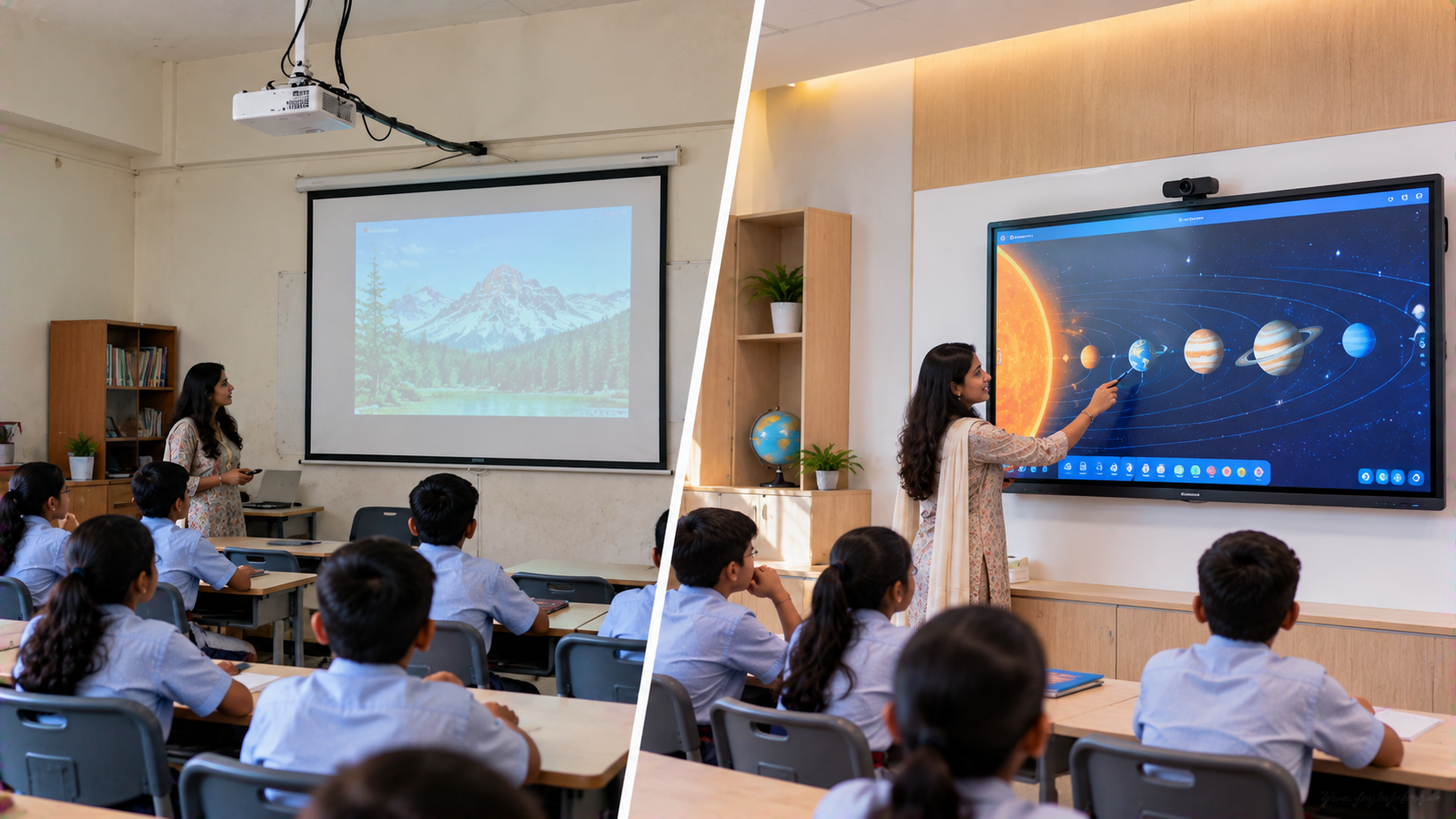
Smart classroom and training solutions
Online teaching and studio equipment
Its customer-focused proposition is straightforward:
Less technology headache. More confidence that everything will work.
Evota vs MAXHUB vs Newline vs LG: What Should a Business Consider?
There is no single display that suits every corporate meeting room. Businesses should compare products based on actual requirements rather than choosing purely by brand or advertised price.
|
Factor |
What to Evaluate |
|---|---|
|
Screen size |
65", 75", 86" or larger depending on room |
|
Resolution |
Full HD, 4K or appropriate equivalent |
|
Touch |
Number of touch points and writing experience |
|
Connectivity |
HDMI, USB, wireless sharing and network options |
|
Collaboration |
Annotation, whiteboarding and content sharing |
|
Camera integration |
Compatibility with conferencing equipment |
|
Support |
Installation, training and after-sales assistance |
|
Cost |
Equipment + installation + support |
This approach is more useful than comparing only an Evota digital board price, MAXHUB digital board price, Newline digital board price or LG smart board price.
Pricing: What Does a Corporate Collaboration Room Cost?
The cost of a modern collaboration space depends on the selected display size, camera, audio equipment, mounting requirements, connectivity and installation.
For example, a room requiring only an interactive panel may have a significantly different budget from a complete solution incorporating:
75-inch interactive panel + 4K PTZ camera + conference audio + installation + configuration + training.
Therefore, businesses searching for digital board price in India, 75 inch interactive display price in India, Evota smart board 75 inch price, MAXHUB smart board price in India or Newline interactive panel price in India should request a configuration-based quotation.
GoLive eTechnologies can help businesses identify the appropriate technology combination before purchase.
Greater Noida Corporate Offices Can Build Smarter Meeting Spaces
For businesses in Greater Noida, Noida and Delhi NCR, upgrading an existing huddle room can be a practical way to improve collaboration without redesigning the entire office.
The goal is not to fill a room with technology. It is to make meetings simpler, clearer and more collaborative.
With the right interactive display, PTZ camera, audio equipment, connectivity and professional installation, an old huddle room can become a productive space for modern hybrid work.
Ready to Upgrade Your Corporate Huddle Room?
Talk to GoLive eTechnologies for help selecting, installing and supporting the right collaboration technology for your office.
Technology that works, backed by people who help.
Explore GoLive eTechnologies' interactive displays, Evota solutions, MAXHUB, Newline, PTZ cameras and corporate collaboration technology—or request a solution-based quotation for your Greater Noida office.
Your email address will not be published. Required fields are marked *

By Inhype • September 12, 2026
A smart classroom is only as effective as the technology supporting it. Interactive panels, smart boards, PTZ cameras, microphones, speakers, PCs and
Read More
By Inhype • September 12, 2026
Higher education is rapidly moving beyond traditional chalkboards and projectors. Today, colleges and universities need technology that supports inter
Read More
By Inhype • September 12, 2026
A smart classroom for CBSE schools is no longer simply a classroom with a digital board. Modern schools are building connected learning environments t
Read More
By Inhype • September 12, 2026
Planning a smart classroom project for 10, 20 or even 50 classrooms requires more than simply purchasing digital boards. Schools, colleges, universiti
Read More
By Inhype • September 12, 2026
A smart classroom can transform the way teachers explain concepts, students interact with lessons, and institutions deliver digital education. From in
Read More




Golive eTechnologies India Private Limited (CIN - U31909UP2021PTC148242) is one of India's leading providers of smart classrooms, interactive boards, video conferencing solutions, and display technologies for the education, healthcare, corporate, and government sectors.

No comments yet. Be the first to comment!