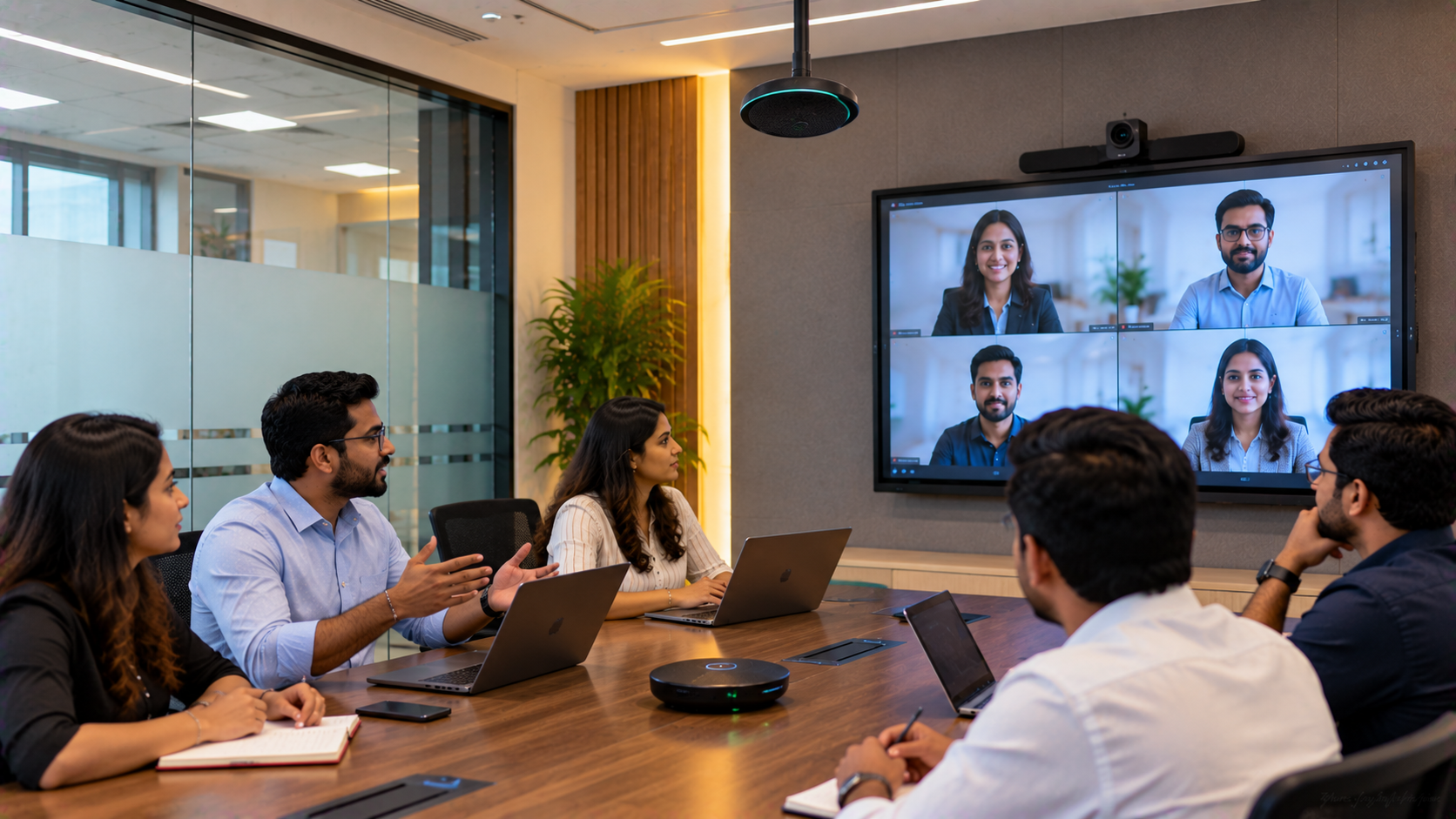
A corporate meeting room can have an excellent display and high-quality camera, yet still deliver a frustrating experience if participants cannot hear one another clearly. Poor microphone placement, room acoustics, background noise, unsuitable conference speakers and incorrect audio configuration can all contribute to weak audio pickup. For a corporate office in Noida, the solution is not necessarily to buy the most expensive microphone or camera. The better approach is to assess the room, understand how meetings are conducted and build an integrated audio-video and conferencing solution. This is where GoLive eTechnologies India Private Limited can help businesses move from individual equipment purchases to an end-to-end technology setup. Technology that works, backed by people who help. GoLive's published approach covers requirement assessment, equipment selection, room layout and connectivity, delivery, installation, training and ongoing support.
The Problem: Why Meeting Room Audio Pickup Becomes Poor
Poor audio pickup in a conference room is usually caused by a combination of factors rather than one defective device.
Common issues include:
Microphones positioned too far from participants
Large conference tables creating uneven microphone coverage
Speakers and microphones positioned incorrectly
Echo and sound reflections
Background noise from HVAC systems or adjoining rooms
Incorrect gain or audio settings
Incompatible conferencing equipment
Poor cable management or connectivity
Camera and microphone systems working independently
Simply searching for a conference room speaker and microphone, meeting speaker, conference mic with speaker or microphone for teaching online may not solve the underlying problem.
The room itself needs to be considered.
A Practical Noida Corporate Meeting Room Solution
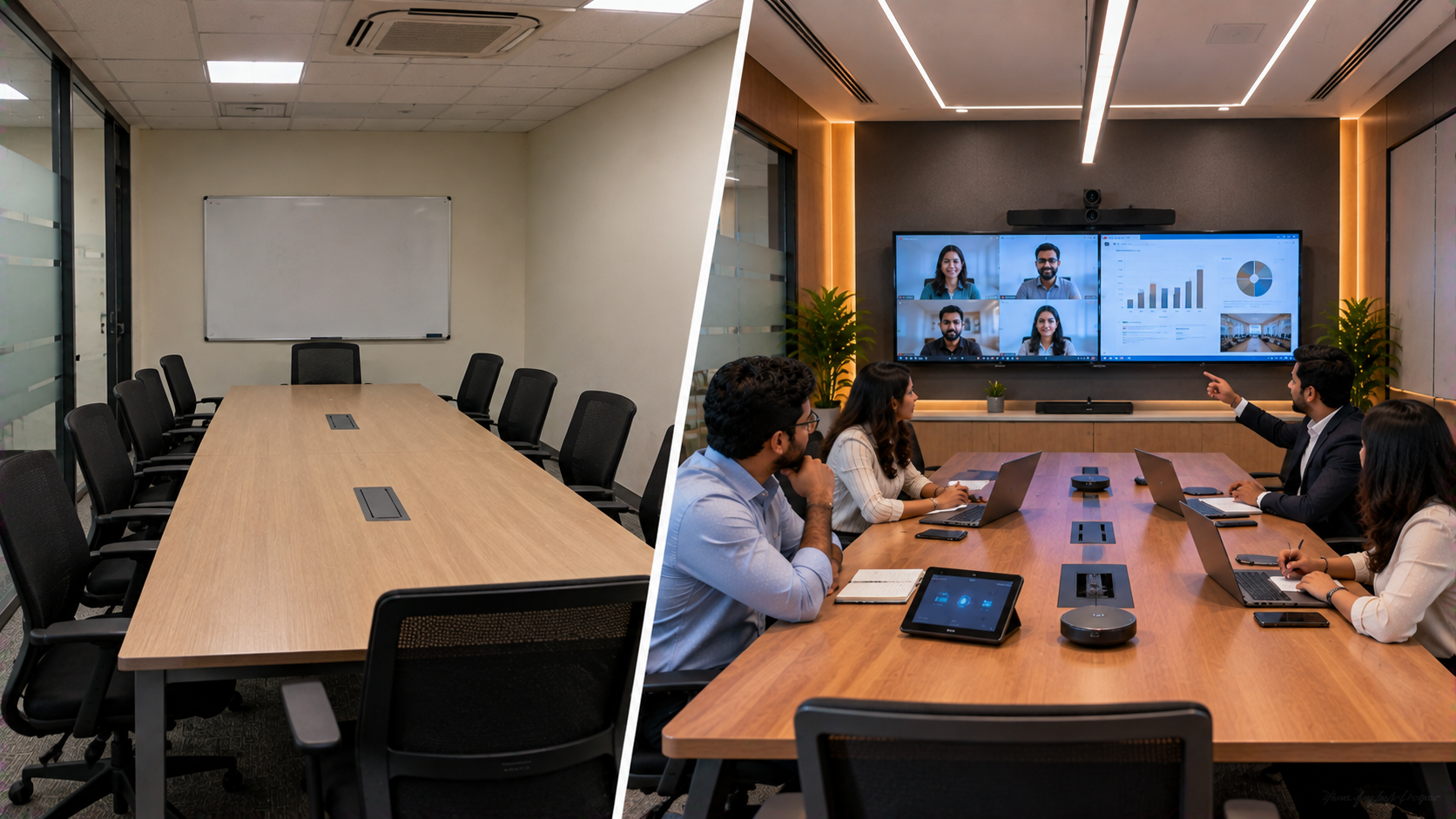
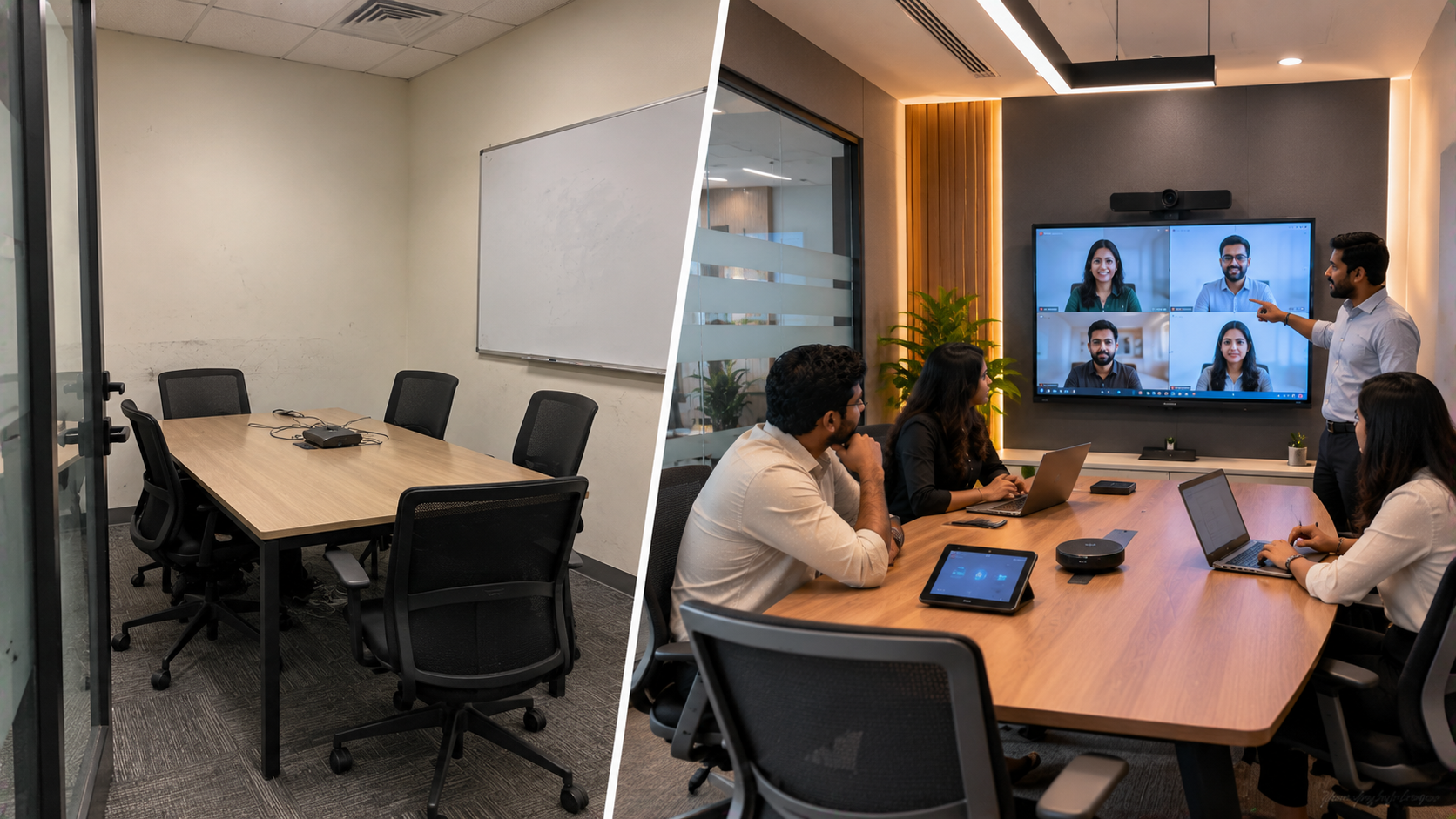
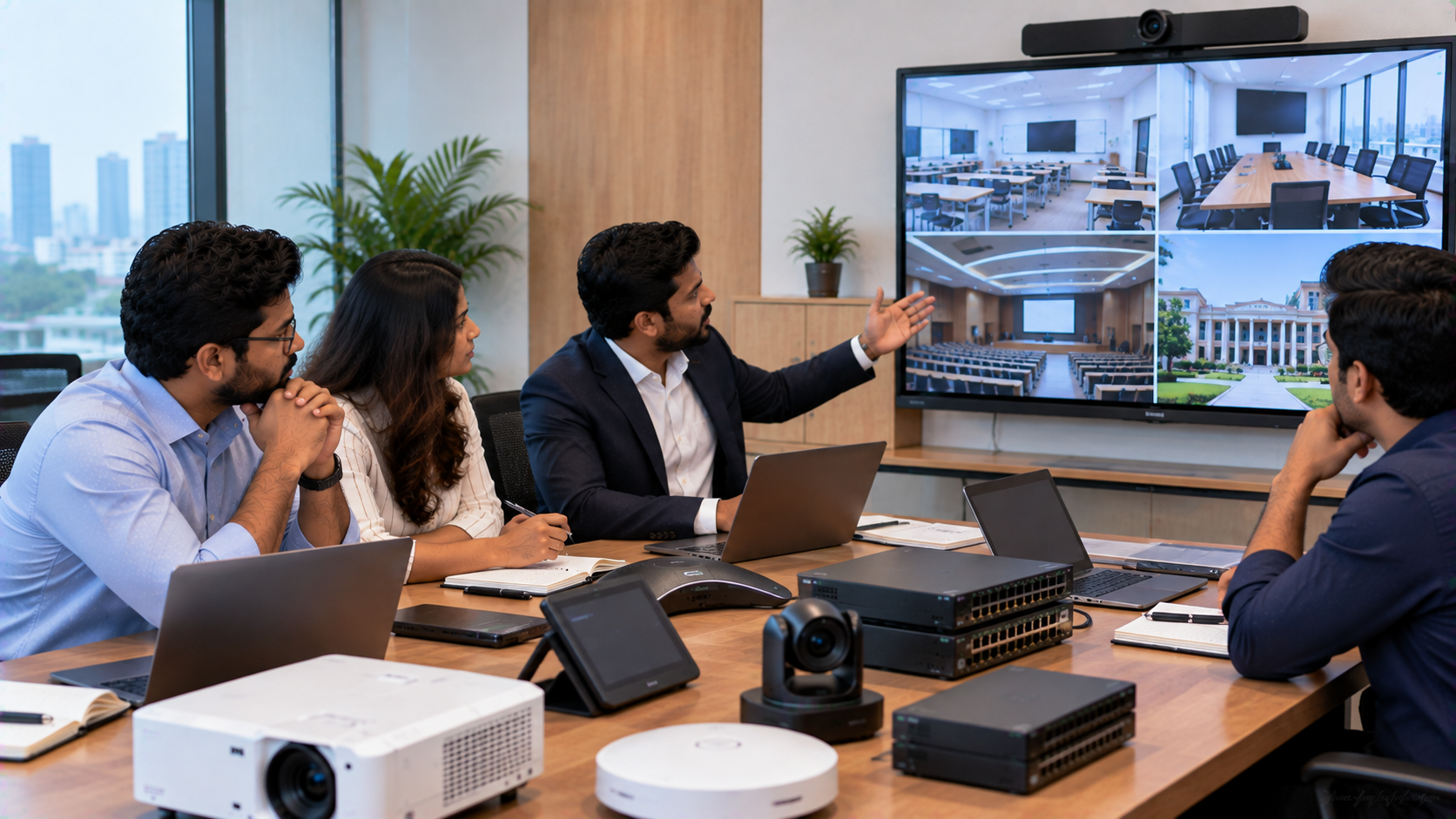
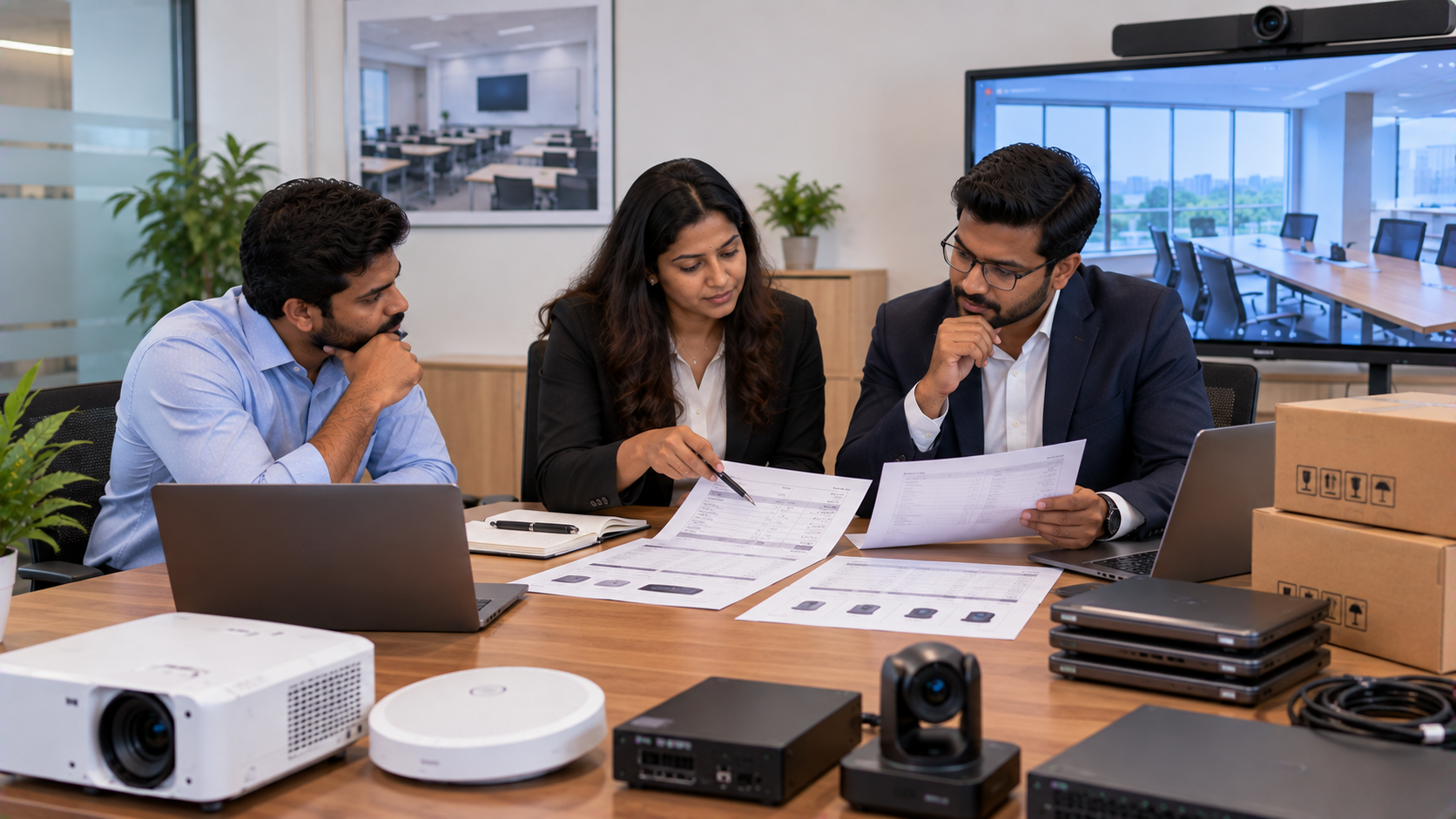
Consider a representative corporate office in Noida, Delhi NCR experiencing frequent complaints that remote participants could not clearly hear people sitting at the opposite end of the meeting table.
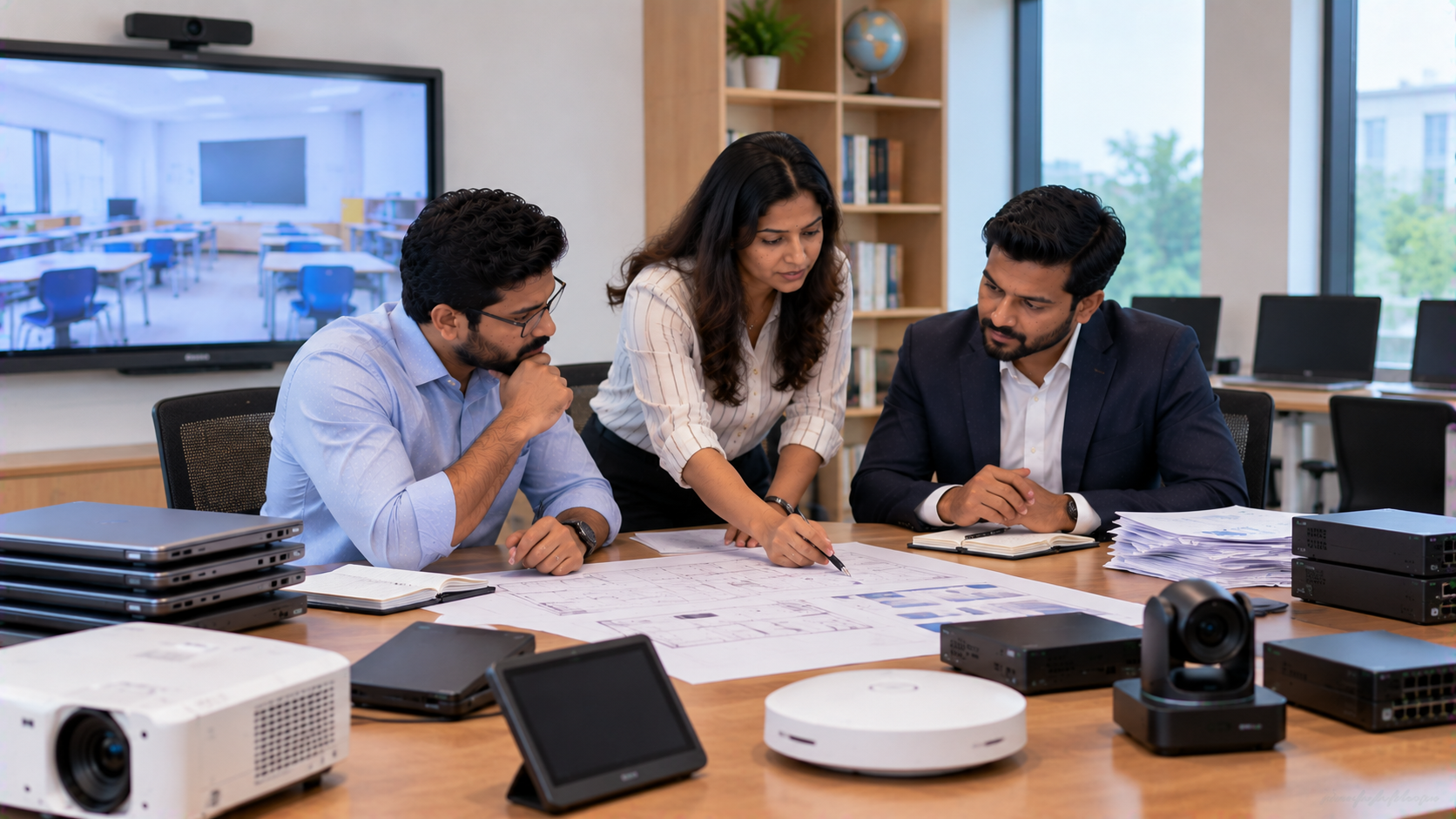
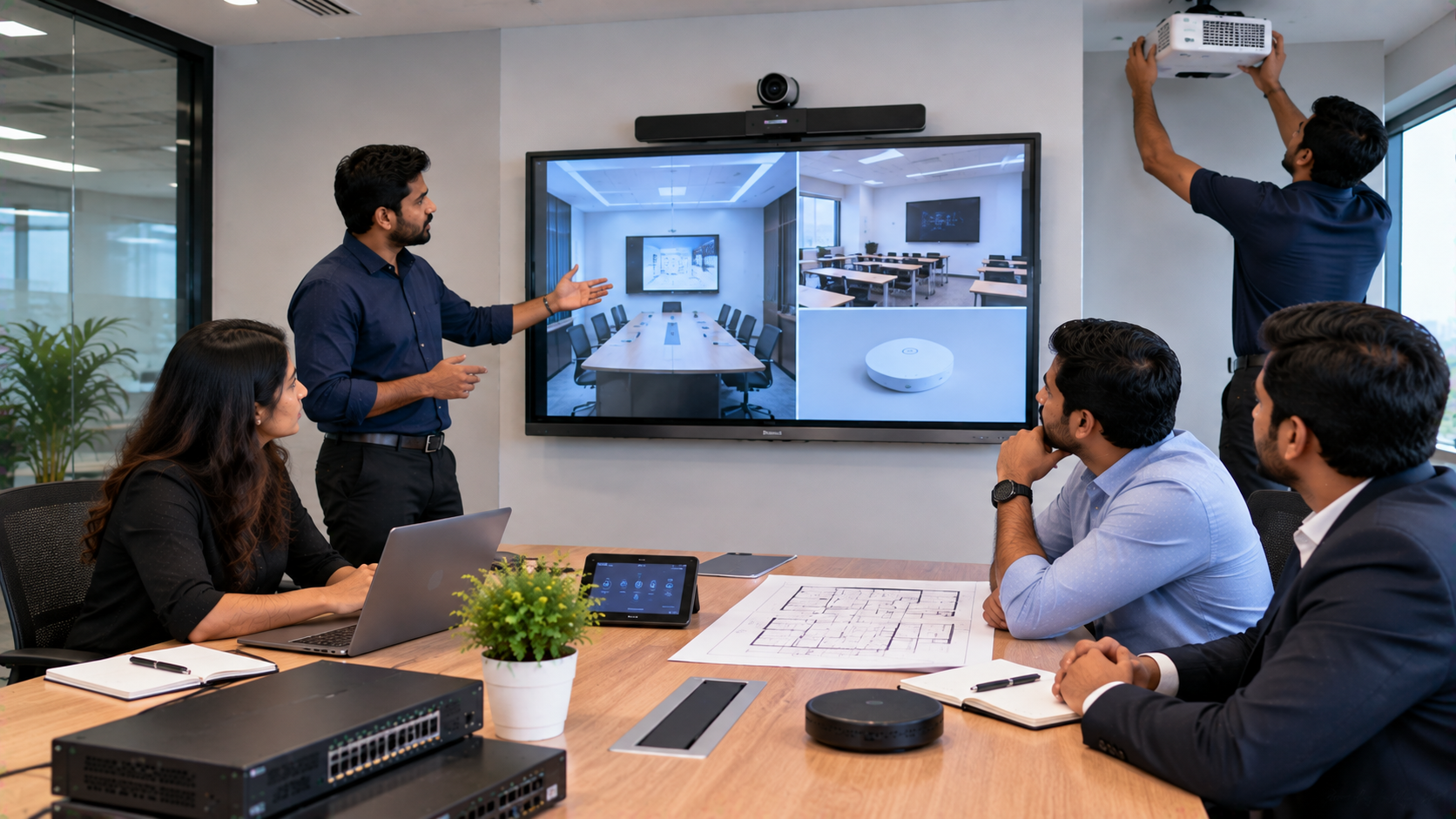
Instead of treating the issue as a microphone-only problem, the solution process would begin with a room and technology assessment.
Step 1: Understand the Meeting Room
GoLive eTechnologies can assess factors such as:
Room dimensions and seating arrangement
Number of participants
Meeting table configuration
Existing display
Camera position
Microphone location
Speaker placement
Connectivity requirements
Video conferencing platform
Existing cabling and equipment
This helps determine whether the problem requires a new microphone, speaker, camera, connectivity solution or a combination of components.
Step 2: Choose the Right Audio-Video Equipment
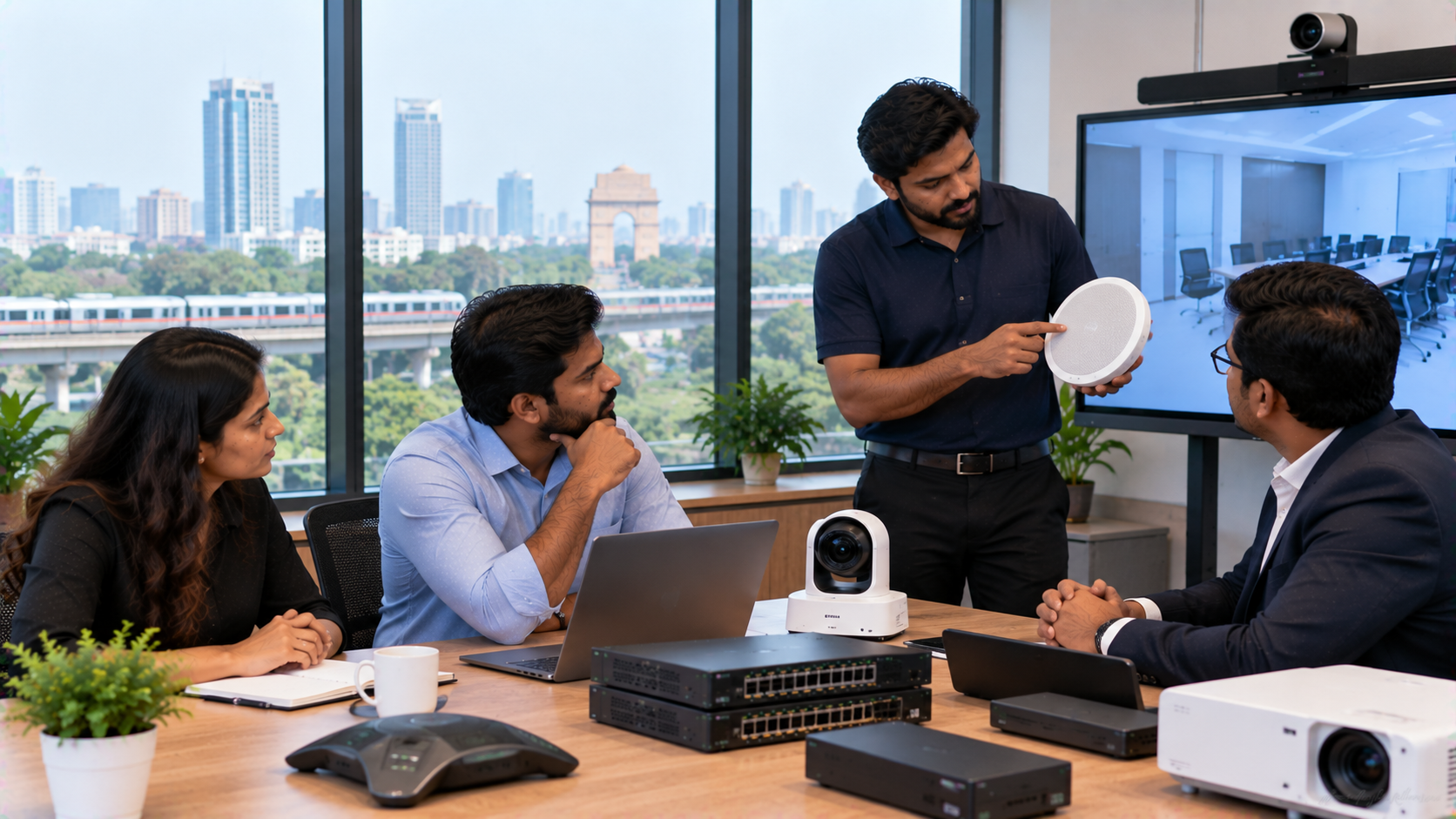
Depending on the room and application, a corporate setup may include:
Conference Microphones
The right microphone configuration should capture voices from the intended seating area without unnecessarily amplifying background noise.
For larger rooms, multiple microphones or an appropriately designed conference audio system may be required.
Conference Room Speakers
Good speakers should provide sufficient coverage across the meeting room while minimising feedback and echo.
GoLive's AV offering includes microphones and conferencing equipment, alongside interactive displays and other professional AV products.
PTZ Camera for Meeting Rooms
A PTZ camera can complement the audio setup by providing appropriate framing for participants.
Businesses researching terms such as:
Evota 4K PTZ Camera
Evota 4K PTZ Camera price
Evota 10x HD PTZ Camera
Logitech PTZ camera
Logitech PTZ Pro 2
4K PTZ camera
PTZ camera for live streaming
should compare specifications according to room size, required coverage, conferencing platform and installation requirements rather than price alone.
GoLive's deployment guidance specifically highlights camera positioning, configuration, testing and connectivity as part of a complete AV installation.
Step 3: Integrate the Display and Collaboration System
A modern meeting room may also require an interactive display for presentations, brainstorming and collaborative discussions.
Depending on requirements, organisations can explore:
Evota Interactive Panel
Evota Interactive Flat Panel
Evota Smart Board
MAXHUB Smart Board
MAXHUB Digital Board
Newline Interactive Panel
Newline Digital Board
LG Interactive Panel
LG Interactive Digital Board
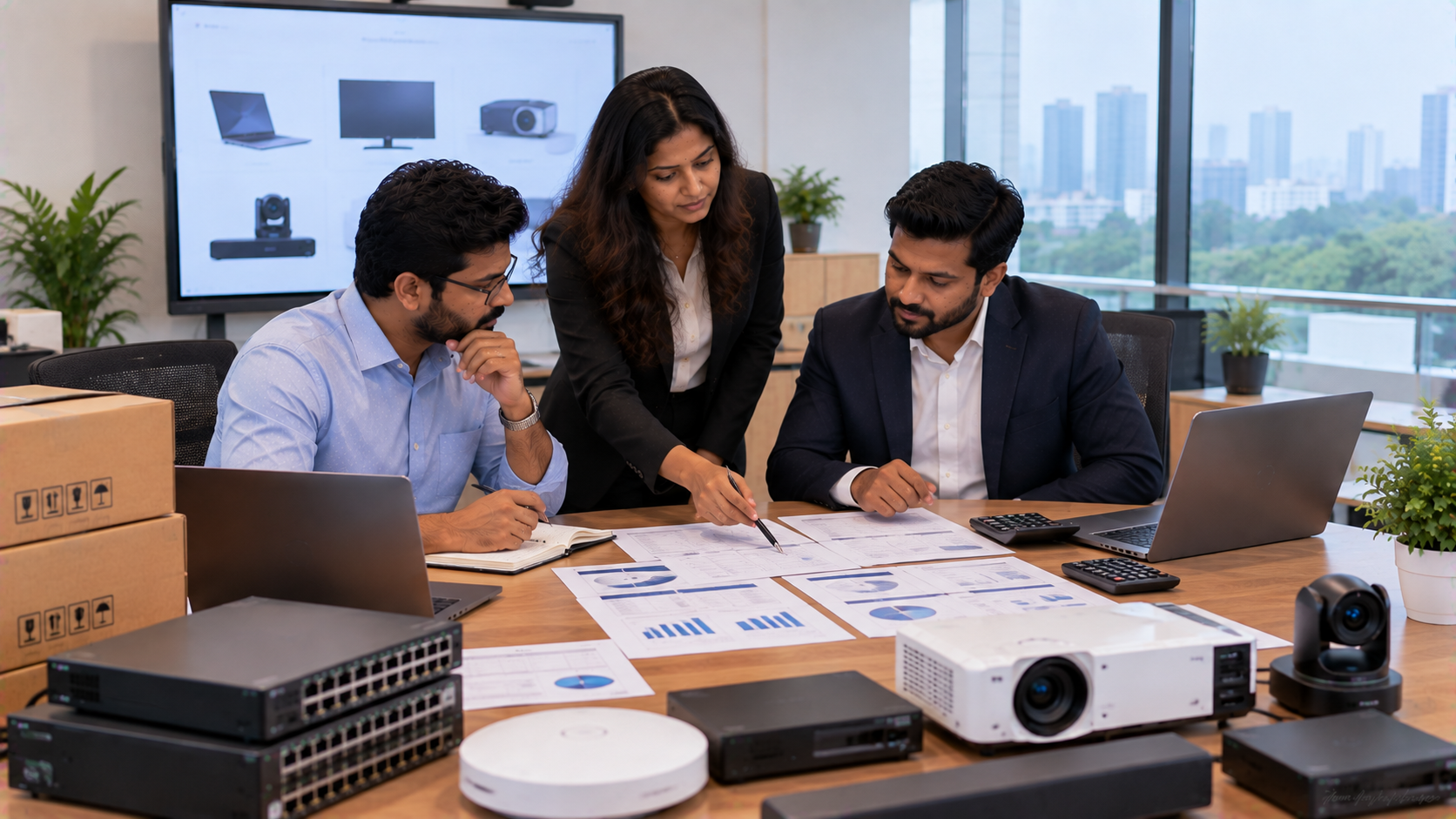
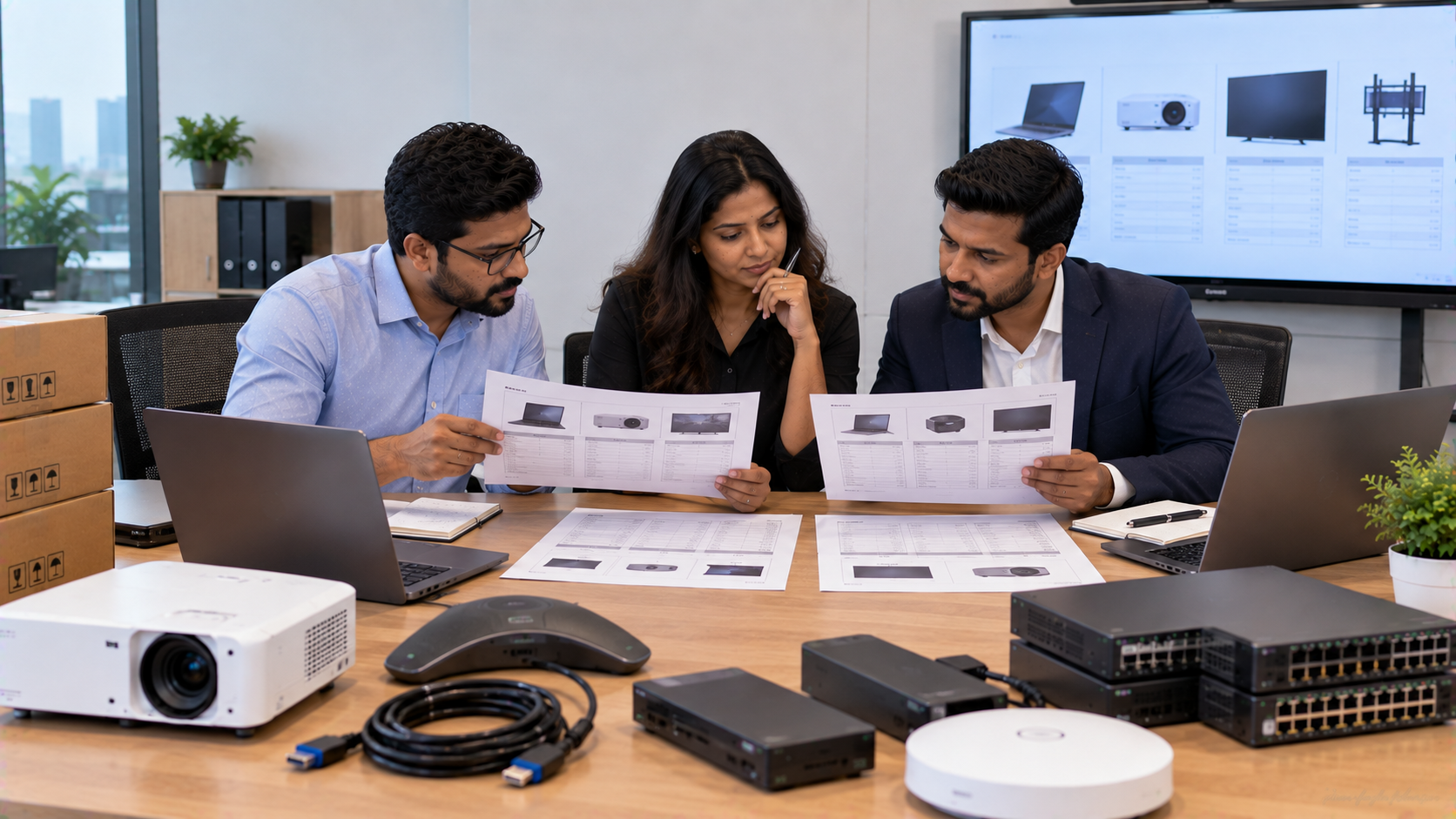
For organisations comparing Evota digital board price, Newline smart board price, MAXHUB smart board price in India or LG interactive digital board price India, the better comparison includes installation, configuration, compatibility, training and support—not just the displayed product price.
GoLive's current deployment guidance similarly recommends evaluating the complete project cost and requirements rather than focusing only on headline hardware prices.
Step 4: Configure and Test the Complete Meeting Room
Hardware alone does not guarantee good audio.
A professional implementation should include testing of:
|
Area |
What to Check |
|---|---|
|
Microphone |
Voice pickup and connectivity |
|
Speakers |
Coverage and clarity |
|
Camera |
Framing, pan, tilt and zoom |
|
Display |
HDMI, USB and touch functionality where applicable |
|
Network |
Stable device connectivity |
|
Capture device |
Computer/video recognition |
|
Software |
Required drivers and applications |
|
Meeting platform |
Audio/video input selection |
|
Room |
Echo, feedback and background noise |
GoLive's published installation methodology includes configuration, testing, user training and post-installation assistance for applicable solutions.
Why Installation Matters as Much as Product Selection
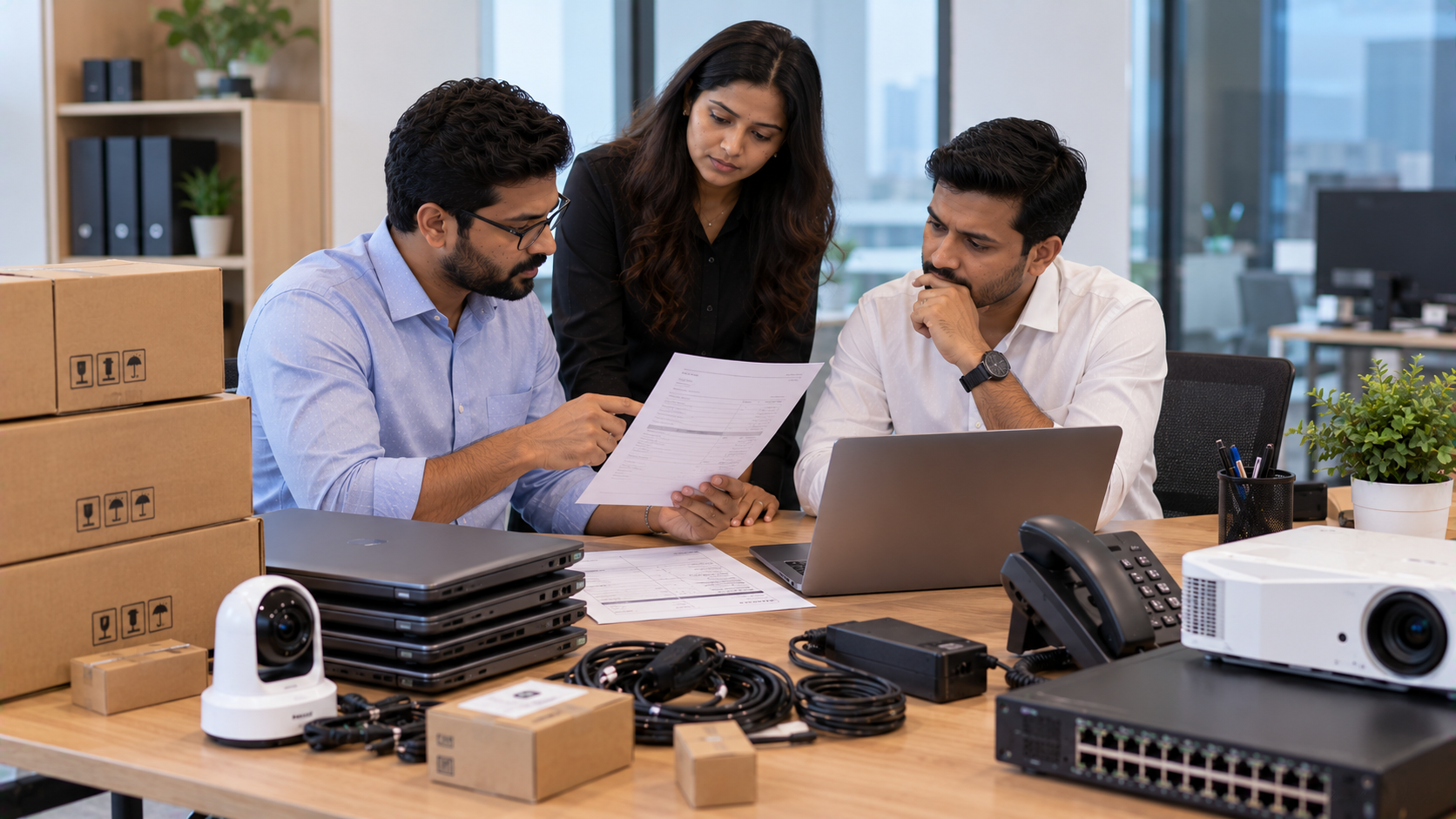
A corporate office might purchase an expensive PTZ camera, microphone or interactive panel but still experience problems if the devices are incorrectly positioned or configured.
For example:
Poor approach
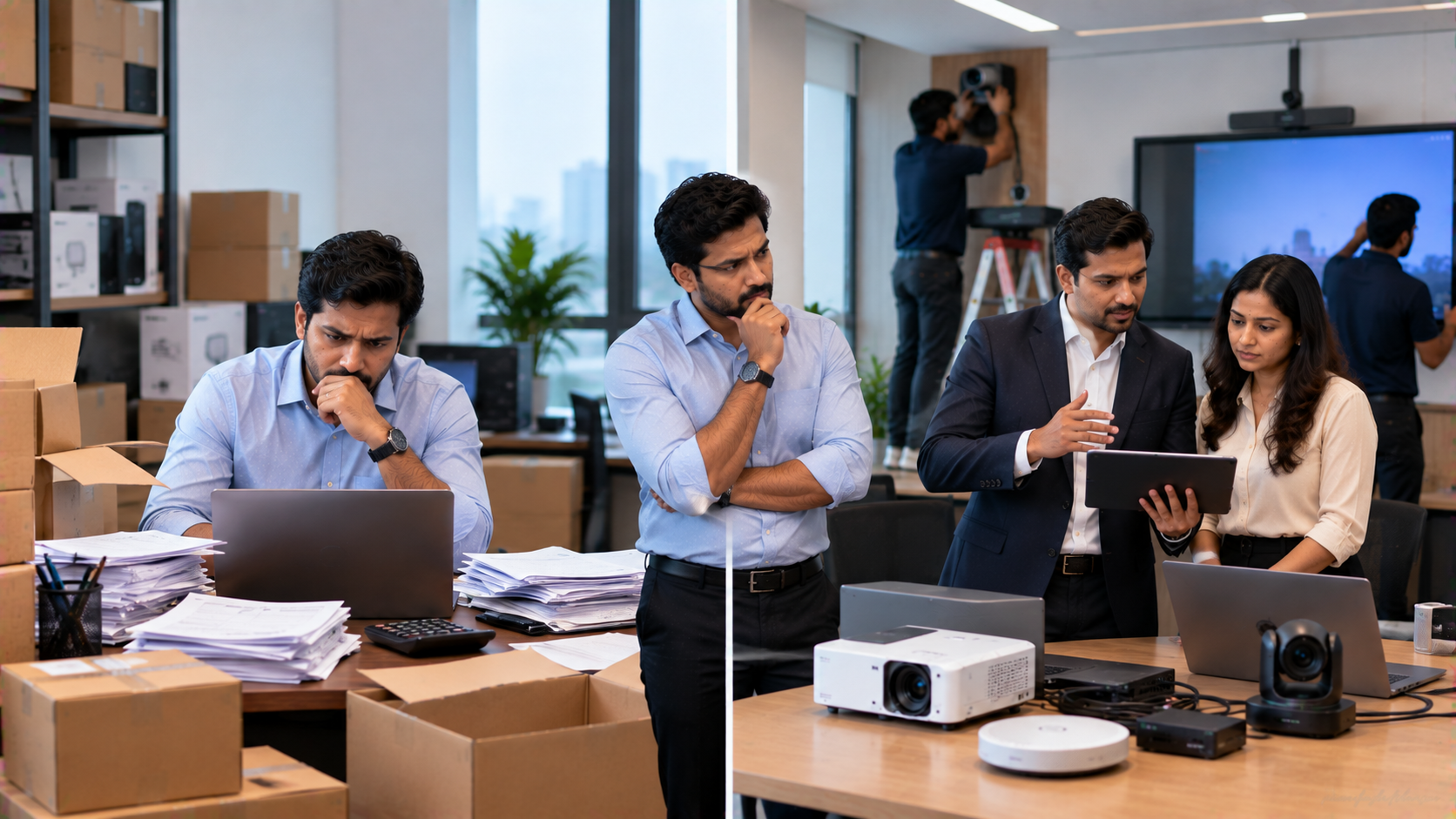
Product → Delivery → Customer installation → Troubleshooting
End-to-end approach
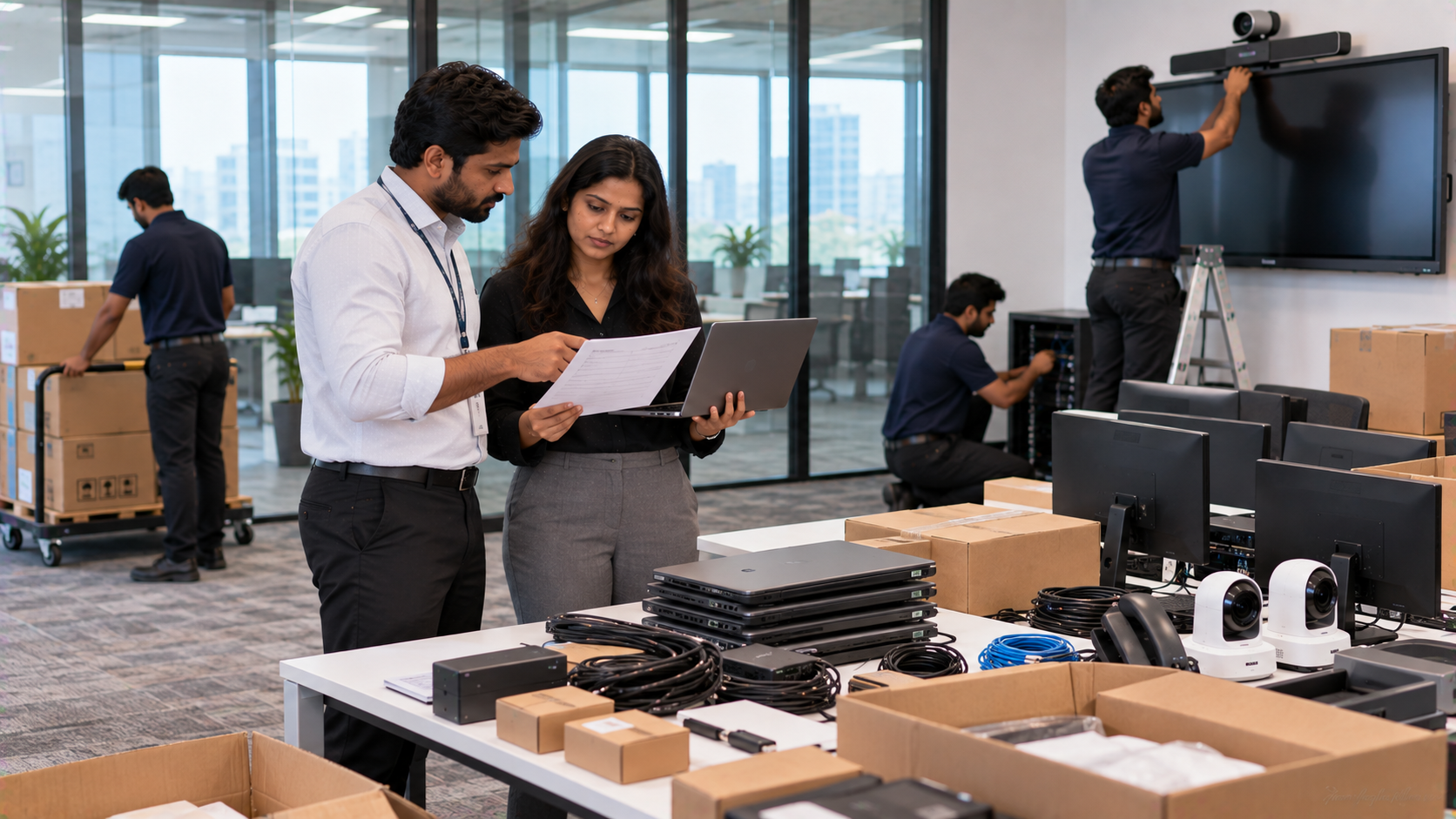
Requirement assessment → Product selection → Room planning → Delivery → Installation → Configuration → Testing → Training → Support
GoLive eTechnologies follows the second model, with its published process covering selection, supply, installation, deployment, training and support.
Comparing a Product-Only Purchase with a Complete AV Solution
|
Product-Focused Buying |
End-to-End GoLive Approach |
|---|---|
|
Focuses mainly on product price |
Considers the complete application |
|
Customer coordinates installation |
Installation support available |
|
Equipment may be configured separately |
Complete setup can be tested |
|
Users may need to learn independently |
Training support available |
|
Multiple vendors may be involved |
One technology partner can coordinate requirements |
|
Troubleshooting can become complicated |
Defined support pathway |
This supports GoLive's core customer benefit:
Less technology headache. More confidence that everything will work.
GoLive eTechnologies for Corporate Offices in Noida and Delhi NCR
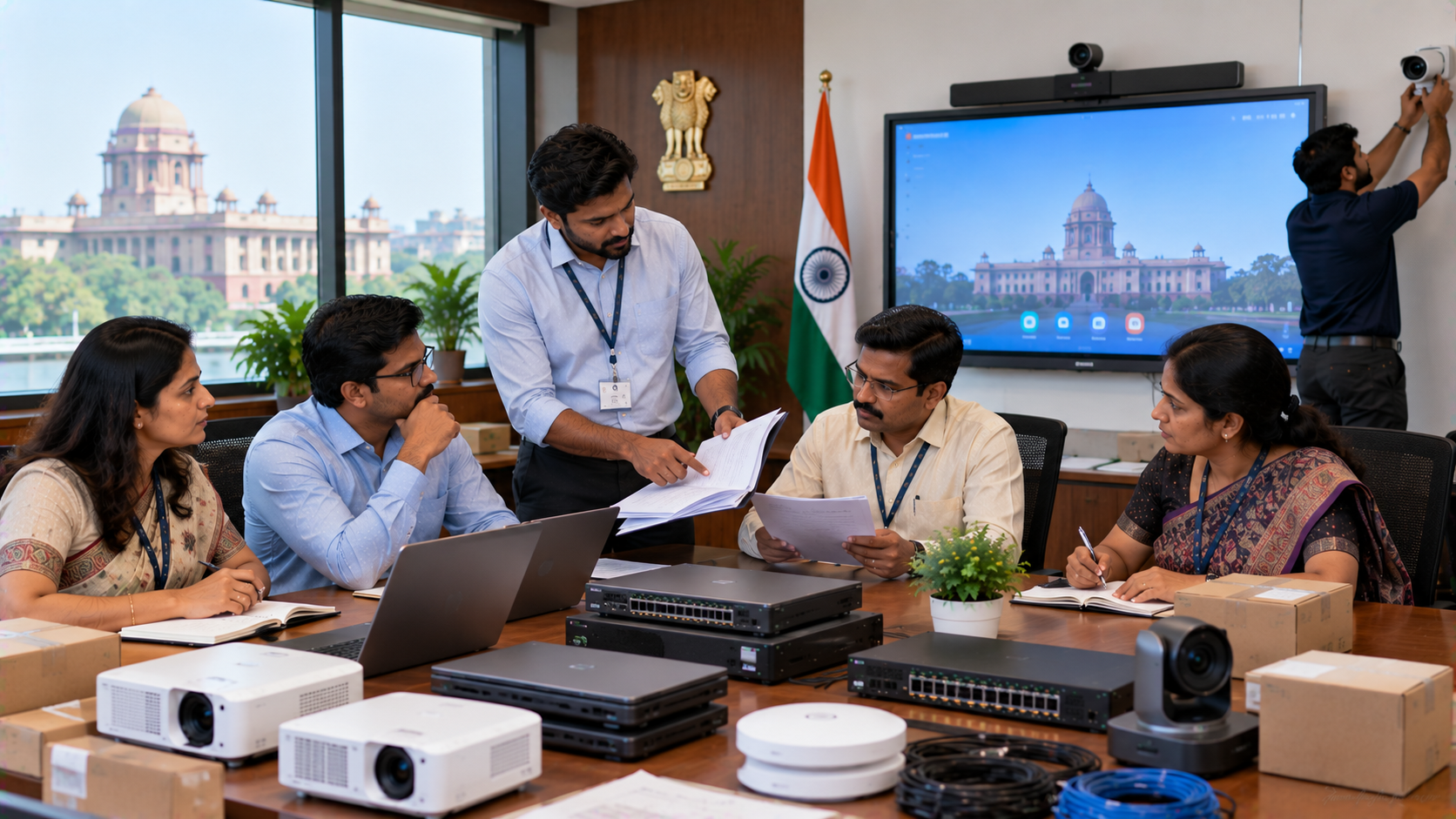
GoLive eTechnologies provides technology solutions across interactive displays, video conferencing, microphones, commercial displays, PC/OPS solutions and accessories. Its website also identifies corporate solutions as one of its solution categories.
For a Noida corporate office, the requirement may involve only one conference room—or a wider technology rollout across meeting rooms, training rooms and collaboration spaces.
The same approach can be scaled according to:
Number of meeting rooms
Participant capacity
Display requirements
Camera requirements
Audio coverage
Hybrid meeting requirements
Budget
Installation requirements
Future expansion
GoLive also states that it provides on-site demos and installation for selected locations and product categories, while demo and training support is available for selected solutions.
Don't Compare Only the Conference Room Equipment Price
Searches such as PTZ camera price, conference speaker, microphone price, interactive panel price, Evota camera price, Evota 4K PTZ camera price, MAXHUB digital board price or Newline interactive panel price in India can help with initial research.
However, the final project cost can also depend on:
Installation
Mounting
Cabling
Connectivity
Configuration
Accessories
Training
Support
Warranty arrangements
GoLive's published guidance specifically recommends evaluating these deployment considerations before finalising a technology purchase.
The GoLive eTechnologies Difference
Brand Promise:
Technology that works, backed by people who help.
Core USP:
End-to-end technology support from selection to installation and beyond.
Functional Benefit:
Right solution + fast deployment + installation + support.
Emotional Benefit:
Peace of mind.
GoLive's published customer-feedback messaging highlights service, support, fast delivery, installation, training and assistance as areas customers appreciate.
So whether you are upgrading a corporate meeting room in Noida, setting up a training room in Delhi NCR, or planning an AV deployment elsewhere in India, the objective remains simple:
Better technology should make meetings easier—not create another technology headache.
Your email address will not be published. Required fields are marked *

By Inhype • September 12, 2026
A smart classroom is only as effective as the technology supporting it. Interactive panels, smart boards, PTZ cameras, microphones, speakers, PCs and
Read More
By Inhype • September 12, 2026
Higher education is rapidly moving beyond traditional chalkboards and projectors. Today, colleges and universities need technology that supports inter
Read More
By Inhype • September 12, 2026
A smart classroom for CBSE schools is no longer simply a classroom with a digital board. Modern schools are building connected learning environments t
Read More
By Inhype • September 12, 2026
Planning a smart classroom project for 10, 20 or even 50 classrooms requires more than simply purchasing digital boards. Schools, colleges, universiti
Read More
By Inhype • September 12, 2026
A smart classroom can transform the way teachers explain concepts, students interact with lessons, and institutions deliver digital education. From in
Read More




Golive eTechnologies India Private Limited (CIN - U31909UP2021PTC148242) is one of India's leading providers of smart classrooms, interactive boards, video conferencing solutions, and display technologies for the education, healthcare, corporate, and government sectors.

No comments yet. Be the first to comment!