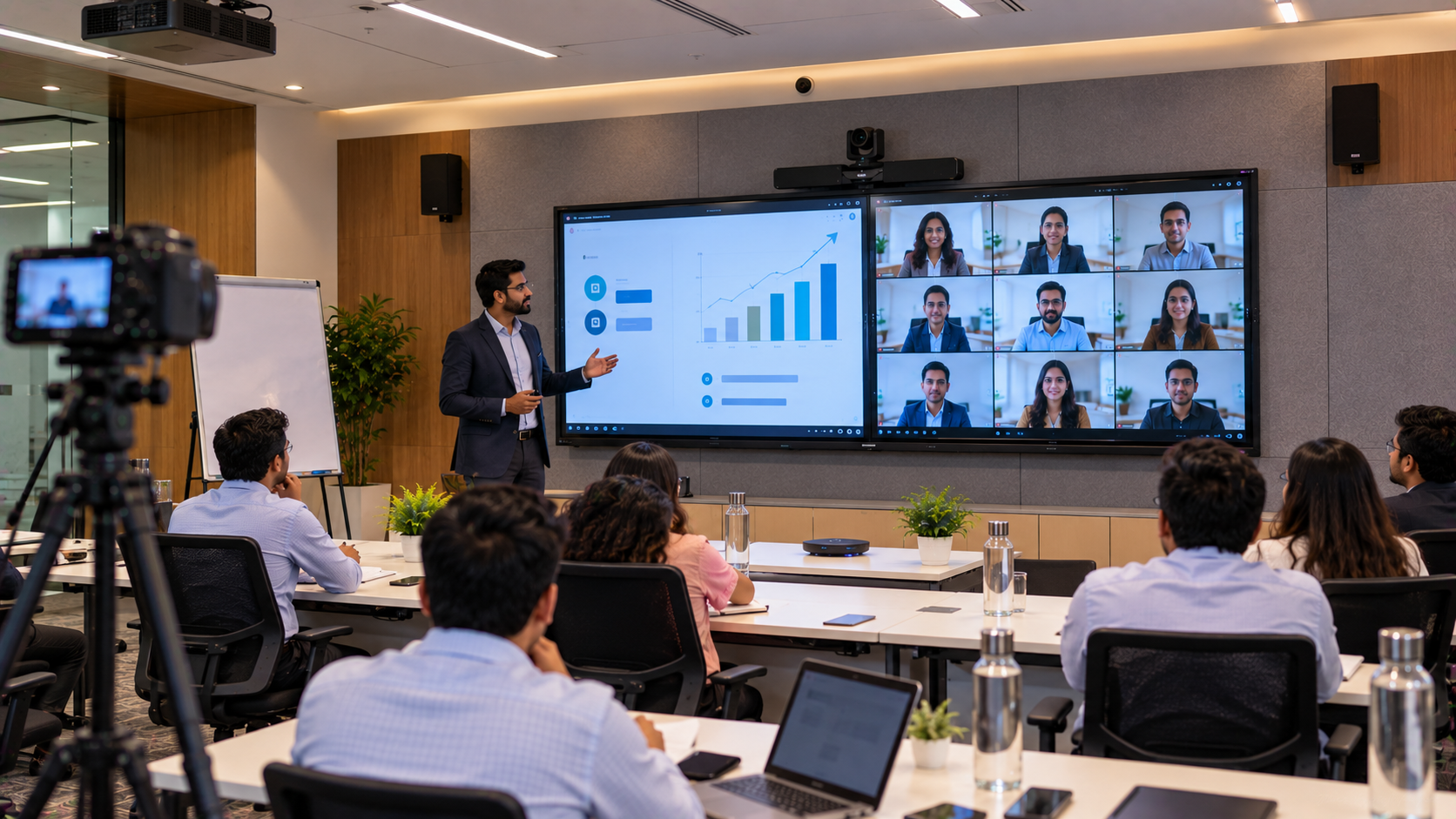
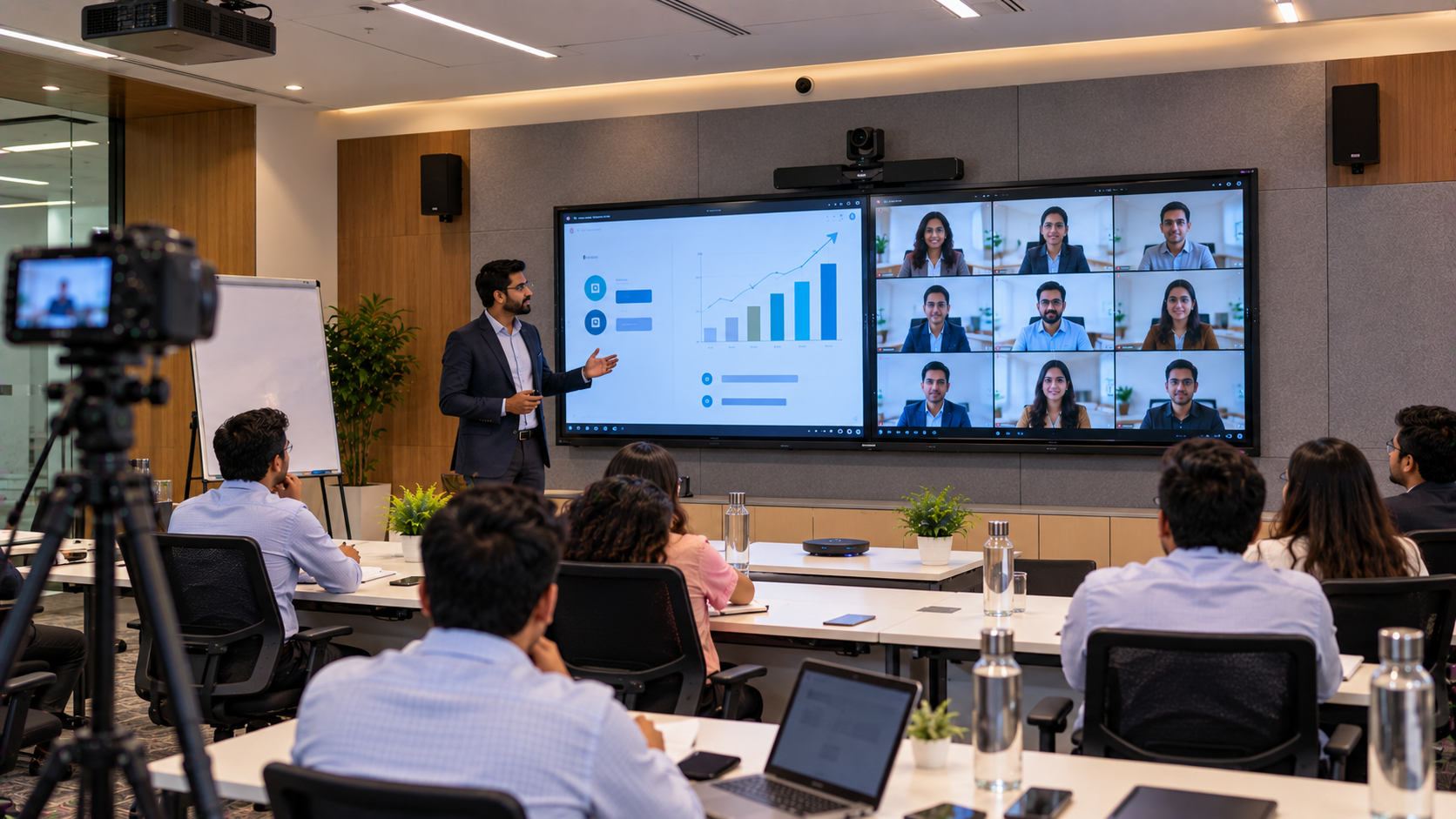
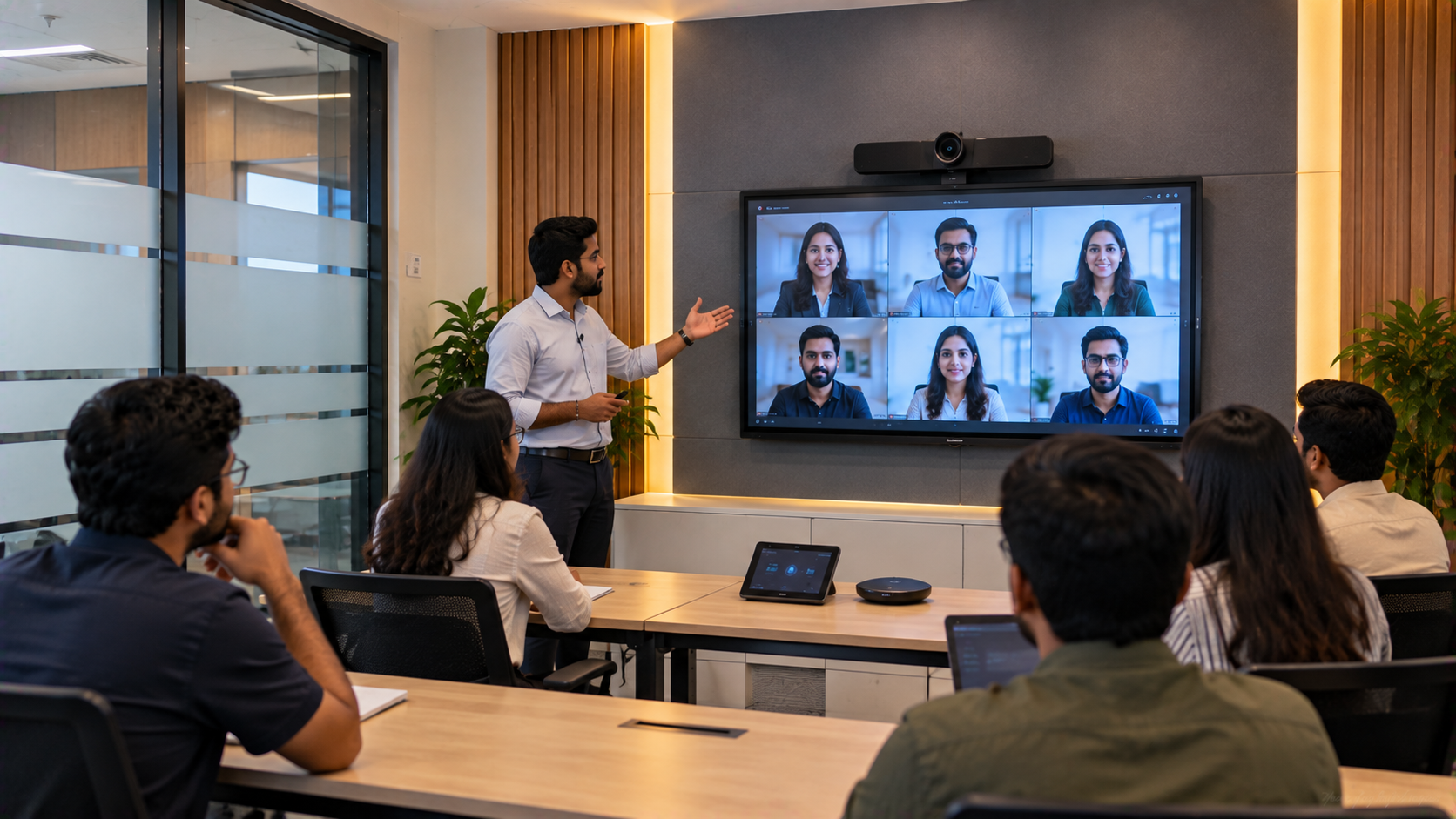
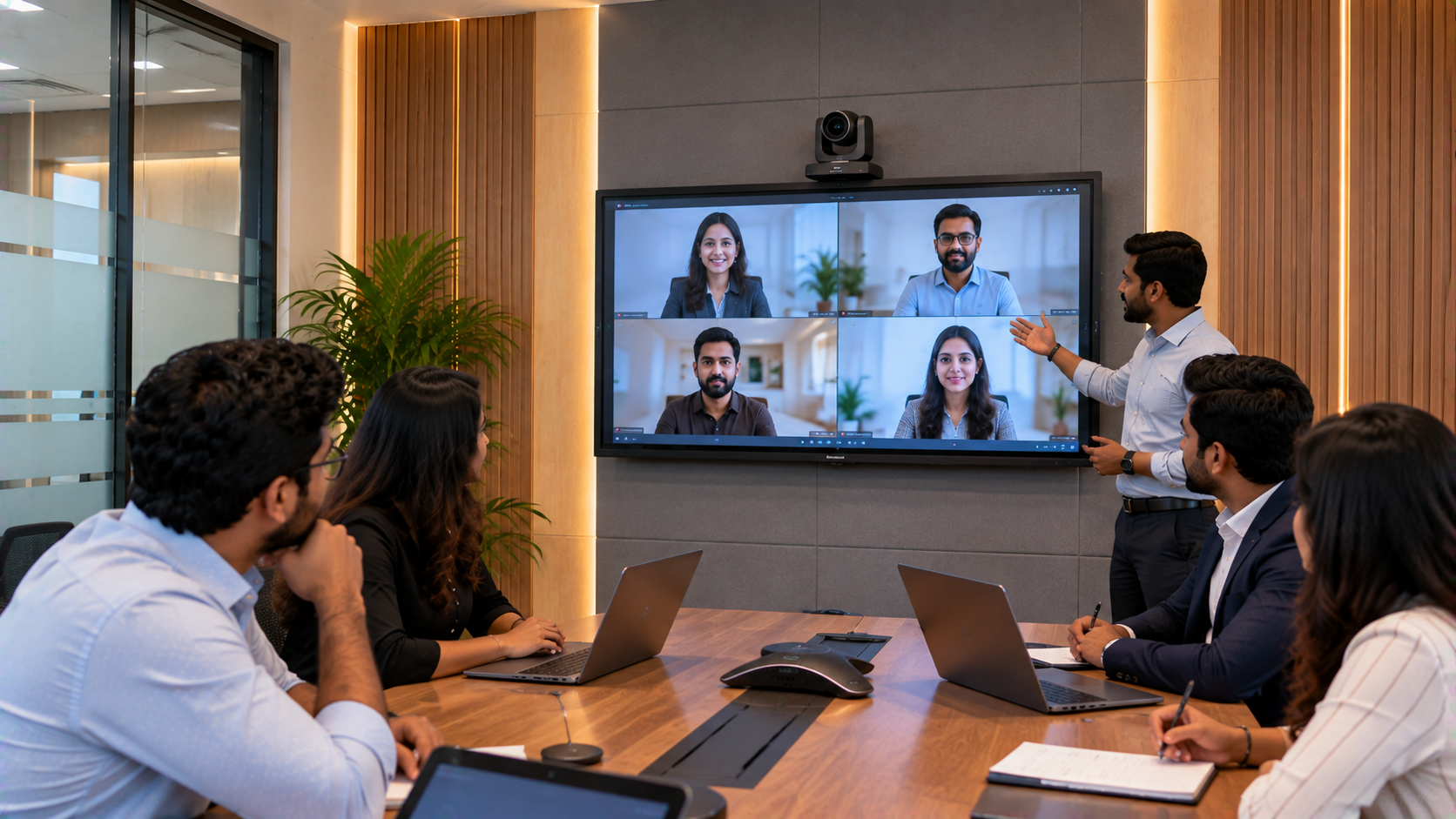
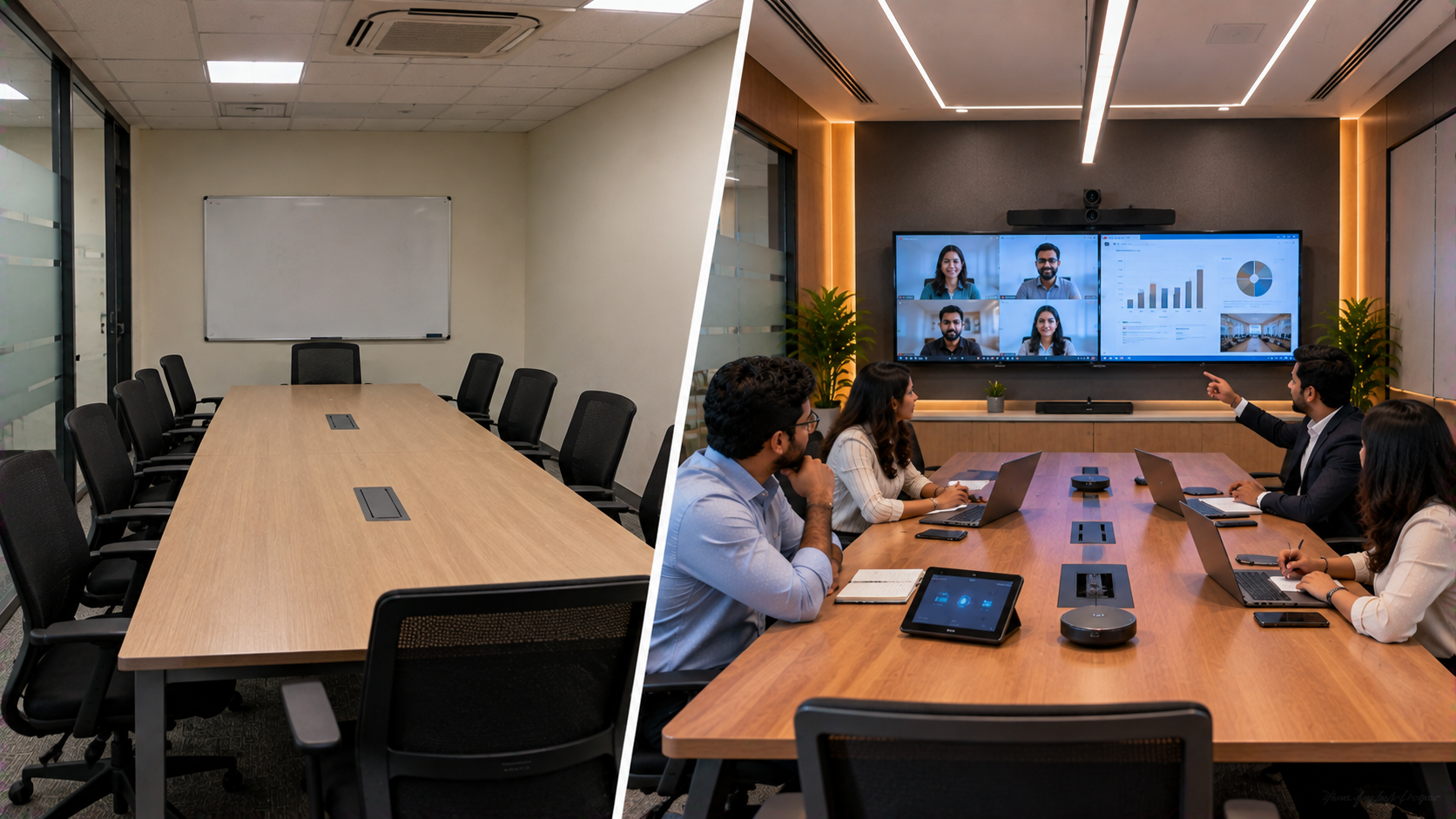
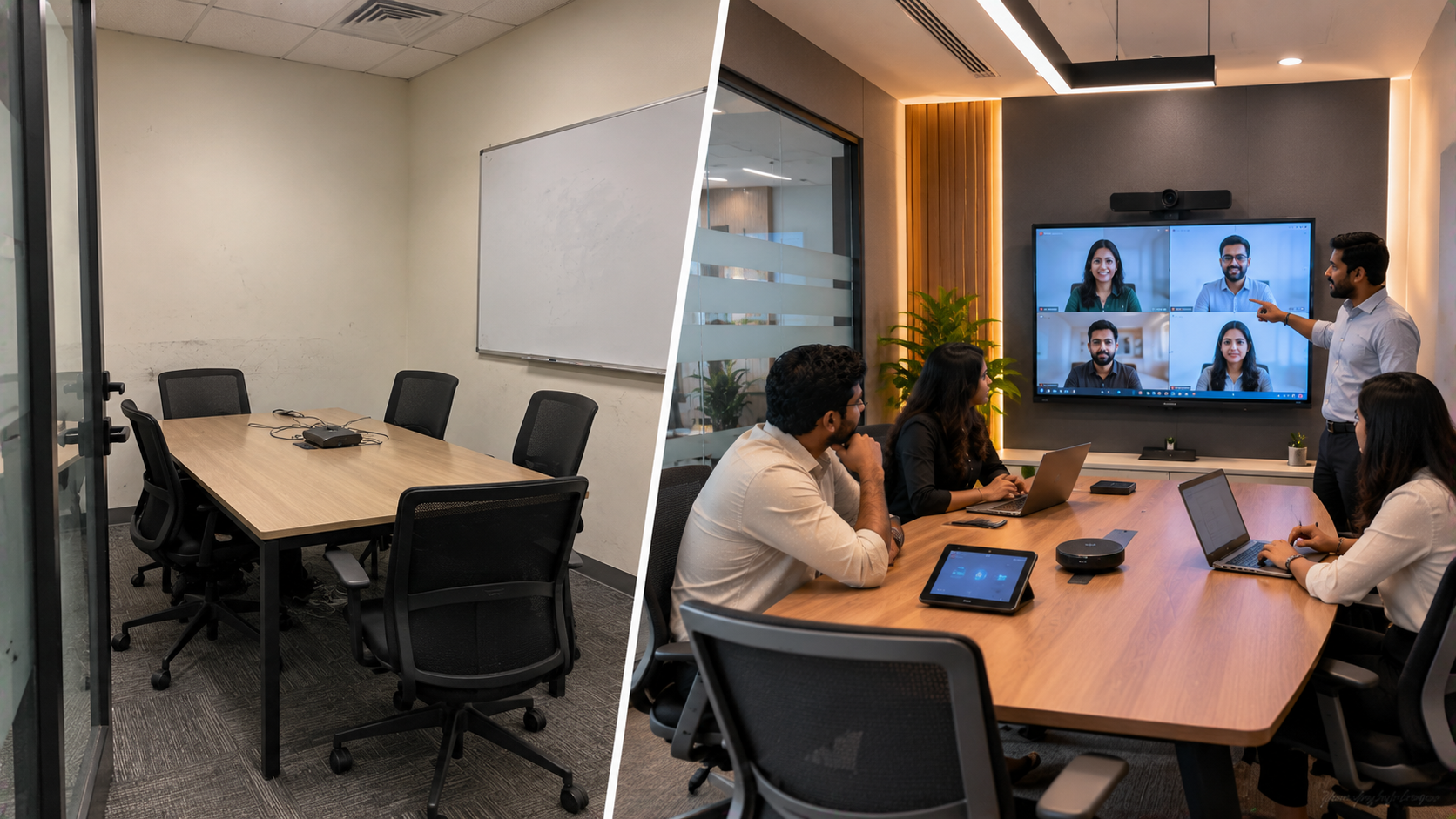
A corporate training room is no longer limited to a projector, whiteboard and rows of chairs. With distributed teams, remote employees and increasingly digital training programmes, organisations in Noida and Delhi NCR need learning spaces that can connect people inside and outside the room. This solution guide explains how a traditional corporate training room can be transformed into a hybrid learning centre using interactive displays, PTZ cameras, digital writing solutions, audio equipment and video-capture technology from GoLive eTechnologies India Private Limited. GoLive eTechnologies focuses on an end-to-end approach—from solution selection and installation to deployment, training and ongoing support—so organisations can spend less time dealing with technology and more time delivering training.
The Challenge: A Traditional Training Room Wasn't Designed for Hybrid Learning
A conventional corporate training room may work well when every employee is physically present. However, hybrid training introduces new requirements.
A trainer may need to:
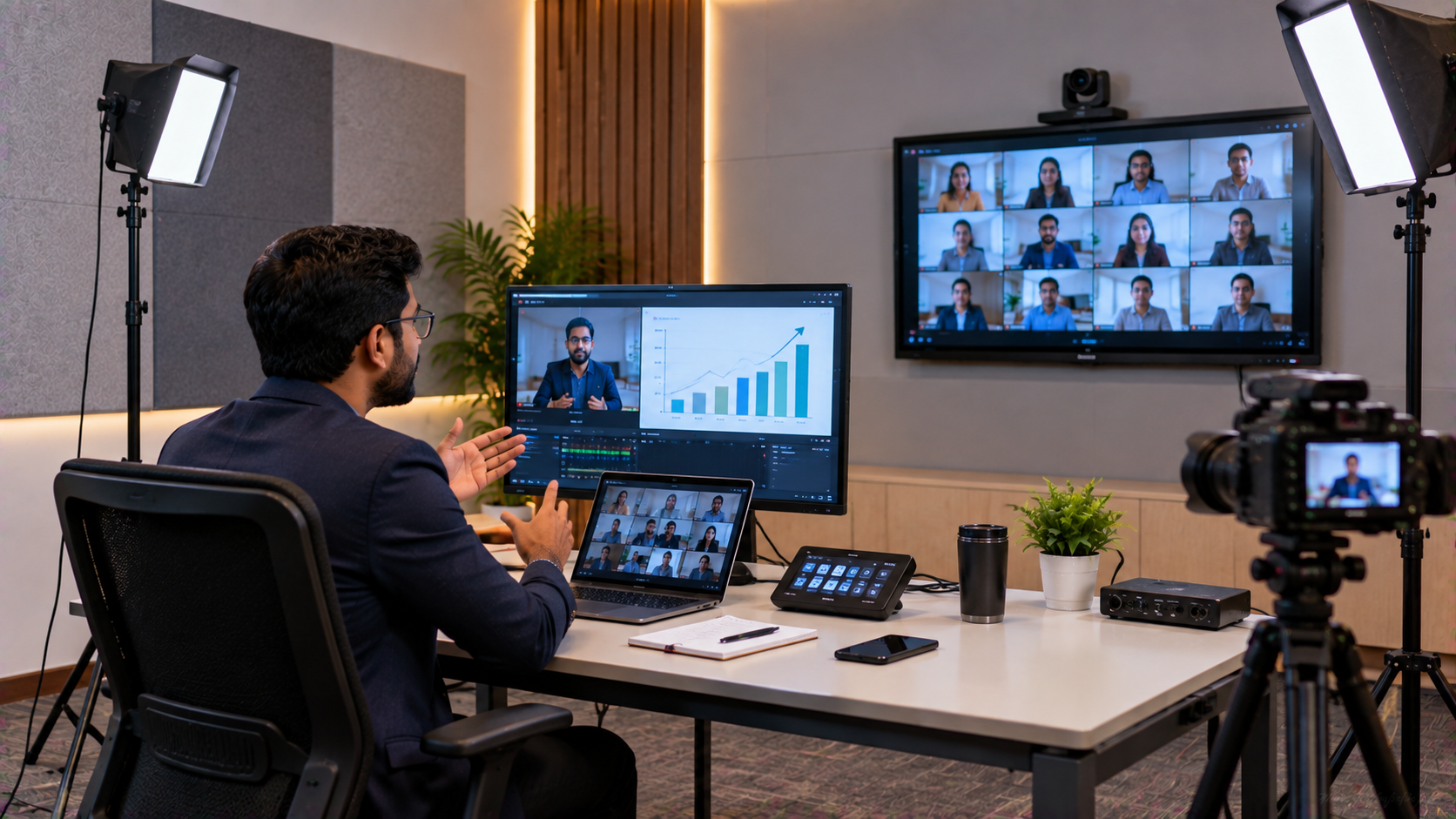
Present slides and documents on a large interactive screen
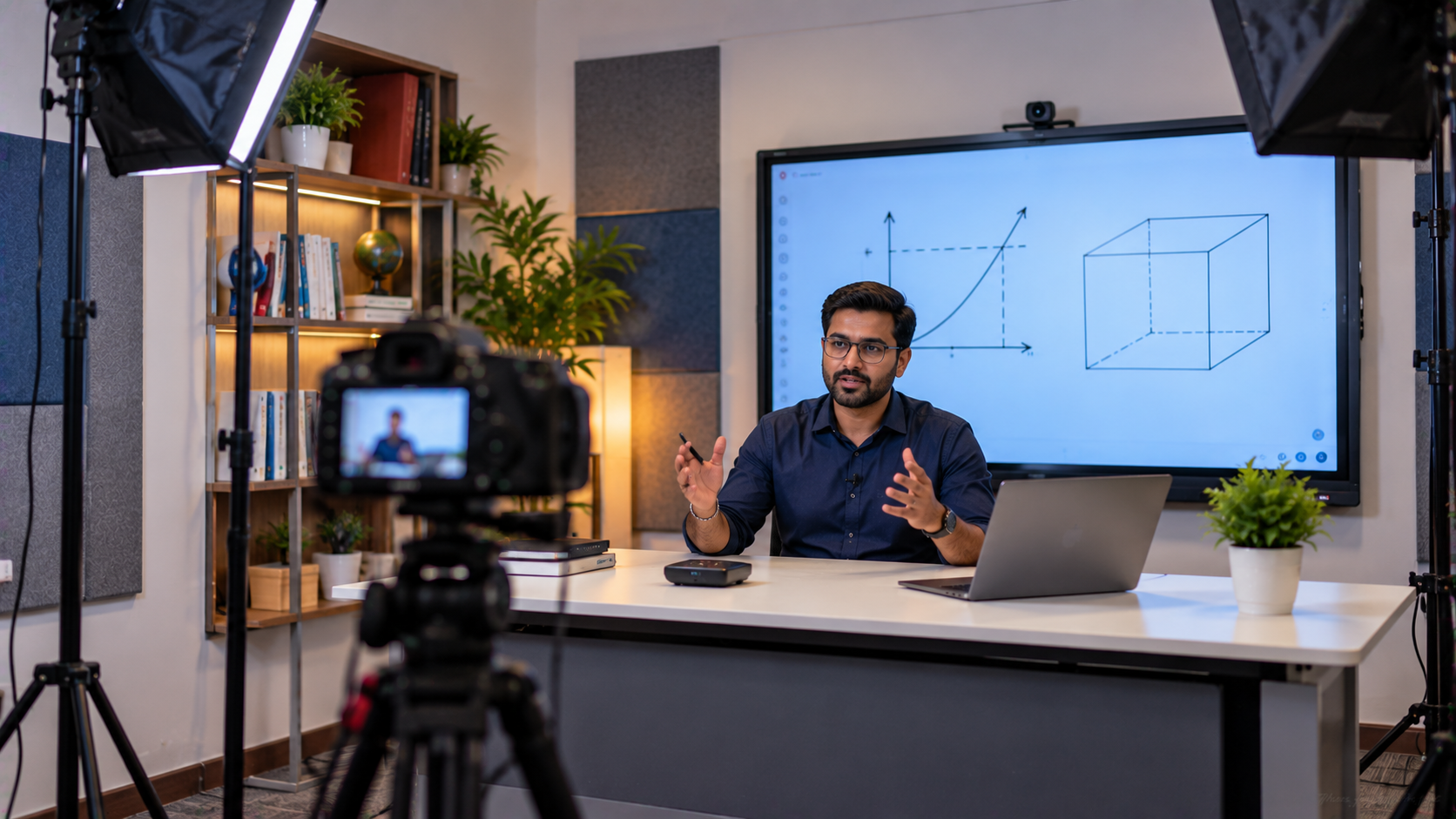
Write or annotate content digitally
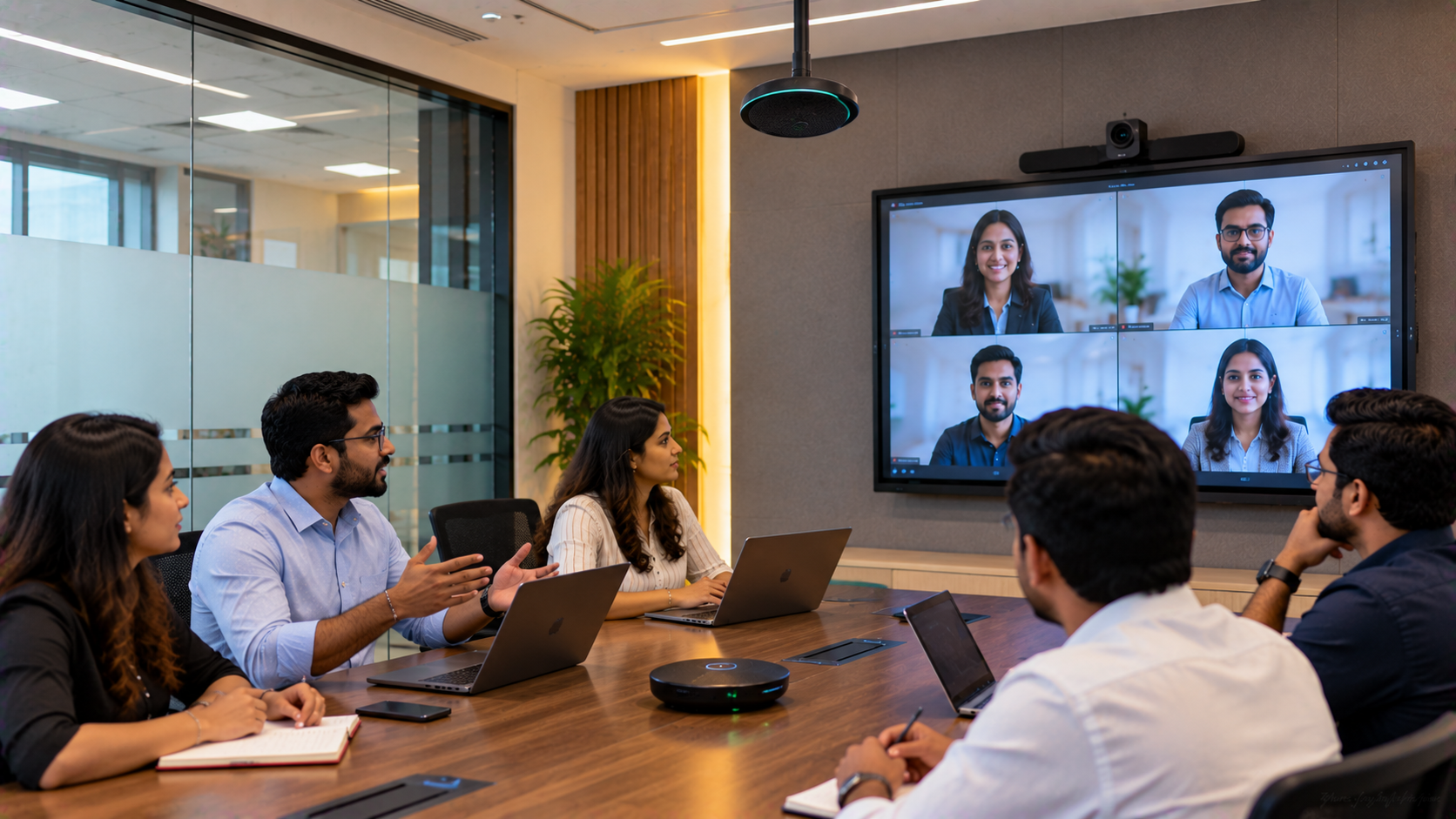
Interact with employees attending remotely
Record training sessions for later use
Switch between the trainer, presentation and participants
Deliver clear audio to remote learners
Conduct sessions without managing multiple disconnected devices
Simply adding a webcam to an existing training room may not solve these problems.
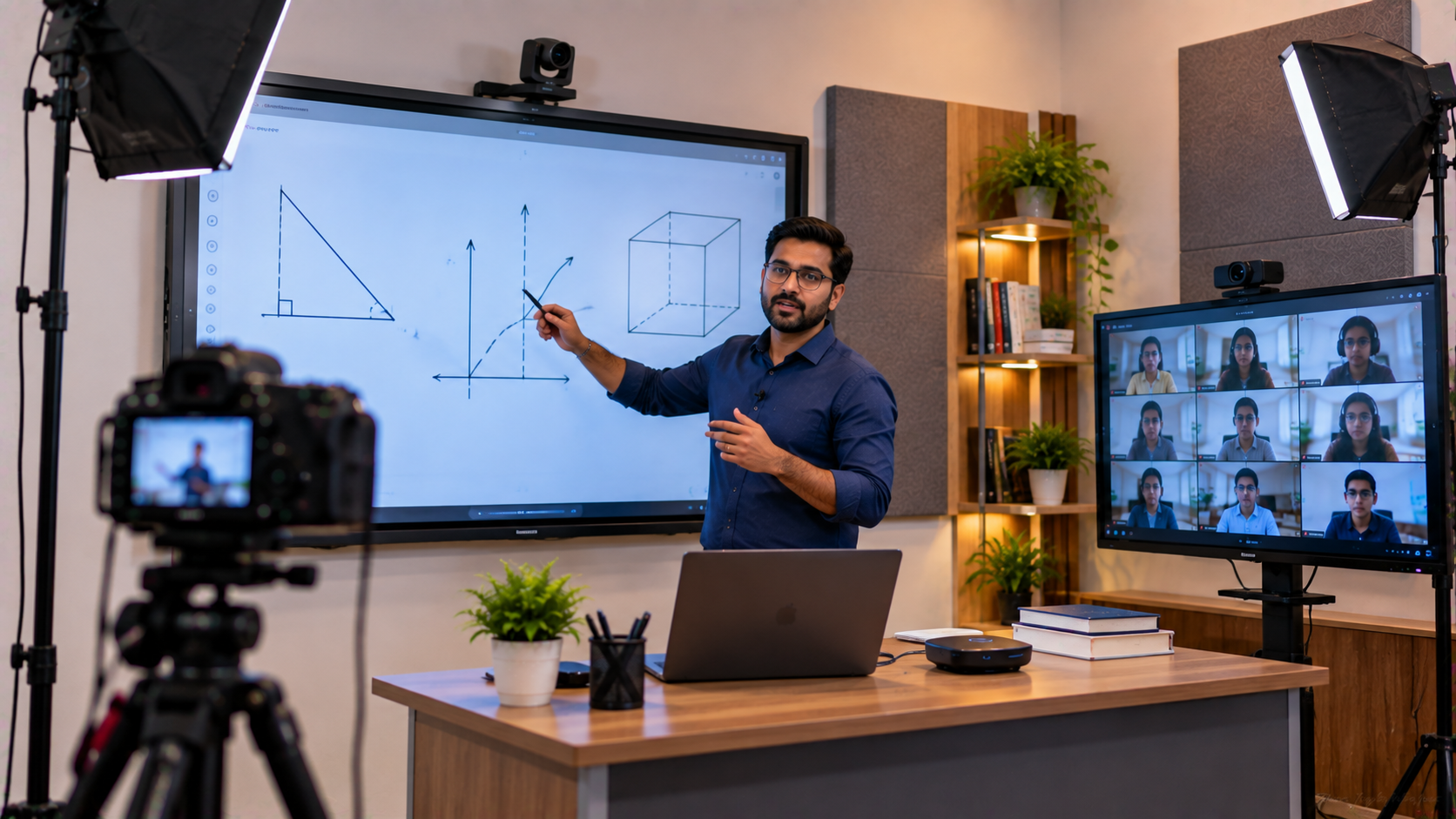
A better approach is to create an integrated hybrid classroom or teaching studio setup, where the display, camera, audio and connectivity work together.
Step 1: Making the Interactive Panel the Centre of the Training Room
The first step is replacing a conventional display or whiteboard with an interactive flat panel display.
GoLive eTechnologies provides options across multiple brands, including:
EVOTA Interactive Panel
EVOTA Smart Board
MAXHUB Smart Board
MAXHUB Digital Board
Newline Interactive Panel
LG Interactive Digital Board
GoLive's published solutions include EVOTA 65-inch, 75-inch and 86-inch options, while MAXHUB, LG and Newline solutions can be evaluated according to room size, budget and use case.
Why an interactive panel works for corporate training
An interactive panel allows trainers to:
Display PowerPoint presentations
Annotate documents
Write directly on the screen
Explain diagrams and workflows
Conduct collaborative exercises
Share digital content with remote participants
For a medium-sized training room, a 75-inch interactive display can provide a useful balance between viewing distance and available wall space.
Businesses researching Evota smart board price, Evota 75 inch, Newline smart board price, LG interactive digital board price, LG 75 inch interactive display price in India or MAXHUB smart board price in India should compare the complete configuration rather than looking only at the display price.
Step 2: Adding a PTZ Camera for Remote Participants
A hybrid learning centre needs more than a digital board.
Remote participants need to see the trainer, presentation area and important classroom activity.
This is where a PTZ camera becomes useful.
PTZ means Pan-Tilt-Zoom. A PTZ camera can remotely adjust its viewing direction and zoom, making it suitable for training rooms, classrooms, boardrooms and lecture environments.
GoLive offers solutions including:
EVOTA 4K PTZ Camera
EVOTA 10X HD PTZ Camera
EVOTA C12HULT
Logitech PTZ cameras
Logitech PTZ Pro 2
Lecture capture cameras
GoLive's published information lists the EVOTA C12HULT with 4K resolution, 12X optical zoom and HDMI, USB 3.0, LAN, RS232 and 3G-SDI connectivity.
This type of camera can support:
Trainer → Camera → Online Participants
while the interactive panel handles:
Presentation → Annotation → Digital Collaboration
Step 3: Creating a Better Digital Writing Experience
Trainers do not always want to type everything.
A writing pad for PC, USB writing pad, computer writing pad or desktop writing pad can allow trainers to write naturally while presenting content on a connected computer.
This can be particularly useful for:
Financial training
Technical training
Mathematical explanations
Process diagrams
Compliance sessions
Coaching and professional development
The writing device can complement an EVOTA interactive panel, MAXHUB digital board, LG interactive panel or Newline interactive panel.
GoLive's published hybrid and onboarding solutions specifically include writing pads alongside interactive displays and PTZ cameras.
Step 4: Improving Audio for Hybrid Training
A training session can have excellent visuals and still fail if participants cannot hear the trainer clearly.
Depending on the room, an integrated solution may include:
Wireless microphones
Teacher microphones
Conference microphones
Ahuja speakers
Conference room speakers
Amplifiers
Mixers
Audio interfaces
GoLive's AV installation guidance highlights microphone and speaker positioning as an important part of designing reliable training, classroom and conference environments.
For corporate training, the objective should be clear speech and consistent coverage, rather than simply maximum volume.
Step 5: Adding Capture and Streaming Technology
The hybrid learning centre can also be designed for recording and live delivery.
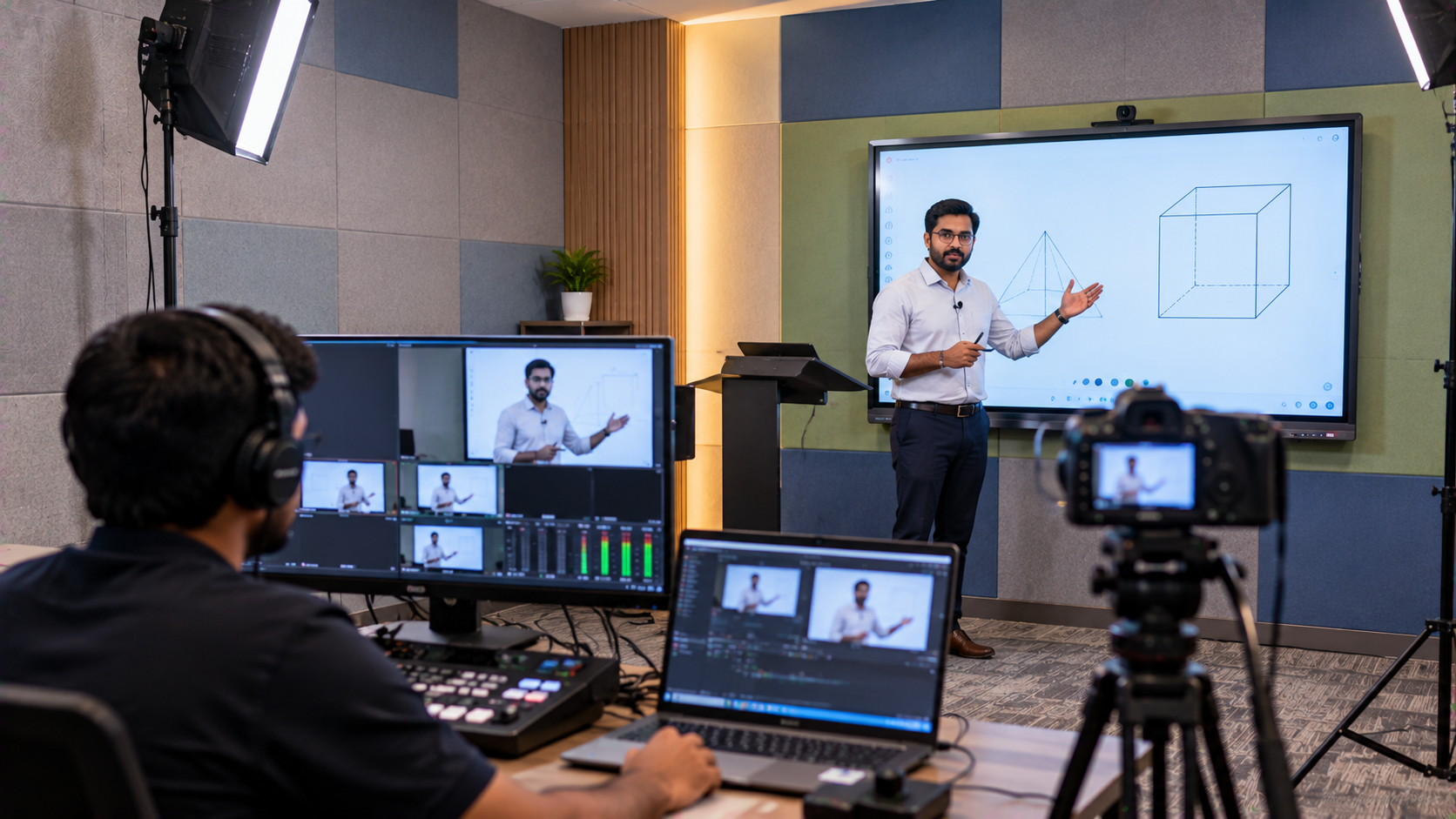
An HDMI video capture device can convert an HDMI source into a computer-readable signal for streaming or recording. More advanced rooms can incorporate video mixers, switchers and OBS-compatible workflows.
A typical workflow could look like:
Interactive Panel → HDMI Capture → Computer → Streaming/Recording Platform
At the same time:
PTZ Camera → Capture/Conference System → Remote Participants
This enables organisations to conduct:
Live employee training
Virtual onboarding
Recorded learning sessions
Product demonstrations
Leadership workshops
Remote certification programmes
Step 6: Installation and Integration Matter as Much as Hardware
Buying individual products is only one part of creating a hybrid training centre.
The bigger question is:
Will everything work together when the trainer starts the session?
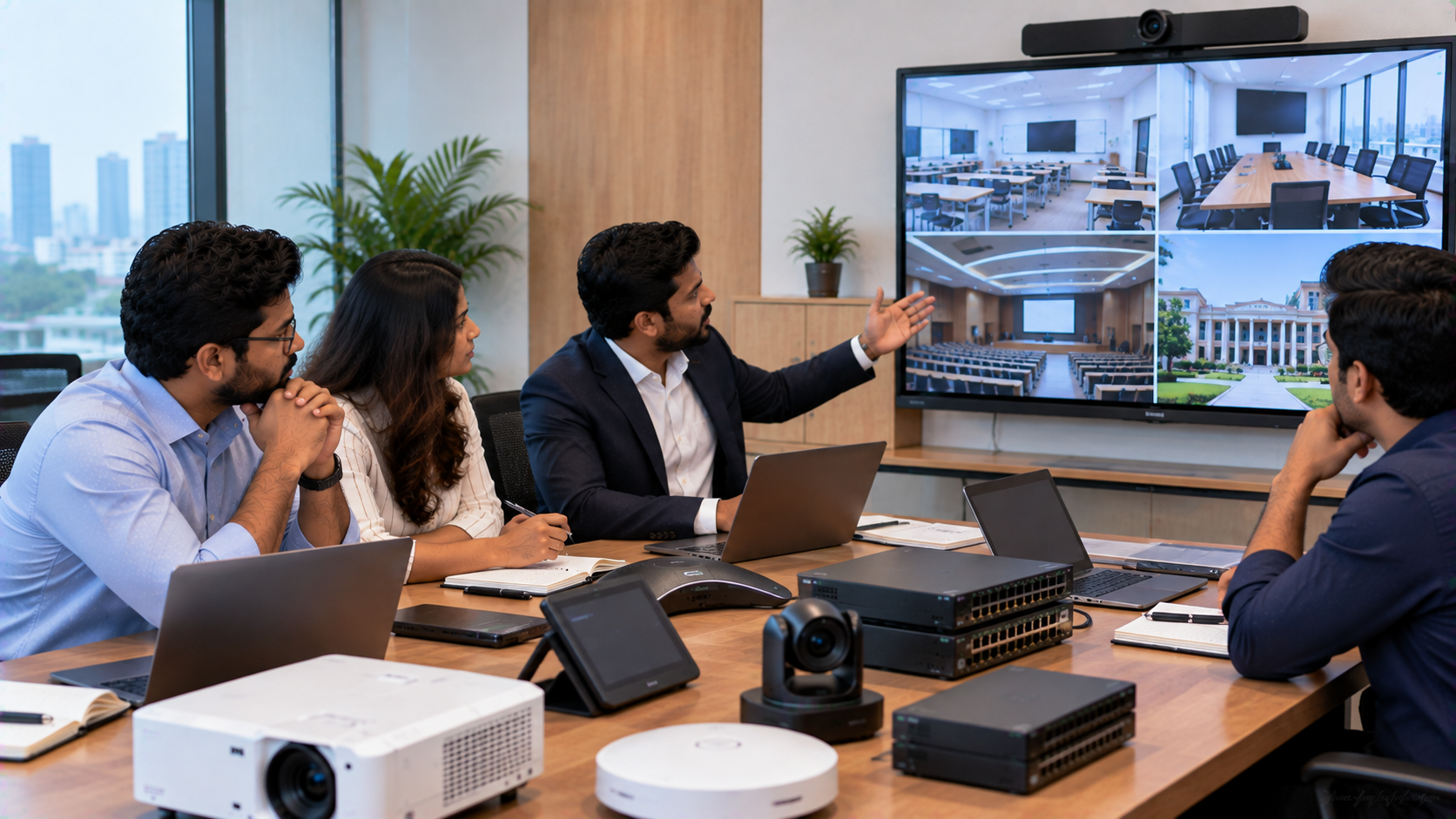
GoLive eTechnologies' integration-first approach combines the display, camera, audio, capture and connectivity into a coordinated solution. Its published guidance specifically highlights reduced compatibility issues, simpler operation and smoother online, offline and hybrid delivery.
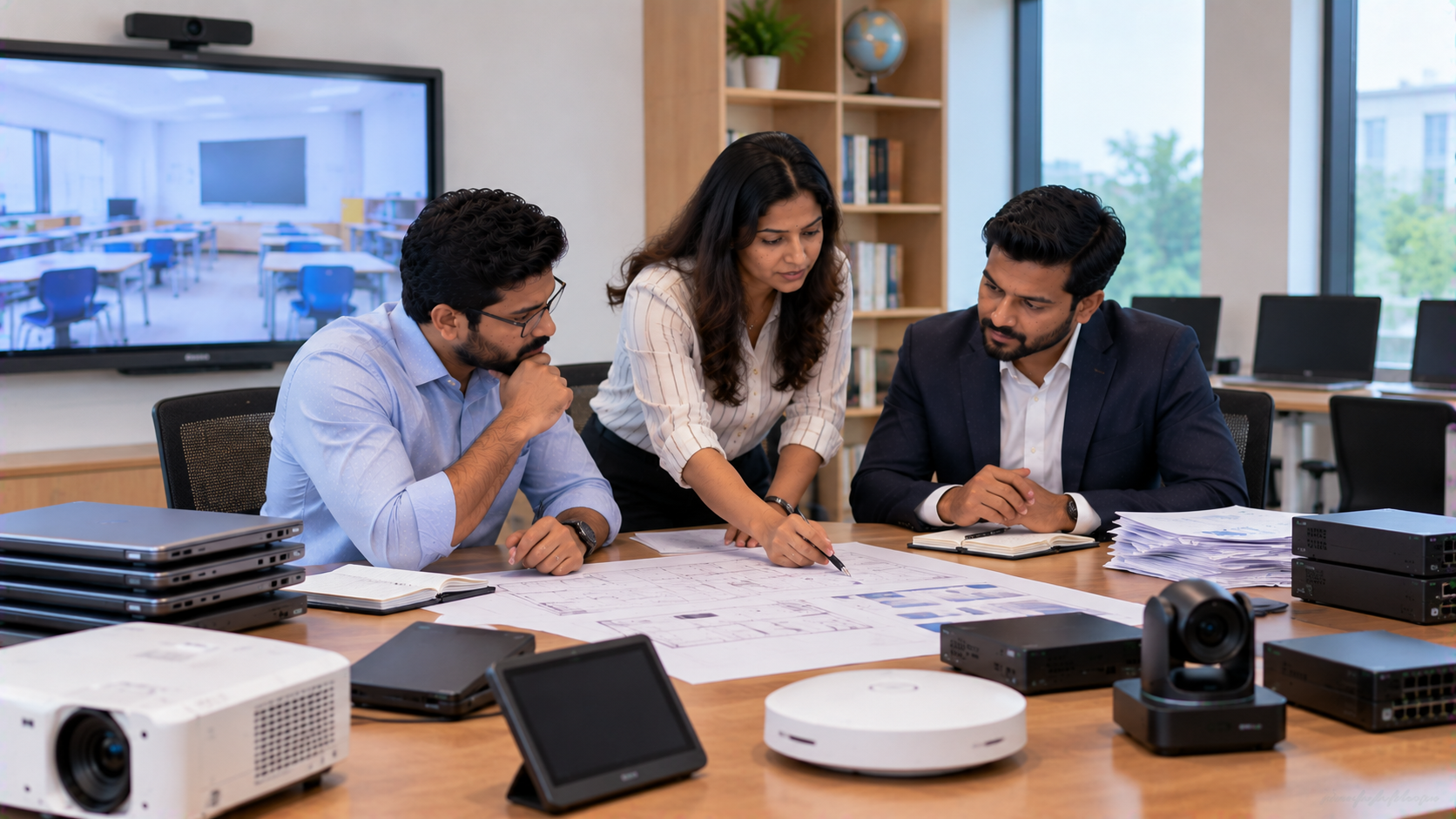
The implementation process can include:
Room assessment – understand seating, viewing distance and connectivity.
Solution selection – choose the display, camera and audio according to requirements.
System integration – connect display, camera, computer, audio and capture equipment.
Installation – mount and configure the equipment.
Testing – verify video, audio, connectivity and presentation workflows.
User training – help trainers understand the equipment.
Ongoing support – provide assistance after deployment.
This is where GoLive's brand promise comes into practice:
Technology that works, backed by people who help.
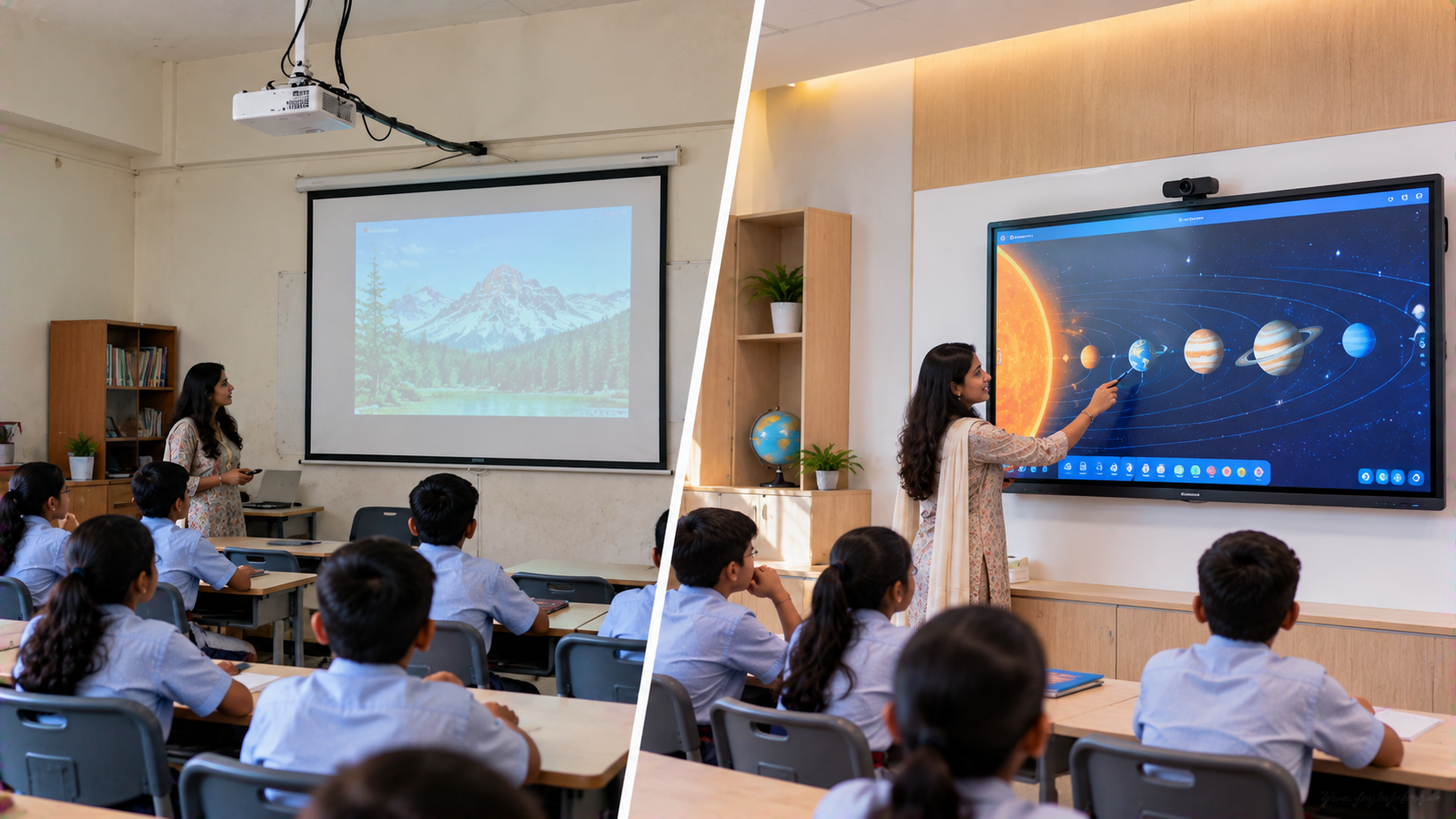
Traditional Training Room vs Hybrid Learning Centre
|
Feature |
Traditional Room |
Hybrid Learning Centre |
|---|---|---|
|
Display |
Projector/TV |
Interactive flat panel |
|
Writing |
Physical whiteboard |
Digital annotation |
|
Camera |
Basic webcam |
PTZ camera |
|
Audio |
Basic speakers |
Integrated microphone + speaker |
|
Remote participation |
Limited |
Built into training workflow |
|
Recording |
Often unavailable |
Capture-ready |
|
Content sharing |
Basic |
Digital collaboration |
|
Scalability |
Limited |
Suitable for hybrid programmes |
Which Products Can Be Considered?
|
Requirement |
GoLive Solution Options |
|---|---|
|
Interactive display |
EVOTA, MAXHUB, Newline, LG |
|
Corporate training |
Interactive panel + PTZ camera |
|
Remote training |
PTZ camera + audio + capture |
|
Digital writing |
Writing pad / interactive panel |
|
Recording |
Capture device + compatible software |
|
Hybrid meetings |
Interactive display + camera + audio |
|
Larger rooms |
75", 86" or larger displays |
GoLive's current website also lists products and configurations across interactive displays, including the EVOTA EP75 75-inch and EVOTA EP8616 86-inch 4K UHD displays.
What About Pricing?
There is no single digital board price, interactive panel price or PTZ camera price that applies to every corporate training room.
Pricing depends on:
Screen size
Display brand and model
Camera resolution and zoom
Audio requirements
Capture and streaming equipment
Mounting and installation
Room size
Connectivity requirements
Training and support requirements
Therefore, searches such as Evota smart board price, Evota 4K PTZ camera price, Newline interactive panel price in India, LG interactive digital board price India, MAXHUB digital board price in India should be treated as starting points for comparison rather than universal final prices.
For a complete corporate training room, the more meaningful comparison is the total installed solution cost.
Why Choose GoLive eTechnologies for a Noida Corporate Training Room?
GoLive eTechnologies India Private Limited provides technology solutions for corporate, education, government and other professional environments across India. Its portfolio includes interactive panels, digital boards, PTZ cameras, capture solutions, audio equipment and smart classroom technologies.
The customer benefit is straightforward:
Less technology headache. More confidence that everything will work.
The GoLive approach combines:
Right solution for the room and use case
Fast deployment
Professional installation
Technology integration
User training
Post-installation assistance
GoLive's published material also emphasizes India-focused pricing and availability, Pan-India delivery, installation and training support, and long-term upgrade compatibility.
The Outcome
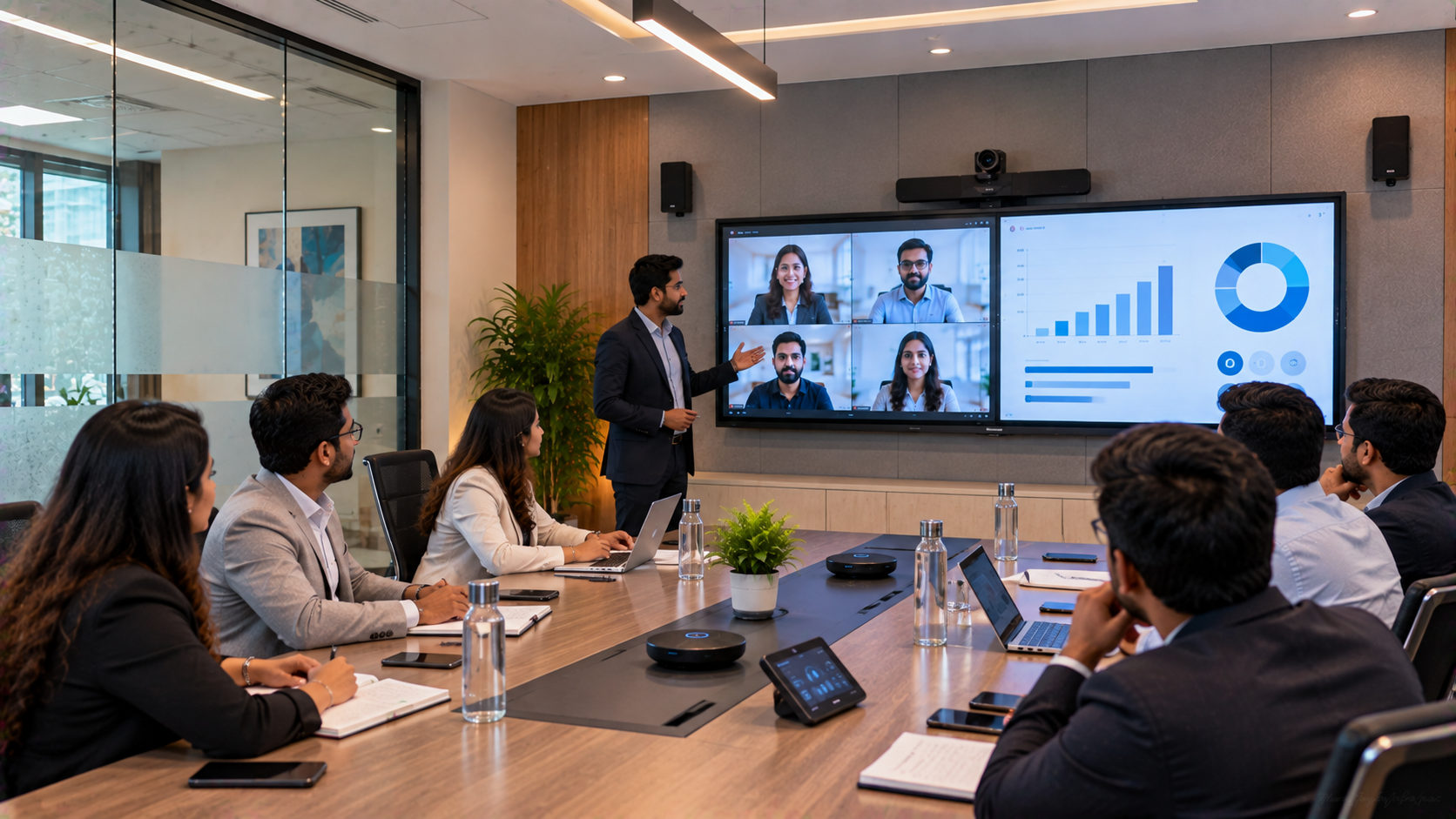
A corporate training room can evolve from a presentation-only space into a hybrid learning centre capable of supporting physical participants, remote employees, digital collaboration, recording and online training.
Whether the requirement is an EVOTA Smart Board, MAXHUB Digital Board, Newline Interactive Panel, LG Interactive Digital Board, EVOTA 4K PTZ Camera, writing pad, capture device or a complete teaching studio setup, the focus should be on creating one integrated workflow rather than buying disconnected products.
GoLive eTechnologies helps organisations move from selecting technology to actually making it work.
Your email address will not be published. Required fields are marked *

By Inhype • September 12, 2026
A smart classroom is only as effective as the technology supporting it. Interactive panels, smart boards, PTZ cameras, microphones, speakers, PCs and
Read More
By Inhype • September 12, 2026
Higher education is rapidly moving beyond traditional chalkboards and projectors. Today, colleges and universities need technology that supports inter
Read More
By Inhype • September 12, 2026
A smart classroom for CBSE schools is no longer simply a classroom with a digital board. Modern schools are building connected learning environments t
Read More
By Inhype • September 12, 2026
Planning a smart classroom project for 10, 20 or even 50 classrooms requires more than simply purchasing digital boards. Schools, colleges, universiti
Read More
By Inhype • September 12, 2026
A smart classroom can transform the way teachers explain concepts, students interact with lessons, and institutions deliver digital education. From in
Read More




Golive eTechnologies India Private Limited (CIN - U31909UP2021PTC148242) is one of India's leading providers of smart classrooms, interactive boards, video conferencing solutions, and display technologies for the education, healthcare, corporate, and government sectors.

No comments yet. Be the first to comment!