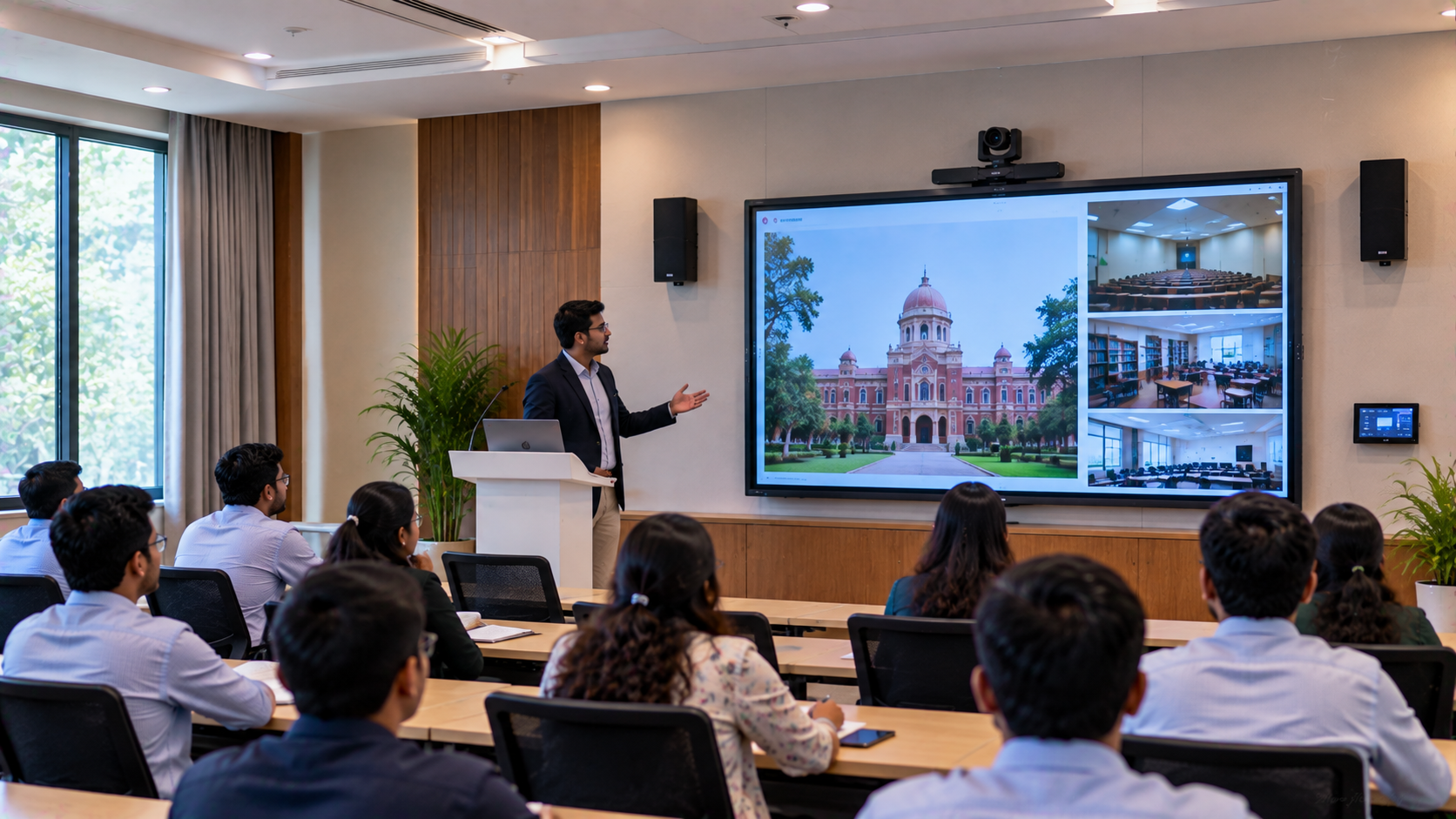
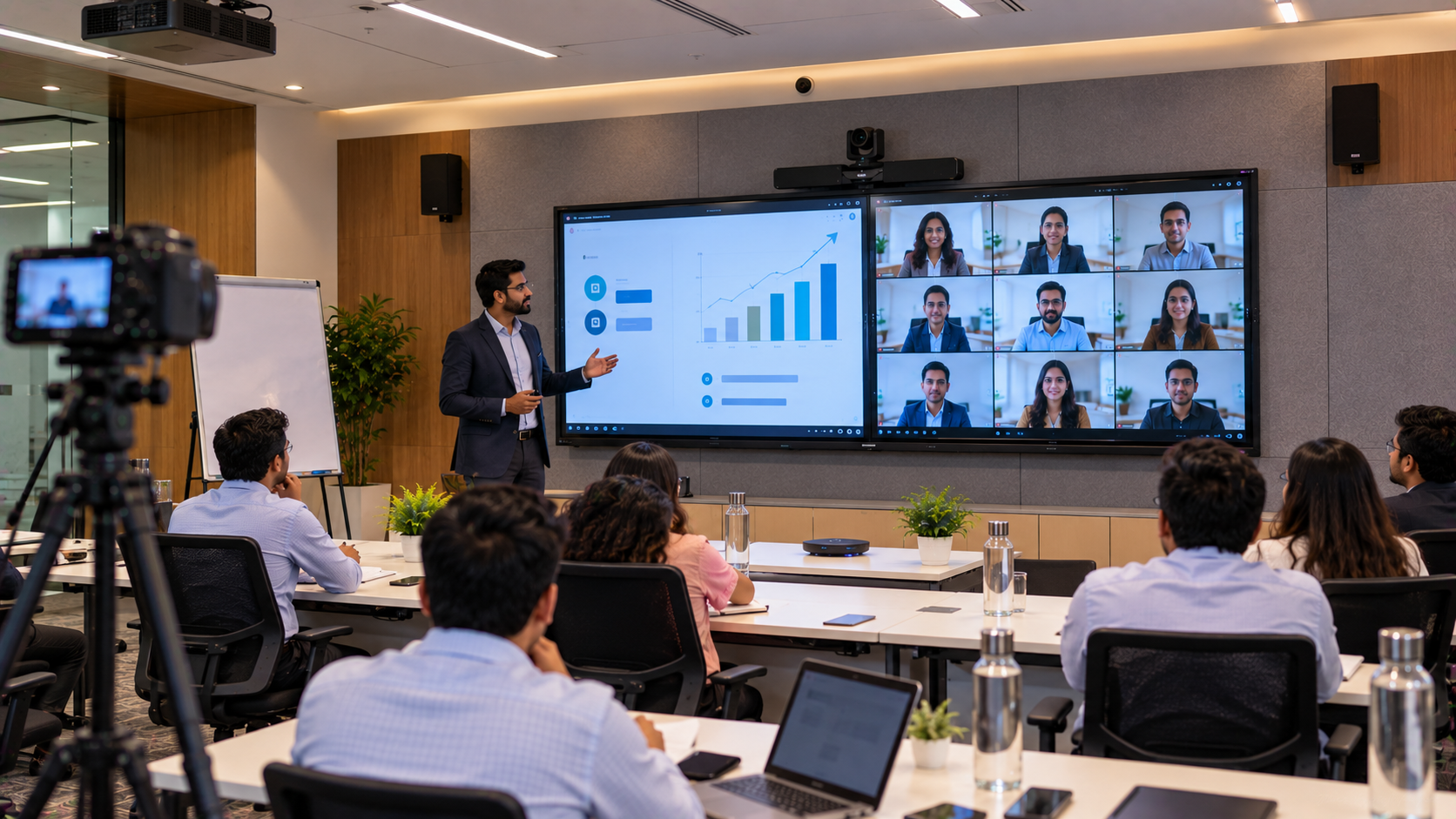
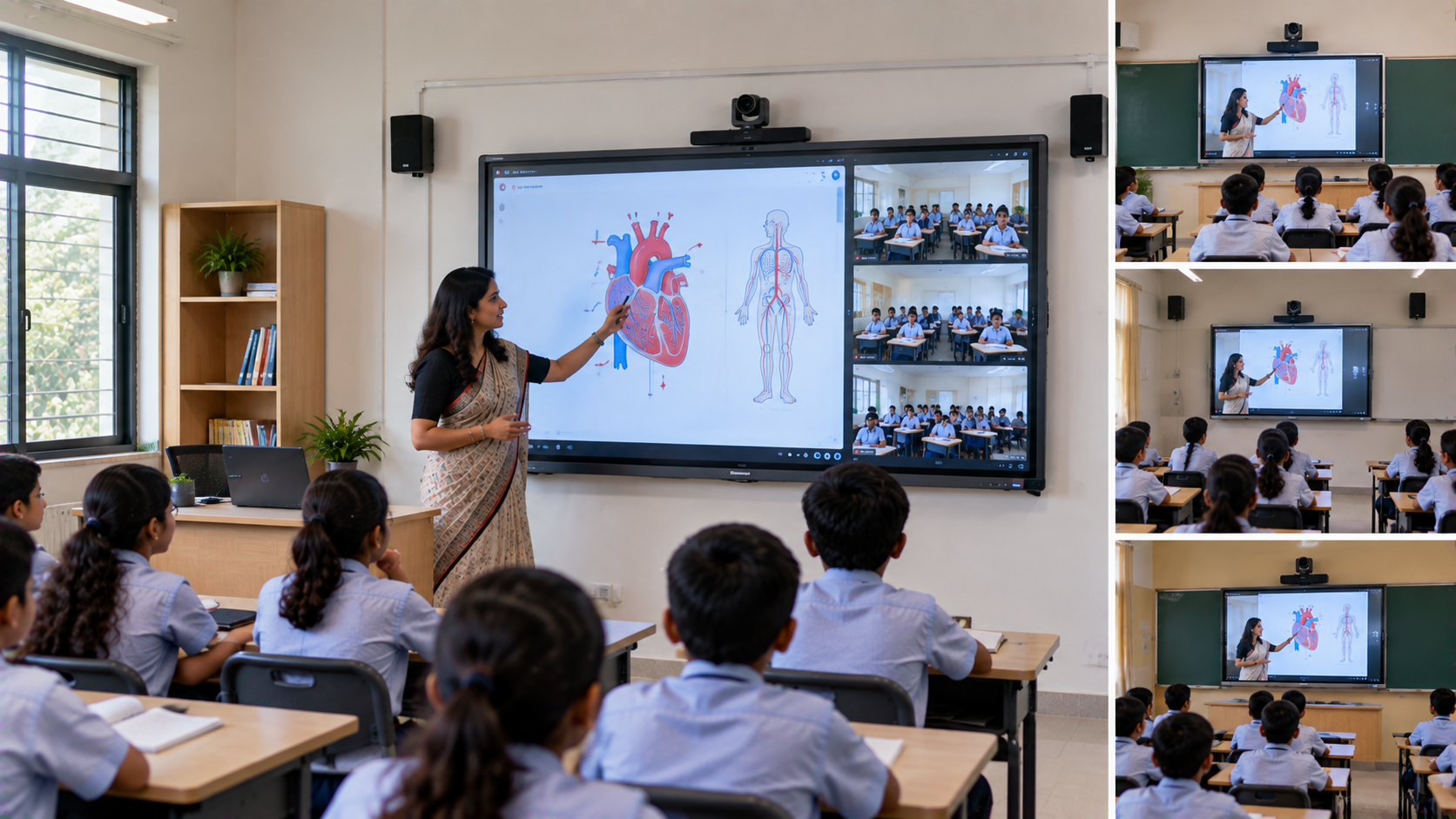
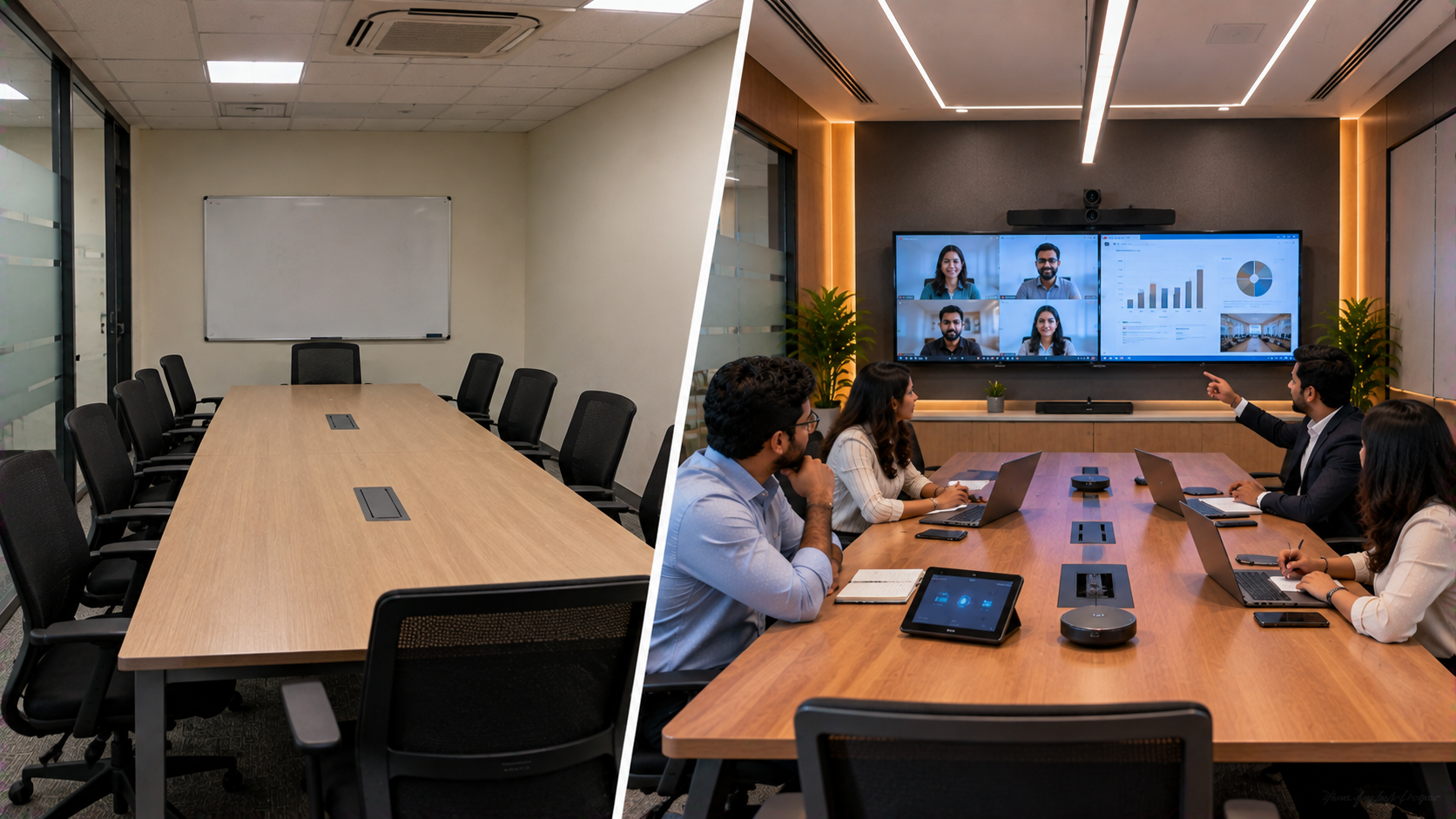
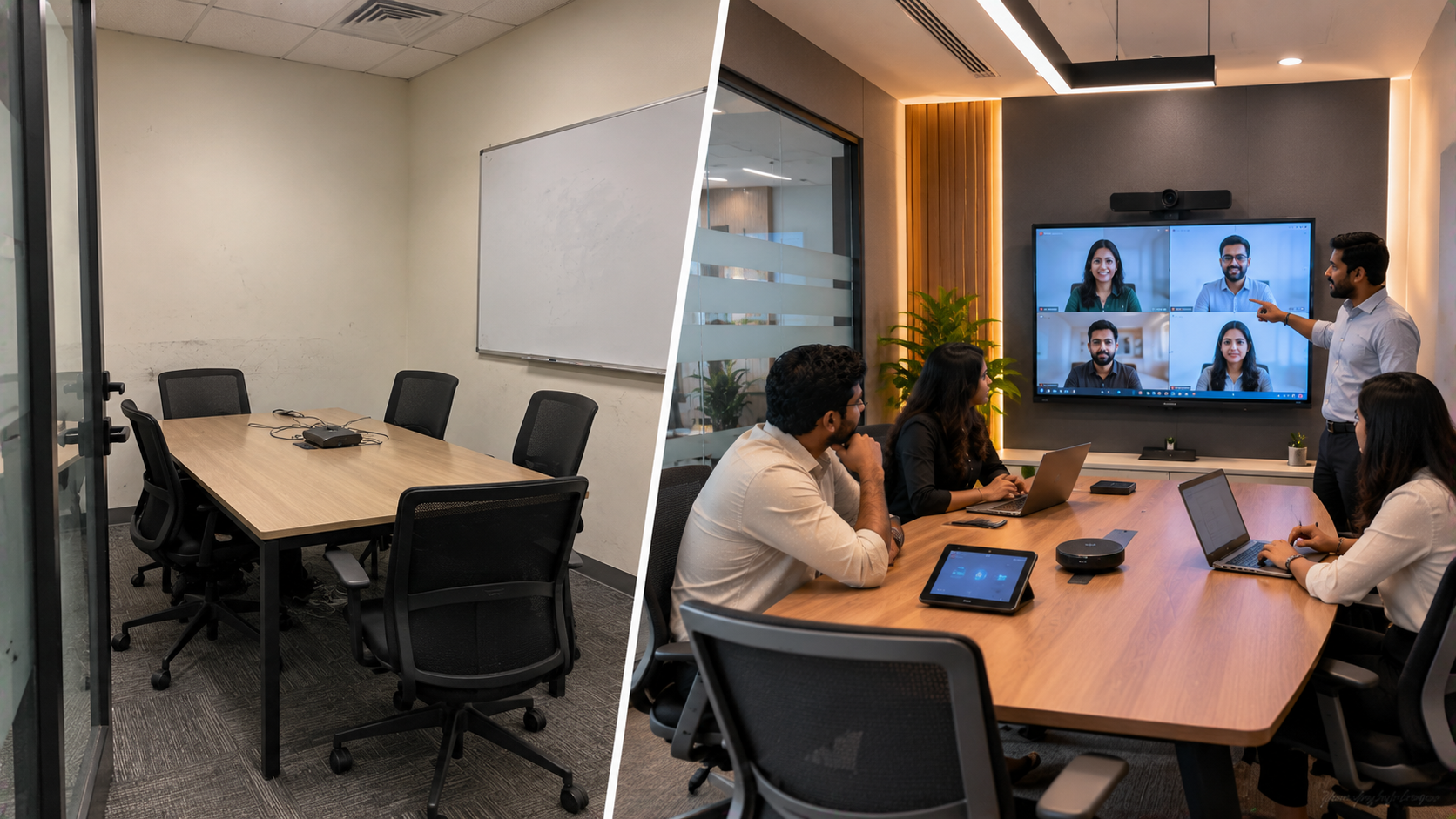
Educational institutions, training centres and government-linked organisations in Delhi Cantonment increasingly need presentation technology that goes beyond a conventional projector and whiteboard. Presenters may need to annotate documents, display high-resolution content, conduct hybrid sessions, record lectures and connect with remote participants—all from the same room. For an institution facing these challenges, GoLive eTechnologies India Private Limited can provide an integrated approach combining interactive digital boards, PTZ cameras, writing devices, capture equipment and supporting AV technology. Important: The Delhi Cantonment institution described in this article is a representative solution scenario illustrating how such an institution could modernise its presentation environment. It is not presented as a verified completed GoLive customer case study. GoLive's published solution portfolio includes EVOTA Interactive Panels, MAXHUB Digital Boards, Newline Interactive Panels, LG Interactive Digital Boards, PTZ cameras, writing pads and HDMI capture solutions.
The Presentation Technology Challenge for an Institution in Delhi Cantonment
A traditional presentation room can create several practical problems:
Projectors require suitable lighting and regular maintenance.
Static screens provide limited interaction.
Presenters may struggle to annotate presentations naturally.
A standard webcam may not provide sufficient room coverage.
Remote participants may have difficulty seeing presenters and content.
Multiple disconnected devices can make operation complicated.
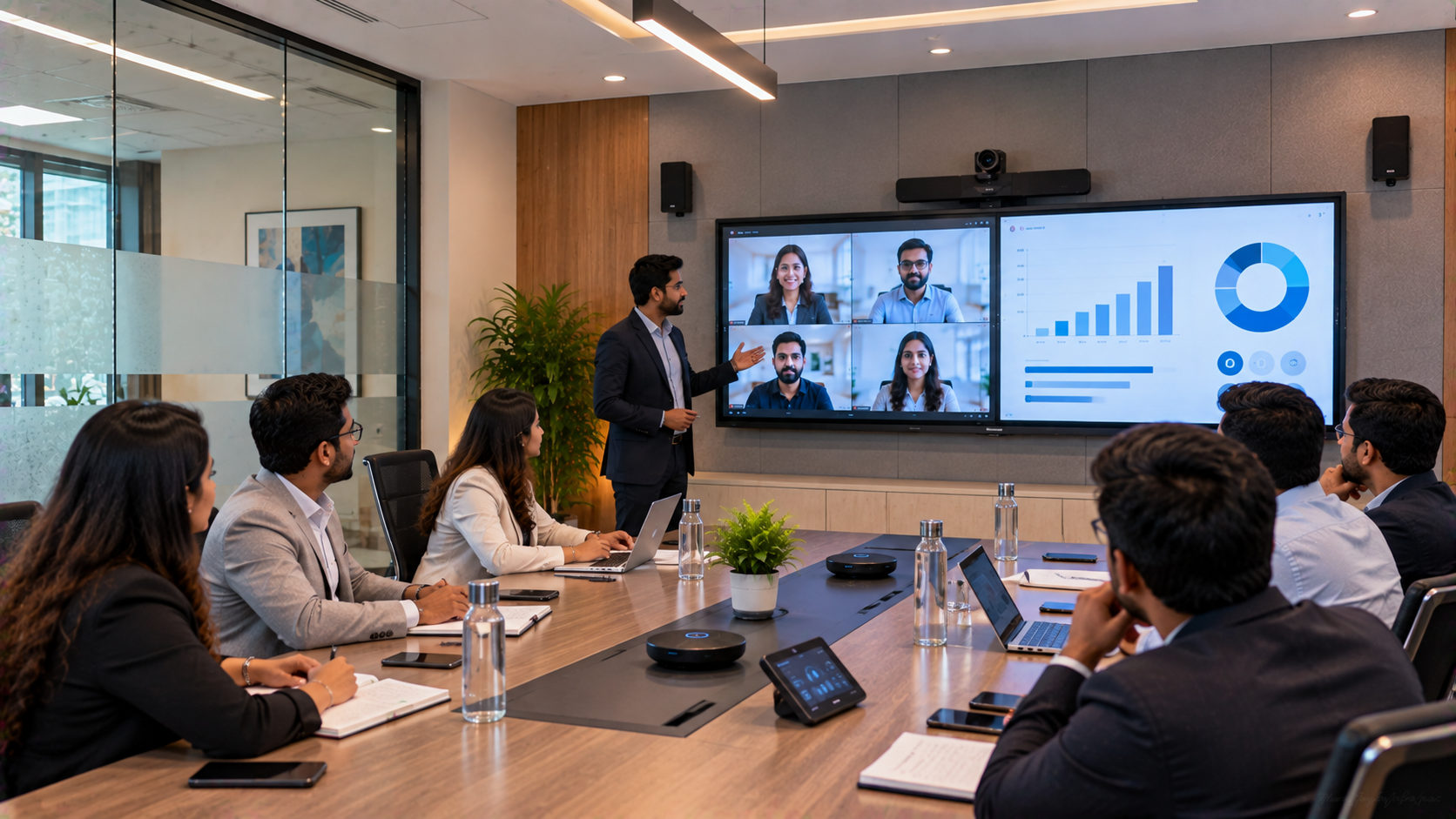
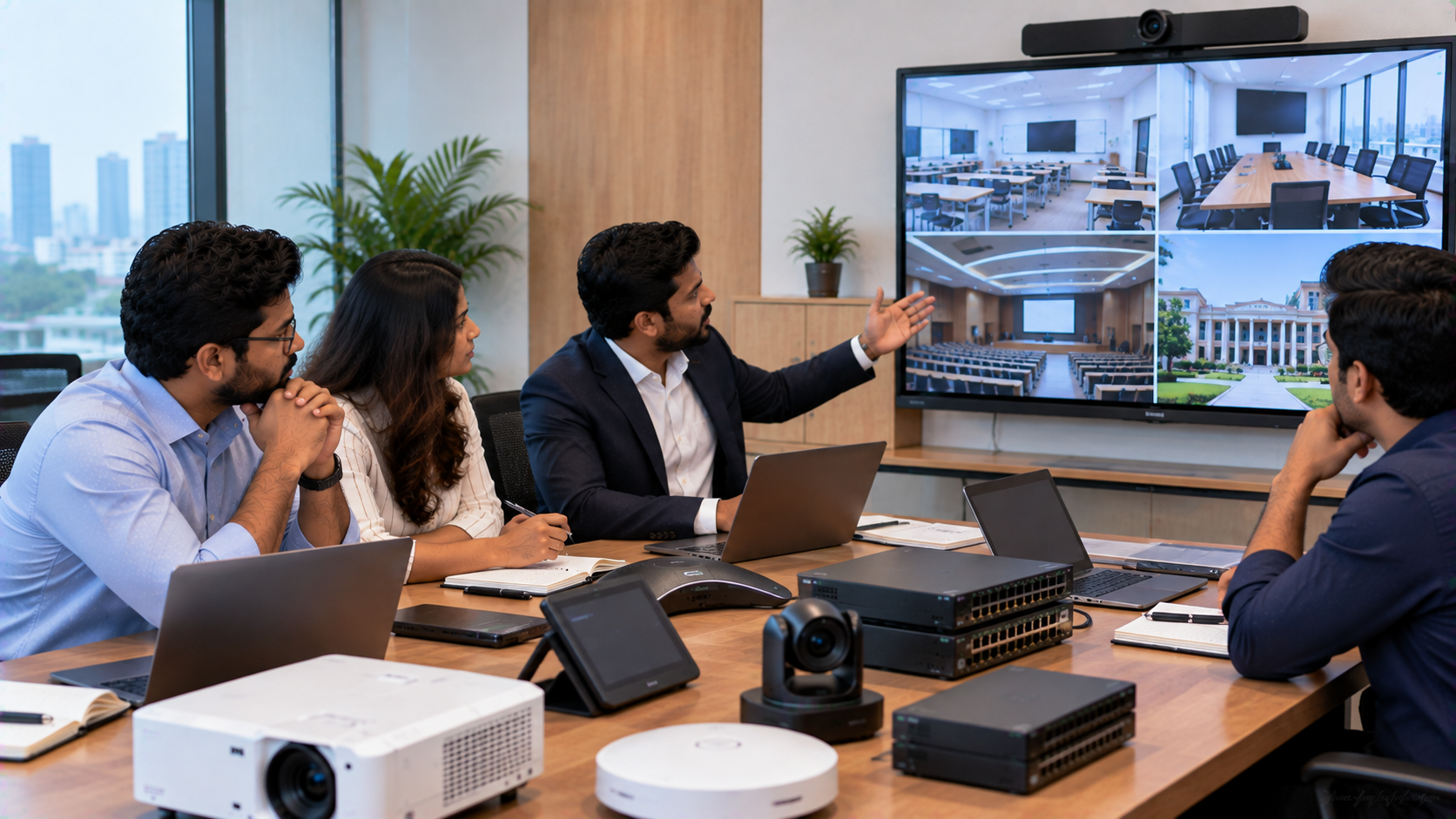
The requirement is therefore not simply a digital board or camera. The objective is a connected presentation environment where display, camera, audio, content and connectivity work together.
This integration-first approach is central to GoLive eTechnologies' published technology proposition.
GoLive eTechnologies Solution: From Interactive Display to Complete Presentation Setup
A representative Delhi Cantonment institution could evaluate a solution built around four technology layers.
1. Interactive Digital Board for Presentations and Teaching
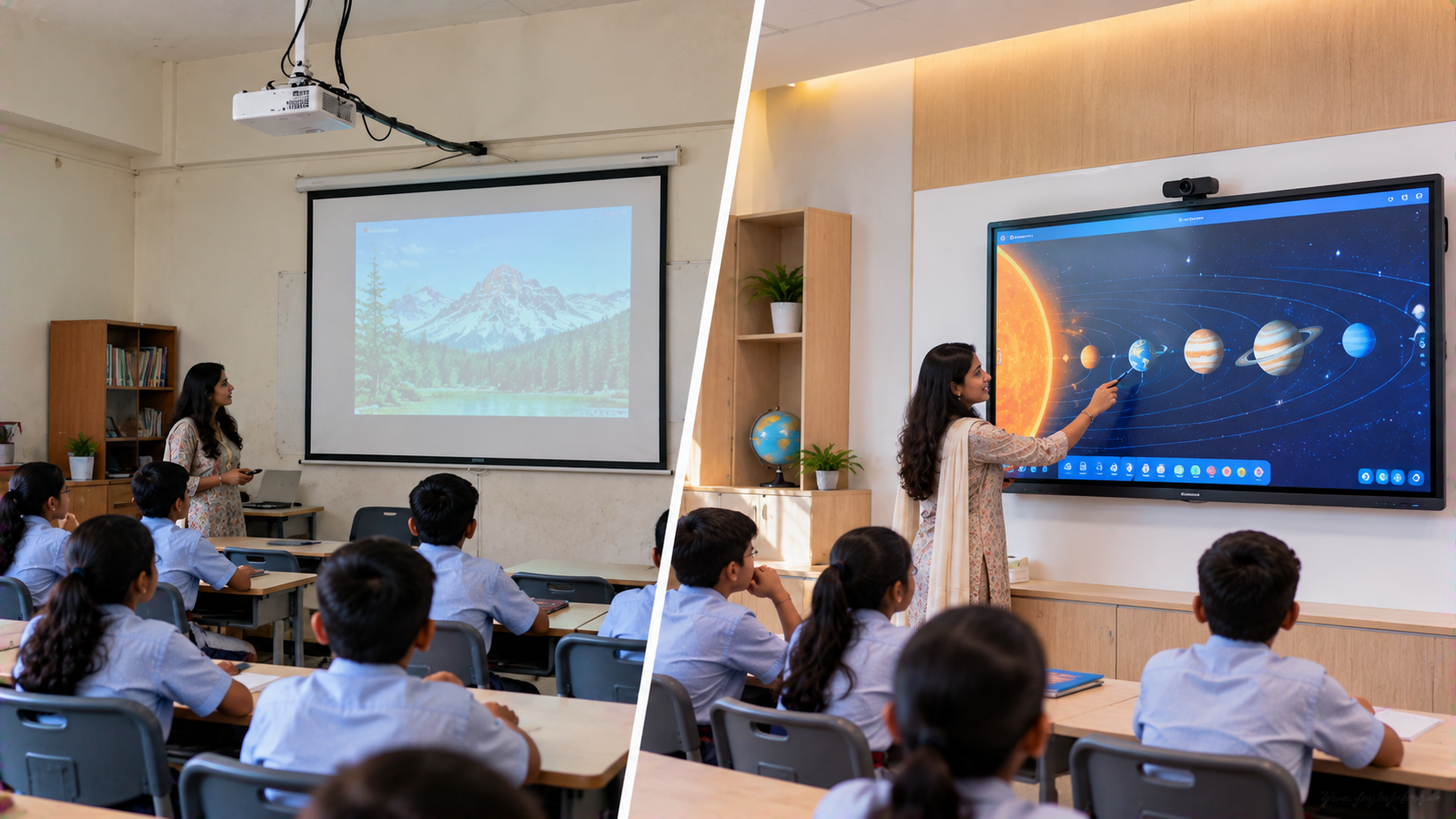
The interactive display becomes the centre of the presentation environment.
Depending on room size, usage and budget, institutions can evaluate:
EVOTA Smart Board
EVOTA Interactive Panel
MAXHUB Smart Board
MAXHUB Digital Board
Newline Interactive Panel
LG Interactive Digital Board
These displays can support presentations, digital annotation, whiteboarding, content sharing and collaborative sessions.
For buyers researching terms such as Evota smart board price, Evota smart board 75 inch price, Newline smart board price, LG interactive digital board price India, MAXHUB smart board price in India or interactive panel price, the right comparison should consider screen size, room requirements, features, installation and after-sales support—not only the headline product price.
GoLive specifically positions these products as components of integrated classroom, corporate and collaboration environments.
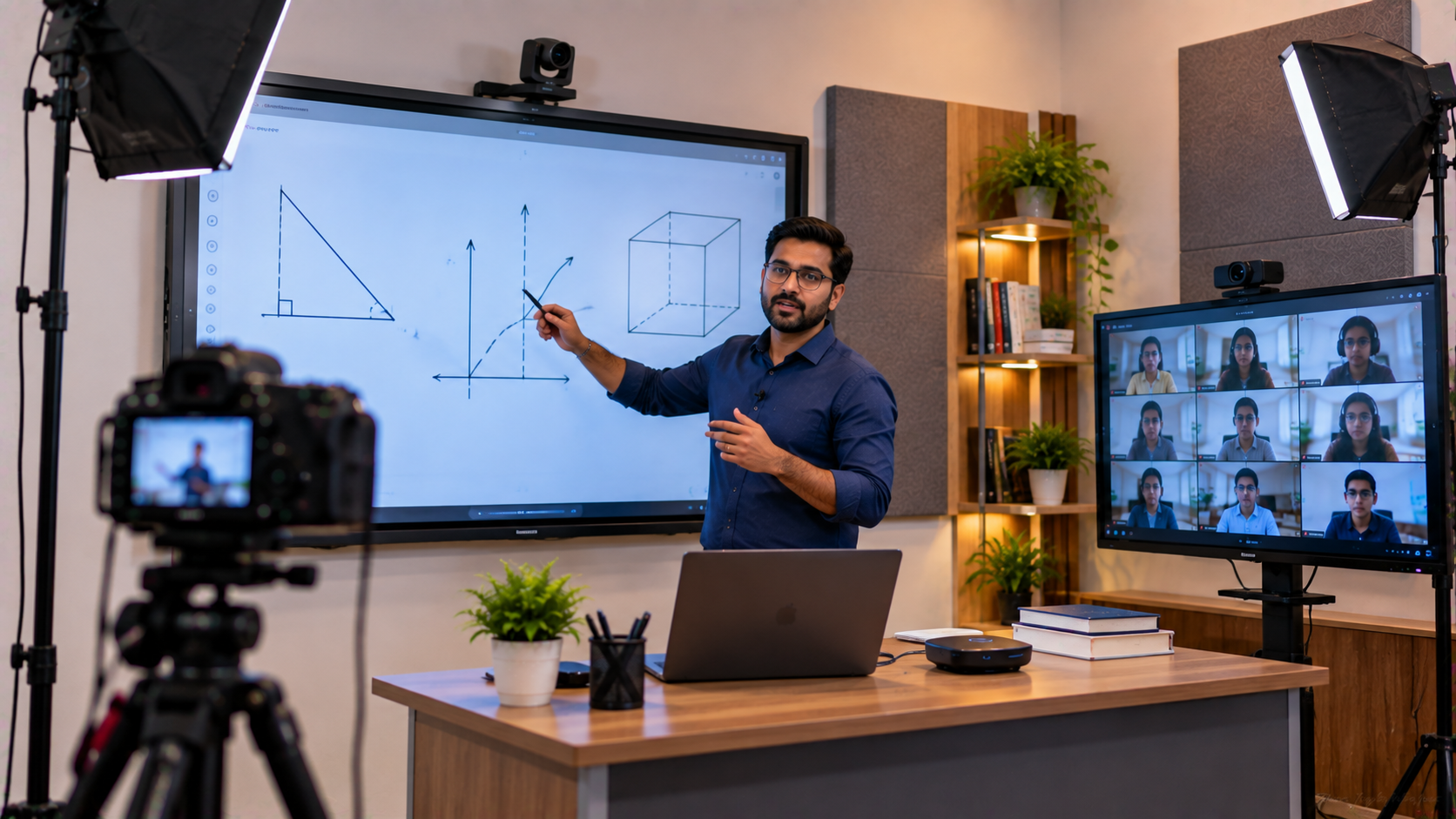
2. PTZ Camera for Hybrid Presentations and Lecture Capture
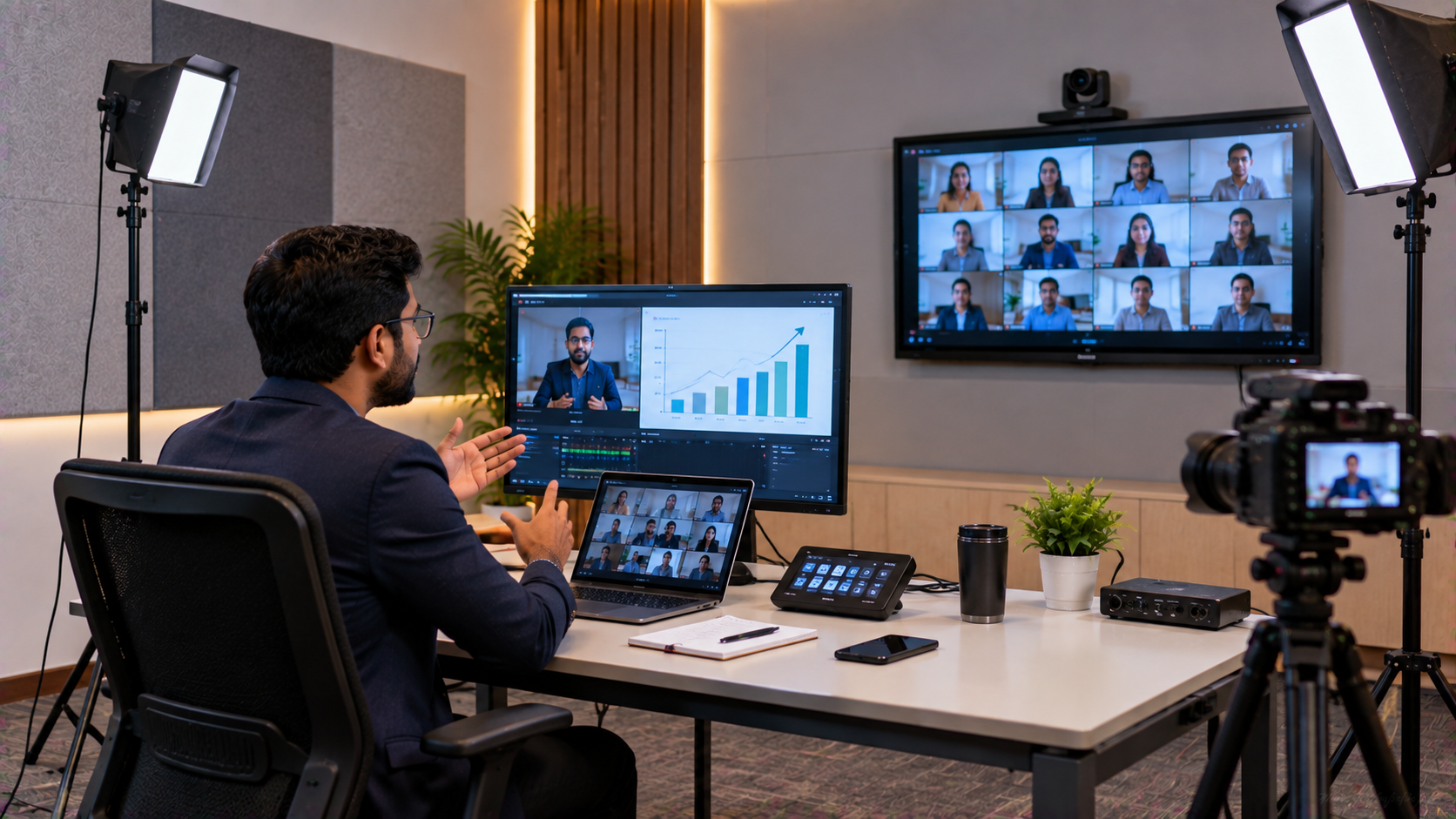
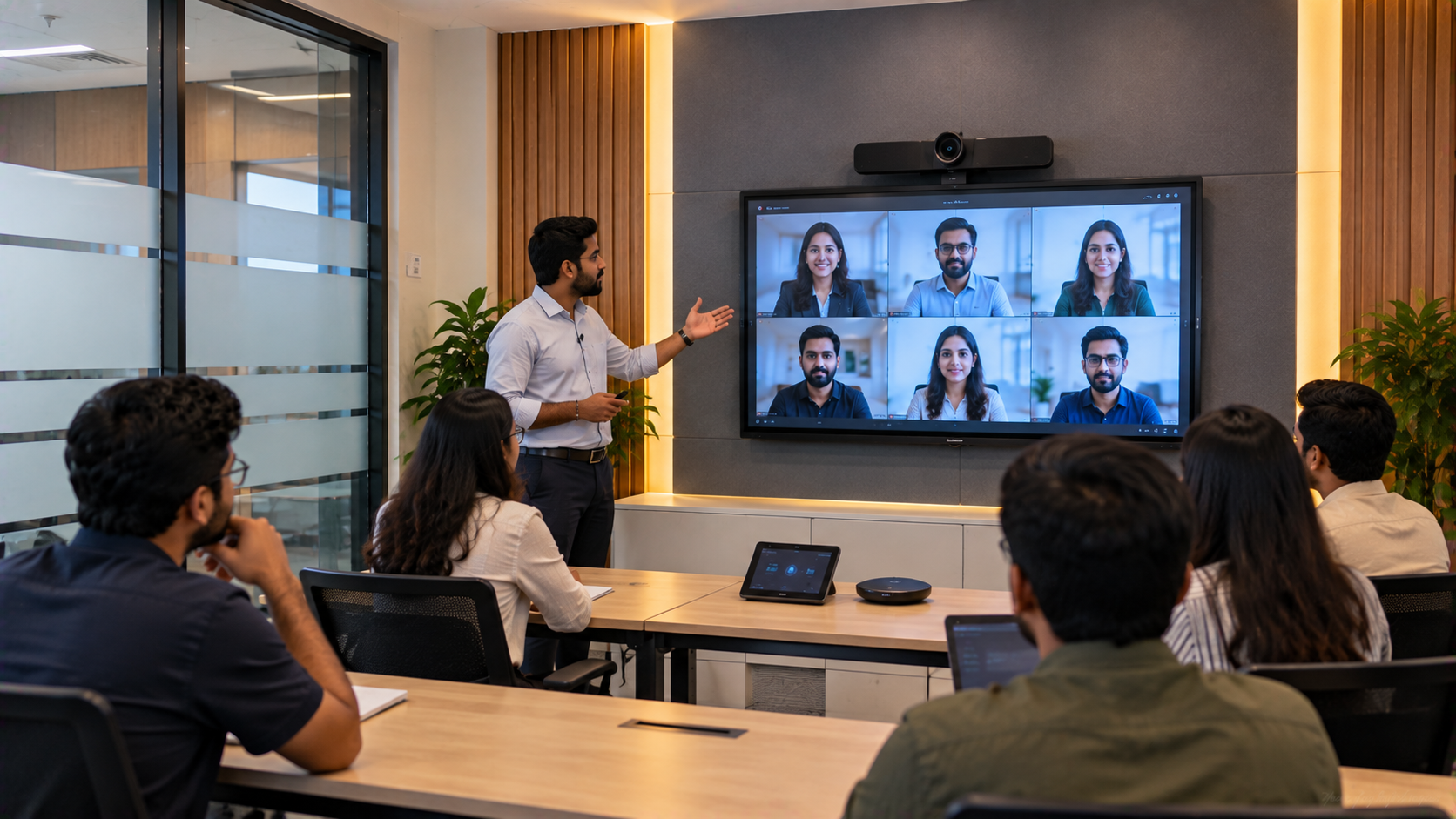
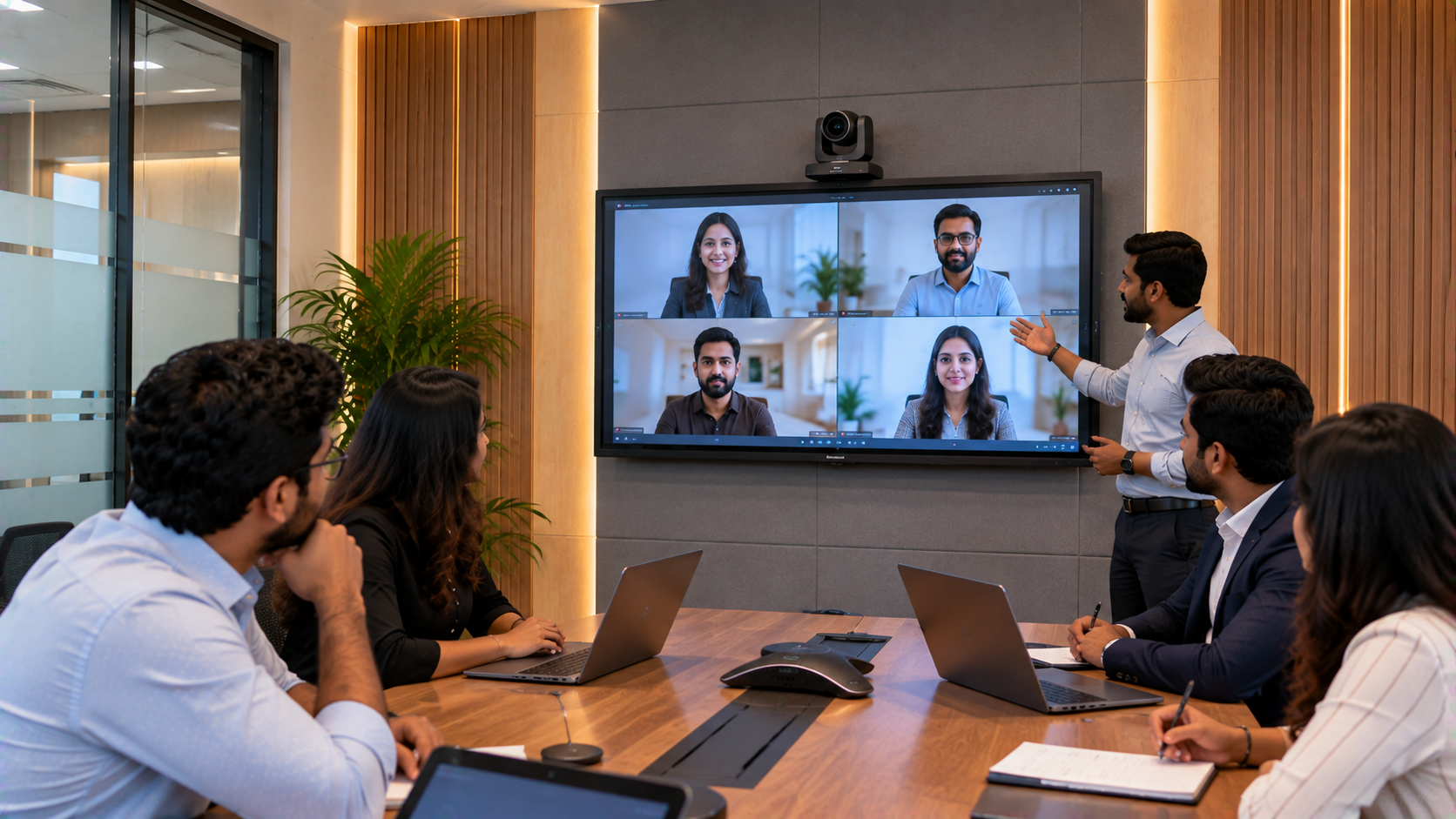
An interactive board solves the presentation problem, but remote audiences also need a clear view of the presenter and room.
A PTZ camera can provide remotely controlled Pan, Tilt and Zoom, making it useful for:
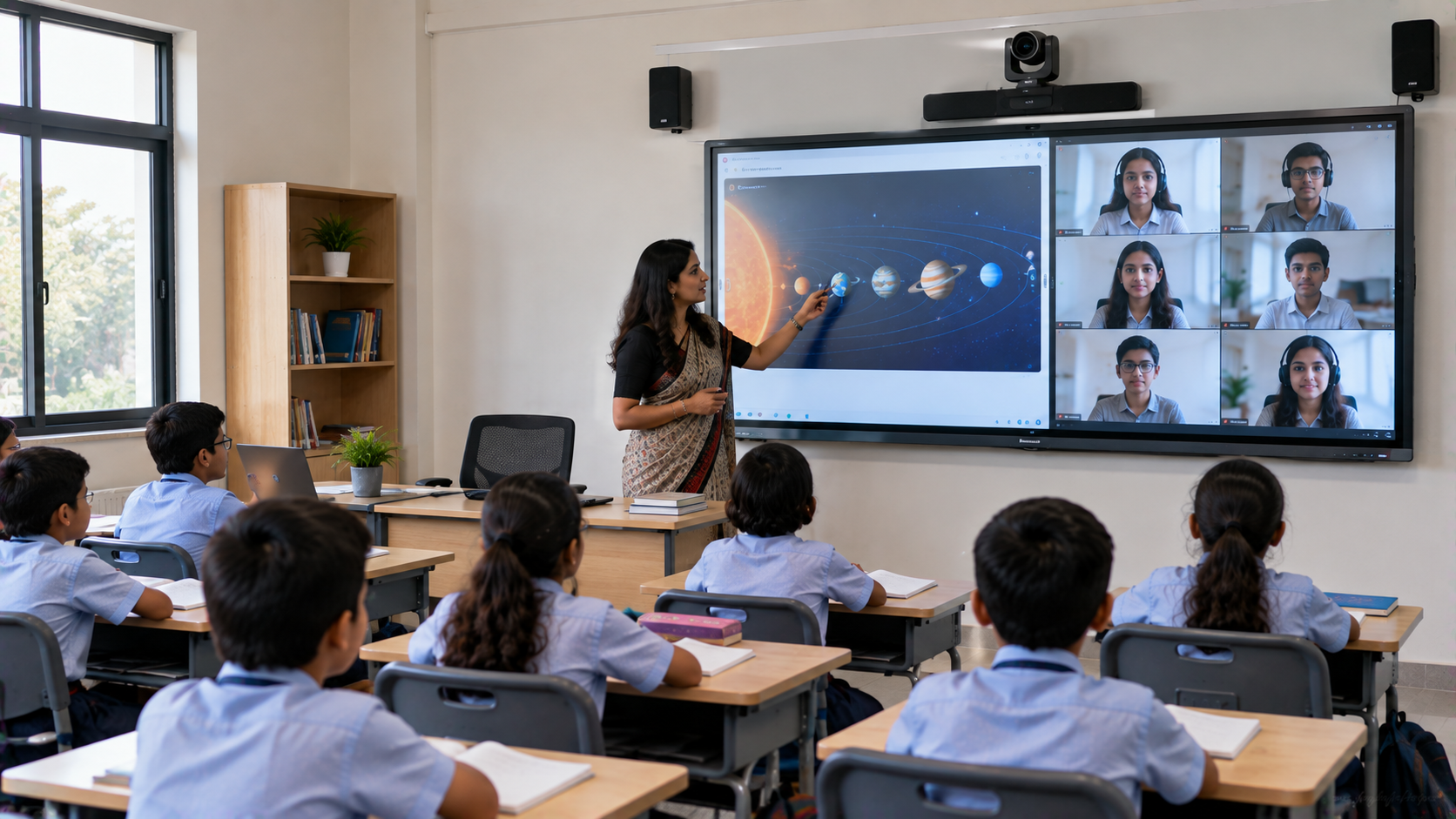
Hybrid classrooms
Training rooms
Lecture recording
Online teaching
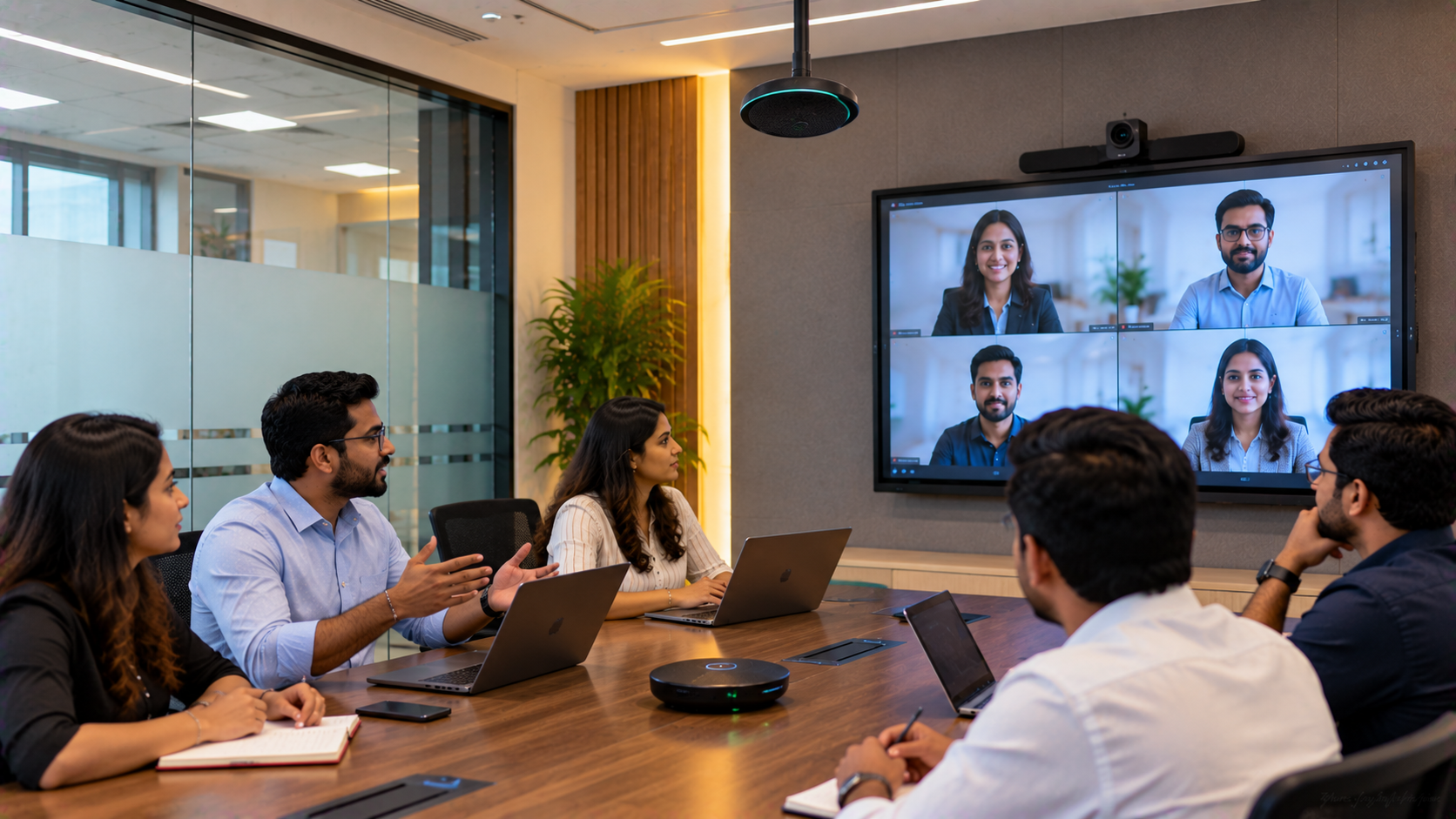
Conference rooms
Institutional presentations
Live streaming
GoLive lists solutions including the EVOTA 4K PTZ Camera, EVOTA 10X HD PTZ Camera, Logitech PTZ Pro 2 and Sony camera solutions.
The EVOTA C12HULT, for example, is published by GoLive with 4K UHD resolution, 12X optical zoom, 16X digital zoom, AI auto-tracking and multiple connectivity options.
For institutions searching for Evota 4K PTZ camera price, Evota camera price, PTZ camera price or Sony NX80 price in India, GoLive can help match the camera to the actual room and application.
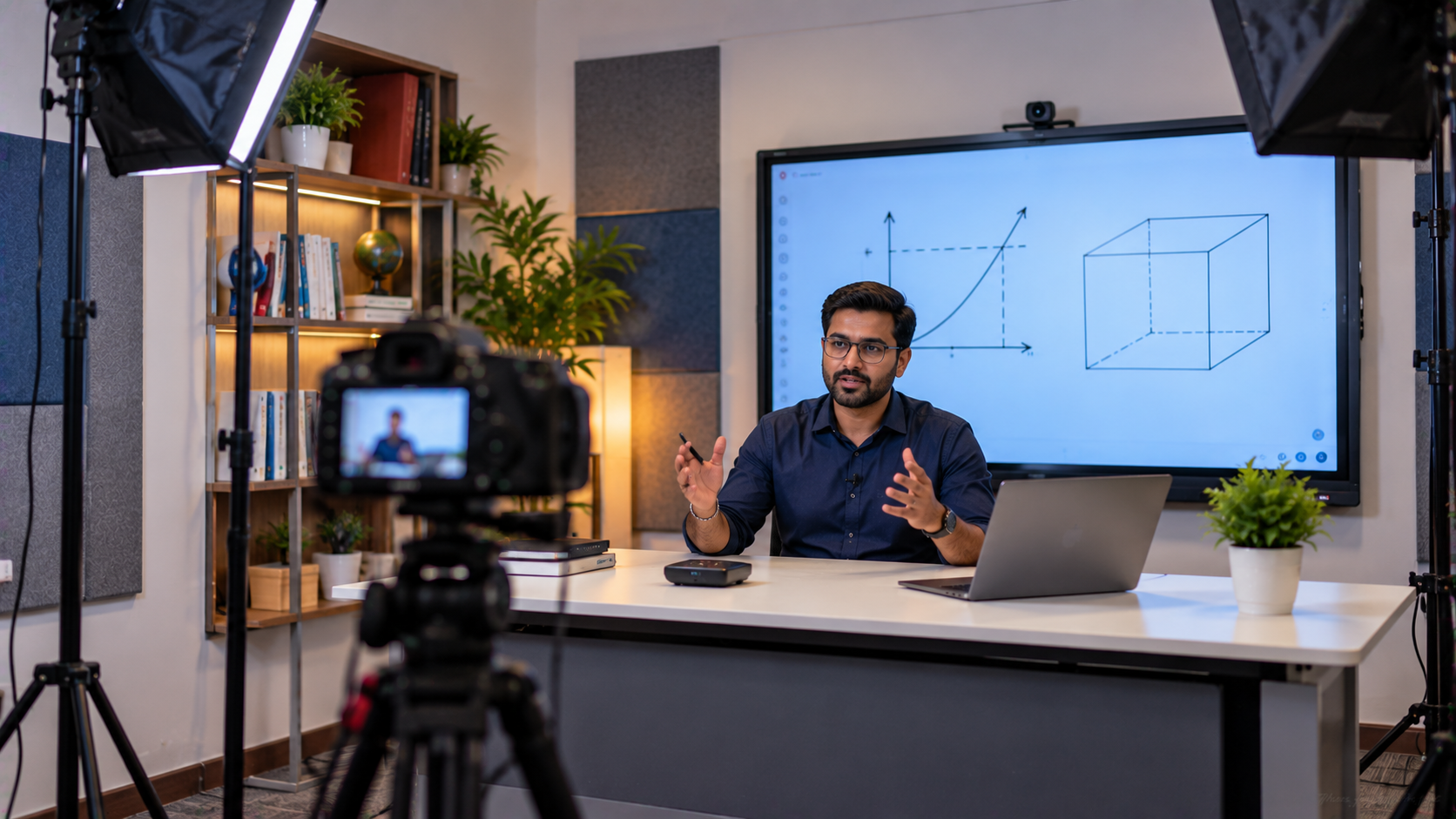
3. Writing Pad for PC and Digital Annotation
Not every presenter wants to stand directly at the screen throughout a session.
A writing pad for PC, USB writing pad or desktop writing pad can provide an additional method of digital annotation.
This can be particularly useful for:
Faculty demonstrations
Technical diagrams
Mathematical explanations
Training presentations
Online teaching
Remote presentations
GoLive's published integrated AV approach includes writing pads alongside interactive panels and cameras.
4. Capture and AV Equipment
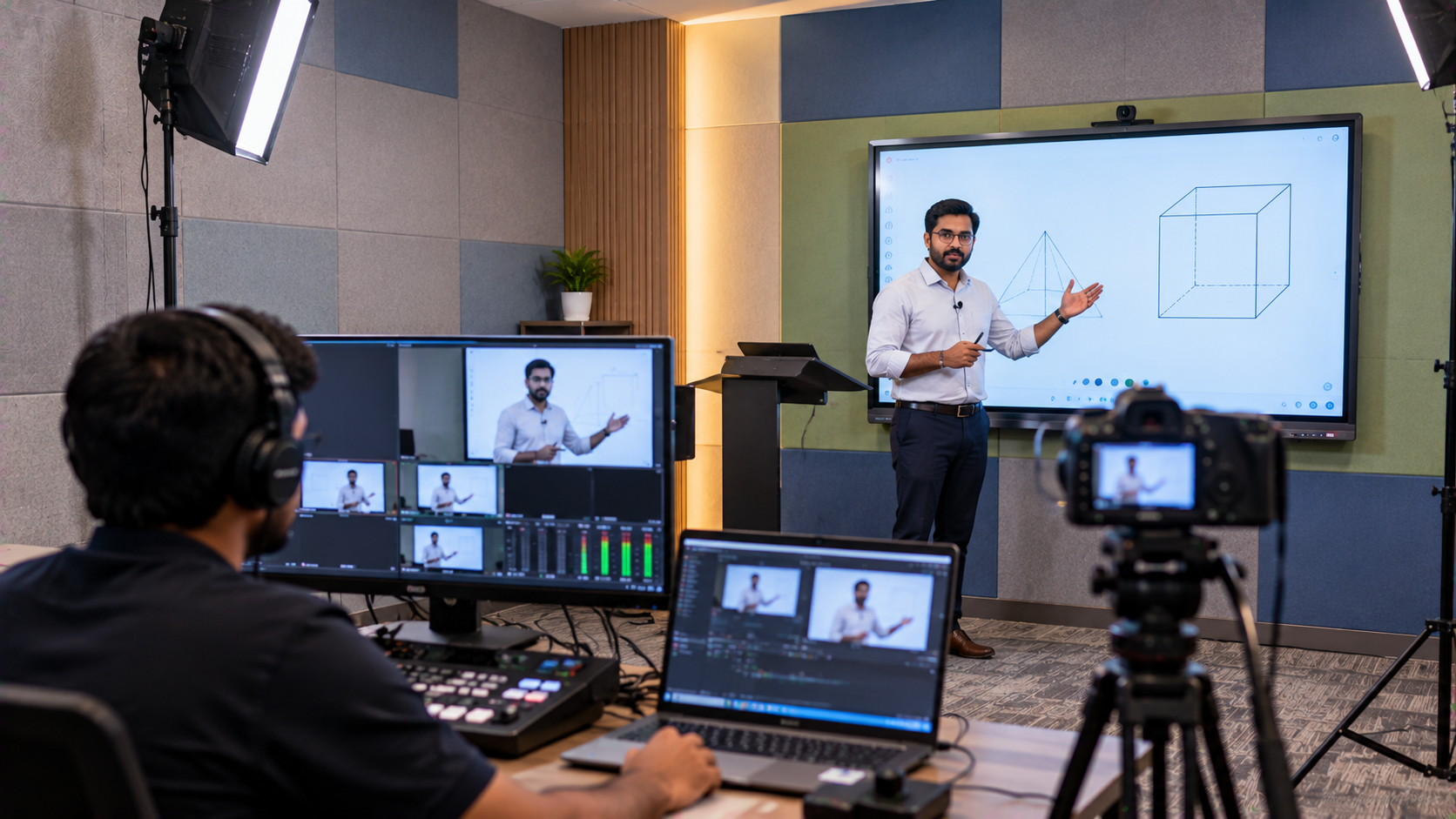
For institutions recording or streaming presentations, an HDMI video capture workflow can connect presentation sources with recording or streaming systems.
Depending on the requirement, a complete setup may include:
HDMI video capture device
Capture software
PTZ camera
Microphone
Speakers
Wireless microphone
Video mixer or switcher
Interactive panel
OPS/PC system
Network connectivity
GoLive also discusses integrated AV control for managing displays, cameras, HDMI sources and audio equipment through a coordinated workflow.
Why an Integrated Solution Matters
Buying individual products from different vendors can create compatibility and installation challenges.
|
Requirement |
Possible GoLive Solution |
|---|---|
|
Interactive presentation |
EVOTA / MAXHUB / LG / Newline panel |
|
Digital annotation |
Interactive panel + writing pad |
|
Hybrid teaching |
PTZ camera + interactive panel |
|
Lecture recording |
PTZ camera + capture workflow |
|
Online classes |
Interactive panel + camera + audio |
|
Conference presentations |
Interactive panel + PTZ + audio |
|
Installation |
GoLive technology integration |
|
User enablement |
Configuration and training support |
The objective is simple: right solution + fast deployment + installation + support.
Implementation Process: From Technology Selection to Deployment
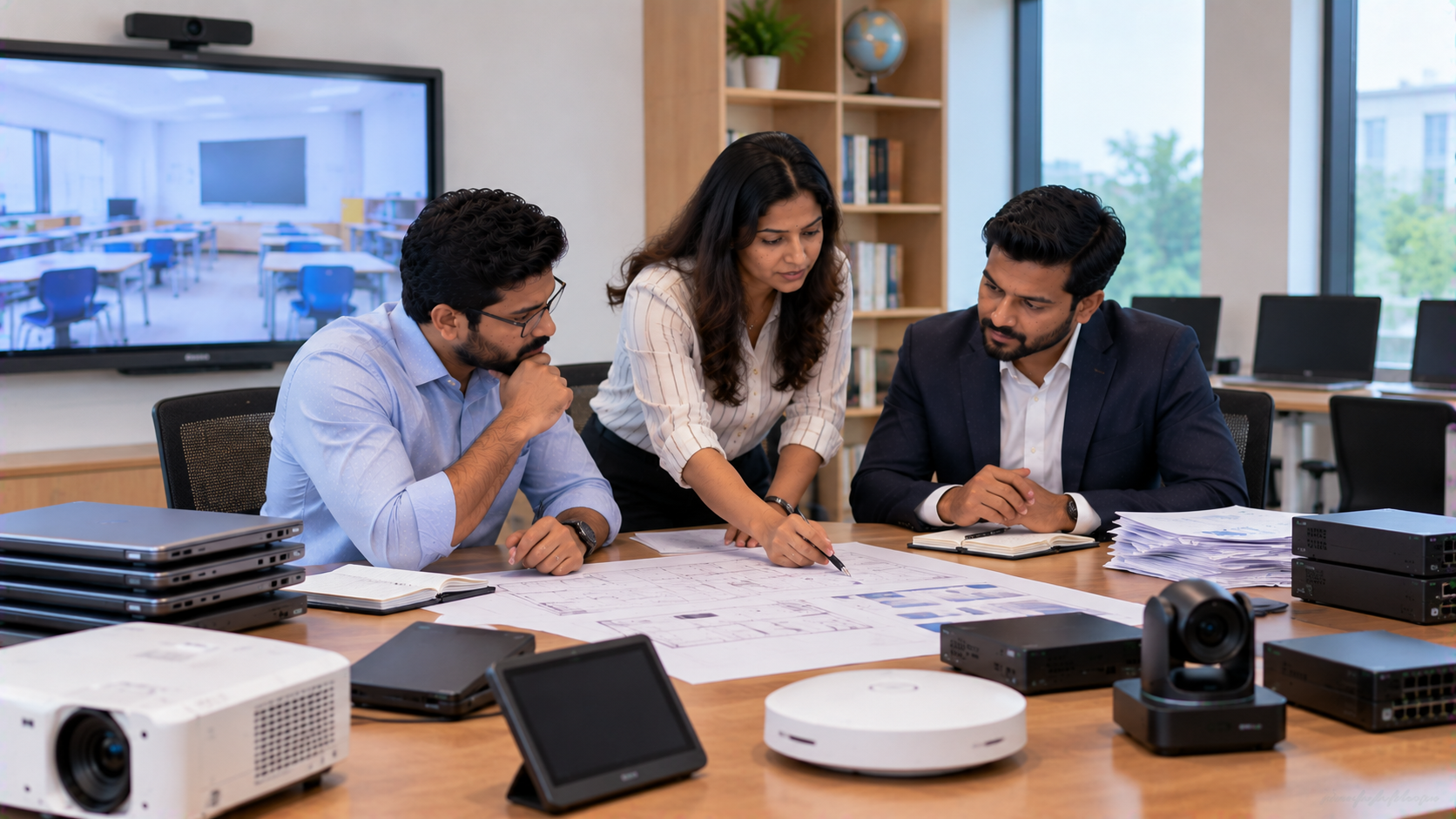
A representative Delhi Cantonment deployment can follow a structured process.
Step 1: Requirement Assessment
Evaluate:
Room dimensions
Number of users
Viewing distance
Presentation requirements
Hybrid/online requirements
Existing infrastructure
Budget
Step 2: Product Selection
Compare appropriate options such as:
EVOTA vs MAXHUB vs Newline vs LG interactive panels, based on application rather than brand name alone.
Step 3: Room Planning
Determine:
Display position
Camera angle
Mounting requirements
Cable routing
Speaker and microphone positioning
Connectivity
Step 4: Installation and Configuration
Hardware should be installed and configured as a complete system rather than as isolated products.
Step 5: Testing and Training
Test:
Display interaction
Camera framing
Zoom
Audio
HDMI connectivity
Presentation workflow
Recording/streaming
User training can then help staff operate the setup confidently.
Step 6: Ongoing Support
Technology investment does not end at installation. GoLive's published proposition covers consultation, deployment, installation, training and ongoing support.
Price Relevance: Don't Compare Digital Boards on Price Alone
Searches such as digital board price in India, digital board price under 5000, LG smart board price, Newline digital board price, EVOTA digital board price and MAXHUB digital board price can produce very different products and configurations.
For institutional purchasing, consider the total solution value:
Product + configuration + installation + integration + training + support
A very low-cost display may not provide the functionality or reliability required for a professional institutional environment.
The better purchasing question is:What solution will deliver the required presentation experience with the least technology headache?
That is where GoLive eTechnologies' brand promise becomes relevant:
Technology that works, backed by people who help.
Why Institutions Can Consider GoLive eTechnologies
GoLive eTechnologies positions itself as an end-to-end technology partner rather than simply a product seller.
Its published solutions span interactive displays, digital boards, PTZ cameras, writing devices, capture solutions, audio equipment and AV integration.
GoLive's customer-focused proposition
Less technology headache
More confidence that everything will work
Right solution for the requirement
Fast deployment
Professional installation
Training and assistance
Ongoing technology support
The company's published material also highlights Delhi NCR and pan-India delivery and deployment capabilities.
From Delhi Cantonment to Institutions Across India
The same technology framework can be adapted for:
Schools
Colleges
Universities
Government institutions
Coaching centres
Training institutes
Corporate learning centres
Conference rooms
Hybrid classrooms
Online teaching studios
Whether the requirement is an EVOTA smart board, EVOTA interactive flat panel, MAXHUB digital board, Newline interactive panel, LG interactive panel, EVOTA 4K PTZ camera, writing pad or complete smart classroom setup, GoLive can help organisations evaluate the appropriate configuration.
Final Takeaway
Modern presentation technology should not create another operational headache. The goal is a dependable environment where presenters can display, annotate, teach, collaborate, record and connect with minimal complexity.
For institutions in Delhi Cantonment, Delhi NCR and across India, GoLive eTechnologies brings together product selection, integration, installation and support under one technology partner.
Technology that works, backed by people who help.
Your email address will not be published. Required fields are marked *

By Inhype • September 12, 2026
A smart classroom is only as effective as the technology supporting it. Interactive panels, smart boards, PTZ cameras, microphones, speakers, PCs and
Read More
By Inhype • September 12, 2026
Higher education is rapidly moving beyond traditional chalkboards and projectors. Today, colleges and universities need technology that supports inter
Read More
By Inhype • September 12, 2026
A smart classroom for CBSE schools is no longer simply a classroom with a digital board. Modern schools are building connected learning environments t
Read More
By Inhype • September 12, 2026
Planning a smart classroom project for 10, 20 or even 50 classrooms requires more than simply purchasing digital boards. Schools, colleges, universiti
Read More
By Inhype • September 12, 2026
A smart classroom can transform the way teachers explain concepts, students interact with lessons, and institutions deliver digital education. From in
Read More




Golive eTechnologies India Private Limited (CIN - U31909UP2021PTC148242) is one of India's leading providers of smart classrooms, interactive boards, video conferencing solutions, and display technologies for the education, healthcare, corporate, and government sectors.

No comments yet. Be the first to comment!