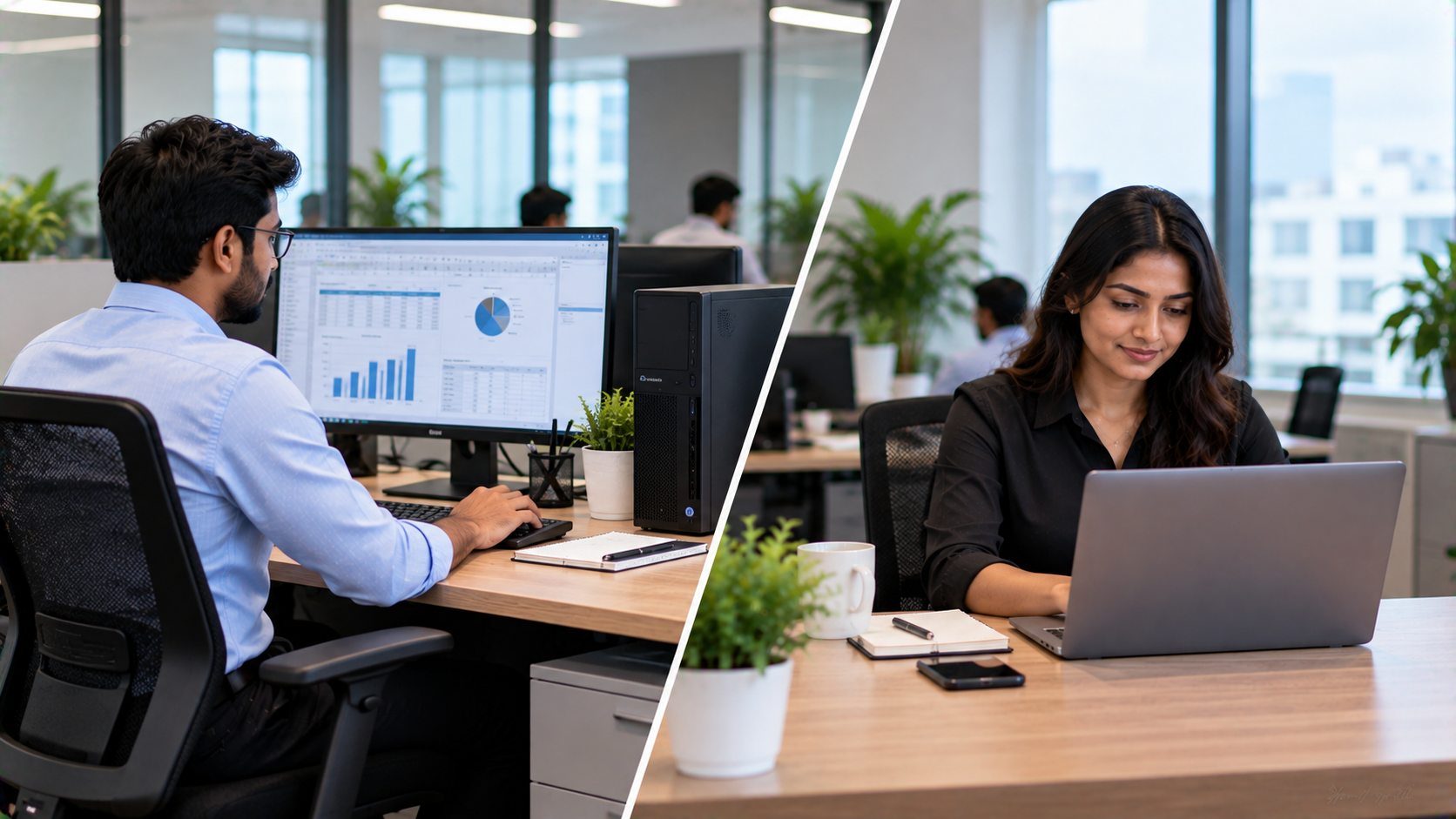
Choosing the right computer for employees can have a direct impact on productivity, mobility, maintenance and the overall technology budget. For organizations in India, the decision often comes down to desktop vs laptop for office work. A desktop can provide a practical setup for employees who work from a fixed location, while a laptop offers portability for hybrid teams, managers and employees who frequently move between meeting rooms, offices or work locations. But there is no single answer for every organization. The right choice depends on how employees work, what applications they use, how much mobility is required and what other workplace technology needs to be integrated. At GoLive eTechnologies India Private Limited, organizations can explore PC builds, OPS Mini PCs, interactive displays, cameras and workplace technology solutions with support covering selection, deployment and installation.
Desktop vs Laptop for Office Work: Quick Comparison
|
Factor |
Desktop |
Laptop |
|---|---|---|
|
Portability |
Low |
High |
|
Upgrade flexibility |
Generally higher |
Usually more limited |
|
Fixed workstation use |
Excellent |
Good |
|
Hybrid/remote work |
Less convenient |
Excellent |
|
Multi-monitor setup |
Easy |
Possible with accessories/docks |
|
Desk space |
Requires more components |
Compact |
|
Long-duration fixed use |
Well suited |
Well suited |
|
Shared/movable workspaces |
Less convenient |
More convenient |
|
Custom configuration |
High flexibility |
Depends on model |
|
Security & management |
Organization-dependent |
Organization-dependent |
The decision should therefore be based on the job role and working environment, rather than simply choosing whichever device has a lower upfront price.
Desktop Computers for Office Work: When Are They Better?
A desktop is particularly useful when employees work from a dedicated workstation every day.
Typical users include:
Accounts and finance teams
Data-entry and back-office teams
Customer support departments
Designers and content teams
Reception and administration
Employees using multiple monitors
Offices requiring fixed workstation deployments
A properly configured desktop can also make it easier to specify the processor, RAM, storage and graphics according to the organization's workload.
For example, organizations can consider a GoLive Intel i5 14400F PC with RTX 3050, 16GB DDR5 and 512GB NVMe storage for workloads that require more computing performance. GoLive currently lists this configuration on its e-commerce website.
For more specialized display-based environments, GoLive also offers an Intel Core i5 12th Gen OPS PC Module with 8GB RAM and 256GB SSD, designed for compatible interactive-display deployments.
Benefits of desktops
Easier to create dedicated workstation setups
Greater flexibility for selected configurations
Convenient for fixed office environments
Suitable for larger monitors and multi-display setups
Useful for departments with consistent workloads
Can integrate into specialized workplace technology setups
Laptops for Office Work: When Should Organizations Choose Them?
Laptops become more valuable when mobility is part of the job.
They are particularly useful for:
Managers and executives
Sales teams
Consultants
Hybrid employees
Employees who travel between branches
Employees attending frequent meetings
Training and field teams
Organizations using flexible seating
A laptop allows employees to move between meeting rooms, workstations and remote locations without transferring their entire computing setup.
For organizations adopting hybrid work, laptops can also simplify the employee's transition between office and home environments.
However, organizations should consider docking stations, external monitors, keyboards, mice and other accessories where employees need a more comfortable fixed workstation.
Desktop vs Laptop: Which Offers Better Value for Business?
Instead of comparing only the purchase price, organizations should consider total cost of ownership (TCO).
Consider:
Hardware cost
Accessories
Installation
Warranty and support
Maintenance
Employee productivity
Upgrade requirements
Replacement cycle
Mobility requirements
A lower purchase price does not automatically mean lower overall cost.
For example, an organization that needs a fixed workstation with a large monitor may find a desktop setup more appropriate. A travelling sales employee may need a laptop even if the initial hardware configuration costs more.
This is why a role-based procurement strategy can be more effective than purchasing one device type for everyone.
What About Interactive Displays and Meeting Rooms?
The desktop-vs-laptop decision is only one part of a modern office technology setup.
Organizations increasingly combine computers with interactive flat panel displays, PTZ cameras and collaboration systems.
GoLive's portfolio includes EVOTA Interactive Panels, MAXHUB Smart Boards, LG Interactive Digital Boards and Newline Interactive Panels, alongside cameras and PC/OPS solutions.
For example, a meeting room could combine:
Laptop/Desktop → Interactive Display → PTZ Camera → Audio → Collaboration Software
This type of integrated setup can support:
Presentations
Video conferencing
Employee training
Hybrid meetings
Digital whiteboarding
Remote collaboration
GoLive specifically positions its technology portfolio around integrated workplace and collaboration solutions rather than individual products alone.
How GoLive eTechnologies Can Help Your Organization
Technology procurement can become complicated when businesses have to source computers, displays, cameras and accessories separately.
GoLive eTechnologies focuses on an end-to-end approach—from selecting the right technology to installation and ongoing support.
The company's current portfolio includes PC builds and OPS Mini PCs, interactive flat panels, commercial displays, cameras, microphones and accessories.
Popular solution categories include:
EVOTA Interactive Panels
For organizations looking for a flexible EVOTA Smart Board or EVOTA Interactive Flat Panel, GoLive offers multiple display sizes and configurations. Current listings include EVOTA 65-inch, 75-inch and 86-inch 4K interactive panels.
MAXHUB Smart Boards
Organizations can also explore MAXHUB Digital Board and interactive display options for corporate meeting rooms, education and collaboration environments. GoLive currently lists MAXHUB E-Series and U-Series panels in multiple sizes.
LG Interactive Digital Boards
For organizations researching LG Interactive Digital Board price, LG CreateBoard price or LG Interactive Panel 75 inch price, GoLive lists LG CreateBoard models including 65-inch and 75-inch configurations.
Newline Interactive Panels
Organizations searching for Newline Digital Board price, Newline Smart Board price or Newline Interactive Panel price in India can consider Newline solutions as part of a broader interactive workplace or education setup.
Don't Forget Cameras and Collaboration Equipment
For organizations running hybrid meetings, online training or conference rooms, the computer is only one component.
GoLive currently offers PTZ camera solutions including the EVOTA C12HULT 4K PTZ Camera with 12X optical zoom, EVOTA C10U Full HD PTZ Camera with 10X optical zoom and MAXHUB UC P25 4K PTZ Camera with 12X optical zoom and PoE support.
This makes it possible to plan the complete environment rather than purchasing individual devices without considering compatibility.
So, Desktop or Laptop for Your Organization?
Use this simple framework:
Choose desktops when:
Employees work from fixed desks.
Performance and configuration flexibility matter.
Multi-monitor setups are common.
Mobility is not a major requirement.
The organization wants standardized workstation deployments.
Choose laptops when:
Employees regularly work remotely.
Teams move between locations.
Employees travel frequently.
Hybrid working is important.
Meeting-room mobility is required.
Consider a hybrid approach when:
Most organizations do not have identical employee roles. A better strategy can be to deploy desktops for fixed workstation roles and laptops for mobile or hybrid employees.
Then integrate these devices with the organization's displays, meeting-room systems and collaboration infrastructure.
Final Takeaway
The question isn't simply “desktop or laptop—which is better?” The better question is:
“Which device is right for each employee's workflow?”
A well-planned technology strategy balances performance, mobility, cost, scalability and support.
With its PC builds, OPS Mini PCs, interactive panels, PTZ cameras and workplace technology solutions, GoLive eTechnologies can help organizations move from technology selection to deployment with less technology headache and greater confidence that everything will work together.
Technology that works, backed by people who help.
Your email address will not be published. Required fields are marked *

By Inhype • September 12, 2026
A smart classroom is only as effective as the technology supporting it. Interactive panels, smart boards, PTZ cameras, microphones, speakers, PCs and
Read More
By Inhype • September 12, 2026
Higher education is rapidly moving beyond traditional chalkboards and projectors. Today, colleges and universities need technology that supports inter
Read More
By Inhype • September 12, 2026
A smart classroom for CBSE schools is no longer simply a classroom with a digital board. Modern schools are building connected learning environments t
Read More
By Inhype • September 12, 2026
Planning a smart classroom project for 10, 20 or even 50 classrooms requires more than simply purchasing digital boards. Schools, colleges, universiti
Read More
By Inhype • September 12, 2026
A smart classroom can transform the way teachers explain concepts, students interact with lessons, and institutions deliver digital education. From in
Read More




Golive eTechnologies India Private Limited (CIN - U31909UP2021PTC148242) is one of India's leading providers of smart classrooms, interactive boards, video conferencing solutions, and display technologies for the education, healthcare, corporate, and government sectors.





















No comments yet. Be the first to comment!