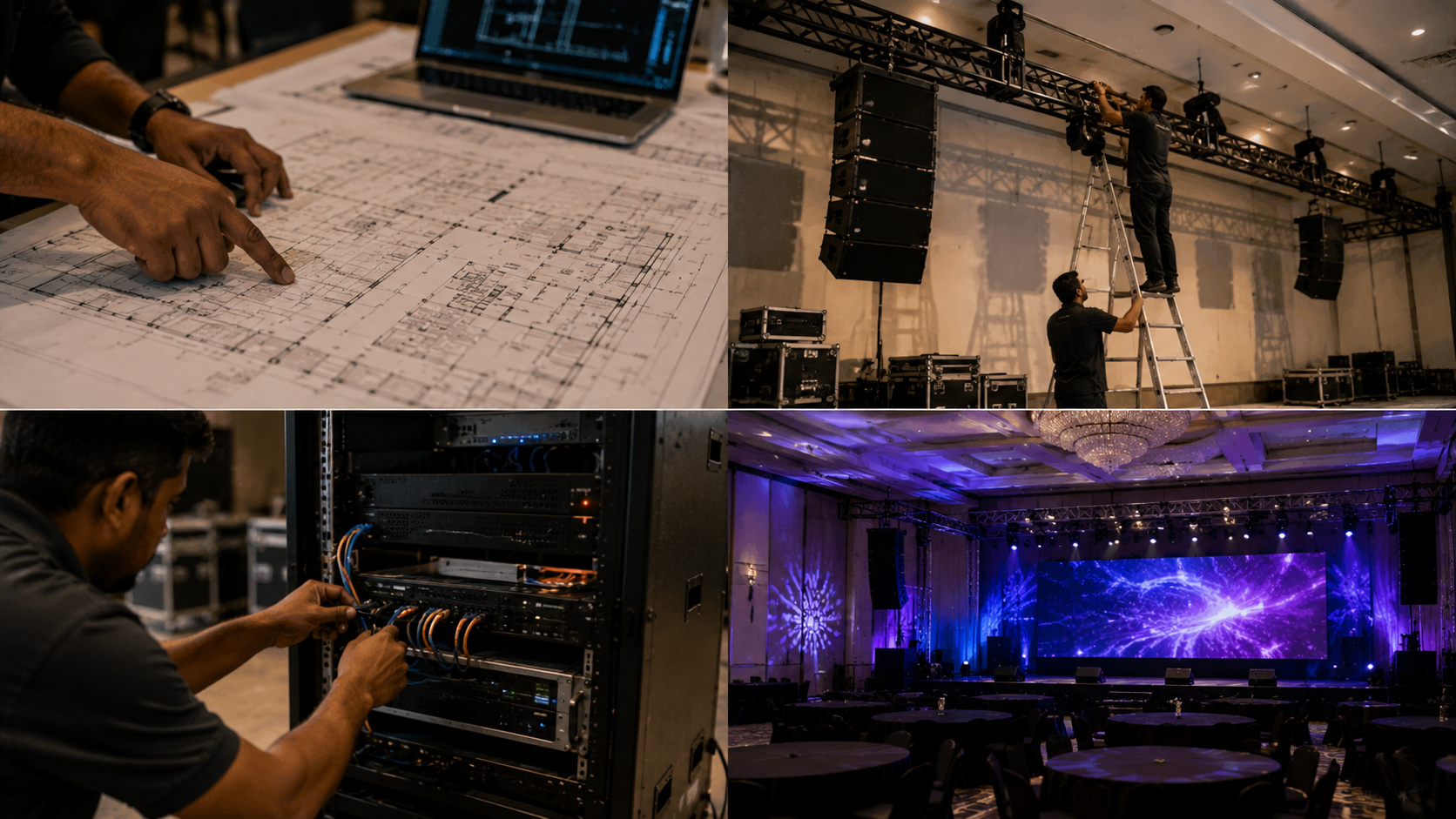
Planning an AV installation in India is about much more than mounting a screen and connecting a few cables. A successful audio-video installation combines displays, cameras, microphones, speakers, control systems, connectivity and room design into one reliable solution. Whether you are setting up a smart classroom, coaching centre, conference room, online teaching studio, hybrid classroom, recording studio or corporate meeting space, the installation process determines how well your technology performs every day. With GoLive eTechnologies, customers can explore solutions ranging from Evota interactive panels and PTZ cameras to Maxhub digital boards, Newline interactive panels, microphones, speakers, capture cards and studio equipment. Here is what you can expect from an AV installation journey.
1. Start With the Blueprint: Understanding Your Space
Every AV project starts with the room.
Before recommending equipment, an installation team needs to understand:
Room dimensions and seating capacity
Screen viewing distance
Lighting conditions
Existing electrical points
Network connectivity
Speaker placement
Camera angles
Teacher/presenter position
Wall and ceiling mounting requirements
Recording and streaming requirements
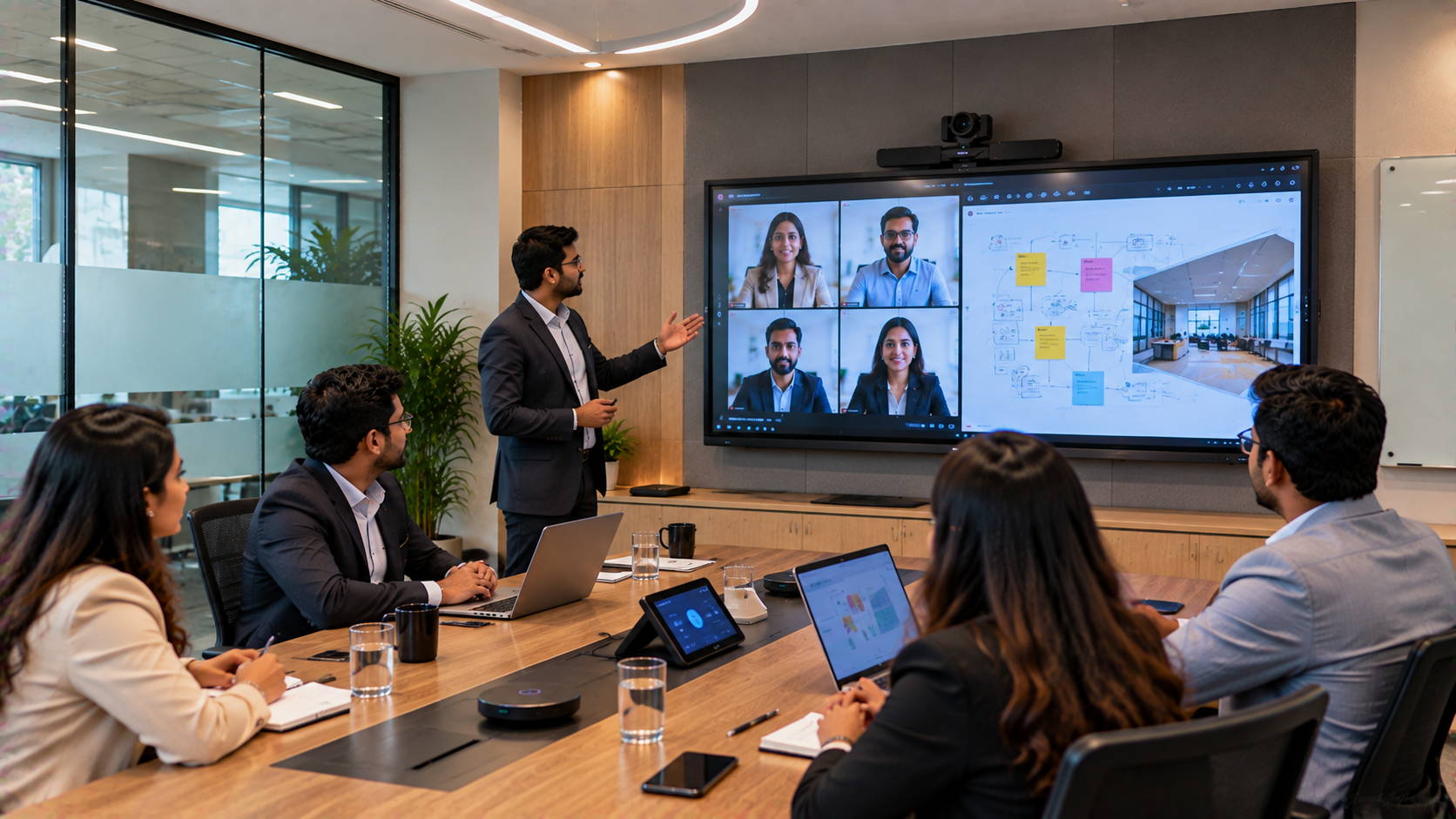
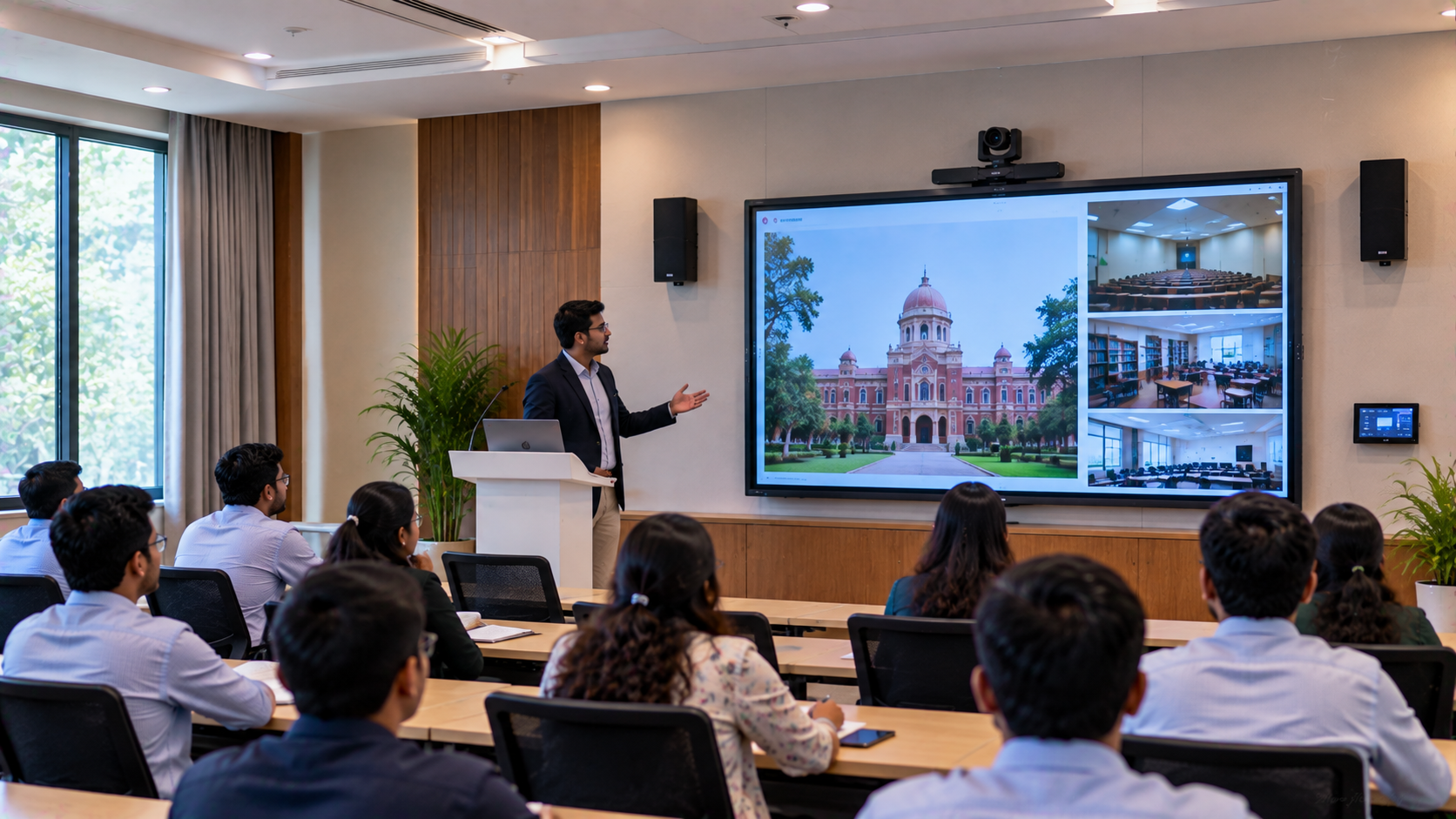
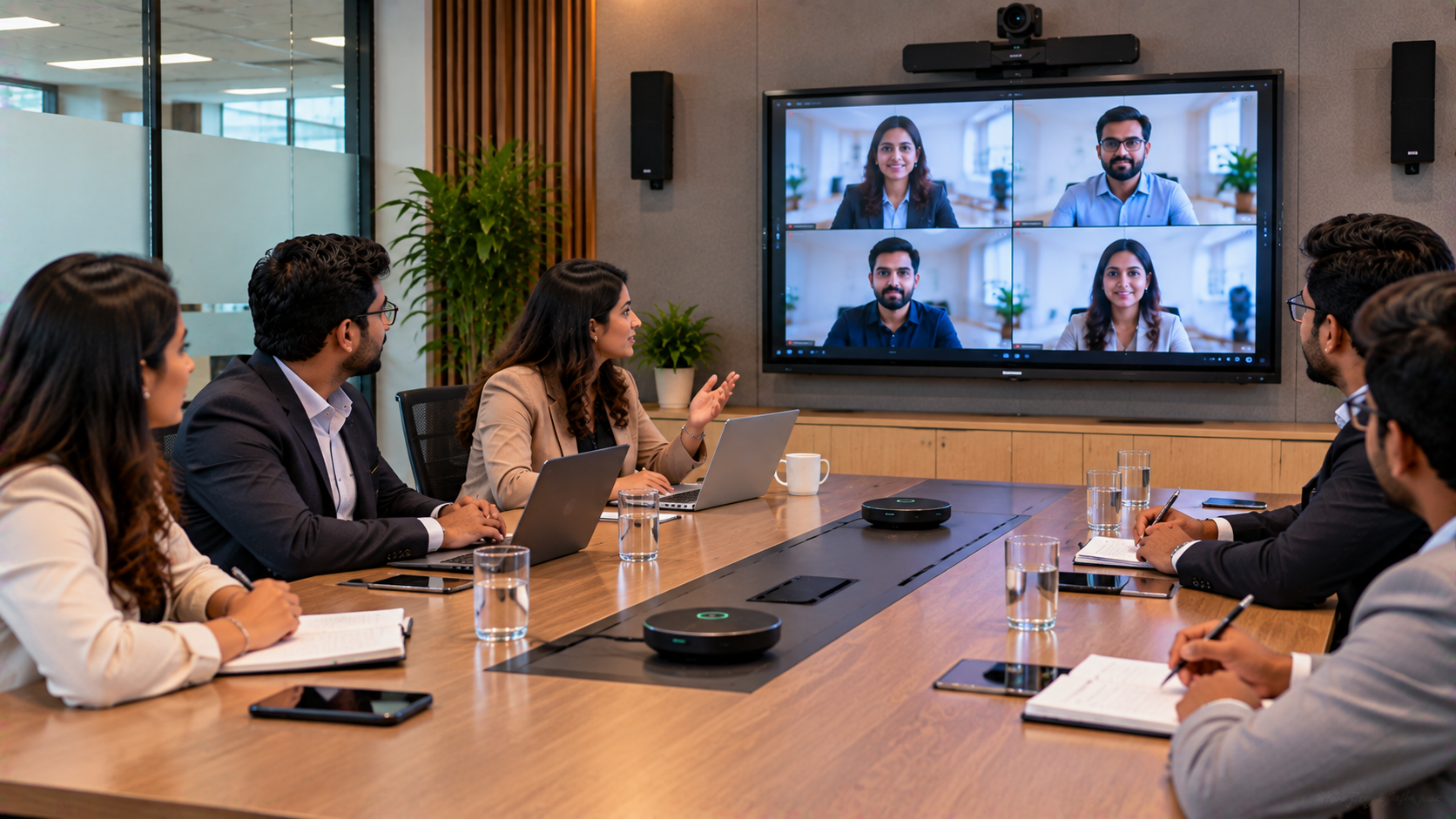
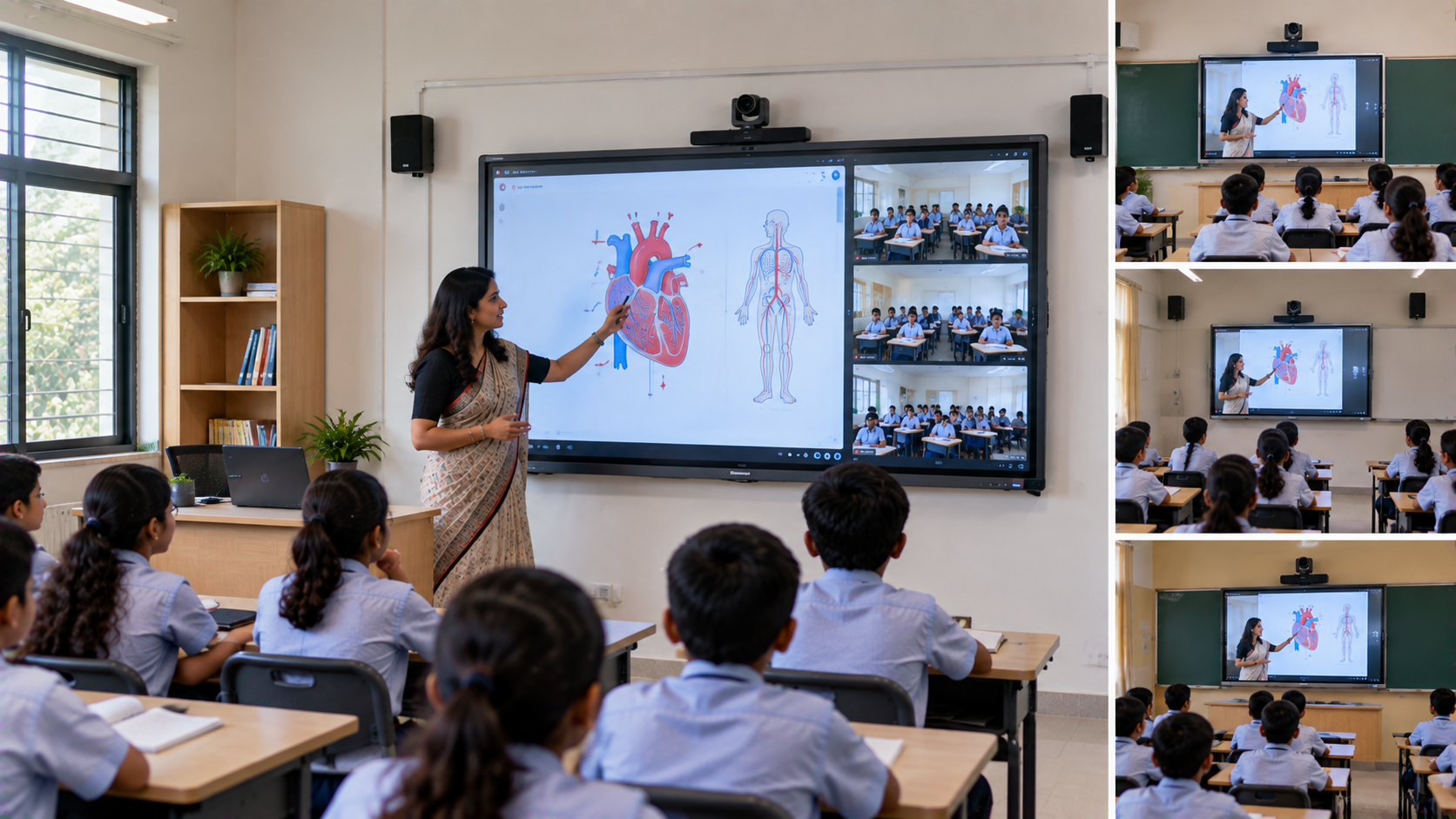
For example, a smart classroom may require an interactive panel, PTZ camera, wireless microphone and classroom speakers, while a corporate boardroom may need a conference camera, display, speakerphone and presentation system.
The objective is simple: select equipment according to the room rather than forcing the room around the equipment.
2. Choosing the Right Interactive Display
The display is often the centrepiece of an AV installation.
GoLive eTechnologies offers solutions for organisations exploring:
Evota smart board
Evota interactive panel
Evota interactive flat panel
Maxhub smart board
Maxhub digital board
Newline interactive panel
LG interactive digital board
Interactive flat panel displays
Digital boards for teaching
For schools and coaching centres, a 75-inch interactive display can provide a strong balance between visibility and classroom usability. Larger rooms may benefit from 86-inch or larger displays.
When comparing Evota smart board price, Newline smart board price, Maxhub smart board price, or LG interactive digital board price in India, buyers should consider more than the screen price.
Look at:
Display + installation + mounting + connectivity + accessories + after-sales support
That gives a more realistic picture of the total project investment.
3. Cameras: Turning the Classroom Into a Studio
Modern AV installations increasingly require video.
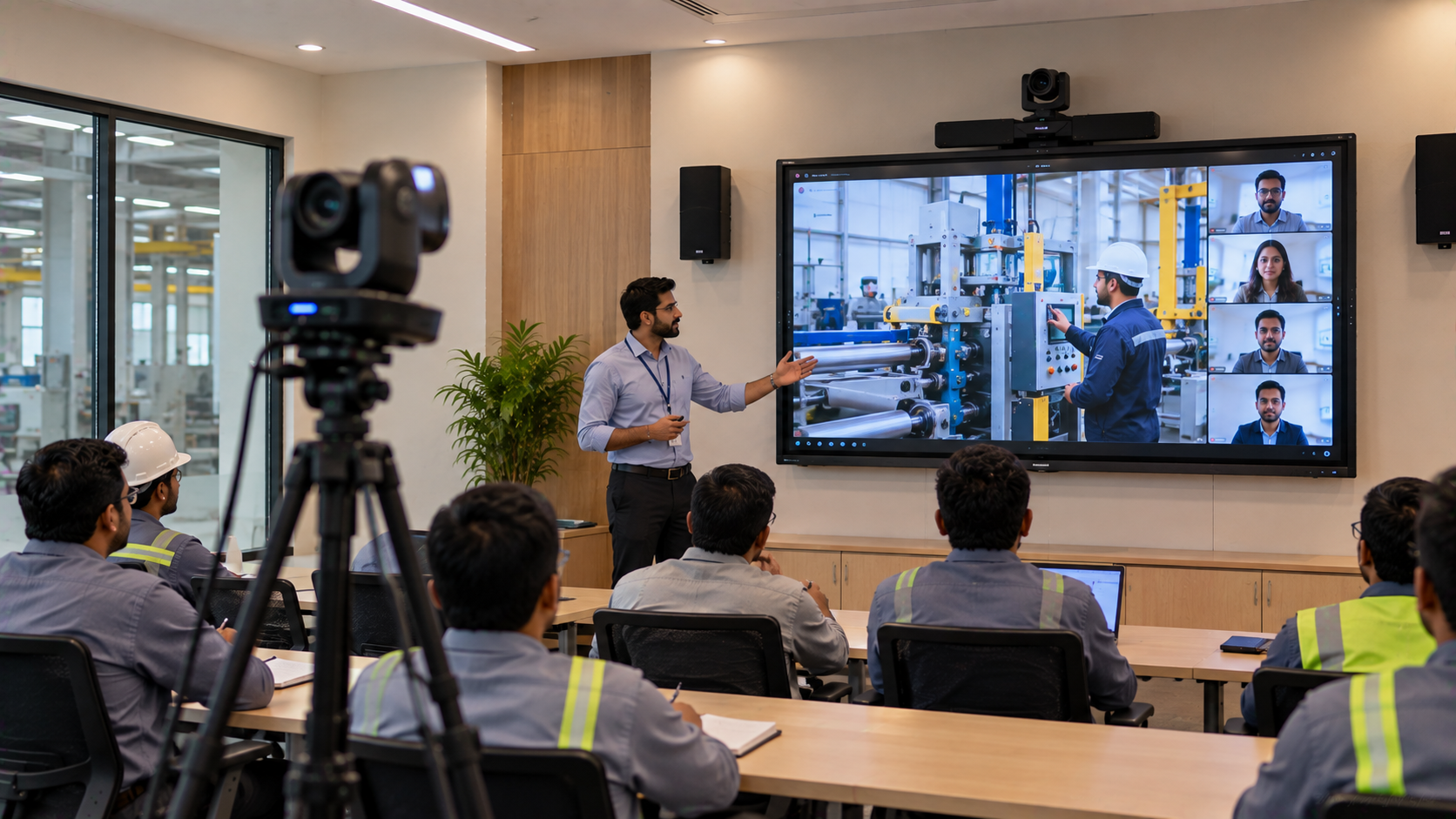
For online classes, hybrid teaching, webinars and lecture recording, a PTZ camera can provide flexible camera positioning and remote control.
Depending on the application, buyers may consider:
Evota 4K PTZ camera
Evota 10X HD PTZ camera
Evota PTZ camera
Logitech PTZ cameras
Lecture capture cameras
4K USB cameras
Webcams for smaller setups
A PTZ camera can be particularly useful when the presenter moves around the room.
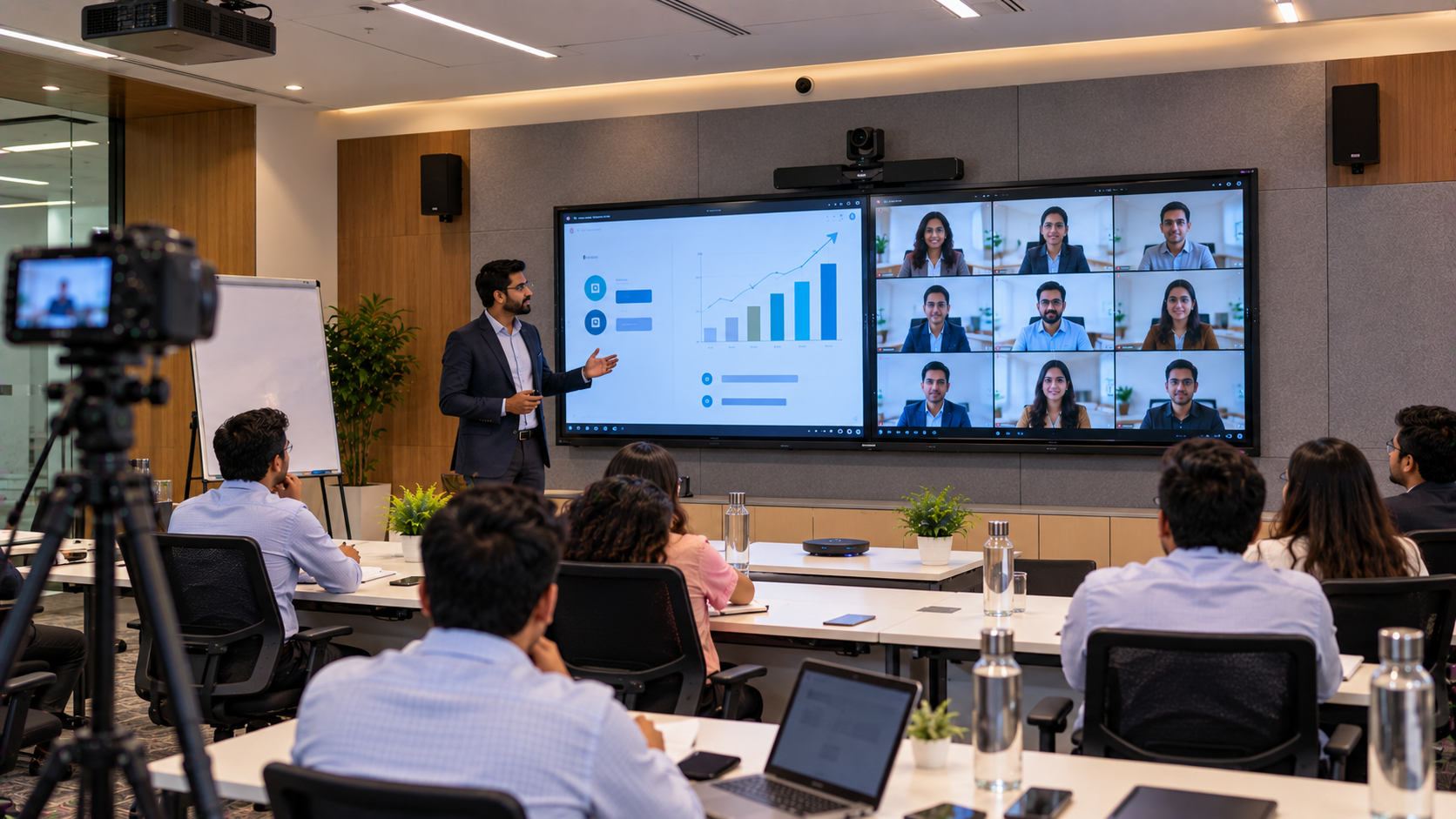
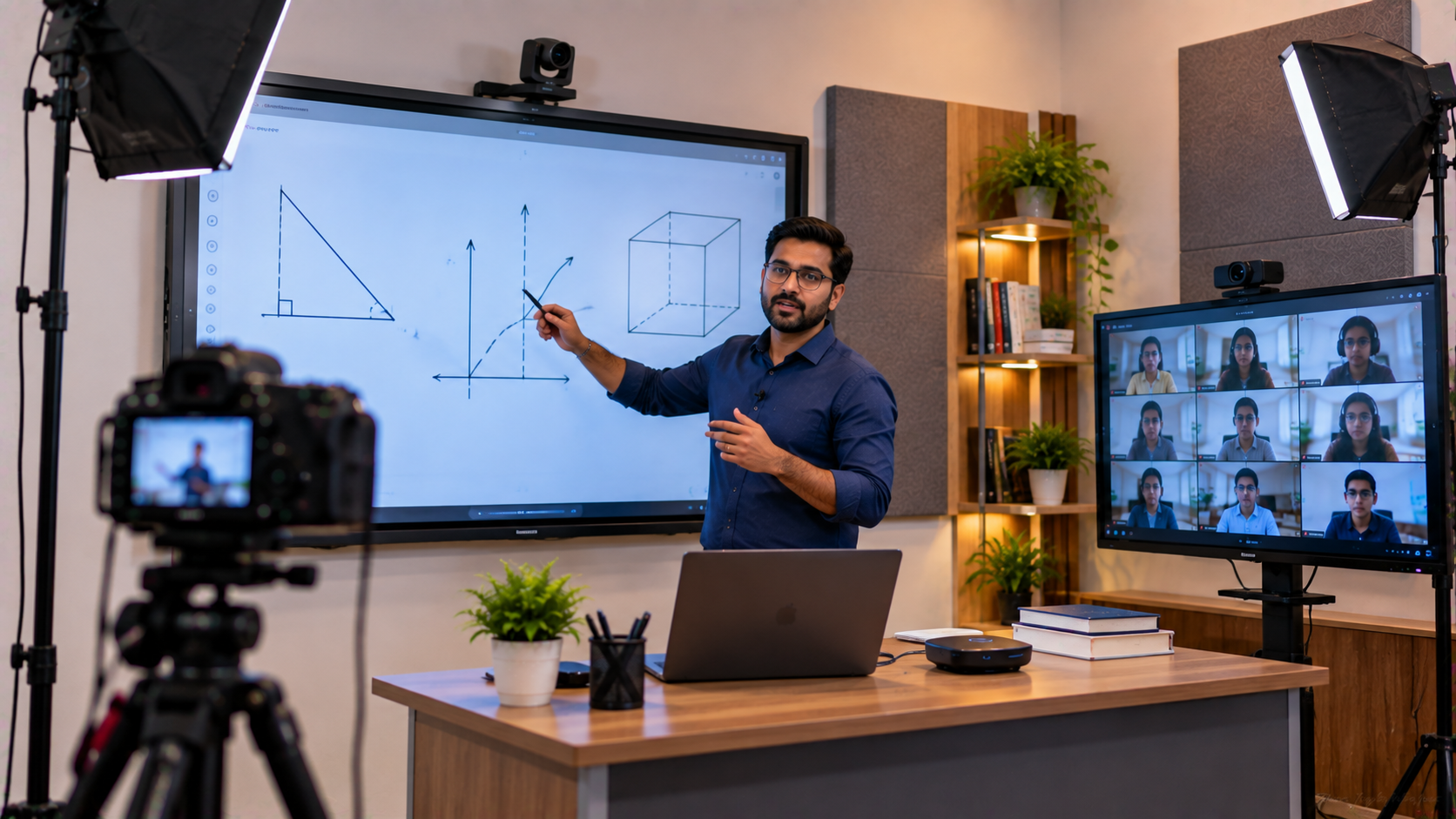
For example, an online teaching studio can combine a 75-inch interactive panel + PTZ camera + wireless microphone + capture card + lighting + computer to create a professional teaching environment.
4. Audio: Where the “Bumping Bass” Comes In
Good visuals cannot compensate for poor audio.
During an AV installation, microphone and speaker positioning are carefully considered to reduce unwanted noise and improve speech clarity.
Depending on the requirement, GoLive eTechnologies can support solutions involving:
Wireless microphones
Teacher microphones
Collar microphones
Conference microphones
Ahuja speakers
Conference room speakers
Amplifiers
Mixers
Audio interfaces
Speakerphone systems
For a classroom, the priority is usually clear speech across the room rather than excessive volume.
For a recording or podcast studio, the focus shifts toward voice quality, acoustic treatment and controlled recording conditions.
5. Connectivity and Control
The equipment needs to work together.
An AV installation may involve:
Display → Computer → Camera → Microphone → Mixer → Speakers → Capture Device → Network
HDMI connections, USB devices, capture cards and other accessories need to be configured correctly.
For organisations recording classes or streaming content, an HDMI video capture device/software can help transfer video into compatible computers and streaming workflows.
Tools such as OBS Studio can also be incorporated into suitable online teaching and live-streaming setups.
6. Lighting Matters More Than You Think
If cameras are part of your AV system, lighting becomes essential.
A classroom or studio with a bright window behind the presenter can create a dark or poorly exposed subject.
For video production, options may include:
LED ring lights
Professional studio lights
Three-point lighting
Soft lighting
Background lighting
Chroma/green-screen setups
This is particularly useful for online teaching, YouTube studios, webinars and professional recording studios.
7. Installation and Calibration
Once the equipment has been selected, installation begins.
This may include:
Wall or ceiling mounting
Display installation
Camera positioning
Speaker placement
Cable routing
Power and connectivity setup
Device configuration
Software installation
Audio calibration
Camera testing
Display testing
User training
The goal is not simply to make every device turn on.
The goal is to create a complete AV ecosystem that works together reliably.
8. Testing the Real-World Scenario
Before handover, the installation should be tested under actual usage conditions.
For a smart classroom, that could mean:
Teacher enters → switches on system → opens presentation → writes on interactive panel → camera records → microphone captures voice → students hear audio clearly.
For a conference room:
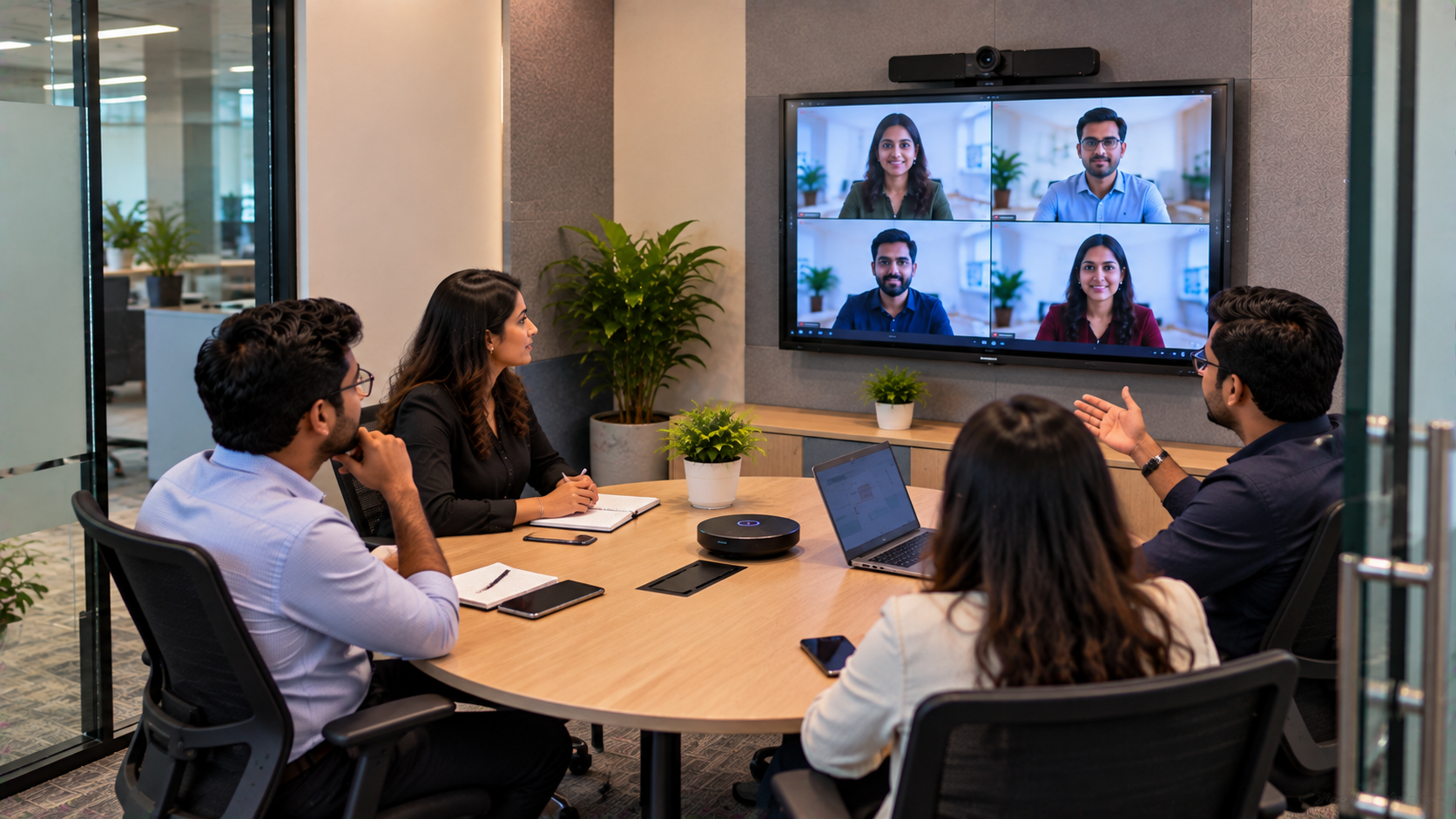
Meeting starts → camera frames participants → microphone captures voices → display shows presentation → remote participants hear and see clearly.
Testing the complete workflow can identify problems that individual device testing may miss.
9. What Determines AV Installation Cost in India?
There is no single AV installation price in India because every project is different.
The overall investment can depend on:
Interactive display size
Camera resolution
PTZ functionality
Number of microphones
Speaker requirements
Amplification
Mounting requirements
Cabling
Room size
Acoustic treatment
Lighting
Recording equipment
Installation complexity
Software and accessories
Therefore, searches such as digital board price in India, interactive panel price, smart board price, PTZ camera price, Evota camera price or Newline interactive panel price in India should be treated as starting points for product comparison rather than the final project cost.
GoLive eTechnologies: Building AV Experiences, Not Just Installing Equipment
A successful AV project brings technology, room design and user experience together.
Whether you are planning a smart classroom in Delhi NCR, a coaching centre in Noida, a hybrid classroom in Mumbai, an online teaching studio in Bengaluru, or a corporate AV setup anywhere in India, choosing compatible equipment and professional installation can make a significant difference.
From Evota interactive panels and PTZ cameras to Maxhub digital boards, Newline interactive panels, microphones, speakers, capture cards and studio equipment, GoLive eTechnologies can help organisations build technology solutions around their actual requirements.
Planning an AV Installation?
Don't choose equipment based only on a product price.
Compare features, compatibility, installation requirements, warranty, support and total project value.
Explore GoLive eTechnologies AV solutions and enquire about the right setup for your space today.
Your email address will not be published. Required fields are marked *

By Inhype • September 12, 2026
A smart classroom is only as effective as the technology supporting it. Interactive panels, smart boards, PTZ cameras, microphones, speakers, PCs and
Read More
By Inhype • September 12, 2026
Higher education is rapidly moving beyond traditional chalkboards and projectors. Today, colleges and universities need technology that supports inter
Read More
By Inhype • September 12, 2026
A smart classroom for CBSE schools is no longer simply a classroom with a digital board. Modern schools are building connected learning environments t
Read More
By Inhype • September 12, 2026
Planning a smart classroom project for 10, 20 or even 50 classrooms requires more than simply purchasing digital boards. Schools, colleges, universiti
Read More
By Inhype • September 12, 2026
A smart classroom can transform the way teachers explain concepts, students interact with lessons, and institutions deliver digital education. From in
Read More




Golive eTechnologies India Private Limited (CIN - U31909UP2021PTC148242) is one of India's leading providers of smart classrooms, interactive boards, video conferencing solutions, and display technologies for the education, healthcare, corporate, and government sectors.












No comments yet. Be the first to comment!