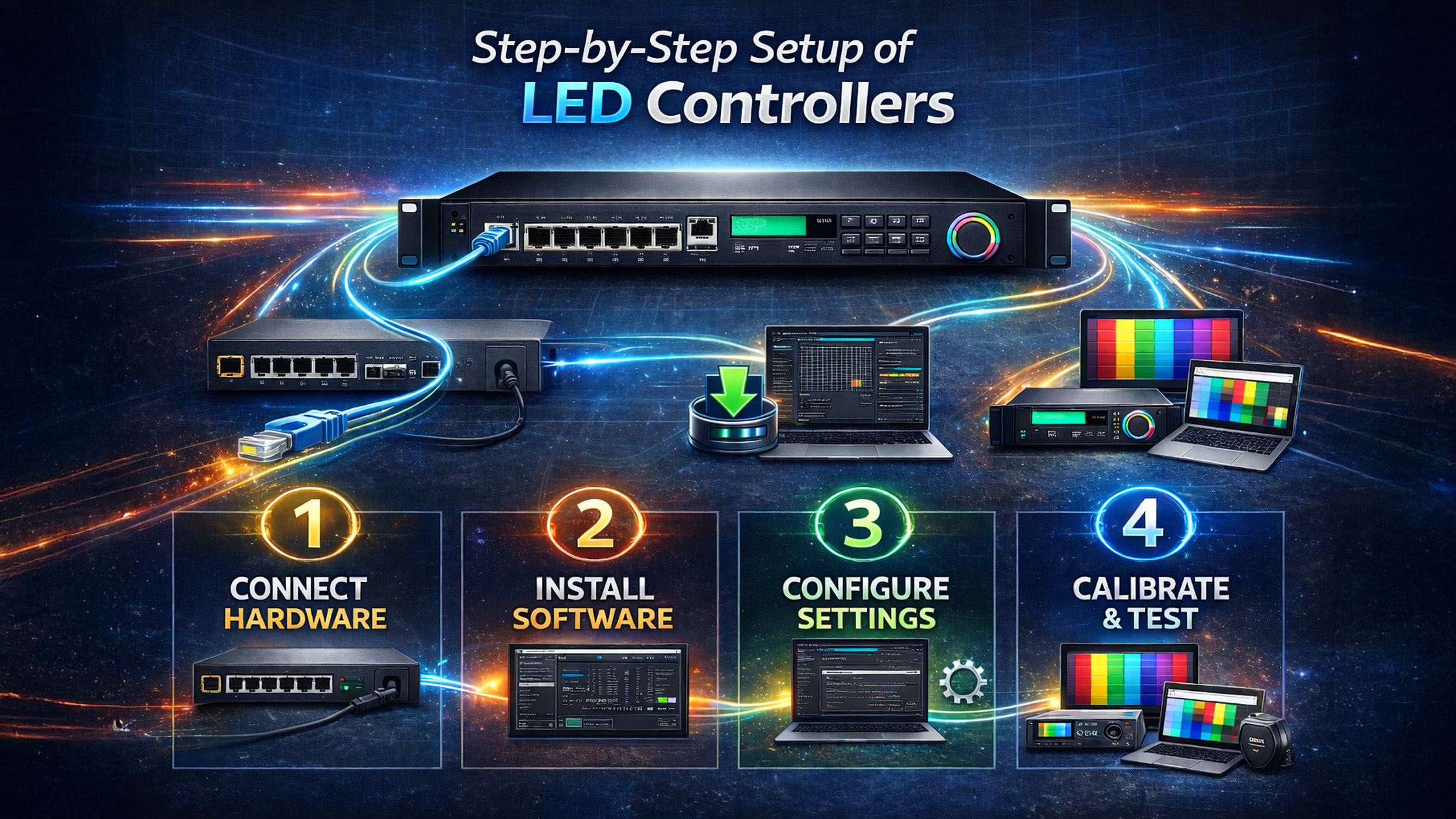
The rise of smart classrooms, online teaching, and hybrid education has created a massive demand for interactive digital boards, PTZ cameras, and LED display systems. Institutions, coaching centres, and corporate training rooms across India are now upgrading to interactive flat panel displays, digital boards, and smart classroom setups. Companies like GoLive eTechnologies are helping schools, universities, and businesses build advanced learning environments with products like Evota Smart Board, Evota 4K PTZ Camera, MAXHUB Smart Board, and LG Interactive Digital Board. A crucial component in this setup is the LED controller, which manages how content is displayed on digital panels and LED boards. This guide explains the step-by-step setup of GoLive LED controllers and how they integrate with digital boards, PTZ cameras, and smart classroom equipment.
What Is a GoLive LED Controller?
A GoLive LED Controller is a device used to control LED displays, digital boards, and interactive panel systems. It ensures smooth signal processing, screen configuration, and display management.
These controllers are widely used with:
Digital panel boards
Interactive flat panel displays
Smart classroom digital boards
Video wall displays
Online teaching studio setups
When combined with products like the Evota Interactive Panel or Newline Interactive Panel, LED controllers enable seamless presentation, video streaming, and digital writing capabilities.
Step-by-Step Setup of GoLive LED Controllers
Step 1: Install the LED Display or Digital Board
Start by installing the LED screen or interactive panel in your classroom, studio, or meeting room.
Common display options include:
Evota Smart Board 75 Inch
MAXHUB Digital Board
LG Interactive Panel 75 Inch
Newline Smart Board
These digital boards for teaching support touchscreen writing, presentations, and multimedia learning.
Benefits of installing a digital board:
Interactive teaching environment
Easy presentation sharing
Digital whiteboard functionality
Seamless integration with PCs and cameras
Step 2: Connect the LED Controller Hardware
Once the digital screen board is mounted, connect the GoLive LED controller to the display.
Typical connections include:
HDMI input from PC or laptop
LAN connection for network control
USB ports for accessories
Video input for cameras
Many smart classrooms integrate devices like:
Evota 10X HD PTZ Camera
Logitech PTZ Pro 2
Logitech B525 HD Webcam
These cameras enable online classes, lecture recording, and live streaming.
Step 3: Install LED Control Software
Next, install the LED control software provided with the controller. This software allows you to:
Configure screen resolution
Adjust brightness and color
Control display layouts
Schedule content
Many setups also integrate tools like:
OBS Studio for streaming
HDMI video capture device software
Lecture recording software
This is especially useful for online teaching studios and hybrid classrooms.
Step 4: Configure the Screen Layout
After installing the software, configure the LED screen settings.
Key configuration options include:
Screen size configuration
Pixel mapping
Display orientation
Input source selection
For example, a 75-inch digital board setup may include:
Interactive panel display
Writing pad for PC
PTZ camera
Wireless microphone
This creates a complete digital classroom system.
Step 5: Integrate Teaching Accessories
To maximize the benefits of a smart classroom, integrate accessories such as:
Computer writing pad / USB writing pad
Wireless mic for teachers
Lecture capture camera
Vision mixer
Ring light for video recording
Many institutions also add digital board pens and stylus devices for smooth writing on interactive digital boards.
Popular Smart Classroom Products by GoLive eTechnologies
GoLive provides a wide range of interactive education technology solutions across India.
Interactive Panels
Evota Interactive Flat Panel
MAXHUB Digital Board
LG Interactive Digital Board
Newline Interactive Panel
PTZ Cameras for Teaching Studios
Evota 4K PTZ Camera
Evota 10X HD PTZ Camera
Logitech PTZ Pro 2
Smart Classroom Accessories
Writing pad for PC
USB writing pad for computer
Wireless microphone for teachers
HDMI video capture devices
These products support online classes, coaching institutes, universities, and corporate training rooms.
Digital Board Pricing in India
Pricing varies based on brand, size, and features.
Approximate ranges:
|
Product |
Approx Price Range |
|---|---|
|
Evota Smart Board 75 Inch |
₹1.5L – ₹3L |
|
MAXHUB Smart Board |
₹1.6L – ₹4L |
|
LG Interactive Digital Board |
₹2L – ₹5L |
|
Newline Interactive Panel |
₹1.7L – ₹4L |
For updated pricing like:
Evota smart board price
Maxhub smart board price in India
LG interactive digital board price
Newline digital board price
You can visit the GoLive eTechnologies website.
Why Choose GoLive eTechnologies?
Businesses and institutions across India choose GoLive eTechnologies India Private Limited because they provide complete smart classroom and studio solutions.
Key Advantages
Authorized supplier of top brands
Expert smart classroom installation
Nationwide delivery across India
Competitive digital board pricing
Professional support and training
GoLive solutions are widely used in:
Schools and colleges
Coaching institutes
Online teaching studios
Corporate training rooms
Government education projects
Future of Digital Education in India
The demand for smart classrooms and interactive digital boards is growing rapidly in India.
Technologies like:
Interactive flat panels
PTZ cameras
AI teaching boards
Digital collaboration tools
are making education more engaging, visual, and accessible.
With companies like GoLive eTechnologies leading the market, institutions can easily upgrade their classrooms to modern digital learning environments.
Your email address will not be published. Required fields are marked *
By Inhype • September 12, 2026
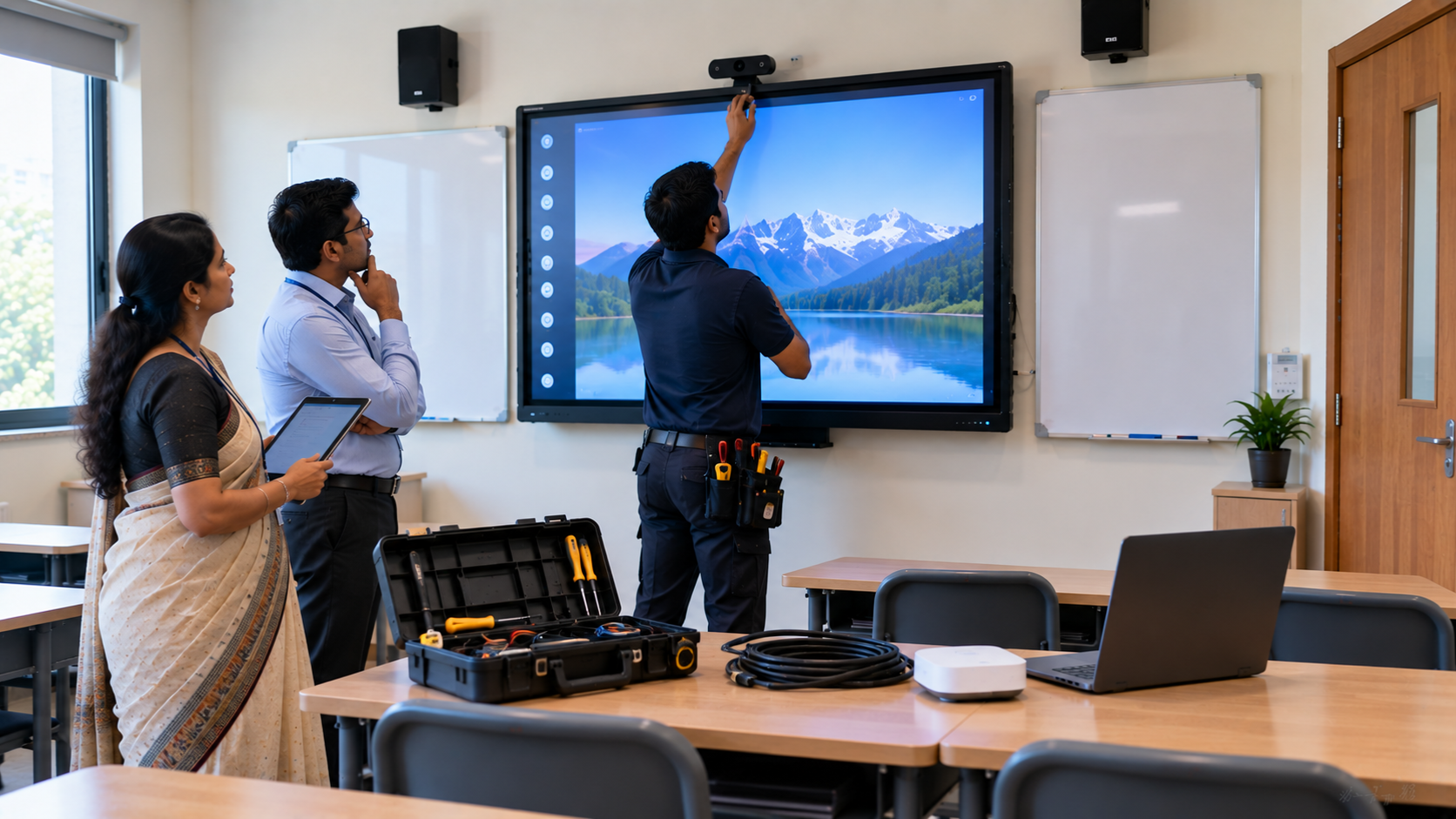
A smart classroom is only as effective as the technology supporting it. Interactive panels, smart boards, PTZ cameras, microphones, speakers, PCs and
Read More
By Inhype • September 12, 2026
Higher education is rapidly moving beyond traditional chalkboards and projectors. Today, colleges and universities need technology that supports inter
Read More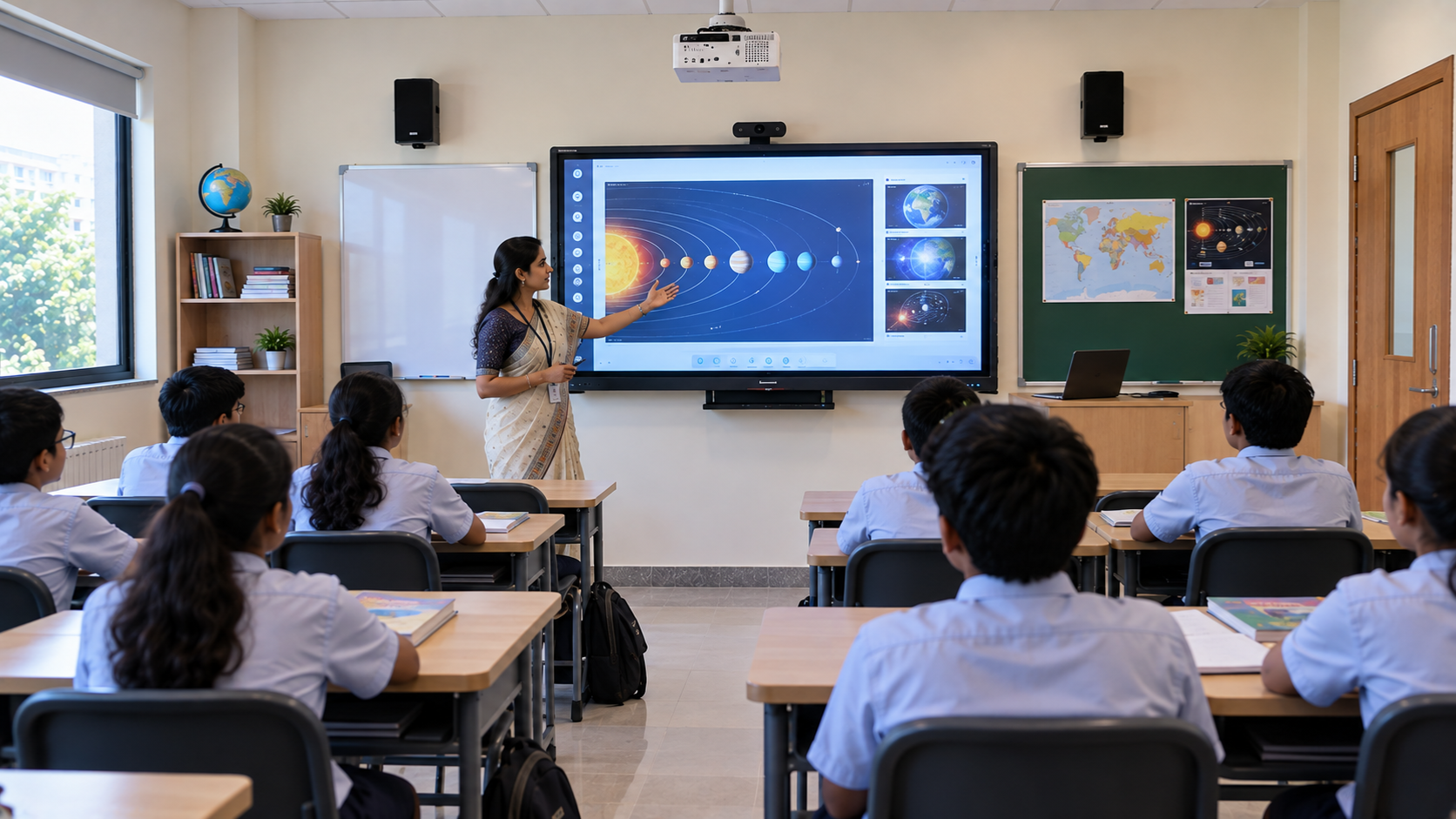
By Inhype • September 12, 2026
A smart classroom for CBSE schools is no longer simply a classroom with a digital board. Modern schools are building connected learning environments t
Read More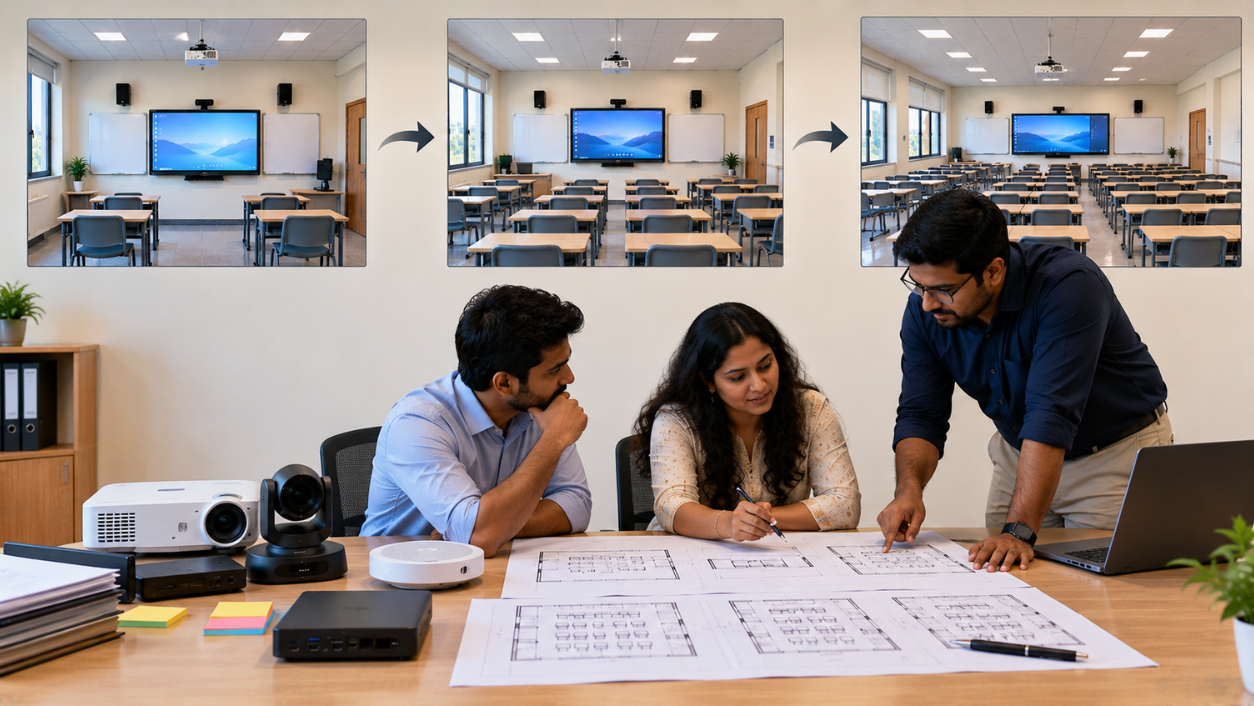
By Inhype • September 12, 2026
Planning a smart classroom project for 10, 20 or even 50 classrooms requires more than simply purchasing digital boards. Schools, colleges, universiti
Read More
By Inhype • September 12, 2026
A smart classroom can transform the way teachers explain concepts, students interact with lessons, and institutions deliver digital education. From in
Read More


Golive eTechnologies India Private Limited (CIN - U31909UP2021PTC148242) is one of India's leading providers of smart classrooms, interactive boards, video conferencing solutions, and display technologies for the education, healthcare, corporate, and government sectors.
No comments yet. Be the first to comment!