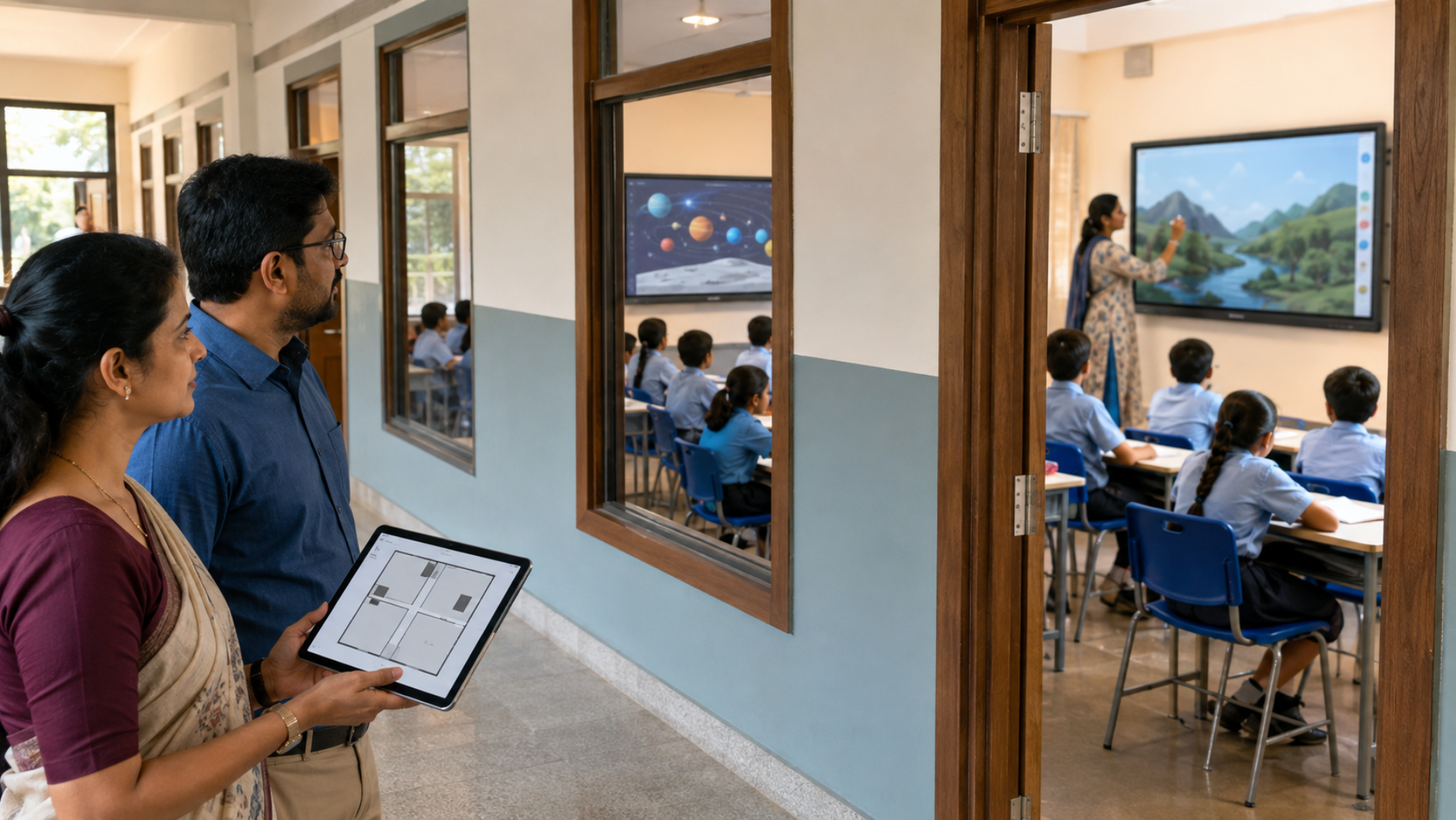
Choosing the right number of interactive displays for schools is about more than counting classrooms. A successful smart classroom strategy considers class strength, teaching patterns, room usage, subject requirements, budget, teacher adoption and future expansion. For schools planning a digital classroom setup, the goal should be simple: put the right technology in the right classrooms without overspending on equipment that may remain underused. So, how many interactive displays does a school actually need? The answer depends on your school's teaching model. This guide explains how to plan your requirement and choose the right interactive panel for education.
What Is an Interactive Display for a Classroom?
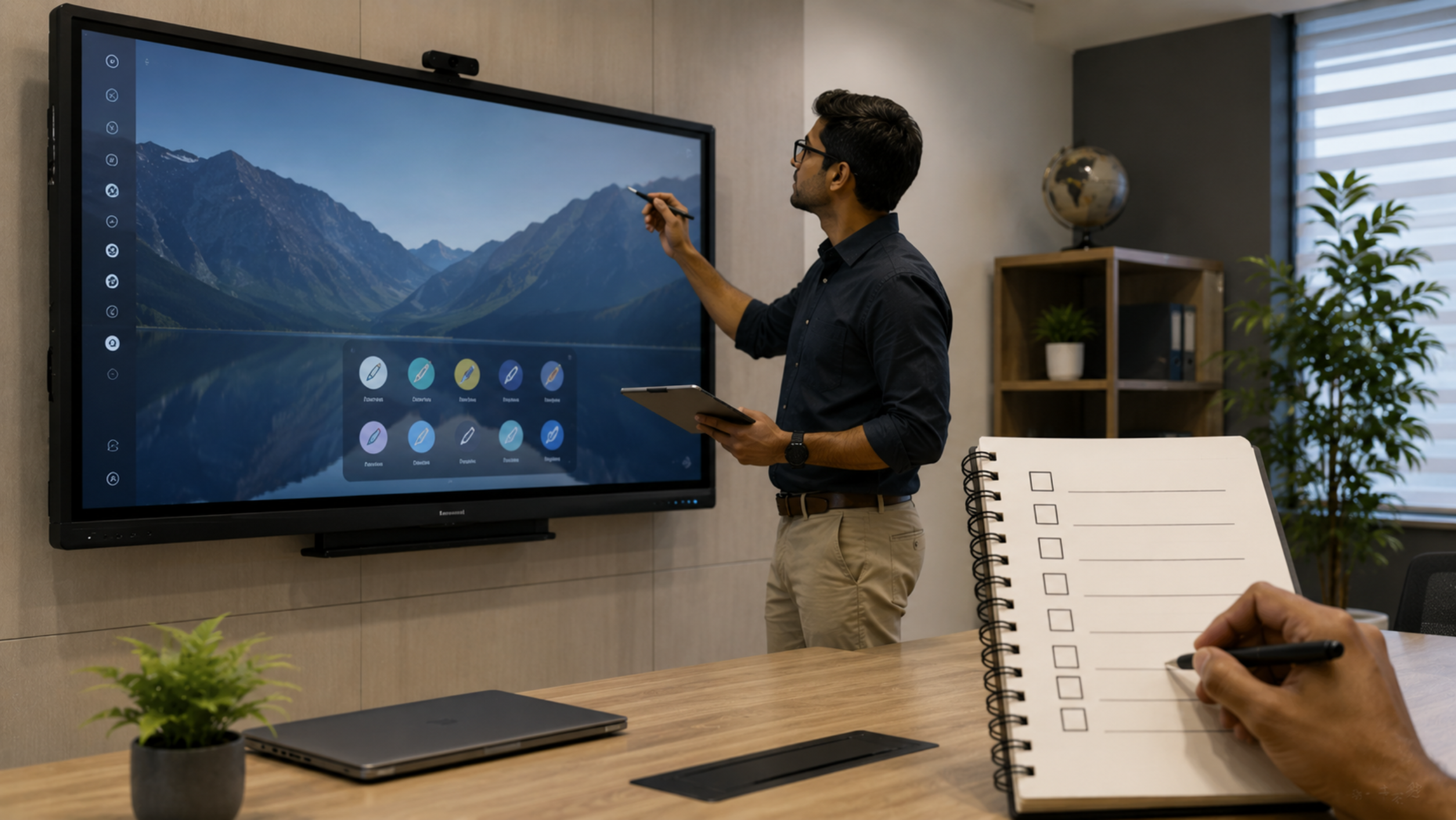
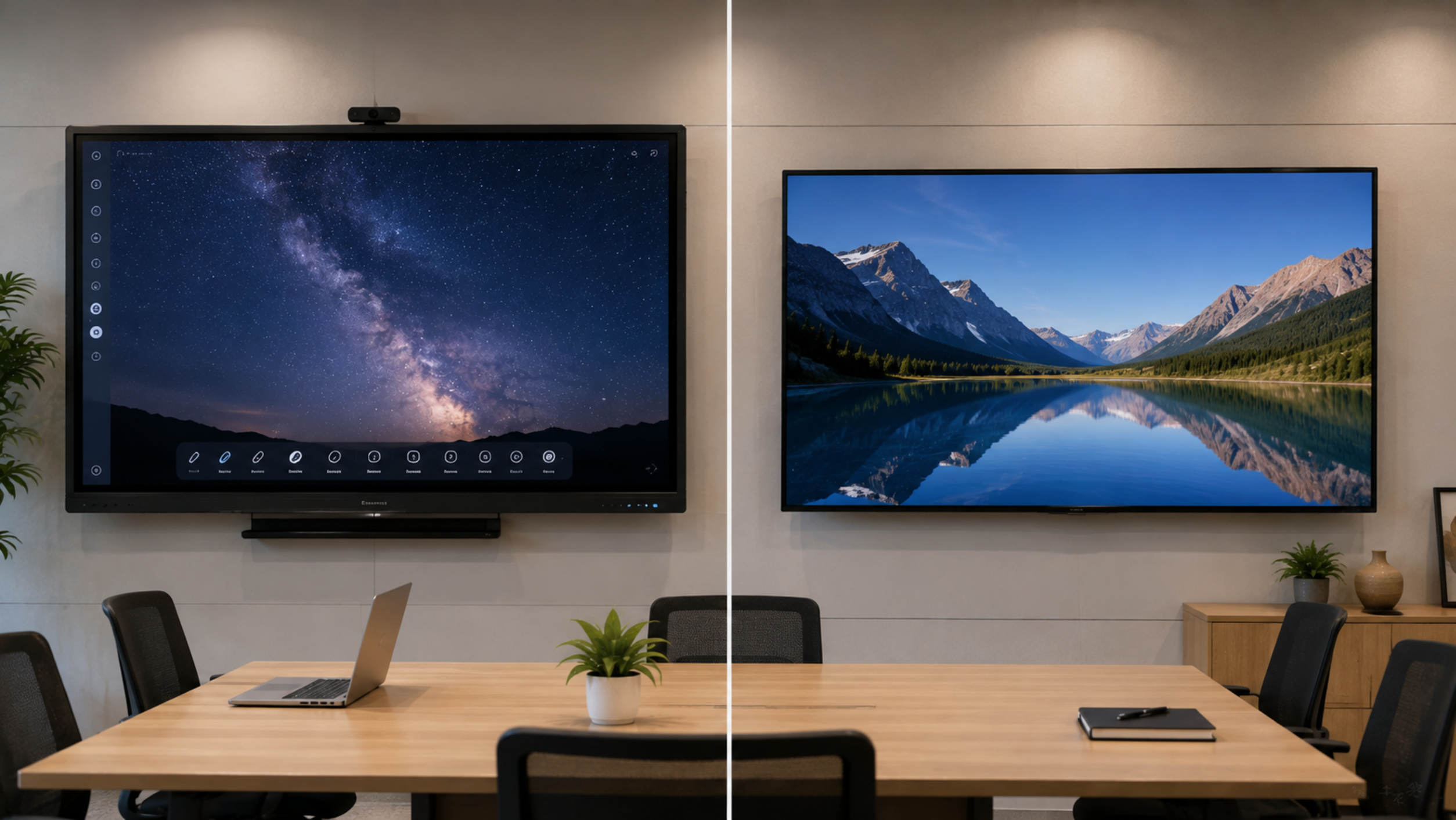
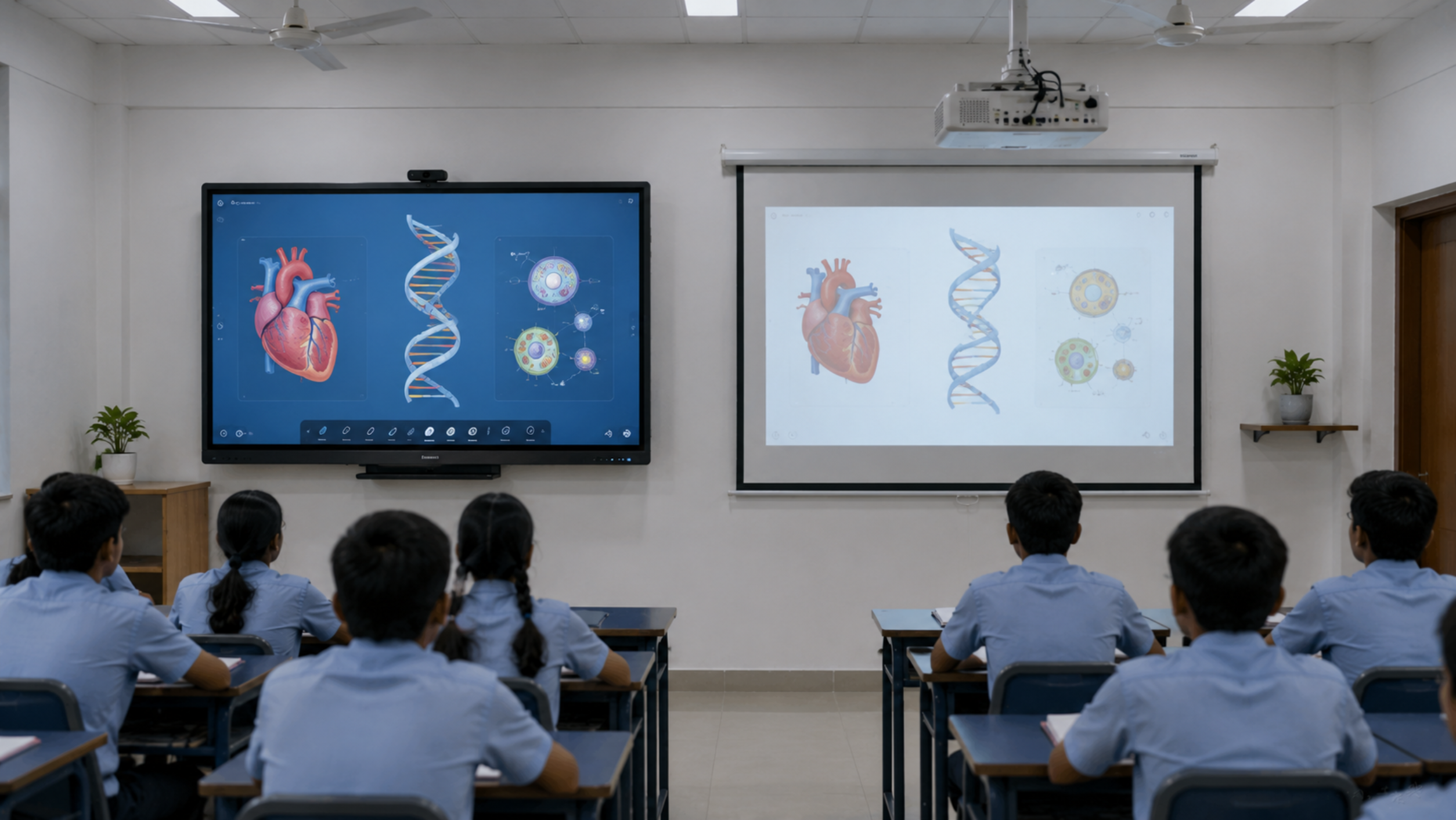
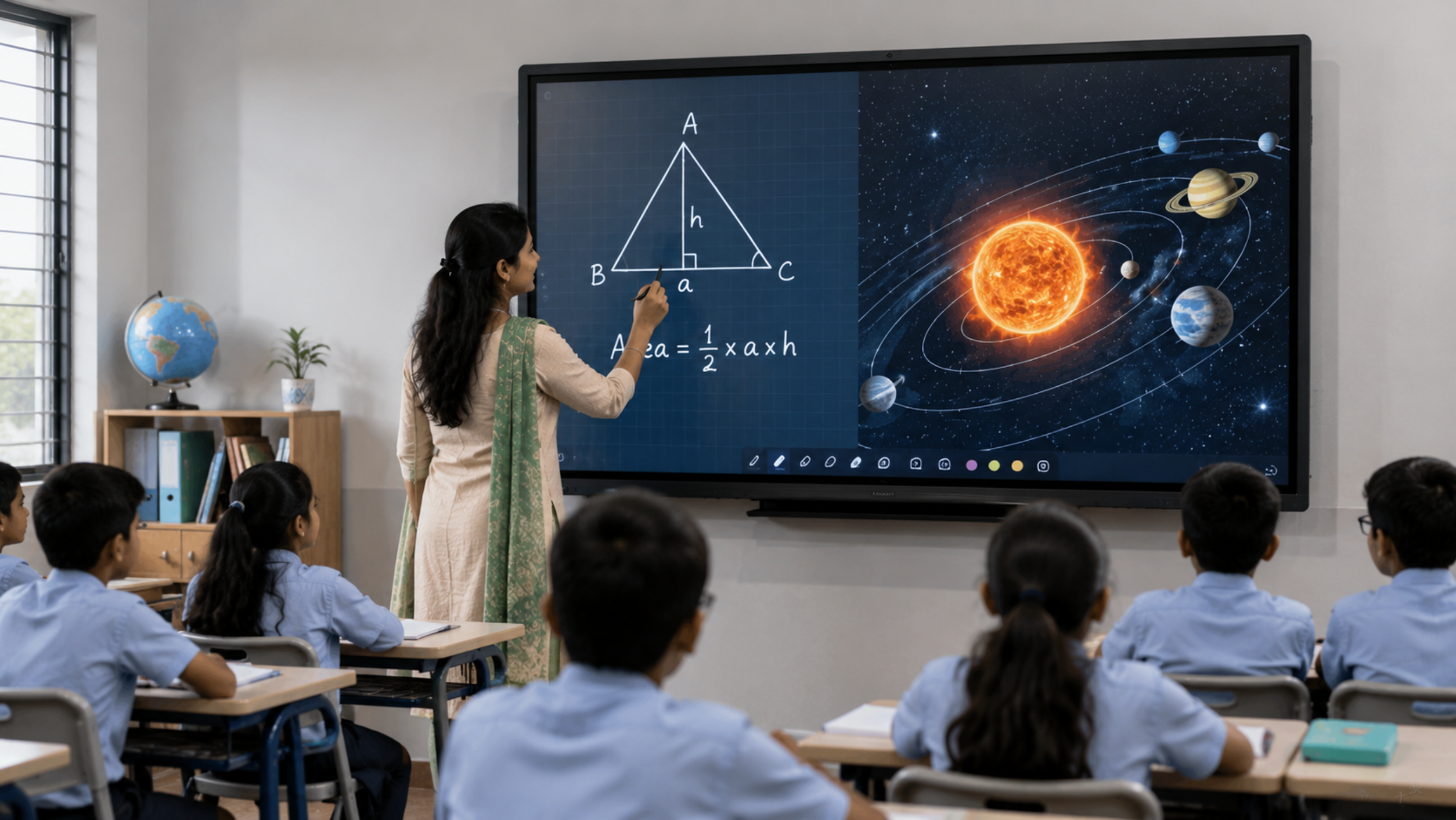
An interactive display is a large touchscreen display designed for teaching, collaboration and digital content delivery. Unlike a conventional projector-and-screen setup, an interactive flat panel can combine touchscreen interaction, digital writing, multimedia playback, presentations and collaborative learning in one device.
Schools can use an interactive display panel for:
Digital lessons and presentations
Writing and annotation
Videos and animations
Interactive quizzes
Online and hybrid classes
Subject demonstrations
Collaborative activities
Teacher training
Recorded and blended learning
For schools moving toward a smart classroom, interactive displays can become the central teaching screen.
How Many Interactive Displays Does a School Need?
There is no universal number. The most practical approach is to calculate requirements based on classrooms rather than total students.
A simple planning formula:
Number of Interactive Displays = Priority Classrooms × Deployment Coverage
For example:
|
School Size |
Classrooms |
Suggested Starting Point |
|---|---|---|
|
Small school |
10–15 |
5–8 displays |
|
Medium school |
20–30 |
12–20 displays |
|
Large school |
40–60 |
25–45 displays |
|
Premium smart school |
60+ |
1 display per teaching classroom |
These are planning ranges, not fixed specifications. The actual requirement should be based on the school's timetable, room usage and budget.
Option 1: One Interactive Display in Every Classroom
For schools building a fully digital learning environment, installing an interactive board for teaching in every regular classroom provides the highest level of accessibility.
Best suited for:
Premium schools
International schools
CBSE and ICSE schools adopting smart learning
Schools with technology-focused teaching
Schools running multimedia-rich lessons
New school campuses
Advantages
Every teacher has immediate access to digital teaching tools.
No timetable is required for shared smart classrooms.
Teachers can use digital content whenever required.
Students receive a consistent classroom experience.
Technology investment becomes part of everyday teaching.
A 65-inch, 75-inch or 86-inch interactive flat panel can be selected according to classroom size and viewing distance.
Option 2: Shared Interactive Classrooms
Schools with budget limitations do not necessarily need to equip every room immediately.
Instead, they can create a network of smart classrooms shared between multiple sections.
For example:
20 classrooms → 8–10 interactive displays
The displays can be installed in classrooms that are most frequently used for:
Science
Mathematics
Computer science
Languages
Demonstration-based subjects
Senior classes
Activity-based learning
This approach allows schools to begin their digital transformation while spreading investment over multiple phases.
Option 3: Hybrid Deployment
A hybrid model is often the most practical approach.
For example:
30 classrooms
15 classrooms: 75-inch interactive panels
5 classrooms: 86-inch interactive panels
5 specialist rooms: interactive displays
5 classrooms: provision for future installation
This allows the school to prioritize classrooms while keeping the infrastructure ready for future expansion.
How to Choose the Right Interactive Display Size
The number of displays is only one part of classroom planning. Screen size matters too.
65-inch Interactive Display
Best for:
Smaller classrooms
Small-group teaching
Coaching centres
Meeting or training rooms
A 65-inch digital board for classroom use can provide a practical balance between screen visibility and room size.
75-inch Interactive Display
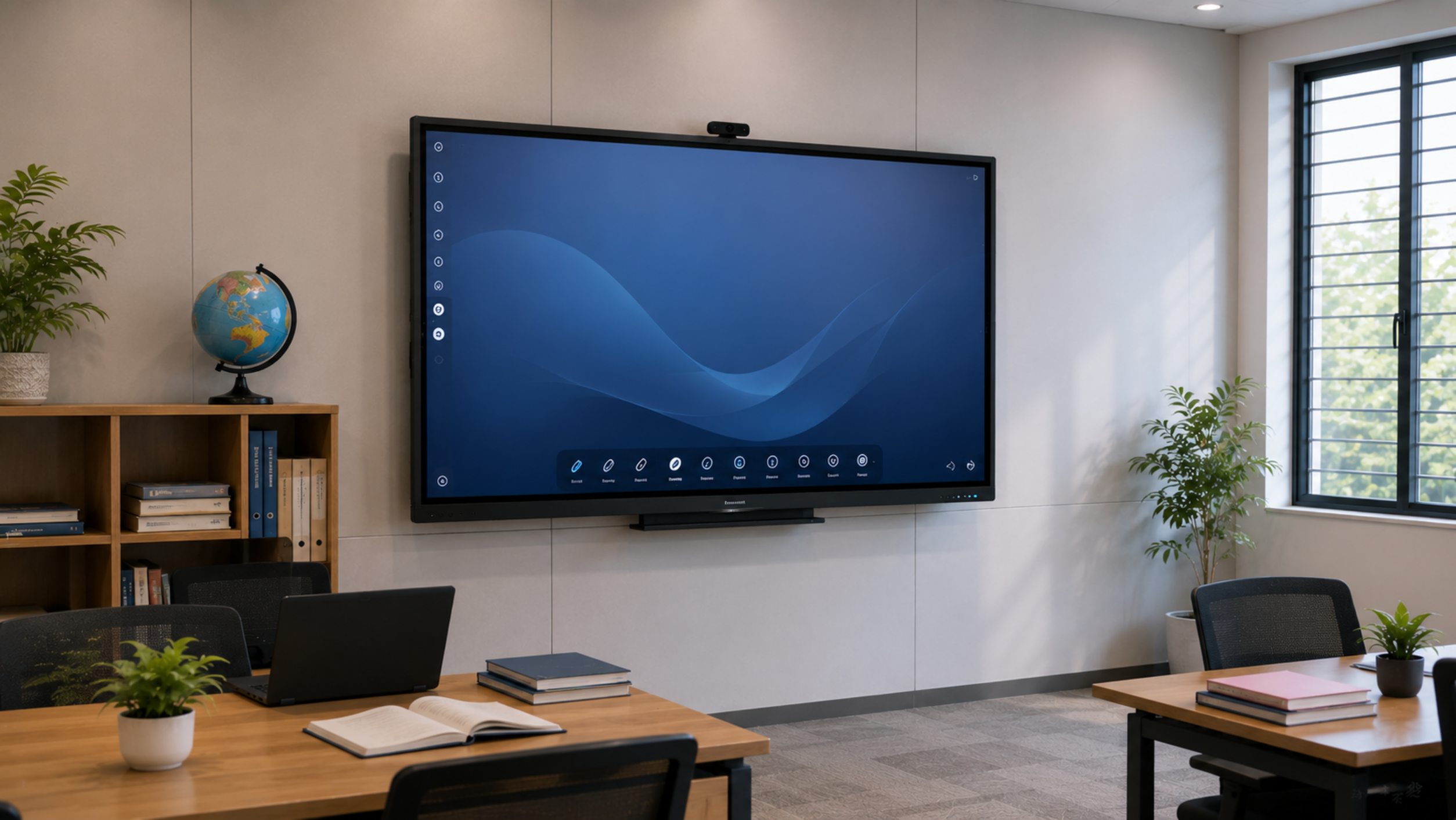
For many standard classrooms, a 75 inch interactive display provides a strong balance between visibility, teaching space and classroom footprint.
Schools researching Evota smart board 75 inch price, LG interactive panel 75 inch price, Newline interactive panel 75 inch price or similar options should compare specifications, warranty, installation and support alongside the purchase price.
86-inch Interactive Display
An 86-inch panel can be useful for:
Larger classrooms
Lecture rooms
Training centres
Auditoriums with close viewing areas
Collaborative learning spaces
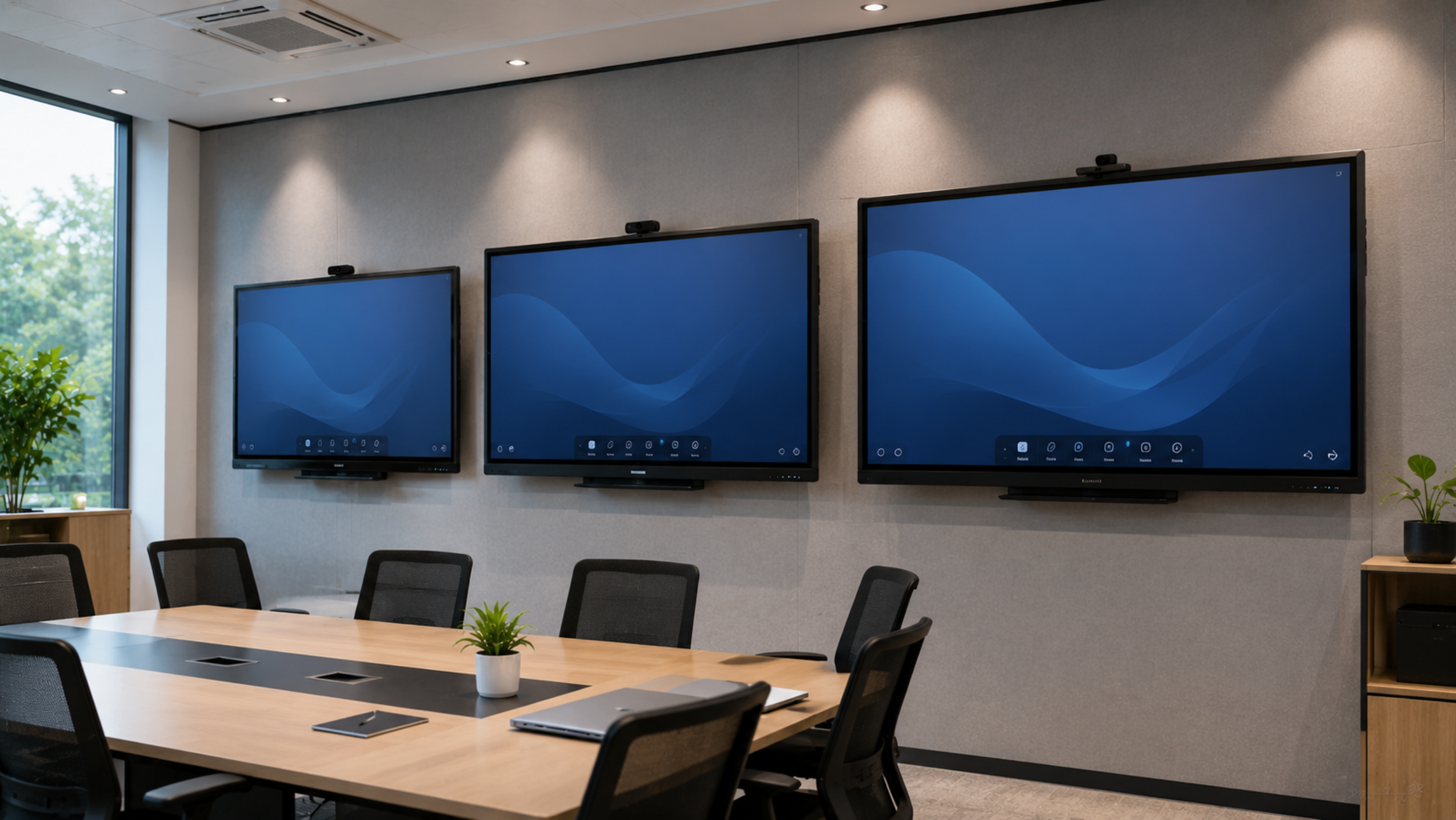
Schools researching Evota smart board 86 inch price or MAXHUB digital board 100 inch price should first assess room dimensions and viewing distance rather than choosing purely based on screen size.
How Much Does an Interactive Display Cost in India?
The interactive panel price in India varies significantly depending on screen size, operating system, resolution, RAM/storage configuration, touch technology, connectivity, software and warranty.
Instead of selecting a product only by searching for:
Smart board price in India
Digital board price in India
Interactive whiteboard price
Interactive panel price
Digital board cost
Smart board for classroom price
schools should evaluate the total cost of ownership.
Consider:
Display cost
Wall mount or mobile stand
Installation
Teacher training
Warranty
Software
On-site support
Accessories
Future service requirements
For example, an apparently lower digital board price may not represent the lowest overall cost if installation, training or support are not included.
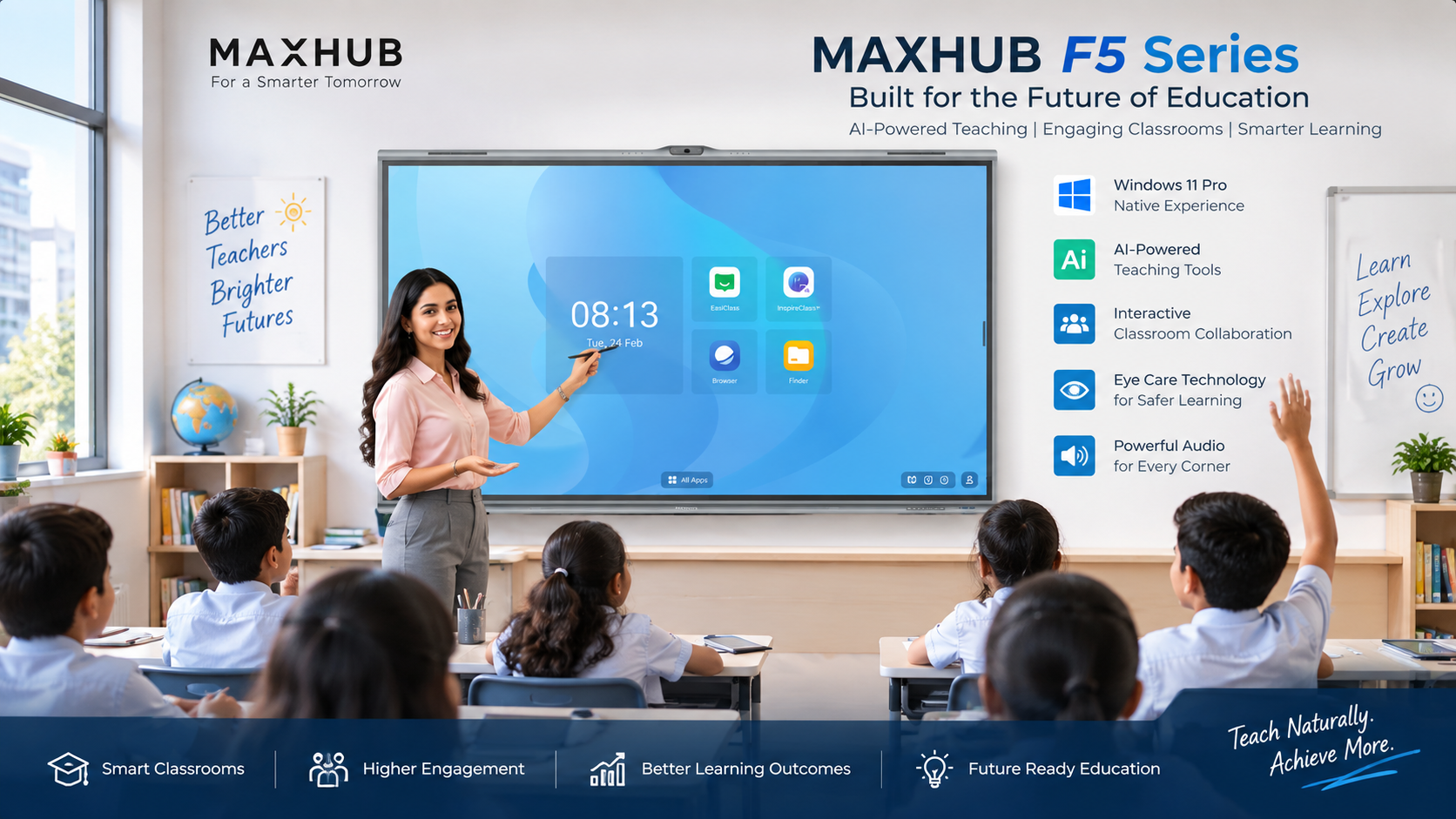
GoLive eTechnologies can help schools compare suitable solutions according to classroom size, budget and teaching requirements rather than simply selecting the cheapest panel.
Evota, Newline, MAXHUB and LG: What Should Schools Compare?
Schools may come across several brands when researching an interactive smart board, including Evota, Newline, MAXHUB and LG.
Instead of comparing only Evota digital board price, Newline digital board price, MAXHUB smart board price or LG interactive digital board price, compare the complete solution.
Key comparison points
|
Factor |
What to Check |
|---|---|
|
Screen size |
65", 75", 86" or larger |
|
Resolution |
Prefer high-resolution displays for clear content |
|
Touch |
Number of touch points and writing responsiveness |
|
Connectivity |
HDMI, USB, Wi-Fi and other required interfaces |
|
Operating system |
Check compatibility with school applications |
|
Audio |
Built-in speakers and classroom suitability |
|
Software |
Annotation and collaboration tools |
|
Installation |
Wall mount/stand and professional installation |
|
Warranty |
Coverage and service terms |
|
Training |
Teacher onboarding and product training |
|
Support |
Service availability after installation |
This is where a technology partner becomes important.
Don't Forget the Supporting Classroom Technology
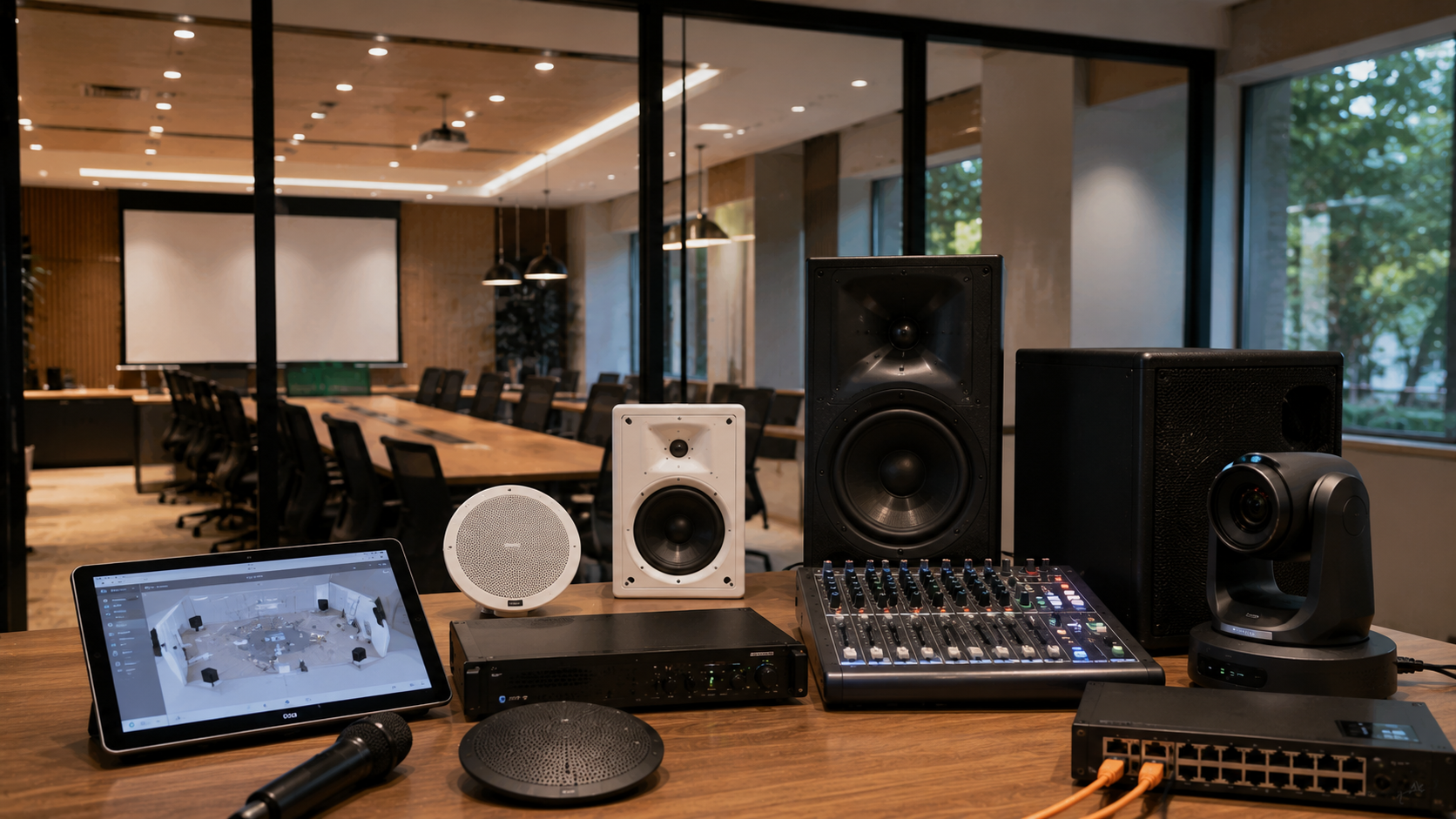
An interactive panel works best as part of a complete smart classroom solution.
Depending on the teaching model, schools may also require:
Teacher computer or laptop
Writing pad for PC
Computer writing pad
USB writing pad
Digital board pen
Wireless microphone
Classroom speakers
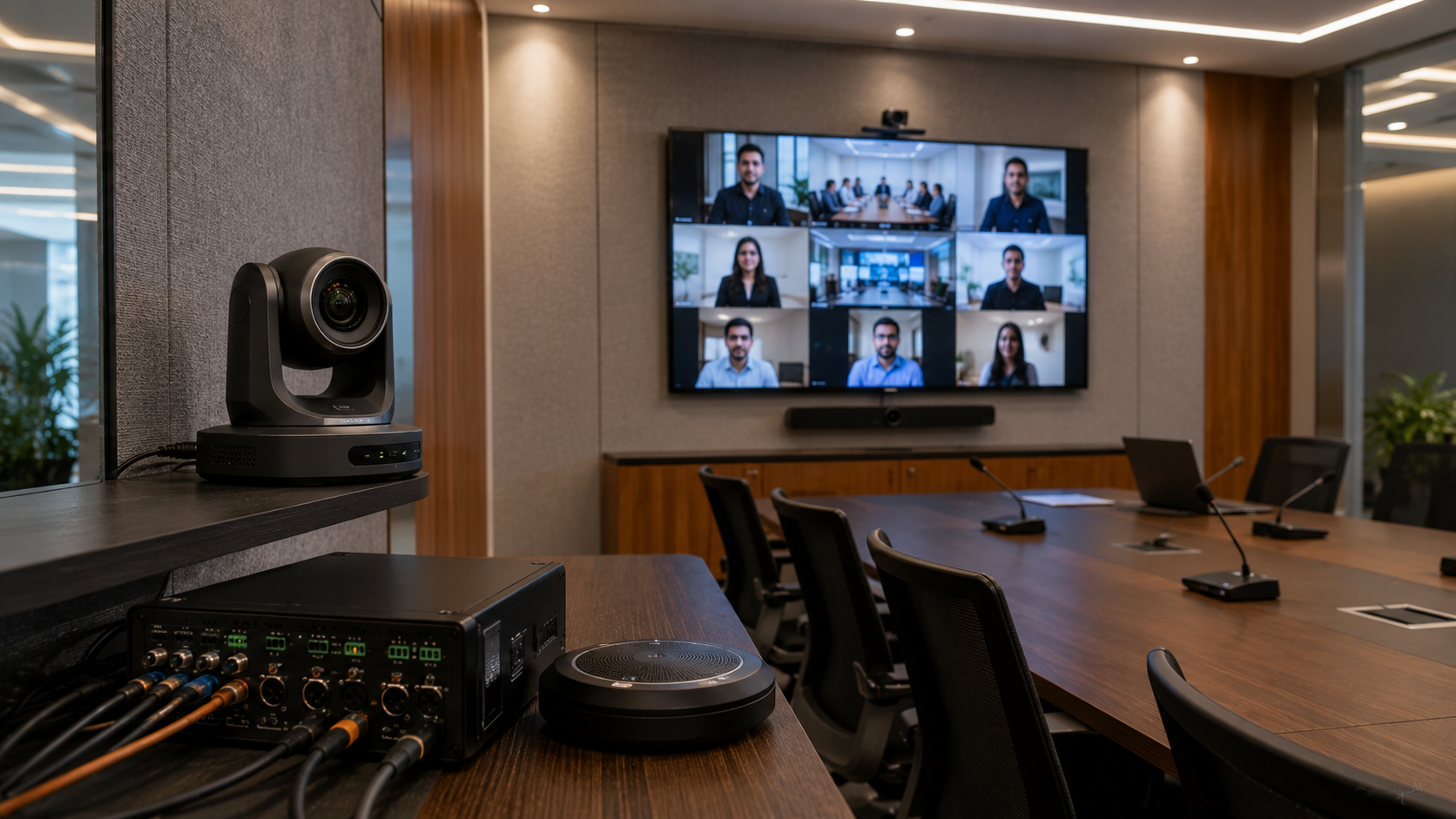
PTZ camera
Lecture recording camera
HDMI video capture device
Online teaching equipment
Camera for teaching online
Mounting kit
Network connectivity
For schools planning hybrid classrooms, an Evota 4K PTZ camera, Logitech PTZ camera or another suitable camera can complement the interactive display.
The exact combination should depend on the school's teaching and recording requirements.
A Practical School Deployment Plan
Instead of purchasing everything at once, schools can use a phased strategy.
Phase 1: Pilot
Select 5–10 classrooms.
Measure:
Teacher adoption
Student engagement
Display visibility
Connectivity
Software requirements
Technical support requirements
Phase 2: Expand
Deploy displays to the classrooms with the highest utilization.
Phase 3: Standardize
Select preferred screen sizes, accessories, installation standards and training processes.
Phase 4: Complete the Campus
Equip remaining classrooms according to the school's budget and technology roadmap.
This approach can reduce deployment risk and make future procurement easier.
Why Installation and Support Matter
Buying an interactive digital board is only the first step.
Schools also need technology that works consistently during real classroom use.
That is why GoLive eTechnologies focuses on an end-to-end approach:
Selection → Supply → Installation → Configuration → Training → Support
The objective is simple:
Technology that works, backed by people who help.
For schools, this means less technology headache and more confidence that classroom technology will work when teachers need it.
Why Choose GoLive eTechnologies for School Technology?
GoLive eTechnologies helps organizations evaluate, procure and deploy technology solutions based on their actual requirements.
The approach is built around four practical benefits:
Right Solution
Choose the appropriate interactive display size, configuration and accessories for each classroom.
Fast Deployment
Coordinate supply and deployment efficiently across classrooms or campuses.
Professional Installation
Get the display installed and configured for classroom use.
Ongoing Support
Receive assistance beyond the initial purchase, including product guidance and teacher support where applicable.
The result is peace of mind for school management and teachers.
Whether you are researching an Evota interactive panel, Newline interactive panel, MAXHUB smart board, LG interactive panel or another classroom display, the right buying decision should consider the complete solution—not just the advertised panel price.
Final Checklist: How Many Displays Should Your School Buy?
Before placing an order, ask:
How many teaching classrooms require digital teaching?
Which classrooms have the highest daily utilization?
What screen size suits each room?
Do teachers need annotation and collaboration features?
Will the school conduct hybrid or online classes?
Are cameras or microphones required?
What is the installation requirement?
What training will teachers receive?
What warranty and support are included?
Can the solution scale as the school grows?
If the answer to these questions is clear, your school can build a smarter and more cost-effective deployment plan.
Ready to Plan Your Smart Classroom?
Whether you need one interactive display or a complete multi-classroom deployment, GoLive eTechnologies can help you evaluate the right solution for your classrooms.
Get the right solution, fast deployment, professional installation and ongoing support—so your school can focus on teaching, not technology headaches.
Explore interactive panels and smart classroom solutions at GoLive eTechnologies and request a customized school deployment consultation.
Your email address will not be published. Required fields are marked *

By Inhype • May 26, 2026
Go Digital With Confidence Using Smart Classroom & Business Solutions In today’s fast-changing digital world, businesses, schools, coaching insti
Read More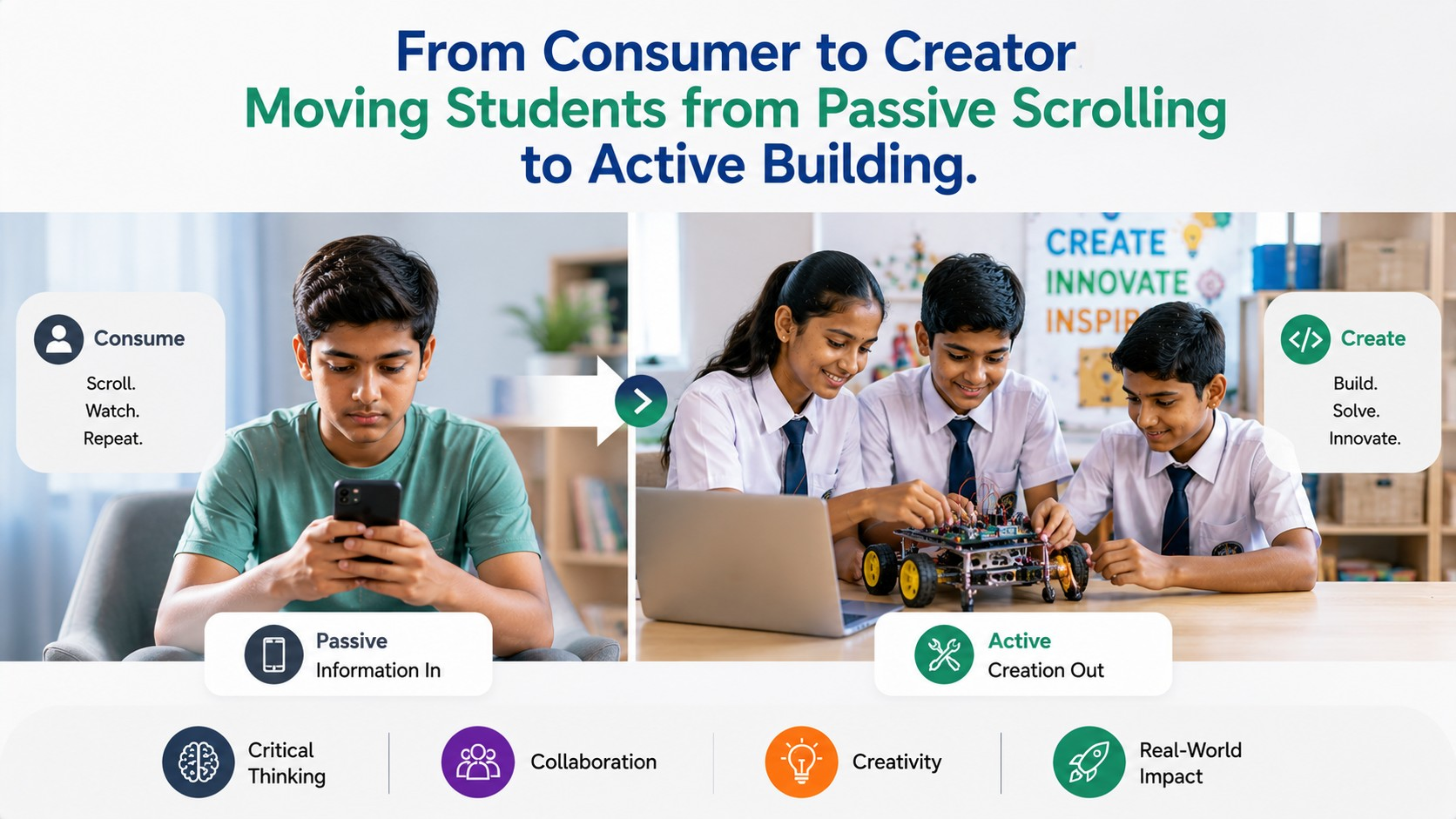
By Inhype • May 26, 2026
From Passive Scrolling to Active Building: The Future of Smart Classrooms in India India’s education landscape is rapidly transforming. Students
Read More
By Inhype • May 26, 2026
In today’s fast-changing education and business landscape, simply purchasing technology is no longer enough. Schools, coaching institutes, universit
Read More
By Inhype • May 26, 2026
India’s education ecosystem is rapidly evolving. With the rise of digital classrooms, hybrid learning, AI-powered education tools, and interactive t
Read More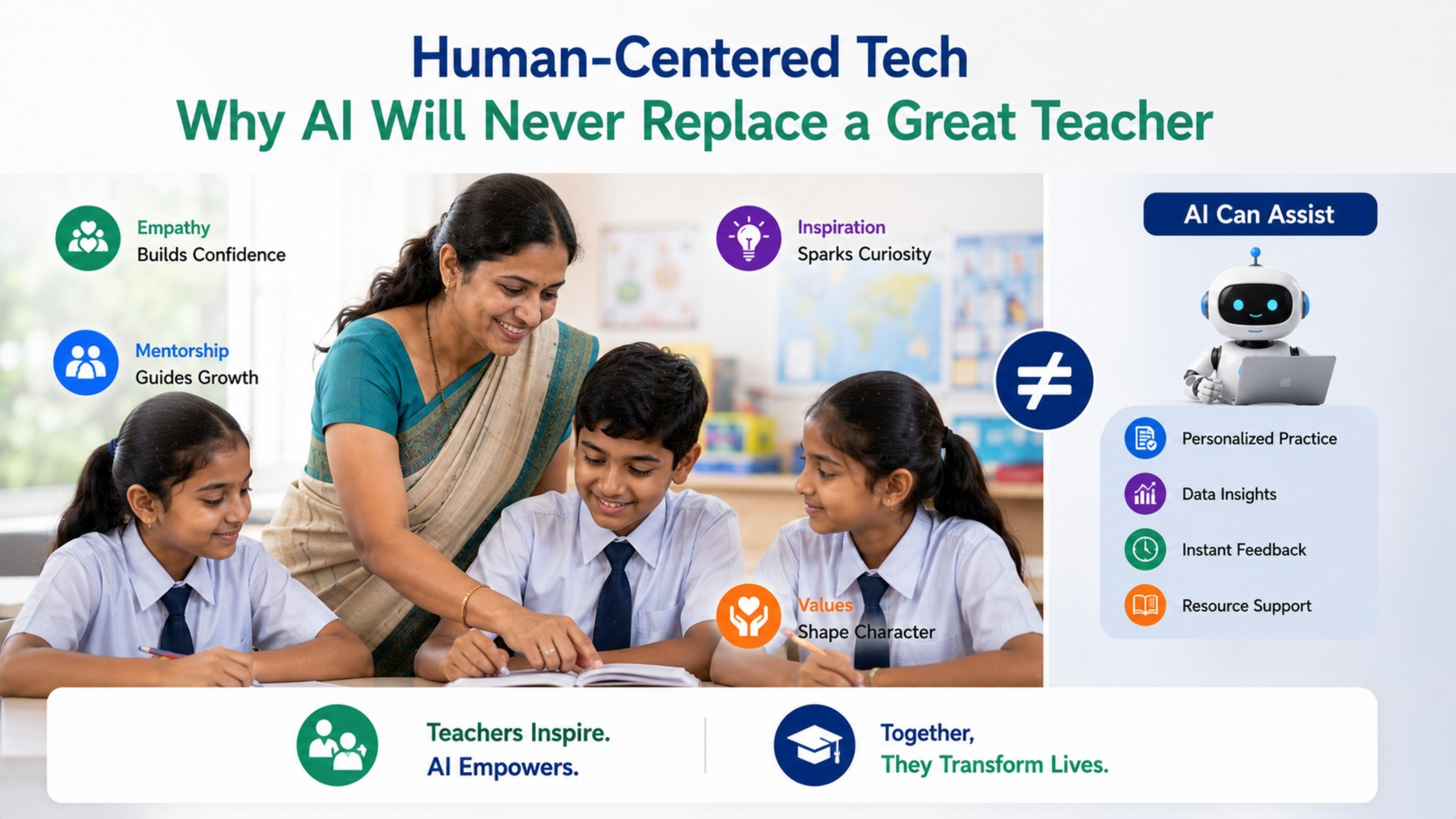
By Inhype • May 26, 2026
In today’s rapidly evolving digital education ecosystem, AI-powered tools, smart classrooms, and interactive learning technologies are transforming
Read More




Golive eTechnologies India Private Limited (CIN - U31909UP2021PTC148242) is one of India's leading providers of smart classrooms, interactive boards, video conferencing solutions, and display technologies for the education, healthcare, corporate, and government sectors.



No comments yet. Be the first to comment!