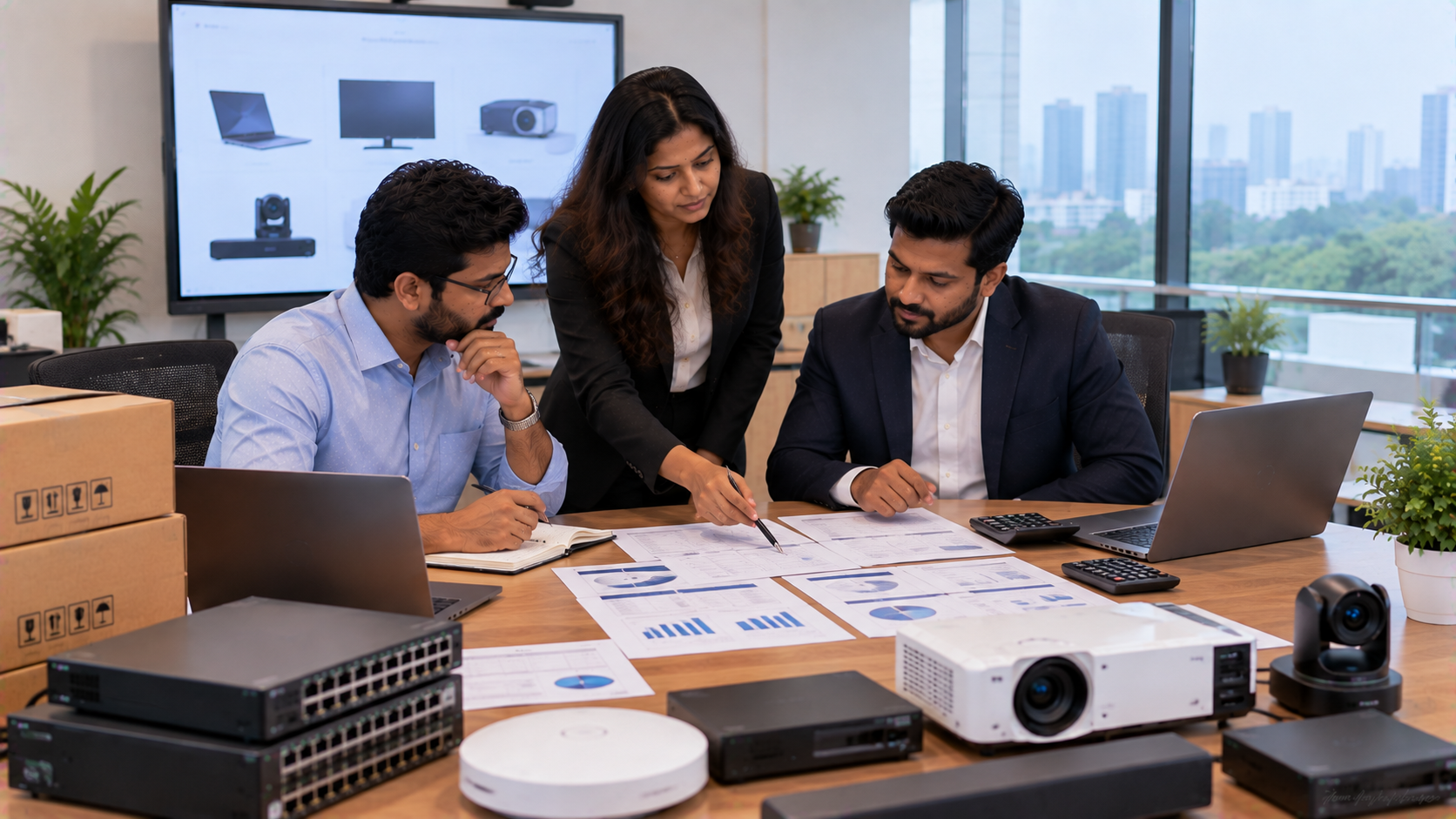
Buying IT and AV equipment is rarely just about the price printed on a product page. For schools, colleges, offices, coaching centres and training facilities, the real cost includes installation, accessories, software, maintenance, training, energy use, upgrades and replacement. That is why Total Cost of Ownership (TCO) is a more useful way to evaluate a digital board, interactive panel, PTZ camera, OPS PC, conference camera or complete teaching setup. At GoLive eTechnologies, the objective is simple: help customers select the right technology, deploy it efficiently and support it beyond installation—so there are fewer technology headaches and greater confidence that the system will work when needed.
What Is Total Cost of Ownership for IT and AV Equipment?
Total Cost of Ownership is the estimated cost of purchasing, deploying, operating, maintaining and eventually replacing a technology asset over its useful life.
A simple TCO formula is:
TCO = Purchase Cost + Installation + Accessories + Software + Training + Maintenance + Operating Cost + Replacement Cost − Residual Value
For a school or business, this gives a more realistic picture than looking only at the initial digital board price in India or interactive panel price.
For example, two displays may have different purchase prices but similar five-year ownership costs once installation, accessories and support are included.
1. Start With the Right Equipment for the Use Case
The first step in calculating TCO is choosing technology that actually matches the application.
For classrooms, an interactive flat panel display, digital board for teaching or smart board can support presentations, annotation, digital collaboration and hybrid learning.
For hybrid classrooms, boardrooms and lecture recording, a PTZ camera can be paired with the display and a computer or OPS PC.
For example, GoLive currently lists the Evota EP75 75-inch 4K Interactive Flat Panel with Android 14, 8GB RAM, 128GB storage and a 3-year onsite warranty. The product page also lists wall-mount and optional mobile-stand compatibility.
This means the evaluation should consider not just the Evota smart board price, but also its warranty, installation environment, connectivity and expected operating life.
2. Calculate the Upfront Purchase Cost
Your initial equipment cost may include:
Interactive display or digital board
OPS PC or external computer
PTZ camera or webcam
Speakers and microphones
Wall mount, trolley or ceiling mount
Cables and connectivity accessories
Power protection equipment
Software or optional licences
GoLive's current catalogue, for example, includes Evota interactive panels, MAXHUB education displays, PTZ cameras and OPS Mini PC modules, allowing organisations to source multiple components from one technology partner.
This makes it easier to build a complete system rather than comparing individual product prices in isolation.
3. Include Installation and Deployment Costs
A low equipment price does not necessarily mean a low TCO.
Budget for:
Wall mounting or mobile installation
PTZ camera mounting
Cable routing and management
Network configuration
Display and camera testing
Software setup
User training
On-site commissioning
For example, GoLive currently lists a universal ceiling mount for PTZ cameras alongside its camera portfolio.
Professional installation can reduce setup errors and help teachers, trainers and meeting-room users start using the technology faster.
4. Add Maintenance, Warranty and Support
This is one of the most overlooked elements of TCO.
When comparing a smart board price, digital board cost or PTZ camera price, examine the support package alongside the hardware.
Ask:
What warranty is included?
Is support onsite or remote?
Are replacement components available?
Is user training included?
How quickly can technical issues be addressed?
Who will support the system after installation?
GoLive's brand approach is built around technology that works, backed by people who help, with support extending from selection and installation into ongoing assistance.
For example, the Evota EP75 listing specifies a 3-year onsite warranty, while the MAXHUB UC P25 listing specifies a 3-year hot-swap warranty.
5. Calculate Operating and Energy Costs
A five-year TCO calculation should also consider everyday operating expenses.
For a digital classroom, this may include:
Display + OPS PC + camera + speakers + network equipment + accessories
Then estimate:
Annual operating cost × expected years of use
Energy consumption, device usage hours, standby behaviour and connected equipment all contribute to the long-term cost.
Energy-efficient equipment may therefore have value beyond its purchase price, particularly in institutions running multiple classrooms every day.
6. Consider Downtime as a Business Cost
Technology downtime can be expensive even when no physical component needs replacement.
A failed classroom display can interrupt a lesson. A camera issue can disrupt a hybrid lecture. A conference-room failure can delay an important meeting.
Estimate:
Downtime Cost = Lost Hours × Cost/Value of the Activity
The value may be measured through:
Faculty or staff time
Cancelled sessions
Lost productivity
External trainer costs
Rescheduled meetings
Student learning disruption
This is why fast deployment, installation, training and technical assistance should be considered part of the TCO equation.
7. Example: Building a Hybrid Classroom System
Suppose an institution is evaluating:
|
Component |
Example |
|---|---|
|
Interactive display |
Evota 75-inch 4K panel |
|
Computing |
Intel Core i5 OPS PC |
|
Camera |
MAXHUB 4K PTZ camera |
|
Mounting |
PTZ ceiling mount |
|
Support |
Warranty + installation + training |
GoLive's current online listings show examples including the Evota EP75 at ₹92,700, the Intel Core i5 12th Gen OPS module at ₹27,000, the MAXHUB UC P25 4K PTZ camera at ₹58,200, and a GoLive universal PTZ ceiling mount at ₹2,749.
That creates an illustrative hardware subtotal of:
₹92,700 + ₹27,000 + ₹58,200 + ₹2,749 = ₹1,80,649
This is not the complete TCO. The institution should add its actual installation, accessories, training, operating, maintenance and future replacement costs.
The key lesson is that TCO should be calculated over the entire ownership period, not judged from the headline product price alone.
Purchase Price vs Total Cost of Ownership
|
Factor |
Purchase Price |
TCO |
|---|---|---|
|
Hardware |
✓ |
✓ |
|
Installation |
✗ |
✓ |
|
Accessories |
Sometimes |
✓ |
|
Training |
Usually separate |
✓ |
|
Maintenance |
✗ |
✓ |
|
Warranty/support |
Sometimes |
✓ |
|
Energy use |
✗ |
✓ |
|
Replacement |
✗ |
✓ |
|
Downtime impact |
✗ |
✓ |
A product with a higher initial price may have a different ownership profile from a lower-priced product once support, maintenance and deployment are considered.
How GoLive eTechnologies Helps Reduce TCO
The right technology partner can simplify procurement by connecting product selection with deployment and support.
GoLive eTechnologies supports technology requirements across interactive panels, digital boards, PTZ cameras, OPS Mini PCs, conference equipment, classroom technology and online teaching equipment.
The customer benefit is straightforward:
Right solution + fast deployment + installation + support = less technology headache.
Whether you are comparing an Evota smart board, MAXHUB digital board, an LG interactive panel, a Newline interactive panel, a PTZ camera or a complete smart classroom setup, evaluate the complete ownership equation.
For organisations in Delhi NCR, Ghaziabad, Noida and across India, this approach can make procurement more structured, predictable and easier to manage.
TCO Checklist Before You Buy IT and AV Equipment
Before approving a purchase, check:
Product specification and use case
Current equipment price
Installation and mounting requirements
Accessories and connectivity
Warranty duration and coverage
Maintenance and support
Software and licensing
Training and onboarding
Energy and operating costs
Expected useful life
Downtime impact
Replacement and upgrade plan
Final Takeaway: Look Beyond the Digital Board Price
The smartest technology procurement decision is not always the lowest purchase price.
A better approach is to calculate the Total Cost of Ownership of IT and AV equipment across its complete lifecycle.
For schools, colleges, offices and training centres, that means considering the display, camera, computing, accessories, installation, support, maintenance and future needs together.
With GoLive eTechnologies, the focus goes beyond selling a device. It is about selecting the right solution, deploying it correctly and providing the support needed after installation.
Technology that works, backed by people who help.
Your email address will not be published. Required fields are marked *

By Inhype • September 12, 2026
A smart classroom is only as effective as the technology supporting it. Interactive panels, smart boards, PTZ cameras, microphones, speakers, PCs and
Read More
By Inhype • September 12, 2026
Higher education is rapidly moving beyond traditional chalkboards and projectors. Today, colleges and universities need technology that supports inter
Read More
By Inhype • September 12, 2026
A smart classroom for CBSE schools is no longer simply a classroom with a digital board. Modern schools are building connected learning environments t
Read More
By Inhype • September 12, 2026
Planning a smart classroom project for 10, 20 or even 50 classrooms requires more than simply purchasing digital boards. Schools, colleges, universiti
Read More
By Inhype • September 12, 2026
A smart classroom can transform the way teachers explain concepts, students interact with lessons, and institutions deliver digital education. From in
Read More




Golive eTechnologies India Private Limited (CIN - U31909UP2021PTC148242) is one of India's leading providers of smart classrooms, interactive boards, video conferencing solutions, and display technologies for the education, healthcare, corporate, and government sectors.





















No comments yet. Be the first to comment!