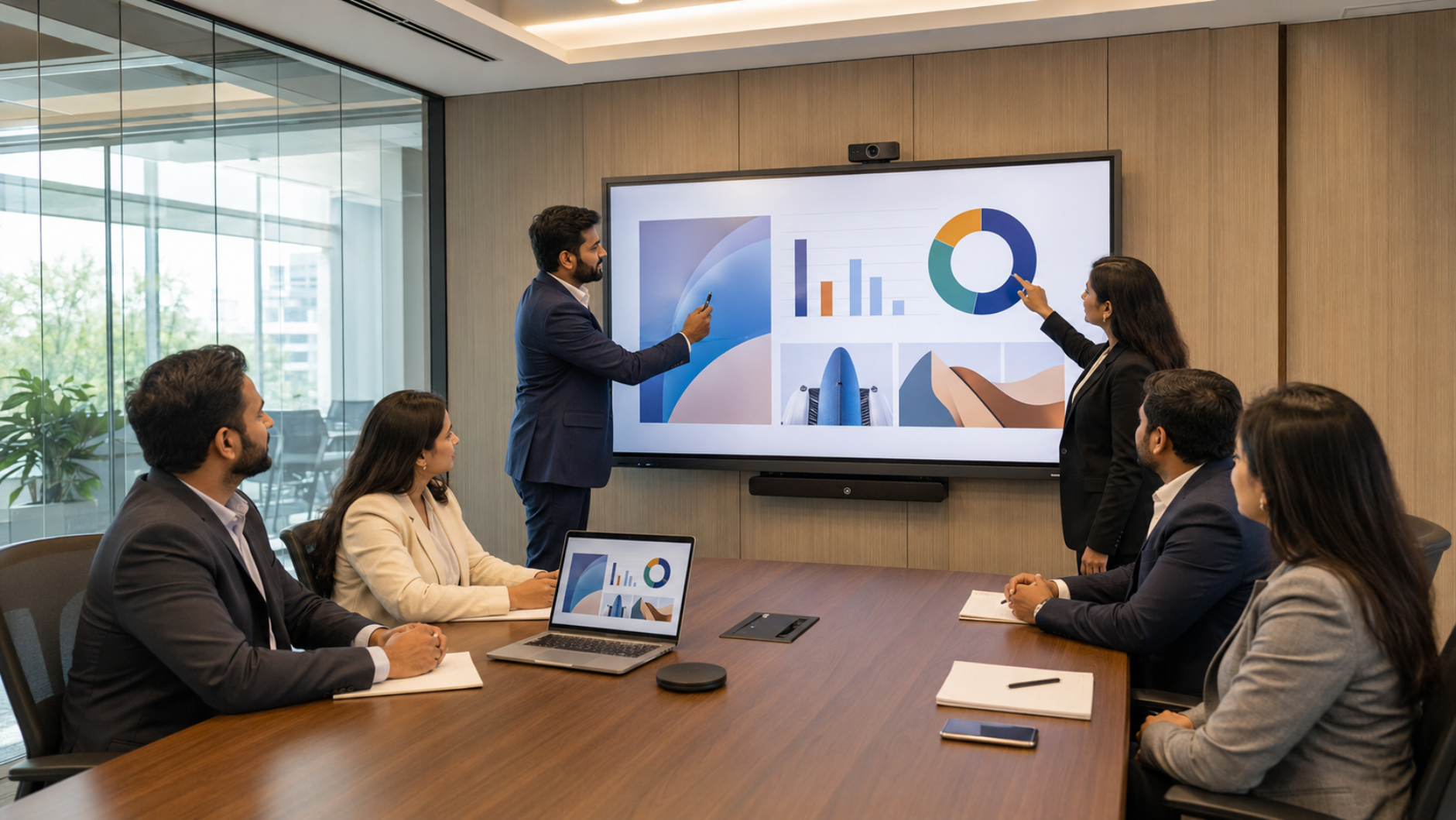
Modern corporate meeting rooms are no longer limited to projectors, whiteboards and conventional displays. With hybrid work, remote collaboration and data-driven presentations becoming standard, businesses across India are upgrading to interactive panel displays that combine presentation, digital writing, screen sharing and collaboration in one solution. But choosing the right interactive panel for a corporate meeting room requires more than comparing screen size or searching for the lowest digital board price in India. You need to consider room size, display quality, touch performance, connectivity, wireless collaboration, conferencing compatibility, installation and long-term support. At GoLive eTechnologies India Private Limited, businesses can compare solutions from brands such as Evota, MAXHUB, LG and Newline and select a configuration suited to their meeting room, budget and workflow.
What Is an Interactive Panel for a Corporate Meeting Room?
An interactive flat panel display (IFPD) is a large touchscreen display designed for presentations, annotation, brainstorming, collaboration and video conferencing.
Unlike a standard television, an interactive panel can provide:
Touch-enabled digital writing
Digital whiteboarding and annotation
4K presentation quality
Wireless screen sharing
Multi-user collaboration
HDMI, USB and other connectivity options
Android and/or OPS PC compatibility
Integration with cameras, microphones and conference-room equipment
For businesses, this can turn a conventional boardroom into a flexible smart meeting room.
1. Choose the Right Interactive Panel Size
Screen size should be based on the dimensions and seating arrangement of the meeting room.
65-inch Interactive Panel
A 65-inch interactive panel can work well for:
Small meeting rooms
Huddle rooms
Small training rooms
Teams of approximately 4–8 people
75-inch Interactive Panel
A 75-inch interactive display is a popular choice for medium-sized corporate meeting rooms because it provides a larger collaborative workspace without occupying excessive wall space.
It can be suitable for:
Boardrooms
Training rooms
Corporate presentation rooms
Hybrid meetings
Management discussions
86-inch and Larger Panels
For larger conference rooms, training rooms and executive collaboration spaces, an 86-inch interactive panel or larger display may provide better visibility.
GoLive offers interactive-display solutions across multiple sizes, allowing businesses to match the display to the room rather than choosing a one-size-fits-all solution.
2. Prioritize 4K Display Quality
Corporate presentations often contain spreadsheets, charts, financial data, dashboards and detailed graphics.
A 4K UHD interactive panel can provide:
Sharper text
Better presentation visibility
Detailed charts and graphs
High-quality video playback
Better viewing from different seating positions
When comparing an Evota Smart Board, MAXHUB Digital Board, LG Interactive Digital Board or Newline Interactive Panel, look beyond the advertised resolution and evaluate the complete display configuration.
3. Check Touch and Writing Performance
One of the biggest advantages of an interactive panel over a normal display is touch interaction.
A corporate meeting-room panel should offer responsive touch for:
Brainstorming
Digital whiteboarding
Annotating presentations
Marking documents
Reviewing designs
Signing off workflows
Collaborative planning
Stylus compatibility is also important for executives, trainers and presenters who prefer writing naturally.
For organisations that already use a computer writing pad, USB writing pad, desktop writing pad or other presentation accessories, check compatibility before installation.
4. Look for Wireless Screen Sharing
Cable management can become a major problem in modern conference rooms.
A good interactive panel should support convenient wireless screen sharing from laptops and compatible mobile devices.
Wireless collaboration can help teams:
Start presentations faster
Share multiple screens
Reduce HDMI and adapter dependency
Collaborate from different devices
Keep meeting rooms cleaner
GoLive highlights wireless collaboration as an important component of modern meeting-room and interactive-display solutions.
5. Check Connectivity and OPS Compatibility
Before purchasing an interactive panel board, check the available connectivity options.
Important connections may include:
HDMI
USB
USB-C
LAN
Wi-Fi
Bluetooth
Audio connections
External PC/OPS compatibility
OPS compatibility can be particularly useful when organisations want a Windows-based computing environment directly integrated with the interactive panel.
This makes the panel more versatile for PowerPoint presentations, browser-based applications, dashboards, Teams/Zoom meetings and collaborative workflows.
6. Consider Video Conferencing Integration
For hybrid workplaces, an interactive panel should not be evaluated independently from the meeting-room camera and audio system.
A complete setup may combine an interactive display with:
Evota 4K PTZ Camera
Evota 10X HD PTZ Camera
Logitech PTZ cameras
Conference microphones
Conference speakers
HDMI video capture devices
Video conferencing software
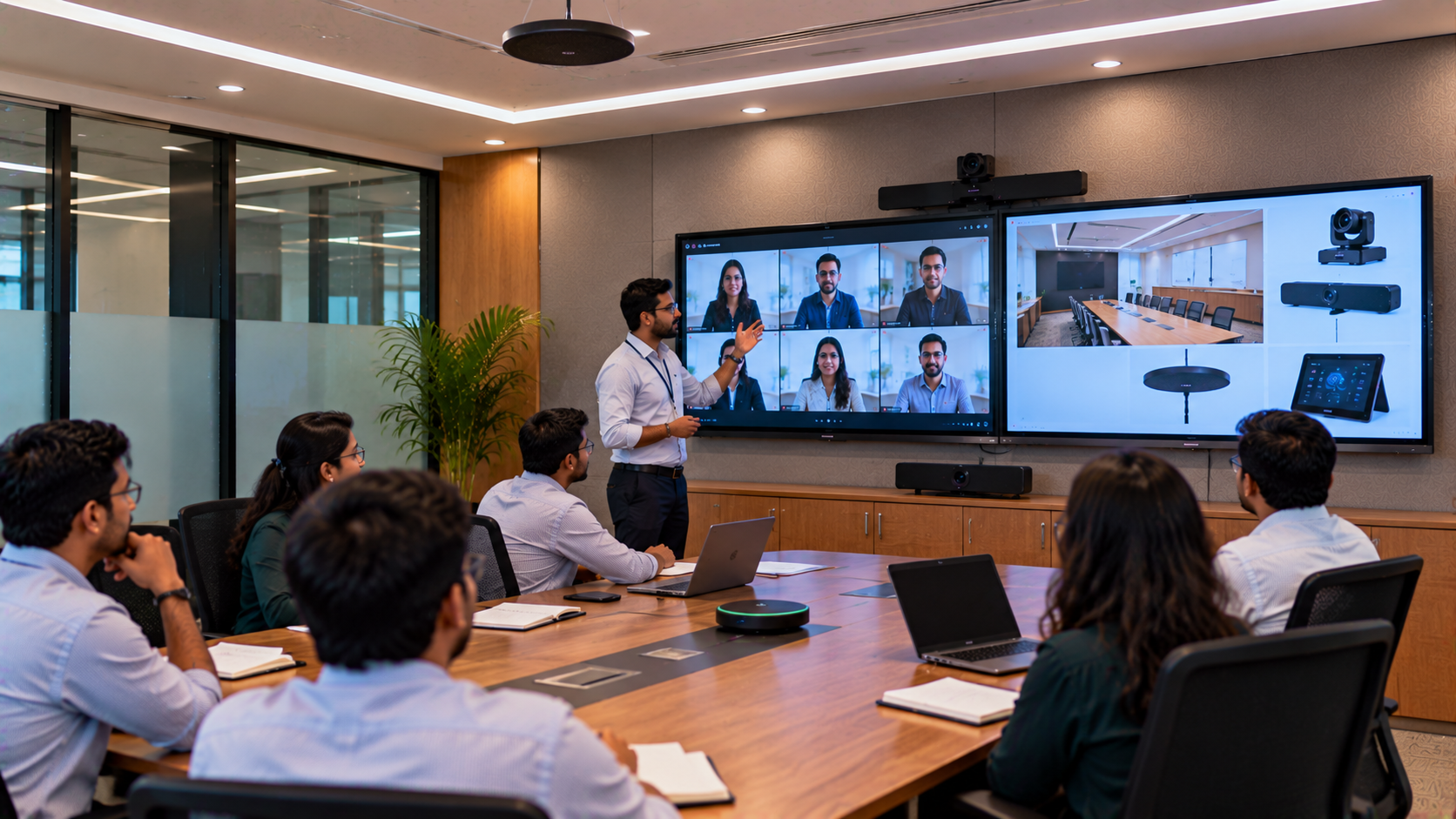
A PTZ camera can capture presenters and participants while the interactive panel handles presentations and digital collaboration.
GoLive provides integrated solutions combining interactive displays, PTZ cameras and other AV equipment for hybrid meeting environments.
7. Compare Brands According to Your Business Requirement
There is no single "best" interactive panel for every company.
|
Brand |
Suitable For |
Key Consideration |
|---|---|---|
|
Evota |
Value-focused corporate & training rooms |
Feature-to-budget balance |
|
MAXHUB |
Premium collaboration environments |
Advanced collaboration ecosystem |
|
LG |
Brand-led corporate environments |
Premium display experience |
|
Newline |
Meeting & training environments |
Interactive collaboration |
GoLive currently offers solutions from these brands, allowing organisations to compare specifications and choose according to their requirements.
If you are researching Evota Smart Board price, Evota Digital Board price, MAXHUB Smart Board price in India, Newline Interactive Panel price, LG Interactive Digital Board price India or LG Interactive Panel 75 inch price, remember that the final quotation can depend on screen size, configuration, installation and project requirements.
8. Don't Choose Based Only on Interactive Panel Price
Searching for the cheapest interactive whiteboard price, digital board price, or smart board price in India can result in an unsuitable solution.
Instead, compare the total value of ownership:
Display quality
Touch performance
Connectivity
Software compatibility
Installation
Warranty
Training
Technical support
Future upgrade possibilities
A slightly higher initial investment may deliver better productivity and fewer technology headaches over the life of the meeting room.
9. Installation and After-Sales Support Matter
Even the best interactive panel can create problems if it is poorly installed or not configured correctly.
This is where GoLive eTechnologies differentiates its offering.
Technology that works, backed by people who help.
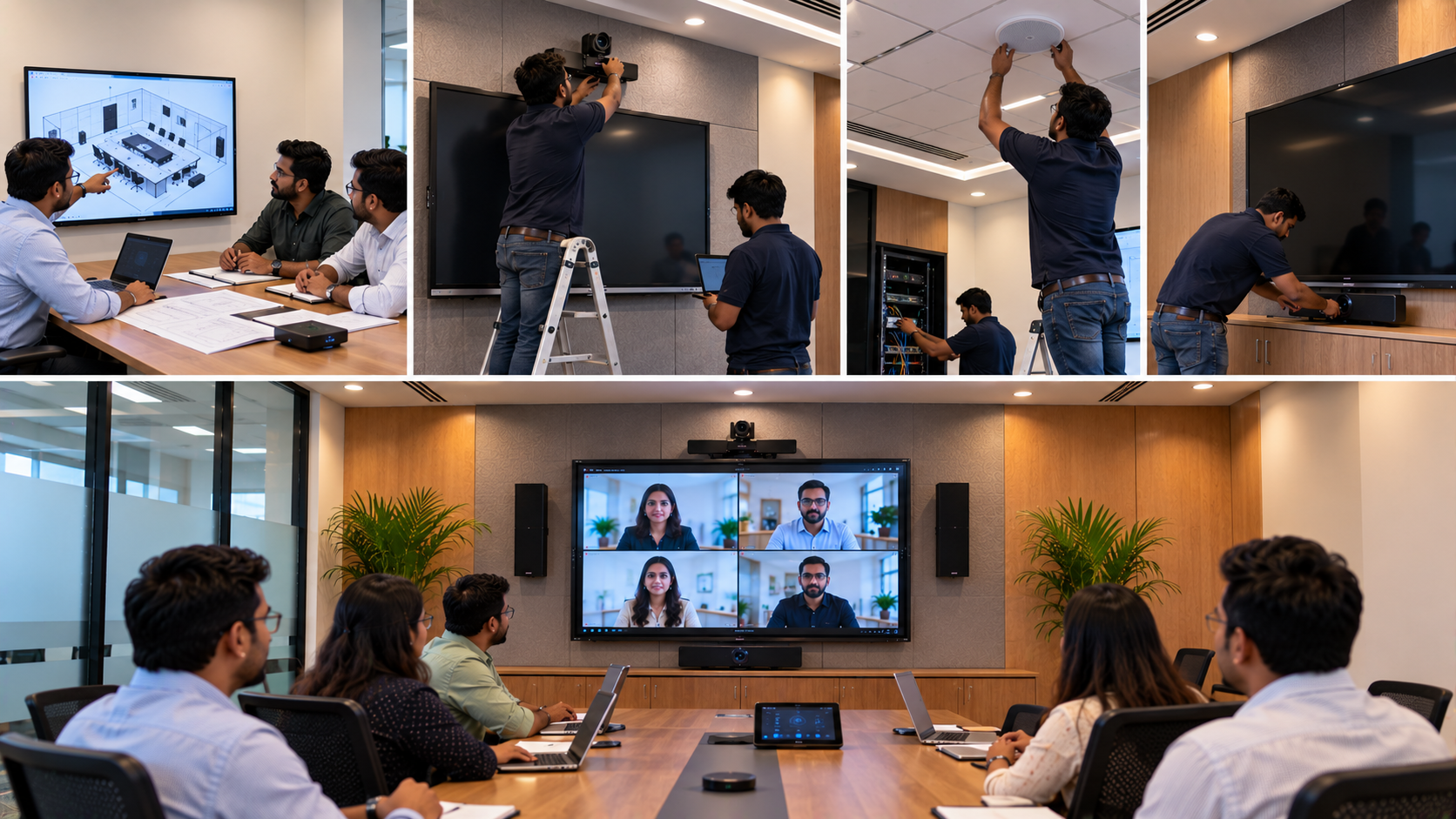
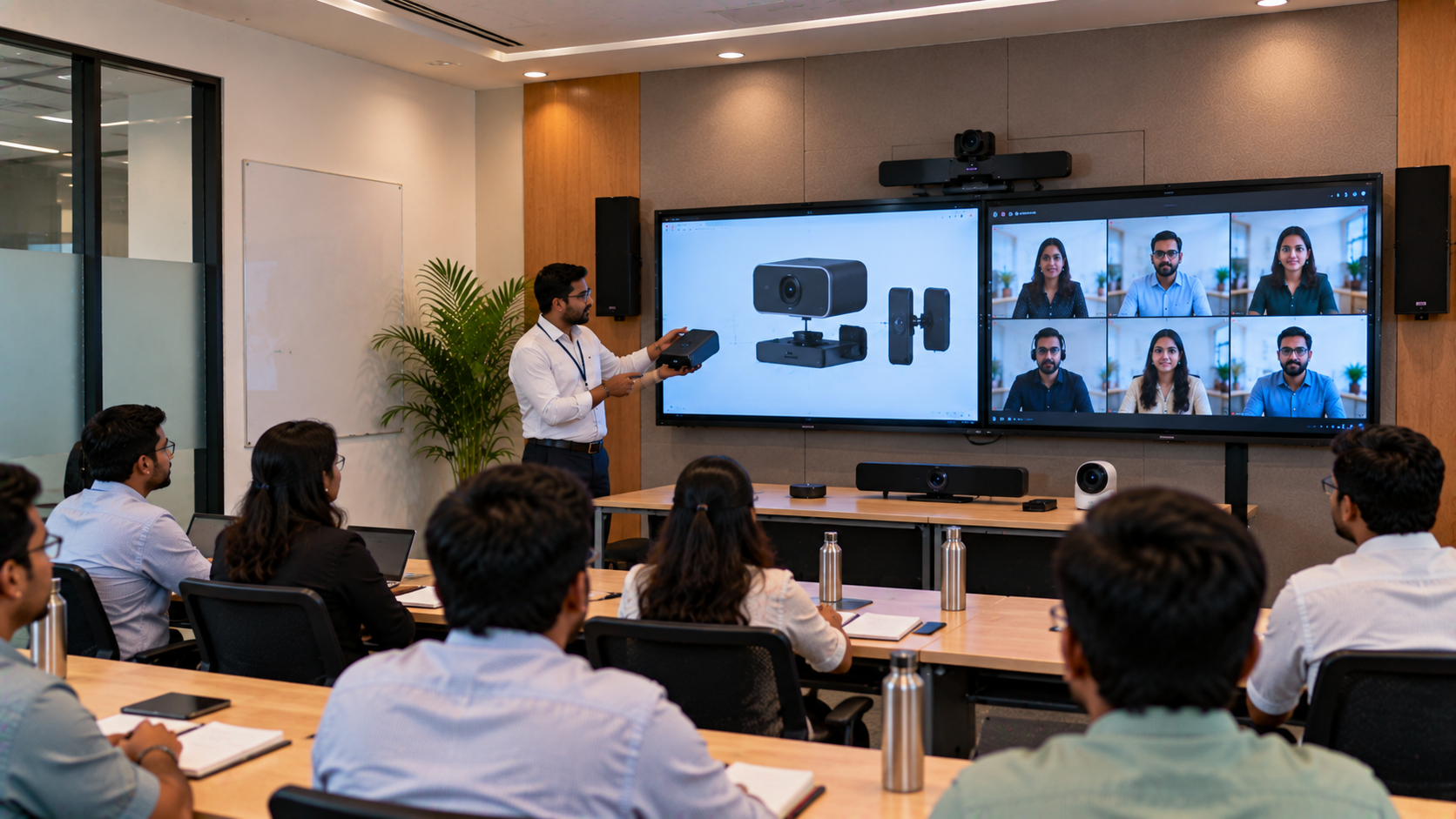
GoLive's approach focuses on end-to-end support—from helping customers select the right solution to installation, deployment, training and ongoing assistance.
The customer benefit is simple:
Less technology headache. More confidence that everything will work.
For businesses, this means getting the right solution + fast deployment + installation + support, rather than simply purchasing a screen and being left to configure everything independently.
Interactive Panel Buying Checklist for Corporate Meeting Rooms
Before placing an order, check:
Is the screen size suitable for the room?
Does the panel offer 4K resolution?
Is touch responsive enough for collaboration?
Does it support digital whiteboarding?
Does it support wireless screen sharing?
Are HDMI, USB and USB-C connections available?
Is OPS/PC compatibility required?
Can it integrate with a PTZ camera?
Is the audio system suitable for the room?
Does the supplier provide installation?
Is training available for users?
What after-sales support is provided?
Why Choose GoLive eTechnologies for Your Corporate Meeting Room?
GoLive eTechnologies India Private Limited provides more than individual display products. The company helps organisations design practical technology solutions around their actual requirements.
Businesses can explore:
Evota Interactive Panel
Evota Smart Board
MAXHUB Smart Board
MAXHUB Digital Board
Newline Interactive Panel
Newline Smart Board
LG Interactive Digital Board
LG Interactive Panel
PTZ cameras
Conference-room audio
Wireless collaboration solutions
OPS PCs
Complete hybrid meeting-room setups
GoLive's solutions are relevant for corporate offices, boardrooms, training centres, conference rooms and hybrid workplaces across India.
Final Word
The right interactive panel should make meetings easier—not more complicated.
Instead of selecting a product solely because it has the lowest digital board price in India, evaluate the complete solution: display size, 4K quality, touch performance, connectivity, wireless collaboration, conferencing integration, installation and support.
Whether you are comparing an Evota Smart Board, MAXHUB Digital Board, Newline Interactive Panel or LG Interactive Digital Board, GoLive eTechnologies can help you identify the right solution for your meeting room and budget.
Technology that works, backed by people who help.
Your email address will not be published. Required fields are marked *

By Inhype • September 12, 2026
A smart classroom is only as effective as the technology supporting it. Interactive panels, smart boards, PTZ cameras, microphones, speakers, PCs and
Read More
By Inhype • September 12, 2026
Higher education is rapidly moving beyond traditional chalkboards and projectors. Today, colleges and universities need technology that supports inter
Read More
By Inhype • September 12, 2026
A smart classroom for CBSE schools is no longer simply a classroom with a digital board. Modern schools are building connected learning environments t
Read More
By Inhype • September 12, 2026
Planning a smart classroom project for 10, 20 or even 50 classrooms requires more than simply purchasing digital boards. Schools, colleges, universiti
Read More
By Inhype • September 12, 2026
A smart classroom can transform the way teachers explain concepts, students interact with lessons, and institutions deliver digital education. From in
Read More




Golive eTechnologies India Private Limited (CIN - U31909UP2021PTC148242) is one of India's leading providers of smart classrooms, interactive boards, video conferencing solutions, and display technologies for the education, healthcare, corporate, and government sectors.

















No comments yet. Be the first to comment!