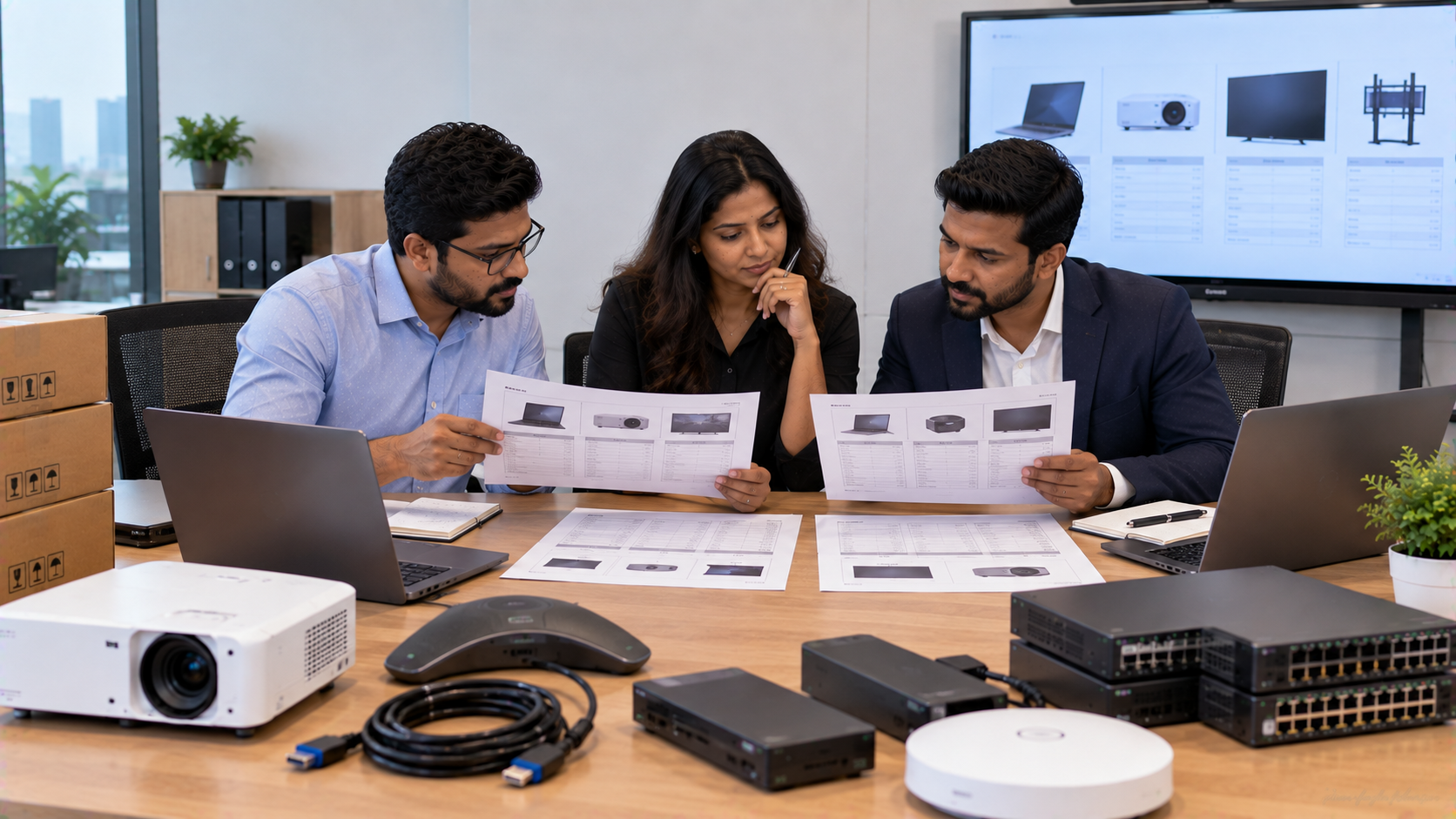
Buying technology for a school, corporate office, coaching centre or training facility is rarely as simple as choosing the lowest quotation. Two vendors may quote for what appears to be the same digital board, interactive panel, PTZ camera or complete AV setup, yet the actual specifications, installation scope, warranty, accessories and after-sales support can be very different. For Indian buyers, the smarter approach is to compare technology quotations line by line. This helps you understand what you are actually paying for and reduces the risk of unexpected costs after the purchase. At GoLive eTechnologies, the approach goes beyond supplying hardware. The objective is simple: Technology that works, backed by people who help. From selecting the right solution to delivery, installation, training and ongoing assistance, every part of the technology purchase should work together.
Why the Lowest Technology Quotation Is Not Always the Lowest Cost
A quotation with the lowest initial price may exclude important requirements such as:
Wall or ceiling mounting
Cabling and connectors
Installation and configuration
OPS or computing modules
Camera integration
Audio equipment
Training
Warranty support
On-site service
Delivery and deployment
For example, a school comparing an Evota Smart Board, MAXHUB Smart Board, Newline Interactive Panel and LG Interactive Digital Board should not compare only the displayed product price.
The real question is:
What complete solution will be operational after installation, and what support is included?
That is the difference between comparing a product and comparing a technology solution.
1. Start With the Exact Technical Specification
Before comparing vendors, create one common specification sheet.
For an interactive display, compare:
|
Requirement |
Vendor A |
Vendor B |
Vendor C |
|---|---|---|---|
|
Screen size |
|
|
|
|
4K resolution |
|
|
|
|
Touch points |
|
|
|
|
Operating system |
|
|
|
|
RAM / storage |
|
|
|
|
HDMI / USB / Type-C |
|
|
|
|
Wi-Fi / LAN |
|
|
|
|
OPS compatibility |
|
|
|
|
Warranty |
|
|
|
|
Installation |
|
|
|
|
Training |
|
|
|
The same principle applies to cameras. When comparing an Evota 4K PTZ Camera, Logitech PTZ camera or another professional camera, check resolution, optical zoom, outputs, control options, mounting and intended use.
This prevents a vendor from appearing cheaper simply because fewer components or lower specifications are included.
2. Compare the Total Cost, Not Just the Product Price
Searches such as digital board price in India, interactive panel price, Evota digital board price, Newline smart board price, LG interactive digital board price India and MAXHUB smart board price show that buyers naturally focus on price.
Price matters—but it should be evaluated in context.
A practical quotation comparison should include:
Total Cost = Product + Accessories + Installation + Configuration + Training + Delivery + Support
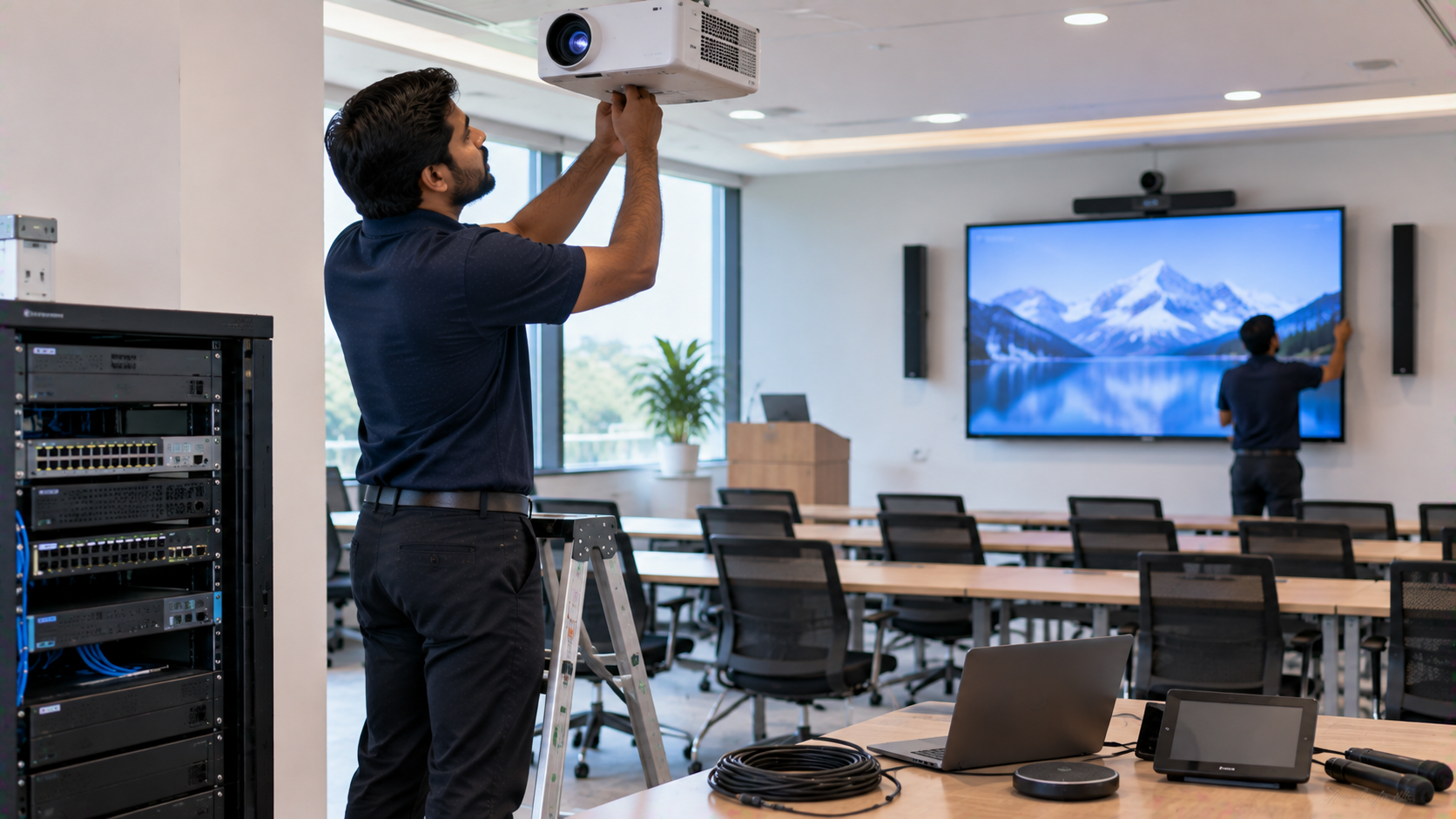
For a smart classroom, the quotation may include an interactive panel, OPS PC, PTZ camera, microphone, speakers, mounting hardware and installation.
For a hybrid classroom or online teaching environment, a combination such as an Evota Interactive Panel + Evota 4K PTZ Camera + audio system + capture workflow may deliver more value than purchasing each item independently.
GoLive eTechnologies can help buyers assess the complete requirement rather than comparing disconnected product prices.
3. Check What Is Included in Installation
Installation is one of the most overlooked parts of a technology quotation.
Ask every vendor:
Is mounting included?
Is installation included?
Who handles cabling?
Is configuration included?
Will the camera be positioned and tested?
Is the display calibrated?
Is software configured?
Is user training included?
Who handles post-installation troubleshooting?
A professional installation can make the difference between technology that is technically purchased and technology that is actually ready for daily use.
GoLive's model is built around right solution + fast deployment + installation + support, giving schools and businesses one coordinated point of responsibility.
4. Compare Warranty and After-Sales Support
Two quotations may show similar products but provide very different service experiences.
Look for:
Warranty period: How long is the product covered?
Warranty type: Is it onsite, carry-in or replacement-based?
Response process: Who should the customer contact when something stops working?
Service coverage: Is support available in your city?
Training: Does the vendor help teachers, administrators or staff use the technology?
This becomes particularly important for schools where a failed classroom display or PTZ camera can interrupt teaching.
GoLive eTechnologies' customer proposition is built around reducing technology headaches through support, assistance, installation and training—not simply completing the sale.
5. Check Brand, Model and Configuration Carefully
Names can be confusing during quotation comparisons.
A buyer may receive quotations for an Evota Smart Board, MAXHUB Digital Board, Newline Digital Board and LG Smart Board, but each quotation should state the exact model number and configuration.
Avoid comparing only terms such as:
“Smart board”
“4K board”
“Interactive display”
“75-inch panel”
“PTZ camera”
Instead, compare the exact SKU/model, specifications and included accessories.
For example, searches for Evota Smart Board 75 inch price, MAXHUB digital board price, Newline digital board 75 inch price and LG interactive panel 75 inch price should ultimately lead to product-level comparisons—not assumptions based only on brand names.
6. Compare Delivery and Deployment Timelines
A quotation should clearly state expected delivery and installation timelines.
This matters when technology is required before:
A new academic session
School inspections
Training programmes
Corporate events
Board meetings
New office openings
Online course launches
A vendor offering the product at a lower price but delivering significantly later may create operational costs that are not visible in the quotation.
For buyers in Delhi NCR, Noida, Ghaziabad, Gurugram and other major Indian cities, local deployment support can also simplify installation and service coordination.
For nationwide projects, confirm whether the vendor can support delivery and deployment across required locations.
7. Evaluate Integration With Existing Infrastructure
Technology should fit into your existing environment.
Before finalising the quotation, check compatibility with:
Existing laptops and PCs
HDMI and USB connections
Wi-Fi networks
Audio systems
Video conferencing platforms
Classroom software
OPS systems
Recording and streaming workflows
For example, an interactive panel may be excellent on its own but still create problems if connectivity, mounting, audio or camera integration has not been planned properly.
GoLive eTechnologies supports integrated requirements around interactive panels, digital boards, PTZ cameras, OPS computing, audio and online class studio setups, helping buyers evaluate the entire workflow.
8. Compare Value Across Vendors
A simple scoring framework can make the decision easier.
|
Factor |
Weight |
Vendor A |
Vendor B |
Vendor C |
|---|---|---|---|---|
|
Technical specifications |
25% |
|
|
|
|
Total quotation cost |
20% |
|
|
|
|
Warranty |
15% |
|
|
|
|
Installation |
10% |
|
|
|
|
Delivery |
10% |
|
|
|
|
Training |
5% |
|
|
|
|
After-sales support |
15% |
|
|
|
This does not mean choosing a vendor solely on the highest score. Instead, it creates a transparent comparison so your procurement team can understand the trade-offs.
GoLive eTechnologies: From Product Selection to Technology That Works
A quotation should give you more than a number. It should give you confidence about what will be delivered, installed and supported.
Whether you are comparing an Evota Interactive Panel, MAXHUB Smart Board, Newline Interactive Panel, LG Interactive Digital Board, Evota PTZ Camera or a complete smart classroom solution, GoLive eTechnologies focuses on the full journey:
Selection → Supply → Delivery → Installation → Configuration → Training → Support
This reflects the brand promise:
Technology that works, backed by people who help.
Customer feedback referenced by the brand also highlights service, support, fast delivery, installation, training and assistance—areas that can matter just as much as the initial quotation.
Final Technology Quotation Checklist
Before approving any vendor quotation, confirm:
Exact brand and model number
Complete technical specifications
Product price and applicable taxes
Accessories and installation clearly listed
Delivery timeline confirmed
Warranty terms documented
Training included where required
After-sales support process explained
Compatibility with existing infrastructure checked
Final total cost compared across vendors
Conclusion
The right technology purchase is not necessarily the quotation with the lowest number. It is the quotation that clearly matches your requirements, covers the complete deployment and gives you dependable support after installation.
For schools, offices, coaching centres and institutions across India, GoLive eTechnologies brings together the right solution, fast deployment, professional installation and ongoing support—so customers experience less technology headache and more confidence that everything will work.
Your email address will not be published. Required fields are marked *

By Inhype • September 12, 2026
A smart classroom is only as effective as the technology supporting it. Interactive panels, smart boards, PTZ cameras, microphones, speakers, PCs and
Read More
By Inhype • September 12, 2026
Higher education is rapidly moving beyond traditional chalkboards and projectors. Today, colleges and universities need technology that supports inter
Read More
By Inhype • September 12, 2026
A smart classroom for CBSE schools is no longer simply a classroom with a digital board. Modern schools are building connected learning environments t
Read More
By Inhype • September 12, 2026
Planning a smart classroom project for 10, 20 or even 50 classrooms requires more than simply purchasing digital boards. Schools, colleges, universiti
Read More
By Inhype • September 12, 2026
A smart classroom can transform the way teachers explain concepts, students interact with lessons, and institutions deliver digital education. From in
Read More




Golive eTechnologies India Private Limited (CIN - U31909UP2021PTC148242) is one of India's leading providers of smart classrooms, interactive boards, video conferencing solutions, and display technologies for the education, healthcare, corporate, and government sectors.






No comments yet. Be the first to comment!