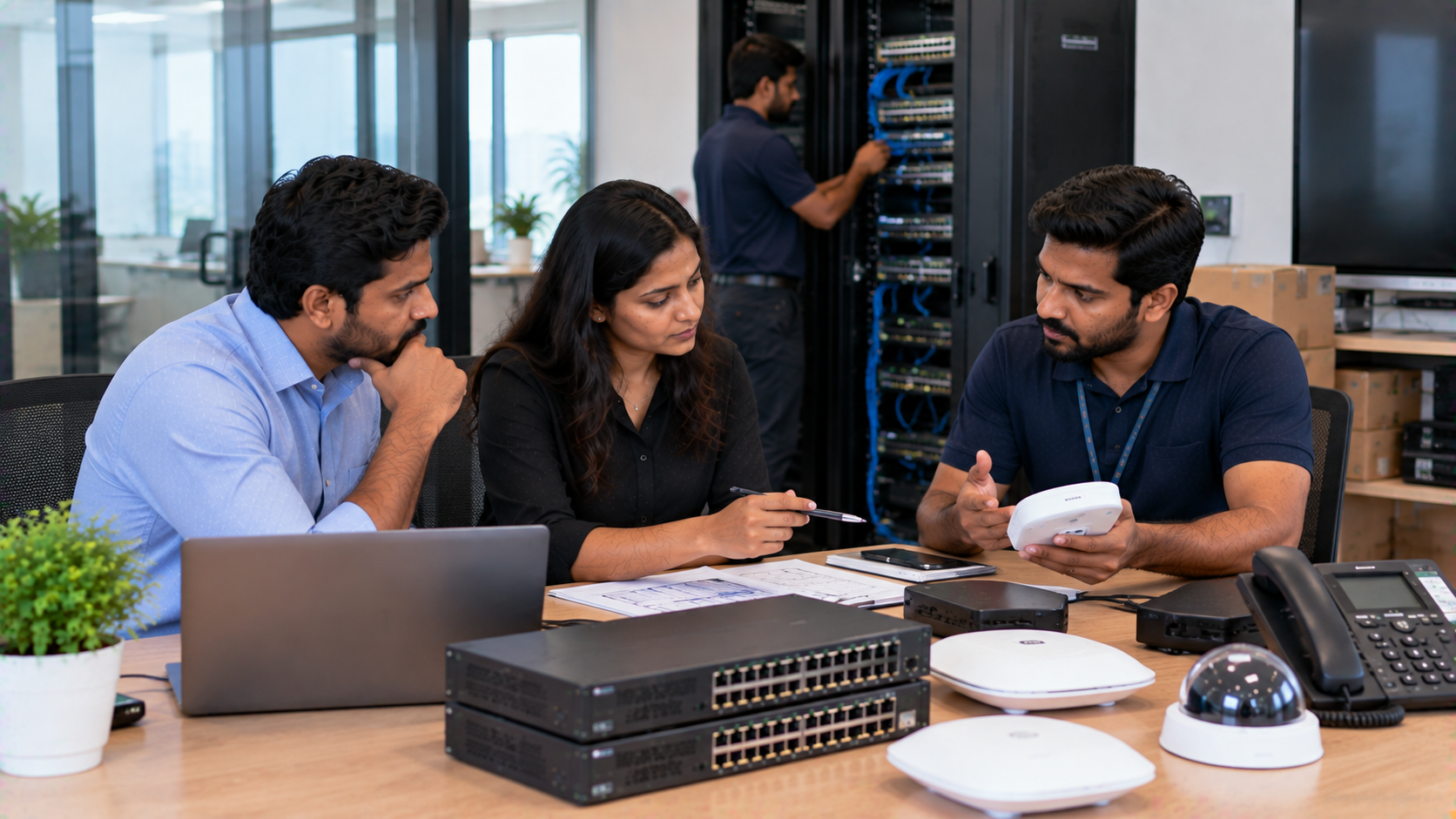
Choosing the right IT hardware vendor is about more than finding a competitive digital board price, PTZ camera price, or interactive panel price. For schools, offices, coaching centres, training institutes and other organisations, the real value of a technology purchase depends on what happens after the invoice is generated. A reliable vendor should help you select the right solution, deploy it quickly, install it correctly, train users and provide support when you need assistance. That is where GoLive eTechnologies approaches technology differently—with the brand promise: “Technology that works, backed by people who help.” Whether you are comparing an Evota interactive panel, MAXHUB smart board, Newline interactive panel, LG interactive display or PTZ camera solution, this guide explains what to evaluate before signing an IT hardware service contract.
1. Check the Vendor’s Product Range and Solution Expertise
An IT hardware vendor should be able to understand your requirement rather than simply recommend the most expensive product.
For example, a school may need a smart board for teaching, while a corporate conference room may require an interactive flat panel display, camera, microphone and speaker combination.
Look for a vendor offering solutions across categories such as:
Interactive flat panels and digital boards
PTZ cameras and webcams
Online teaching and hybrid classroom equipment
Conference room audio-video solutions
Digital classroom equipment
LED displays and professional screens
Accessories such as digital board pens and writing pads
GoLive eTechnologies works across these requirements, helping customers identify a suitable technology combination instead of treating every purchase as an isolated product transaction.
2. Compare Specifications, Not Just IT Hardware Prices
Searching for terms such as Evota smart board 75 inch price, Newline digital board price, MAXHUB smart board price in India, or LG interactive digital board price India can help you understand the market.
However, price alone should not determine your decision.
Before signing a contract, compare:
|
Evaluation Area |
What to Check |
|---|---|
|
Display |
Size, resolution, brightness and viewing experience |
|
Touch |
Touch accuracy, responsiveness and supported users |
|
Connectivity |
HDMI, USB, wireless and network connectivity |
|
Camera |
Resolution, optical/digital zoom and tracking |
|
Audio |
Microphone, speaker and room coverage |
|
Software |
Compatibility, updates and required applications |
|
Installation |
Mounting, configuration and commissioning |
|
Support |
Response time, troubleshooting and escalation |
|
Training |
User orientation and operational assistance |
|
Warranty |
Coverage, exclusions and process |
A slightly higher initial price can have better value when installation, training and after-sales assistance are included.
3. Evaluate Installation and Deployment Support
Even high-quality technology can create problems when installation is poorly managed.
Ask your IT hardware vendor:
Is professional installation included?
Who handles mounting and configuration?
Will the equipment be tested after installation?
Is network and device connectivity checked?
Is user training provided?
What happens if the installation requires additional accessories?
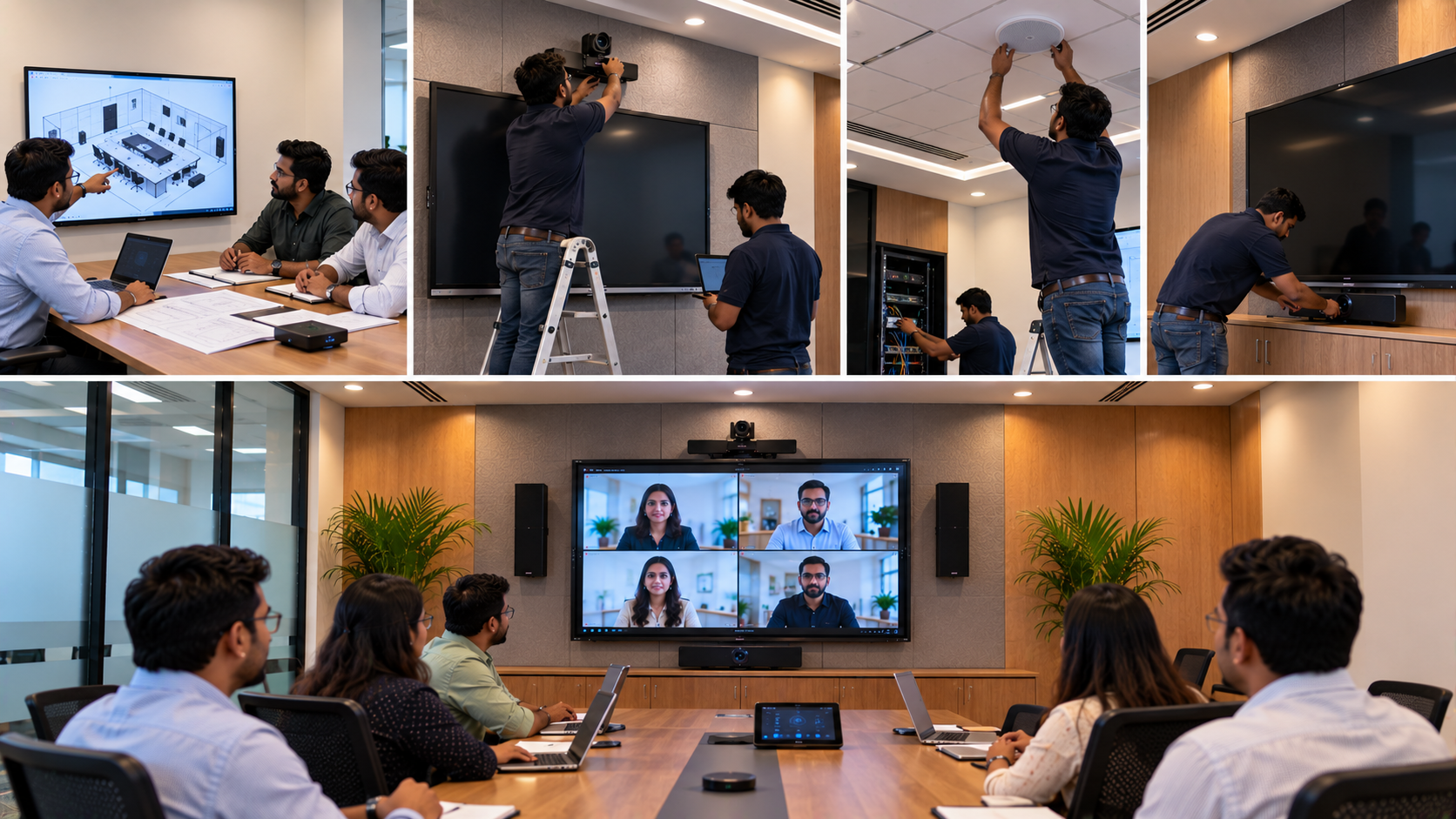
GoLive eTechnologies focuses on end-to-end technology support from selection to installation and beyond. This helps organisations move from purchasing equipment to actually using it effectively.
For a classroom, this could mean installing an Evota digital board and configuring it for teaching. For a meeting room, it could involve deploying a PTZ camera, display and audio setup together.
4. Understand the After-Sales Service Contract
This is one of the most important parts of vendor evaluation.
Before signing, carefully review:
Response time: How quickly will the vendor respond to a complaint?
Resolution process: Is remote assistance available before an engineer visit?
Replacement policy: What happens if a component fails?
Preventive support: Does the contract include periodic checks?
Escalation: Who should you contact if the initial support does not resolve the problem?
Training: Is additional user training available?
The goal is simple: less technology headache and more confidence that everything will work.
GoLive eTechnologies positions service and support as part of the technology experience—not as an afterthought.
5. Ask About Product Availability and Delivery
Availability is especially important when you are equipping multiple classrooms, branches or offices.
A vendor should provide realistic information about:
Current stock
Expected dispatch time
Delivery location
Installation timeline
Bulk-order availability
Product lead time
Replacement availability
This becomes particularly relevant when comparing searches such as Evota panel 75 inch, Newline interactive panel 75 inch, LG interactive panel 75 inch, or MAXHUB digital board 100 inch price.
GoLive eTechnologies supports customers with product selection, delivery coordination and deployment, helping reduce delays between purchase and operational use.
6. Verify Brand and Product Compatibility
Your vendor should clearly explain which products are appropriate for your environment.
For example, organisations comparing an Evota smart board, MAXHUB digital board, Newline smart board or LG interactive panel should evaluate them according to their actual requirements.
For video requirements, options may include an Evota 4K PTZ camera, Evota 10X HD PTZ camera, Logitech PTZ solutions or other compatible cameras.
Instead of asking only “What is the cheapest product?”, ask:
“Which configuration gives us the right combination of performance, deployment and support?”
That question can produce a much more useful purchasing decision.
7. Look at Training and User Assistance
Technology adoption often fails because users are not comfortable operating the equipment.
A good vendor should help users understand:
Basic device operation
Screen and touch functionality
Connectivity
Camera controls
Presentation workflows
Online teaching tools
Troubleshooting basics
For schools and coaching centres, this is particularly valuable when implementing smart classroom equipment, digital teaching boards, interactive boards for classrooms or an online class studio setup.
GoLive eTechnologies combines technology deployment with human assistance, supporting customers beyond the initial installation.
8. Check Reviews and Customer Experience
Before signing a service contract, search for GoLive eTechnologies reviews and evaluate feedback around:
Service
Support
Delivery
Installation
Training
Responsiveness
Assistance after purchase
Customer experience should be considered alongside specifications and pricing.
For technology buyers, the relationship with the vendor can continue for years after the initial purchase. A vendor that remains accessible when assistance is required can make technology adoption considerably easier.
9. Evaluate the Total Cost of Ownership
The lowest purchase price does not always mean the lowest overall cost.
Consider:
Total Cost = Product + Installation + Accessories + Configuration + Training + Maintenance + Downtime
For example, an organisation purchasing a digital board should consider whether the quoted price covers mounting, installation, setup, accessories and user orientation.
Similarly, a PTZ camera deployment may require additional cables, capture equipment, software configuration and installation.
This is why buyers searching for digital board price in India, interactive whiteboard price, interactive panel board price, or PTZ camera price should compare the complete solution rather than one product number.
Quick IT Hardware Vendor Evaluation Checklist
Before signing your contract, confirm:
Product specifications match your requirement
Pricing and inclusions are clearly documented
Delivery timelines are realistic
Installation and configuration are defined
Warranty terms are transparent
Support response times are documented
Replacement/escalation processes are clear
Training and user assistance are available
Additional costs are disclosed
The vendor can support you after deployment
Why Choose GoLive eTechnologies?
GoLive eTechnologies brings together technology products and human support under one experience.
From Evota interactive panels and digital boards to PTZ cameras, professional displays and classroom technology, the focus is on providing the right solution + fast deployment + installation + support.
The result is more than a hardware purchase.
It is peace of mind.
Whether you are setting up a smart classroom, upgrading a corporate conference room, creating an online teaching studio or deploying technology across multiple locations, GoLive eTechnologies can help you move from selection to installation and beyond.
Ready to Choose Your IT Hardware Partner?
Don't evaluate vendors on price alone. Evaluate their products, expertise, delivery, installation, training and long-term support.
Explore technology solutions from GoLive eTechnologies and get the right solution backed by people who help.
Your email address will not be published. Required fields are marked *

By Inhype • September 12, 2026
A smart classroom is only as effective as the technology supporting it. Interactive panels, smart boards, PTZ cameras, microphones, speakers, PCs and
Read More
By Inhype • September 12, 2026
Higher education is rapidly moving beyond traditional chalkboards and projectors. Today, colleges and universities need technology that supports inter
Read More
By Inhype • September 12, 2026
A smart classroom for CBSE schools is no longer simply a classroom with a digital board. Modern schools are building connected learning environments t
Read More
By Inhype • September 12, 2026
Planning a smart classroom project for 10, 20 or even 50 classrooms requires more than simply purchasing digital boards. Schools, colleges, universiti
Read More
By Inhype • September 12, 2026
A smart classroom can transform the way teachers explain concepts, students interact with lessons, and institutions deliver digital education. From in
Read More




Golive eTechnologies India Private Limited (CIN - U31909UP2021PTC148242) is one of India's leading providers of smart classrooms, interactive boards, video conferencing solutions, and display technologies for the education, healthcare, corporate, and government sectors.


















No comments yet. Be the first to comment!