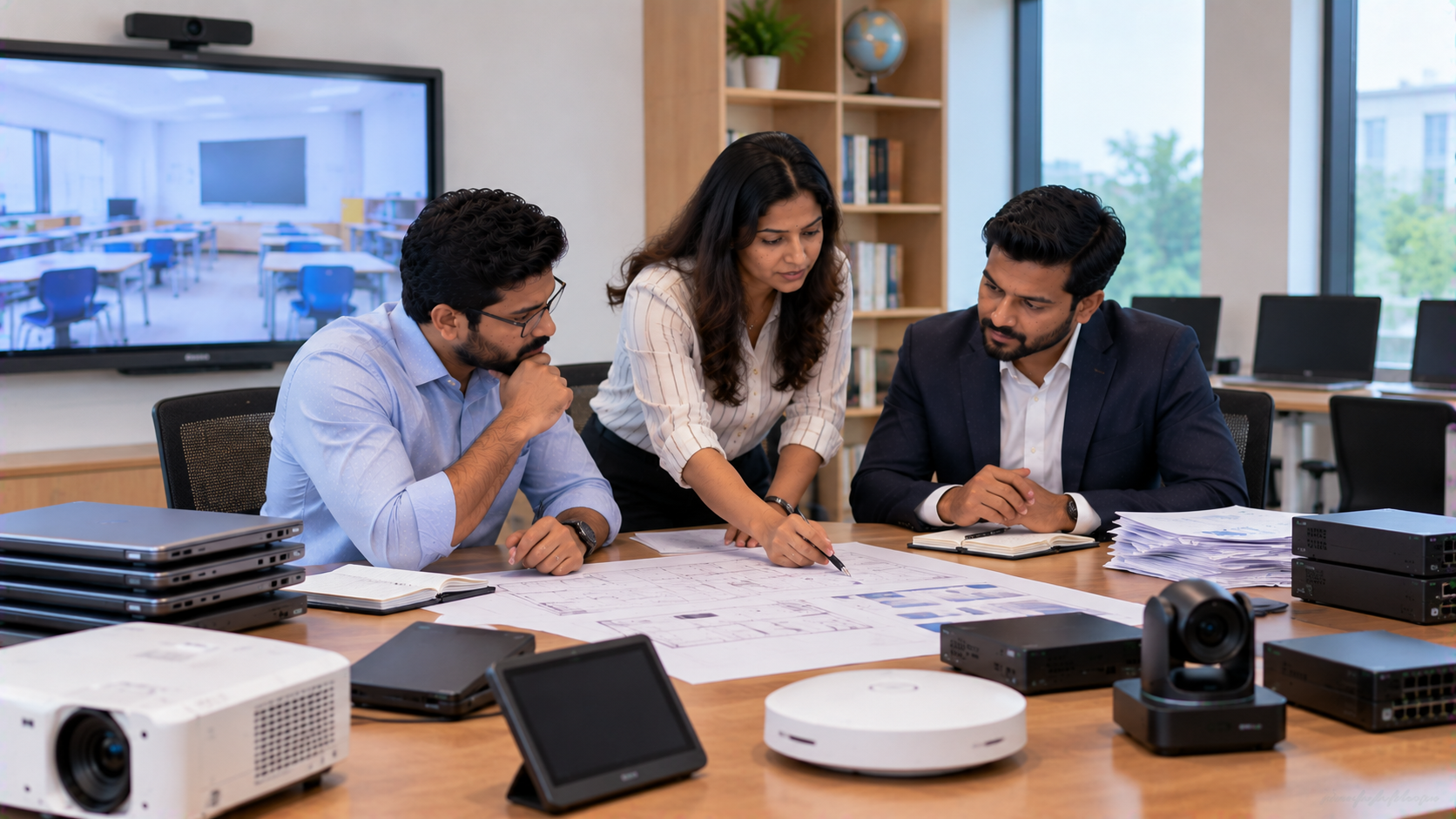
Technology procurement becomes much easier when the budget is planned around actual requirements rather than individual product prices. A school may need a smart classroom setup, interactive display, PTZ camera, audio system and computing device, while a corporate office may need an interactive panel, conference camera, speakers and hybrid meeting equipment. The right approach is to build a technology budget around the complete solution: the right hardware, compatible accessories, installation, configuration, training and ongoing support. For schools, colleges, coaching centres, offices and institutions across India, GoLive eTechnologies helps bring these requirements together through an end-to-end technology approach.
Why a Technology Budget Should Go Beyond the Product Price
Searching for terms such as digital board price in India, smart board price, interactive panel price, PTZ camera price or smart classroom equipment list is a useful starting point, but the lowest product price does not always represent the lowest overall project cost.
A realistic technology budget should account for:
Core equipment
Installation and mounting
OPS or computing requirements
Cameras and microphones
Speakers and audio accessories
Cabling and connectivity
Software or capture requirements
Training and configuration
Warranty and post-purchase support
For example, a 75-inch interactive panel may fit a classroom visually and functionally, but the final project may also require a suitable wall mount, electrical work, connectivity, camera, audio system and installation.
That is why GoLive eTechnologies India Private Limited focuses on the complete technology deployment journey rather than simply supplying individual boxes.
Step 1: Define the Technology Requirement Before Setting the Budget
Start by identifying what the technology needs to achieve.
For a school or college
Priorities may include:
Smart classrooms
Digital teaching
Hybrid classes
Lecture recording
Online teaching
Interactive collaboration
Campus communication
For an office or institution
The requirement may include:
Conference rooms
Boardrooms
Corporate training rooms
Video conferencing
Hybrid meetings
Digital collaboration
Presentation and content sharing
Once the use case is clear, create a room-wise equipment list before checking individual prices.
Step 2: Divide the Budget Into Technology Layers
A simple way to manage spending is to divide the budget into four layers.
|
Technology Layer |
Typical Requirements |
|---|---|
|
Display |
Interactive flat panel, digital board, LED display |
|
Camera |
PTZ camera, lecture recording camera, webcam |
|
Audio |
Speakers, microphone, amplifier, conference audio |
|
Computing & Connectivity |
OPS PC, cables, capture device, network connectivity |
This method prevents one component from consuming the entire budget.
For example, a school planning a digital smart classroom might need an interactive panel, PTZ camera, microphone, speakers and OPS system. A corporate meeting room may require an interactive display, PTZ camera, conference microphone and speaker solution.
Step 3: Choose the Right Display Size
Display size should be based on viewing distance, room dimensions and number of users rather than simply selecting the largest screen.
Common requirements include:
65-inch interactive panels for smaller rooms
75-inch interactive displays for medium classrooms and meeting rooms
86-inch displays for larger rooms
100-inch solutions for larger collaborative environments
GoLive’s current catalogue includes options such as the Evota Smart Board, MAXHUB Smart Board, Newline Interactive Panel and LG Interactive Digital Board. The site currently lists MAXHUB education displays in 65-inch, 75-inch and 86-inch configurations, along with a 75-inch Evota panel.
Step 4: Use Live Pricing as a Planning Reference
Technology prices can vary according to model, display size, configuration, promotion, installation and accessories. Therefore, budget planning should use the current product listing or quotation rather than an old market price.
For example, GoLive’s current online catalogue shows:
Evota EP75 75-inch 4K UHD: ₹92,700
MAXHUB E6530 65-inch: ₹1,38,000
MAXHUB E7530 75-inch: ₹1,43,750
MAXHUB E8630 86-inch: ₹2,46,100
These are website-listed prices observed in the current catalogue and should be rechecked before purchase because online prices and availability can change.
This also makes searches such as Evota Smart Board price, MAXHUB digital board price, Newline Smart Board price and LG interactive digital board price India more useful when treated as product-discovery searches rather than fixed market benchmarks.
Step 5: Budget for the Camera and Audio Layer
A display alone does not create a complete digital classroom or hybrid meeting room.
For online classes, lecture recording and hybrid teaching, consider a dedicated PTZ camera. GoLive currently features solutions such as the Evota 4K PTZ Camera, Evota 10x HD PTZ Camera and Logitech PTZ Pro 2 within its broader solution portfolio.
The audio budget may include:
Wireless or wired microphones
Conference room speakers
Amplifiers
Audio interfaces
Speaker mounts
Cabling and accessories
Room acoustics and speaker positioning should also be considered before finalising the budget.
Step 6: Keep an Installation and Deployment Budget
One of the most commonly overlooked parts of technology procurement is deployment.
Budget planning should consider:
Site assessment → mounting → cabling → installation → configuration → testing → training → support
GoLive’s current installation guidance covers display mounting, camera positioning, connectivity, configuration, testing and user training as part of the deployment process.
This approach can reduce the risk of buying compatible-looking products that do not work effectively together.
Step 7: Compare Total Cost, Not Just Product Cost
When comparing solutions, use a total-cost checklist.
|
Cost Area |
Questions to Ask |
|---|---|
|
Hardware |
What exact model and size are included? |
|
Accessories |
Are pens, cables and mounts included? |
|
Installation |
Is installation included or additional? |
|
Configuration |
Who will configure the system? |
|
Training |
Will teachers or employees receive training? |
|
Support |
What happens if the system needs assistance? |
|
Expansion |
Can the system be upgraded later? |
For example, when researching Newline interactive panel price in India, LG interactive panel price, Evota digital board price or MAXHUB Smart Board price in India, compare the complete setup rather than only the display figure.
Step 8: Create a Priority-Based Technology Budget
A practical technology budget can be divided into:
Priority 1 – Essential: display, required computing and connectivity.
Priority 2 – Experience: camera, microphone, speakers and collaboration accessories.
Priority 3 – Deployment: mounting, installation, configuration and training.
Priority 4 – Future readiness: additional rooms, recording, hybrid learning or expansion.
This makes it easier to phase a school or office technology project without compromising the core requirement.
Why GoLive eTechnologies for Technology Procurement?
Technology procurement should deliver more than equipment. It should deliver confidence that the solution will work in the real environment.
GoLive’s proposition is built around:
Technology that works, backed by people who help.
The company’s current website positions its approach around solution selection, installation, deployment, training and support across interactive displays, smart classrooms, conferencing and AV solutions.
For buyers in Delhi NCR, including Noida, Ghaziabad, Delhi and Gurugram, GoLive also offers selected on-site demo and installation services, while serving technology requirements across India.
The benefit is simple:
Right solution + fast deployment + installation + support = less technology headache and more peace of mind.
Final Takeaway
The right technology budget is not the one with the cheapest individual products. It is the one that balances performance, compatibility, deployment, usability and long-term support.
Whether you are planning a smart classroom, corporate boardroom, coaching centre, training room or hybrid learning environment, start with the requirement, build the complete equipment list, compare current prices and keep installation and support in the budget.
Explore Technology Solutions from GoLive eTechnologies
From an Evota Smart Board and Evota Interactive Panel to MAXHUB Digital Board, Newline Interactive Panel, LG Interactive Digital Board and Evota 4K PTZ Camera, GoLive can help you plan the right technology ecosystem around your room, application and budget.
Ready to plan your technology investment? Explore GoLive eTechnologies at www.golivetechnologies.in for interactive panels, digital boards, PTZ cameras and complete AV solutions.
Your email address will not be published. Required fields are marked *

By Inhype • September 12, 2026
A smart classroom is only as effective as the technology supporting it. Interactive panels, smart boards, PTZ cameras, microphones, speakers, PCs and
Read More
By Inhype • September 12, 2026
Higher education is rapidly moving beyond traditional chalkboards and projectors. Today, colleges and universities need technology that supports inter
Read More
By Inhype • September 12, 2026
A smart classroom for CBSE schools is no longer simply a classroom with a digital board. Modern schools are building connected learning environments t
Read More
By Inhype • September 12, 2026
Planning a smart classroom project for 10, 20 or even 50 classrooms requires more than simply purchasing digital boards. Schools, colleges, universiti
Read More
By Inhype • September 12, 2026
A smart classroom can transform the way teachers explain concepts, students interact with lessons, and institutions deliver digital education. From in
Read More




Golive eTechnologies India Private Limited (CIN - U31909UP2021PTC148242) is one of India's leading providers of smart classrooms, interactive boards, video conferencing solutions, and display technologies for the education, healthcare, corporate, and government sectors.





















No comments yet. Be the first to comment!