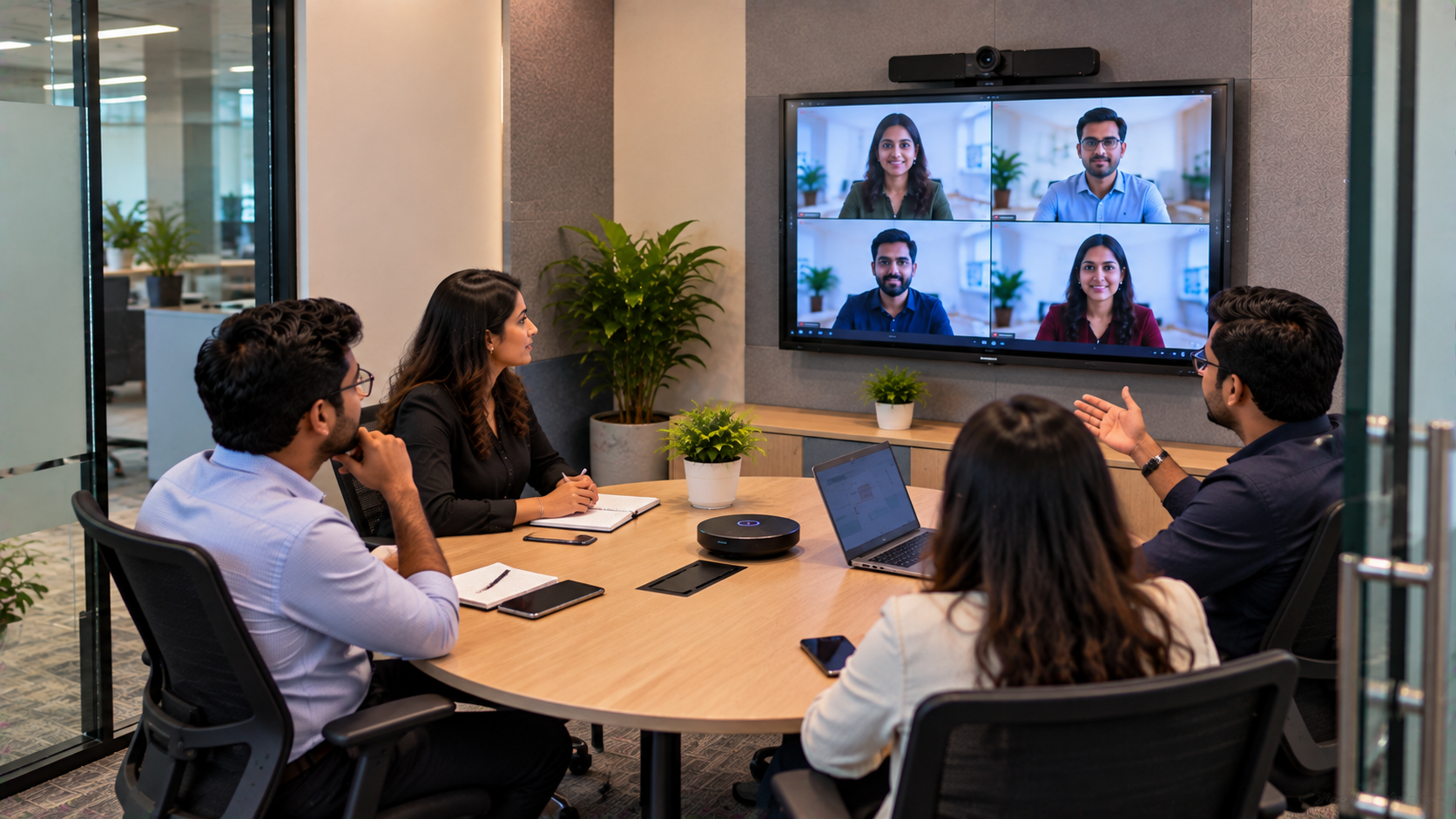
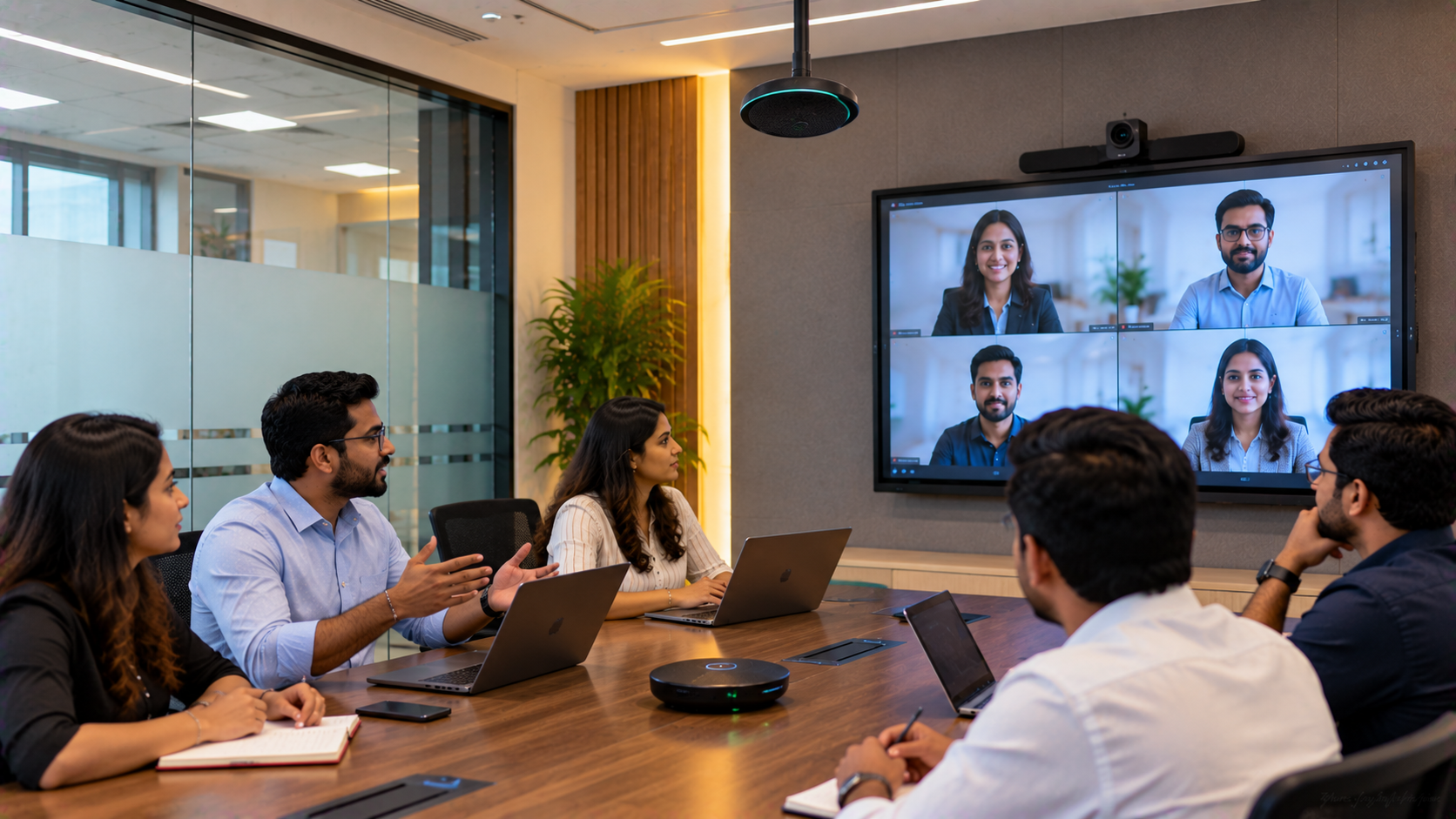
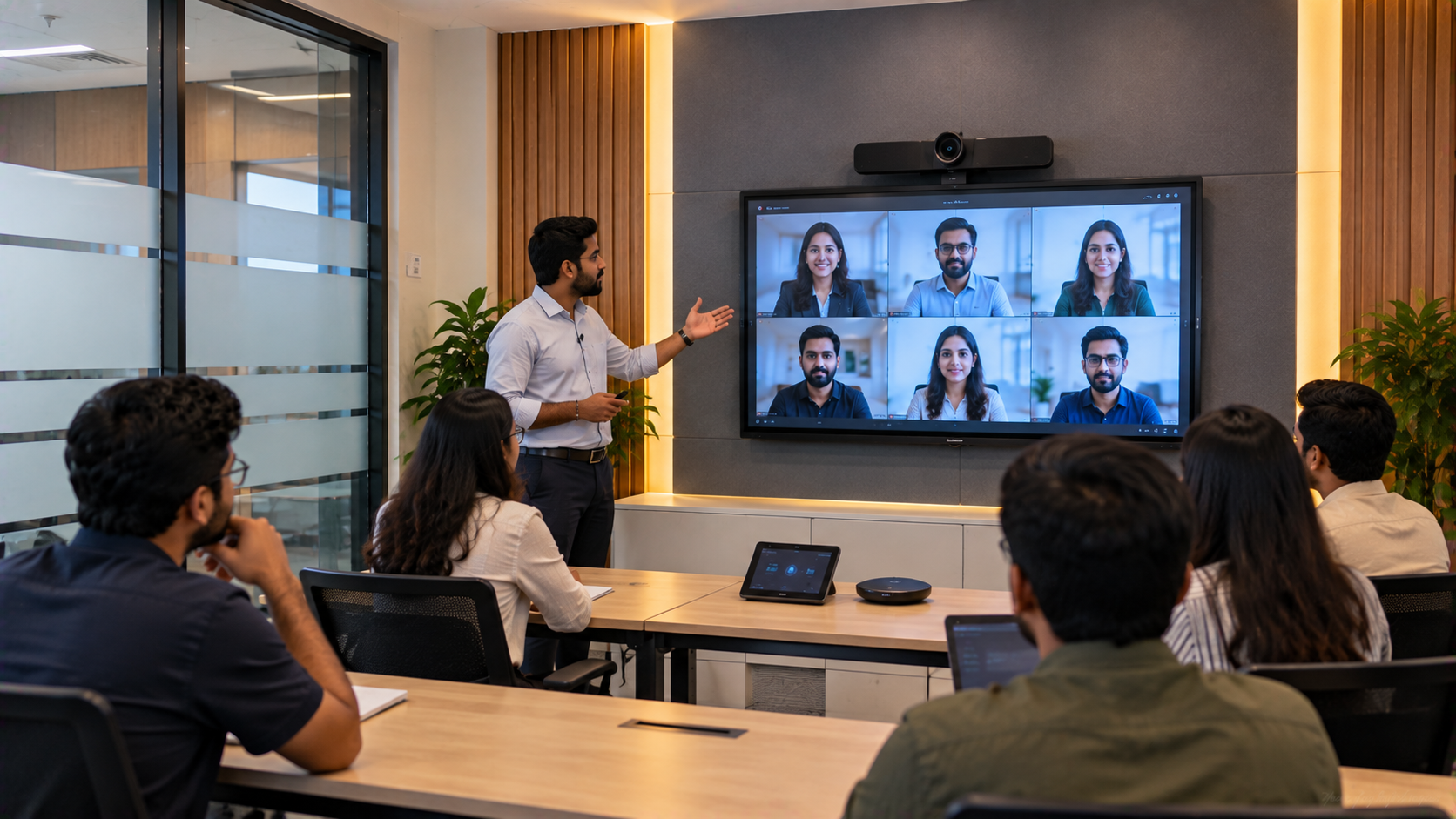
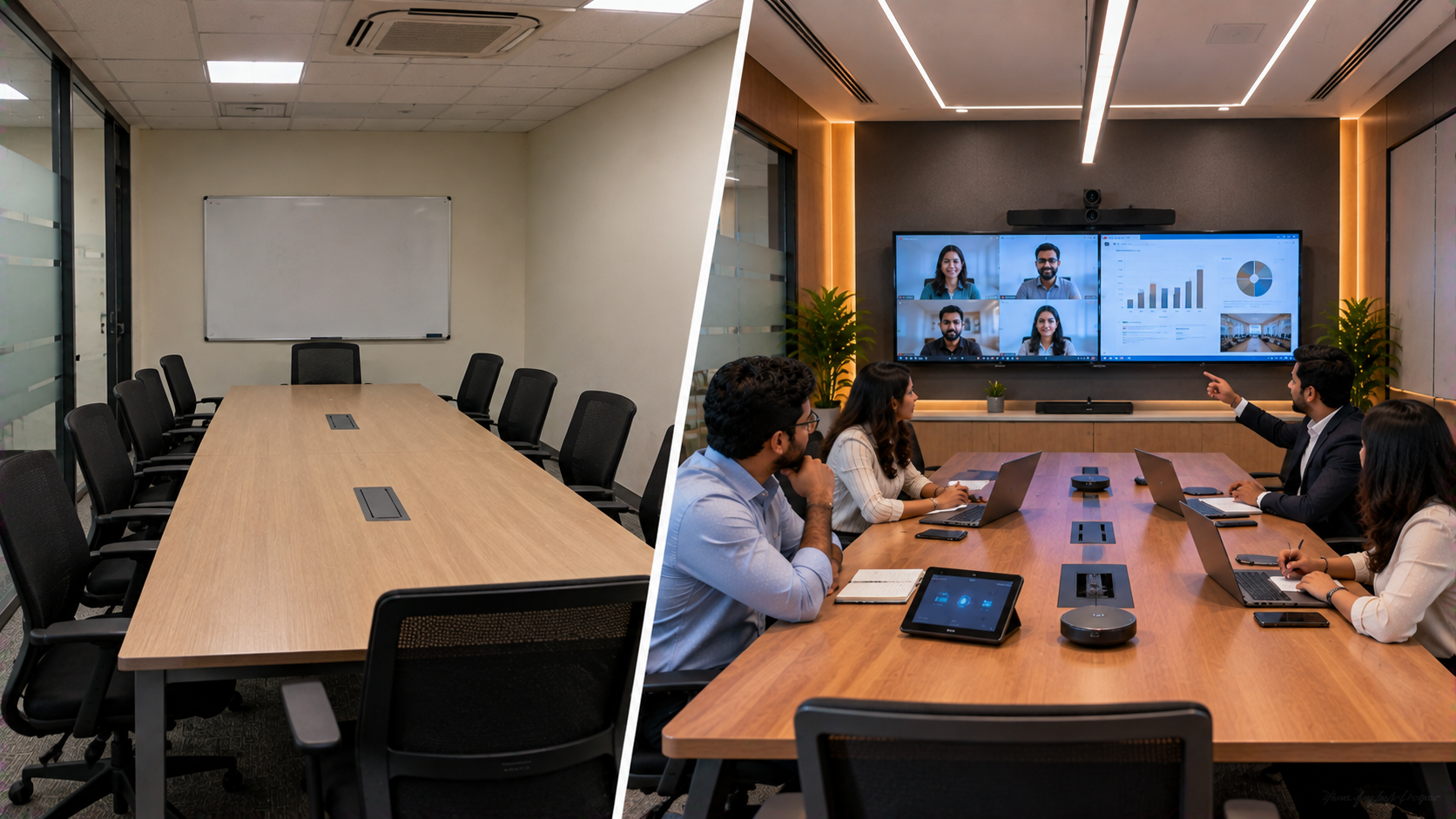
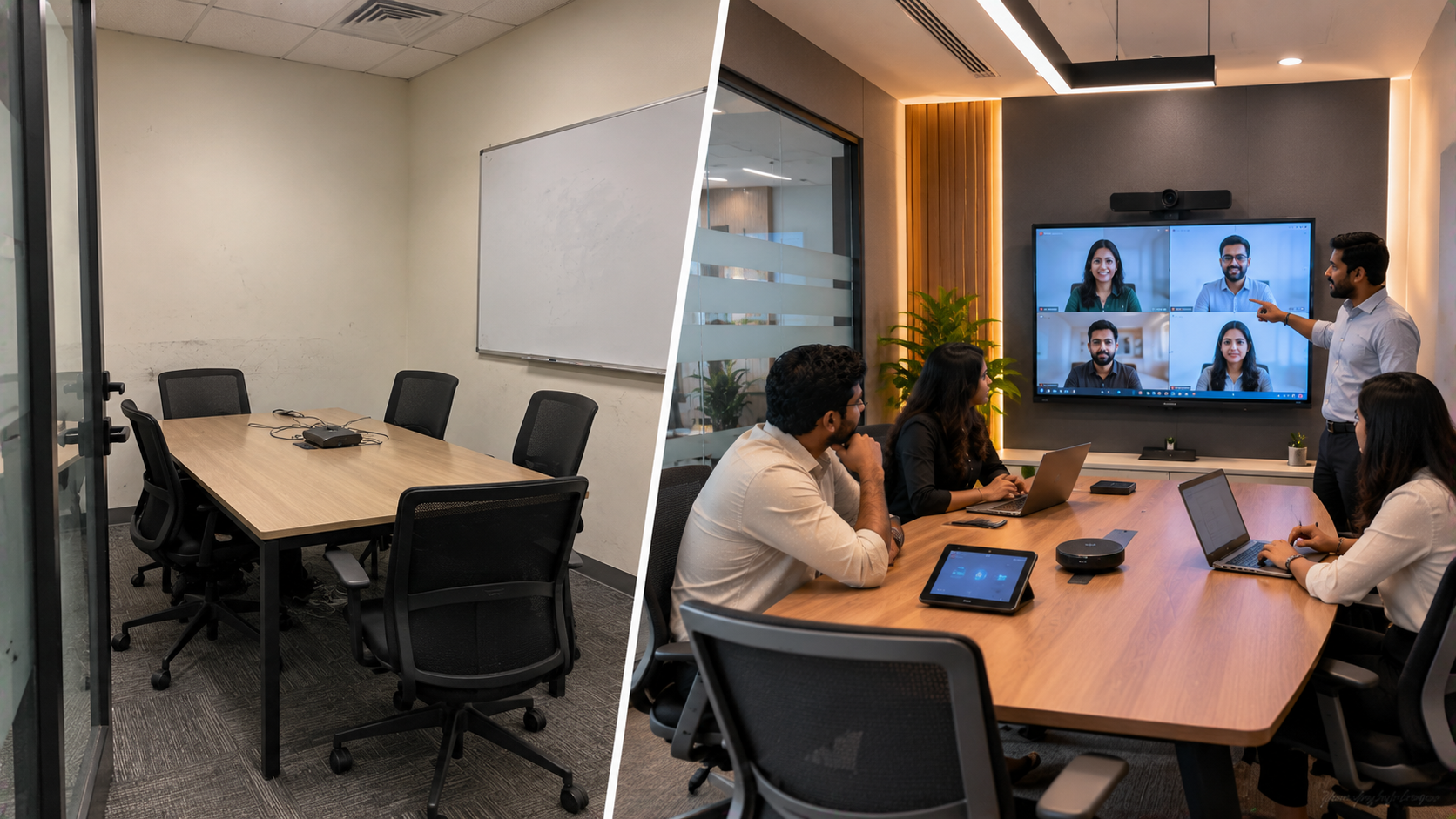
Modern workplaces in Ghaziabad, Delhi NCR are increasingly moving toward smaller, technology-enabled meeting spaces. A compact huddle room can help teams conduct daily stand-ups, client calls, hybrid meetings, presentations and quick decision-making sessions without dedicating an entire conference room. For businesses, however, simply placing a display and camera in a small room is not enough. The solution needs to provide clear video, understandable audio, easy content sharing and reliable day-to-day operation. This is where GoLive eTechnologies can help businesses select, install and support the right workplace technology. Technology that works, backed by people who help.
The Challenge: Making a Small Meeting Room Work Like a Larger Conference Room
A typical compact meeting room has limited wall space, seating capacity and cable-management options. Companies may also face several practical problems:
Limited space for large conference-room equipment
Difficulty viewing presentations on conventional displays
Poor camera positioning during video meetings
Unclear audio during hybrid calls
Multiple cables and adapters on the meeting table
Employees needing technical assistance to start meetings
Difficulty finding the right balance between features and budget
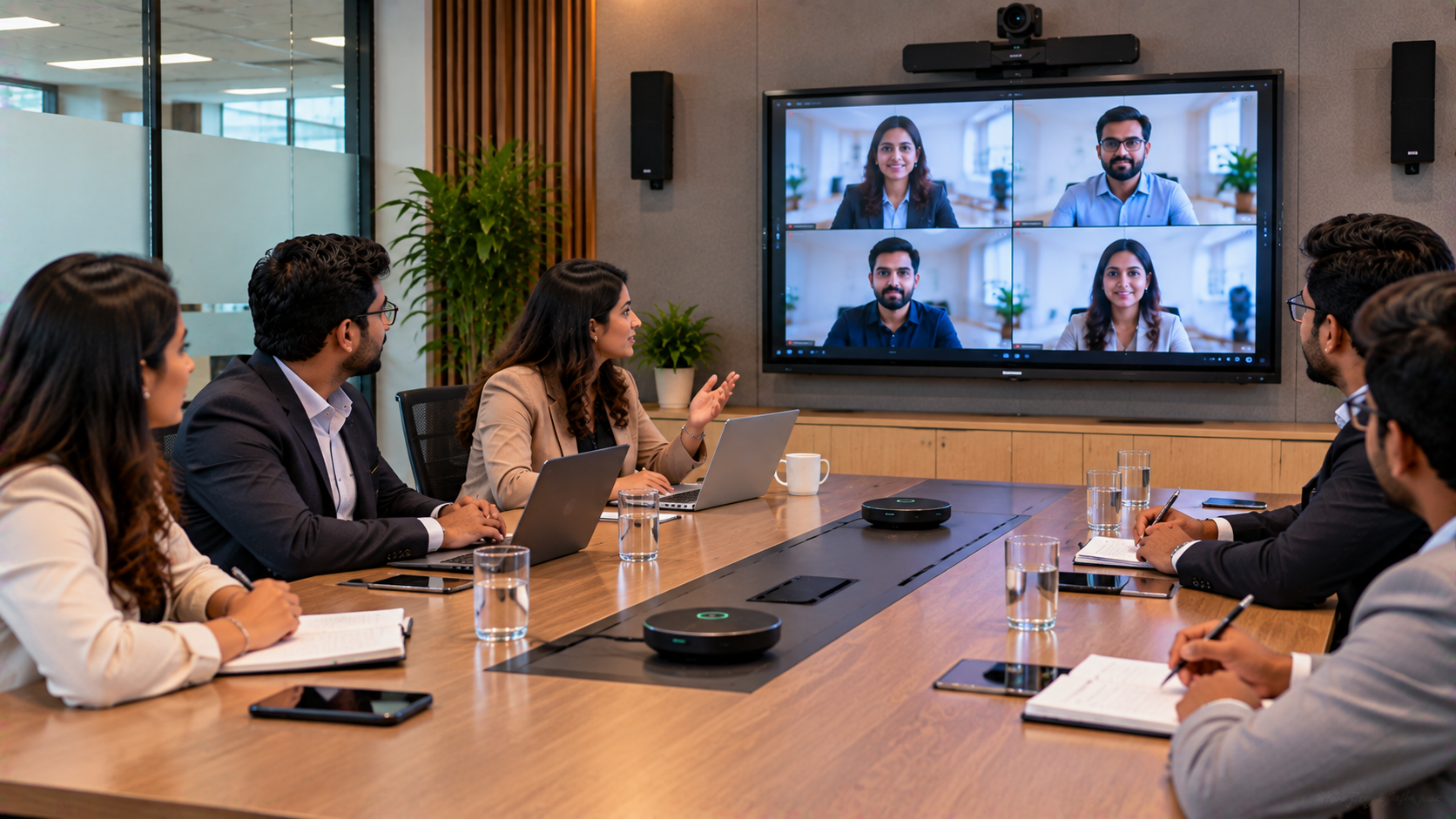
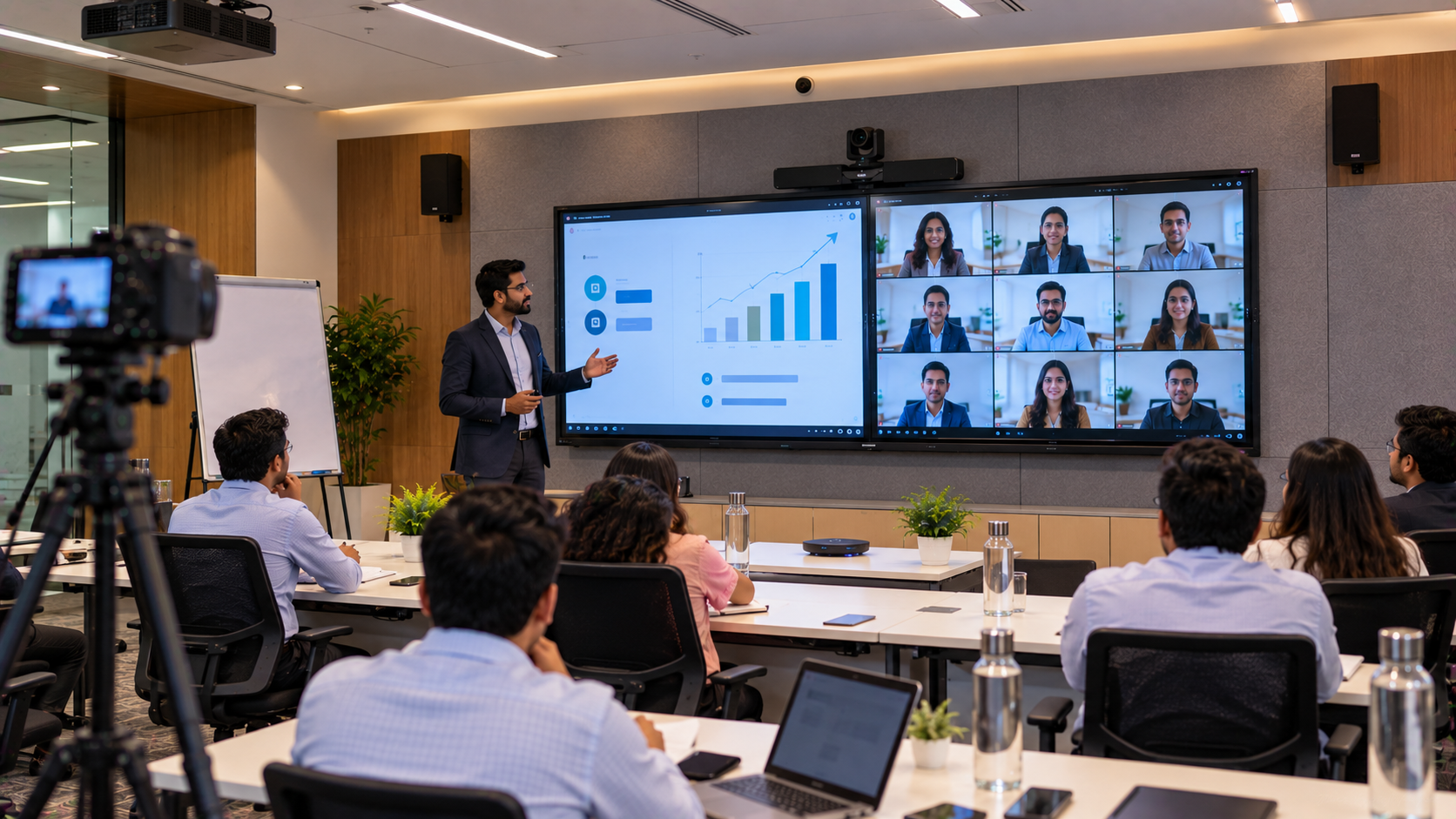
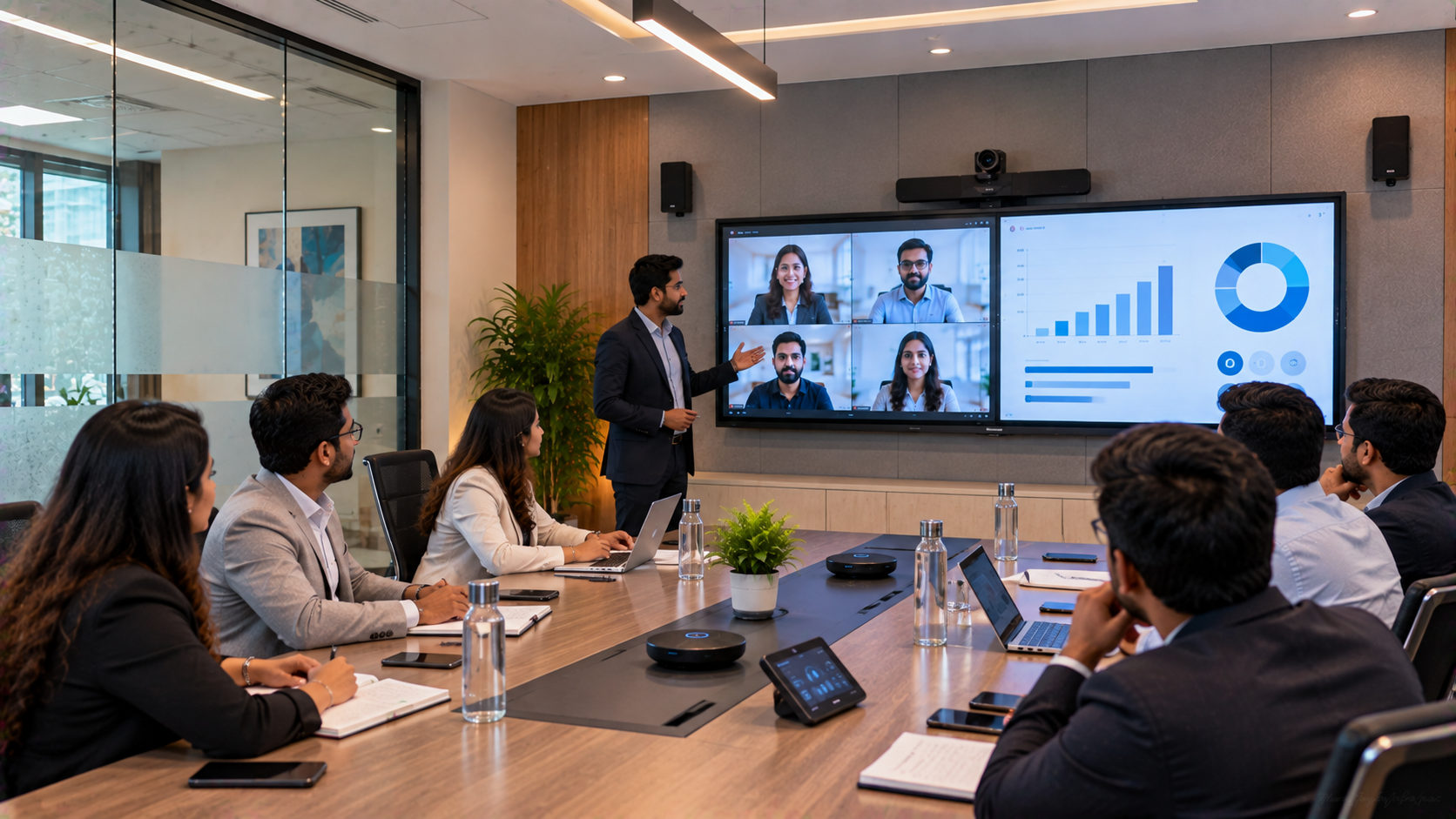
A well-planned huddle room addresses these issues by integrating the interactive display, PTZ camera, audio equipment, connectivity and installation into one practical setup.
The GoLive eTechnologies Huddle Room Approach
For a compact office in Ghaziabad, the technology requirement can be approached around four core components:
1. Interactive Display for Presentations and Collaboration
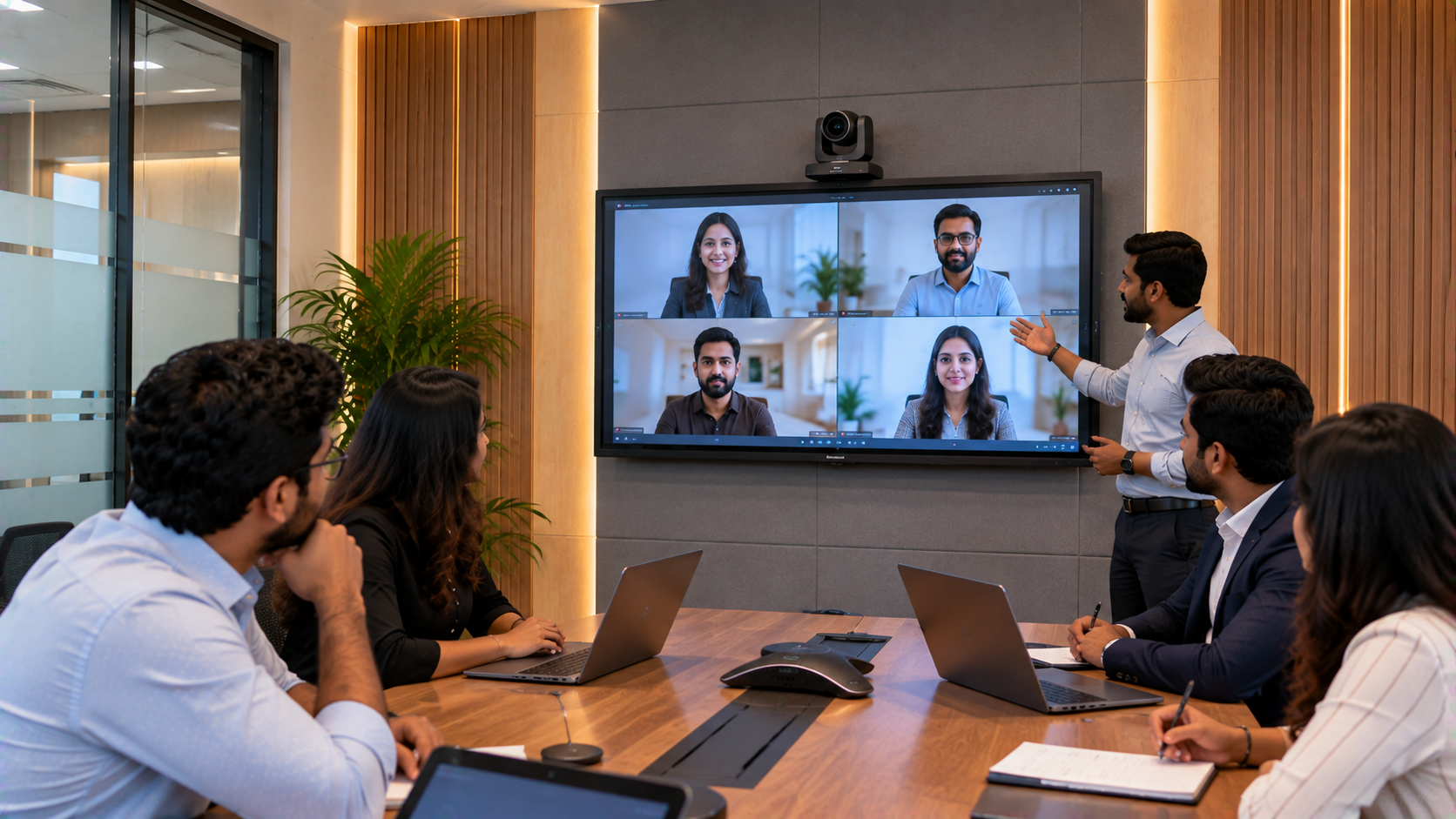
An interactive flat panel can act as the visual centre of the room. Depending on the room size and viewing distance, companies can evaluate options such as an Evota interactive panel, MAXHUB smart board, Newline interactive panel or compatible LG interactive display.
An interactive display can support:
Presentation viewing
Touch-based collaboration
Digital whiteboarding
Document annotation
Brainstorming
Training and demonstrations
Hybrid meeting participation
For businesses searching for digital board price in India, interactive panel price, Evota digital board price, Newline smart board price or MAXHUB smart board price, the final cost should be evaluated according to screen size, specifications, software, installation and accessories rather than display price alone.
2. PTZ Camera for Professional Video Meetings
A camera is particularly important when a huddle room is used for remote meetings.
An Evota 4K PTZ camera can be considered when businesses require a professional meeting-camera setup. PTZ cameras provide remote control of pan, tilt and zoom, making them suitable for meeting rooms where participants may sit at different positions.
Depending on the meeting environment and compatibility requirements, businesses can also evaluate products such as Logitech PTZ cameras or other suitable conferencing cameras.
For smaller rooms, camera selection should consider:
Room dimensions
Number of participants
Camera mounting position
Field of view
Resolution
Zoom requirements
Video-conferencing platform compatibility
The objective is not simply to purchase a 4K PTZ camera, but to select a camera that fits the room.
3. Audio That Keeps Every Conversation Clear
Poor audio can make even an expensive video-conferencing setup frustrating.
A compact huddle room should therefore consider appropriate conference room speakers, microphones and audio interfaces according to the room's acoustics and seating arrangement.
The right audio solution can help reduce:
Echo
Background noise
Low-volume speech
Microphone-distance problems
Repeated requests to “speak louder”
GoLive eTechnologies can help businesses assess the room and select suitable audio and conferencing equipment instead of treating every meeting room as a standard installation.
4. Connectivity and Accessories
A professional meeting room also needs reliable connectivity.
Depending on the setup, businesses may require:
HDMI connectivity
USB cables
Video capture devices
Wireless presentation options
Mounting solutions
Computer writing pads
Digital board pens
Cable-management accessories
For example, an HDMI video capture device can be useful in specific recording or streaming configurations, while a writing pad for PC or USB writing pad may support digital annotation workflows.
The accessories should be selected around the actual workflow rather than added unnecessarily.
A Compact Huddle Room: Example Solution Architecture
|
Requirement |
Possible Solution |
Business Benefit |
|---|---|---|
|
Visual collaboration |
Evota / MAXHUB / Newline interactive panel |
Present, annotate and collaborate |
|
Video meetings |
Evota 4K PTZ camera |
Clear participant video |
|
Audio |
Conference microphone + speaker |
Better meeting communication |
|
Connectivity |
HDMI/USB/capture accessories |
Easier device integration |
|
Installation |
Professional installation |
Faster deployment |
|
Training |
User orientation |
Easier employee adoption |
|
Support |
After-sales assistance |
Less technology headache |
Important: Exact products should be selected after evaluating room dimensions, seating capacity, meeting platform, connectivity requirements and budget.
Choosing the Right Screen Size for a Compact Meeting Room
A common question is whether a 65-inch, 75-inch or 86-inch interactive display is appropriate.
65-inch display
Suitable when the room is smaller and participants sit relatively close to the screen.
75-inch display
A practical option for many medium-sized huddle or meeting rooms where presentations and shared content need comfortable visibility.
86-inch display
More suitable when the room is larger or participants sit farther from the display.
Searches such as Evota smart board 75 inch price, LG interactive digital board 75 price, Newline interactive panel 75 inch price and MAXHUB digital board 85 inch price reflect strong interest in screen-specific pricing. However, businesses should compare the complete solution rather than selecting purely on screen size or advertised price.
How GoLive eTechnologies Can Simplify Implementation
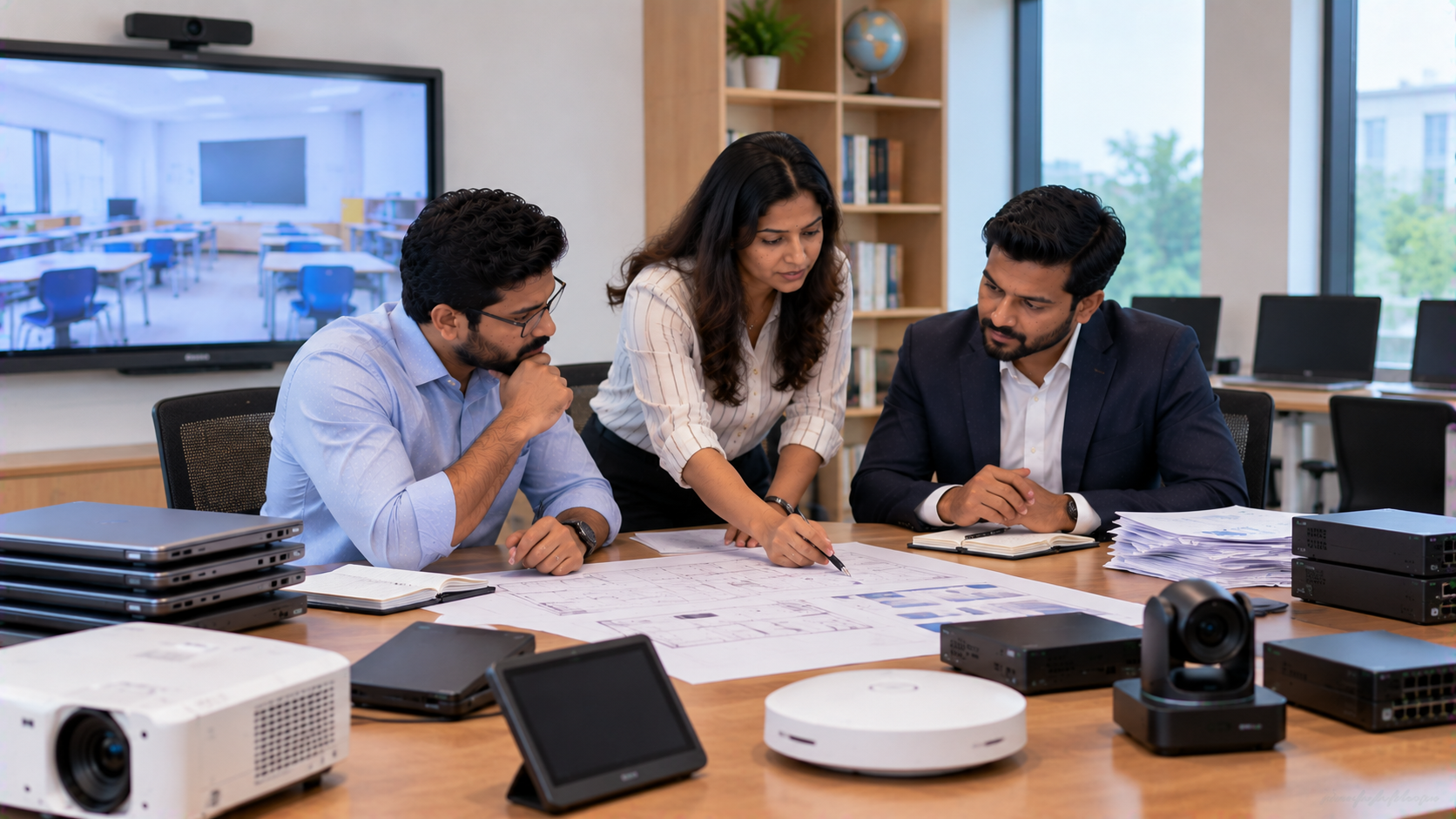
The core USP of GoLive eTechnologies is end-to-end technology support from selection to installation and beyond.
A typical implementation can follow these steps:
Step 1: Requirement Assessment
Understand the number of users, meeting frequency, room size and existing infrastructure.
Step 2: Product Selection
Recommend suitable displays, cameras, audio equipment and accessories.
Step 3: Solution Planning
Plan display placement, camera position, connectivity and cable management.
Step 4: Installation
Install and configure the selected equipment.
Step 5: Testing
Test video, audio, display connectivity and meeting workflows.
Step 6: User Training
Help employees understand how to operate the technology.
Step 7: Ongoing Support
Provide assistance when businesses need help with their technology setup.
This approach supports the GoLive customer benefit:
Less technology headache. More confidence that everything will work.
Why Businesses in Ghaziabad Can Consider GoLive eTechnologies
For an organisation setting up a huddle room, the lowest equipment price is not necessarily the most useful measure of value.
The overall solution should consider:
Product compatibility
Installation requirements
Deployment time
Employee usability
Warranty and support
Future scalability
Availability of replacement/accessory support
Training and technical assistance
GoLive eTechnologies positions its service around the complete customer journey: right solution + fast deployment + installation + support.
Customer feedback can be an important part of evaluating any technology provider. When assessing GoLive eTechnologies reviews, businesses should look beyond product specifications and consider recurring service-related themes such as support, delivery, installation, training and assistance.
Huddle Room Setup vs Traditional Meeting Room
|
Factor |
Traditional Meeting Room |
Compact Huddle Room |
|---|---|---|
|
Space requirement |
Higher |
Lower |
|
Meeting format |
Formal meetings |
Quick collaborative meetings |
|
Setup |
Often equipment-heavy |
Integrated |
|
Daily use |
Scheduled meetings |
Frequent everyday use |
|
Collaboration |
Presentation-focused |
Presentation + interaction |
|
Technology |
Multiple independent devices |
More integrated workflow |
A well-designed huddle room can therefore become a practical everyday collaboration space rather than simply a smaller conference room.
Beyond Huddle Rooms: Complete Workplace Technology
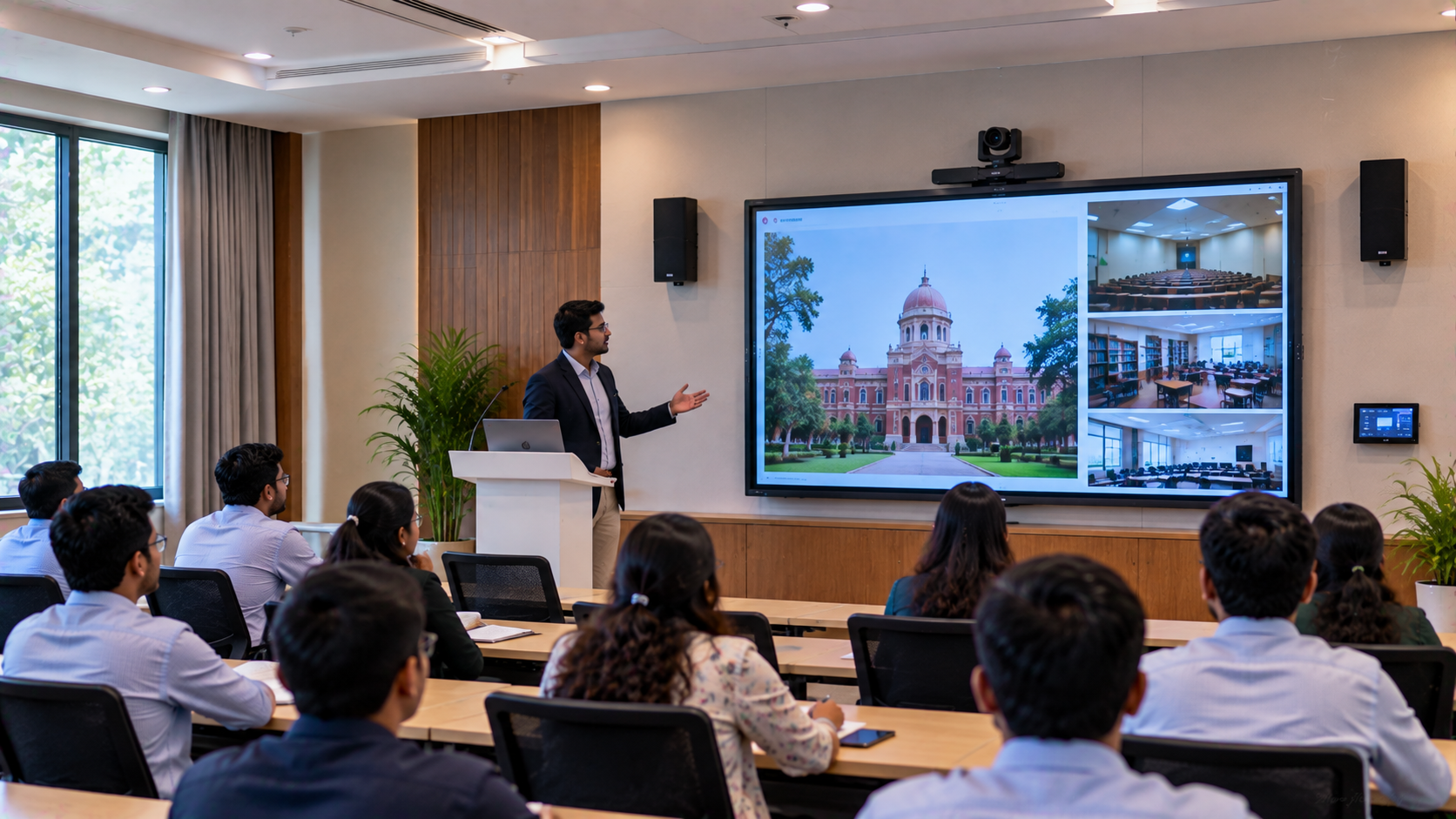
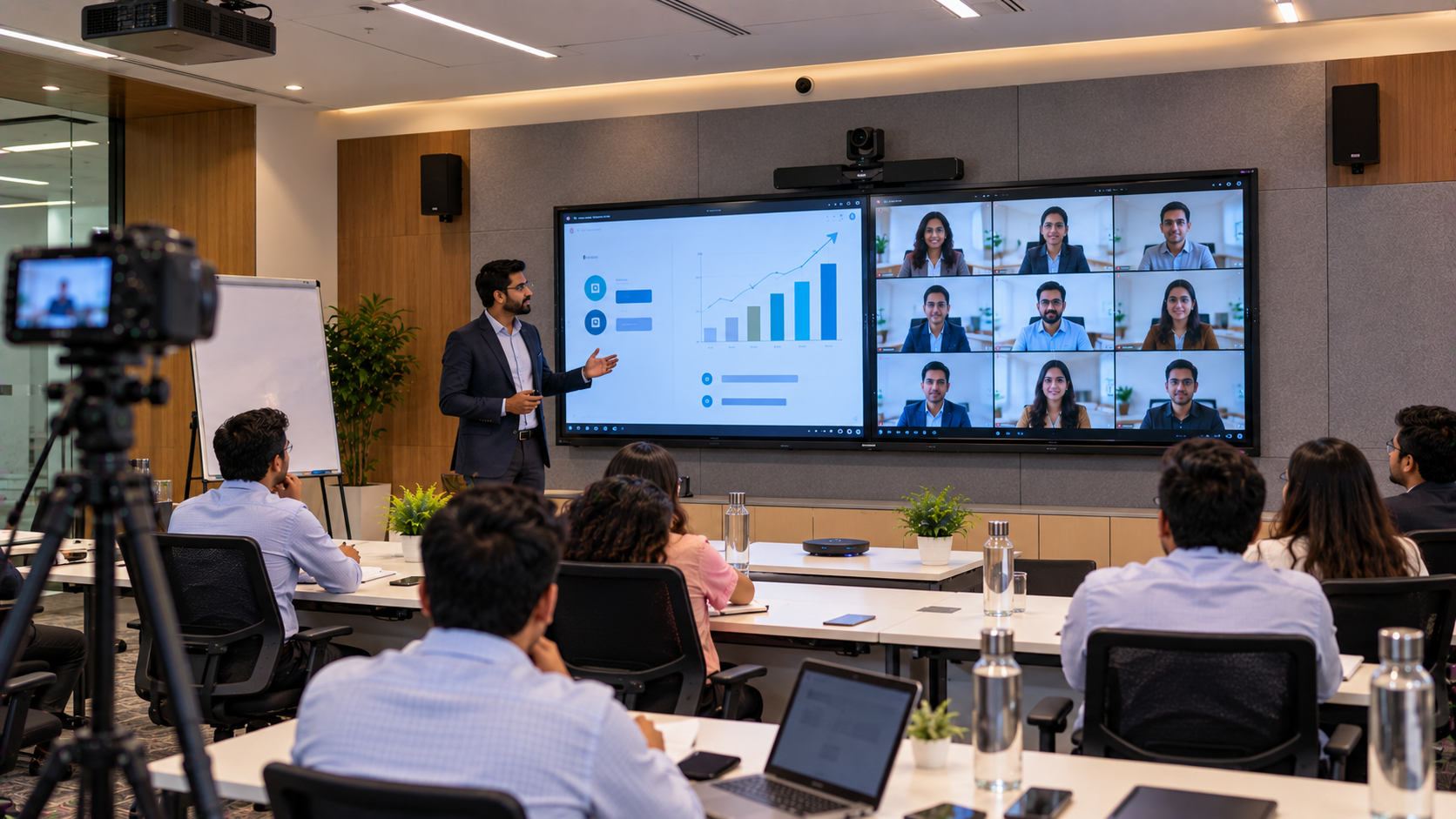
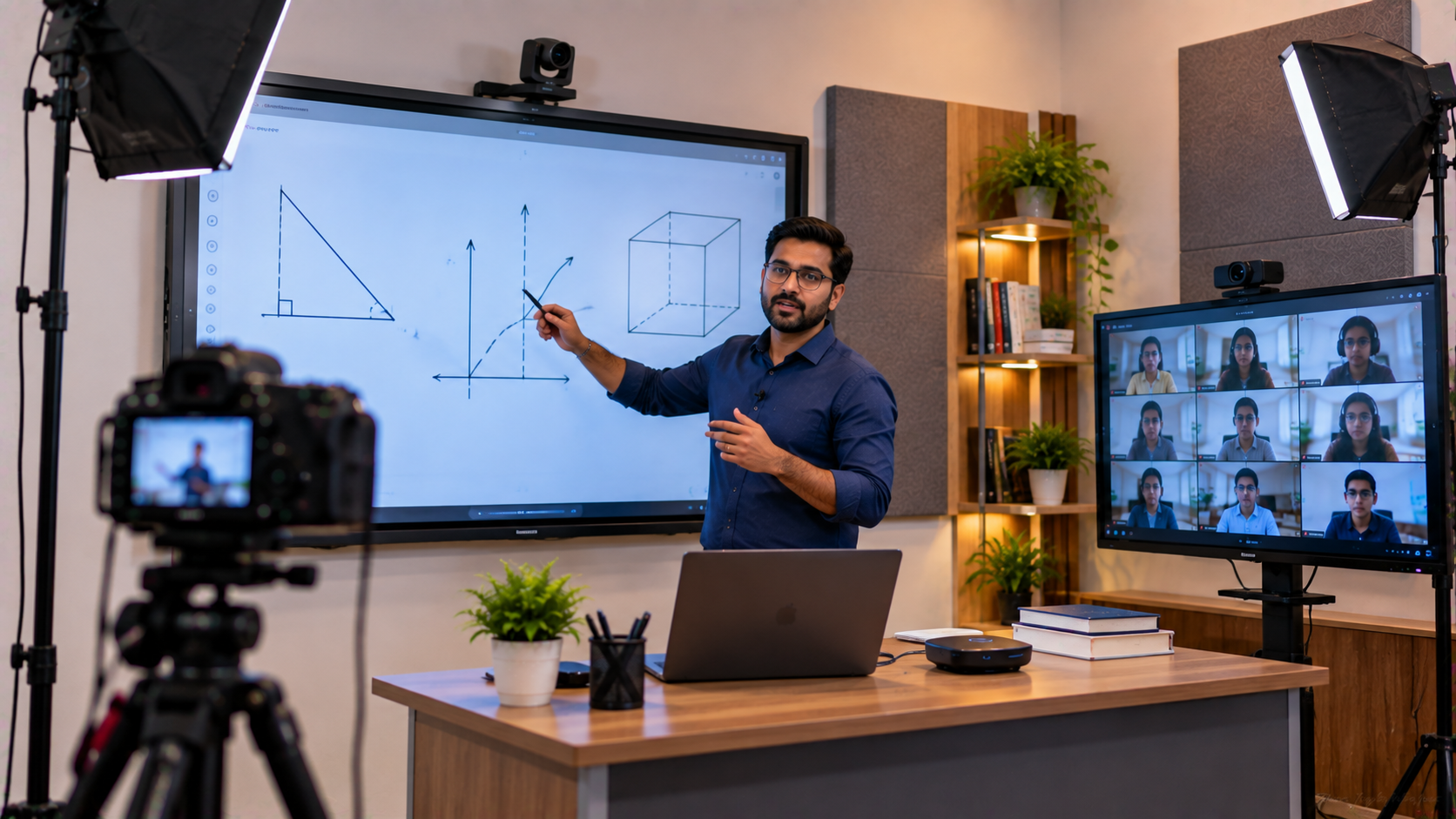
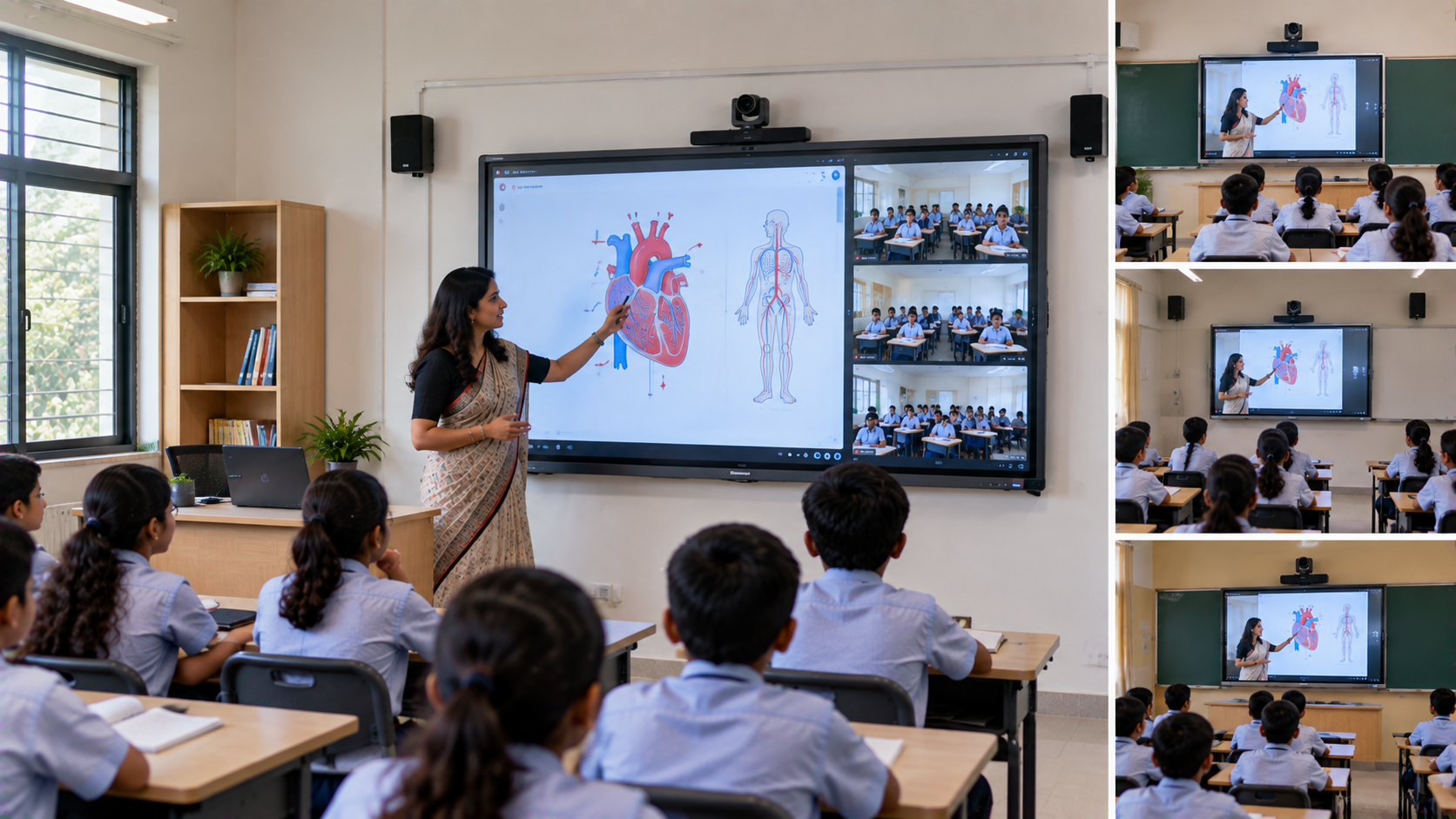
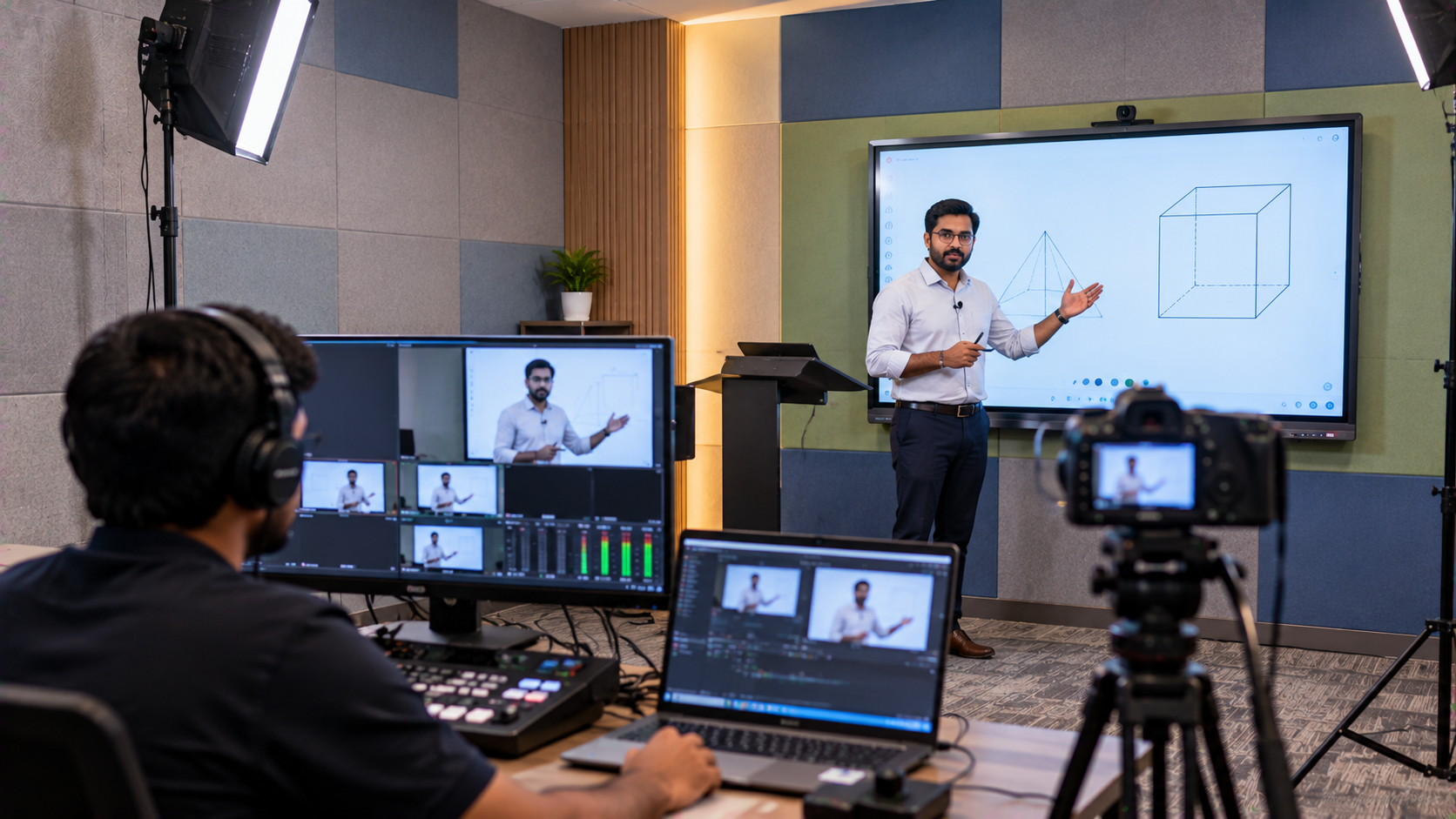
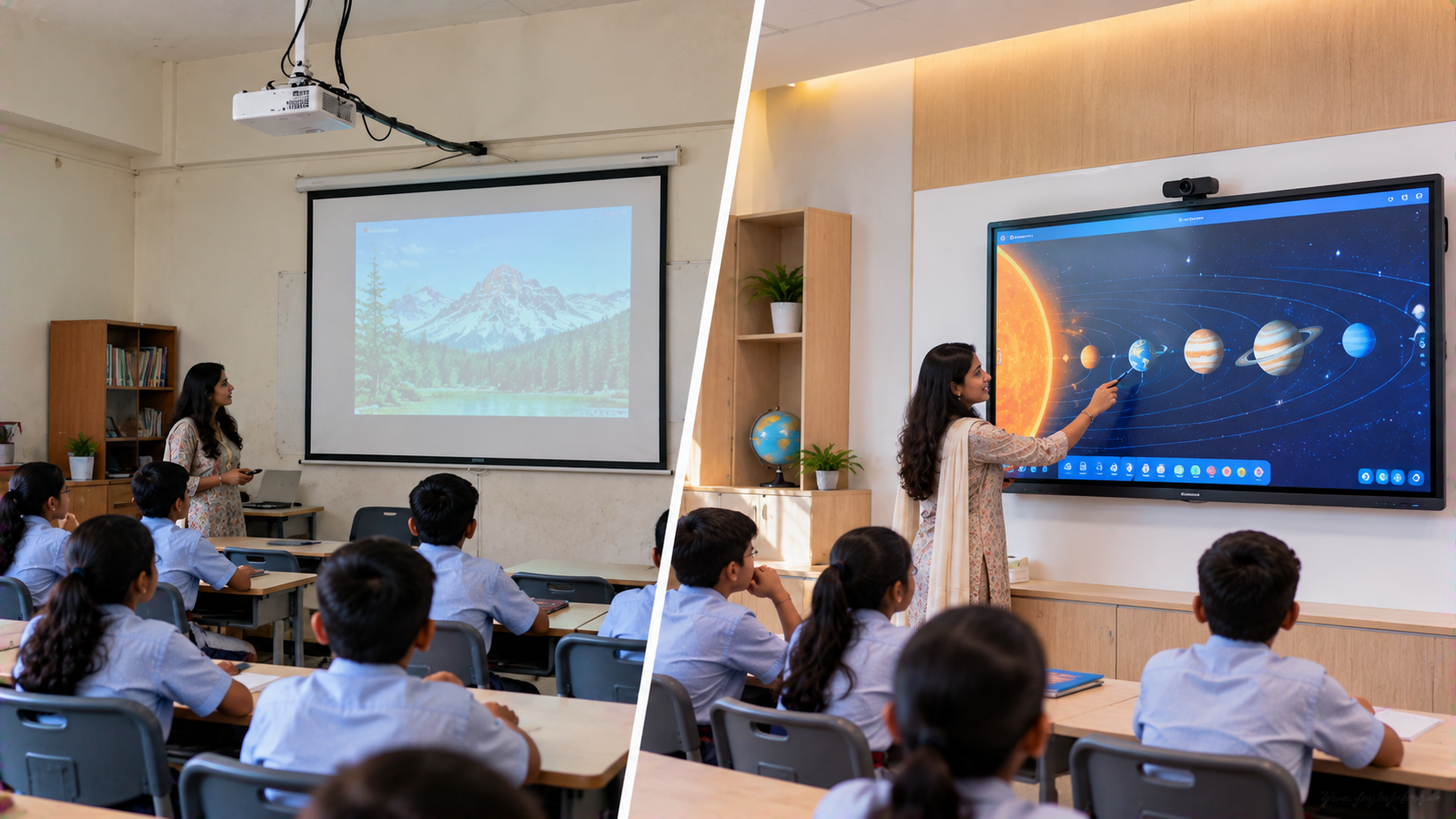
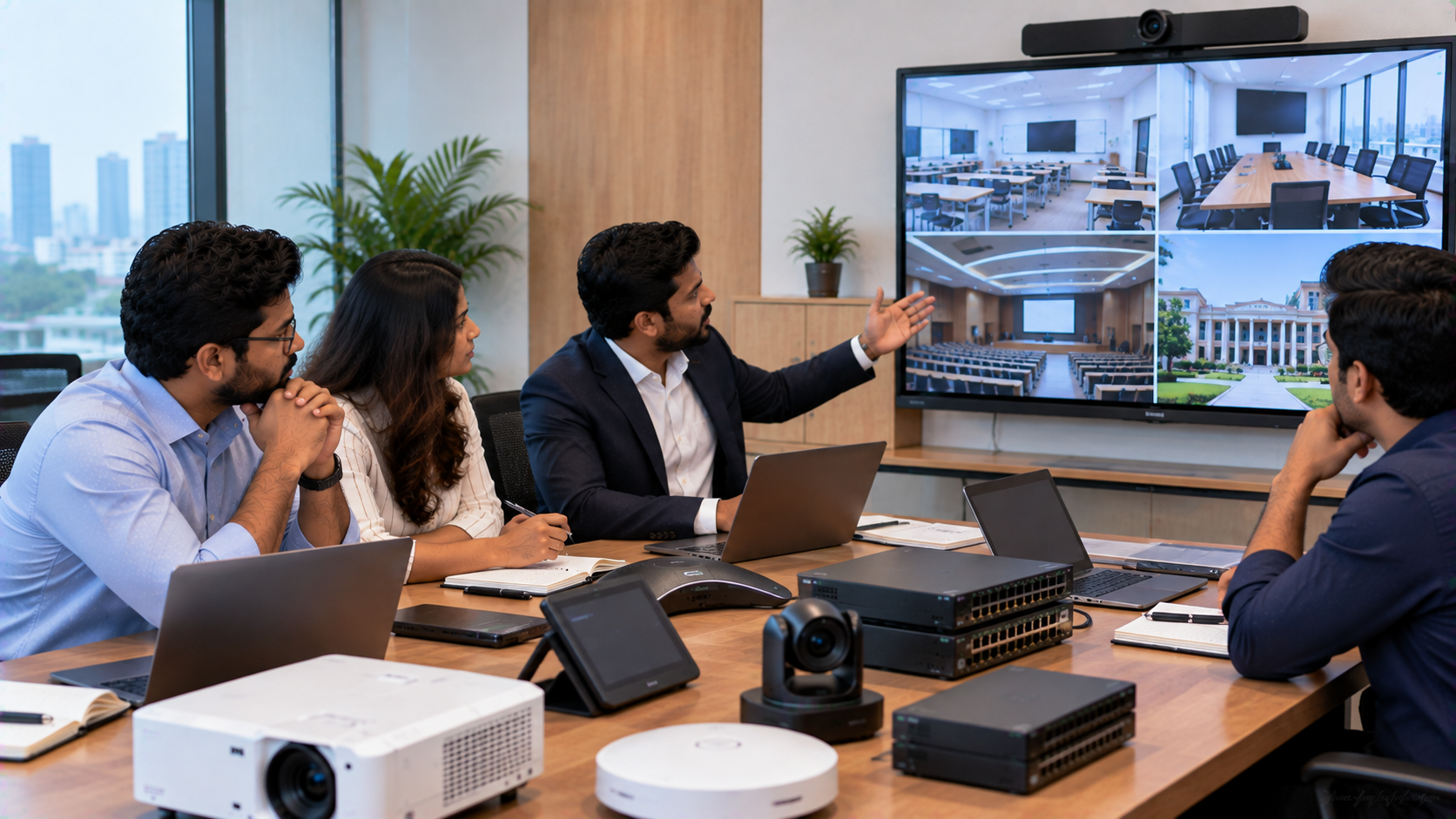
GoLive eTechnologies can support organisations beyond meeting-room displays and cameras, including technology requirements for smart classrooms, digital education, online teaching, conference rooms, recording setups and interactive learning environments.
Relevant solution categories can include:
Interactive flat panels
Digital boards
PTZ cameras
Conference cameras
Audio equipment
Video capture solutions
Smart classroom equipment
Online teaching setups
Digital collaboration solutions
Whether a company is searching for an Evota smart board, MAXHUB digital board, Newline digital board, LG interactive panel or PTZ camera, the objective should remain the same: select technology that solves the actual workplace requirement.
Conclusion
Designing a compact huddle room in Ghaziabad does not require filling a small space with excessive technology. The better approach is to create a purpose-built, integrated meeting environment around the company's daily workflow.
From choosing an appropriate interactive panel and PTZ camera to installation, configuration and user training, GoLive eTechnologies can help organisations move from product selection to a functioning workplace solution.
Technology that works, backed by people who help.
Your email address will not be published. Required fields are marked *

By Inhype • September 12, 2026
A smart classroom is only as effective as the technology supporting it. Interactive panels, smart boards, PTZ cameras, microphones, speakers, PCs and
Read More
By Inhype • September 12, 2026
Higher education is rapidly moving beyond traditional chalkboards and projectors. Today, colleges and universities need technology that supports inter
Read More
By Inhype • September 12, 2026
A smart classroom for CBSE schools is no longer simply a classroom with a digital board. Modern schools are building connected learning environments t
Read More
By Inhype • September 12, 2026
Planning a smart classroom project for 10, 20 or even 50 classrooms requires more than simply purchasing digital boards. Schools, colleges, universiti
Read More
By Inhype • September 12, 2026
A smart classroom can transform the way teachers explain concepts, students interact with lessons, and institutions deliver digital education. From in
Read More




Golive eTechnologies India Private Limited (CIN - U31909UP2021PTC148242) is one of India's leading providers of smart classrooms, interactive boards, video conferencing solutions, and display technologies for the education, healthcare, corporate, and government sectors.

No comments yet. Be the first to comment!