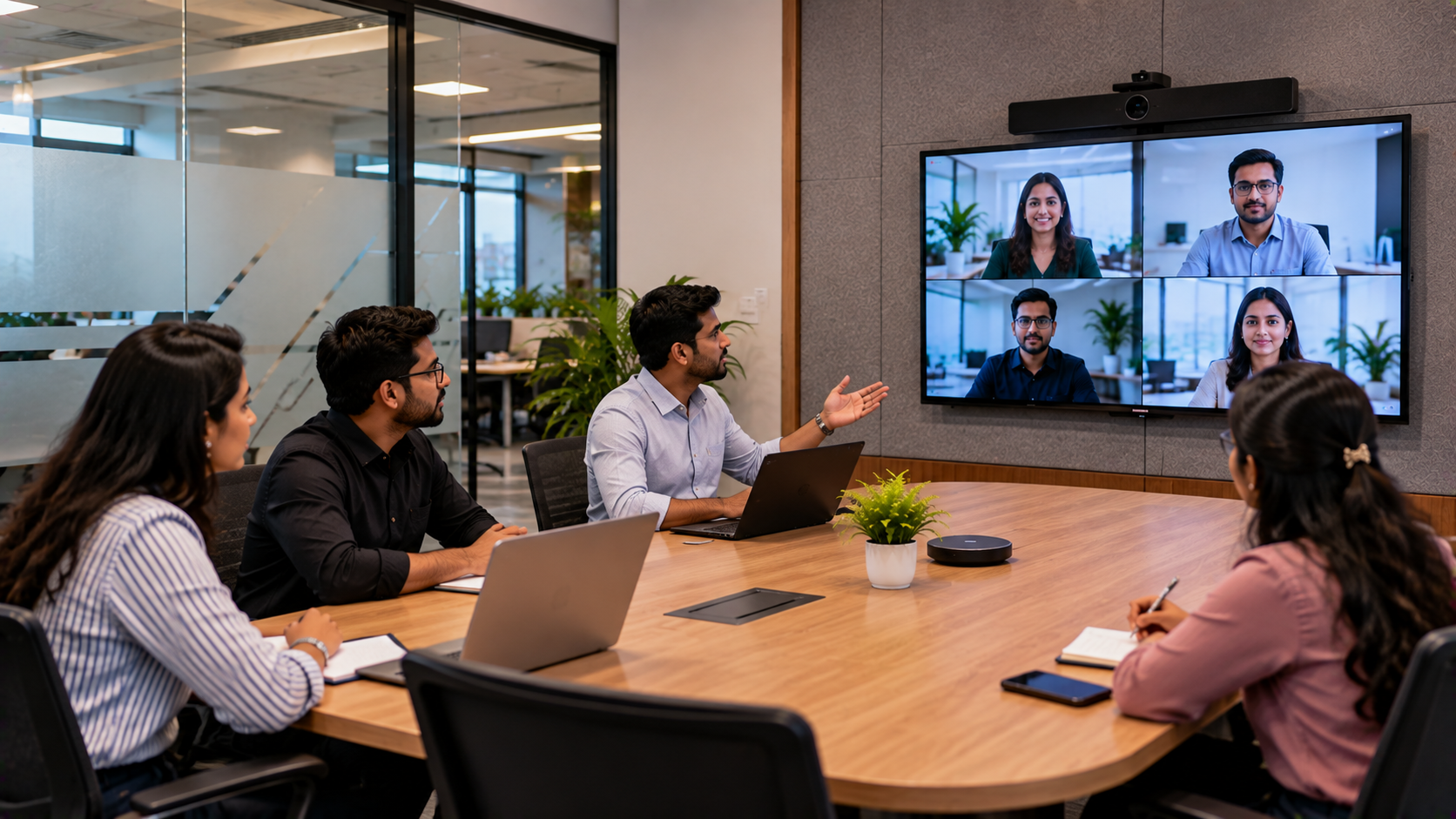
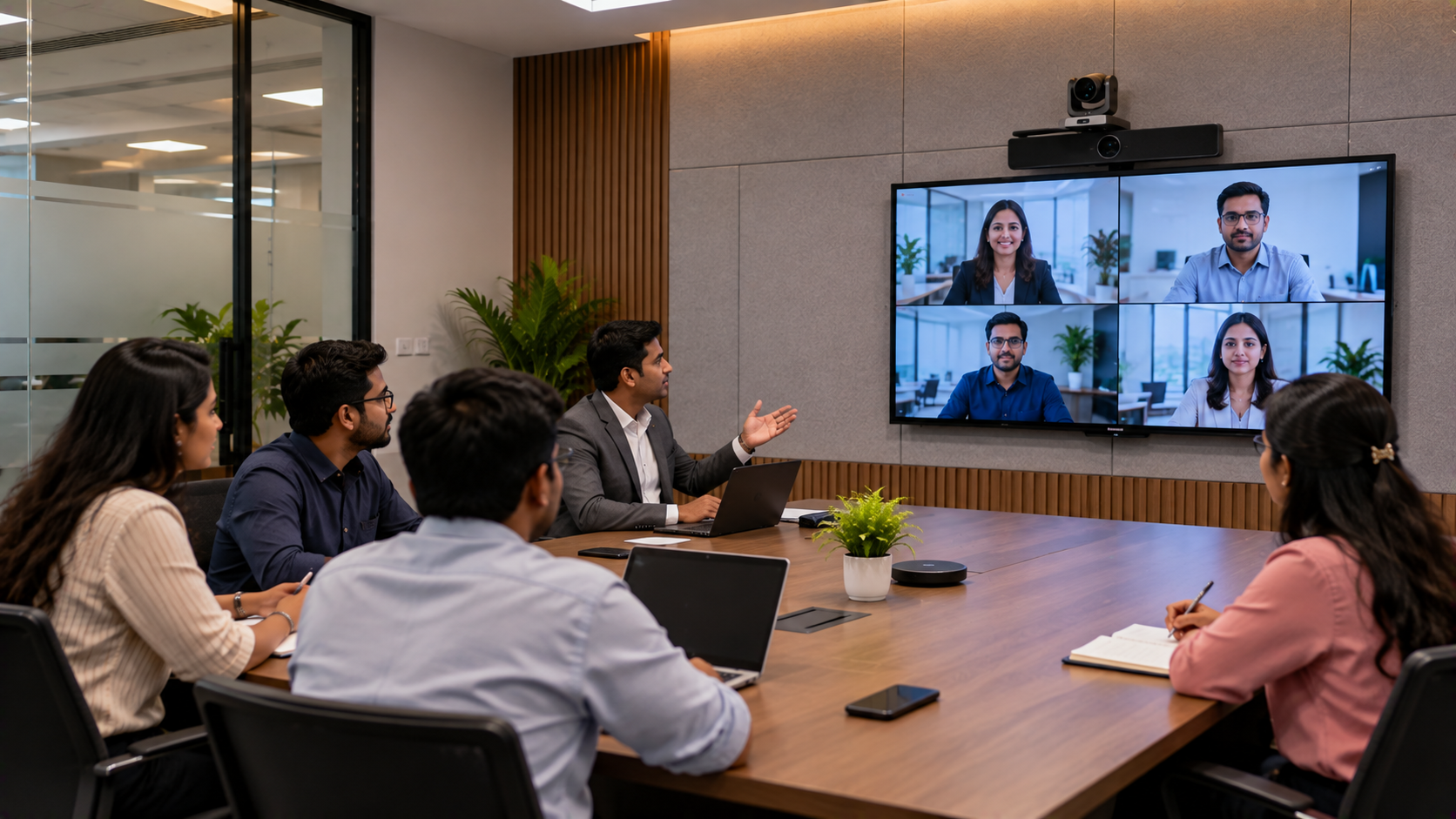
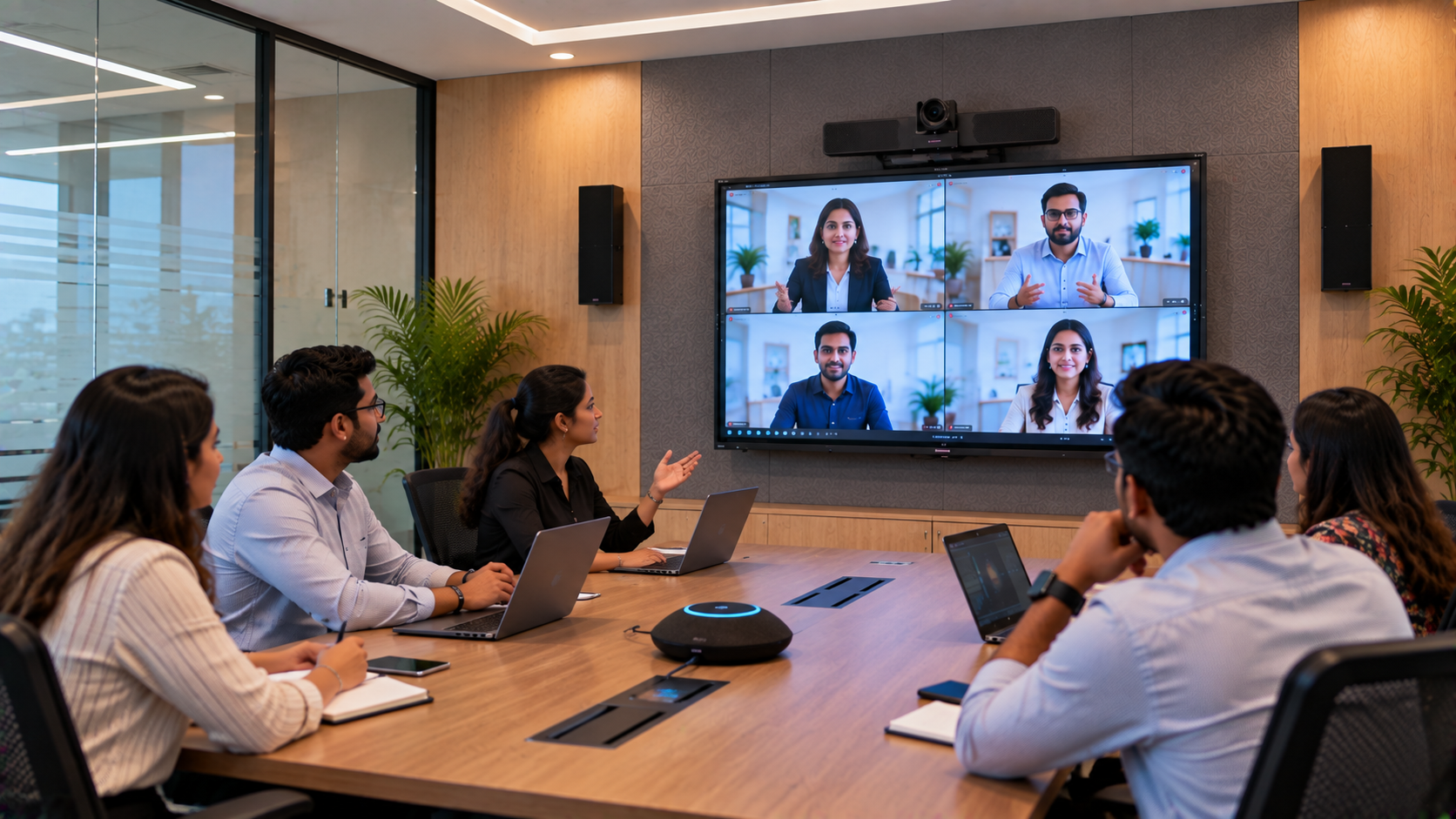
Modern workplaces need more than a table, a screen, and a video call link. Corporate teams in Bangalore increasingly rely on huddle rooms for quick meetings, hybrid collaboration, project discussions, client presentations, and decision-making. Yet outdated displays, unclear audio, unreliable video connections, and complicated meeting-room controls can make even a 15-minute meeting frustrating. GoLive eTechnologies helps businesses plan modern huddle room AV solutions by bringing together interactive flat panels, PTZ cameras, audio equipment, connectivity, installation, and ongoing support. The goal is simple: less technology headache and more confidence that everything will work when a meeting begins. This guide explains how a corporate office in Bangalore can modernise its huddle room, which products to consider, and what to evaluate before investing.
Why Corporate Offices in Bangalore Need Modern Huddle Room Solutions
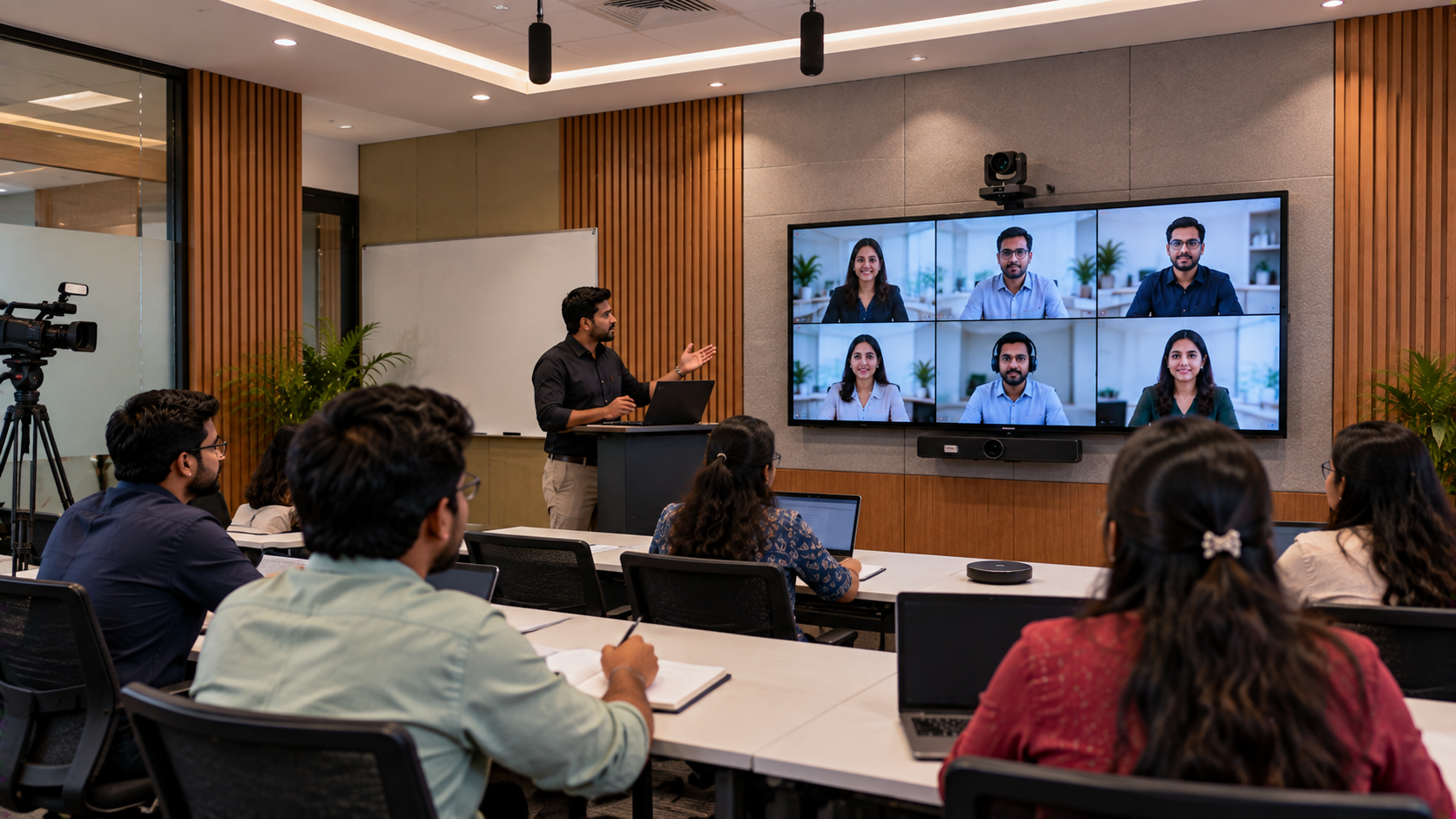
A huddle room is a compact meeting space designed for small teams, quick discussions, presentations, and hybrid meetings. As businesses adopt flexible working arrangements, these rooms must support both in-person and remote participants.
Common challenges include:
Small or outdated displays: Meeting participants struggle to read spreadsheets, dashboards, presentations, and shared documents.
Poor video coverage: Standard webcams may not capture everyone clearly in a wider room.
Unclear audio: Echo, background noise, and low microphone volume affect remote participants.
Complicated connections: Employees lose time switching cables, adjusting settings, or troubleshooting devices.
Inconsistent meeting experiences: Different rooms may have different equipment and controls, making meetings harder to start.
A well-planned huddle room upgrade addresses these issues together instead of treating every device as a separate purchase.
Step 1: Assess the Room Before Choosing AV Equipment
Before comparing an interactive panel price or a PTZ camera price, identify how the room will be used.
GoLive eTechnologies recommends evaluating:
Room dimensions, seating arrangement, lighting, and viewing distance.
Number of people attending meetings in person and remotely.
Frequency of video conferences and screen-sharing sessions.
Need for touchscreen annotation, whiteboarding, or document review.
Existing computers, meeting platforms, network connections, and power points.
Installation requirements, wall strength, cable routing, and mounting options.
For a compact huddle room, a large display may not always be necessary. The right solution depends on viewing distance, room layout, collaboration needs, and compatibility with existing systems.
Step 2: Choose an Interactive Display for Presentations and Collaboration
An interactive flat panel can make meetings more productive by allowing teams to display presentations, annotate documents, brainstorm ideas, and review visual information on a shared screen.
Corporate buyers can compare options such as:
EVOTA interactive panel: Consider for businesses looking for an interactive display solution with options across different room requirements.
MAXHUB smart board: Consider for collaborative meeting environments where display and interactive functions are important.
Newline interactive panel: Evaluate when comparing interactive display features, screen sizes, and workplace collaboration requirements.
LG interactive digital board: Consider when evaluating LG display options for corporate presentation and collaboration spaces.
The final selection should be based on verified model specifications, operating-system requirements, touch functionality, connectivity, warranty, and compatibility with the office's existing devices.
How to compare 65-inch and 75-inch interactive panels
A 65-inch panel may suit a compact huddle room where participants sit relatively close to the screen. A 75-inch panel may be more appropriate when the room is wider or presentations contain detailed charts and spreadsheets.
Before purchasing, compare:
Screen size and resolution.
Touch and annotation features.
HDMI, USB, and wireless sharing options.
Mounting requirements and available wall space.
Installation, configuration, and after-sales support.
Searches such as EVOTA smart board price, EVOTA smart board 75 inch price, MAXHUB smart board price, Newline interactive panel price in India, and LG interactive digital board price in India can help buyers compare options. Actual pricing depends on the specific model, configuration, accessories, and current availability.
Step 3: Add a PTZ Camera for Clearer Hybrid Meetings
In hybrid meetings, remote participants need a clear view of the people speaking and the information being presented. A suitable conference camera can improve meeting visibility and reduce the limitations of a basic laptop webcam.
GoLive eTechnologies buyers can evaluate options including:
EVOTA 4K PTZ camera: Consider where high-resolution video and flexible camera positioning are required.
EVOTA 10x HD PTZ camera: Evaluate for rooms where optical zoom and adjustable framing are useful.
Logitech PTZ cameras: Compare suitable models for conference-room video requirements.
Sony NX80: Consider only when its recording features and workflow match the organisation's needs; it may be more suitable for production-oriented applications than a simple huddle room.
PTZ stands for pan, tilt, and zoom. A PTZ camera can move horizontally, vertically, and adjust zoom, depending on the model. This can help frame meeting participants without moving the camera manually.
For a small huddle room, assess camera field of view, mounting position, USB or other supported connectivity, conferencing software compatibility, and whether remote camera control is necessary. Do not pay for advanced zoom features if the room layout does not need them.
Step 4: Improve Meeting Audio with the Right Microphone and Speakers
Clear audio is essential for productive hybrid meetings. A high-quality image cannot compensate for participants who cannot hear the discussion.
Depending on room size and meeting format, the audio setup may include:
A conference microphone or suitable wireless microphone.
A speakerphone or conference speaker-and-microphone system.
Appropriate room speakers where required.
Audio interfaces or mixers for more specialised setups.
For a standard huddle room, start by checking microphone pickup coverage, echo cancellation, speaker placement, and compatibility with the conferencing platform. Equipment such as Ahuja audio products or suitable Sennheiser microphones may be worth evaluating for the relevant use case, but the exact model should be selected against room acoustics and technical requirements.
A practical sound check should confirm that voices remain clear from every seat, remote participants can respond naturally, and loudspeaker output does not cause feedback.
Step 5: Integrate the System and Plan Professional Installation
Buying individual devices is only part of the project. A modern huddle room must function as one coordinated system.
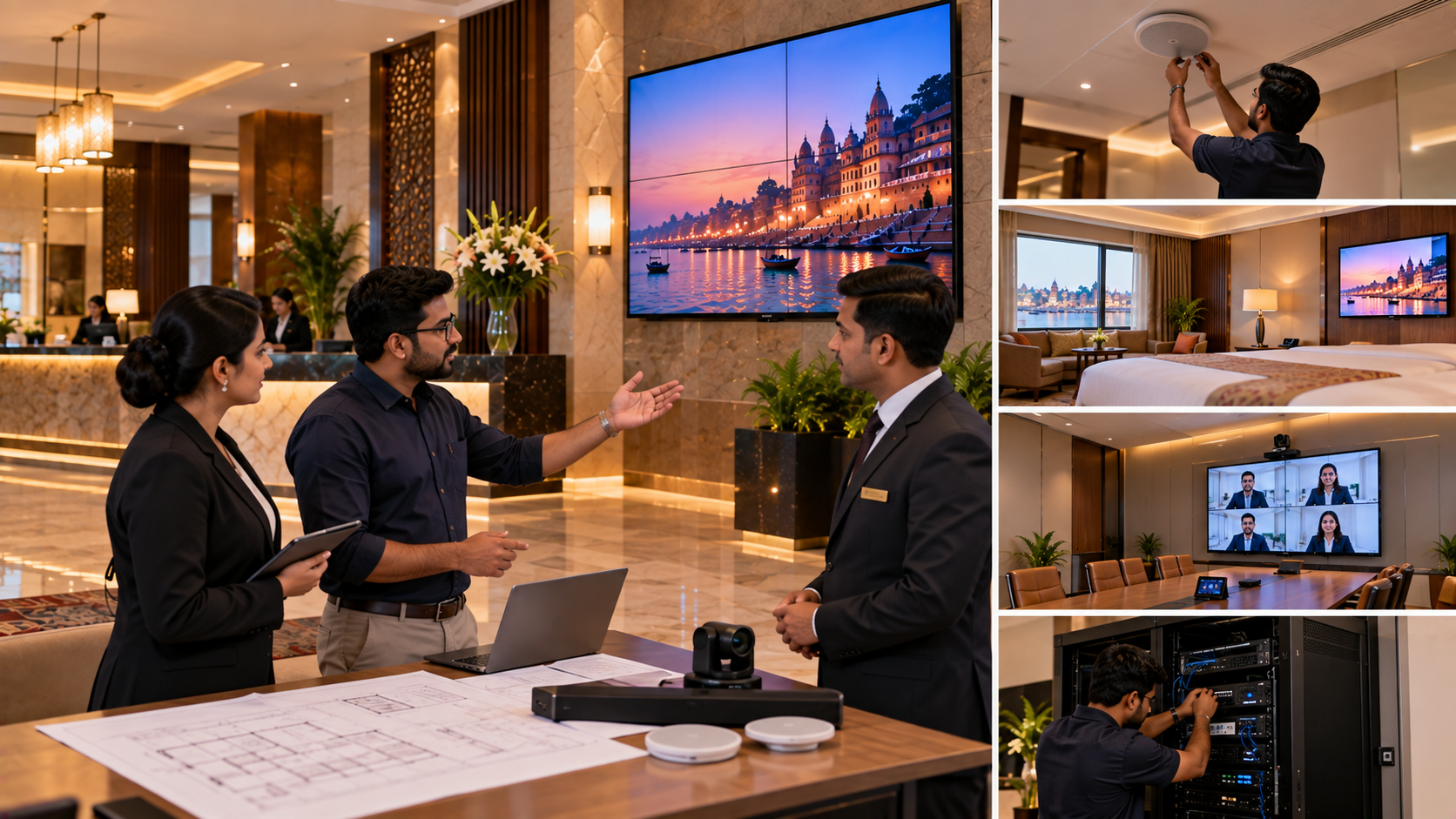
A structured implementation process can include:
Requirement assessment: Document meeting workflows, room dimensions, equipment needs, and budget.
Product recommendation: Select compatible displays, cameras, audio devices, mounts, and accessories.
Installation planning: Confirm mounting points, cable routes, connectivity, power, and network requirements.
Installation and configuration: Connect and configure the equipment according to manufacturer guidance.
Testing: Check screen sharing, camera framing, microphone pickup, speaker output, and conferencing compatibility.
User training: Show employees how to start meetings, share content, adjust audio, and handle common issues.
Post-installation assistance: Establish a support route for troubleshooting and future requirements.
GoLive eTechnologies' brand promise is “Technology that works, backed by people who help.” The service proposition centres on support across product selection, installation, training, and assistance, helping businesses make technology decisions with greater confidence.
What Does a Huddle Room Upgrade Cost in Bangalore?
There is no single price for every corporate huddle room. The total cost depends on the room size, selected products, installation complexity, and existing infrastructure.
|
Requirement |
Main cost considerations |
|---|---|
|
Interactive display |
Brand, screen size, touch features, model |
|
Conference camera |
Resolution, optical zoom, connectivity, control |
|
Audio system |
Microphone coverage, speakers, room acoustics |
|
Mounting and cabling |
Wall type, cable length, accessories, routing |
|
Installation and configuration |
Site conditions, integration, testing |
|
Training and support |
Scope of assistance and service requirements |
When comparing digital board price in India, interactive panel price, or PTZ camera price, request a model-specific quotation. Compare the complete solution rather than the lowest device price alone. A quotation should clearly distinguish equipment, accessories, installation, taxes, warranty, and any recurring service charges.
For corporate offices in Bangalore, confirm delivery timelines, site access, installation availability, and support arrangements before finalising the purchase.
Why Choose GoLive eTechnologies for Your Huddle Room Upgrade?
A huddle room upgrade should make meetings easier, not introduce another set of technical problems.
GoLive eTechnologies focuses on helping organisations identify suitable technology, coordinate compatible products, and plan the implementation process. The intended outcome is a meeting space that is easier to use and better suited to the team's working style.
The value proposition is built around:
Practical product selection: Match equipment to the room and actual use case.
End-to-end coordination: Plan displays, cameras, audio, accessories, and installation together.
Deployment support: Organise setup, configuration, and testing.
User confidence: Provide guidance and training where included in the agreed scope.
Support beyond purchase: Clarify after-sales assistance and service arrangements before ordering.
Customers researching GoLive eTechnologies reviews should assess the relevance of feedback on service, support, delivery, installation, and training, alongside product specifications and warranty terms.
Modernise Your Bangalore Huddle Room with Confidence
A modern huddle room does not need the most expensive equipment in every category. It needs the right combination of display, camera, audio, connectivity, and support for the way your team works.
Contact GoLive eTechnologies to discuss your room dimensions, meeting requirements, preferred brands, and budget. Request a suitable product recommendation and quotation for your corporate office in Bangalore.
GoLive eTechnologies — Technology that works, backed by people who help.
Your email address will not be published. Required fields are marked *

By Inhype • September 12, 2026
A smart classroom is only as effective as the technology supporting it. Interactive panels, smart boards, PTZ cameras, microphones, speakers, PCs and
Read More
By Inhype • September 12, 2026
Higher education is rapidly moving beyond traditional chalkboards and projectors. Today, colleges and universities need technology that supports inter
Read More
By Inhype • September 12, 2026
A smart classroom for CBSE schools is no longer simply a classroom with a digital board. Modern schools are building connected learning environments t
Read More
By Inhype • September 12, 2026
Planning a smart classroom project for 10, 20 or even 50 classrooms requires more than simply purchasing digital boards. Schools, colleges, universiti
Read More
By Inhype • September 12, 2026
A smart classroom can transform the way teachers explain concepts, students interact with lessons, and institutions deliver digital education. From in
Read More




Golive eTechnologies India Private Limited (CIN - U31909UP2021PTC148242) is one of India's leading providers of smart classrooms, interactive boards, video conferencing solutions, and display technologies for the education, healthcare, corporate, and government sectors.

No comments yet. Be the first to comment!