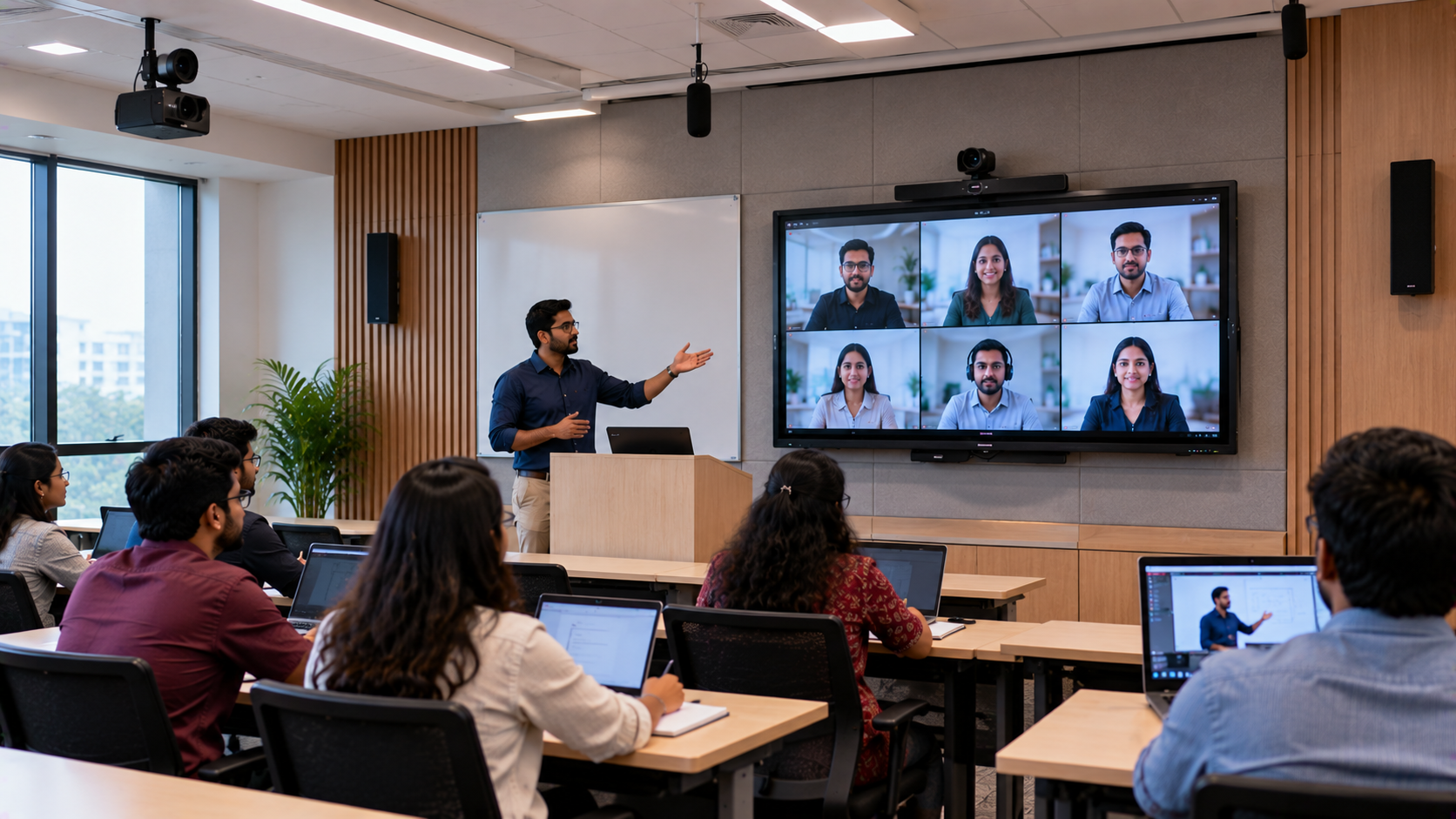
Educational institutions in Bangalore are increasingly looking for flexible ways to deliver lessons to students attending in person and remotely. A well-planned hybrid classroom setup in Bangalore can help schools, colleges, coaching institutes and corporate training centres connect both groups through interactive teaching, clear audio and reliable video. However, buying equipment separately can create challenges. A digital board may not integrate smoothly with the classroom computer, a camera may not capture the teacher effectively, or remote students may struggle to hear questions from the room. GoLive eTechnologies helps institutions plan an integrated classroom technology solution, from selecting suitable products to installation, configuration, training and support. The goal is simple: technology that works, backed by people who help.
What Is a Hybrid Classroom?
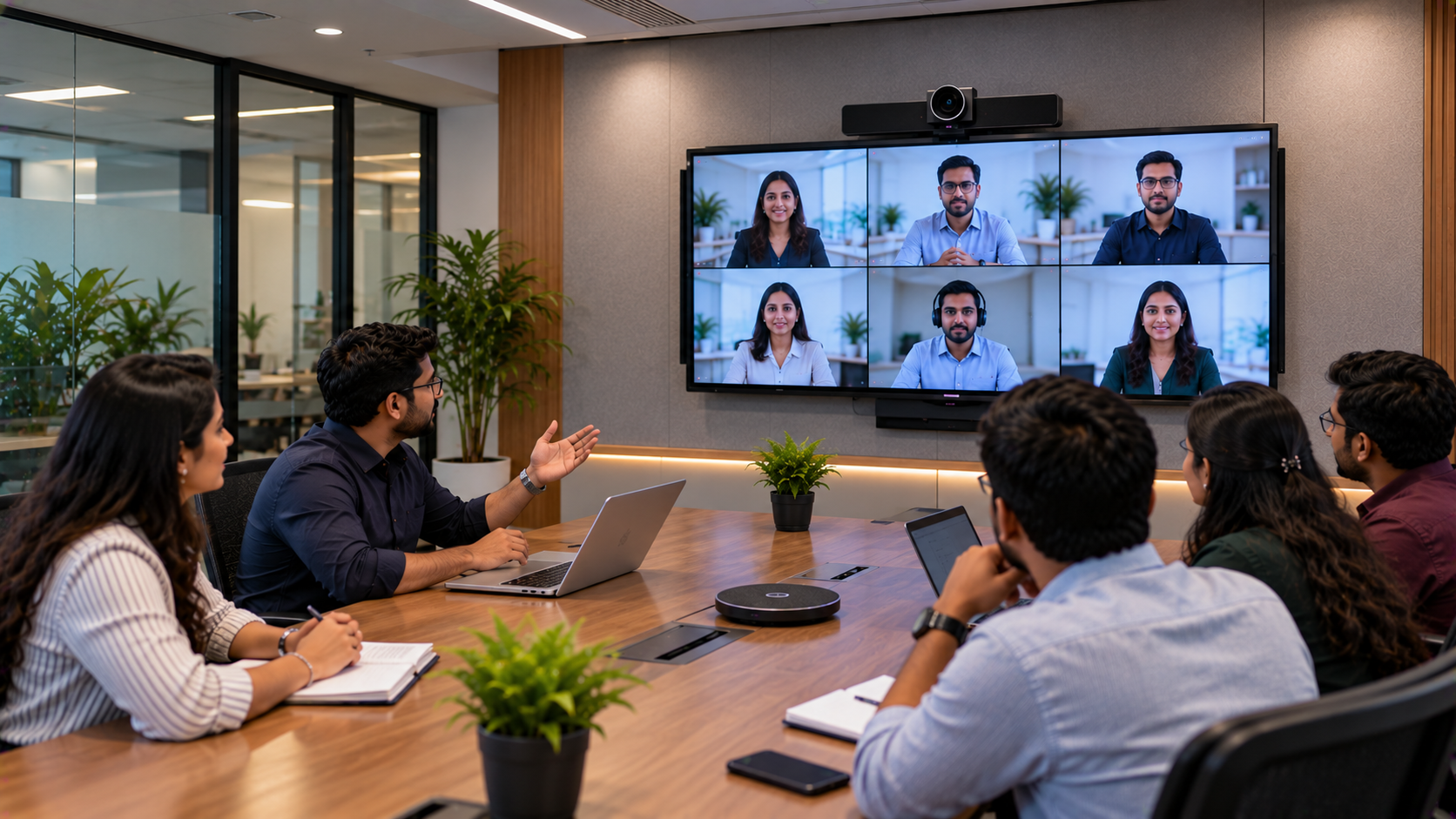
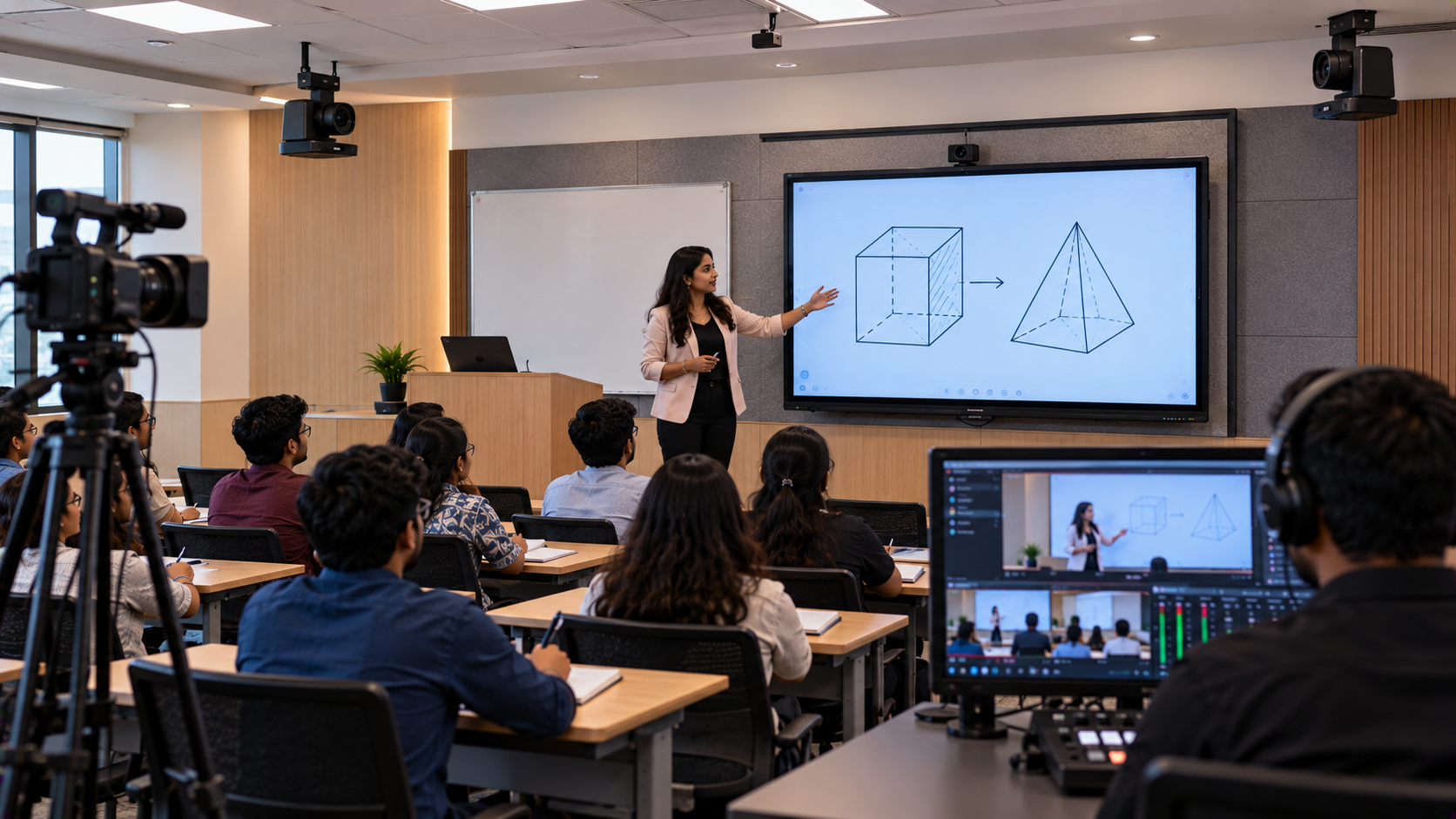
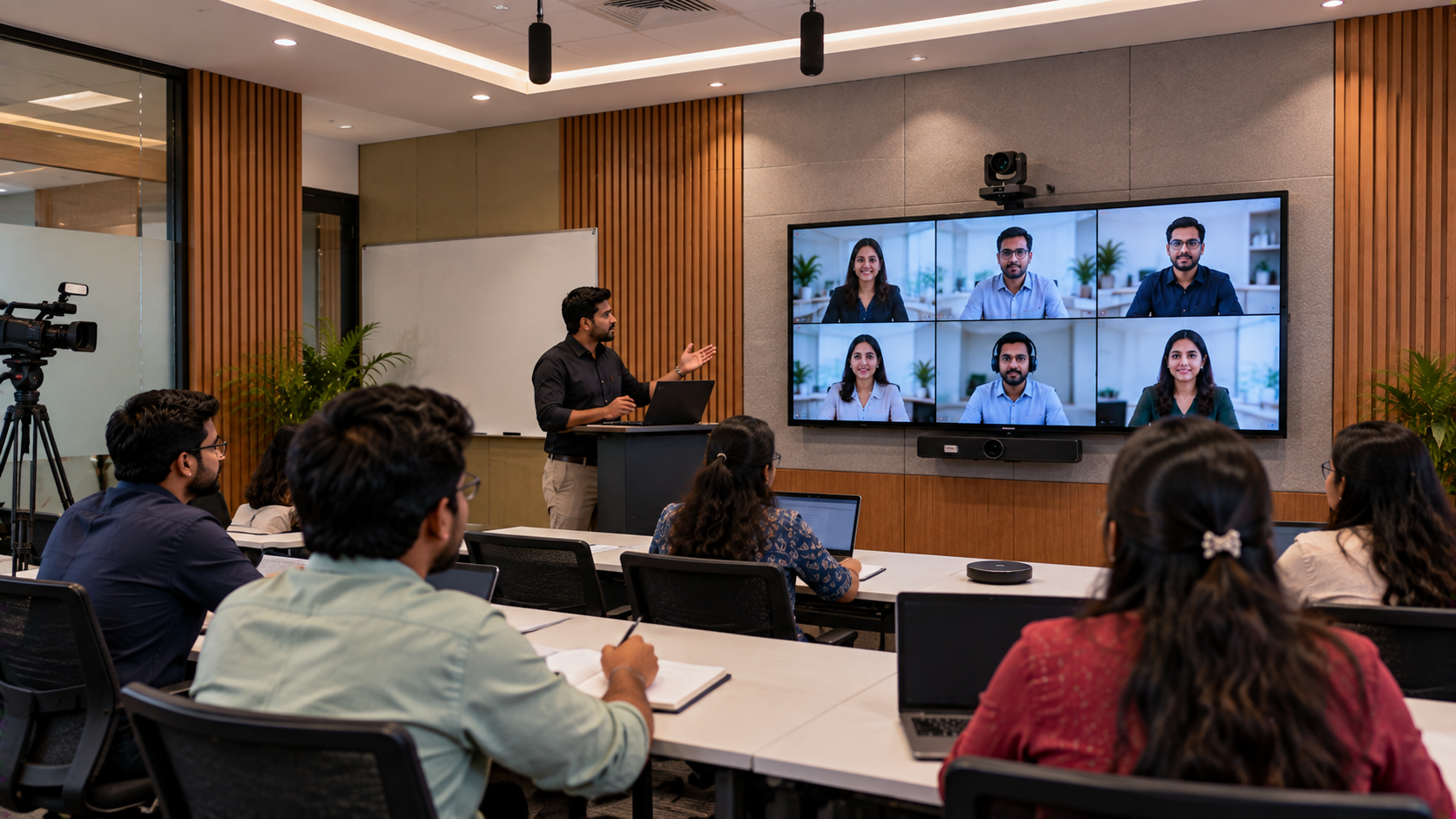
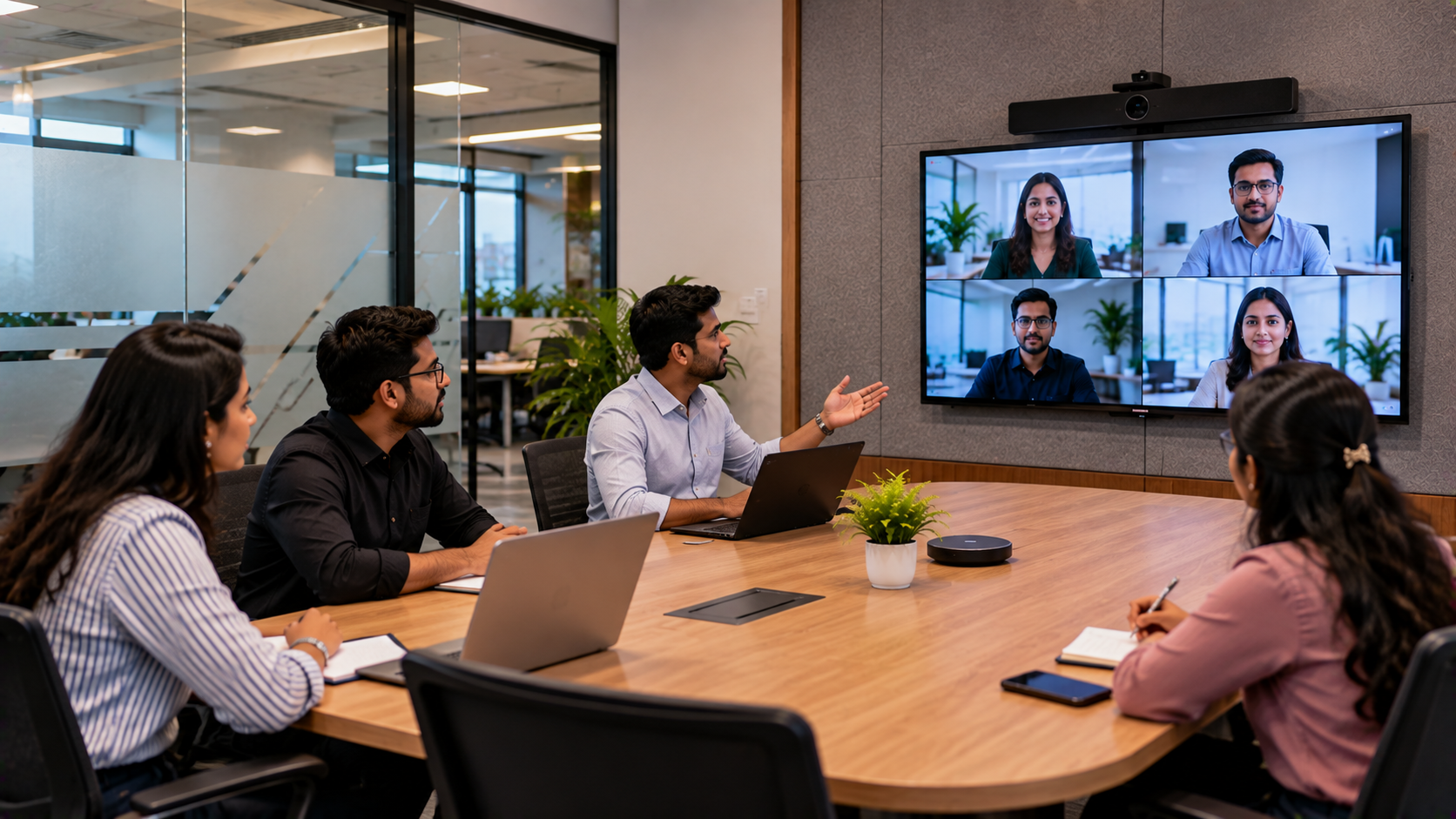
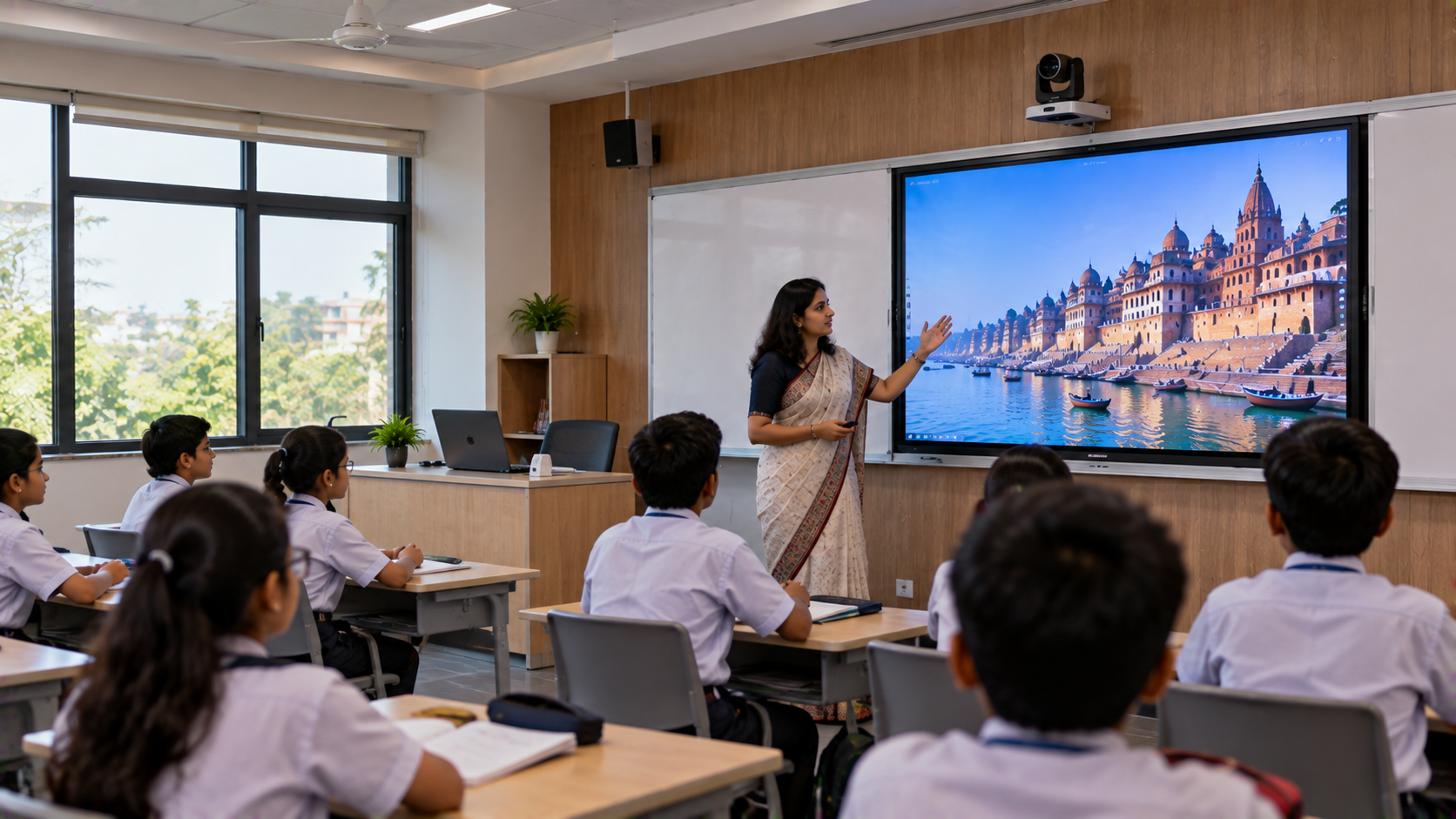
A hybrid classroom combines face-to-face teaching with online participation. Students in the physical classroom learn alongside remote learners who join through a video conferencing or learning platform.
A typical hybrid classroom setup may include:
An interactive flat panel or smart board for teaching and annotation.
A PTZ camera or suitable video camera to capture the teacher and classroom.
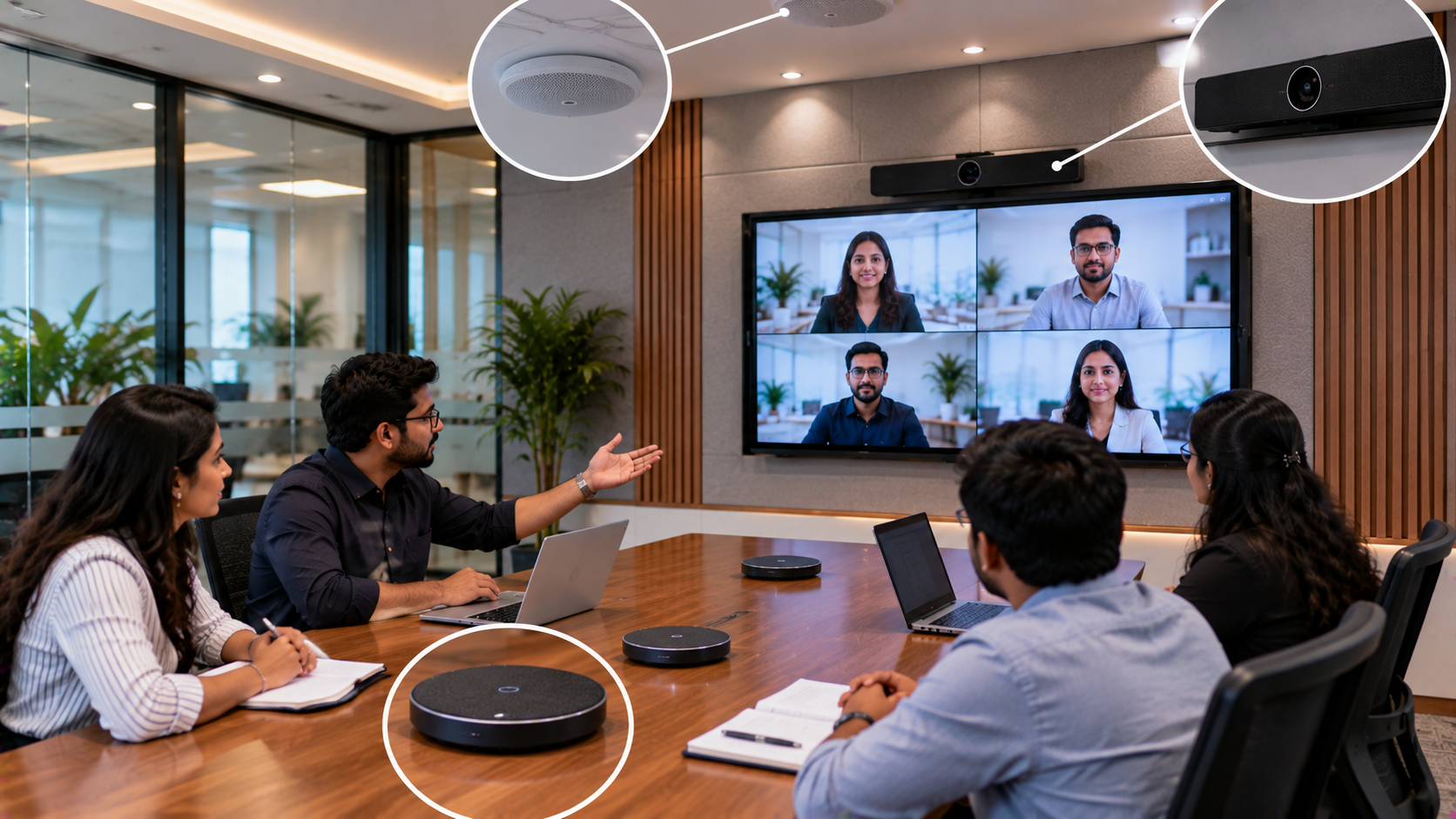
A microphone and speaker system for clear two-way communication.
A computer, connectivity accessories and video conferencing software.
A video capture device where the teaching or recording workflow requires one.
Installation, testing and teacher training to help everything work together.
The right configuration depends on class size, room layout, teaching style, budget and whether lessons need to be recorded.
Common Hybrid Classroom Challenges for Institutions in Bangalore
Institutions planning a smart classroom or digital classroom setup often face similar problems:
1. Remote students cannot see the board clearly.
A suitable interactive display, camera position and screen-sharing workflow help remote learners follow presentations, diagrams and demonstrations.
2. Classroom audio is inconsistent.
Teachers may sound distant, while student questions may be difficult to hear. A properly selected microphone and speaker arrangement can improve communication.
3. Lessons involve too many separate devices.
When the display, camera, computer and conferencing software are not configured as a system, teachers may need technical assistance before every class.
4. Equipment selection becomes confusing.
Comparing digital board prices, camera specifications and microphone options without understanding the classroom requirements can lead to unnecessary spending.
A practical solution starts with understanding the teaching workflow—not simply choosing the largest display or the most expensive camera.
Essential Equipment for a Hybrid Classroom Setup
1. Interactive Flat Panel or Smart Board for Teaching
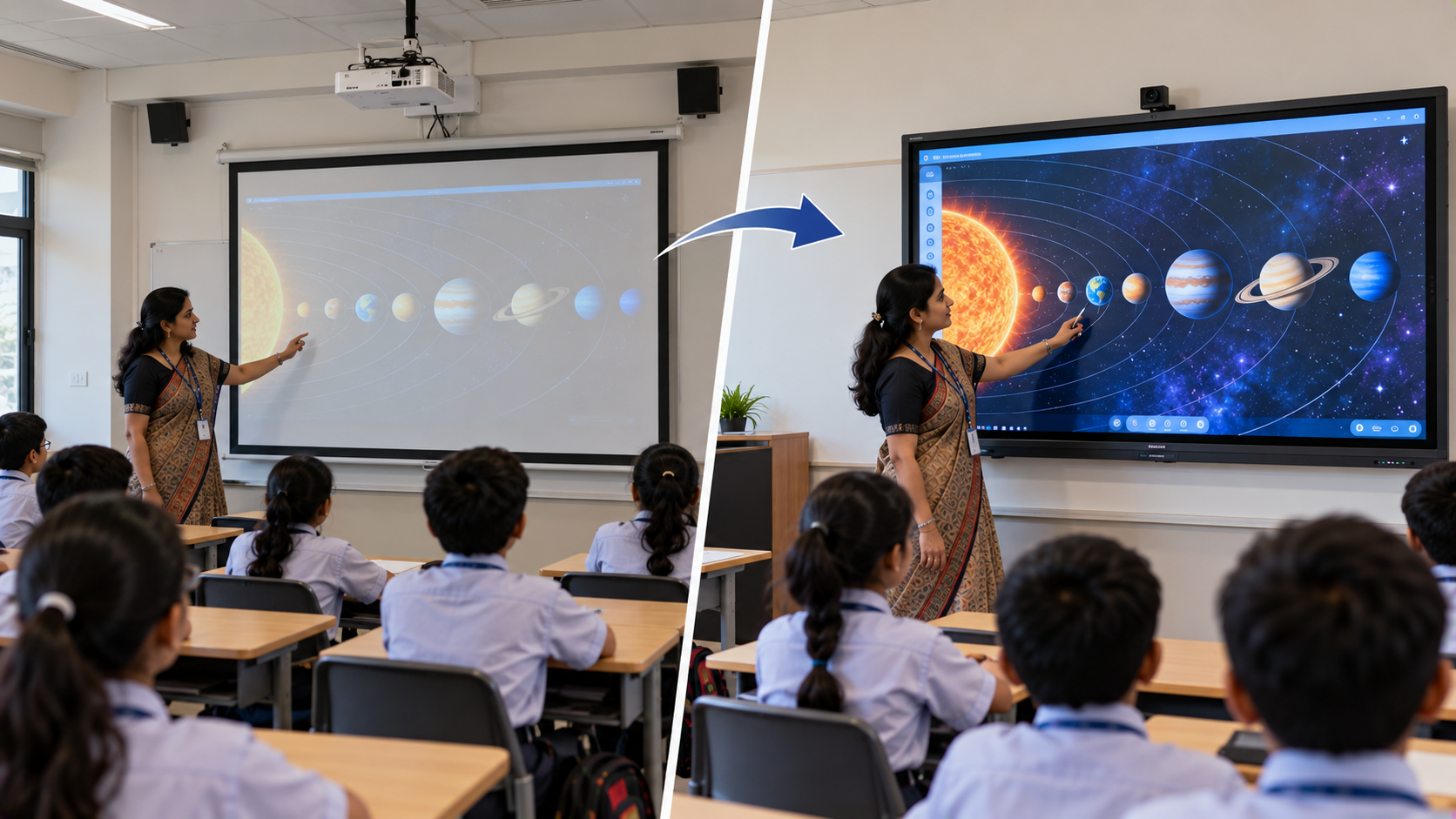
An interactive display enables teachers to present slides, annotate diagrams, explain concepts and collaborate with students. It can be especially useful for mathematics, science, entrance-exam preparation, demonstrations and blended learning.
GoLive eTechnologies offers solutions from brands and product ranges such as:
EVOTA interactive panel and EVOTA smart board: Options to evaluate for interactive teaching and classroom presentation.
MAXHUB smart board and MAXHUB digital board: Options for institutions comparing interactive display solutions.
Newline interactive panel and Newline digital board: Options for digital teaching and classroom collaboration.
LG interactive digital board and LG interactive panel: Options to consider when evaluating classroom display requirements.
A 75-inch interactive panel may suit many medium-sized rooms, while larger displays may be appropriate for bigger spaces or greater viewing distances. Screen size should be chosen after assessing room dimensions and seating.
Institutions researching EVOTA smart board 75 inch price, MAXHUB smart board price, Newline smart board price, or LG interactive digital board price in India should request a current quotation based on the exact model, size, software and installation requirements. Prices can vary by configuration and included accessories.
2. PTZ Camera for Live Teaching and Recording
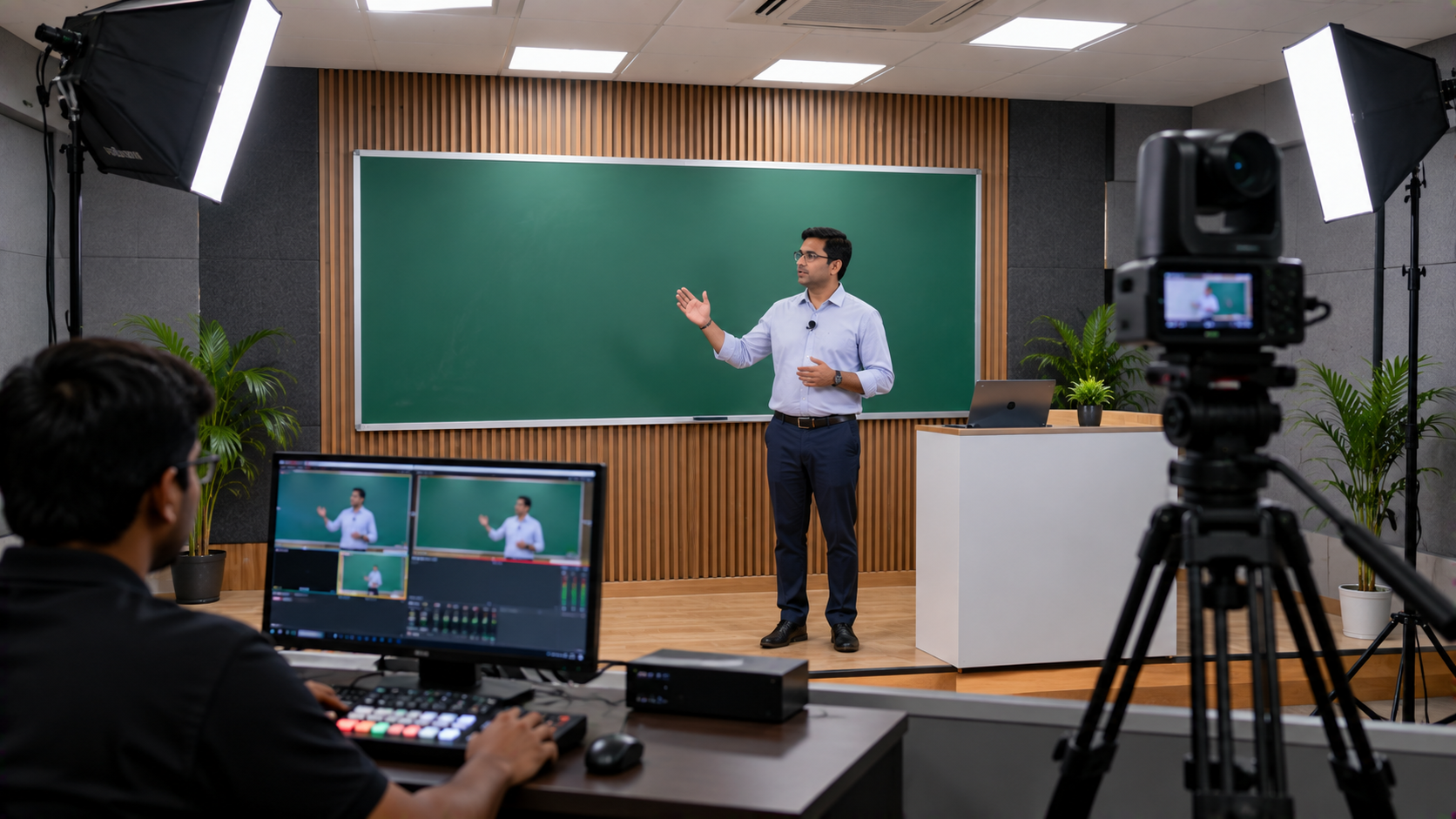
A camera helps remote students see the teacher, board demonstrations and classroom activity. A PTZ camera—short for pan, tilt and zoom—can be useful when lessons require adjustable framing or when the camera needs to cover a wider teaching area.
Relevant options to evaluate include:
EVOTA 4K PTZ camera: Consider for workflows requiring 4K video output, subject to the selected model's specifications.
EVOTA 10x HD PTZ camera: Consider where adjustable framing and optical zoom are useful.
Logitech PTZ camera: An option to compare for supported video conferencing and classroom applications.
Sony NX80: A camcorder option to evaluate for more production-oriented recording workflows.
The right camera depends on room size, mounting position, lighting, required resolution, available connections and the conferencing or recording software. Check compatibility and the manufacturer's specifications before purchase.
3. Microphones and Speakers for Clear Classroom Audio
Audio quality is critical in hybrid learning. Remote students should hear the teacher without excessive echo, background noise or interruptions.
Depending on the room, institutions can consider a suitable wired or wireless teacher microphone, a conference microphone, or an installed speaker system. GoLive's product selection may include options from brands such as Ahuja and Sennheiser, subject to current availability.
To improve sound quality:
Position the microphone appropriately and maintain a consistent speaking distance.
Avoid placing speakers too close to microphones.
Test audio from the remote student's perspective.
Reduce unnecessary background noise and room echo.
Check audio levels before recording or starting a live lesson.
The correct microphone and speaker setup depends on room acoustics, seating capacity and whether students also need to speak remotely.
4. Computer, Video Capture and Teaching Software
A classroom computer runs presentations, video conferencing and learning applications. Where lessons must be recorded or routed through external video equipment, a compatible HDMI video capture device may be useful.
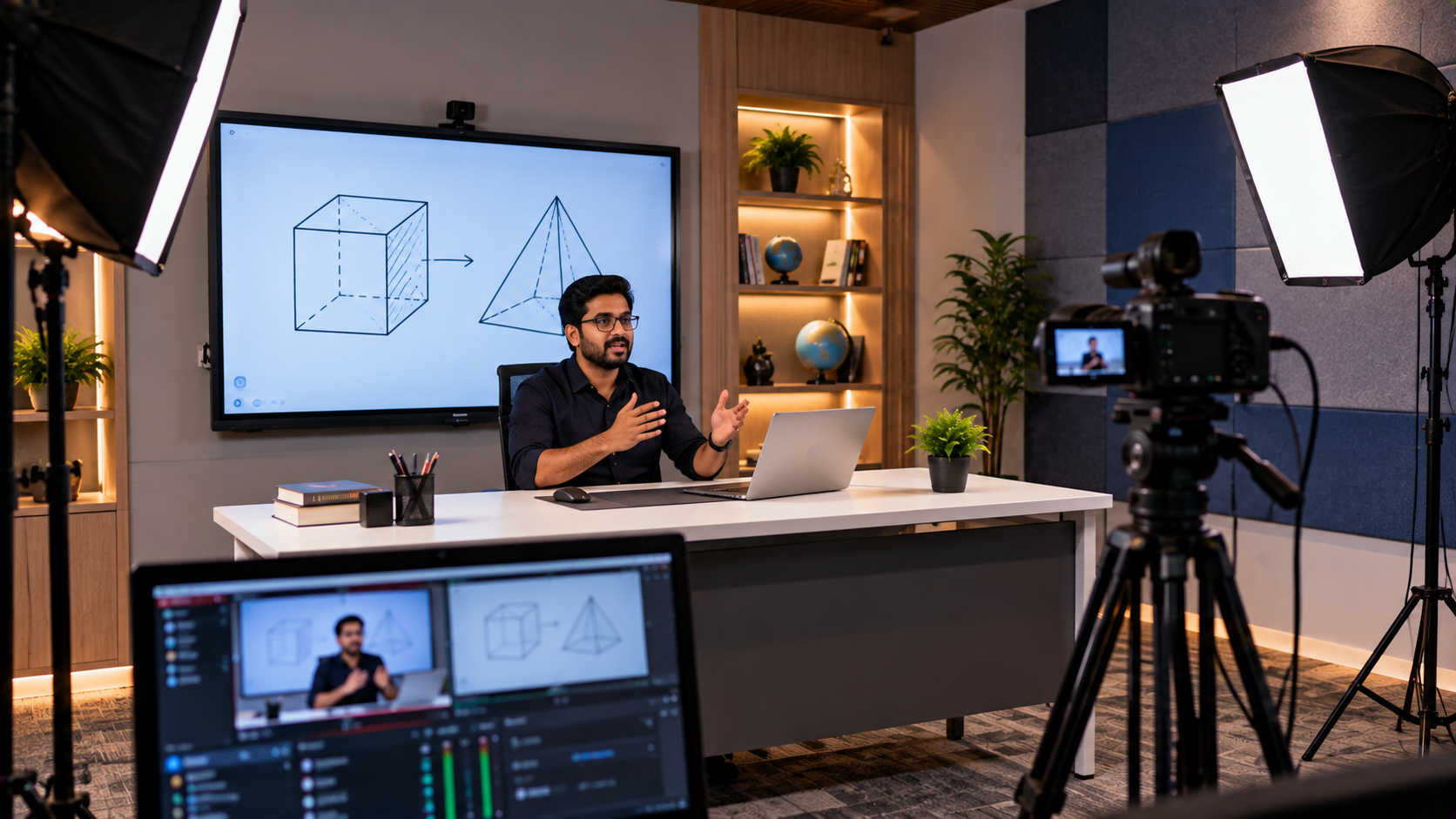
Software such as OBS Studio can support recording and streaming workflows, but it needs to be configured correctly with the camera, audio sources and output settings. Not every classroom requires a separate capture device; some cameras and conferencing platforms support simpler connection methods.
Before buying accessories, confirm the available ports, resolution, frame rate, operating-system compatibility and the institution's preferred teaching platform.
How GoLive eTechnologies Can Help Implement a Hybrid Classroom
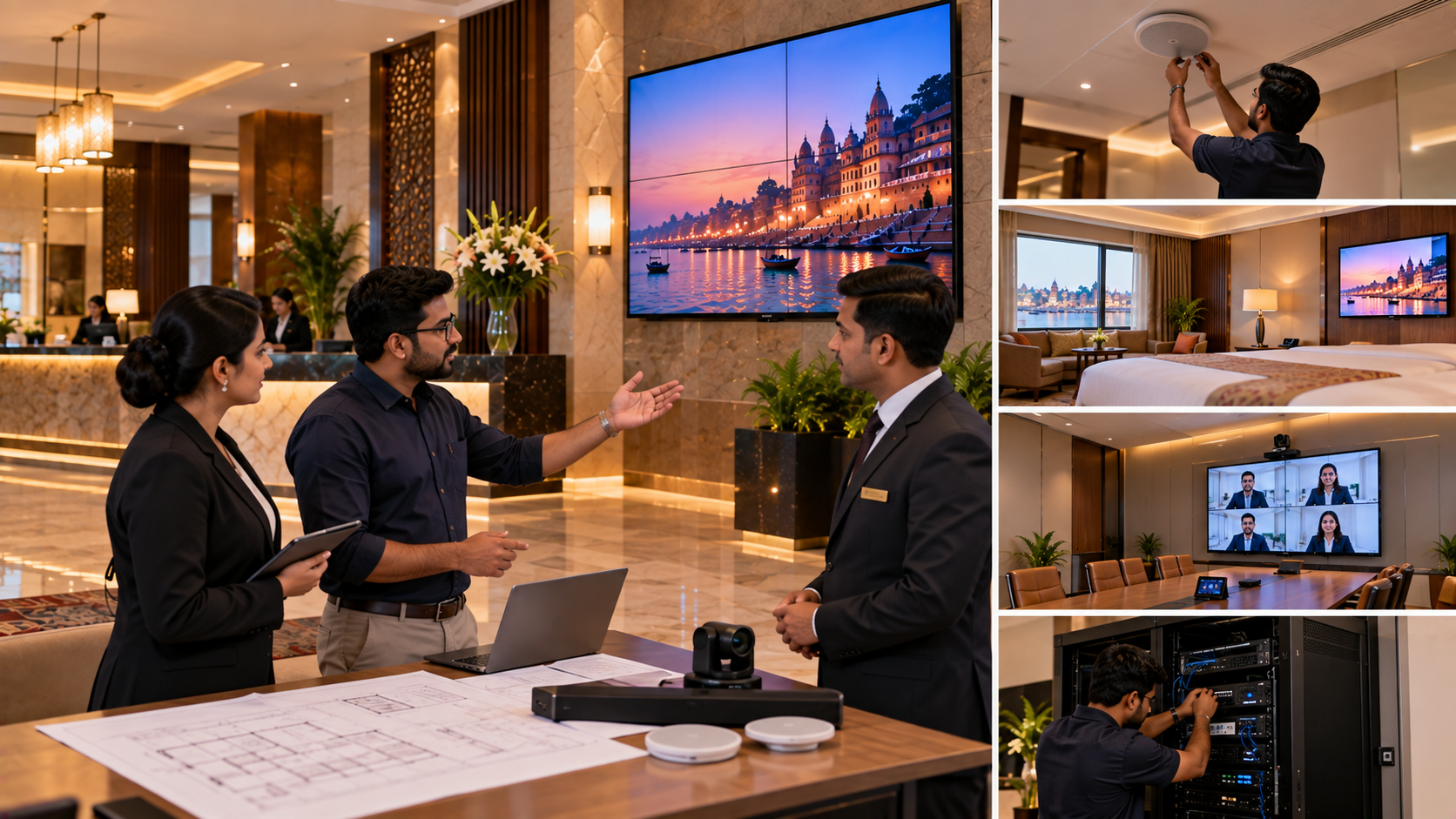
A reliable hybrid classroom is more than a collection of products. GoLive eTechnologies' end-to-end approach can help institutions move from planning to implementation.
Step 1: Understand the requirements
Assess room dimensions, number of learners, teaching methods, online participation, recording needs and budget.
Step 2: Recommend compatible equipment
Shortlist an interactive panel, camera, audio equipment and accessories that fit the institution's workflow. Compare relevant EVOTA, MAXHUB, Newline, LG and camera options.
Step 3: Plan installation and connectivity
Determine display mounting, camera placement, cable routing, power requirements and computer connections before installation.
Step 4: Configure and test the system
Check display sharing, camera framing, microphone pickup, speaker levels, remote participation and recording where required.
Step 5: Train teachers and staff
Provide practical guidance on starting classes, using the interactive display, switching camera views and resolving common setup issues.
Step 6: Get support when needed
A clear support process helps staff handle questions after deployment and use the equipment with greater confidence.
This approach reflects GoLive eTechnologies' promise: less technology headache and more confidence that everything will work.
How Much Does a Hybrid Classroom Setup Cost in Bangalore?
The hybrid classroom setup cost in Bangalore depends on the room, selected equipment and installation scope. A basic setup may use an existing computer and display with a suitable camera and microphone. A more advanced classroom may require a 75-inch or larger interactive panel, a PTZ camera, an installed audio system, mounting accessories and a dedicated recording workflow.
|
Requirement |
What affects the cost |
|---|---|
|
Interactive display |
Brand, screen size, model and included software |
|
Camera |
Resolution, zoom, connectivity and mounting |
|
Audio |
Microphone type, speakers, room acoustics and coverage |
|
Computer and capture |
Existing hardware, ports and recording requirements |
|
Installation |
Mounting, cabling, configuration and testing |
|
Training and support |
Staff training and the agreed service scope |
Instead of comparing a single headline price, ask for an itemised quotation covering the products, accessories, installation and support included. This makes it easier to compare solutions on total value.
Build a Smarter Hybrid Classroom with GoLive eTechnologies
For schools, colleges, coaching institutes and training centres in Bangalore, the right hybrid classroom setup can make lessons more accessible and classroom technology easier to manage.
GoLive eTechnologies India Private Limited helps customers evaluate technology options and plan an integrated solution around their actual requirements. From interactive panels and PTZ cameras to classroom audio, connectivity, installation and training, the objective is to make implementation simpler.
Technology that works, backed by people who help.
Contact GoLive eTechnologies through its official website to discuss your classroom size, teaching requirements and budget. Request a tailored recommendation and current pricing for your hybrid classroom setup in Bangalore—or for an institution elsewhere in India.
Your email address will not be published. Required fields are marked *

By Inhype • September 12, 2026
A smart classroom is only as effective as the technology supporting it. Interactive panels, smart boards, PTZ cameras, microphones, speakers, PCs and
Read More
By Inhype • September 12, 2026
Higher education is rapidly moving beyond traditional chalkboards and projectors. Today, colleges and universities need technology that supports inter
Read More
By Inhype • September 12, 2026
A smart classroom for CBSE schools is no longer simply a classroom with a digital board. Modern schools are building connected learning environments t
Read More
By Inhype • September 12, 2026
Planning a smart classroom project for 10, 20 or even 50 classrooms requires more than simply purchasing digital boards. Schools, colleges, universiti
Read More
By Inhype • September 12, 2026
A smart classroom can transform the way teachers explain concepts, students interact with lessons, and institutions deliver digital education. From in
Read More




Golive eTechnologies India Private Limited (CIN - U31909UP2021PTC148242) is one of India's leading providers of smart classrooms, interactive boards, video conferencing solutions, and display technologies for the education, healthcare, corporate, and government sectors.

No comments yet. Be the first to comment!