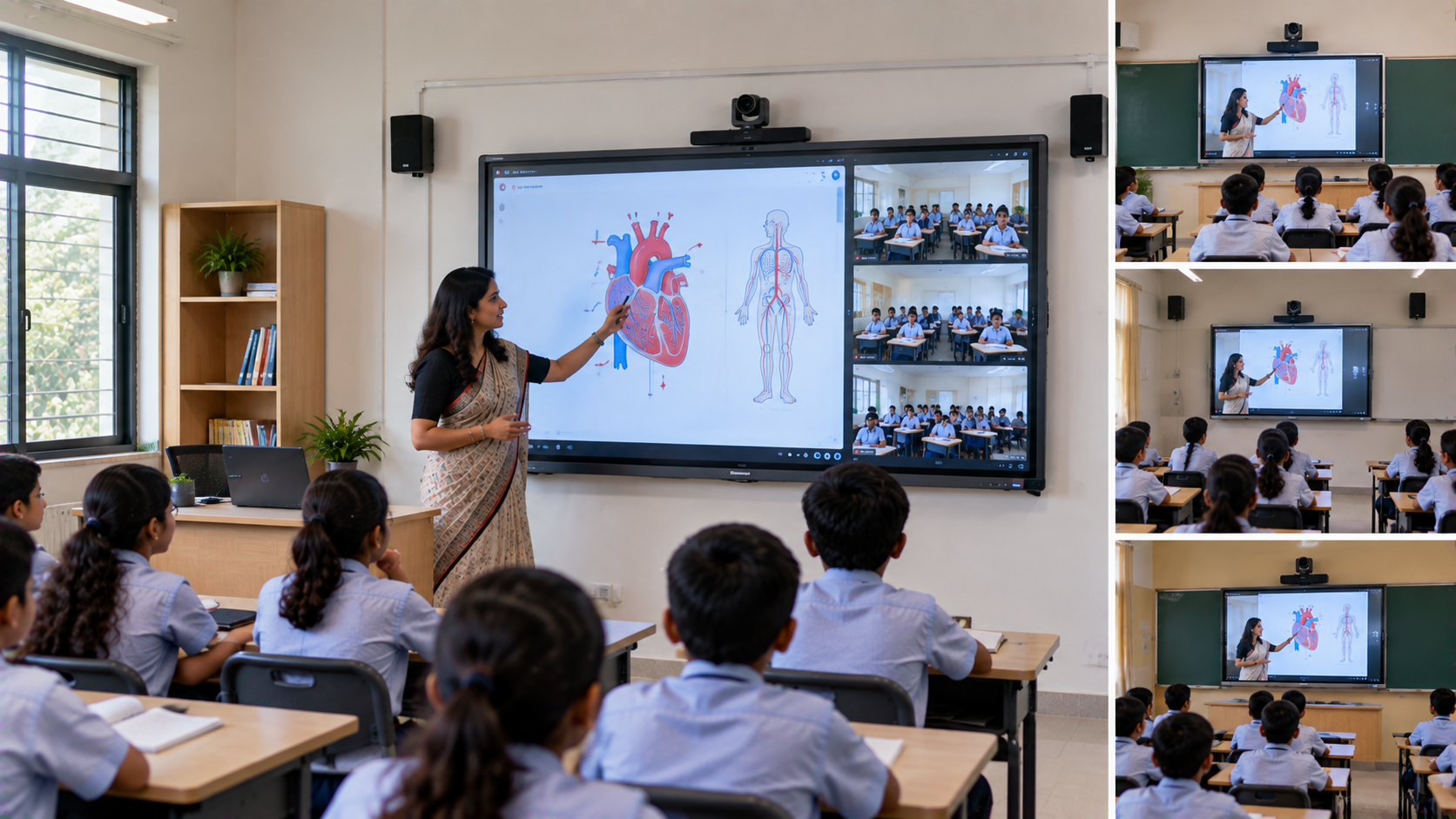
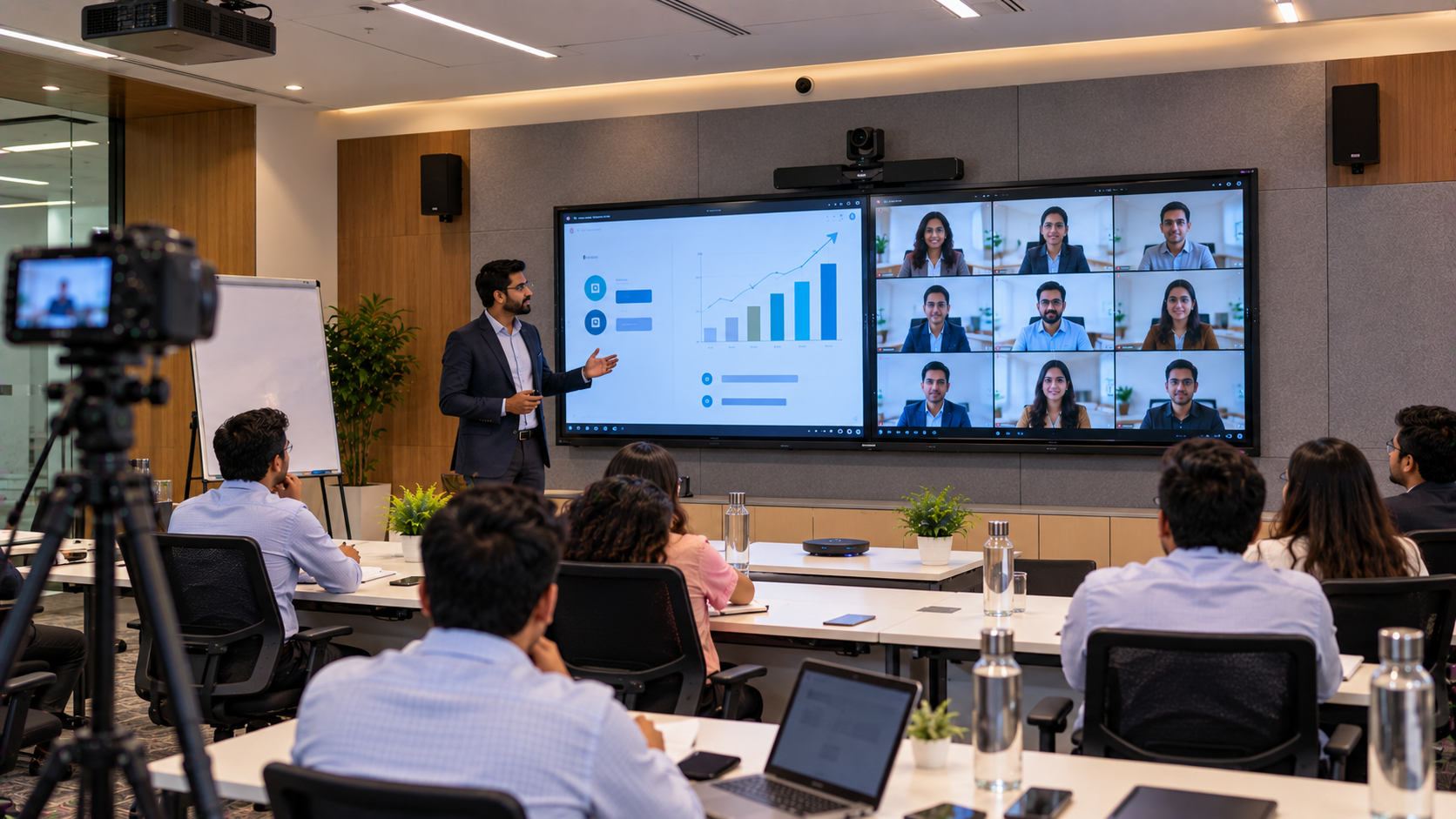
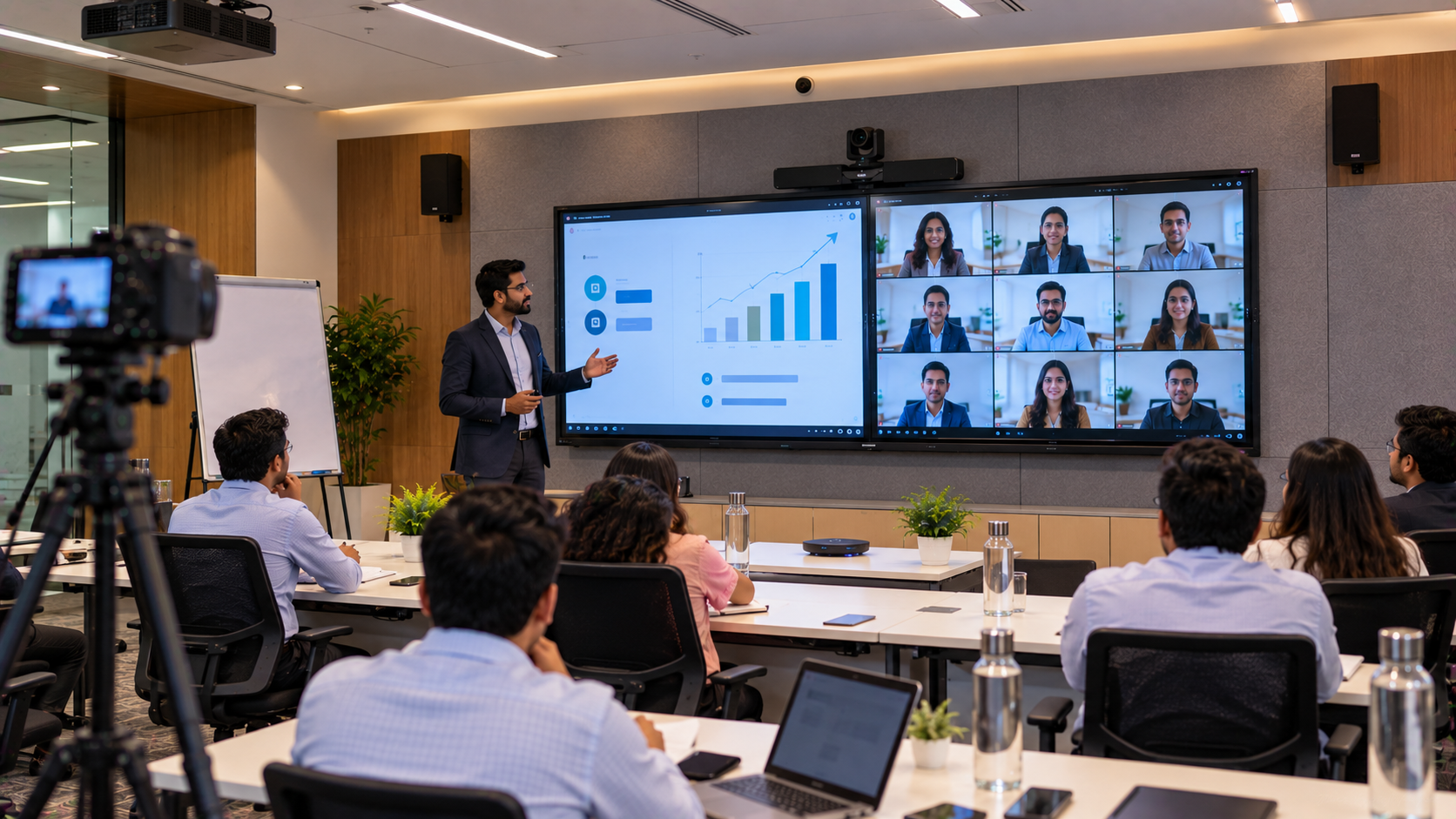
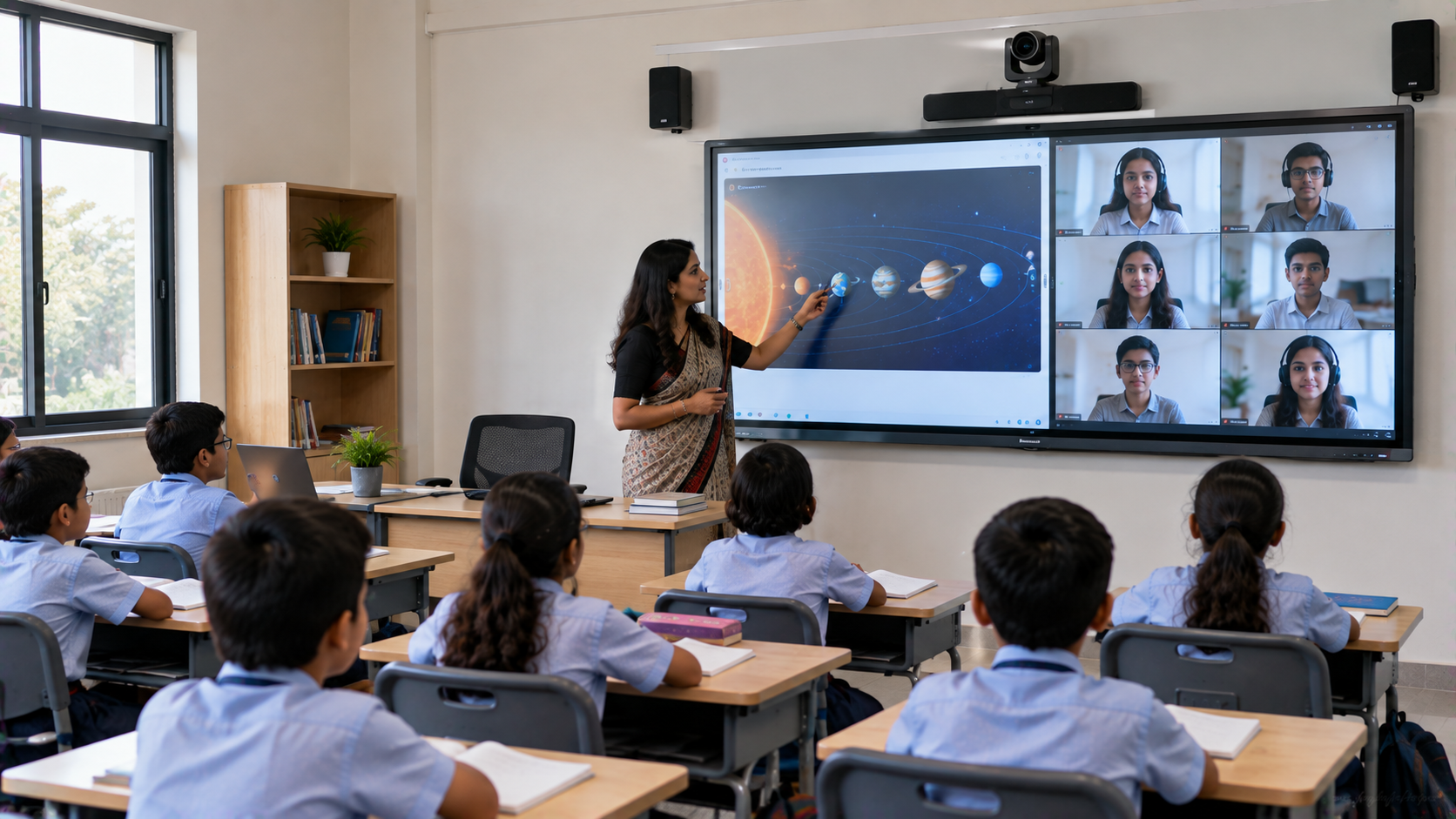
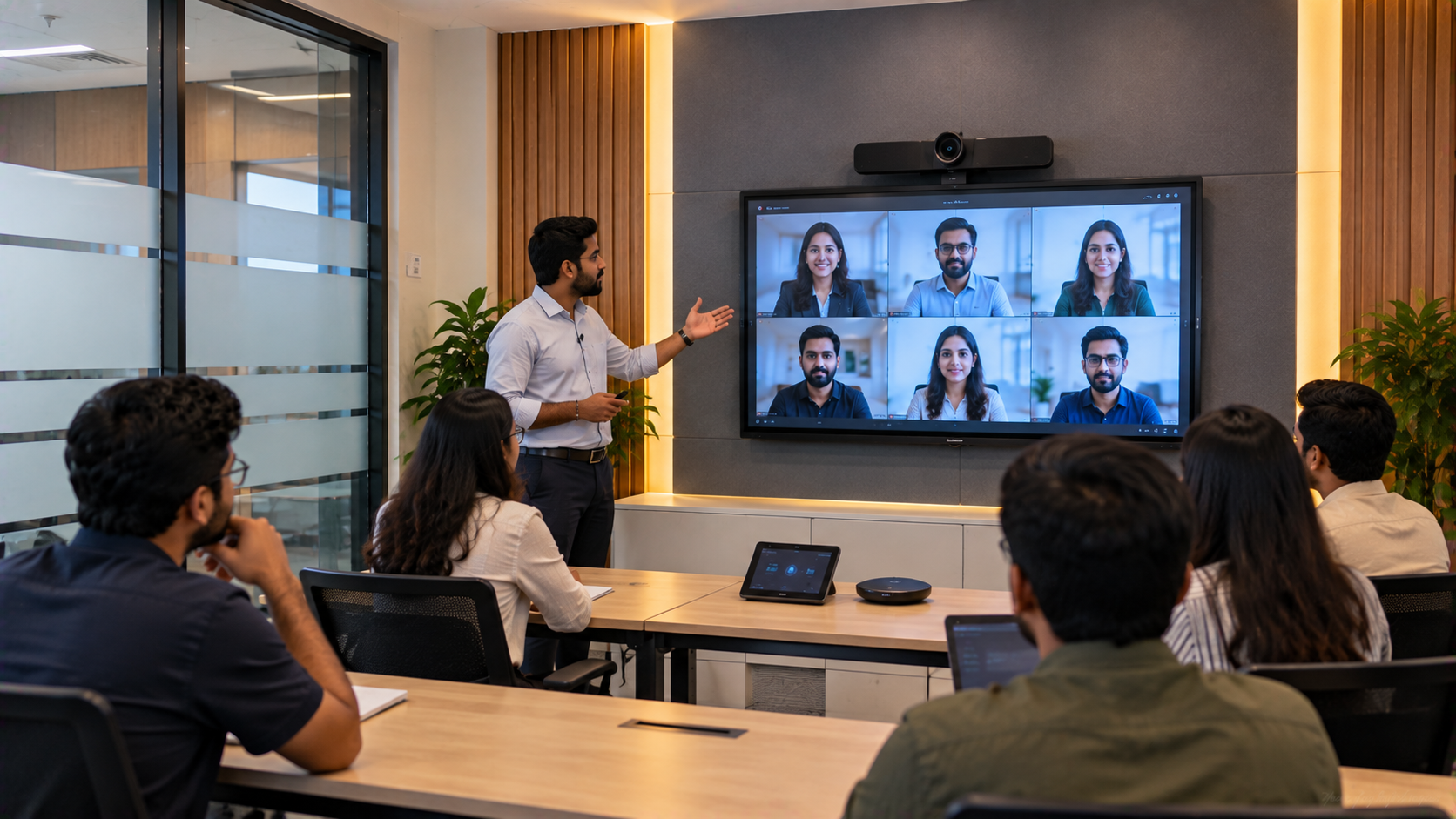
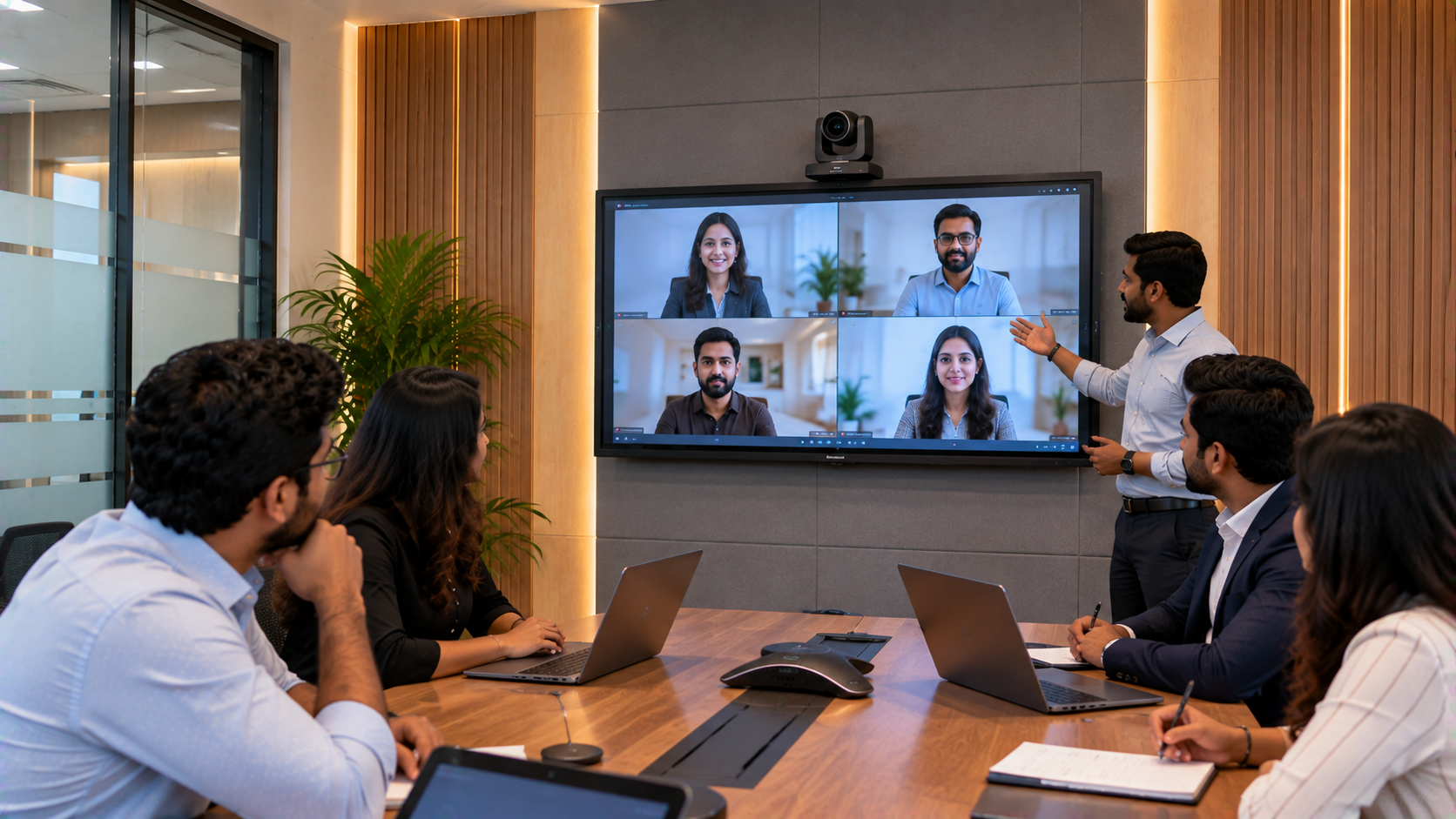
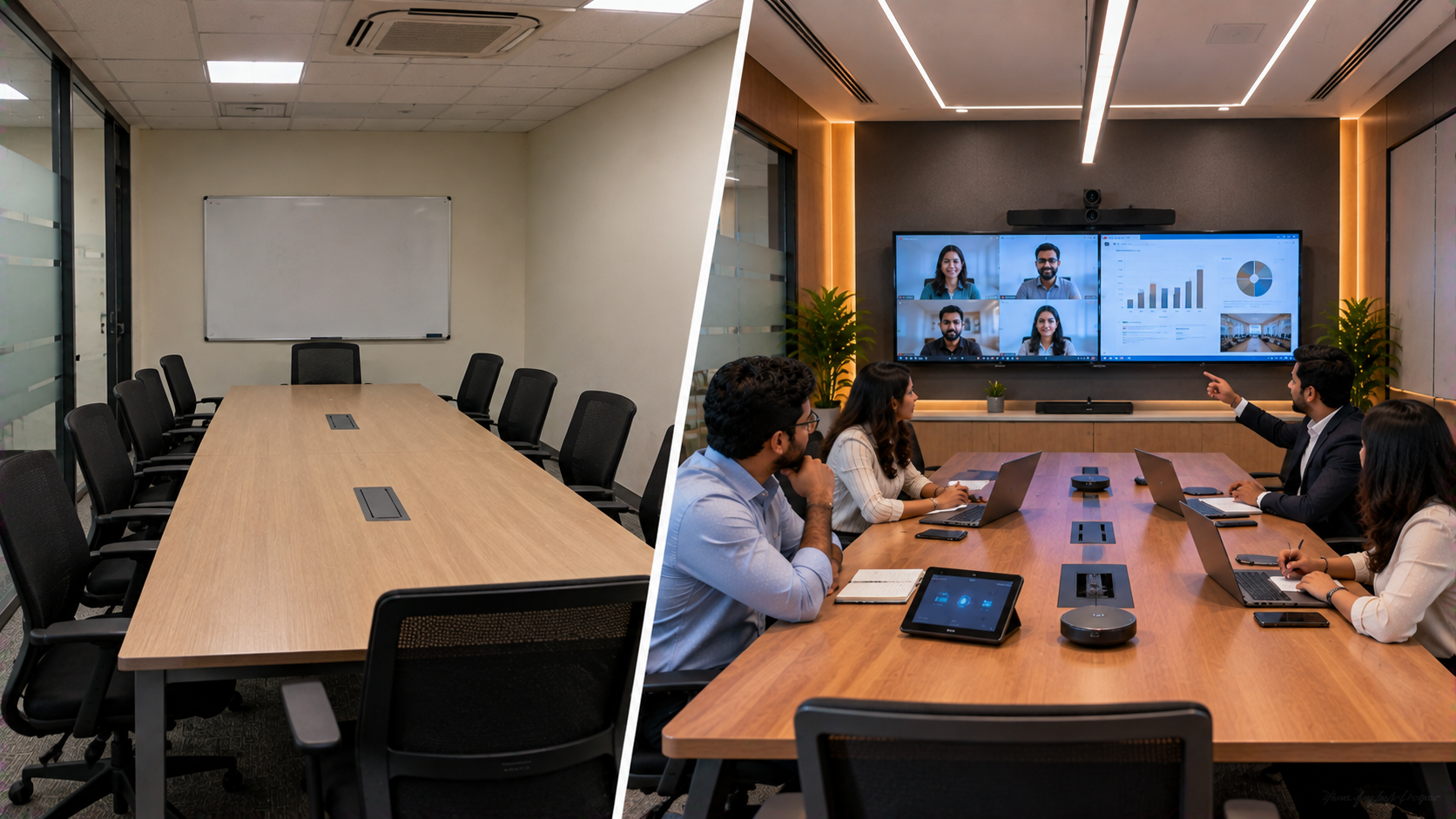
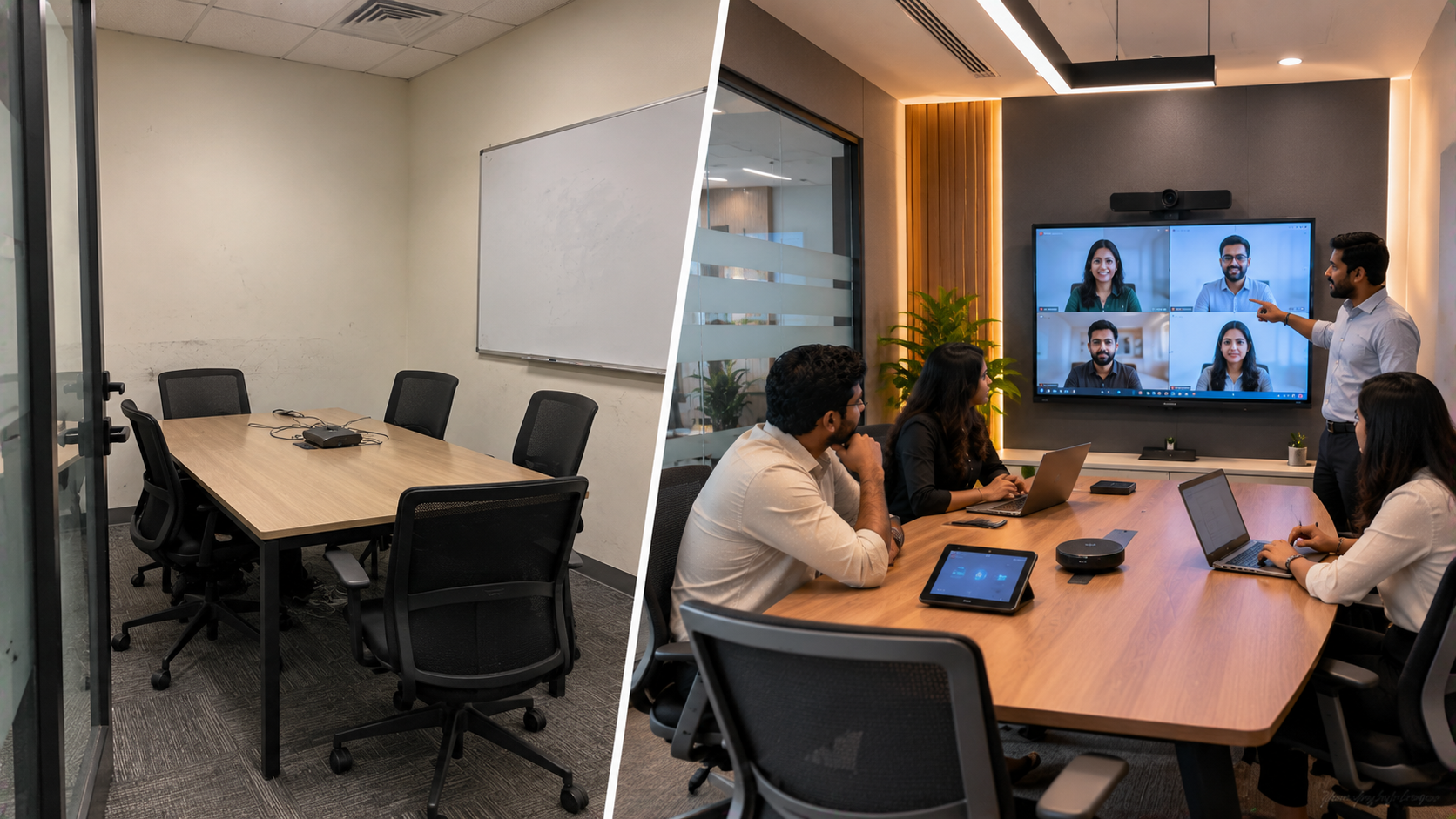
A school in Delhi NCR may have excellent teachers and classrooms, yet still face a common technology challenge: how can multiple classrooms teach, record and connect with students who are not physically present? A hybrid classroom solves this by combining face-to-face teaching with live or recorded digital learning. But implementing hybrid learning across multiple classrooms requires more than installing a digital board or webcam. Schools need interactive displays, PTZ cameras, audio, connectivity, capture equipment, installation and teacher training that work together. This is where GoLive eTechnologies India Private Limited approaches the requirement as an end-to-end technology project—from selecting the right products to deployment, installation, training and support. GoLive's published education solutions include Evota, MAXHUB, Newline, LG interactive displays, PTZ cameras, writing pads and AV equipment.
The Challenge: Connecting Multiple Classrooms for Hybrid Classes
Imagine a school in Delhi NCR with several classrooms that need to support:
Students attending lessons physically and remotely
Live teacher-to-student interaction
Digital board-based teaching
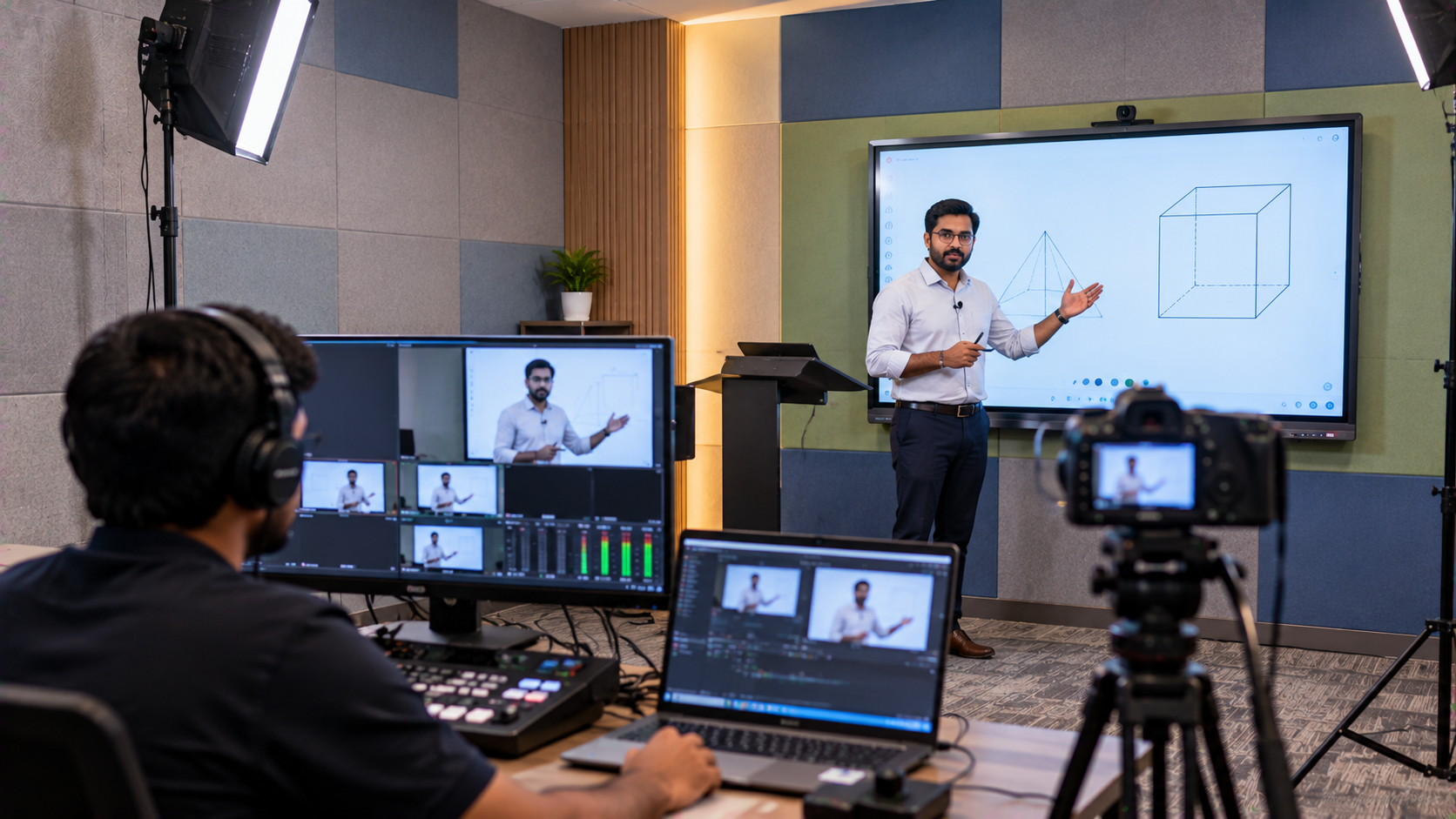
Recorded lectures for revision
Online guest sessions
Teacher training
Remedial teaching and doubt-solving sessions
A basic webcam may not provide adequate classroom coverage. Similarly, purchasing a digital board for classroom use without considering cameras, microphones and connectivity can create an incomplete setup.
The objective should therefore be to create a connected smart classroom ecosystem, rather than purchasing individual devices.
Building the Hybrid Classroom: GoLive eTechnologies Solution
GoLive eTechnologies can help schools evaluate and integrate several technology categories according to classroom size, teaching requirements and budget.
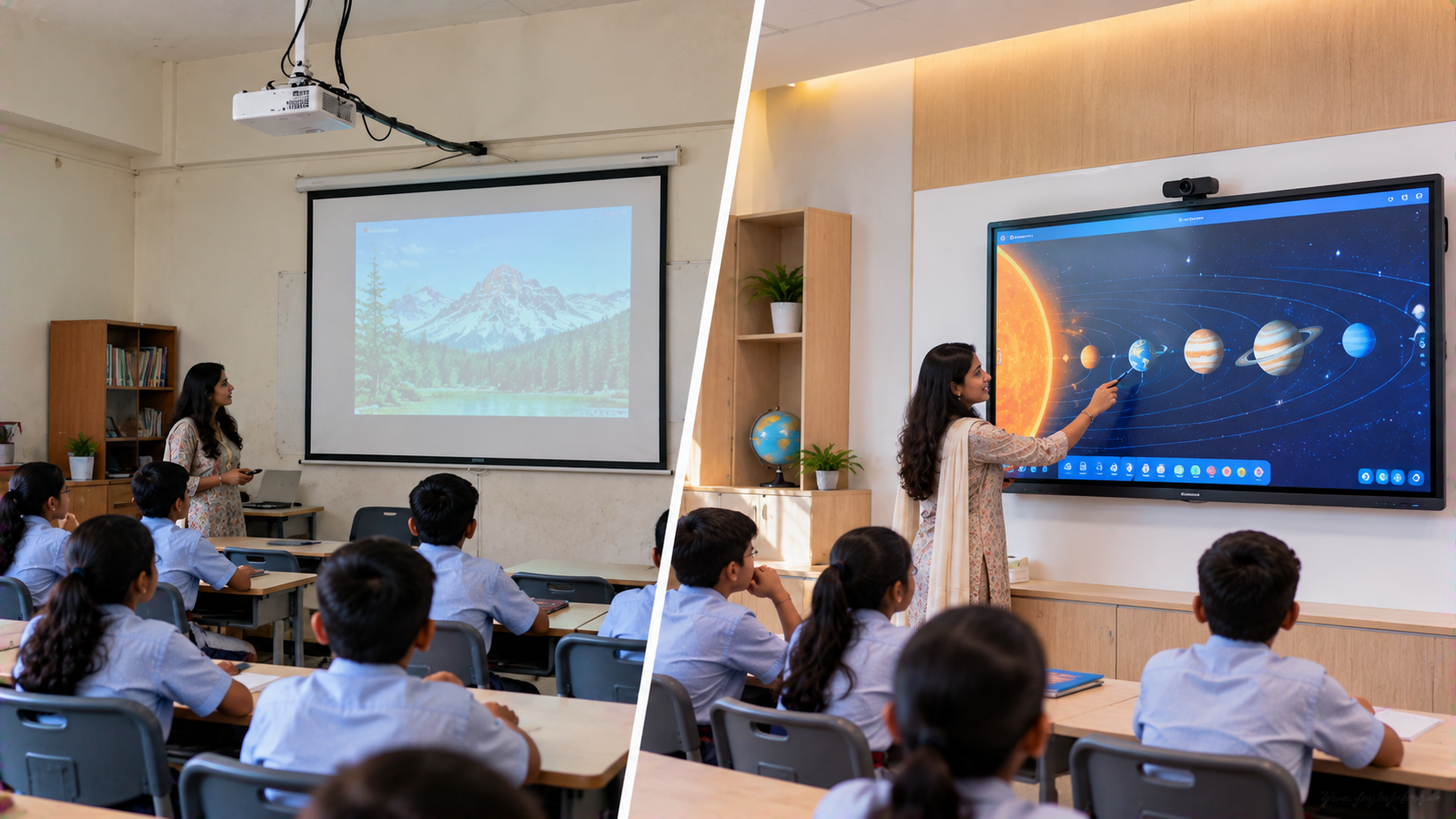
1. Interactive Digital Boards for Every Classroom
The interactive panel becomes the visual centre of the classroom.
Schools can compare solutions such as:
Evota Smart Board
Evota Interactive Panel
MAXHUB Smart Board
MAXHUB Digital Board
Newline Interactive Panel
LG Interactive Digital Board
An interactive flat panel can support digital annotation, presentations, multimedia lessons and collaborative teaching. GoLive's published hybrid-learning guidance identifies interactive panels as a core component of modern classroom setups.
For schools comparing Evota digital board price, Newline smart board price, LG interactive digital board price India, MAXHUB smart board price in India or 75 inch interactive display options, the right screen size should be selected according to classroom dimensions and viewing distance rather than price alone.
2. Add PTZ Cameras for Remote Students
The second major component is classroom video.
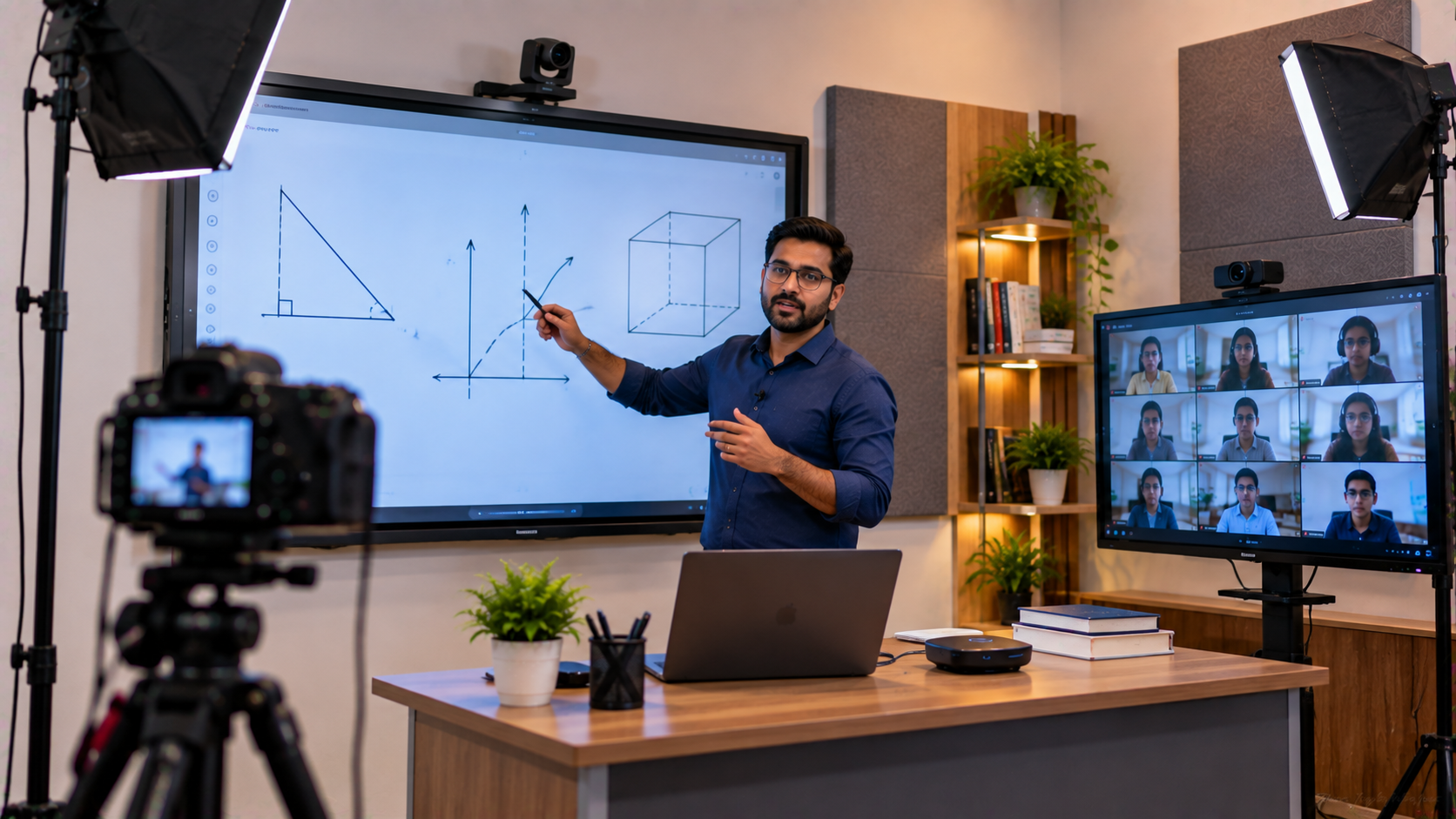
A PTZ camera—Pan, Tilt and Zoom—can provide more flexible classroom coverage than a fixed webcam. GoLive's published solutions include the Evota 4K PTZ Camera, Evota 10X HD PTZ Camera, Logitech PTZ solutions and other professional camera options.
A PTZ camera can be positioned to capture:
Teacher presentations
Interactive board content
Classroom discussions
Demonstrations
Student activities
Lecture recordings
For institutions searching for Evota 4K PTZ camera price, Evota camera price, Logitech PTZ camera, Sony NX80 price in India or PTZ camera for live streaming, GoLive can help compare the requirement before purchase.
3. Connect Audio and Capture Equipment
Clear video is only useful when remote learners can also hear the lesson properly.
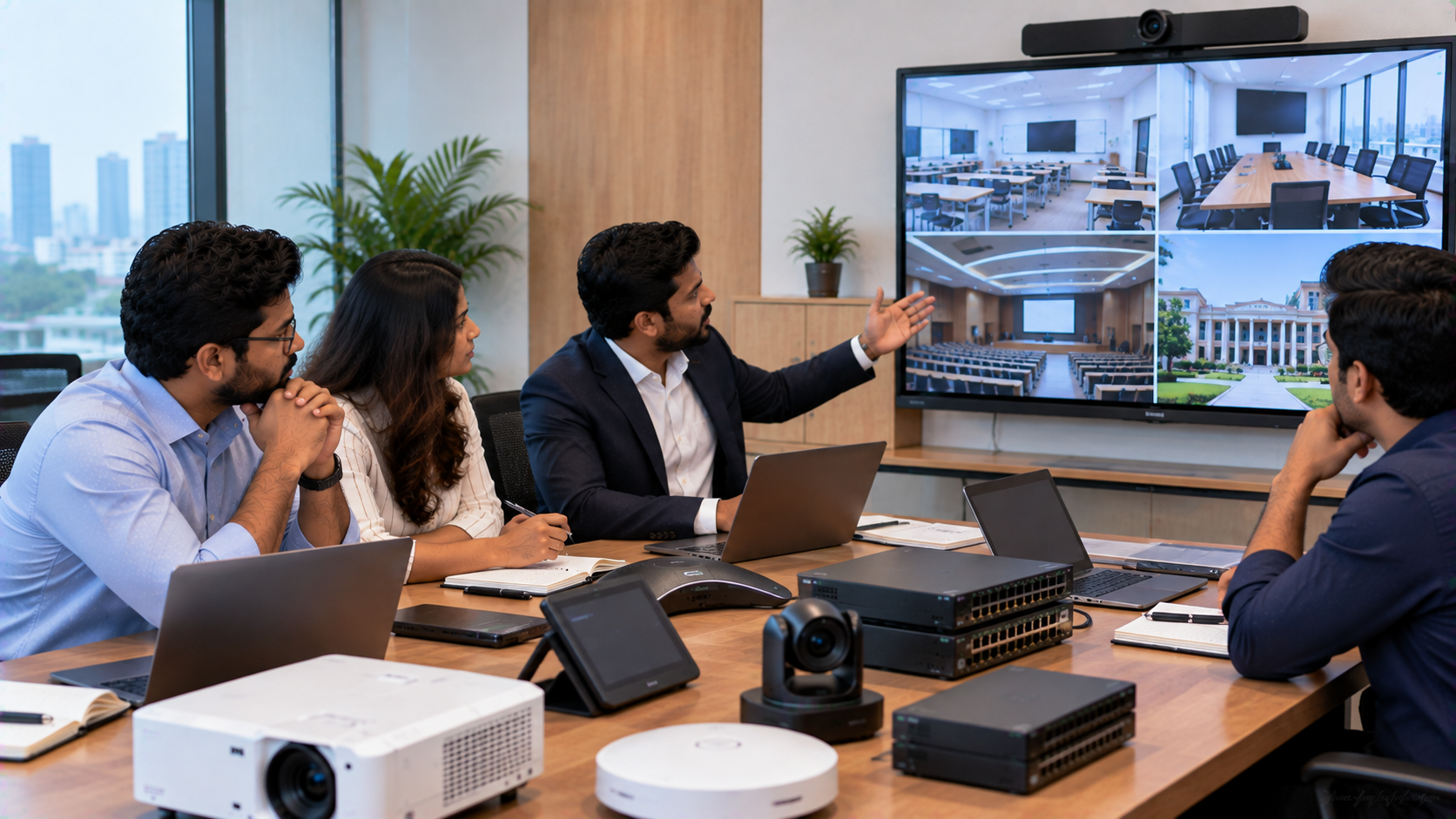
A multi-classroom hybrid setup may include:
Wireless microphones for teachers
Conference microphones and speakers
HDMI video capture devices
Video switchers
Audio interfaces
Compatible classroom computers
Appropriate cabling and connectivity
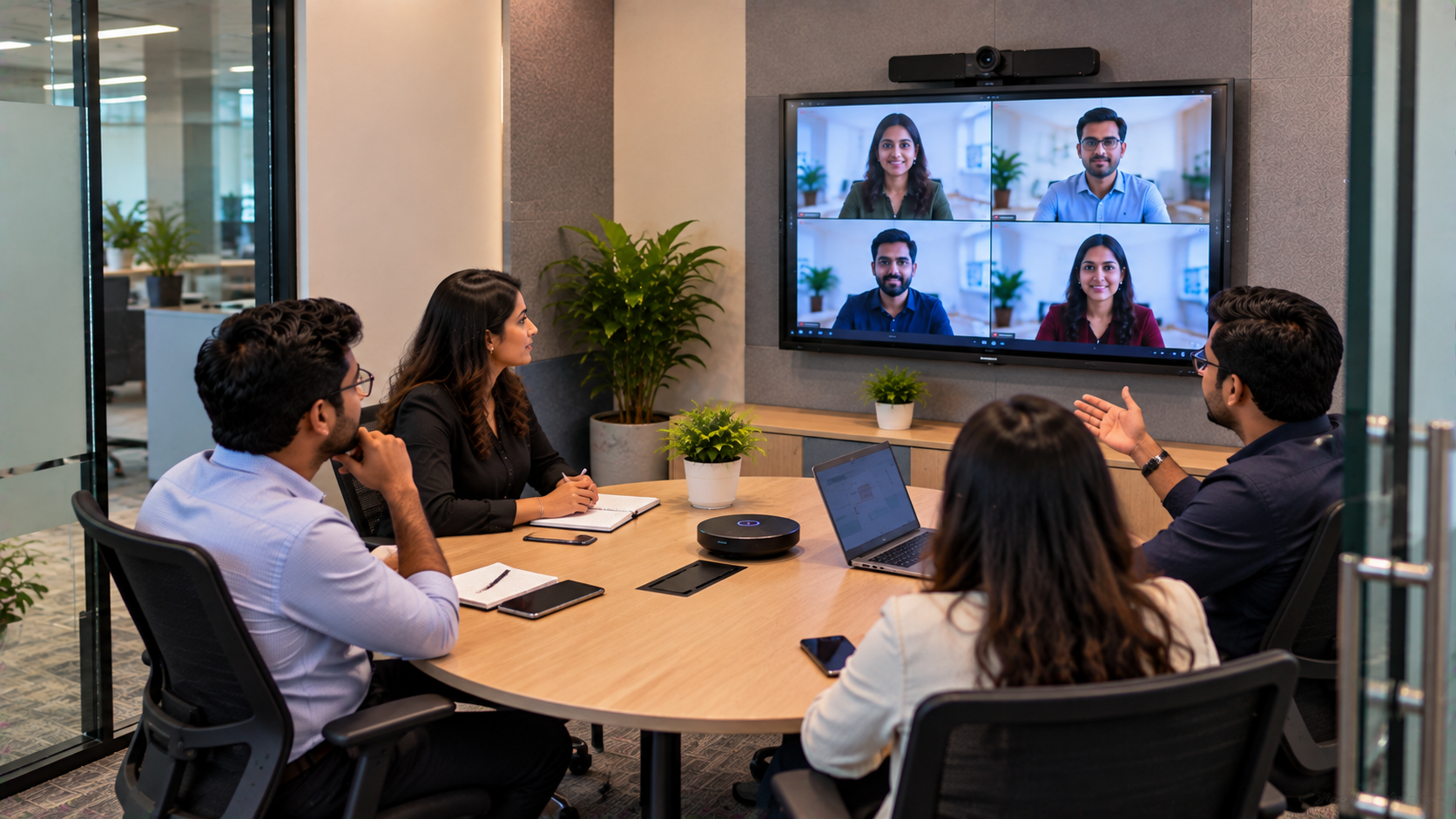
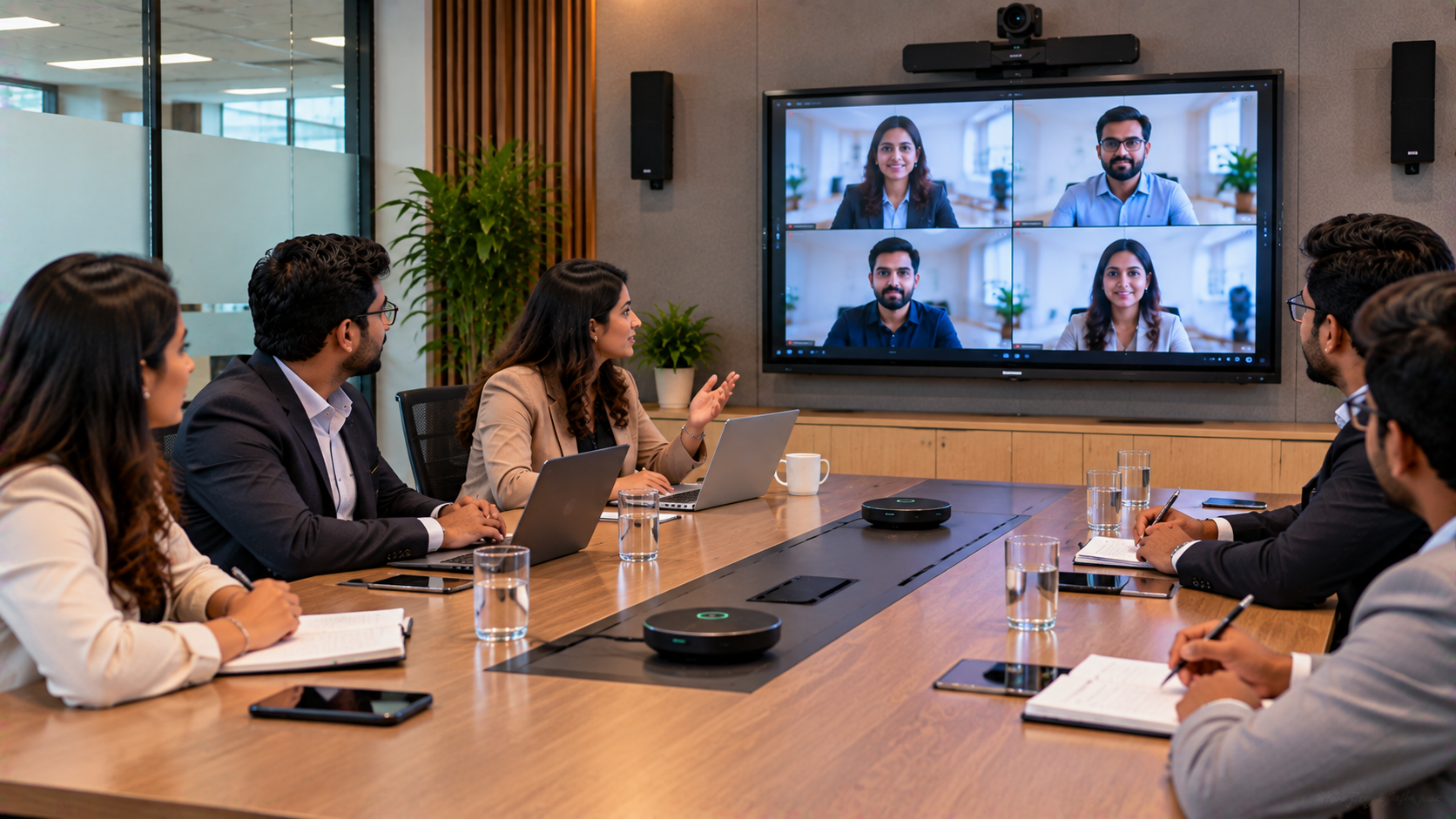
For more advanced online class studio setup requirements, capture and streaming equipment can connect classroom video and presentation sources to the school's chosen online teaching platform.
GoLive also publishes guidance around HDMI capture, video switching, PTZ cameras and integrated AV workflows for hybrid environments.
How the Multi-Classroom Implementation Can Work
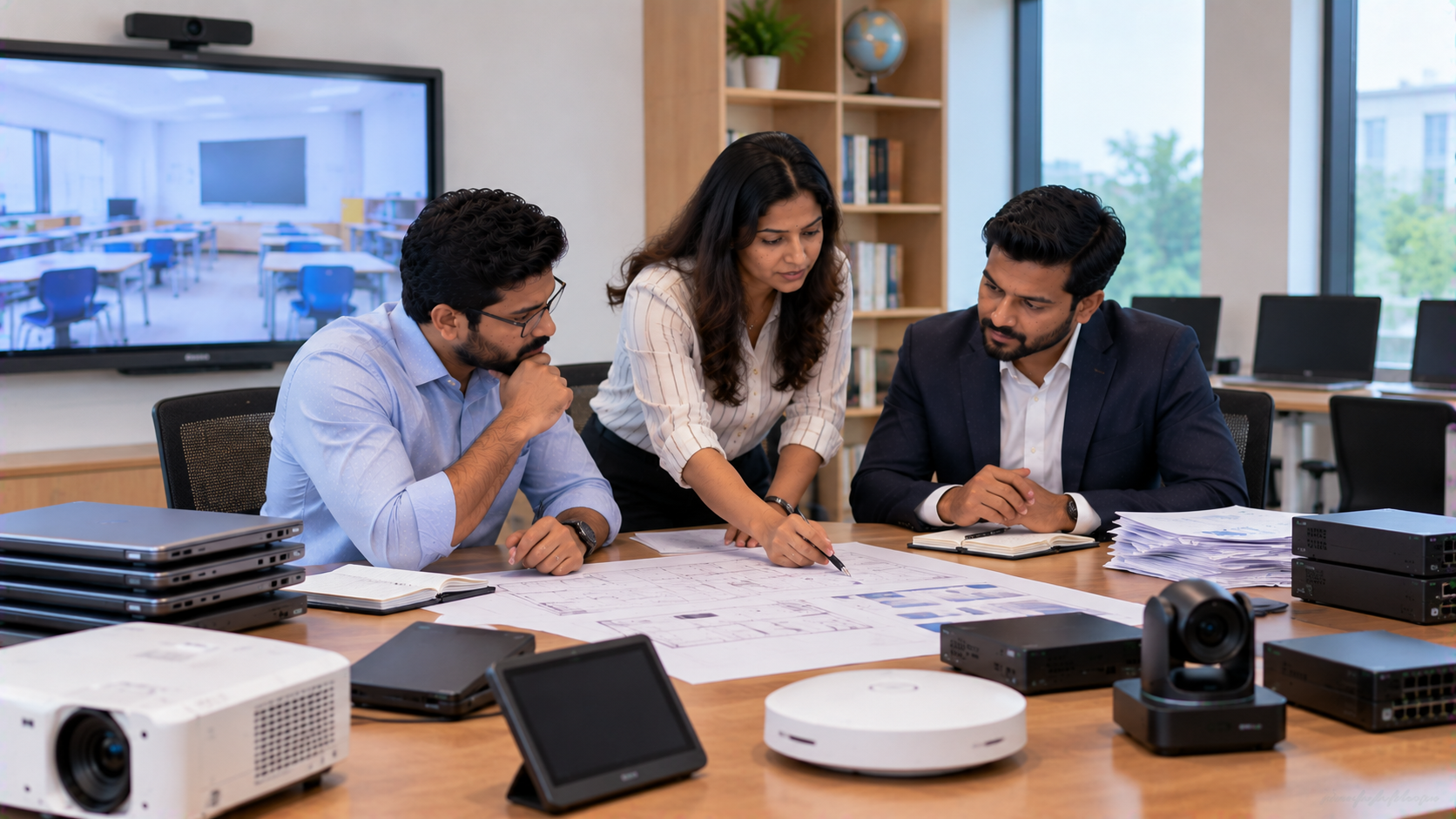
A structured deployment can reduce compatibility problems and make technology easier for teachers to use.
Step 1: Assess the School
GoLive can begin by understanding:
Number of classrooms
Classroom dimensions
Existing displays and computers
Internet/connectivity requirements
Number of teachers using the system
Hybrid and recording requirements
Budget and future expansion plans
Step 2: Select the Right Classroom Configuration
A school may choose different configurations depending on its requirements.
|
Requirement |
Possible Solution |
|---|---|
|
Interactive teaching |
Evota Interactive Panel |
|
Premium interactive classroom |
LG Interactive Digital Board |
|
Large-format collaboration |
MAXHUB Digital Board |
|
Classroom-focused deployment |
Newline Interactive Panel |
|
Hybrid video |
Evota 4K PTZ Camera |
|
Digital handwriting |
USB/PC Writing Pad |
|
Streaming |
HDMI Capture + compatible software |
|
Teacher audio |
Wireless Microphone |
The exact configuration should be confirmed according to the school's room, infrastructure and compatibility requirements.
Step 3: Installation and Configuration
Technology deployment does not end with delivery.
The installation process can include:
Site assessment → Product delivery → Mounting → Connectivity → Camera positioning → Configuration → Testing → Teacher training → Handover → Support
GoLive states that installation support is available for selected product categories, including interactive flat panels and video-conferencing systems, while demo and training support is also available for selected solutions.
Step 4: Train Teachers
Even the most advanced smart board for school can remain underused if teachers are uncomfortable with it.
Training can cover:
Board operation
Digital writing and annotation
Screen sharing
Camera controls
Starting online classes
Switching input sources
Basic troubleshooting
Using connected accessories
This supports GoLive's broader proposition: Technology that works, backed by people who help.
From One Smart Classroom to a Connected Smart Campus
Once several classrooms use compatible technology, the school can expand beyond individual lessons.
A connected infrastructure can support:
Hybrid classes
Online teaching
Lecture recording
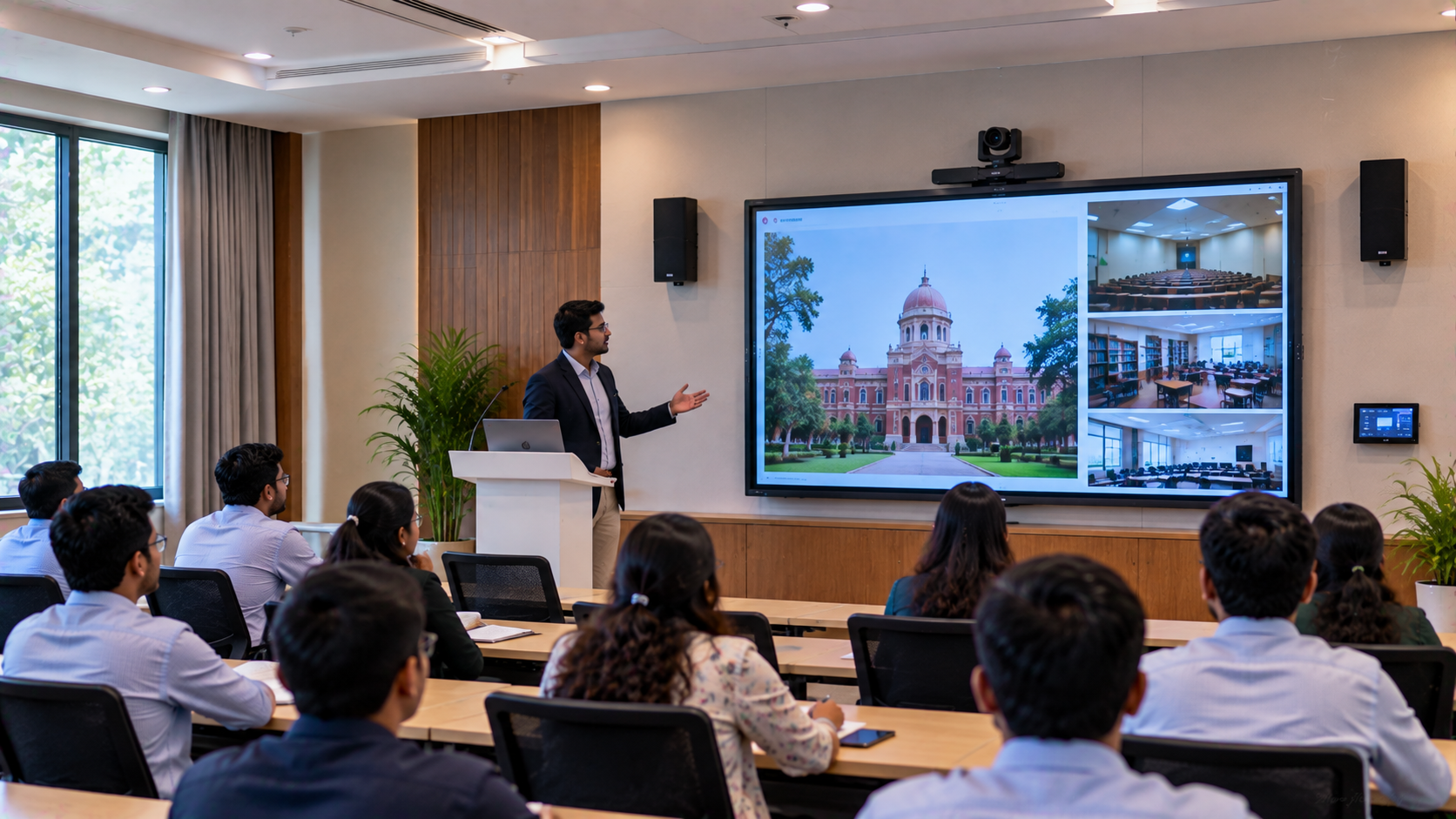
Remote guest lectures
Teacher training
Digital collaboration in classrooms
Remedial teaching
Cross-campus academic sessions
Recorded revision material
GoLive also publishes guidance on centralized control for multi-classroom campuses, covering interactive panels, digital boards and PTZ cameras as part of a broader smart-campus ecosystem.
Comparing Hybrid Classroom Technology Options
|
Technology |
Primary Use |
Suitable For |
|---|---|---|
|
Evota Smart Board |
Interactive teaching |
Schools & training rooms |
|
Evota Interactive Panel |
Digital collaboration |
Classrooms |
|
MAXHUB Digital Board |
Large-format collaboration |
Schools & institutions |
|
Newline Interactive Panel |
Interactive classroom teaching |
Schools & coaching centres |
|
LG Interactive Digital Board |
Premium interactive teaching |
Education & corporate environments |
|
Evota 4K PTZ Camera |
Hybrid video & recording |
Online/hybrid classrooms |
|
Writing Pad for PC |
Digital handwriting |
Online teaching & problem-solving |
|
HDMI Capture Device |
Video capture |
Streaming & recording |
Pricing note: Product prices and availability can vary by model, size, configuration, installation requirements and current stock. Schools should request a current quotation rather than relying on outdated search-result prices. GoLive's website provides India-wide delivery information and product-specific pricing where applicable.
Why Schools Need More Than the Lowest Digital Board Price
Searches such as digital board price under 5000, smart board price in India, interactive board price or digital board price for teaching can help buyers understand the market.
However, a multi-classroom deployment should consider the total solution cost, including:
Hardware
Mounting
Installation
Connectivity
Accessories
Configuration
Teacher training
Warranty
Technical assistance
Future support
GoLive's published approach follows selection → supply → installation → deployment → training → support, helping institutions focus on the complete technology experience rather than the product price alone.
Why Choose GoLive eTechnologies for Delhi NCR Schools?
GoLive eTechnologies' brand promise is:
Technology that works, backed by people who help.
The company's published customer proposition focuses on selection, fast deployment, installation, training and ongoing assistance. Its customer-feedback messaging also highlights service, support, fast delivery, installation, training and assistance.
For a school, that means the objective is not simply to purchase an Evota Smart Board, MAXHUB Digital Board, Newline Interactive Panel or LG Interactive Digital Board.
It is to create a working classroom environment with:
Right solution + fast deployment + installation + support = Less technology headache + more confidence.
Conclusion: Creating a Connected Hybrid Learning Environment
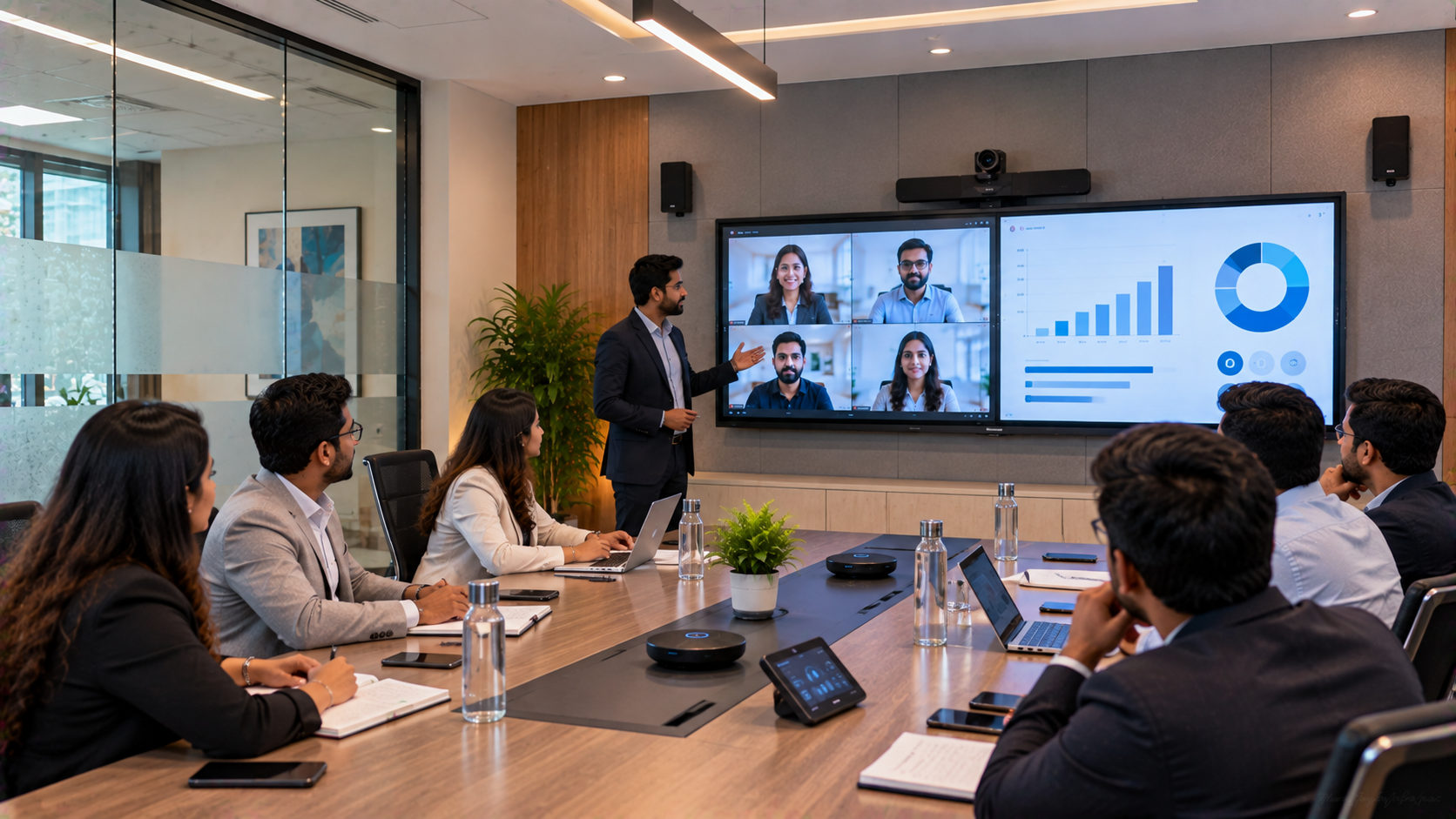
Connecting multiple classrooms for hybrid learning requires thoughtful planning. Interactive displays provide the teaching interface, PTZ cameras bring the classroom to remote learners, audio equipment supports communication, and capture solutions enable recording and streaming.
For schools in Delhi NCR, Noida, Ghaziabad, Gurugram and across India, GoLive eTechnologies can help evaluate the right combination of interactive panels, digital boards, PTZ cameras, writing pads, capture devices and smart classroom equipment.
The goal is simple: make technology easier for schools to deploy, use and support.
Planning a hybrid classroom or multi-classroom smart school project? Contact GoLive eTechnologies for product selection, deployment, installation, training and support.
Your email address will not be published. Required fields are marked *

By Inhype • September 12, 2026
A smart classroom is only as effective as the technology supporting it. Interactive panels, smart boards, PTZ cameras, microphones, speakers, PCs and
Read More
By Inhype • September 12, 2026
Higher education is rapidly moving beyond traditional chalkboards and projectors. Today, colleges and universities need technology that supports inter
Read More
By Inhype • September 12, 2026
A smart classroom for CBSE schools is no longer simply a classroom with a digital board. Modern schools are building connected learning environments t
Read More
By Inhype • September 12, 2026
Planning a smart classroom project for 10, 20 or even 50 classrooms requires more than simply purchasing digital boards. Schools, colleges, universiti
Read More
By Inhype • September 12, 2026
A smart classroom can transform the way teachers explain concepts, students interact with lessons, and institutions deliver digital education. From in
Read More




Golive eTechnologies India Private Limited (CIN - U31909UP2021PTC148242) is one of India's leading providers of smart classrooms, interactive boards, video conferencing solutions, and display technologies for the education, healthcare, corporate, and government sectors.

No comments yet. Be the first to comment!