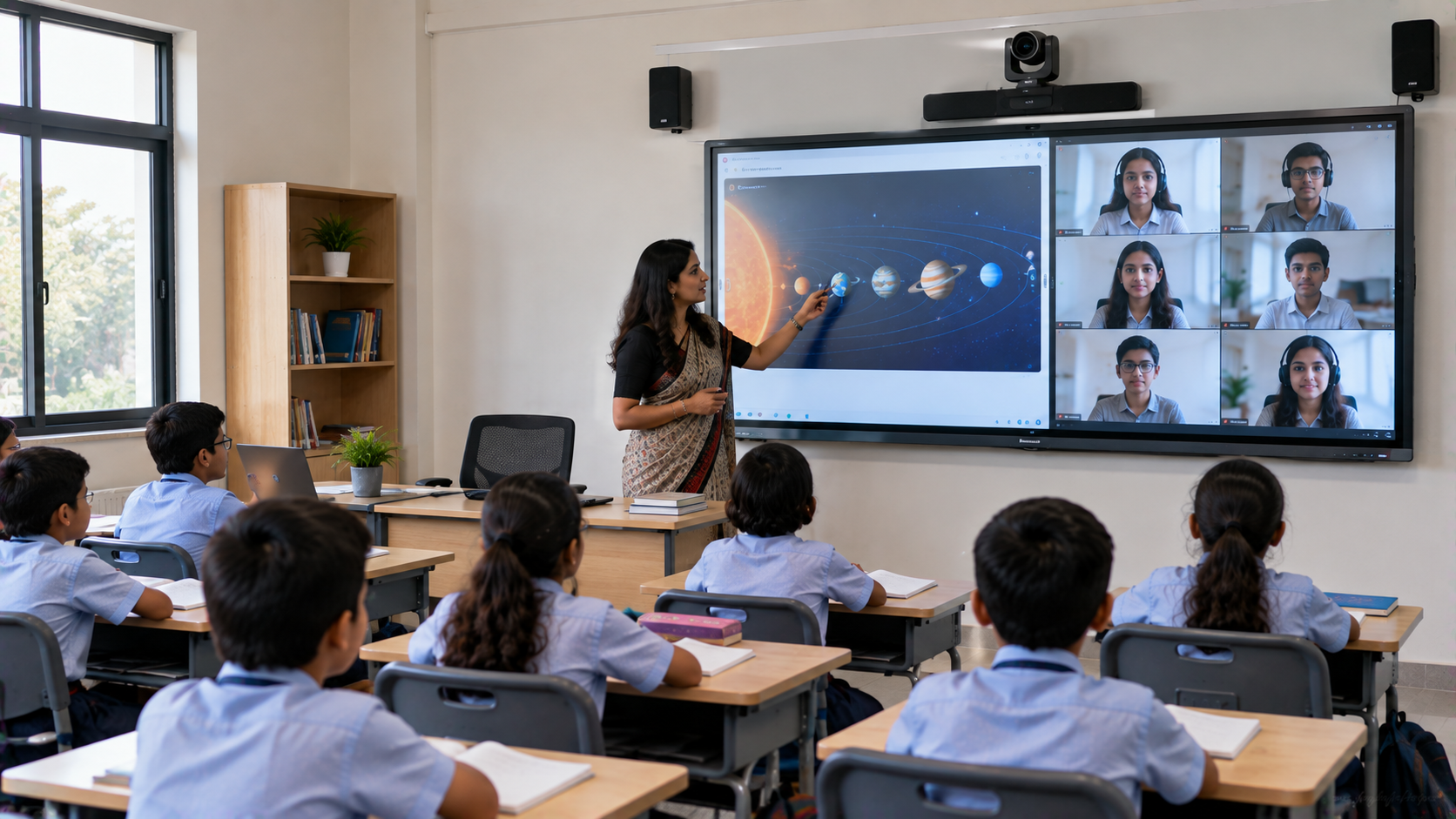
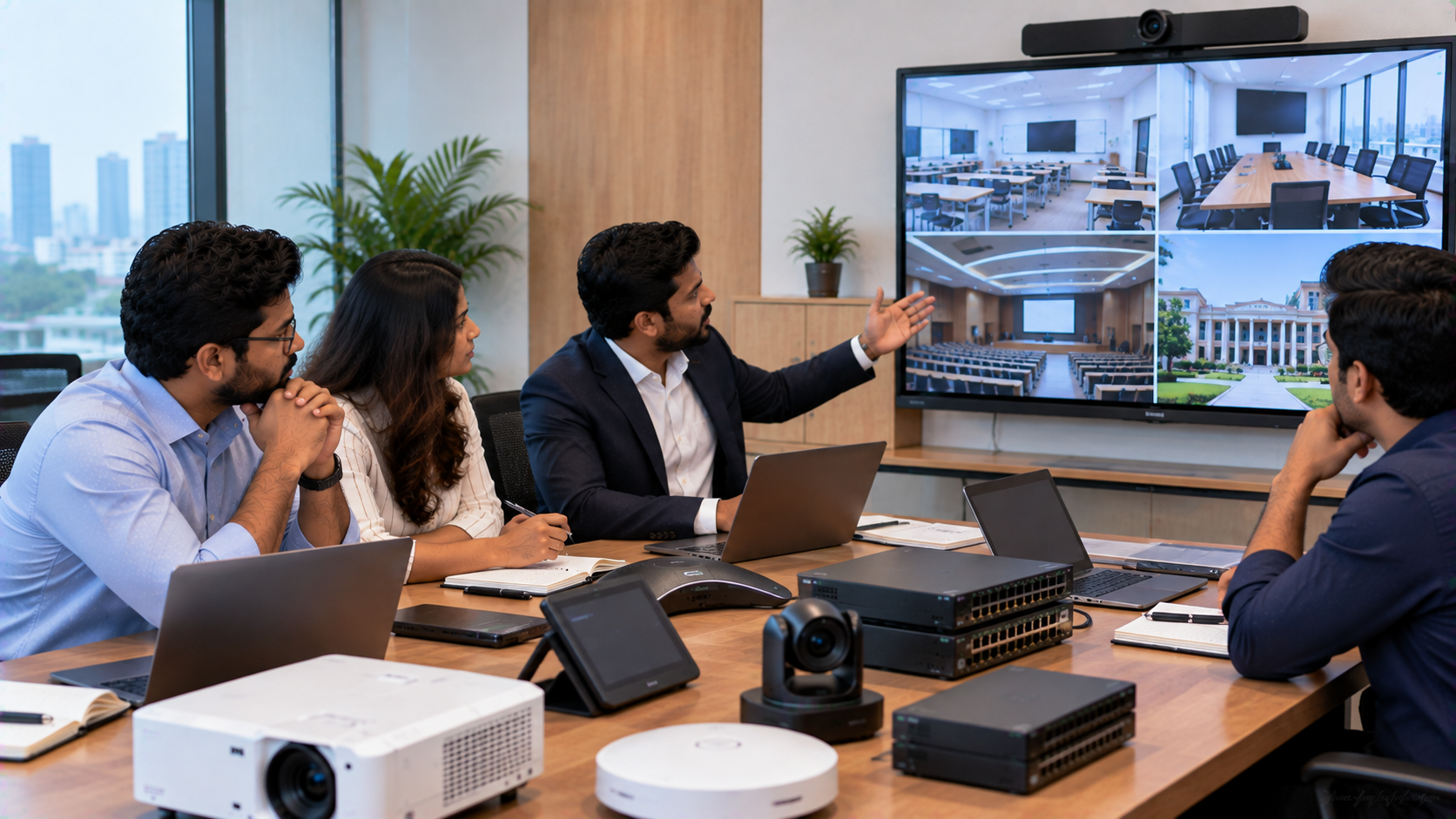
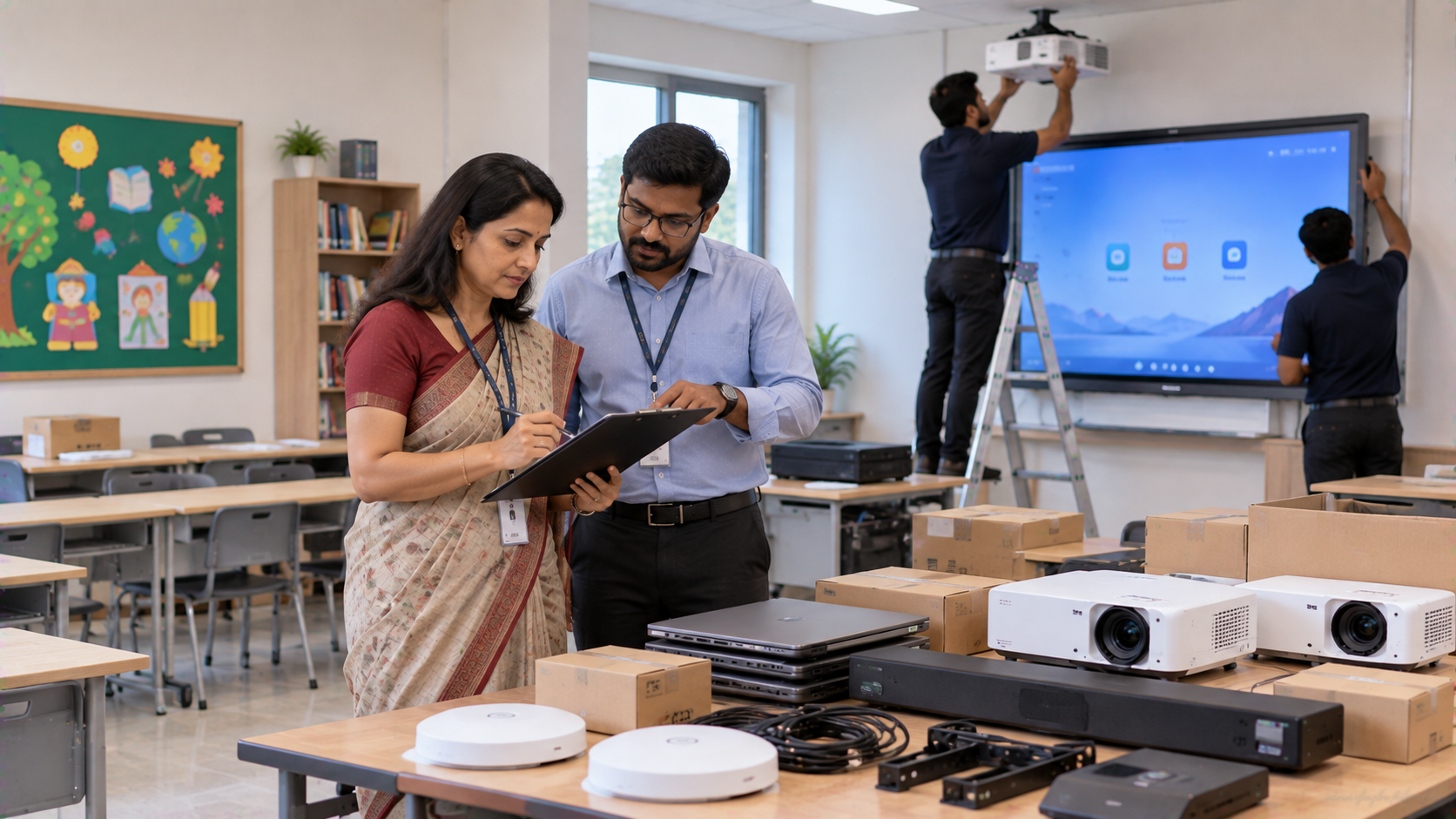
A modern classroom in Ghaziabad no longer has to be limited to students physically sitting inside the school. With the right technology infrastructure, teachers can conduct lessons for students in the classroom while simultaneously connecting with students attending remotely. This is the idea behind a hybrid classroom—a teaching environment where physical and remote learners participate in the same lesson. For schools planning this transformation, GoLive eTechnologies India Private Limited provides an end-to-end approach covering interactive displays, PTZ cameras, audio, capture devices, installation and technology support. Its portfolio includes Evota Smart Board, Evota Interactive Panel, MAXHUB Digital Board, Newline Interactive Panel, LG Interactive Digital Board and professional PTZ camera solutions. The Challenge: Teaching Students Both Inside and Outside the Classroom A school introducing hybrid teaching may face several practical problems: Students attending remotely cannot clearly see the teacher. Traditional whiteboards are difficult to share digitally. A fixed webcam may not capture the teacher and board effectively. Poor audio can make online lessons difficult to follow. Teachers may have to manage several disconnected devices. Purchasing individual products can create compatibility and installation issues. A hybrid classroom therefore requires more than simply adding a camera to an existing classroom. GoLive eTechnologies' approach is based on integrating the display, camera, audio and connectivity into one classroom workflow. GoLive's published solution guidance specifically highlights the importance of integrating displays, PTZ cameras, audio, capture devices and streaming equipment rather than treating them as isolated products.
Step 1: Installing an Interactive Digital Board for Teaching
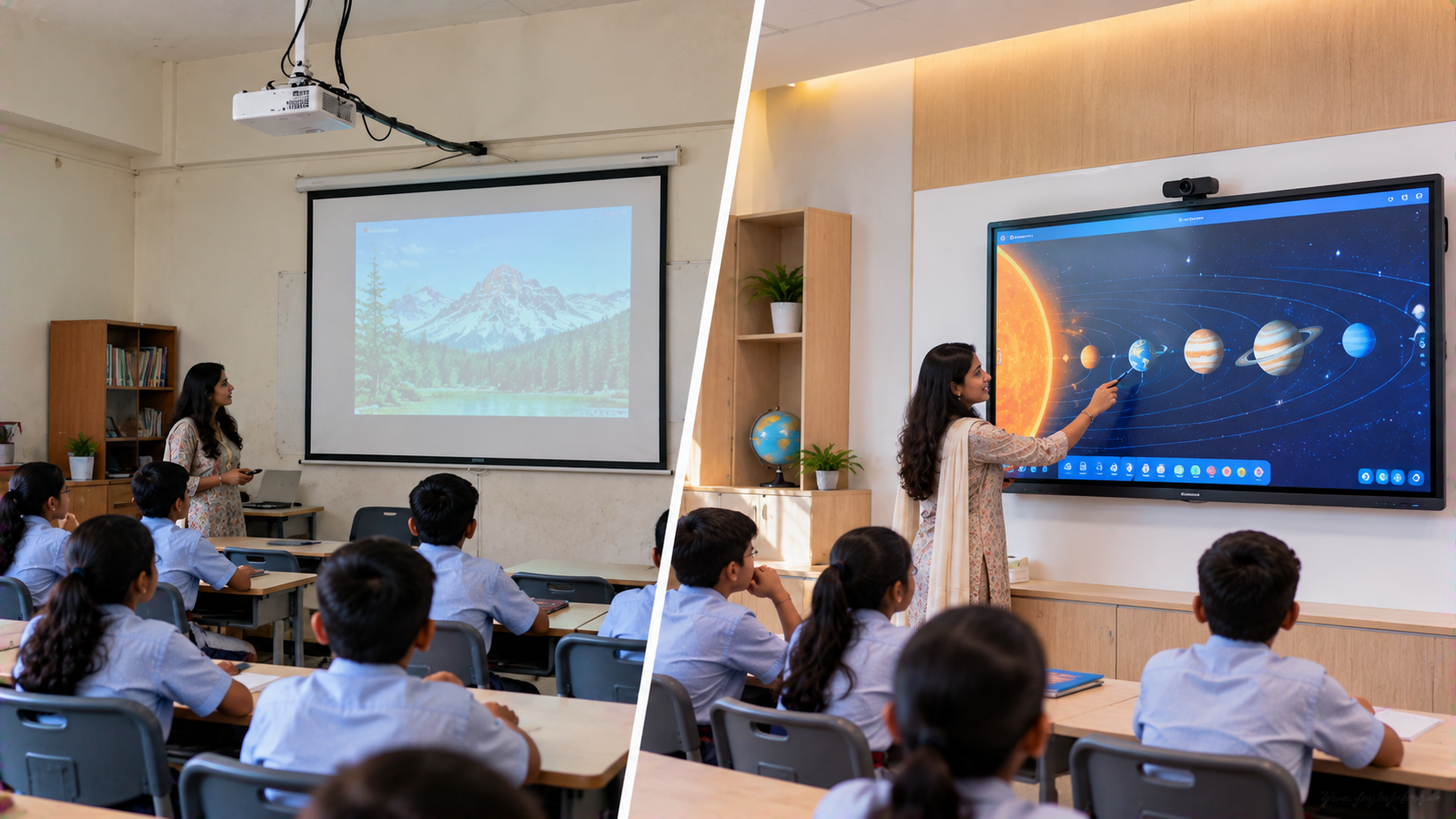
The visual centre of a hybrid classroom is the interactive display.
A school in Ghaziabad can evaluate options such as:
Evota Interactive Panel
Evota Smart Board
MAXHUB Smart Board
MAXHUB Digital Board
Newline Interactive Panel
LG Interactive Digital Board
These displays can support presentations, digital annotation, interactive lessons and collaborative teaching. GoLive's published education solutions describe interactive displays as suitable for digital annotation, presentations and hybrid learning.
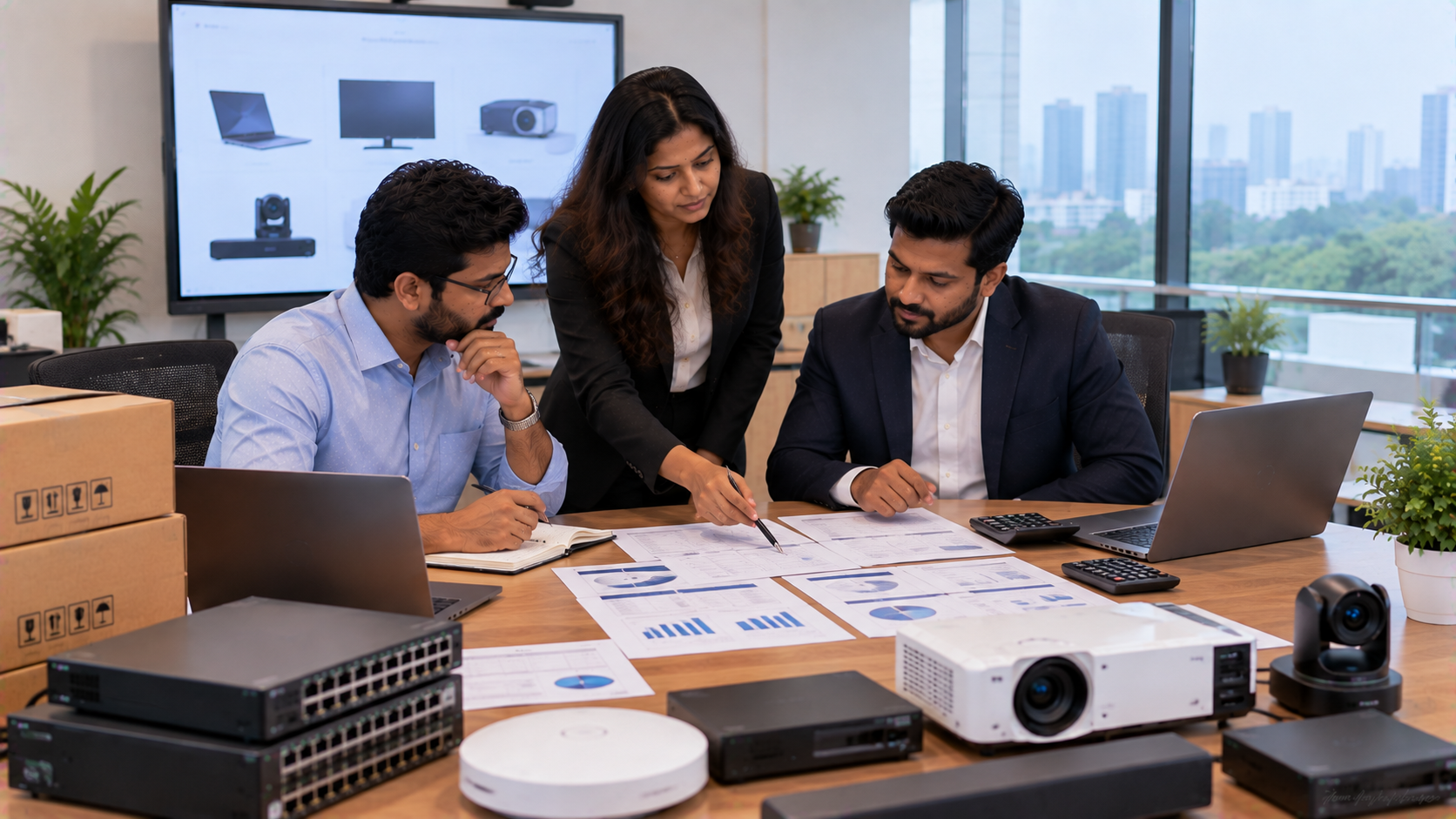
For example, schools comparing Evota smart board price, Evota digital board price, Newline smart board price, MAXHUB smart board price in India or LG interactive digital board price India should consider more than the hardware price.
Important factors include:
|
Requirement |
What to Consider |
|---|---|
|
Classroom size |
65", 75" or larger display |
|
Viewing distance |
Visibility from the last row |
|
Teaching style |
Touch, annotation and digital writing |
|
Connectivity |
HDMI, USB and wireless sharing |
|
Remote learning |
Camera and streaming compatibility |
|
Budget |
Complete installed solution cost |
For many classrooms, a 75-inch interactive display can be considered where room size and viewing distance make it appropriate.
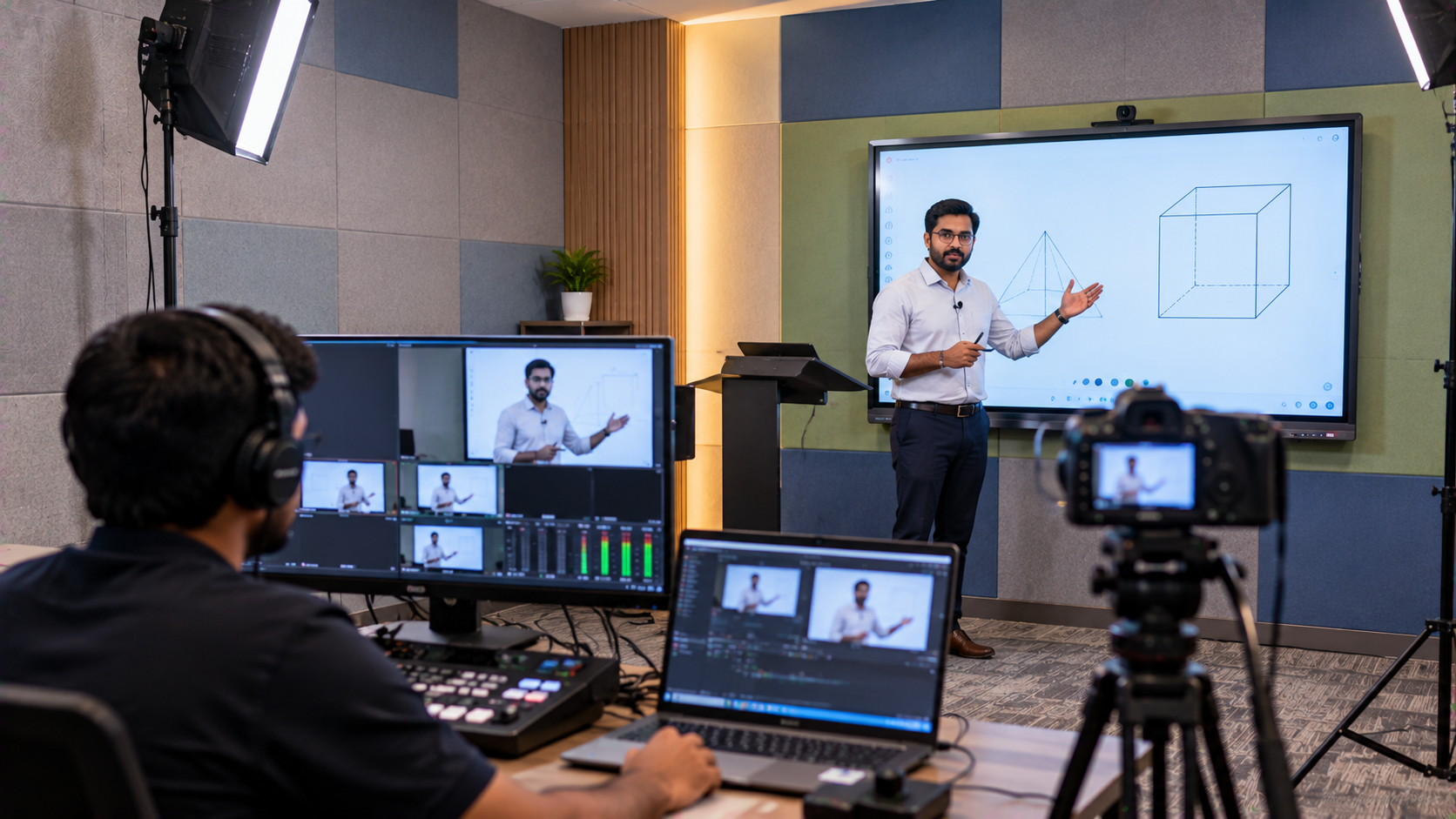
Step 2: Adding an EVOTA 4K PTZ Camera
An interactive panel lets the teacher display and annotate content, but remote students also need to see the teacher.
This is where a PTZ camera becomes useful.
PTZ means Pan, Tilt and Zoom. Unlike a fixed webcam, a PTZ camera can remotely adjust its viewing direction and zoom, making it suitable for classrooms, lecture recording and hybrid teaching. GoLive lists Evota 4K PTZ Camera, Evota 10X HD PTZ Camera, Logitech PTZ Camera and Logitech PTZ Pro 2 among its professional camera solutions.
A classroom camera can be positioned to capture:
Teacher presentation
Interactive board
Student discussion
Demonstrations
Classroom activities
The Evota 4K PTZ camera can therefore form an important part of an online class studio setup or hybrid classroom.
Schools can enquire about the current Evota 4K PTZ camera price based on the required configuration rather than relying on outdated online pricing.
Step 3: Creating Better Audio for Remote Students
Good video is only half of a successful online lesson.
If remote students cannot hear the teacher clearly, even an expensive digital board and camera cannot provide a smooth learning experience.
Depending on classroom size and requirements, the setup can include:
Teacher microphone
Wireless microphone
Conference microphone
Classroom speakers
Mixer/amplifier
Audio interface
GoLive also publishes integrated AV guidance covering microphones, speakers, mixers and streaming workflows for hybrid environments.
The objective is simple: clear classroom audio for students sitting inside the room and a clean audio feed for students joining remotely.
Step 4: Connecting the Classroom to Remote Learners
A hybrid classroom may use an HDMI capture device or compatible streaming workflow to bring camera and display feeds into the computer.
GoLive's hybrid AV guidance identifies HDMI capture devices as a way of converting HDMI sources into computer-readable video signals for streaming and recording.
This can support workflows involving:
Interactive Panel → Camera → Audio → Capture → Computer → Online Class
For more advanced classrooms, schools can also evaluate video switching, lecture capture and live-streaming equipment depending on their teaching model.
Step 5: Making the Setup Easy for Teachers
Technology should reduce classroom friction—not create more work for teachers.
That is why implementation should include:
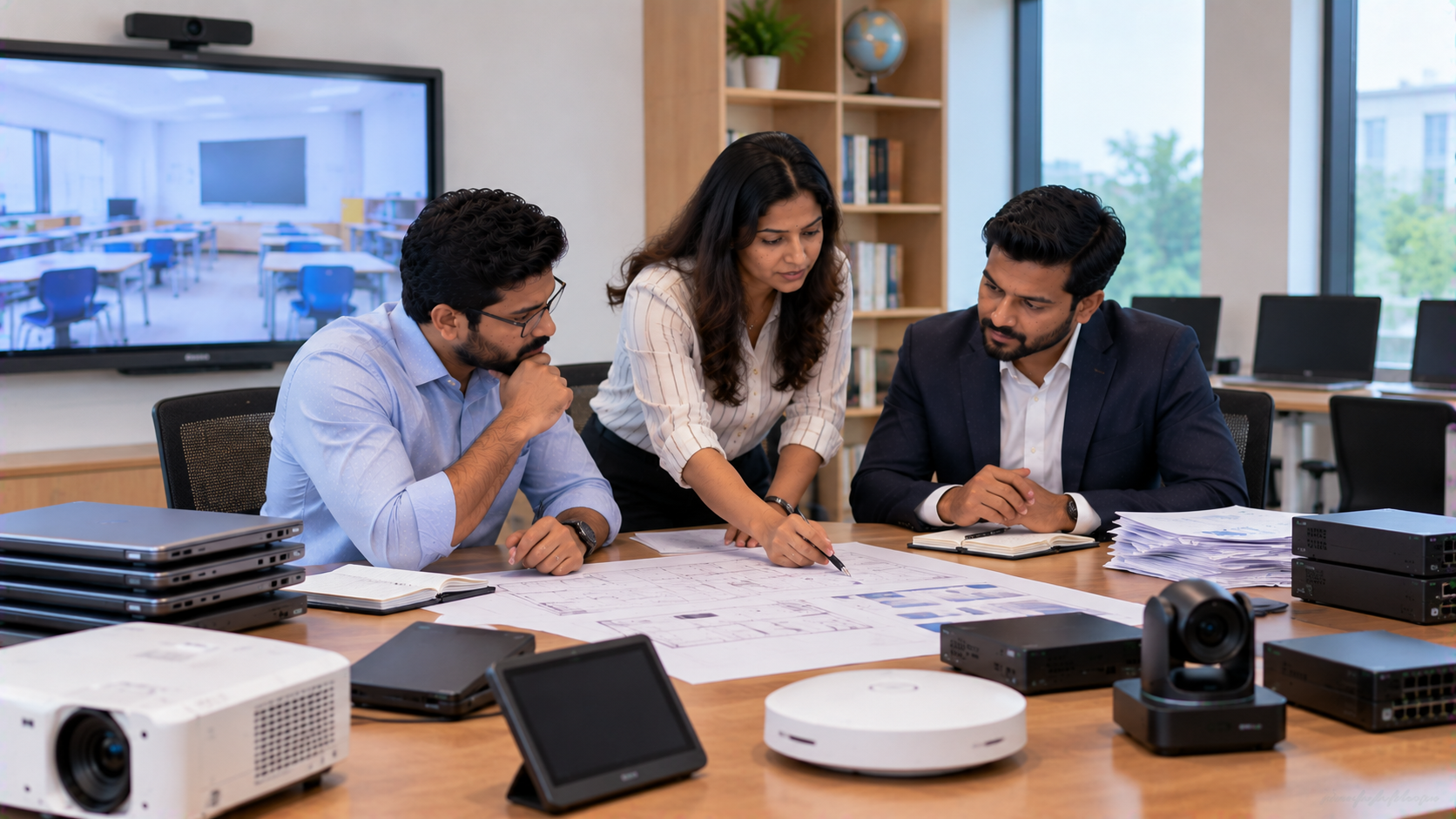
Classroom requirement assessment
Display-size selection
Camera positioning
Audio planning
Connectivity and capture setup
Installation and configuration
Teacher training
Post-installation support
GoLive eTechnologies positions its offering around end-to-end technology support from selection to installation and beyond, with published services including consultation, installation, training and after-sales assistance.
This approach supports the brand promise:
Technology that works, backed by people who help.
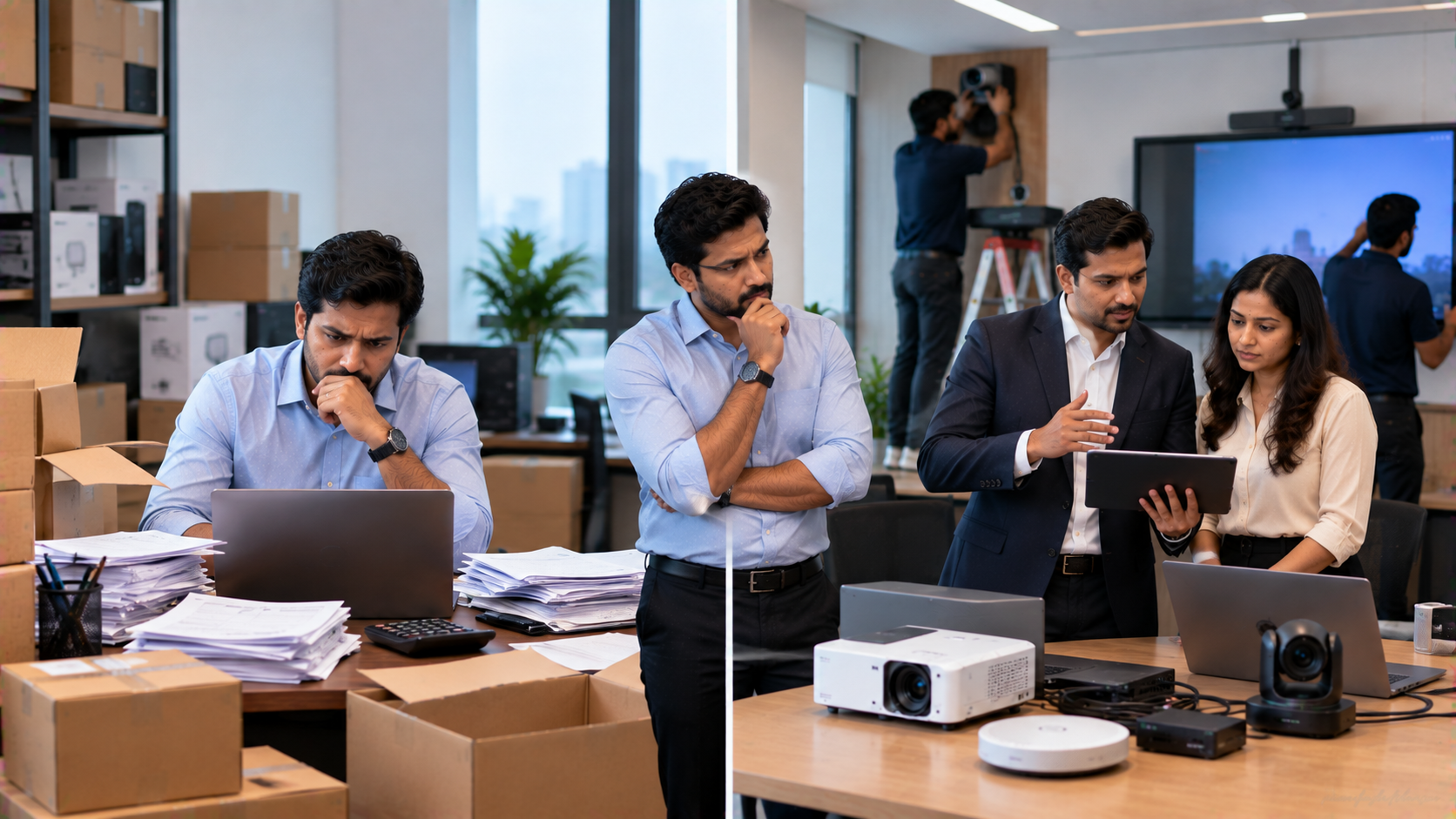
Hybrid Classroom Setup: Traditional vs Integrated
|
Traditional Approach |
Integrated Hybrid Classroom |
|---|---|
|
Basic whiteboard |
Interactive digital board |
|
Fixed webcam |
PTZ camera |
|
Separate audio devices |
Integrated audio workflow |
|
Manual content sharing |
Digital presentation and annotation |
|
Multiple disconnected devices |
Coordinated AV setup |
|
Limited remote visibility |
Teacher + board + classroom coverage |
The goal is not simply to purchase a digital board or PTZ camera. The objective is to create a classroom where technology works together.
Why Schools in Ghaziabad Can Consider GoLive eTechnologies
For schools searching for smart classroom solutions in Ghaziabad, Delhi NCR and across India, GoLive eTechnologies provides multiple technology categories rather than a single hardware option.
The range includes:
Evota Smart Board and Evota Interactive Panel
Evota 4K PTZ Camera
MAXHUB Digital Board
Newline Interactive Panel
LG Interactive Digital Board
Writing pads for PC and digital annotation
HDMI capture devices
Microphones and audio solutions
Smart classroom and online teaching setup solutions
GoLive's published material also highlights PAN India delivery, installation support, competitive pricing, consultation and after-sales service.
For schools comparing LG interactive flat panel 75 inch price, Newline interactive panel price in India, MAXHUB digital board price in India or Evota smart board 75 inch price, GoLive can help evaluate the complete requirement rather than focusing only on the initial product price.
The Outcome: A More Connected Learning Environment
A well-planned hybrid classroom can allow a teacher to explain a concept on an interactive board, annotate content, appear clearly on camera and communicate with remote students within the same lesson workflow.
For school management, the value extends beyond one classroom. A properly planned infrastructure can become a foundation for:
Hybrid classes
Online teaching
Lecture recording
Teacher training
Remote guest sessions
Digital collaboration
Remedial teaching
Smart classroom expansion
Whether a school needs one digital board for teaching or a complete hybrid classroom setup, the right solution should balance technology, usability, budget and long-term support.
GoLive eTechnologies helps schools move from product selection to implementation—with the right solution, fast deployment, installation and support.
Ready to Build a Hybrid Classroom in Ghaziabad?
Explore Evota, MAXHUB, Newline, LG interactive panels, PTZ cameras and complete smart classroom solutions with GoLive eTechnologies.
Technology that works, backed by people who help.
Your email address will not be published. Required fields are marked *

By Inhype • September 12, 2026
A smart classroom is only as effective as the technology supporting it. Interactive panels, smart boards, PTZ cameras, microphones, speakers, PCs and
Read More
By Inhype • September 12, 2026
Higher education is rapidly moving beyond traditional chalkboards and projectors. Today, colleges and universities need technology that supports inter
Read More
By Inhype • September 12, 2026
A smart classroom for CBSE schools is no longer simply a classroom with a digital board. Modern schools are building connected learning environments t
Read More
By Inhype • September 12, 2026
Planning a smart classroom project for 10, 20 or even 50 classrooms requires more than simply purchasing digital boards. Schools, colleges, universiti
Read More
By Inhype • September 12, 2026
A smart classroom can transform the way teachers explain concepts, students interact with lessons, and institutions deliver digital education. From in
Read More




Golive eTechnologies India Private Limited (CIN - U31909UP2021PTC148242) is one of India's leading providers of smart classrooms, interactive boards, video conferencing solutions, and display technologies for the education, healthcare, corporate, and government sectors.

No comments yet. Be the first to comment!