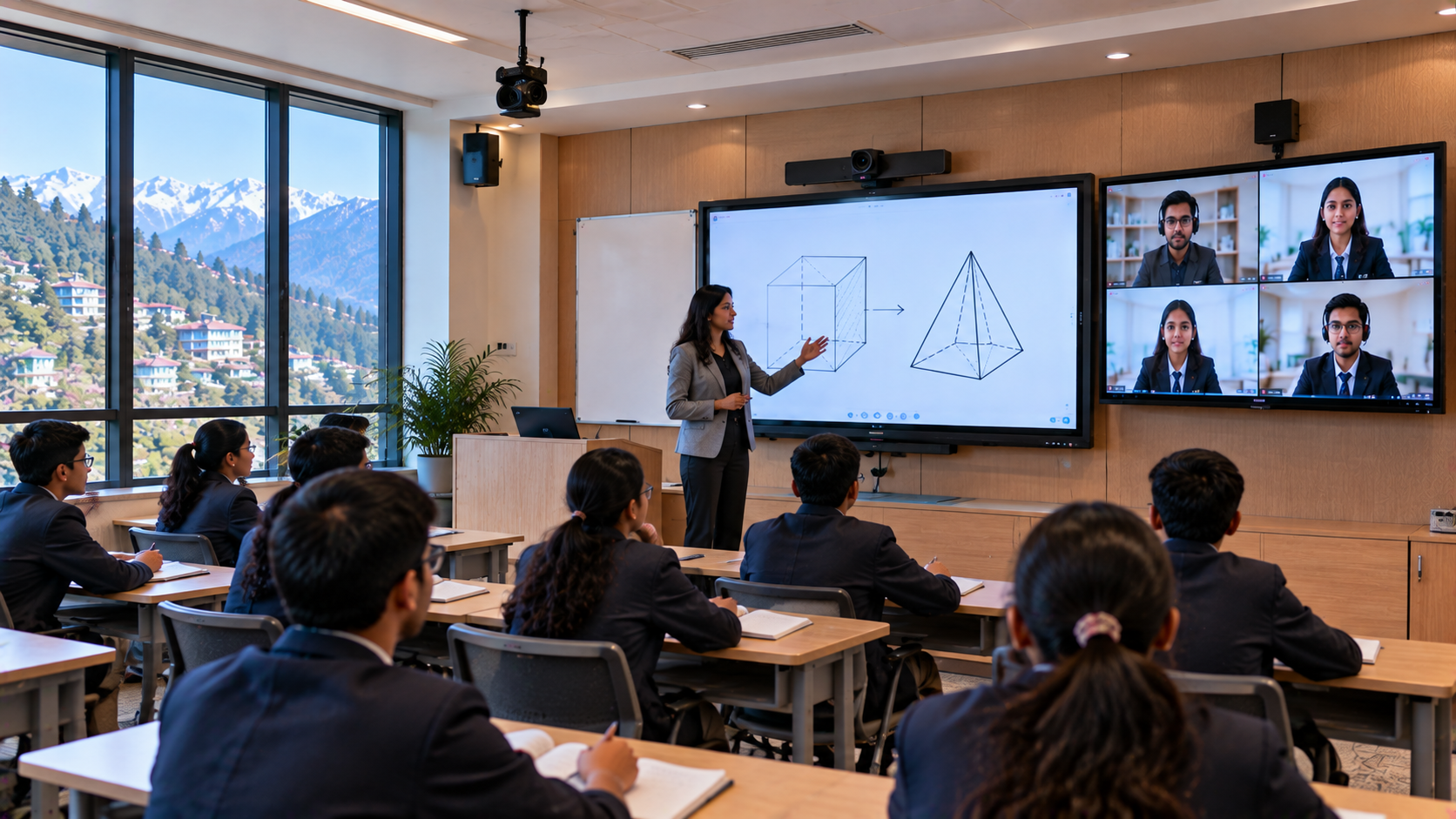
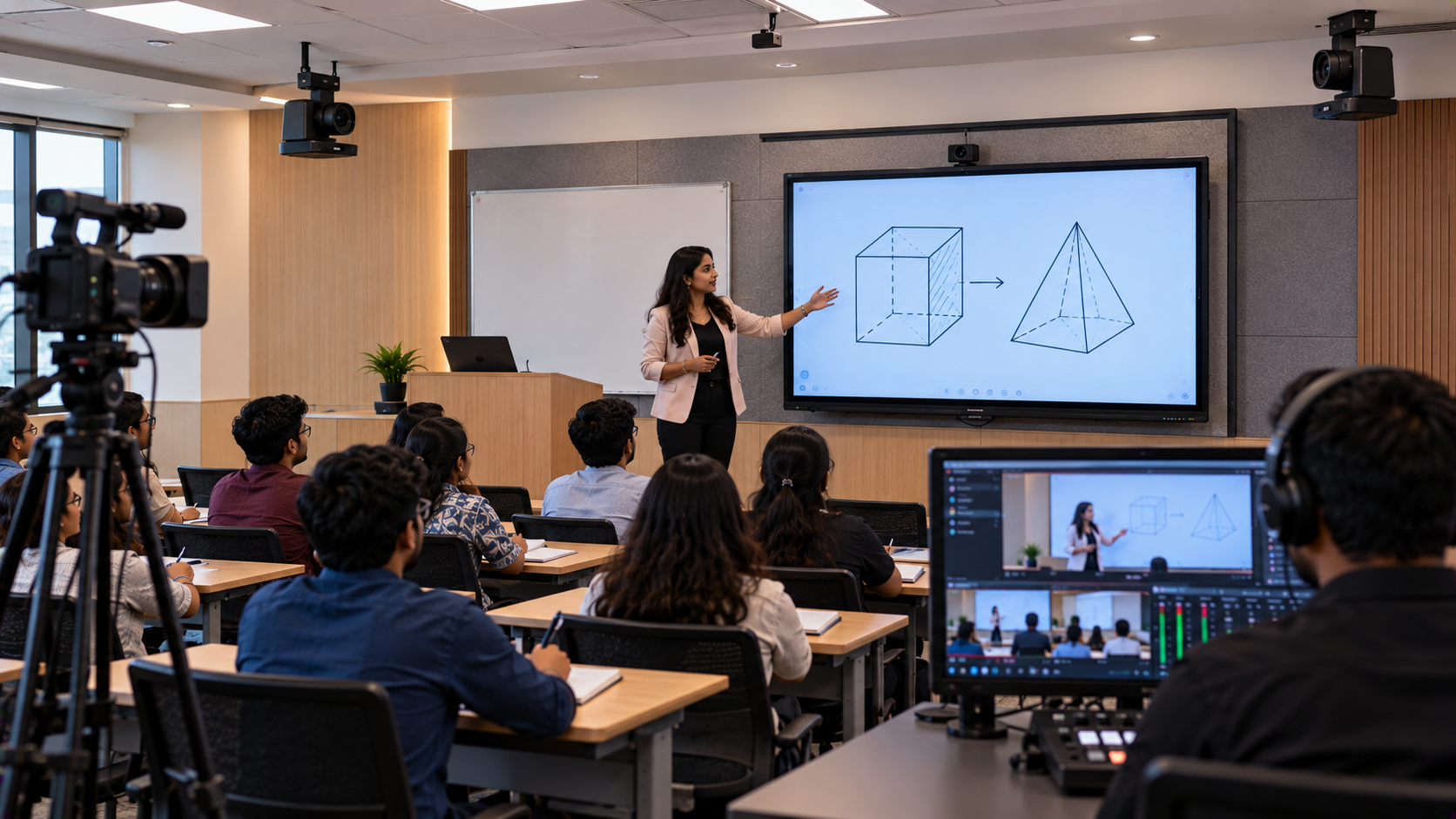
Schools in Shimla, Himachal Pradesh, are increasingly exploring ways to combine classroom teaching with online learning. A well-planned hybrid classroom setup allows teachers to teach students sitting in the classroom while also connecting with learners joining remotely. It can also support lecture recording, revision sessions and digital learning resources. However, a successful hybrid classroom needs more than an internet connection and a camera. Schools must consider display quality, teacher audio, camera positioning, connectivity, installation and staff training. GoLive eTechnologies India Private Limited helps educational institutions explore connected technology solutions—from selecting suitable equipment to installation, configuration and support. Its education portfolio includes EVOTA interactive panels and PTZ cameras, alongside options from MAXHUB, Newline and LG, subject to current availability. This guide explains how a school in Shimla can plan a practical, budget-conscious hybrid classroom with the right technology and implementation process.
Why Schools in Shimla Should Consider a Hybrid Classroom Setup
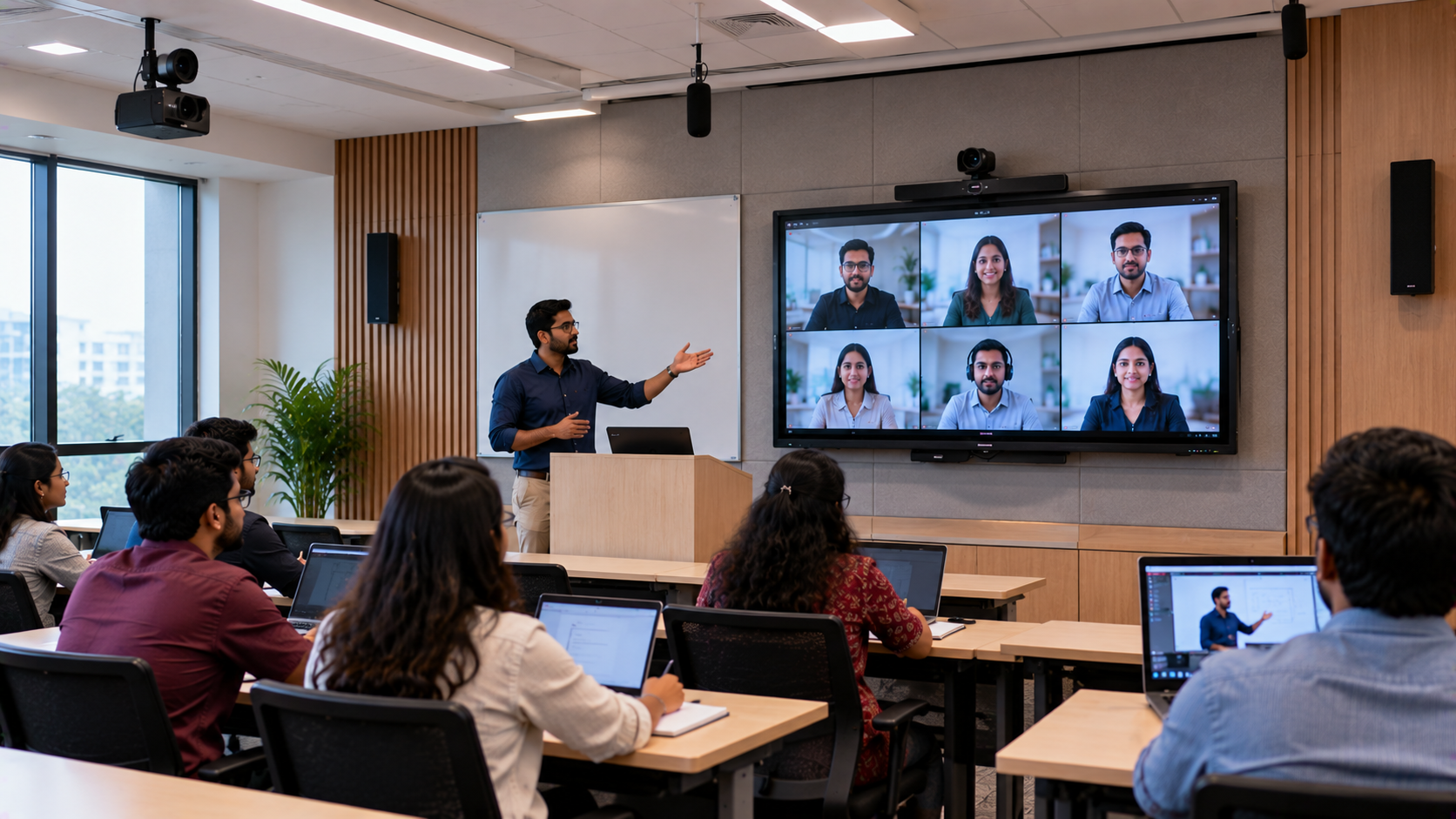
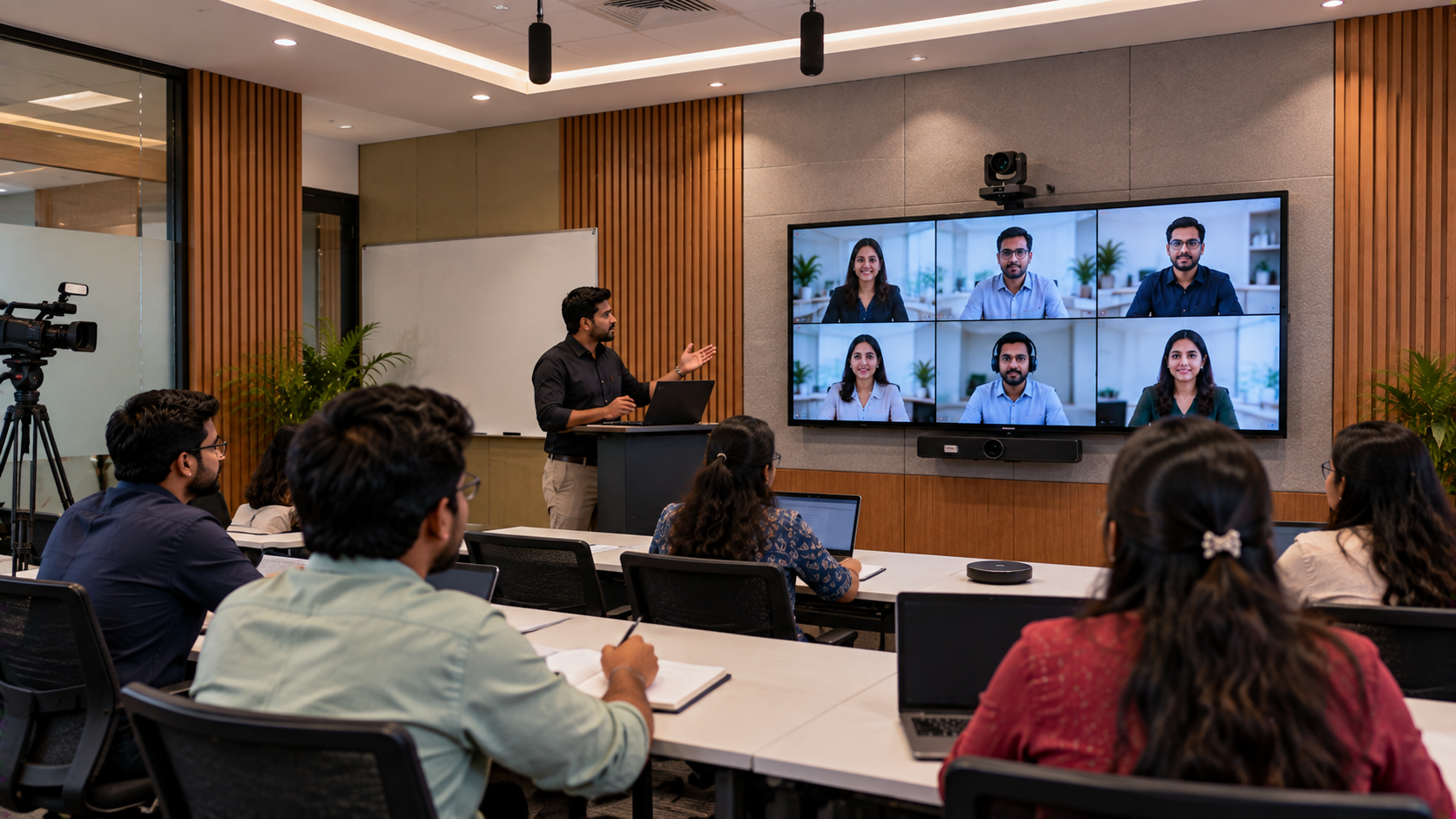
A hybrid classroom brings face-to-face teaching and online participation together. Depending on the school's requirements, it can help teachers deliver lessons to students in different locations and make recorded content available for revision.
Schools may consider a hybrid classroom to:
Connect students attending lessons remotely.
Make presentations, diagrams and digital learning resources easier to share.
Record selected lessons for revision and supplementary learning.
Support teacher training, parent sessions and academic workshops.
Maintain a more flexible teaching setup when students cannot attend in person.
For schools in Shimla and other parts of Himachal Pradesh, planning should also account for the classroom layout, internet reliability, available technical support and the school's existing equipment.
Essential Equipment for a Hybrid Classroom in Shimla
1. Interactive Digital Board for Teaching and Collaboration
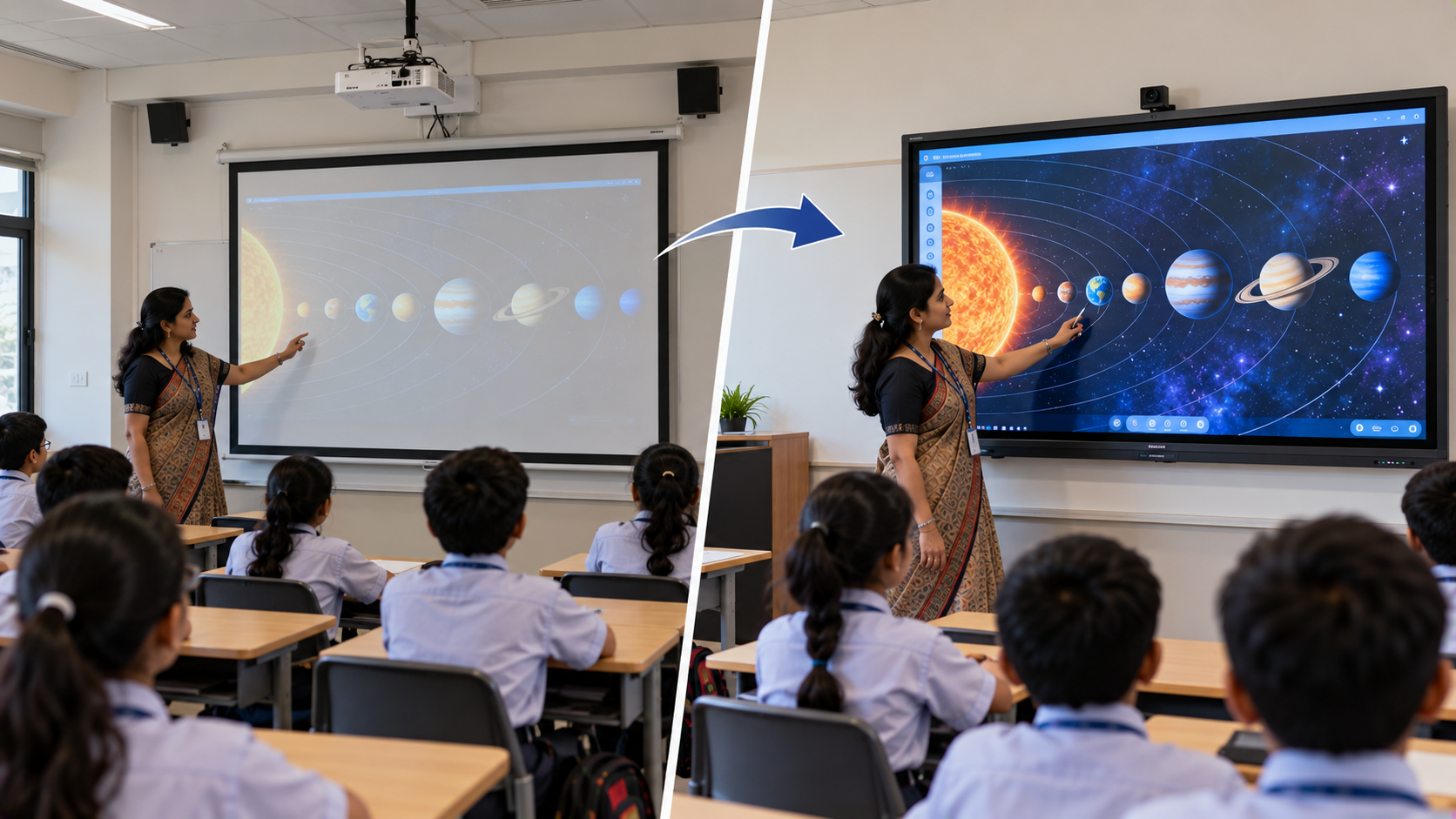
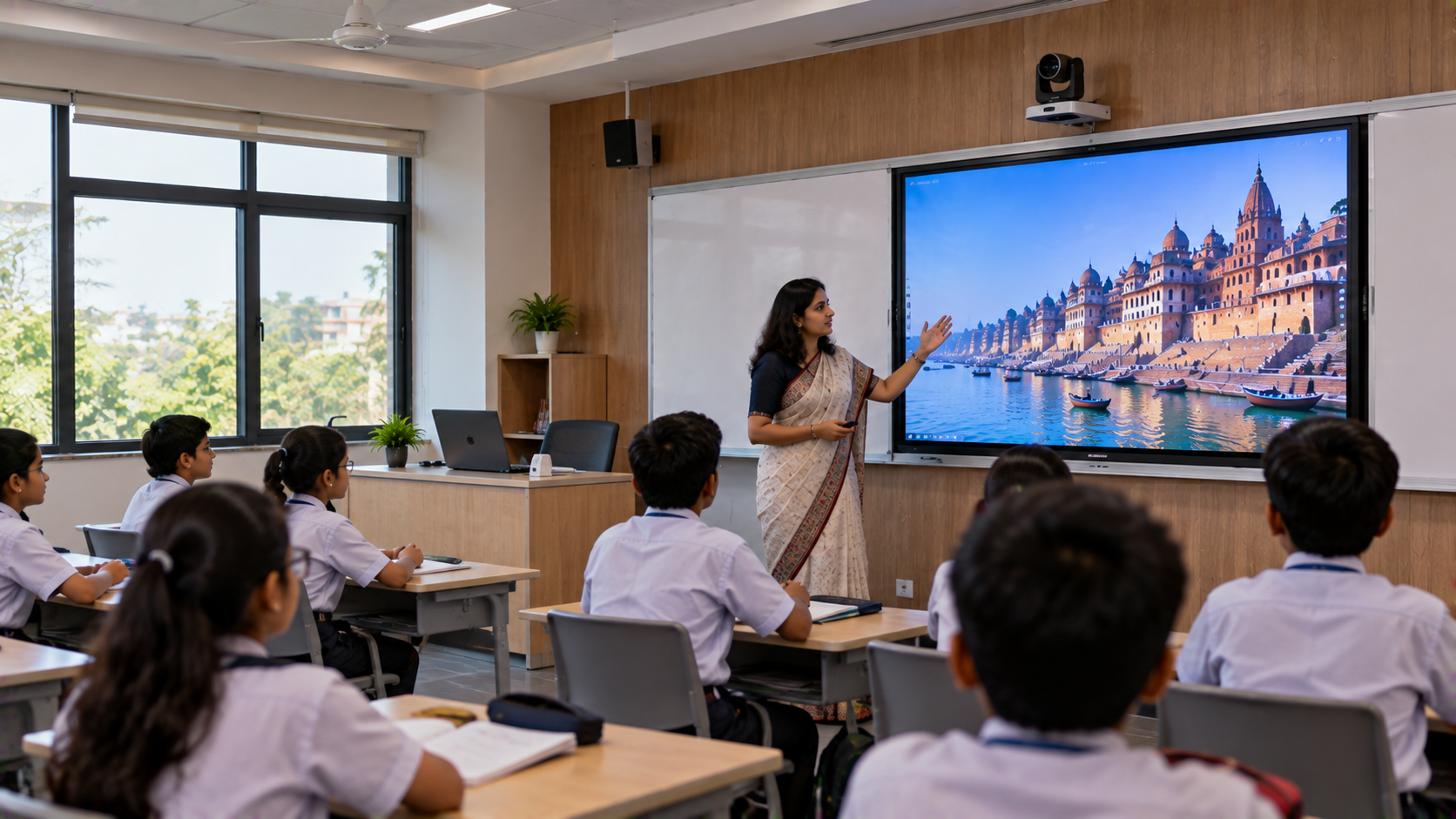
An interactive flat panel can bring digital writing, presentations, diagrams and multimedia resources into one classroom display. Teachers can annotate lesson material, explain complex concepts visually and involve students in classroom activities.
Schools can explore these options through GoLive eTechnologies:
EVOTA Smart Board and EVOTA Interactive Panel: Options to evaluate for interactive teaching and digital annotation.
MAXHUB Smart Board: A choice for schools assessing connected display and collaboration features.
Newline Interactive Panel: An option for digital writing, presentations and interactive lessons.
LG Interactive Digital Board: Another brand to compare when selecting a classroom display.
The right choice depends on screen size, touch functionality, connectivity, operating system, included accessories and warranty terms.
When researching EVOTA digital board price, EVOTA smart board 75 inch price, MAXHUB smart board price in India, Newline smart board price or LG interactive digital board price in India, compare equivalent specifications rather than choosing on price alone.
2. PTZ Camera for Remote Teaching and Lecture Recording
A camera helps remote students see the teacher, classroom demonstrations and selected presentation areas. A PTZ camera can pan, tilt and zoom, making it useful when a classroom needs more flexible framing than a fixed webcam provides.
Possible options to assess include:
EVOTA 4K PTZ Camera: Consider when high-resolution video capture is a priority.
EVOTA 10x HD PTZ Camera: Evaluate when optical zoom and classroom coverage matter.
Logitech PTZ cameras: Consider for compatible video-conferencing and teaching workflows.
Sony NX80: An option to evaluate for more advanced video production requirements.
Before purchasing, check the camera's output resolution, zoom capability, mounting position, connection type and compatibility with the school's computer and conferencing platform. Search terms such as EVOTA 4K PTZ camera price, PTZ camera price in India and Sony NX80 price in India should lead to model-specific comparisons, not assumptions that every camera offers the same features.
3. Microphone and Speaker System for Clear Audio
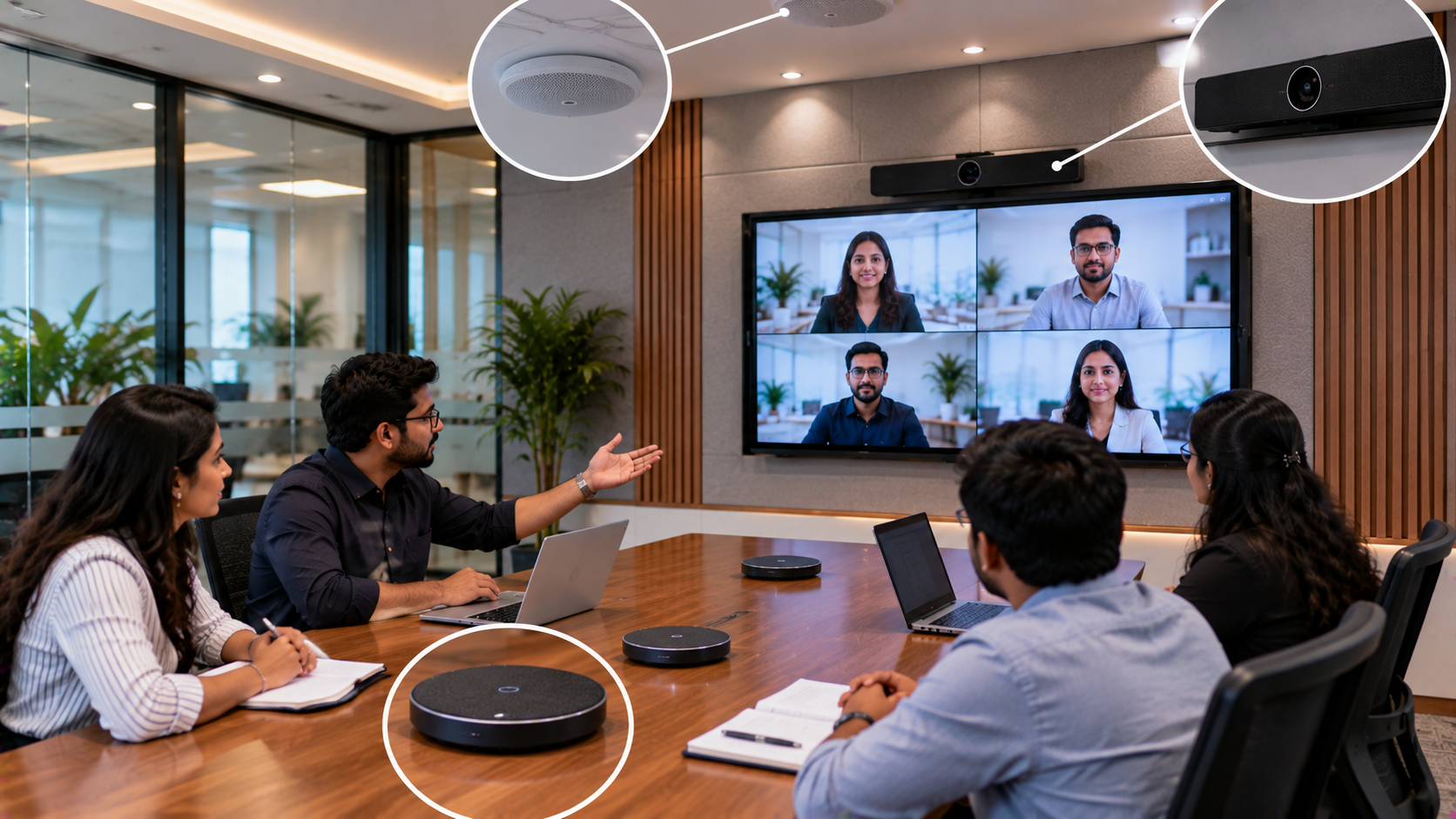
Remote learners need to hear the teacher clearly. Audio problems can make an otherwise well-equipped hybrid classroom difficult to use.
Depending on the room size and acoustics, the school may require:
A wired or wireless microphone for the teacher.
Speakers suitable for classroom playback.
Appropriate audio connections or an interface, if required.
Careful microphone placement to minimise echo and background noise.
Options such as Ahuja audio equipment and compatible teaching microphones can be evaluated against the classroom's coverage and budget. Choose a setup that allows both in-room and remote learners to hear comfortably.
4. Computer, Capture Device and Teaching Accessories
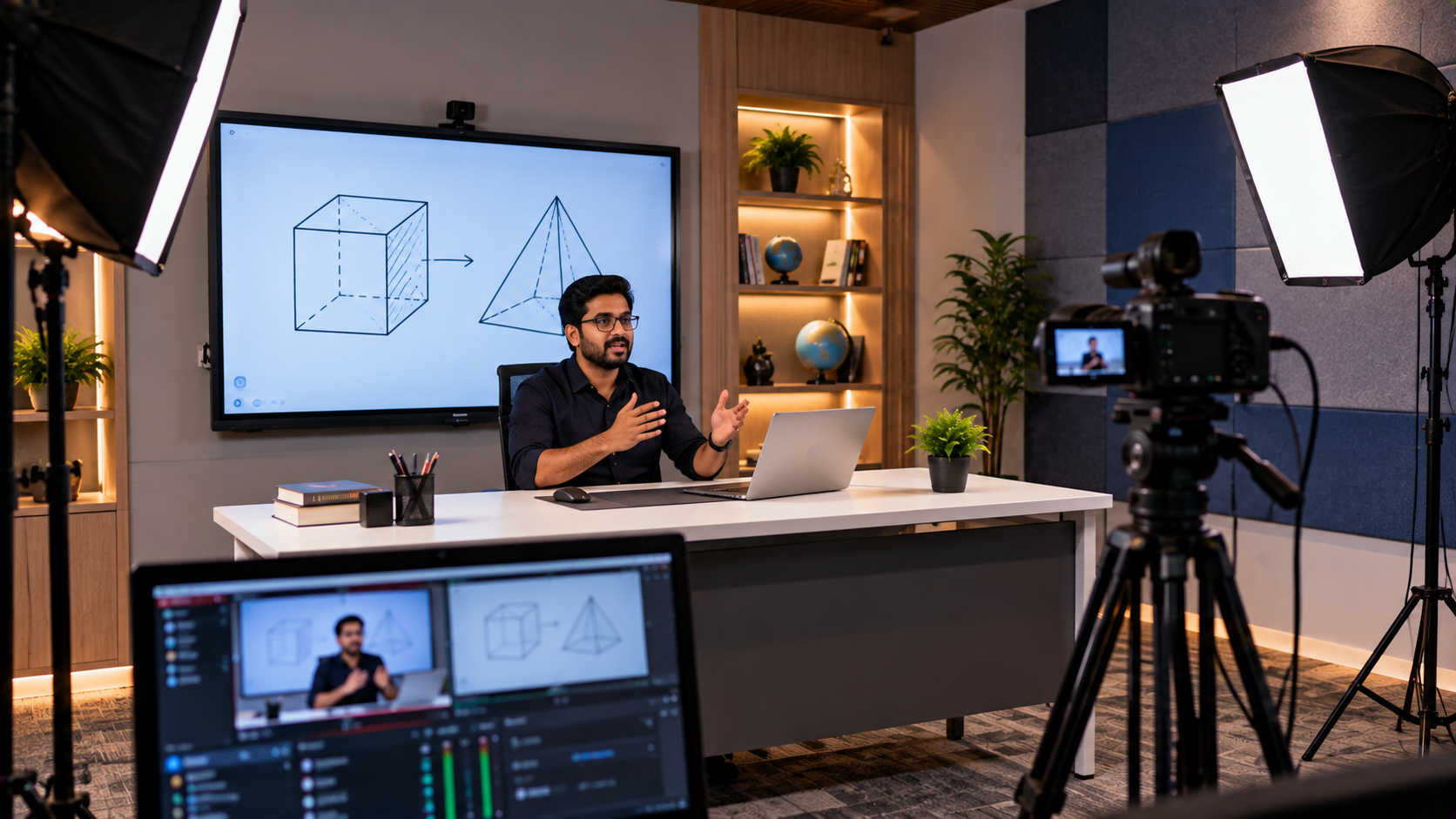
A classroom computer or compatible OPS may be needed to run presentations, access online teaching platforms and connect classroom equipment. If the school intends to record or stream lessons, an HDMI video capture device may be required depending on the camera and computer configuration.
Other useful components can include:
A USB writing pad for PC or desktop annotation.
Compatible cables, adapters and mounting accessories.
Recording or streaming software such as OBS Studio, where appropriate.
Stable network connectivity and suitable power arrangements.
The final list should be based on how the school intends to teach, record and share lessons. Not every classroom needs every accessory.
Hybrid Classroom Equipment: A Quick Comparison
|
Requirement |
Possible solution |
Main purpose |
|---|---|---|
|
Digital teaching |
EVOTA, MAXHUB, Newline or LG interactive panel |
Writing, presentations and visual lessons |
|
Teacher video |
Compatible PTZ camera |
Live teaching and recording |
|
Clear sound |
Teacher microphone and speakers |
Understandable classroom audio |
|
Digital annotation |
Writing pad or panel stylus |
Handwritten explanations |
|
Recording or streaming |
Computer, compatible capture device and software |
Save or transmit lessons |
|
Deployment |
Installation, testing and staff training |
Make the setup easier to use |
The final configuration should be checked for compatibility before ordering. A product list alone does not guarantee a working hybrid classroom.
How GoLive eTechnologies Can Help Schools in Shimla
A reliable classroom upgrade starts with the school's needs—not with the most expensive device.
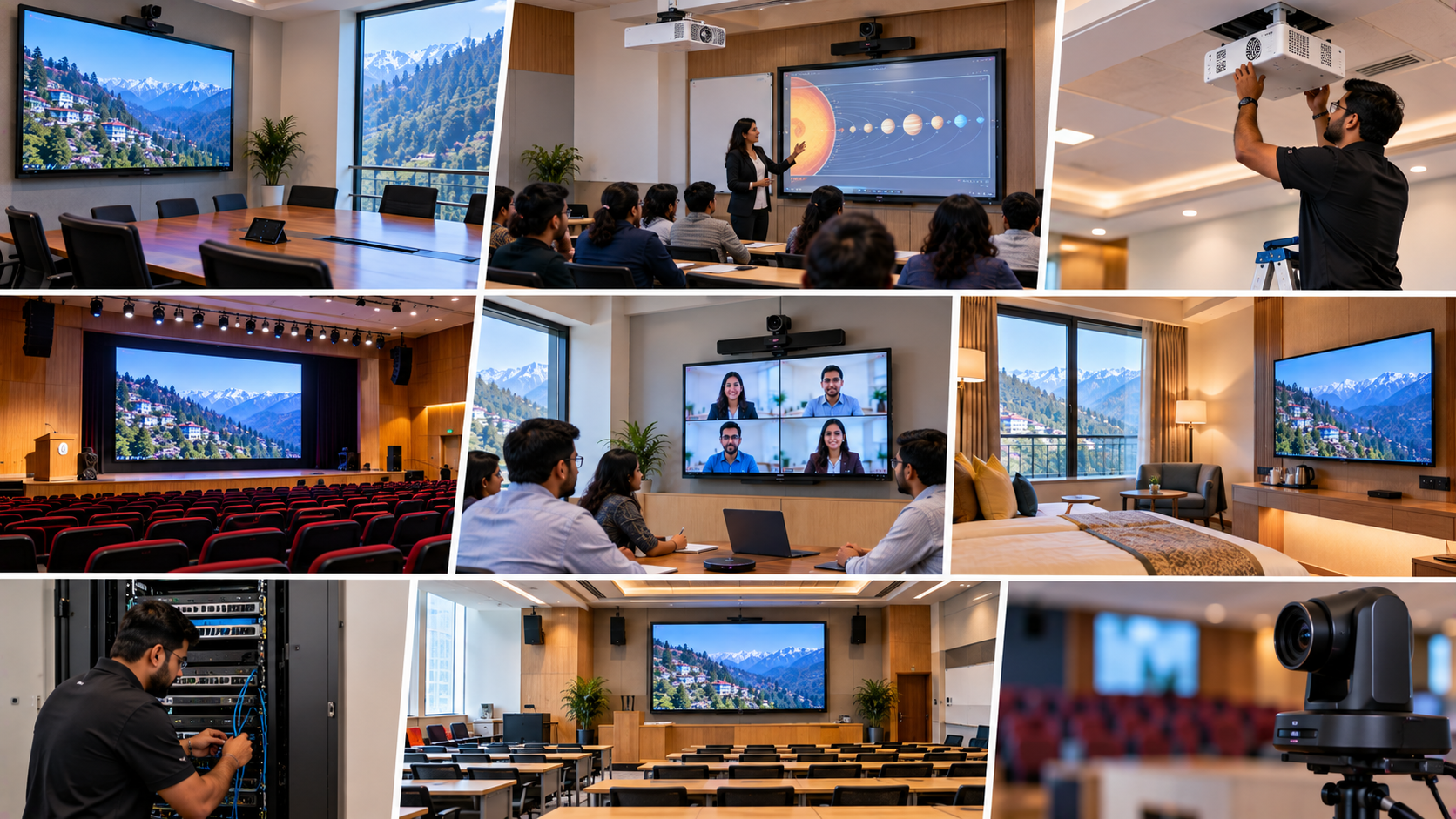
GoLive eTechnologies follows an end-to-end technology-support approach that can help schools evaluate equipment and plan deployment. A practical implementation process may include:
Requirement assessment: Understand class size, room layout, teaching methods and recording needs.
Product selection: Compare interactive panels, cameras, audio equipment and accessories.
Compatibility planning: Confirm connections, mounting, computer requirements and software.
Installation and configuration: Arrange deployment according to the agreed project scope.
Testing and teacher training: Check the teaching workflow and help staff become familiar with the system.
Ongoing assistance: Clarify available support and service terms before purchase.
This reflects the GoLive brand promise: Technology that works, backed by people who help. The objective is less technology headache and more confidence that the equipment will work as intended.
What Determines Hybrid Classroom Setup Cost in Shimla?
There is no single price for every hybrid classroom. The total depends on the number of classrooms, screen size, camera specifications, audio requirements, installation conditions and the extent of recording or streaming functionality.
When comparing a digital board price in India or a complete smart classroom setup price, ask for an itemised quotation covering:
Display or interactive panel model and size.
Camera, microphone and speaker specifications.
Computer, capture device and accessories, where required.
Mounting, cabling, installation and configuration.
Teacher training, warranty and after-sales support.
Applicable taxes, delivery and any additional site requirements.
A low-cost writing pad or basic digital board is not equivalent to a full-size interactive classroom panel. Compare products by intended use and specification. Ask GoLive eTechnologies for current prices, stock and delivery availability for Shimla rather than relying on outdated online price estimates.
Why Choose GoLive eTechnologies for a School Hybrid Classroom?
Schools need technology that is practical to operate, supported after purchase and suited to their actual teaching environment.
GoLive eTechnologies' value proposition brings together:
The right solution: Product choices based on classroom requirements.
Deployment support: Planning for equipment, connectivity and installation.
Teacher enablement: Configuration and training arrangements agreed for the project.
Support beyond purchase: Clear service and assistance terms.
Choice: Options to compare EVOTA, MAXHUB, Newline, LG and compatible AV equipment.
When researching GoLive eTechnologies reviews, look for genuine, current customer feedback about service, delivery, installation, training and assistance. Confirm the exact services included in your own quotation.
Plan Your Hybrid Classroom with GoLive eTechnologies
Whether your school in Shimla is upgrading one classroom or planning a wider digital classroom setup, begin with a clear list of teaching requirements and a compatible equipment plan.
Explore interactive panels, EVOTA PTZ cameras, microphones, writing pads and supporting AV equipment at GoLive eTechnologies. Request a tailored quotation that explains model specifications, current availability, delivery to Shimla, installation scope and support terms.
GoLive eTechnologies — Technology that works, backed by people who help.
Your email address will not be published. Required fields are marked *

By Inhype • September 12, 2026
A smart classroom is only as effective as the technology supporting it. Interactive panels, smart boards, PTZ cameras, microphones, speakers, PCs and
Read More
By Inhype • September 12, 2026
Higher education is rapidly moving beyond traditional chalkboards and projectors. Today, colleges and universities need technology that supports inter
Read More
By Inhype • September 12, 2026
A smart classroom for CBSE schools is no longer simply a classroom with a digital board. Modern schools are building connected learning environments t
Read More
By Inhype • September 12, 2026
Planning a smart classroom project for 10, 20 or even 50 classrooms requires more than simply purchasing digital boards. Schools, colleges, universiti
Read More
By Inhype • September 12, 2026
A smart classroom can transform the way teachers explain concepts, students interact with lessons, and institutions deliver digital education. From in
Read More




Golive eTechnologies India Private Limited (CIN - U31909UP2021PTC148242) is one of India's leading providers of smart classrooms, interactive boards, video conferencing solutions, and display technologies for the education, healthcare, corporate, and government sectors.


No comments yet. Be the first to comment!