
Modern workplaces in Kanpur are increasingly moving beyond traditional meeting rooms. A room with a conference table, projector and basic display may work for face-to-face meetings, but it can become a limitation when employees, clients and teams need to collaborate from different locations. A practical solution is to transform an existing meeting room into a hybrid collaboration space using an interactive display, PTZ camera, professional audio and the right connectivity. For companies looking for smart classroom solutions, hybrid meeting technology, interactive panels and professional video collaboration equipment in India, GoLive eTechnologies can provide an end-to-end technology approach—from product selection and installation to training and ongoing support.
The Problem: An Old Meeting Room Wasn't Designed for Hybrid Collaboration
Consider a typical company in Kanpur with an older meeting room.
The room may already have:
A conference table and chairs
A conventional television or projector
A basic webcam
Separate microphones and speakers
HDMI cables and laptops
Limited interactive functionality
The problem isn't necessarily the room itself. The problem is that its technology wasn't designed around hybrid collaboration.
Remote participants may struggle to hear conversations. People sitting at the back may have difficulty seeing shared content. Presenters may repeatedly switch between laptops, displays and video-call software.
Instead of rebuilding the entire room, companies can upgrade the technology infrastructure while continuing to use the existing space.
The GoLive eTechnologies Solution: Build a Hybrid Collaboration Space
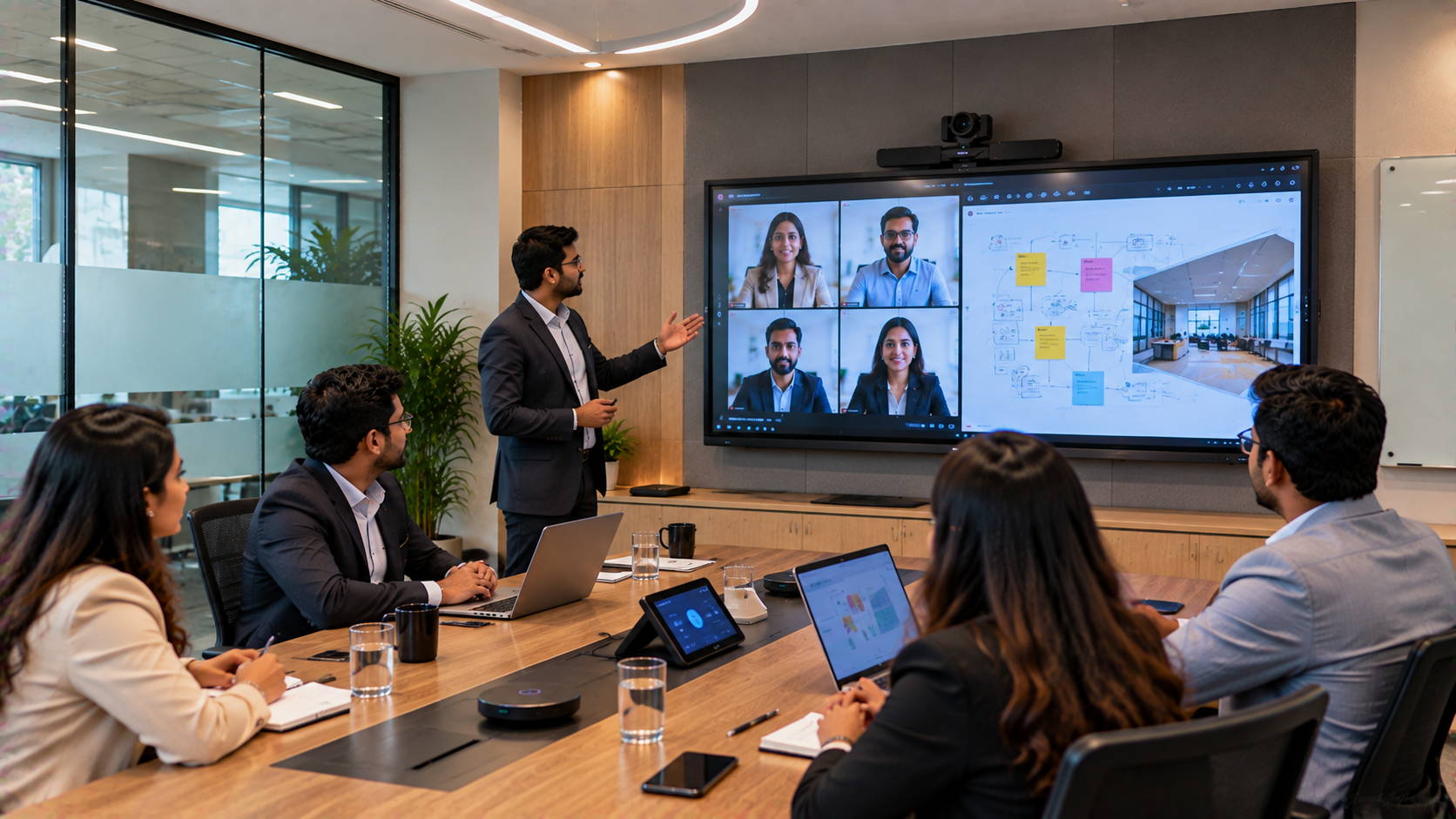
The first step is to assess the room, seating arrangement, display requirement, camera position, connectivity and audio coverage.
Depending on the company's requirements, a solution can include an Evota interactive panel, PTZ camera, microphones, speakers and appropriate connectivity equipment.
1. Install an Interactive Panel for Meetings and Presentations
An interactive flat panel can replace a conventional display while adding touch-based collaboration.
An Evota interactive panel can be considered where businesses need:
Touch-enabled presentations
Digital annotation
Whiteboarding
Screen sharing
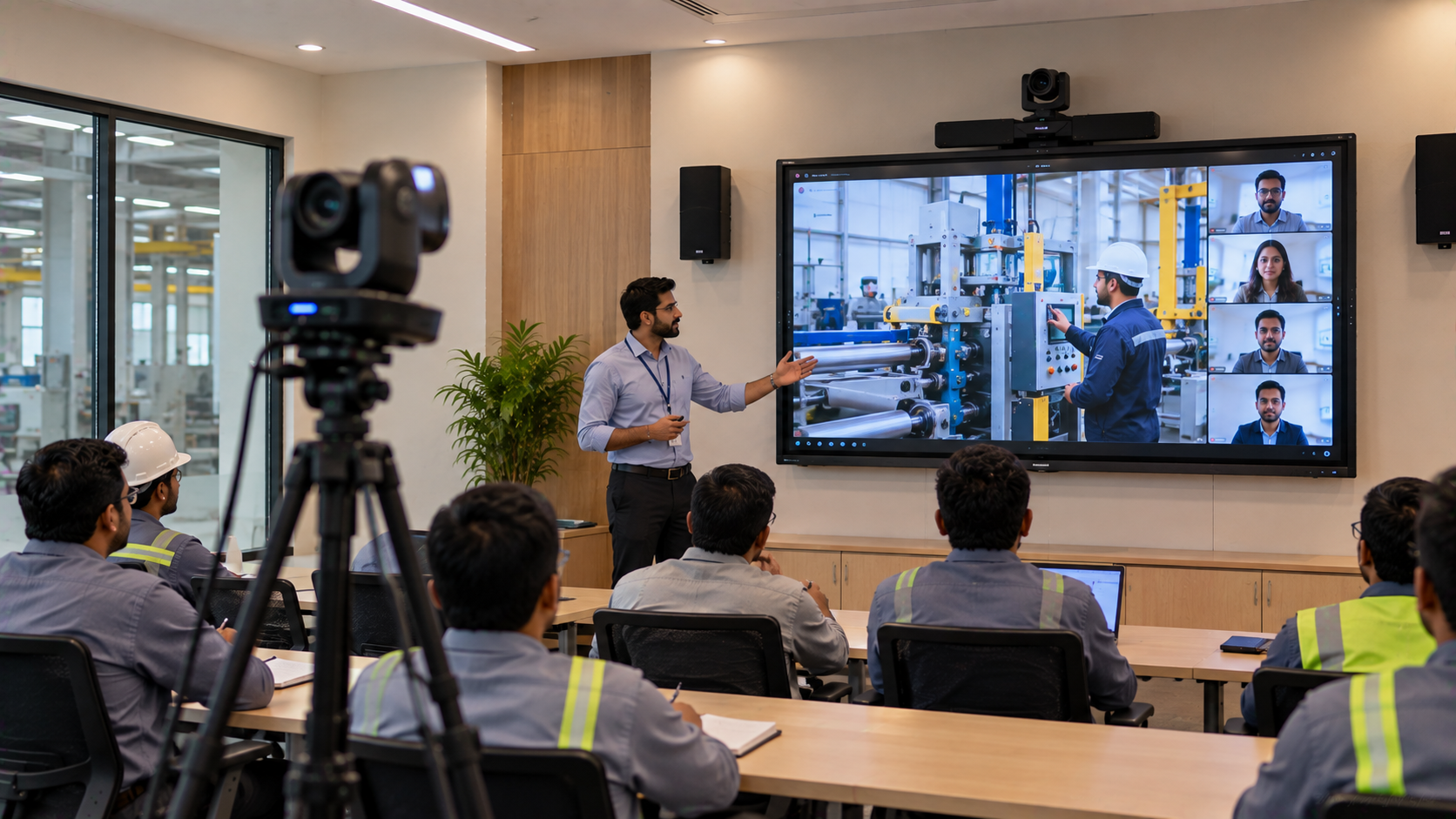
Training sessions
Brainstorming
Video-conferencing integration
Collaborative document review
For larger meeting rooms, businesses can evaluate suitable screen sizes such as Evota 75 inch or larger configurations depending on viewing distance and room layout.
Companies researching Evota smart board price, Evota digital board price, Evota smart board 75 inch price or Evota interactive flat panel price should ideally compare the complete solution rather than looking only at the display cost.
2. Add a PTZ Camera for Better Hybrid Meetings
A conventional laptop webcam may not provide adequate coverage for a larger meeting room.
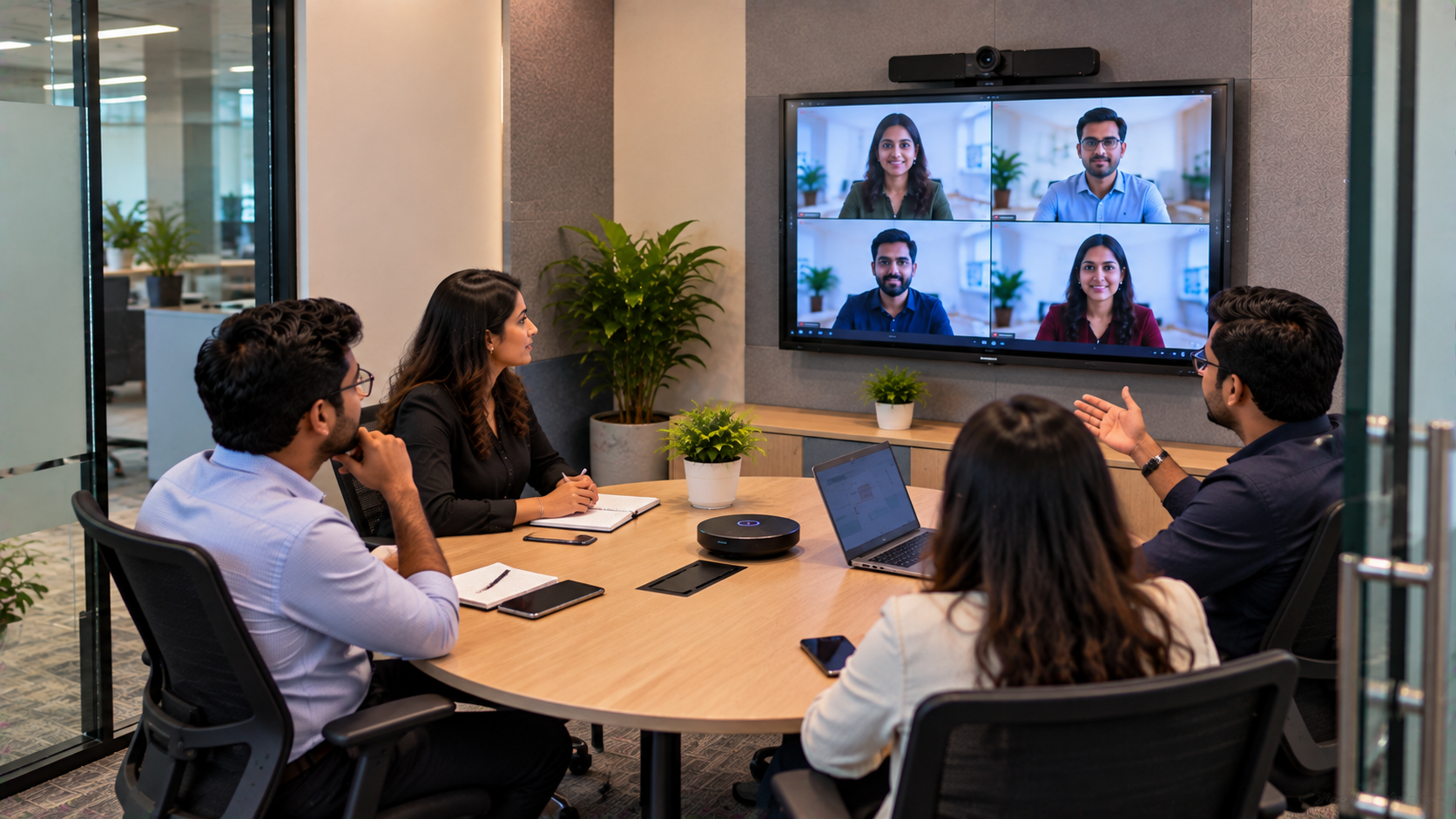
A PTZ camera can provide remote participants with a clearer view of the room and presenters.
For suitable applications, companies can explore:
Evota 4K PTZ camera
Evota 10X HD PTZ camera
Evota PTZ camera
Logitech PTZ solutions
Other compatible professional conferencing cameras
A PTZ camera can be particularly useful for board meetings, management reviews, training sessions and hybrid presentations.
When researching Evota 4K PTZ camera price, Evota camera price or PTZ camera price, the company should consider resolution, zoom, room coverage, connectivity and installation requirements—not simply the lowest product price.
3. Upgrade Audio for Clearer Conversations
Video quality alone doesn't create a successful hybrid meeting.
Poor audio can make remote participants repeatedly ask:
"Can you hear me?"
A professional hybrid room should therefore consider microphones, speakers and audio equipment appropriate to the room size.
Depending on the application, a solution may include:
Conference microphones
Wireless microphones
Conference room speakers
Audio interfaces
Mixer/amplifier systems
Echo and noise-management solutions
For training rooms and larger spaces, the audio system should be planned around seating capacity and speaker placement.
This is where end-to-end technology support becomes valuable: selecting compatible components is often more important than buying individual products independently.
4. Connect Everything into One Practical Workflow
A hybrid collaboration room should be simple to operate.
A typical workflow can be:
Laptop / Meeting Platform → Interactive Display → PTZ Camera → Microphone → Speakers → Remote Participants
Additional accessories may include:
HDMI video capture devices
Video capture cards
USB extension cables
Wall mounts
Appropriate HDMI/USB connectivity
Presentation accessories
Writing pads or pen tablets where required
For users searching for a writing pad for PC, USB writing pad for computer, computer writing pad or desktop writing pad, these devices can complement presentation and annotation workflows where touch interaction on the main panel isn't sufficient.
5. GoLive eTechnologies Makes Implementation Easier
Buying technology is only one part of creating a hybrid collaboration room.
The implementation process should cover:
Site Assessment
Evaluate room dimensions, seating, lighting, acoustics, display position and connectivity.
Product Selection
Choose the appropriate interactive panel, PTZ camera, audio equipment and accessories.
Installation
Install displays, cameras, microphones, speakers and required connectivity infrastructure.
Configuration
Connect and configure the equipment with the organisation's existing meeting workflow.
Testing
Test camera framing, audio coverage, display quality, connectivity and meeting scenarios.
Training
Help employees understand how to operate the setup effectively.
Post-Installation Assistance
Provide technical assistance when the organisation needs support after deployment.
This supports the GoLive eTechnologies brand promise:
Technology that works, backed by people who help.
Interactive Panel vs Traditional Meeting Room Display
|
Requirement |
Traditional Display |
Interactive Panel |
|---|---|---|
|
Presentations |
Yes |
Yes |
|
Touch interaction |
Limited/No |
Yes |
|
Digital whiteboarding |
Limited |
Yes |
|
Annotation |
Limited |
Yes |
|
Collaborative brainstorming |
Basic |
Strong |
|
Training applications |
Basic |
Strong |
|
Hybrid collaboration |
Requires additional equipment |
Better integrated experience |
The objective isn't simply to purchase a more expensive screen. It is to create a more productive collaboration environment.
Why Companies in Kanpur Can Benefit from Hybrid Collaboration
A properly designed hybrid room can support multiple business functions.
Management Meetings
Connect leadership teams across offices.
Employee Training
Conduct training for employees working from different locations.
Client Presentations
Present proposals and dashboards to local and remote clients.
Recruitment
Conduct interviews with candidates located outside Kanpur.
Vendor Meetings
Collaborate with suppliers and partners without requiring physical travel.
Remote Team Collaboration
Enable distributed teams to work together more effectively.
GoLive eTechnologies: From Selection to Installation and Beyond
For businesses comparing Evota, Newline, LG, MAXHUB and other interactive display options, choosing the right product is only the beginning.
GoLive eTechnologies focuses on an end-to-end approach:
Right Solution → Fast Deployment → Installation → Configuration → Training → Support
Businesses researching terms such as Newline interactive panel price in India, Newline smart board price, LG interactive digital board price India, LG interactive panel 75 inch price, MAXHUB smart board price in India or digital board price in India can contact GoLive eTechnologies for requirement-based guidance.
The final recommendation should depend on room size, usage, connectivity, collaboration requirements and budget.
What Makes a Hybrid Collaboration Upgrade Valuable?
Instead of measuring the project only by hardware cost, businesses should consider the overall value:
Better participation from remote employees
Easier presentation and whiteboarding
Improved communication
Reduced dependency on travel
Better training capabilities
More professional client meetings
Easier technology operation
Long-term scalability
The goal is simple: less technology headache and more confidence that everything will work.
From an Old Meeting Room to a Smarter Workplace
A meeting room doesn't necessarily need expensive civil modifications to become more capable.
With the right combination of an interactive display, PTZ camera, audio system, connectivity equipment and professional installation, an existing room can become a productive hybrid collaboration space.
For organisations in Kanpur and across India, GoLive eTechnologies can help evaluate the requirement and recommend an appropriate technology configuration.
Technology that works, backed by people who help.
Your email address will not be published. Required fields are marked *

By Inhype • September 12, 2026
A smart classroom is only as effective as the technology supporting it. Interactive panels, smart boards, PTZ cameras, microphones, speakers, PCs and
Read More
By Inhype • September 12, 2026
Higher education is rapidly moving beyond traditional chalkboards and projectors. Today, colleges and universities need technology that supports inter
Read More
By Inhype • September 12, 2026
A smart classroom for CBSE schools is no longer simply a classroom with a digital board. Modern schools are building connected learning environments t
Read More
By Inhype • September 12, 2026
Planning a smart classroom project for 10, 20 or even 50 classrooms requires more than simply purchasing digital boards. Schools, colleges, universiti
Read More
By Inhype • September 12, 2026
A smart classroom can transform the way teachers explain concepts, students interact with lessons, and institutions deliver digital education. From in
Read More




Golive eTechnologies India Private Limited (CIN - U31909UP2021PTC148242) is one of India's leading providers of smart classrooms, interactive boards, video conferencing solutions, and display technologies for the education, healthcare, corporate, and government sectors.
















No comments yet. Be the first to comment!