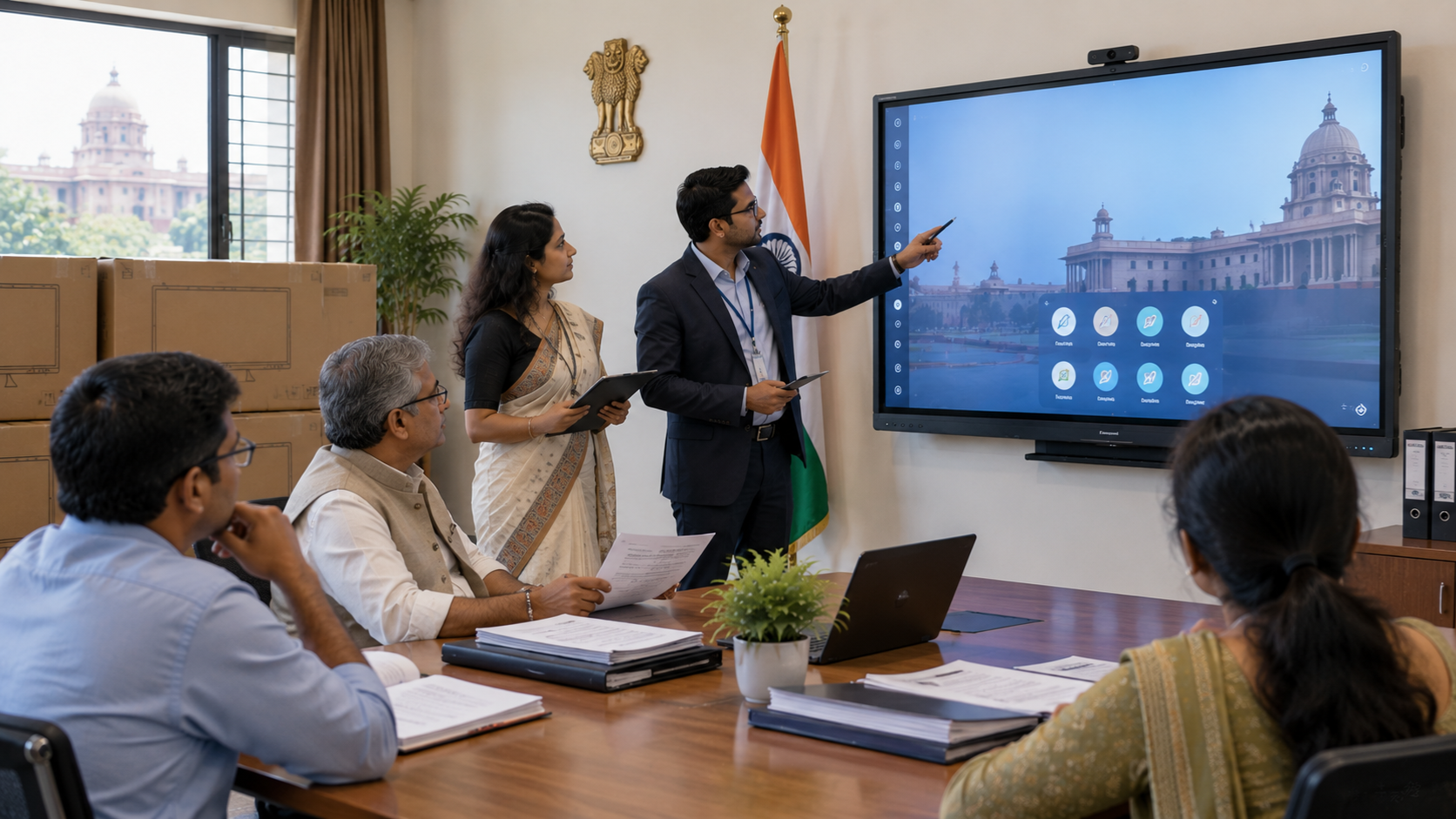
Government institutions across India are increasingly adopting digital technology for smart classrooms, training centres, meeting rooms, administrative offices, hybrid learning and public-facing communication. Among these technologies, an interactive display panel can transform a conventional room into a collaborative digital workspace. However, government procurement requires more than simply comparing the digital board price. Institutions need to evaluate display size, connectivity, installation requirements, software compatibility, warranty, after-sales support, training and total cost of ownership. This guide explains the key considerations when selecting an interactive flat panel display for government institutions in India.
Why Government Institutions Need Interactive Displays
An interactive display combines a large digital screen with touch, annotation and collaboration capabilities. Unlike traditional projectors, an interactive flat panel can provide a brighter, more readable image without requiring a separate projection surface.
Common applications include:
Government schools and smart classrooms
Skill-development and vocational training centres
Universities and government colleges
District training and administrative centres
Conference and meeting rooms
Hybrid classrooms and virtual training
Government awareness and presentation rooms
Command, monitoring and collaboration environments
For institutions implementing smart classroom solutions, an interactive panel can become the central technology around which other equipment is deployed.
Key Procurement Considerations for Government Institutions
1. Select the Right Interactive Display Size
Display size should be based on room dimensions, viewing distance and number of participants.
|
Display Size |
Suitable Application |
|---|---|
|
65-inch |
Small classrooms and meeting rooms |
|
75-inch |
Classrooms, training rooms and conference rooms |
|
86-inch |
Large classrooms and training facilities |
|
100-inch+ |
Large institutional environments |
A 75 inch interactive display is often a practical option for classrooms and training rooms because it balances visibility, functionality and space requirements.
Institutions comparing an Evota smart board 75 inch price, LG interactive digital board 75 price, Newline interactive panel 75 inch price or Maxhub digital board price should compare specifications and support—not just the initial purchase price.
2. Compare Technology, Not Just Digital Board Price
Searching for terms such as digital board price in India, interactive panel price, smart board price in India or interactive whiteboard cost is a useful starting point, but price alone should not determine procurement.
Important specifications include:
4K UHD resolution
Touch accuracy and responsiveness
Multi-touch support
Built-in speakers
HDMI, USB and other connectivity options
Wireless screen sharing
Android/embedded operating system
PC/OPS compatibility
Annotation and whiteboarding tools
Appropriate brightness and viewing angles
Warranty and service availability
For example, institutions evaluating an Evota interactive panel, Newline digital board, Maxhub smart board or LG interactive panel should create a specification-based comparison before finalising the procurement.
3. Consider the Complete Deployment Ecosystem
An interactive display is rarely used as a standalone device in a government environment.
A complete deployment may also require:
OPS or compatible computing system
HDMI/video connectivity
USB accessories
PTZ or lecture-recording camera
Microphone and speakers
Wall-mounting or mobile stand
Network connectivity
Video capture equipment
Presentation and collaboration software
For training and hybrid-learning facilities, an Evota 4K PTZ camera or suitable PTZ camera for live streaming can complement an interactive display by enabling remote participation and lecture recording.
Institutions can also consider supporting equipment such as a writing pad for PC, USB writing pad for computer, microphone systems and video capture devices depending on the deployment model.
4. Prioritise Installation and Infrastructure
Before ordering an interactive board, the installation environment should be assessed.
Check:
Wall strength and mounting location
Power availability
Network connectivity
HDMI/USB cable routing
Viewing distance
Room lighting
Speaker placement
Camera position
Ventilation and accessibility
Electrical and safety requirements
This is where an end-to-end technology partner can add significant value. GoLive eTechnologies focuses on the complete journey—from solution selection and deployment to installation and support—helping institutions reduce technology-related complexity.
5. Evaluate After-Sales Support and Training
For government institutions, buying the equipment is only the beginning.
Teachers, trainers and administrative teams may require training on:
Digital annotation
Whiteboarding
Screen sharing
Connecting laptops
Using interactive applications
Managing classroom content
Basic troubleshooting
A technically advanced smart board for teaching provides limited value if users are not confident operating it.
GoLive eTechnologies' approach is built around technology that works, backed by people who help. From choosing the appropriate configuration to installation, assistance and user enablement, the objective is simple: less technology headache and more confidence that everything will work.
Evota, Newline, MAXHUB and LG: What Should Institutions Compare?
Government procurement teams may encounter several established display categories and brands when researching the market.
|
Evaluation Area |
What to Check |
|---|---|
|
Display |
Size, resolution, brightness and viewing angle |
|
Touch |
Accuracy, multi-touch and writing experience |
|
Connectivity |
HDMI, USB, LAN, Wi-Fi and wireless sharing |
|
Computing |
Built-in system or OPS compatibility |
|
Audio |
Integrated speakers and external compatibility |
|
Camera |
PTZ/USB camera compatibility |
|
Installation |
Mounting, cabling and commissioning |
|
Support |
Warranty, training and service response |
|
Cost |
Equipment + deployment + support |
This approach is more useful than comparing searches such as Newline smart board price, Maxhub smart board price in India, LG smart board price, Evota digital board price or Evota smart board price in isolation.
Why GoLive eTechnologies for Government Deployments?
GoLive eTechnologies provides technology solutions designed around the customer's actual deployment requirements.
The brand promise is straightforward:
Technology that works, backed by people who help.
Its core USP is end-to-end technology support from selection to installation and beyond.
For government institutions, this means the focus isn't only on supplying a digital board. The objective is to help customers select the right solution, deploy it efficiently and continue supporting the technology after installation.
The customer benefit is simple:
Less technology headache. More confidence that everything will work.
Whether an institution needs an Evota digital board, Evota interactive flat panel, Newline interactive panel, MAXHUB digital board, LG interactive solution or supporting classroom and AV equipment, the right configuration should be based on the application, room and deployment requirements.
Procurement Checklist for Government Institutions
Before finalising an interactive display purchase, procurement teams should verify:
Display size and resolution
Touch technology and writing performance
Required ports and connectivity
OPS/PC compatibility
Software and collaboration features
Camera and audio compatibility
Mounting and installation requirements
Warranty and service terms
Training requirements
Delivery timeline
Total deployment cost
Long-term technical support
Final Takeaway
The right interactive display for government institutions should be selected as part of a complete technology deployment—not simply as a screen with a price tag.
For government schools, colleges, training centres, meeting rooms and administrative facilities, the combination of right solution + fast deployment + professional installation + support can make digital transformation significantly easier.
With GoLive eTechnologies, institutions can approach technology procurement with greater confidence—from product selection to installation, training and beyond.
Ready to Deploy an Interactive Display?
Explore interactive displays and smart classroom solutions from GoLive eTechnologies and get expert assistance in selecting the right configuration for your institution.
Your email address will not be published. Required fields are marked *

By Inhype • September 12, 2026
A smart classroom is only as effective as the technology supporting it. Interactive panels, smart boards, PTZ cameras, microphones, speakers, PCs and
Read More
By Inhype • September 12, 2026
Higher education is rapidly moving beyond traditional chalkboards and projectors. Today, colleges and universities need technology that supports inter
Read More
By Inhype • September 12, 2026
A smart classroom for CBSE schools is no longer simply a classroom with a digital board. Modern schools are building connected learning environments t
Read More
By Inhype • September 12, 2026
Planning a smart classroom project for 10, 20 or even 50 classrooms requires more than simply purchasing digital boards. Schools, colleges, universiti
Read More
By Inhype • September 12, 2026
A smart classroom can transform the way teachers explain concepts, students interact with lessons, and institutions deliver digital education. From in
Read More




Golive eTechnologies India Private Limited (CIN - U31909UP2021PTC148242) is one of India's leading providers of smart classrooms, interactive boards, video conferencing solutions, and display technologies for the education, healthcare, corporate, and government sectors.





















No comments yet. Be the first to comment!