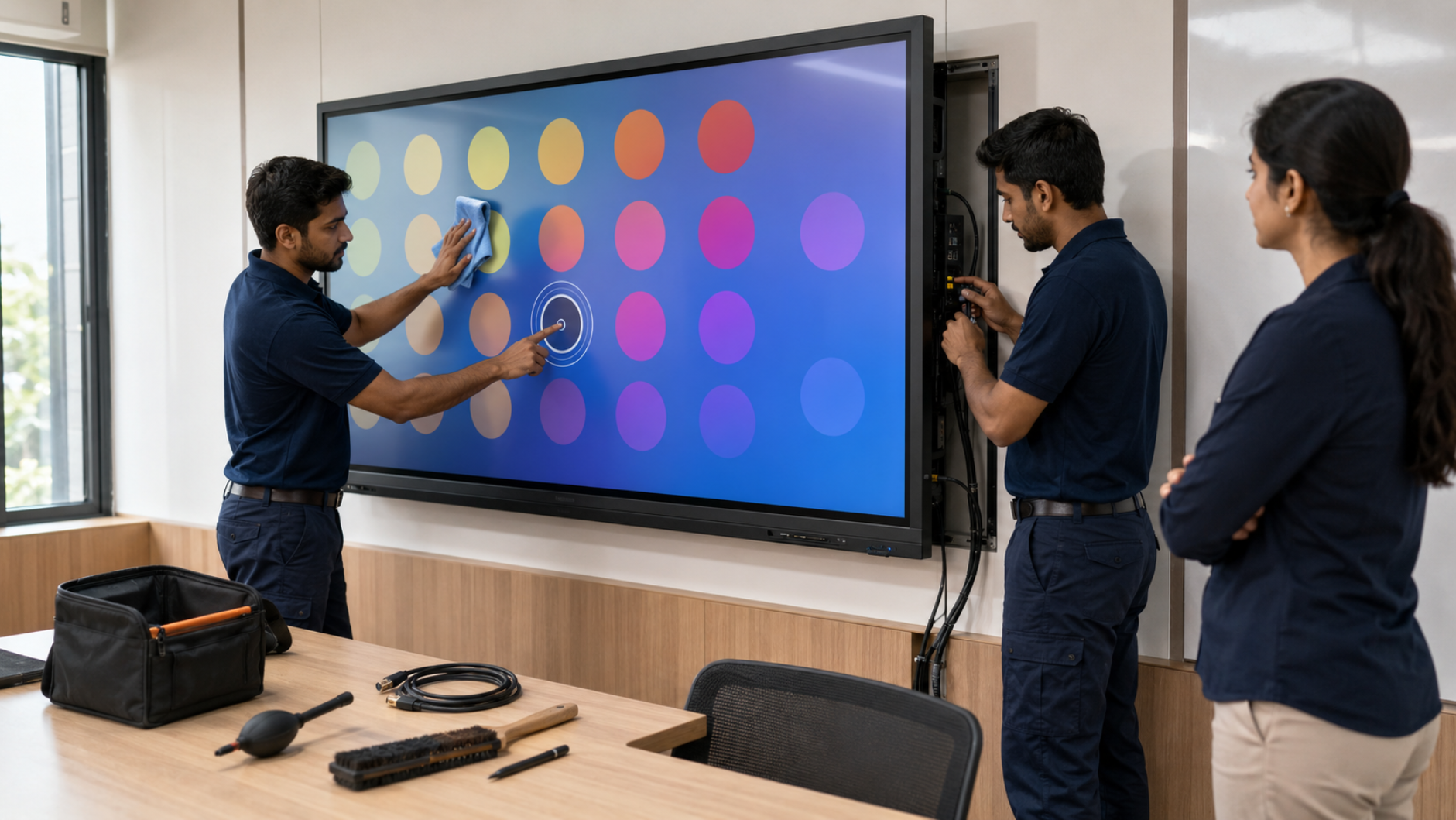
Interactive displays have become an essential part of smart classrooms, coaching centres, corporate meeting rooms, training centres and hybrid learning environments. From an Evota interactive panel to a MAXHUB smart board, Newline interactive panel or LG interactive flat panel, these displays combine touchscreen functionality, computing, audio and connectivity in one powerful solution. However, like any technology, an interactive display requires regular care. Proper interactive display maintenance can improve reliability, reduce unexpected downtime and help protect your technology investment. At GoLive eTechnologies, the focus is not simply on helping customers buy a digital board. Our approach is built around technology that works, backed by people who help—from selecting the right solution to installation, training, troubleshooting and ongoing support.
Why Is Interactive Display Maintenance Important?
An interactive display is often used for several hours every day. Frequent touching, writing with digital pens, connecting laptops and using HDMI, USB and other ports can gradually affect performance.
Regular maintenance can help you:
Keep the touchscreen responsive
Prevent dust and dirt from affecting the display
Reduce connectivity problems
Protect ports, cables and accessories
Maintain clear audio and video
Extend the useful life of the panel
Reduce disruption during classes and meetings
Whether you are comparing digital board price in India, an Evota smart board 75 inch price, Newline digital board price or LG interactive digital board price India, maintenance should be considered alongside the initial purchase price.
Common Interactive Display Problems and How to Prevent Them
1. Touchscreen Not Responding Properly
One of the most common problems with an interactive panel is inaccurate, delayed or unresponsive touch.
Possible causes:
Dust or fingerprints on the screen
Incorrect calibration
Software issues
Damaged or incompatible stylus
Excessive pressure or unsuitable writing tools
Prevention tips:
Clean the screen regularly using a soft microfiber cloth and follow the manufacturer's cleaning recommendations. Use the appropriate digital board pen or stylus rather than sharp or abrasive objects.
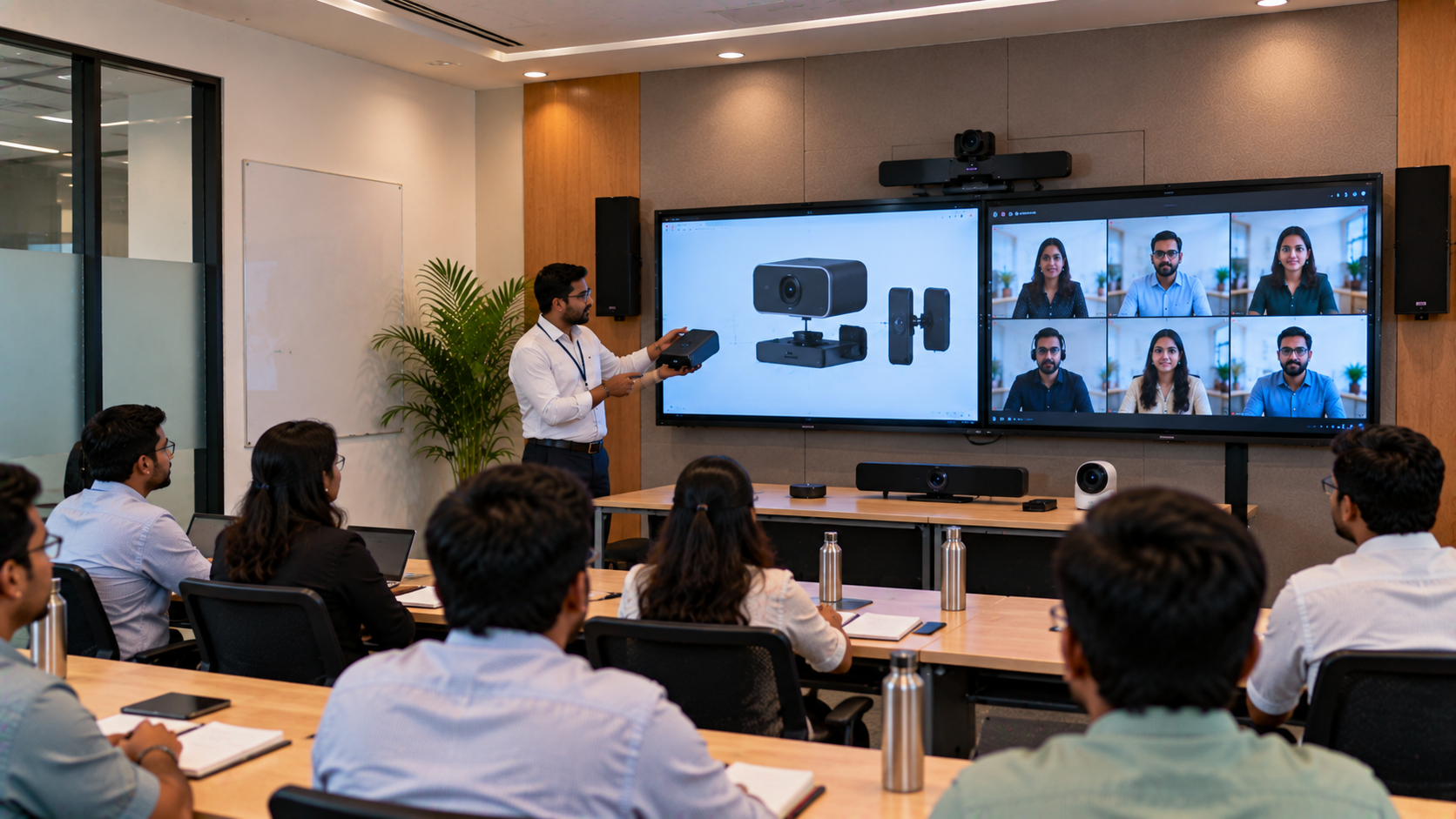
For schools and coaching centres, teachers should also receive basic IFP training on touch, annotation and screen-care procedures.
2. Poor Display Quality or Screen Flickering
Flickering, unusual colours or intermittent display issues can be caused by loose connections, unsuitable display settings, software conflicts or cable problems.
How to prevent it:
Check HDMI and USB-C connections regularly.
Avoid sharply bending cables.
Keep firmware and system software updated.
Use compatible cables and accessories.
Ensure adequate ventilation around the display.
For a professional installation, correct mounting and cable management are particularly important.
3. HDMI, USB and Connectivity Problems
Interactive displays are frequently connected to laptops, PCs, cameras and other classroom equipment. Loose cables or damaged ports can cause intermittent connectivity.
A simple maintenance routine should include:
Before use: Check cables and source selection.
During use: Avoid repeatedly pulling or twisting cables.
After use: Disconnect equipment carefully and store accessories properly.
For classrooms incorporating PTZ cameras, capture cards or online teaching equipment, proper cable management becomes even more important.
4. Overheating and Ventilation Issues
Interactive flat panels contain electronic components that generate heat during operation. Blocking ventilation areas can increase thermal stress.
Prevention checklist:
Do not cover ventilation openings.
Keep the rear of the panel reasonably clear.
Avoid installing the display in an excessively hot environment.
Remove accumulated dust around ventilation areas.
Follow recommended installation clearances.
Professional installation can make a significant difference here.
5. Stylus and Digital Board Pen Problems
A damaged or missing pen can affect classroom productivity even when the display itself is working perfectly.
Depending on the model, customers may search for terms such as smart board pen price in India, Maxhub stylus pen price, digital board pen price or Maxhub digital board pen price.
To prevent unnecessary replacement costs:
Store pens in their designated location.
Don't use excessive pressure while writing.
Keep pens away from moisture.
Use compatible replacement accessories.
Maintain spare pens for high-use classrooms.
6. Software, Firmware and Application Issues
Interactive displays are increasingly used for presentations, annotation, video conferencing and online teaching. Software problems can therefore affect the entire classroom experience.
Regularly check:
Operating system updates
Firmware updates
Touch drivers
Display applications
Screen-sharing software
Connected PC drivers
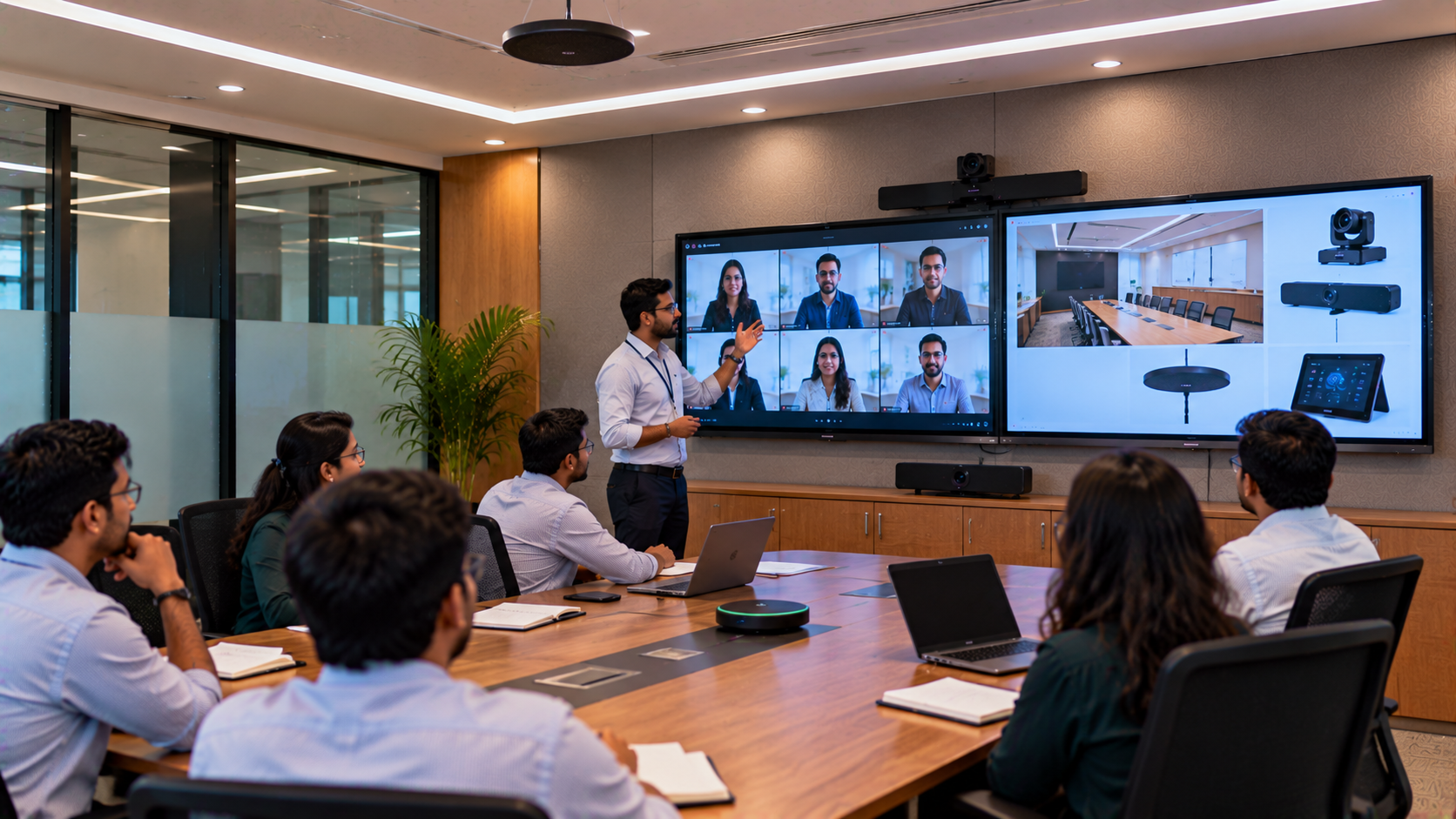
For an online class studio setup or hybrid classroom, also test the complete setup—including the camera, microphone, display and computer—before an important session.
7. Poor Audio Quality
An interactive display may have built-in speakers, but connected microphones and external audio equipment can introduce additional issues.
If the setup includes a conference speaker and microphone, wireless microphone or other classroom audio equipment, regularly check:
Cable connections
Microphone input
Speaker output
Volume levels
Echo and feedback
Audio source selection
A complete technology solution should consider audio, video and display performance together rather than treating the panel as an isolated product.
Interactive Display Maintenance Checklist
|
Maintenance Area |
Recommended Practice |
|---|---|
|
Screen |
Clean with a suitable microfiber cloth |
|
Touch |
Check responsiveness and calibration |
|
Stylus |
Use compatible pens and store safely |
|
Cables |
Inspect HDMI, USB and power connections |
|
Software |
Keep firmware and applications updated |
|
Ventilation |
Keep air vents unobstructed |
|
Audio |
Test speakers and microphones regularly |
|
Installation |
Check mounting and cable management |
|
Training |
Ensure teachers/users know basic operation |
|
Support |
Contact qualified technical support for faults |
Evota, MAXHUB, Newline and LG Interactive Displays
Choosing the right display is only the first step. GoLive eTechnologies helps customers evaluate solutions according to room size, usage, connectivity requirements, budget and application.
Depending on the requirement, customers can explore solutions such as:
Evota Interactive Panel
An Evota digital board or interactive flat panel can be considered for classrooms, coaching centres, corporate training and collaborative environments. Options such as the Evota 75 inch and Evota smart board range can provide a large interactive workspace for presentations and teaching.
Customers researching Evota digital board price, Evota smart board price, Evota smart board 75 inch price or Evota interactive flat panel price should evaluate the complete solution—including installation and support—not just the panel's purchase price.
MAXHUB Smart Board
A MAXHUB smart board can be suitable for education, collaboration and professional meeting environments. Buyers researching MAXHUB digital board price, MAXHUB smart board price in India or larger-format displays should compare specifications, functionality, accessories and after-sales support.
Newline Interactive Panel
A Newline interactive panel is another option for educational and professional environments. Searches such as Newline digital board price, Newline smart board price and Newline interactive panel 75 inch price can help customers begin their comparison, but the final choice should be based on room size, features, usage and installation requirements.
LG Interactive Digital Board
For organisations considering an LG interactive panel or LG interactive digital board, specifications such as screen size, touch functionality, connectivity and deployment requirements should be considered alongside LG interactive digital board price India or LG 75 inch interactive display price in India.
Why Choose GoLive eTechnologies for Interactive Display Solutions?
Buying technology online is only one part of the journey. The bigger question is: Will everything work when you actually need it?
GoLive eTechnologies follows an end-to-end approach:
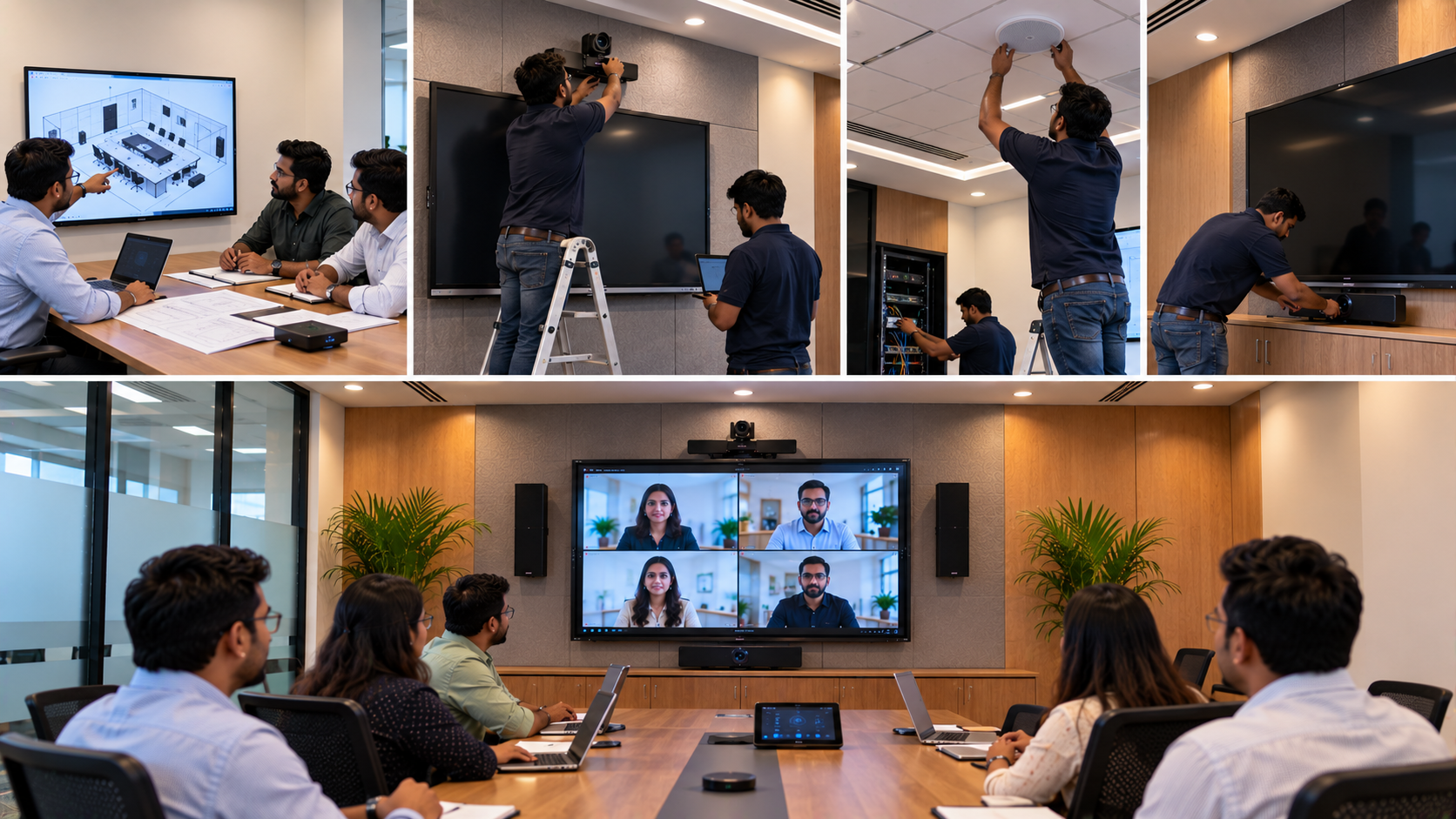
Selection → Delivery → Installation → Configuration → Training → Support
This helps customers reduce technology headaches and gain confidence in their investment.
The brand promise is simple:
Technology that works, backed by people who help.
From helping identify the right interactive flat panel display to coordinating installation and providing post-purchase assistance, GoLive eTechnologies focuses on making deployment easier.
Customer feedback and reviews frequently highlight areas such as service, support, fast delivery, installation, training and assistance—the practical elements that can make technology adoption significantly smoother.
Whether you're setting up a smart classroom, digital classroom, hybrid classroom, coaching centre, corporate training room or online teaching setup, the objective remains the same: the right solution, fast deployment and dependable support.
How to Extend the Life of Your Interactive Display
Follow these simple habits:
Clean it correctly – Use manufacturer-approved cleaning methods.
Use the right accessories – Avoid sharp objects or unsuitable pens.
Protect the ports – Handle HDMI and USB connections carefully.
Maintain ventilation – Keep air vents free from obstruction.
Update software – Install relevant firmware and software updates.
Train users – Teach staff and teachers basic operation and care.
Schedule inspections – Check high-use installations periodically.
Use professional support – Don't attempt complex hardware repairs yourself.
Final Thoughts
An interactive display is a long-term technology investment, not simply a screen. Regular maintenance, correct installation and user training can help organisations get more reliable performance from their digital teaching and collaboration infrastructure.
If you're comparing an Evota interactive panel, MAXHUB smart board, Newline interactive panel or LG interactive digital board, look beyond the digital board price. Consider installation, deployment, training, accessories and after-sales support as part of the overall value.
With GoLive eTechnologies, you get more than a technology product—you get an end-to-end technology partner focused on selection, fast deployment, installation and support.
Your email address will not be published. Required fields are marked *

By Inhype • September 12, 2026
A smart classroom is only as effective as the technology supporting it. Interactive panels, smart boards, PTZ cameras, microphones, speakers, PCs and
Read More
By Inhype • September 12, 2026
Higher education is rapidly moving beyond traditional chalkboards and projectors. Today, colleges and universities need technology that supports inter
Read More
By Inhype • September 12, 2026
A smart classroom for CBSE schools is no longer simply a classroom with a digital board. Modern schools are building connected learning environments t
Read More
By Inhype • September 12, 2026
Planning a smart classroom project for 10, 20 or even 50 classrooms requires more than simply purchasing digital boards. Schools, colleges, universiti
Read More
By Inhype • September 12, 2026
A smart classroom can transform the way teachers explain concepts, students interact with lessons, and institutions deliver digital education. From in
Read More




Golive eTechnologies India Private Limited (CIN - U31909UP2021PTC148242) is one of India's leading providers of smart classrooms, interactive boards, video conferencing solutions, and display technologies for the education, healthcare, corporate, and government sectors.

















No comments yet. Be the first to comment!