
Introduction Digital collaboration has transformed classrooms, boardrooms, and training centers. Organizations today require more than just a display—they need an intelligent collaboration solution that supports presentations, annotations, hybrid meetings, and interactive learning. Interactive Flat Panel Displays (IFPDs) have become the preferred replacement for projectors and traditional whiteboards because they deliver better image quality, touch interaction, wireless collaboration, and lower maintenance. Whether you are a school principal, IT administrator, corporate facility manager, or procurement officer, this guide will help you evaluate the right interactive flat panel based on your requirements rather than simply comparing prices.
An Interactive Flat Panel Display (IFPD) is a touchscreen digital display that combines presentation, annotation, collaboration, and multimedia capabilities into a single device. The right panel depends on room size, number of users, display resolution, touch performance, software compatibility, connectivity, installation requirements, warranty, and long-term support.
An Interactive Flat Panel Display is a large-format touchscreen display designed for teaching, presentations, meetings, and collaborative work.
Unlike traditional displays, users can directly write, draw, annotate documents, edit presentations, and interact with applications using fingers or stylus pens.
Multi-touch interaction
4K UHD display
Digital whiteboard
Screen sharing
Built-in Android OS
Optional Windows OPS PC
HDMI & USB connectivity
Wireless presentation
Video conferencing integration
Poor projector brightness
Lamp replacement costs
Shadow issues
Limited collaboration
Multiple external devices
High brightness
Sharp 4K visuals
Instant startup
Touch collaboration
Lower maintenance
Better user experience
Interactive digital teaching
Better student engagement
Multimedia lessons
Digital handwriting
Smart classroom integration
Interactive meetings
Brainstorming sessions
Video conferencing
Wireless presentations
Team collaboration
Digital workshops
Live annotations
Interactive demonstrations
Recording sessions
Content sharing
Schools
Colleges
Universities
Coaching Institutes
Corporate Offices
Boardrooms
Conference Rooms
Government Organizations
Hospitals
Training Centers
Research Institutes
Suitable for classrooms and presentations.
Ideal when Windows applications are required.
Suitable for hybrid meetings.
Mounted on movable trolleys for flexible deployment.
Before purchasing, evaluate the following:
Choose a display size based on viewing distance.
Larger meeting rooms require larger displays.
4K UHD is generally preferred for text clarity.
Check touch accuracy and simultaneous touch points.
Verify compatibility with existing software.
Look for:
Check built-in speakers and external audio options.
Understand:
|
Specification |
Why it Matters |
|---|---|
|
Screen Size |
Determines visibility |
|
Resolution |
Image clarity |
|
Brightness |
Visibility in bright rooms |
|
Touch Response |
Writing experience |
|
Operating System |
Software compatibility |
|
Connectivity |
Device integration |
|
Speakers |
Audio quality |
|
Camera Support |
Video meetings |
|
Warranty |
Long-term reliability |
|
Feature |
Interactive Flat Panel |
Projector |
Interactive Whiteboard |
|---|---|---|---|
|
Touch |
✔ |
Optional |
✔ |
|
4K Display |
✔ |
Limited |
Depends |
|
Bright Room Visibility |
Excellent |
Moderate |
Depends |
|
Maintenance |
Low |
High |
Moderate |
|
Startup Time |
Instant |
Longer |
Moderate |
|
Collaboration |
Excellent |
Good |
Good |
A successful deployment includes:
Ensure compatibility with:
The final project cost depends on:
Instead of comparing purchase price alone, consider the Total Cost of Ownership (TCO), including maintenance, service, and future upgrades.
Avoid these common errors:
Before making a purchase, ask:
The best Interactive Flat Panel is not necessarily the one with the longest feature list.
Instead, choose a solution that aligns with:
A well-planned deployment often delivers better value than simply purchasing the highest-specification display.
Match the display size to the room.
Prioritize touch accuracy and usability.
Verify software compatibility.
Consider installation and infrastructure.
Evaluate total ownership costs.
Review warranty and AMC terms.
Plan for future expansion.
Compare complete solutions, not just product specifications.
Interactive Flat Panel Displays have become a valuable investment for schools, businesses, and institutions looking to enhance collaboration, teaching, and communication. By evaluating room requirements, technical specifications, connectivity, installation, and long-term support, organizations can select a solution that delivers lasting value rather than focusing solely on the initial purchase price.
Planning to deploy an Interactive Flat Panel Display in your school, office, or institution? GoLive eTechnologies can help you evaluate the right configuration, compatible products, installation requirements, and deployment strategy based on your operational needs.
1. What is an Interactive Flat Panel Display?
A large touchscreen display used for teaching, presentations, collaboration, and meetings.
2. Which size is suitable for a classroom?
The ideal size depends on room dimensions, viewing distance, and seating layout.
3. Can Interactive Flat Panels replace projectors?
Yes, many organizations replace projectors with IFPDs for better brightness, lower maintenance, and interactive capabilities.
4. Do Interactive Flat Panels support Microsoft Teams and Zoom?
Many models can integrate with popular collaboration platforms, subject to device compatibility and configuration.
5. Is installation included with the purchase?
This depends on the vendor and quotation. Always confirm installation scope before ordering.
Your email address will not be published. Required fields are marked *

By Inhype • May 26, 2026
Go Digital With Confidence Using Smart Classroom & Business Solutions In today’s fast-changing digital world, businesses, schools, coaching insti
Read More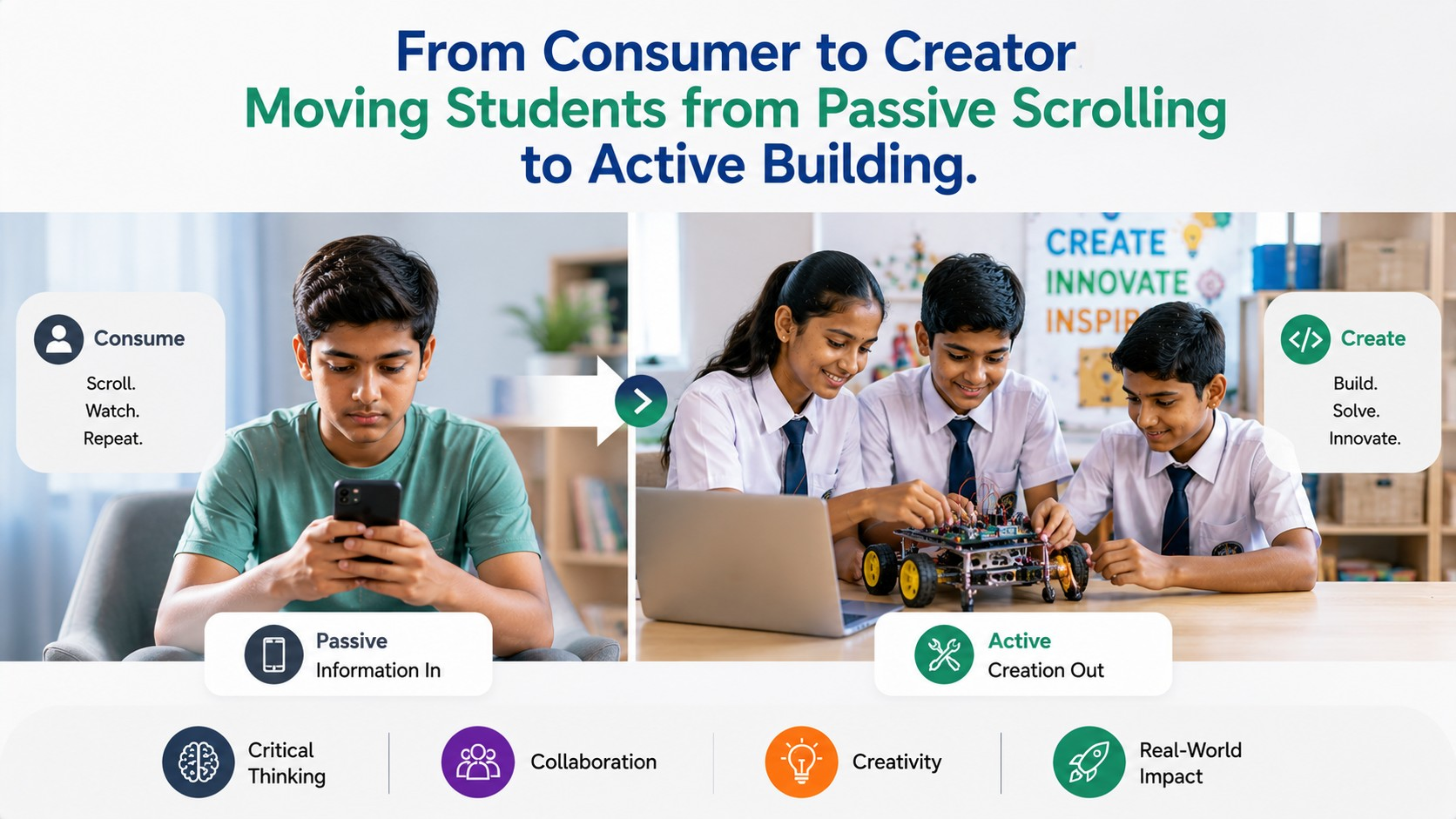
By Inhype • May 26, 2026
From Passive Scrolling to Active Building: The Future of Smart Classrooms in India India’s education landscape is rapidly transforming. Students
Read More
By Inhype • May 26, 2026
In today’s fast-changing education and business landscape, simply purchasing technology is no longer enough. Schools, coaching institutes, universit
Read More
By Inhype • May 26, 2026
India’s education ecosystem is rapidly evolving. With the rise of digital classrooms, hybrid learning, AI-powered education tools, and interactive t
Read More
By Inhype • May 26, 2026
In today’s rapidly evolving digital education ecosystem, AI-powered tools, smart classrooms, and interactive learning technologies are transforming
Read More




Golive eTechnologies India Private Limited (CIN - U31909UP2021PTC148242) is one of India's leading providers of smart classrooms, interactive boards, video conferencing solutions, and display technologies for the education, healthcare, corporate, and government sectors.


No comments yet. Be the first to comment!