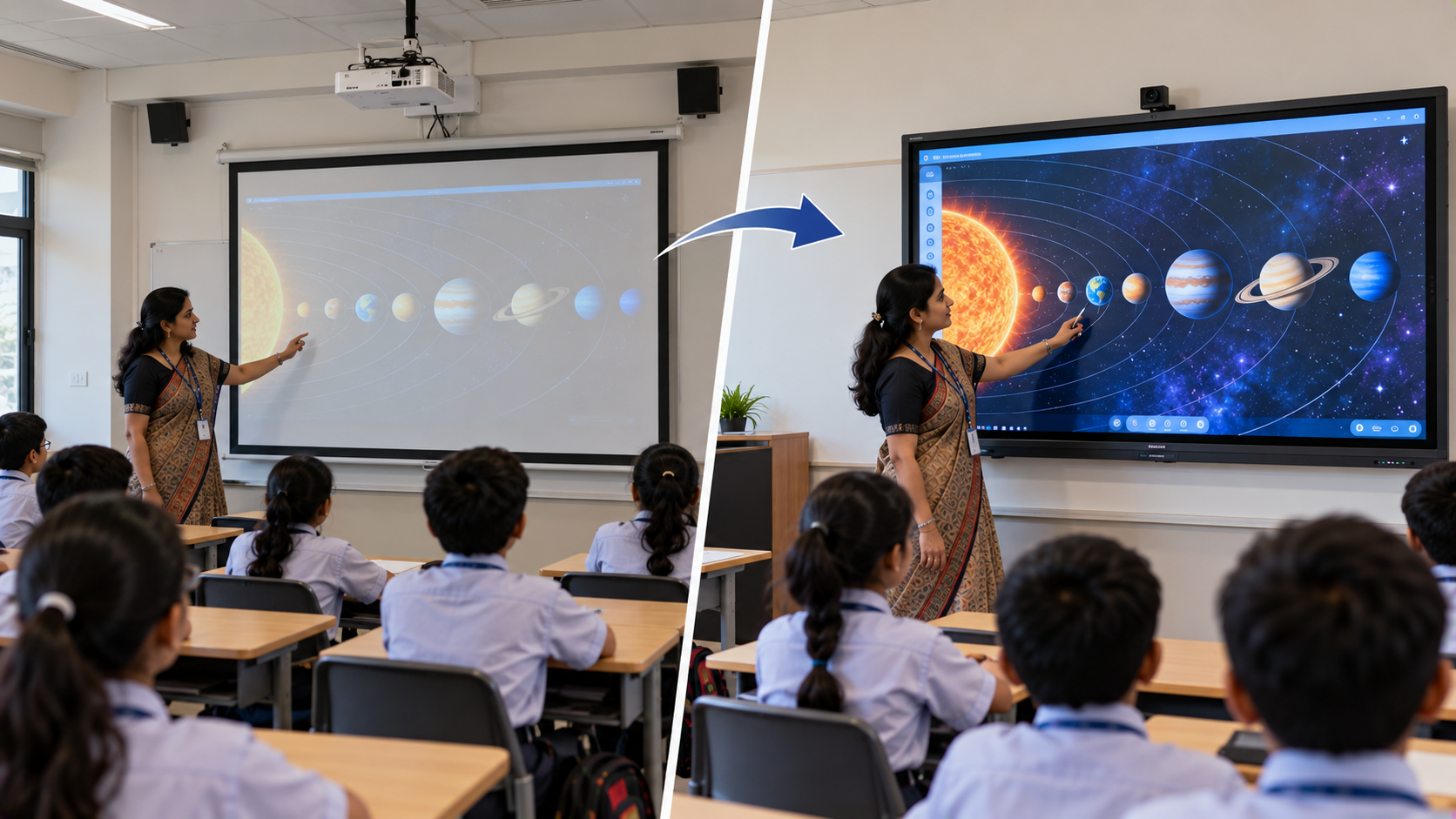
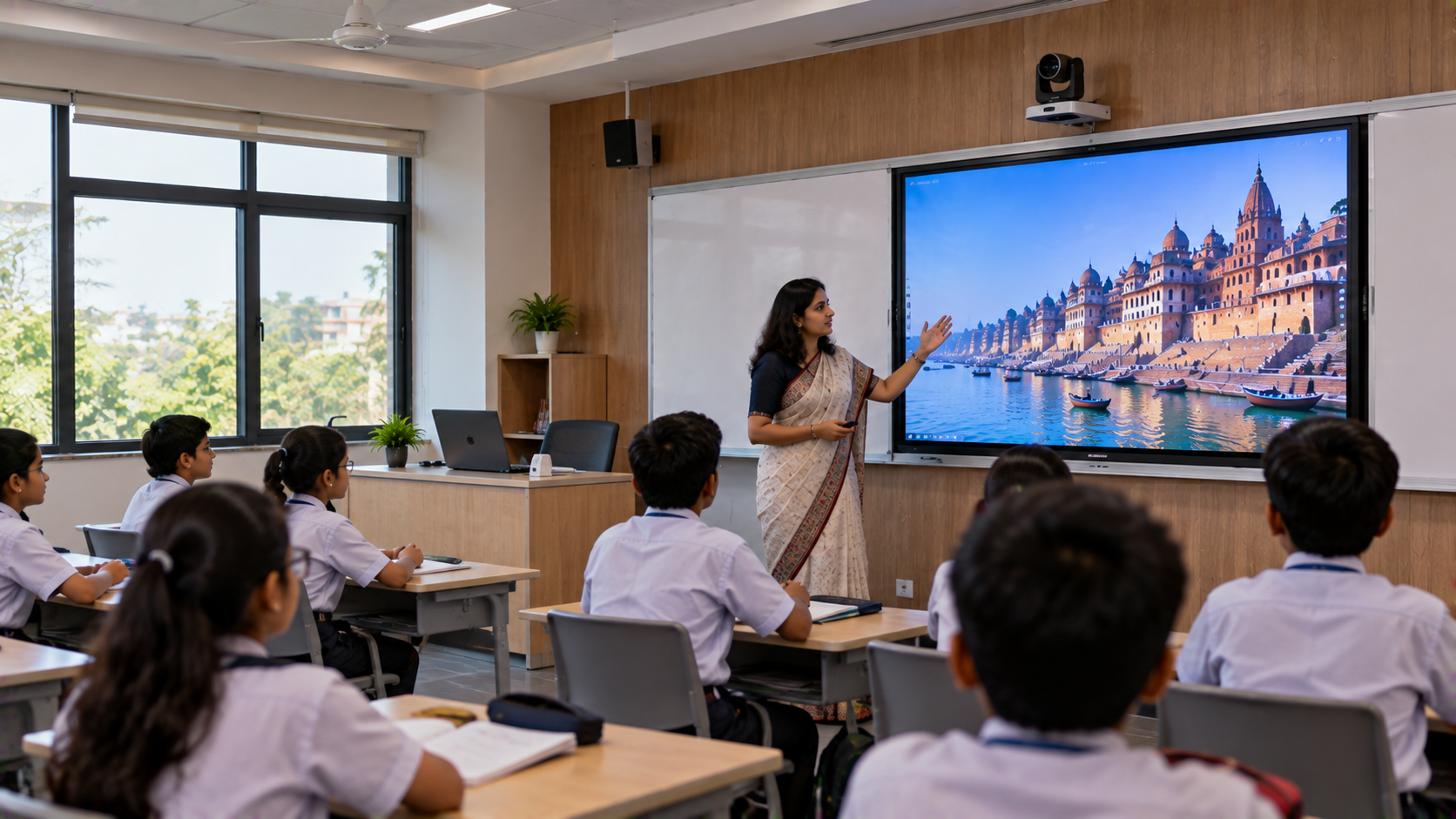
Schools across Bangalore are investing in technology to make lessons more visual, interactive and adaptable to different learning styles. If your school still relies on a traditional projector, upgrading to an interactive flat panel for classrooms can be a practical next step. Projectors remain useful for presentations and videos, but they can involve lamp maintenance, shadows, room-lighting limitations and a separate projection screen. An interactive flat panel combines a large digital display with touch-based writing and annotation, helping teachers explain concepts, work with digital content and involve students directly in lessons. For schools exploring a digital board for teaching in Bangalore, GoLive eTechnologies India Private Limited offers solutions from brands including EVOTA, MAXHUB, Newline and LG, alongside guidance on product selection, installation, configuration and ongoing support. This article is a solution guide for schools planning an upgrade—not a claim that a specific Bangalore school has already completed this installation.
Why Bangalore Schools Are Replacing Projectors with Interactive Flat Panels
A projector-based classroom usually requires a projector, projection surface, computer and suitable lighting conditions. Teachers may also need to manage shadows while writing or presenting.
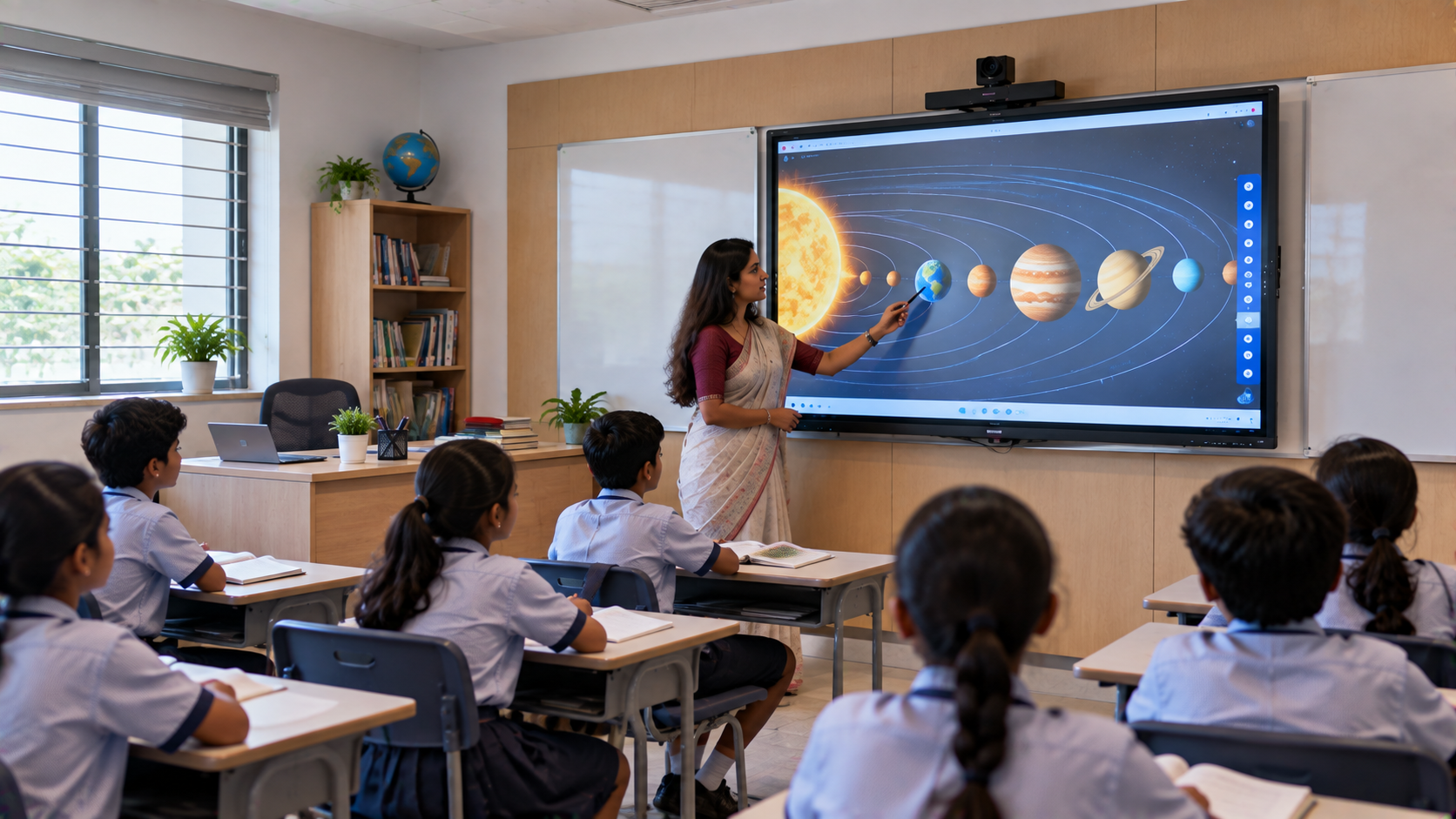
An interactive flat panel display offers a different classroom experience:
Direct touch interaction: Teachers can write, draw, highlight and annotate on the screen.
Clear digital content: A 4K panel can display detailed diagrams, text, images and educational videos.
More flexible teaching: Lessons can combine presentations, digital whiteboards, PDFs and multimedia.
Collaborative learning: Depending on the model and software, students can participate in interactive activities.
A cleaner classroom setup: The panel can reduce dependence on a projector and separate projection screen.
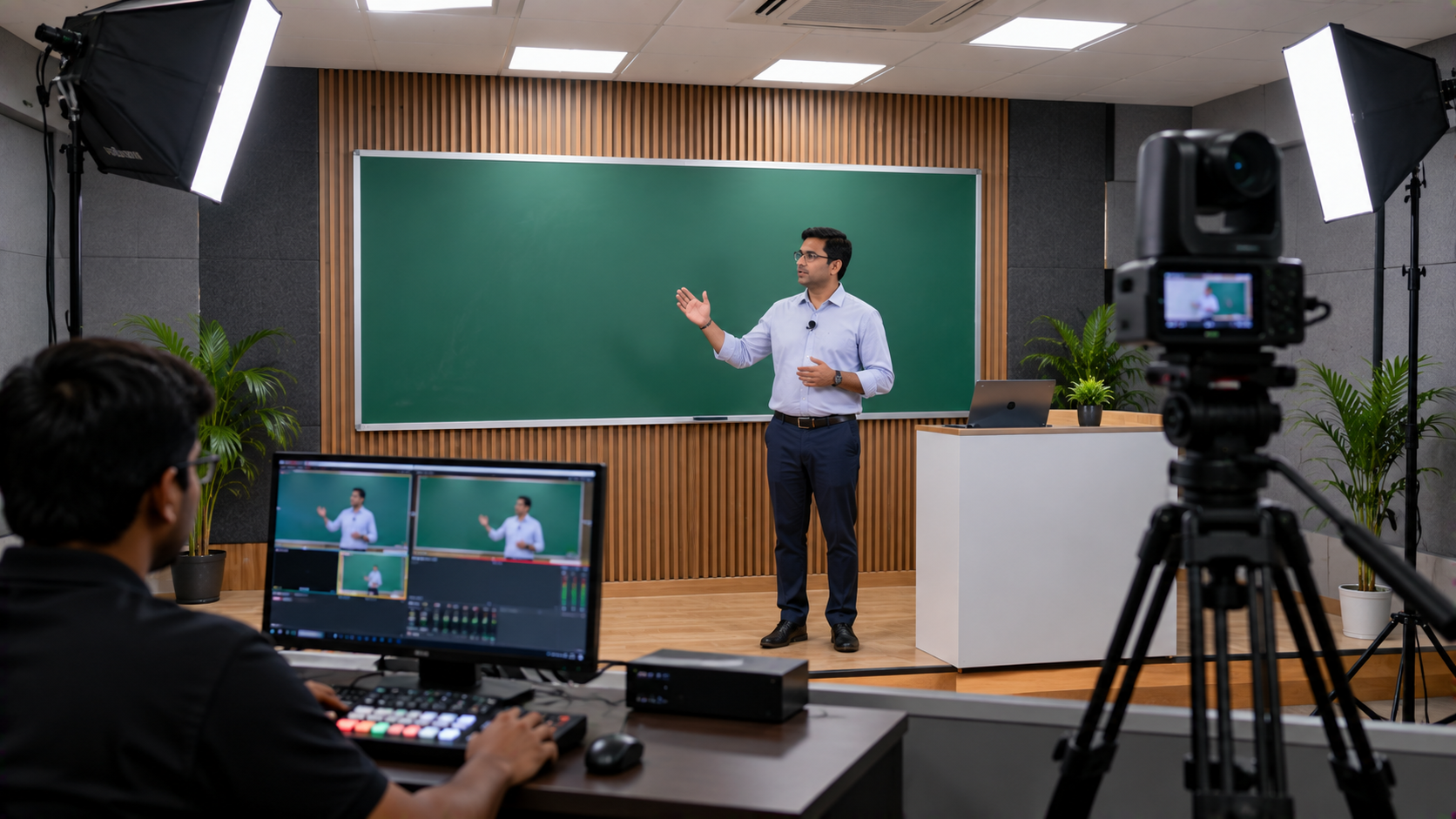
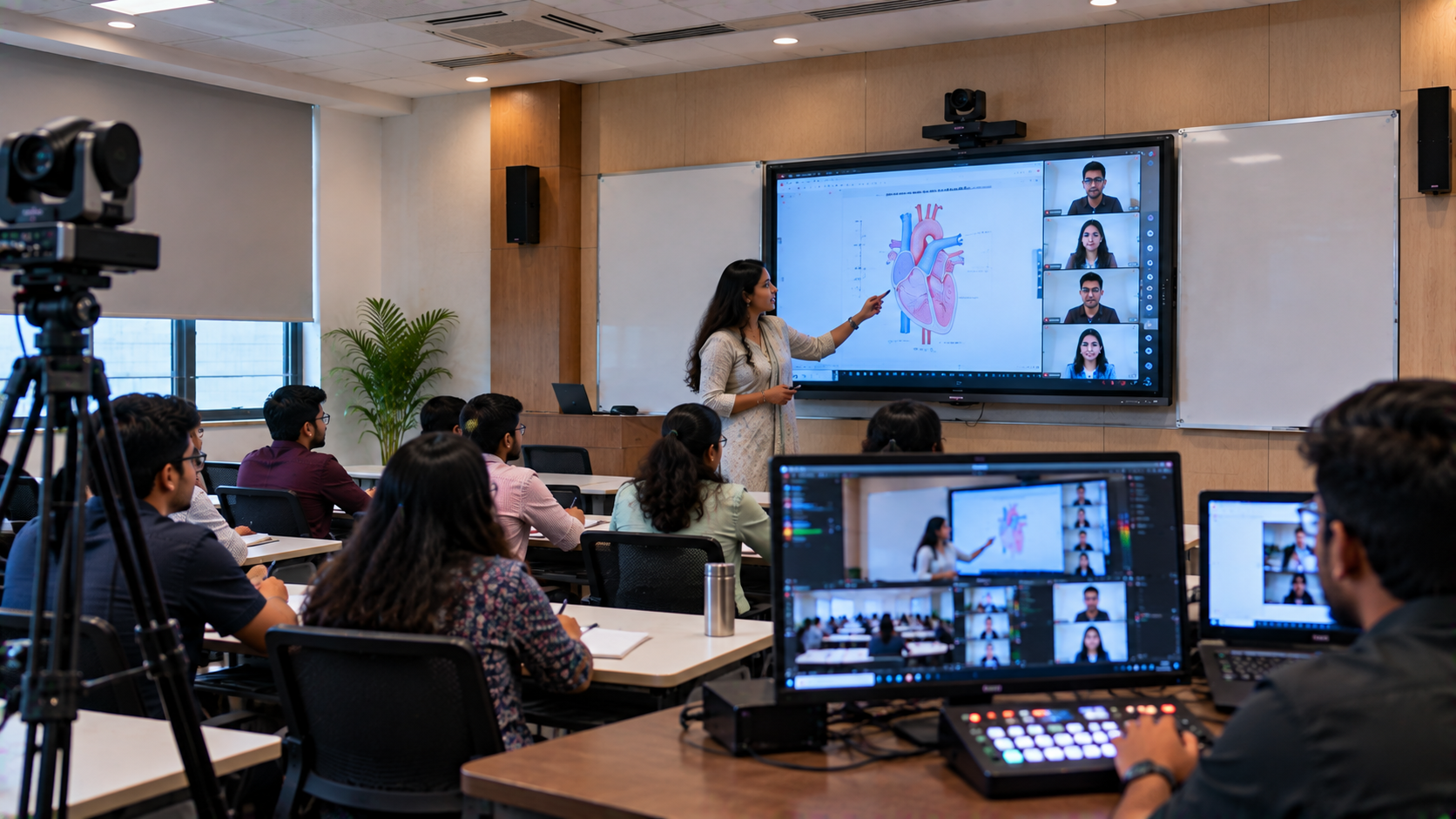
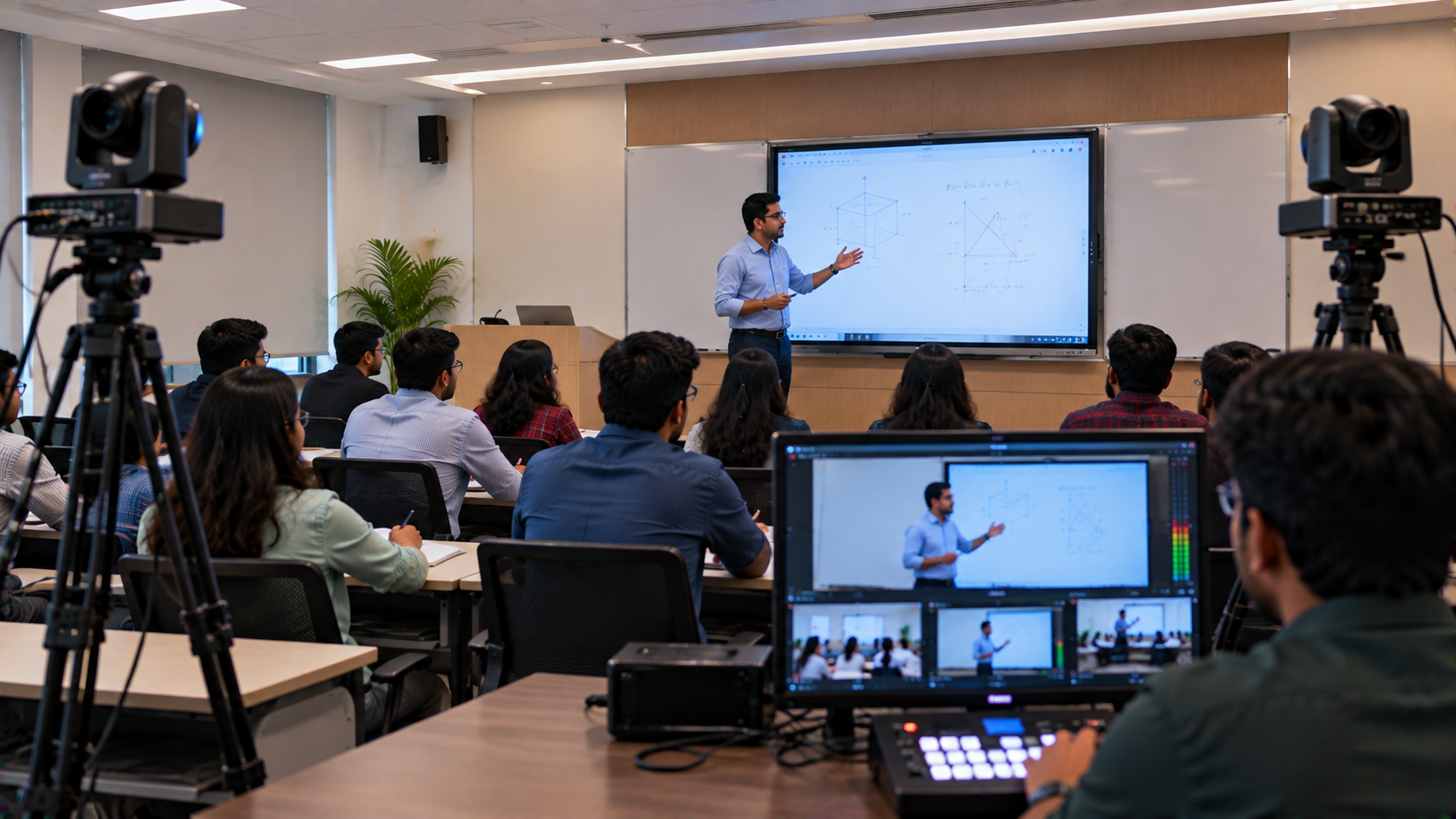
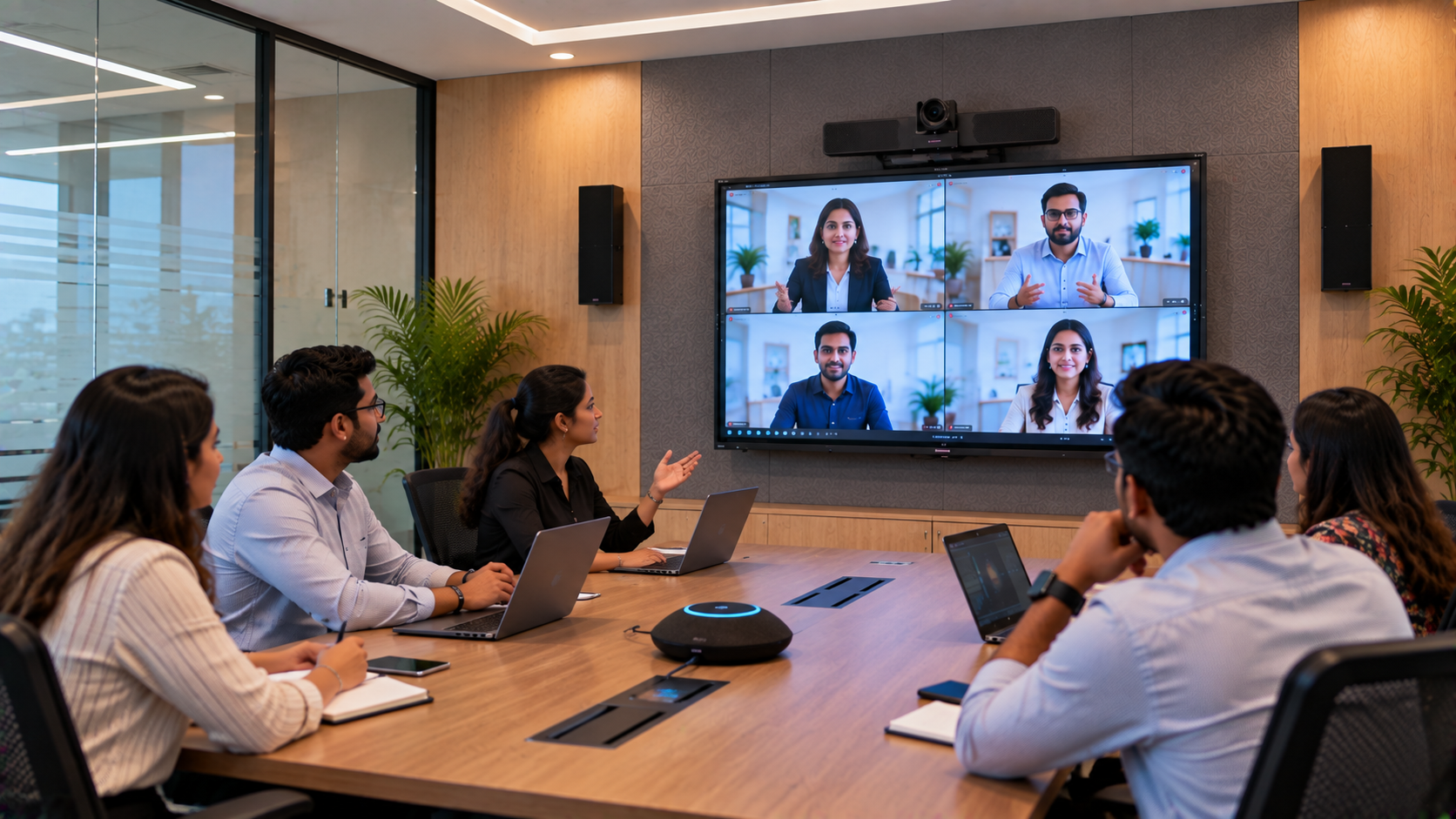
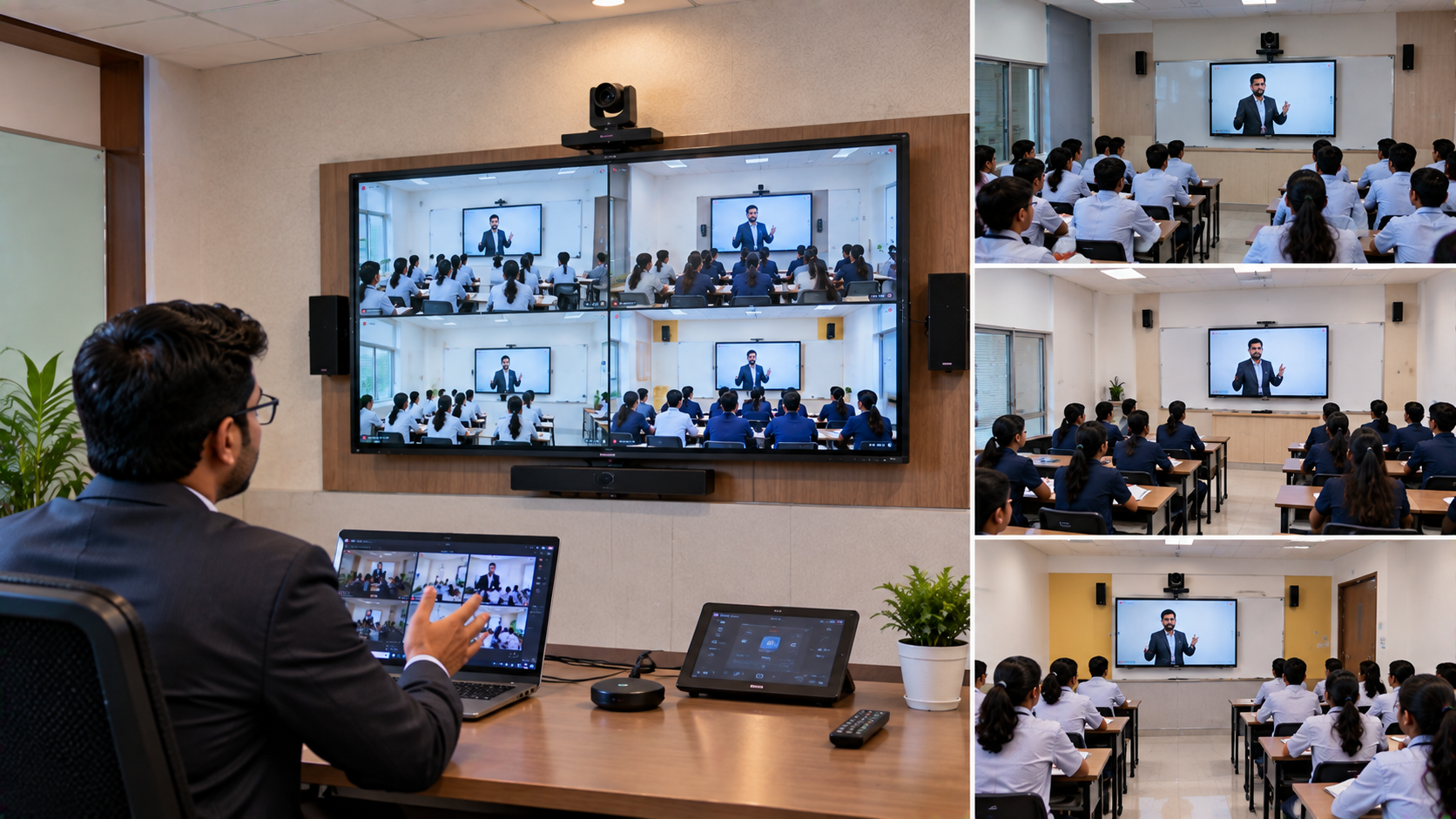
A foundation for hybrid teaching: With compatible cameras, microphones and software, the classroom can also support online lessons.
The right display depends on classroom dimensions, seating, viewing distance, teaching methods, connectivity and budget. An interactive panel is not automatically the best choice for every room, so schools should assess their requirements before purchasing.
Which Interactive Flat Panel Should Your School Choose?
GoLive eTechnologies helps schools compare interactive display options according to their classroom requirements rather than choosing a product on price alone.
1. EVOTA Interactive Panel and EVOTA Smart Board
An EVOTA interactive panel can be considered by schools looking for a digital teaching display with touchscreen interaction. EVOTA options may suit classrooms that need digital writing, presentations and everyday lesson delivery.
Schools comparing EVOTA digital board price, EVOTA smart board 75 inch price or EVOTA smart board 86 inch price should confirm the exact model, screen size, specifications, warranty and included accessories.
A 75-inch panel may be suitable for many standard classrooms, while larger rooms may require a bigger display. The final choice should be based on the number of students and the distance between the screen and the last row.
2. MAXHUB Smart Board
A MAXHUB digital board is another option for schools evaluating interactive teaching and collaboration features. Depending on the selected model, the panel may support digital annotation, content sharing and connected classroom workflows.
When comparing MAXHUB smart board price in India, check the exact model, touch capabilities, operating system, connectivity, software and warranty. These details matter more than the screen size alone.
3. Newline Interactive Panel
A Newline interactive panel can be included in a comparison for schools that want a dedicated interactive display for classroom teaching. Schools researching Newline digital board price, Newline interactive panel price in India or Newline digital board 75 inch price should request a current model-specific quotation.
Compare how teachers will open lesson material, annotate documents, share content and connect their existing computers before finalising the purchase.
4. LG Interactive Digital Board
An LG interactive digital board is another option to evaluate when planning a school technology upgrade. Schools searching for LG interactive digital board price in India or LG interactive panel 75 inch price should verify the exact product, display size, interactive features, accessories and service terms.
GoLive eTechnologies can help buyers compare available options against their teaching needs and budget.
Projector vs Interactive Flat Panel: What Changes?
|
Requirement |
Traditional projector |
Interactive flat panel |
|---|---|---|
|
Writing on screen |
Usually requires a separate interactive solution |
Direct touch or stylus interaction on supported models |
|
Shadows |
Can occur when someone crosses the projection beam |
No projector beam to block |
|
Room lighting |
Image visibility can depend on ambient light |
Direct display can be easier to view in many classroom conditions |
|
Installation |
Projector, screen and positioning need planning |
Panel mounting, power and connectivity need planning |
|
Maintenance |
Lamp or filter maintenance may apply to some projectors |
Maintenance depends on the panel and usage |
|
Digital collaboration |
Depends on connected devices and software |
Touch and annotation features are available on supported models |
Important: Actual performance varies by product and classroom. Schools should compare manufacturer specifications and arrange a demonstration where possible.
How GoLive eTechnologies Can Help with a School Upgrade in Bangalore
Replacing a projector should be planned as a complete classroom improvement, not just a hardware purchase.
Step 1: Assess the existing classroom
Review the current projector, screen, computer, network, power points, mounting surface and seating arrangement. Identify what can be reused and what needs to change.
Step 2: Select the right screen size and model
Compare EVOTA, MAXHUB, Newline and LG options according to room size, teaching requirements, connectivity and budget. Request a current quotation for the preferred model.
Step 3: Plan installation and connectivity
Confirm wall strength or stand requirements, mounting height, power supply, cable routing, Wi-Fi or LAN access and computer compatibility. Installation requirements should be checked before ordering.
Step 4: Configure and test the classroom
Test touch response, writing, presentations, audio, screen sharing and access to lesson files. If the school plans hybrid teaching, also test the camera, microphone, conferencing software and internet connection.
Step 5: Train teachers and hand over the system
Teachers should understand how to open lesson material, annotate slides, save notes and use supported classroom applications. GoLive's end-to-end support approach is designed to help customers with selection, installation, training and assistance, subject to the agreed scope of service.
The objective is simple: technology that works, backed by people who help.
Interactive Flat Panel Price in Bangalore: What Should Schools Budget?
The interactive flat panel price depends on screen size, brand, specifications, accessories and installation requirements. There is no single price that applies to every smart classroom.
As an example, GoLive eTechnologies' website has listed the following EVOTA interactive panels:
EVOTA EP6516 65-inch 4K interactive panel: ₹85,200
EVOTA EP75 75-inch 4K interactive panel: ₹92,700
EVOTA EP8616 86-inch 4K interactive panel: ₹1,32,000
These are website-listed reference prices observed during content preparation, not guaranteed offers. Prices, product specifications, taxes, included accessories and availability may change. Confirm the current listing and final quotation before purchasing.
A complete classroom budget may also include mounting hardware, an OPS PC or compatible computer, cables, installation, teacher training and additional audio-video equipment.
For schools in Bangalore, ask for a quotation that clearly identifies the model, screen size, warranty, delivery terms, installation scope and any additional charges. Schools buying multiple panels should also request a consolidated quotation for the required number of classrooms.
Why Consider GoLive eTechnologies for Your Smart Classroom?
Choosing a display is only one part of a successful technology upgrade. Schools also need appropriate product guidance, reliable setup and help when teachers begin using the system.
GoLive eTechnologies India Private Limited positions its service around:
Product selection: Compare interactive panels according to classroom requirements.
Installation support: Plan mounting, connectivity and classroom readiness.
Teacher training: Help staff become comfortable with supported features.
Connected solutions: Explore compatible cameras, microphones and online teaching equipment where required.
After-sales assistance: Get support according to the agreed service and warranty terms.
Schools can explore EVOTA, MAXHUB, Newline and LG interactive display options on the GoLive eTechnologies website and enquire about delivery and installation for Bangalore.
Ready to Upgrade Your School's Classroom Technology?
A move from a projector to an interactive flat panel can make digital teaching more direct, flexible and collaborative when the display is chosen and configured correctly.
Whether you are planning one pilot classroom or a wider school upgrade in Bangalore, start by identifying your classroom size, teaching requirements and budget.
Contact GoLive eTechnologies at golivetechnologies.in to compare interactive flat panels, request current pricing and discuss product selection, installation and teacher support.
Technology that works, backed by people who help.
Your email address will not be published. Required fields are marked *

By Inhype • September 12, 2026
A smart classroom is only as effective as the technology supporting it. Interactive panels, smart boards, PTZ cameras, microphones, speakers, PCs and
Read More
By Inhype • September 12, 2026
Higher education is rapidly moving beyond traditional chalkboards and projectors. Today, colleges and universities need technology that supports inter
Read More
By Inhype • September 12, 2026
A smart classroom for CBSE schools is no longer simply a classroom with a digital board. Modern schools are building connected learning environments t
Read More
By Inhype • September 12, 2026
Planning a smart classroom project for 10, 20 or even 50 classrooms requires more than simply purchasing digital boards. Schools, colleges, universiti
Read More
By Inhype • September 12, 2026
A smart classroom can transform the way teachers explain concepts, students interact with lessons, and institutions deliver digital education. From in
Read More




Golive eTechnologies India Private Limited (CIN - U31909UP2021PTC148242) is one of India's leading providers of smart classrooms, interactive boards, video conferencing solutions, and display technologies for the education, healthcare, corporate, and government sectors.

No comments yet. Be the first to comment!