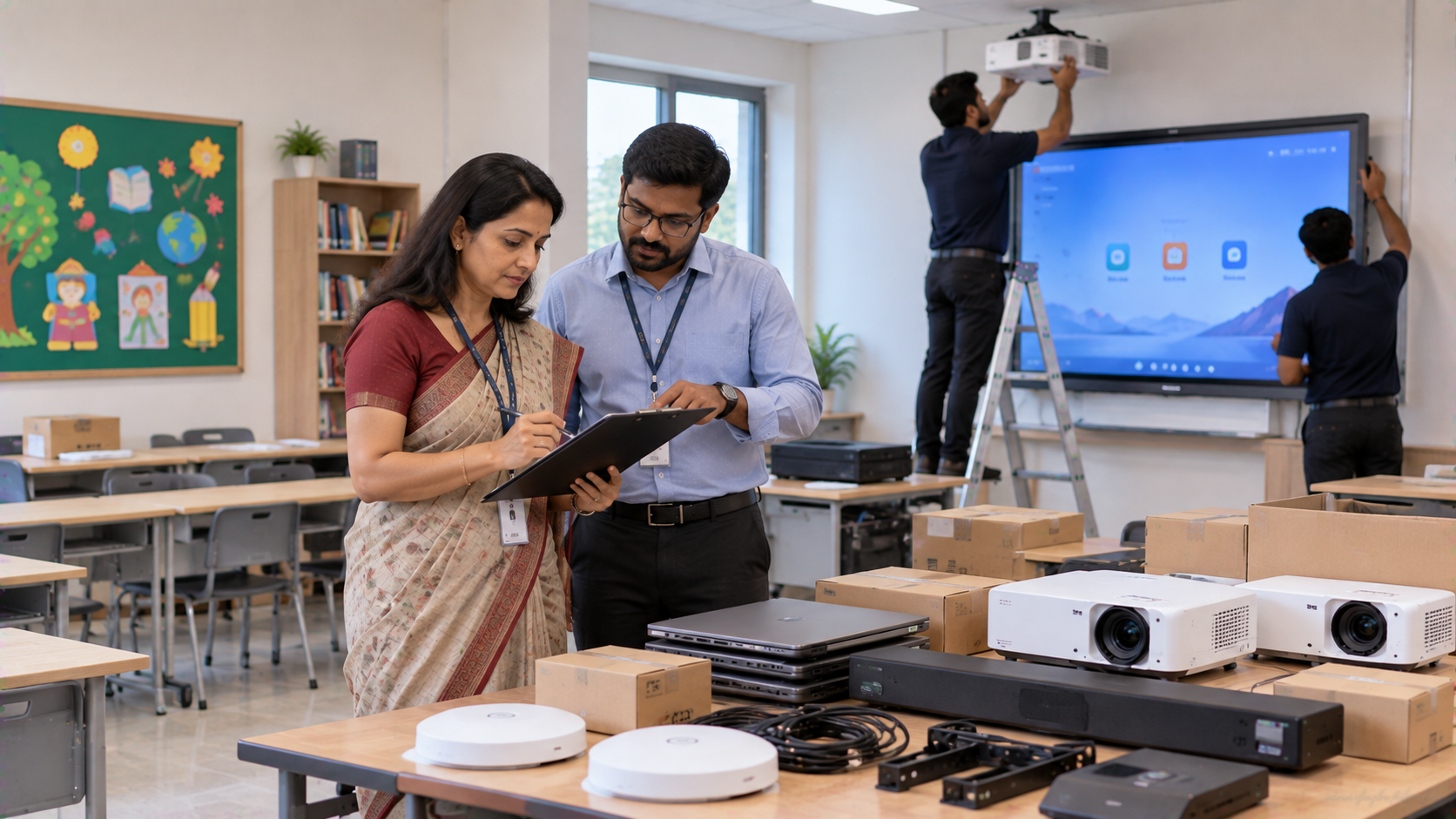
Buying technology for a school is no longer limited to selecting a computer or projector. A modern classroom may require an interactive flat panel, digital board, PTZ camera, OPS Mini PC, microphones, speakers, connectivity accessories and installation support. The challenge is choosing equipment that works together, fits the school’s budget and remains dependable after installation. This IT and AV procurement checklist for Indian schools helps principals, school administrators, IT managers and procurement teams evaluate technology before placing an order.
1. Start With the School’s Actual Technology Requirements
Before comparing digital board price in India or searching for an interactive panel price, define how each room will be used.
For a classroom, consider:
Teaching and interactive whiteboard requirements
Screen size and viewing distance
Touch and writing requirements
HDMI, USB and wireless connectivity
Online and hybrid teaching requirements
Audio coverage for teachers and students
Recording or lecture-capture requirements
For an auditorium, seminar room or smart classroom setup, the requirement may expand to cameras, microphones, speakers, displays and control equipment.
The first procurement rule is simple: buy for the use case, not just the specification sheet.
2. Choose the Right Interactive Panel or Digital Board
An interactive flat panel can become the central technology point in a smart classroom. While evaluating an Evota interactive panel, MAXHUB smart board, or other interactive display, compare:
|
Procurement factor |
What schools should check |
|---|---|
|
Screen size |
65", 75" or 86" based on room size |
|
Resolution |
Prefer a suitable 4K display for detailed content |
|
Touch |
Check touch response and writing experience |
|
Operating system |
Confirm software compatibility and updates |
|
Connectivity |
HDMI, USB, Type-C and network options |
|
Computing |
Check whether an OPS Mini PC is required |
|
Installation |
Confirm wall mount/stand and professional installation |
|
Support |
Ask about training, assistance and service response |
For larger classrooms, a 75 inch interactive display can provide better visibility from the rear rows. Schools should compare the total investment rather than choosing purely on Evota smart board price, MAXHUB smart board price or another advertised number.
GoLive eTechnologies offers interactive flat panels and digital boards designed for education applications, including solutions that can be paired with OPS computing modules.
3. Check the Computing and OPS Requirement
A smart board is only as useful as the computer running the applications behind it.
During procurement, confirm whether the school needs an integrated or add-on computer. Check processor generation, RAM, SSD capacity, Wi-Fi, Bluetooth and operating-system compatibility.
An OPS Mini PC for digital boards can help schools create a cleaner integrated setup without placing a separate desktop beside the display.
For example, GoLive currently lists OPS Mini PC solutions alongside interactive displays, making it possible to evaluate the display and computing requirement together.
4. Select the Right Camera for Hybrid Classes and Recording
Schools increasingly need technology that supports both physical teaching and remote participation.
A PTZ camera can be useful for:
Hybrid classrooms
Lecture recording
Online classes
Faculty training
Seminars and workshops
Auditorium presentations
When comparing an Evota 4K PTZ camera, Evota C12HULT, Logitech PTZ camera or another model, check resolution, optical zoom, movement control, connectivity, microphone compatibility and room coverage.
Do not select a camera only because it has a higher zoom number. The camera should match the size and layout of the teaching space.
5. Do Not Ignore Classroom Audio
Poor audio can undermine an otherwise good digital classroom.
The procurement list should include microphones and appropriate speakers based on the room. Options may include wireless mics for teachers, headset microphones, lavalier microphones, USB microphones and conference-room audio equipment.
GoLive’s catalogue includes wireless clip-on mics, dual-channel wireless mics, headset mics, lavalier mics and USB microphones for video conferencing, alongside ceiling and wall-speaker categories.
For large schools, also ask:
Is the microphone suitable for continuous classroom use?
Can multiple teachers use the system?
Is the speaker coverage sufficient?
Does the room require an amplifier or mixer?
Are cables and installation included?
6. Budget for Installation, Accessories and Training
One of the most common procurement mistakes is comparing the product price while ignoring deployment costs.
Your school technology budget should consider:
Product + Mounting + Cabling + Installation + Configuration + Training + Support
A school may search for terms such as interactive panel board price, digital board cost, digital board pen price, smart board pen price in India or writing pad for PC. These are useful comparison searches, but the lowest equipment price does not necessarily mean the lowest total cost.
A dependable technology partner should help with selection, fast deployment, installation and after-sales assistance.
That is where the GoLive approach—technology that works, backed by people who help—becomes relevant.
7. Compare Total Value, Not Just Brand or Price
A practical procurement comparison should look like this:
|
Area |
Basic price comparison |
Better procurement approach |
|---|---|---|
|
Display |
Lowest digital board price |
Size + features + warranty + support |
|
Camera |
Highest resolution |
Coverage + zoom + connectivity |
|
Audio |
Cheapest microphone |
Voice clarity + room coverage |
|
Computer |
Lowest specification |
Performance matched to classroom use |
|
Installation |
Separate vendor |
Integrated deployment support |
|
Training |
Not considered |
User training included/planned |
|
Support |
Warranty only |
Service and assistance after installation |
Schools can compare brands such as Evota, MAXHUB, Samsung, BenQ and other suitable solutions based on the classroom requirement rather than treating every model as interchangeable. GoLive’s current catalogue includes Evota, MAXHUB, Samsung and BenQ education/display products.
8. Create a Room-by-Room Procurement Checklist
Before releasing the purchase order, document the requirement for every location.
Classroom
Interactive panel
OPS/computing requirement
Wall mount or stand
HDMI/USB/Type-C connectivity
Teacher microphone
Speakers
Network connectivity
Smart Classroom / Hybrid Room
Interactive display
PTZ camera
Microphone system
Speakers
Capture/connectivity equipment
Online teaching setup
Auditorium / Seminar Room
Large commercial display or projection solution
PTZ/lecture recording camera
Wireless microphones
Amplification and speakers
Control equipment
Cabling and installation
Why Schools Choose GoLive eTechnologies
For schools, procurement should not end when the equipment is delivered.
Golive eTechnologies India Private Limited positions its technology offering around end-to-end support—from selecting the right solution through installation and beyond. The benefit is straightforward: less technology headache and greater confidence that the classroom or AV system will work when teachers need it.
GoLive’s website also provides shipping, return, support, tutorial and service-request resources, supporting a complete technology deployment journey.
Whether you are planning a single smart classroom in Noida or Ghaziabad, upgrading multiple classrooms across Delhi NCR, or planning a larger education technology deployment in India, build your procurement checklist around the complete solution.
Final IT and AV Procurement Checklist
Before approving your purchase, ask:
Does the equipment solve a specific teaching requirement?
Is the display size right for the room?
Does the camera cover the required teaching area?
Is the audio clear from every student position?
Is computing power sufficient?
Are mounting, cabling and installation planned?
Is teacher training included?
Are price and availability confirmed before ordering?
Is there a support process after installation?
Does the supplier provide an end-to-end solution?
Build Your School Technology Setup With Confidence
From an Evota smart board and Evota interactive panel to PTZ cameras, microphones, OPS Mini PCs and supporting AV equipment, GoLive eTechnologies helps schools move from product selection to deployment with greater confidence.
Technology that works, backed by people who help.
Your email address will not be published. Required fields are marked *

By Inhype • September 12, 2026
A smart classroom is only as effective as the technology supporting it. Interactive panels, smart boards, PTZ cameras, microphones, speakers, PCs and
Read More
By Inhype • September 12, 2026
Higher education is rapidly moving beyond traditional chalkboards and projectors. Today, colleges and universities need technology that supports inter
Read More
By Inhype • September 12, 2026
A smart classroom for CBSE schools is no longer simply a classroom with a digital board. Modern schools are building connected learning environments t
Read More
By Inhype • September 12, 2026
Planning a smart classroom project for 10, 20 or even 50 classrooms requires more than simply purchasing digital boards. Schools, colleges, universiti
Read More
By Inhype • September 12, 2026
A smart classroom can transform the way teachers explain concepts, students interact with lessons, and institutions deliver digital education. From in
Read More




Golive eTechnologies India Private Limited (CIN - U31909UP2021PTC148242) is one of India's leading providers of smart classrooms, interactive boards, video conferencing solutions, and display technologies for the education, healthcare, corporate, and government sectors.

















No comments yet. Be the first to comment!