
The Challenge: Turning a Conventional Institution Room into a Professional Digital Space Institutions in Kanpur increasingly need meeting and learning spaces that support online classes, faculty meetings, guest lectures, hybrid classes, remote training, presentations and video conferencing. A conventional room with a projector and basic webcam may not be enough. Remote participants can struggle to see presenters clearly, presentations may look less professional, and poor microphone placement can make discussions difficult to follow. The better approach is to create an integrated professional video conferencing room where the display, camera, audio, computer and connectivity work together. This is where GoLive eTechnologies India Private Limited can help institutions move from individual hardware purchases to a complete technology solution. GoLive's approach covers solution selection, installation, configuration, training and ongoing technical assistance.
GoLive eTechnologies Kanpur Solution: From Room Assessment to Professional Video Conferencing
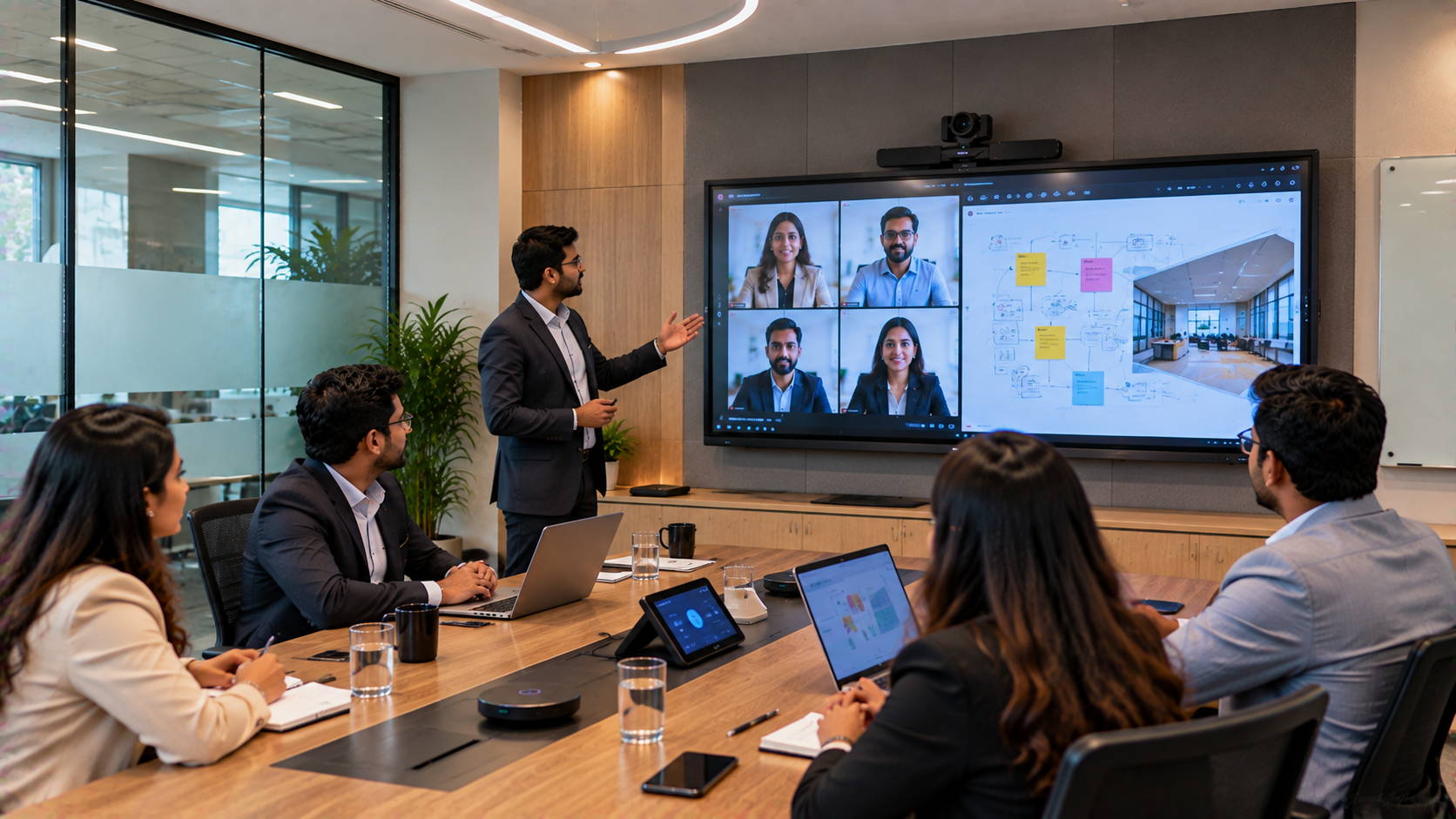
For an institution planning a video conferencing room in Kanpur, GoLive eTechnologies can structure the implementation around five key stages.
1. Understanding the Institution's Room and Use Case
Before recommending a digital board or camera, the room should be evaluated for:
Number of participants
Room dimensions
Seating arrangement
Camera position
Display size
Lighting
Audio requirements
Internet connectivity
Presentation requirements
Online meeting platform
Future expansion requirements
This prevents an institution from purchasing equipment that looks impressive on paper but does not work effectively in the actual room.
Technology that works, backed by people who help means selecting the right solution for the actual requirement.
2. Installing an Interactive Display for Presentations and Collaboration
The display becomes the visual centre of the room.
Depending on the institution's budget and requirements, options can include an Evota Interactive Panel, Newline Interactive Panel, MAXHUB Smart Board, or LG Interactive Digital Board.
For example, GoLive currently lists the Evota EP75 75-inch 4K Interactive Flat Panel with 4K UHD resolution, Android 14, 8GB RAM, 128GB storage, Wi-Fi 6, USB-C, HDMI and wireless collaboration capabilities. The listed use cases include corporate meetings, hybrid learning, video conferencing and training rooms.
Interactive panel benefits
Display PPTs, PDFs and videos
Annotate presentations
Conduct digital whiteboarding
Share content from connected devices
Support hybrid meetings
Reduce dependency on traditional projection
Create a more engaging presentation environment
For institutions comparing Evota digital board price, Newline digital board price, MAXHUB Smart Board price, LG interactive digital board price or interactive panel board price, the correct comparison should consider the complete configuration rather than screen price alone.
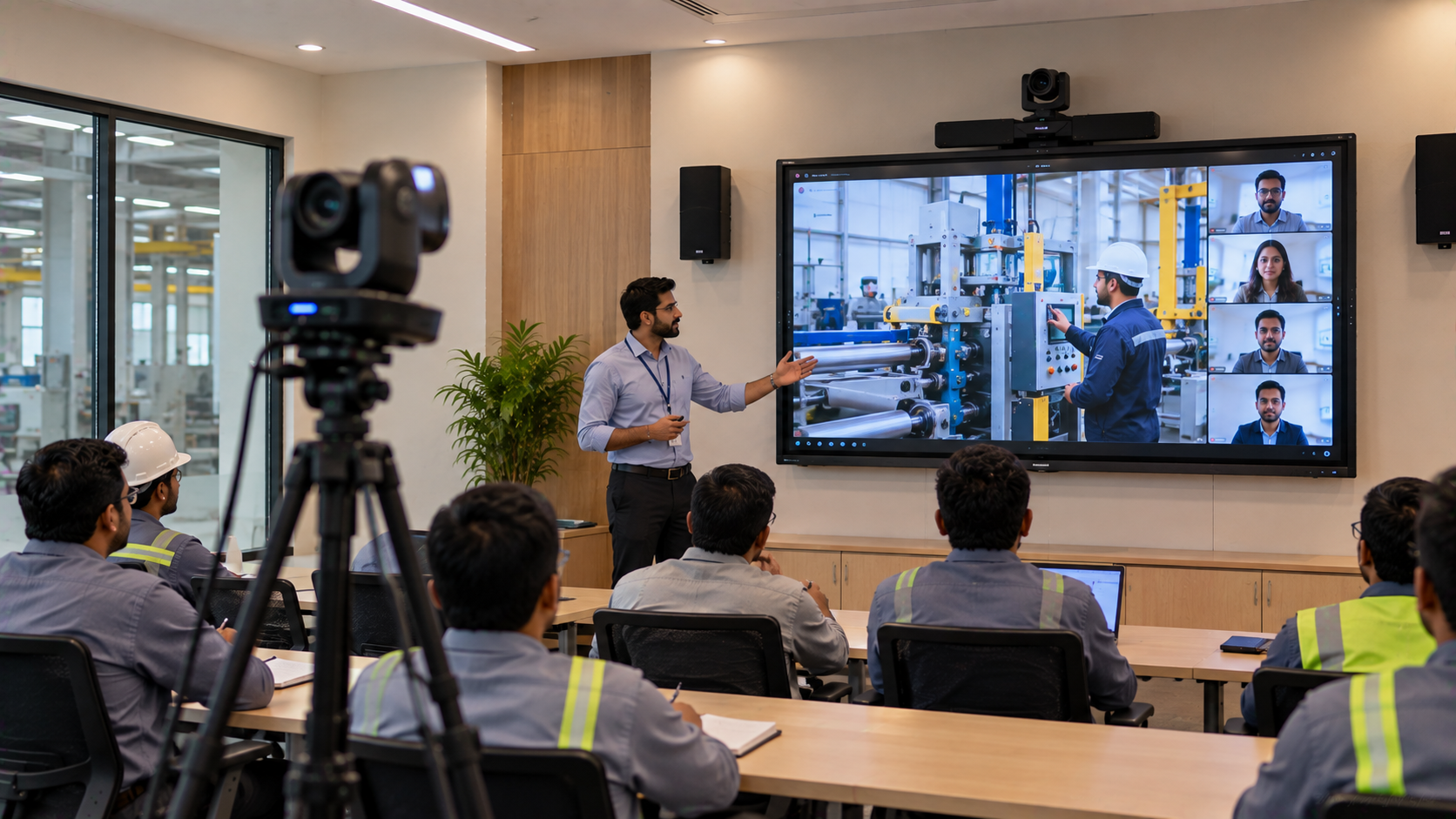
3. Adding an EVOTA 4K PTZ Camera for Professional Video
A professional camera is one of the most important components of a video conferencing room.
Instead of relying on a fixed laptop webcam, an institution can consider an Evota 4K PTZ Camera.
The Evota C12HULT currently listed by GoLive offers 4K resolution, 12X optical zoom, 16X digital zoom, AI auto-tracking and HDMI, USB 3.0, LAN, RS232 and 3G-SDI connectivity. Its listed applications include video conferencing, lecture recording, online classes and live streaming.
This makes the camera suitable for:
Faculty meetings
Guest lectures
Hybrid classes
Institutional presentations
Training sessions
Online workshops
Lecture recording
Webinars
Institutions comparing Evota 4K PTZ camera price, Evota camera price, Evota 10X HD PTZ camera, Logitech PTZ, Logitech PTZ Pro 2 or Sony camera options can select according to room size, zoom requirements, image quality and budget.
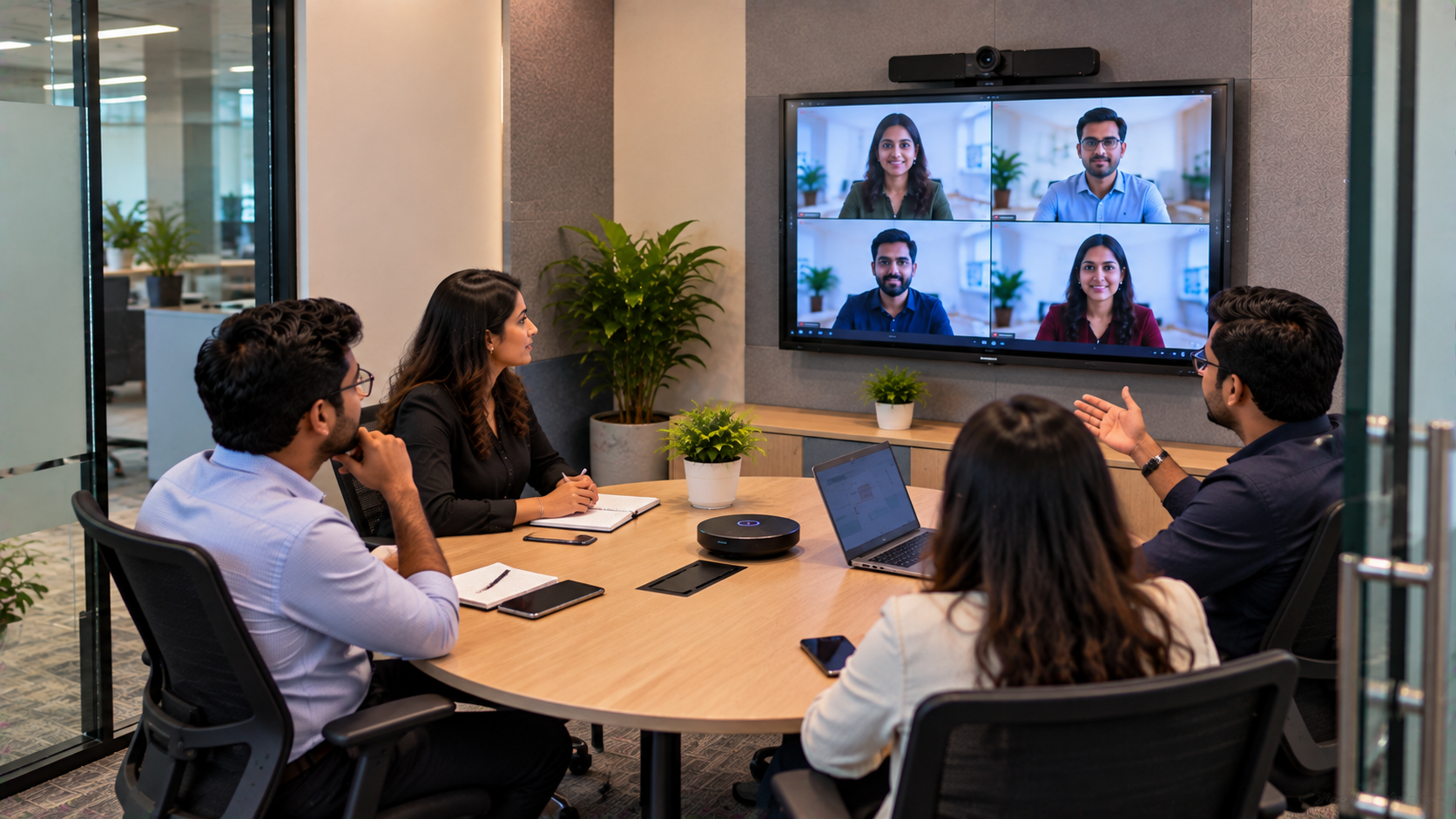
4. Creating Clear Audio for Remote Participants
Excellent video cannot compensate for poor audio.
A professional conferencing room should therefore consider:
Wireless microphones
Teacher microphones
Conference microphones
Conference room speakers
Ahuja audio equipment
Audio interfaces
Suitable mixer/amplifier
Proper microphone positioning
GoLive also lists wireless microphone and audio solutions as part of its broader AV portfolio.
For institutions conducting frequent online classes, training or meetings, professional audio can significantly improve the remote participant experience.
5. Connecting the System with the Right Computing and Capture Equipment
A professional room may also require an OPS PC, laptop connectivity, HDMI video capture device, capture card, USB extension cable and appropriate AV accessories.
An OPS PC, for example, can provide a dedicated computing environment for an interactive display.
GoLive currently lists an Intel Core i5 OPS PC module with 8GB RAM, 256GB SSD, Wi-Fi and Bluetooth.
For institutions producing recorded lectures or online content, a suitable HDMI video capture device/software can also help integrate external video sources into a computer-based workflow.
Professional Video Conferencing Room Setup: Suggested Configuration
|
Component |
Recommended Solution |
Purpose |
|---|---|---|
|
Interactive Display |
Evota / MAXHUB / Newline / LG |
Presentation & collaboration |
|
Camera |
Evota 4K PTZ |
Presenter & room capture |
|
Audio |
Wireless/conference microphone + speakers |
Clear communication |
|
Computing |
OPS PC / laptop |
Meetings & presentations |
|
Capture |
HDMI capture device |
Recording/streaming workflows |
|
Connectivity |
HDMI, USB, LAN, Wi-Fi |
Device integration |
|
Installation |
GoLive professional AV installation |
Deployment & configuration |
|
Training |
User training |
Easy day-to-day operation |
The exact combination should be selected after a room assessment rather than simply purchasing every component.
What Makes the GoLive eTechnologies Approach Different?
The real value of a video conferencing setup is not just the equipment.
GoLive eTechnologies' core USP is end-to-end technology support—from selection to installation and beyond.
That means the institution can receive support across:
Requirement Assessment → Product Selection → Solution Design → Delivery → Installation → Configuration → Training → Technical Assistance
This approach helps reduce the common problem of buying separate products that do not integrate properly.
GoLive describes its approach as consultative, covering design, installation and training for end-to-end AV experiences.
The customer benefit
Less technology headache. More confidence that everything will work.
The functional benefit
Right solution + fast deployment + installation + support.
The emotional benefit
Peace of mind.
Customer feedback highlighted by GoLive also repeatedly focuses on service, support, fast delivery, installation, training and assistance—the practical elements that matter after the purchase.
Video Conferencing Room Cost and Pricing in India
There is no single video conferencing room setup price because the final cost depends on:
Display size
Camera resolution and zoom
Number and type of microphones
Speakers
OPS PC
Capture equipment
Mounting
Cabling
Installation requirements
Room size
Integration requirements
For reference, GoLive's current online listings show an Evota EP75 75-inch interactive panel at ₹92,700 and the Evota C12HULT 4K PTZ camera at ₹51,000 at the time of writing. Prices, stock and offers can change, so customers should confirm the current price before ordering.
Therefore, searches such as Evota smart board 75 inch price, Evota digital board price, Newline interactive panel price in India, MAXHUB digital board price in India, LG interactive panel 75 inch price and PTZ camera price should be treated as starting points for comparison—not substitutes for a complete room quotation.
Why a Professional Video Conferencing Room Is Valuable for a Kanpur Institution
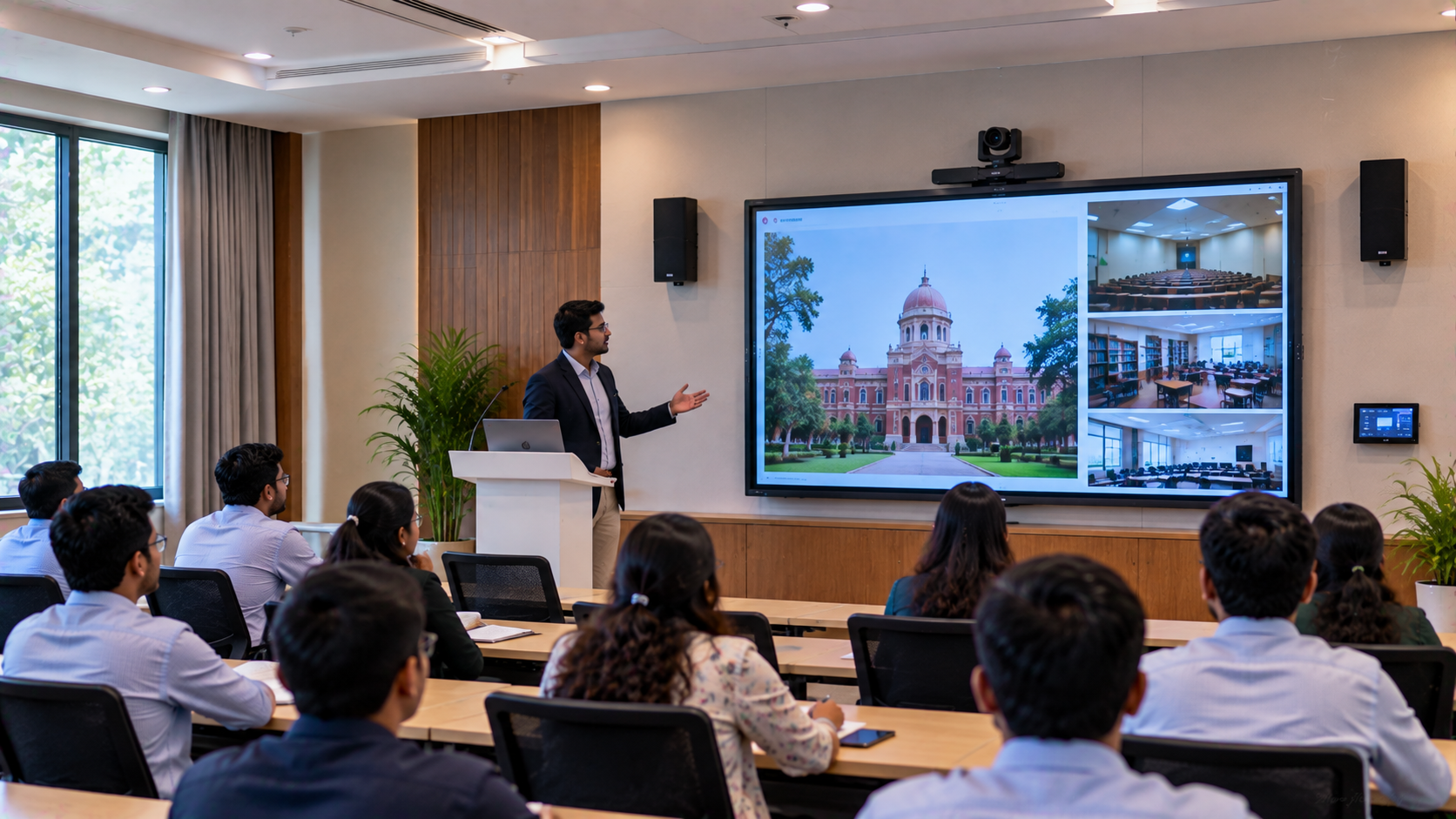
A properly designed room can support multiple activities from the same infrastructure:
Academic Use
Hybrid classes
Guest lectures
Online teaching
Faculty development
Digital presentations
Administrative Use
Management meetings
Remote interviews
Institutional presentations
Collaboration with other campuses
Training Use
Staff training
Professional development
Workshops
Recorded sessions
Communication Use
Webinars
Remote meetings
Partner interactions
Multi-location collaboration
The same technology ecosystem can therefore support education, administration and institutional communication.
From a Meeting Room to a Digital Collaboration Hub
The objective should not be to create a room full of expensive devices.
It should be to create a space where people can walk in, connect, present, communicate and collaborate without technology becoming a barrier.
An integrated combination of an Evota Smart Board, Evota Interactive Panel, Evota 4K PTZ Camera, conference audio, OPS PC and appropriate AV accessories can form the foundation of such a room.
Institutions can also evaluate Newline Interactive, MAXHUB Smart Board and LG Interactive Digital Board depending on their preferred specifications, budget and application.
GoLive's current corporate AV portfolio includes huddle rooms, small conference rooms, medium-large boardrooms, training rooms, auditoriums and collaboration spaces.
Conclusion: Build the Right Video Conferencing Room with GoLive eTechnologies
For an institution in Kanpur, building a professional video conferencing room should be viewed as an integrated technology project, not simply a camera or digital board purchase.
The right combination of interactive display, PTZ camera, audio, computing, connectivity, installation and user training can create a reliable environment for hybrid learning, meetings, presentations and digital collaboration.
With its end-to-end approach, GoLive eTechnologies helps institutions move from product selection to deployment and support.
Technology that works, backed by people who help.
Your email address will not be published. Required fields are marked *

By Inhype • September 12, 2026
A smart classroom is only as effective as the technology supporting it. Interactive panels, smart boards, PTZ cameras, microphones, speakers, PCs and
Read More
By Inhype • September 12, 2026
Higher education is rapidly moving beyond traditional chalkboards and projectors. Today, colleges and universities need technology that supports inter
Read More
By Inhype • September 12, 2026
A smart classroom for CBSE schools is no longer simply a classroom with a digital board. Modern schools are building connected learning environments t
Read More
By Inhype • September 12, 2026
Planning a smart classroom project for 10, 20 or even 50 classrooms requires more than simply purchasing digital boards. Schools, colleges, universiti
Read More
By Inhype • September 12, 2026
A smart classroom can transform the way teachers explain concepts, students interact with lessons, and institutions deliver digital education. From in
Read More




Golive eTechnologies India Private Limited (CIN - U31909UP2021PTC148242) is one of India's leading providers of smart classrooms, interactive boards, video conferencing solutions, and display technologies for the education, healthcare, corporate, and government sectors.
















No comments yet. Be the first to comment!