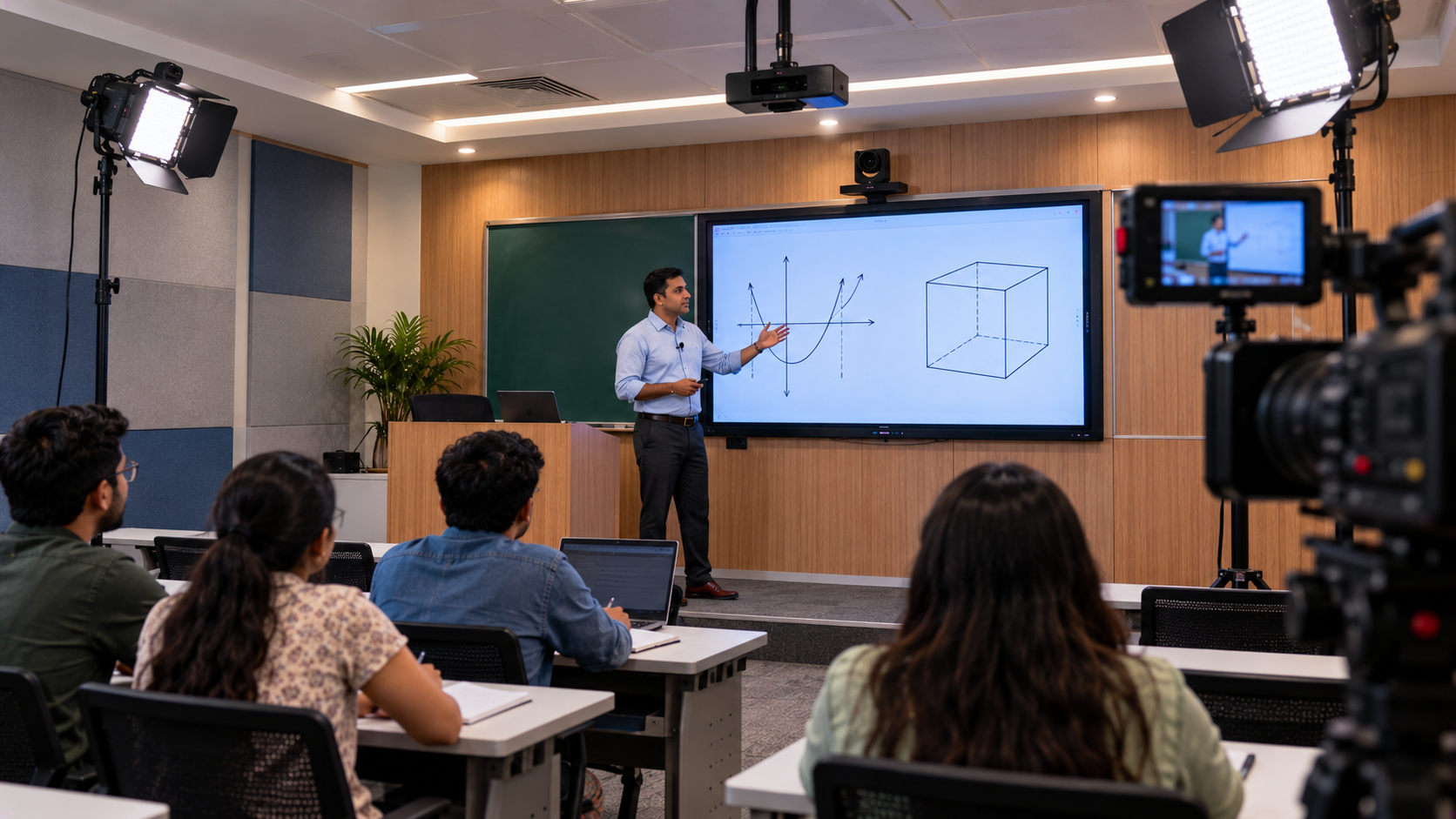
Education institutes and coaching centres in Khargone, Madhya Pradesh, increasingly need dependable ways to record lectures, deliver online classes, support hybrid learning, and reuse classroom content for revision. However, creating a professional lecture recording setup involves more than buying a camera. Video quality, clear audio, lighting, presentation equipment, recording software, and reliable installation must work together. GoLive eTechnologies India Private Limited helps education providers plan technology solutions around their teaching requirements. From EVOTA PTZ cameras and interactive panels to microphones, video capture devices, and installation support, the aim is simple: technology that works, backed by people who help. This guide explains how an education institute in Khargone can plan a professional lecture recording setup, compare suitable equipment, and make informed purchasing decisions.
Why Education Institutes in Khargone Need a Professional Lecture Recording Setup
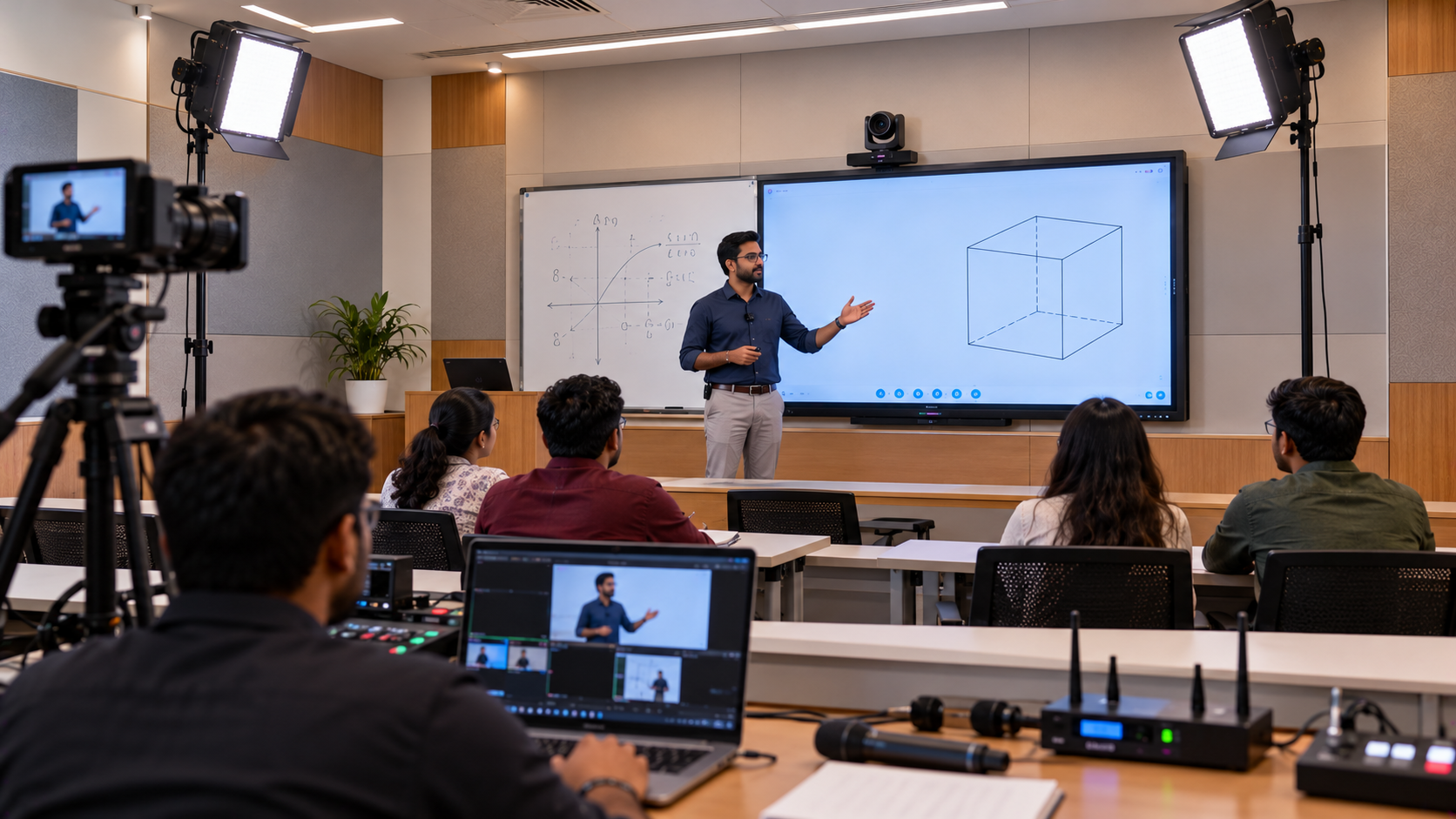
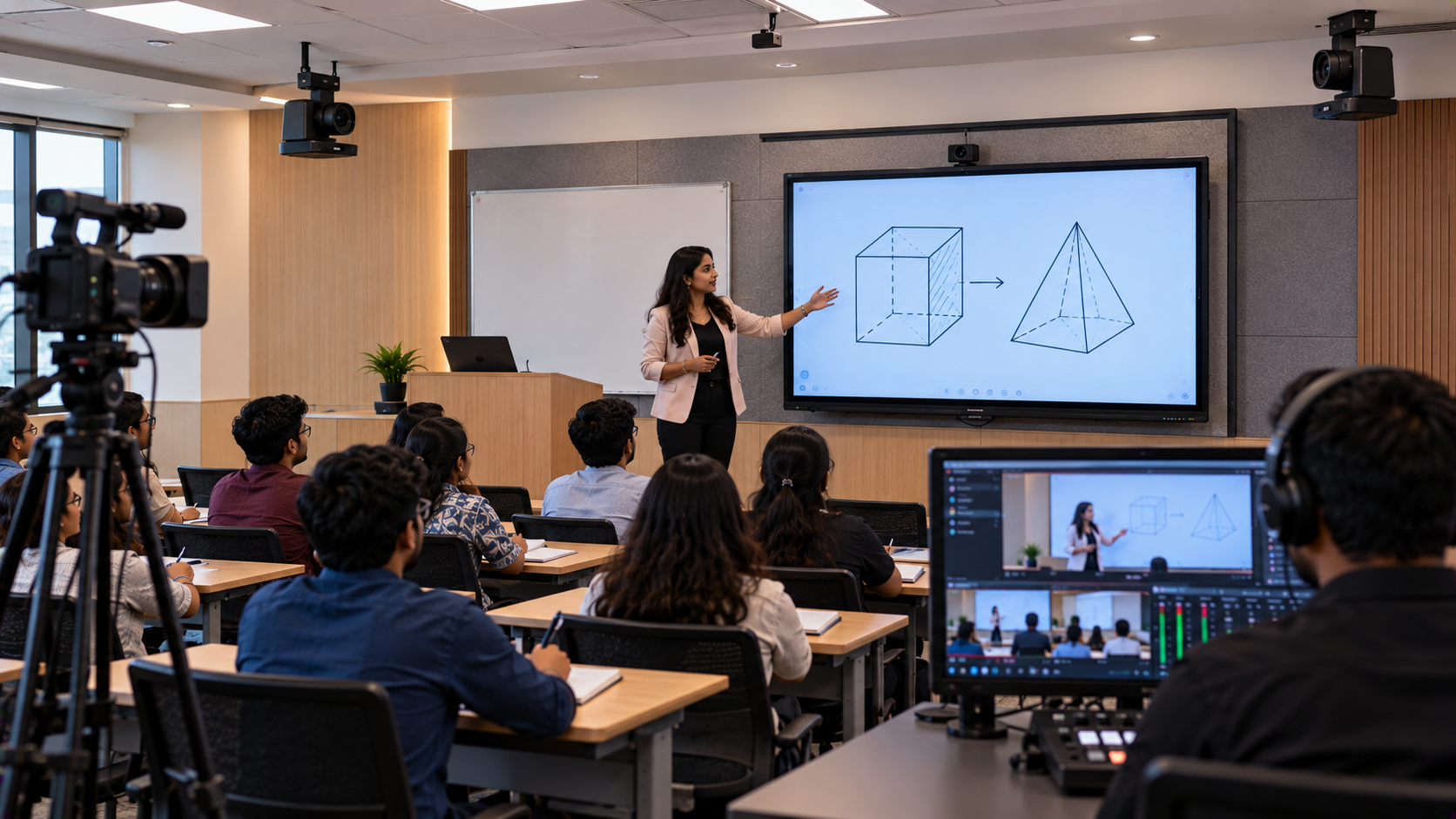
Recording classroom sessions can help institutes make lessons available beyond the physical classroom. Teachers can create revision material, students can revisit difficult concepts, and coaching centres can build recorded learning resources.
A planned lecture recording system can support:
Recorded lectures: Capture lessons for students who need revision.
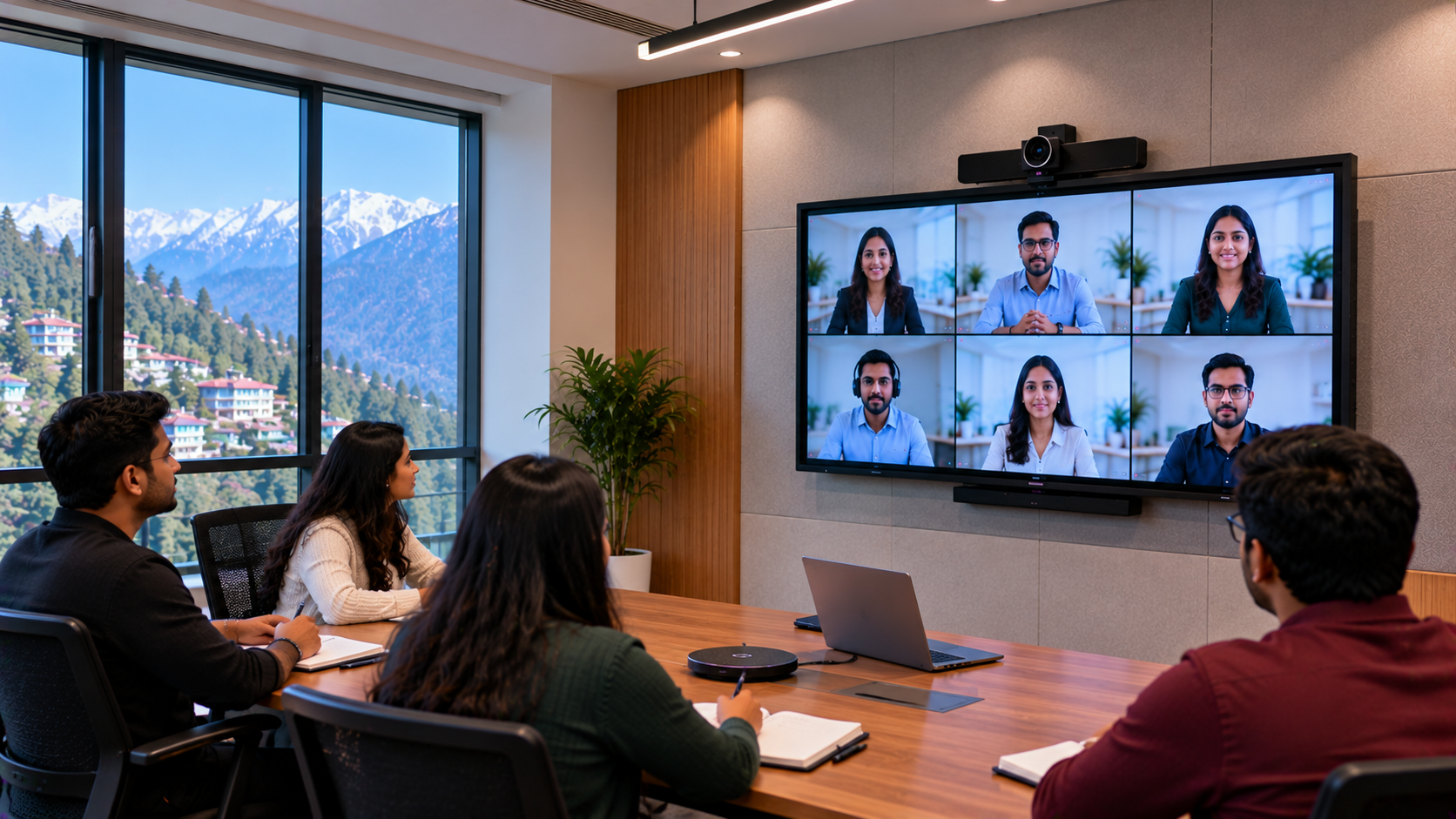
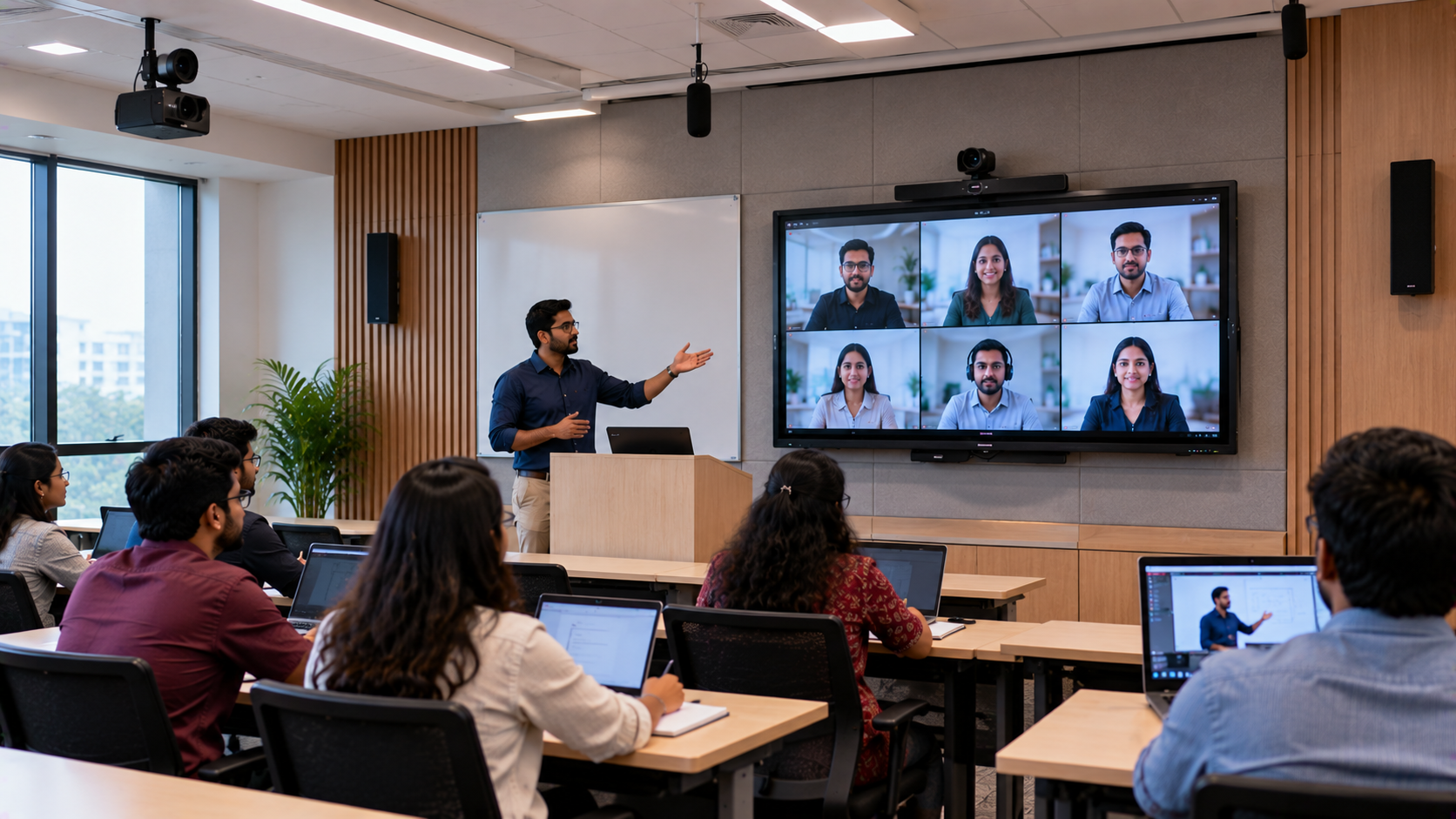
Online teaching: Deliver lessons to remote learners with clearer audio and video.
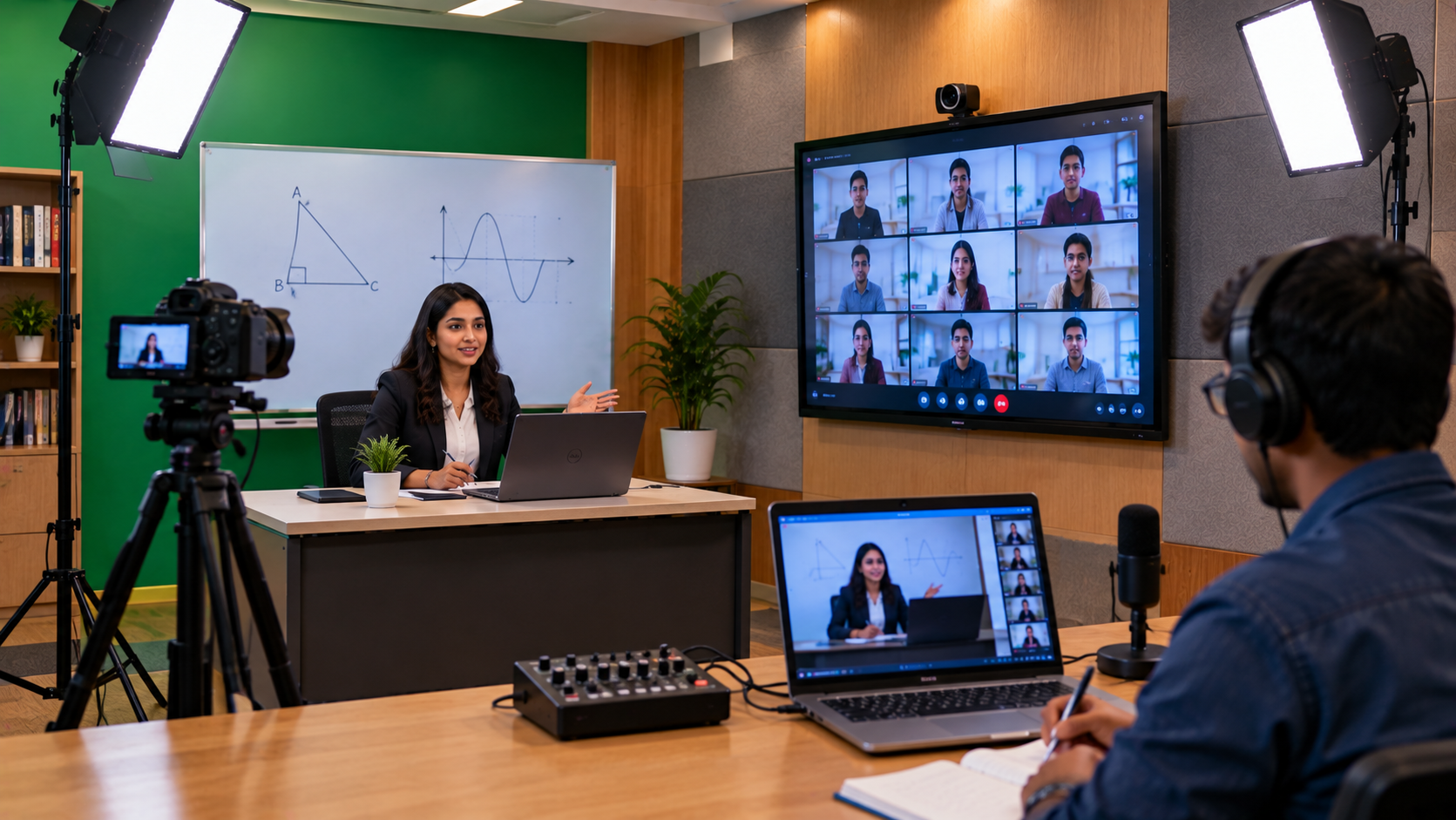
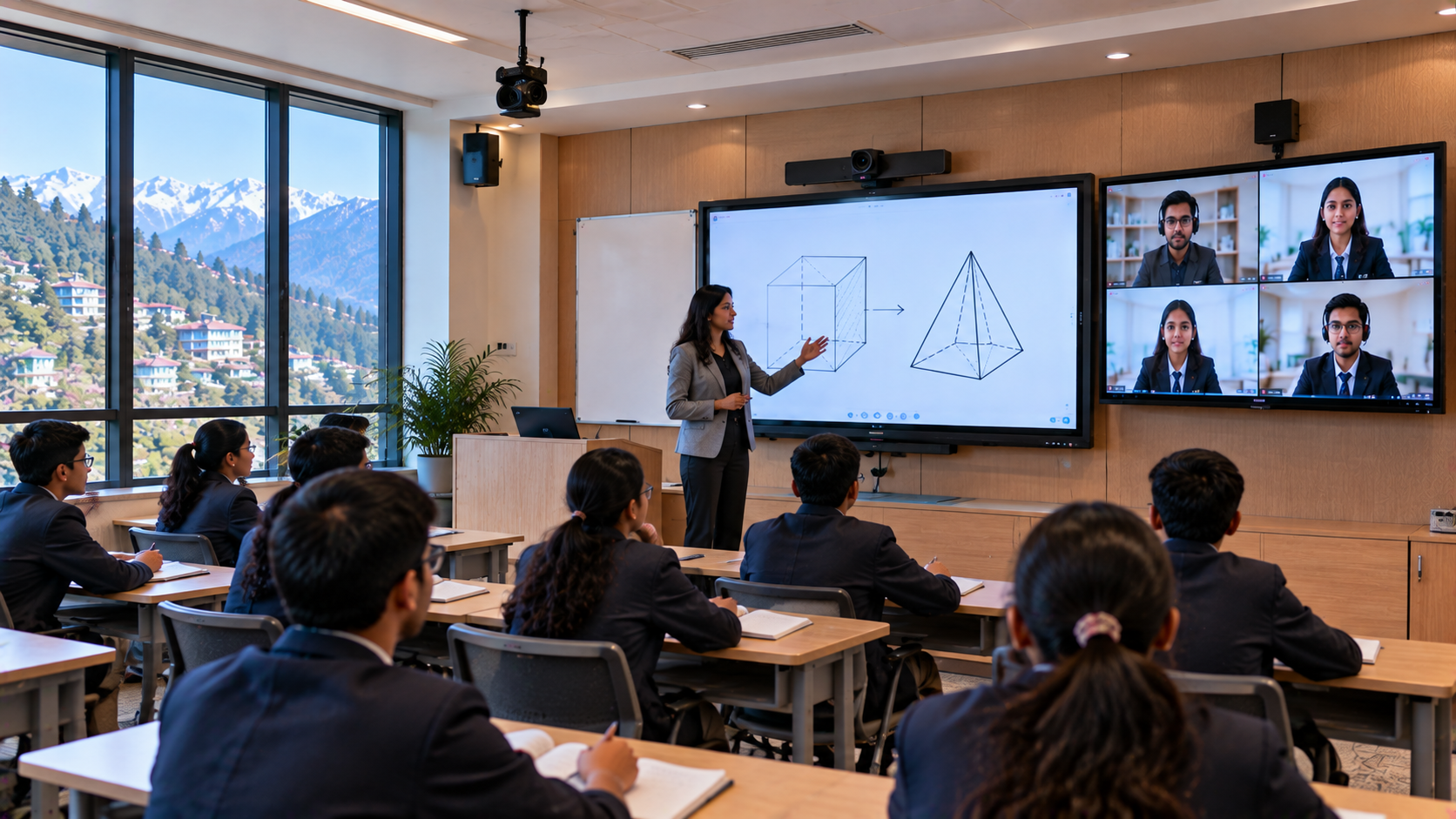
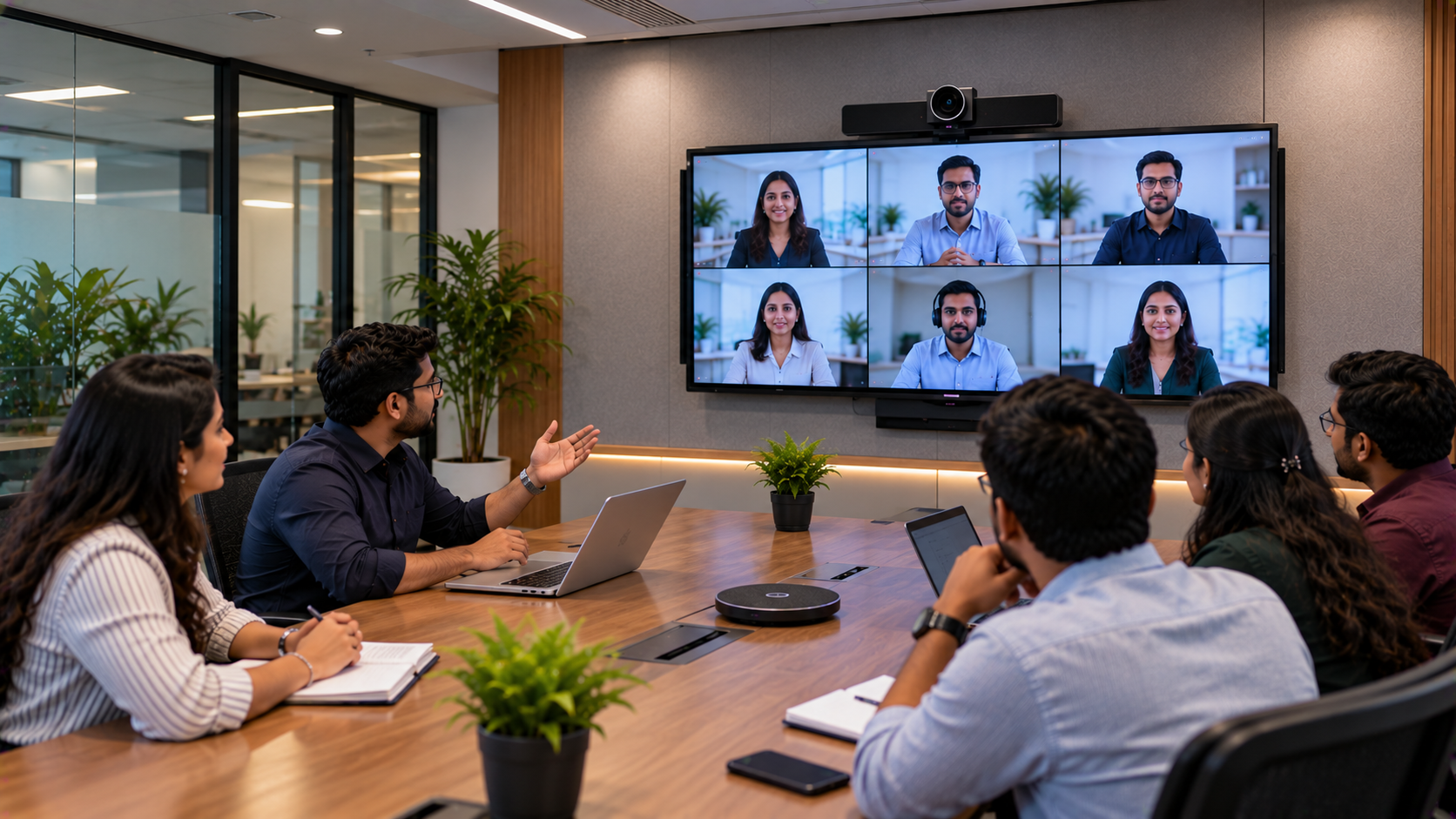
Hybrid classes: Connect in-person teaching with online participants.
Digital classrooms: Combine an interactive display with recorded explanations.
Course development: Build reusable educational videos and structured learning modules.
For institutes in Khargone and elsewhere in India, choosing equipment that matches classroom size, teaching style, and budget is more useful than purchasing devices solely on advertised specifications.
Step 1: Choose the Right Lecture Recording Camera
The camera is one of the most important parts of a professional lecture recording setup. A basic webcam may suit a small desk-based class, while a larger classroom may benefit from a PTZ camera that can pan, tilt, and zoom to capture the teacher, board, or demonstration area.
EVOTA 4K PTZ Camera
The EVOTA 4K PTZ camera is a product option to evaluate when an institute needs detailed video for lectures, demonstrations, or larger teaching spaces. A suitable 4K camera can help capture board content and teacher movements clearly when the room lighting, framing, and recording settings are configured correctly.
EVOTA 10x HD PTZ Camera
The EVOTA 10x HD PTZ camera may be worth considering where remote framing and zoom are useful but a 4K workflow is not essential. The right choice depends on room dimensions, camera placement, output resolution, available connectivity, and the required level of detail.
Other options may include a compatible Logitech PTZ camera or a Sony NX80 camcorder, depending on the recording workflow and budget.
Before buying, confirm:
The required resolution and optical zoom.
Compatibility with the computer and capture workflow.
Mounting options and camera-control requirements.
Availability, warranty, and current pricing.
Searches such as “EVOTA 4K PTZ camera price,” “PTZ camera price in India,” and “Sony NX80 price in India” can help begin product comparisons. Final pricing should be confirmed for the exact model and configuration.
Step 2: Add an Interactive Panel for Visual Teaching
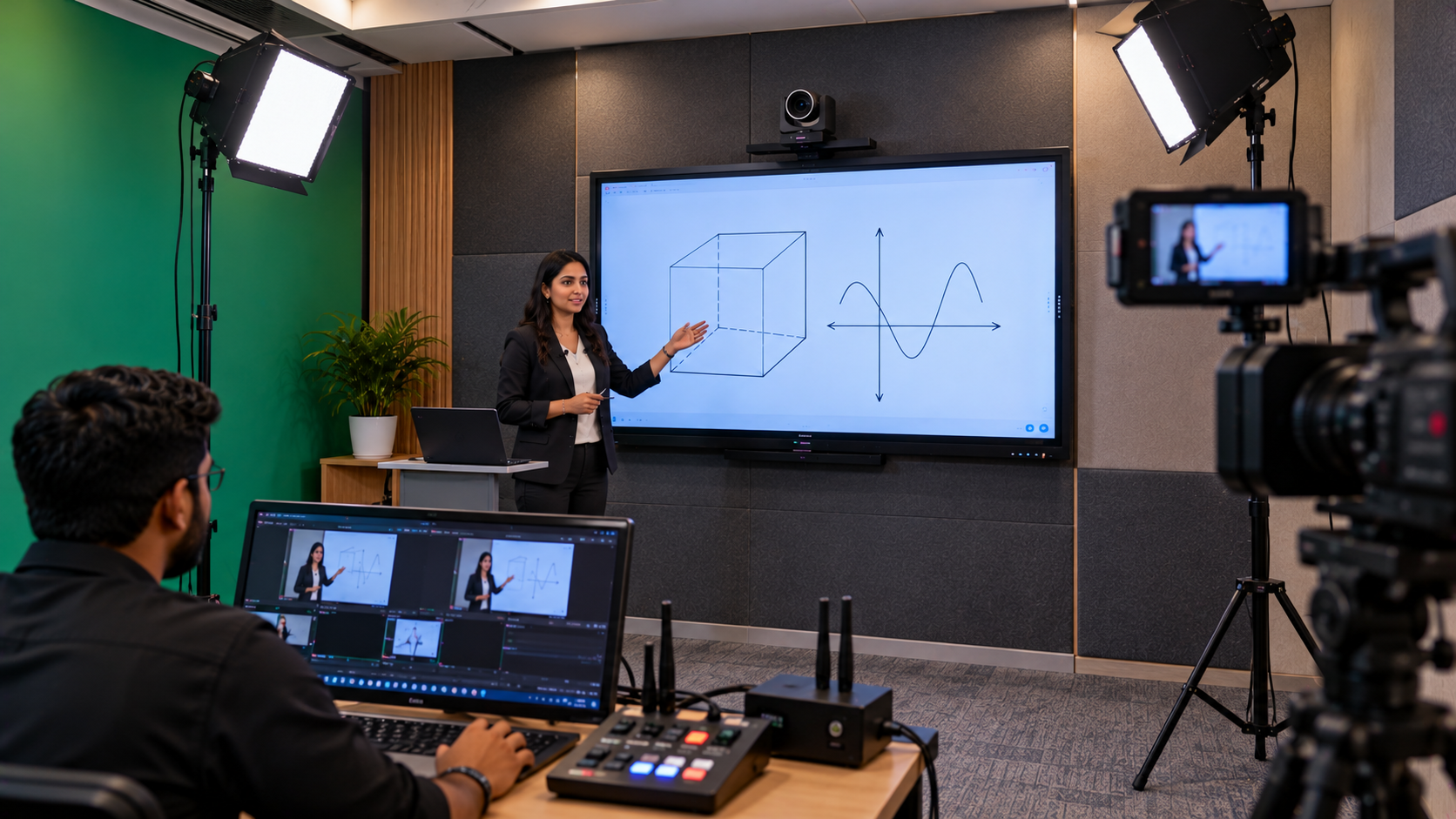
A professional lecture recording system can become more useful when teachers combine camera footage with digital teaching content. An interactive flat panel allows educators to explain concepts using presentations, annotations, diagrams, and on-screen writing.
Depending on availability and requirements, institutes can compare:
EVOTA interactive panel: Consider it for digital teaching, annotation, and classroom presentations.
MAXHUB smart board: Evaluate compatible models for collaborative teaching and digital classroom workflows.
Newline interactive panel: Compare screen size, touch capabilities, connectivity, and software compatibility.
LG interactive digital board: Assess supported teaching features, installation requirements, and service arrangements.
A 75-inch or 86-inch interactive panel may suit some classrooms, but the correct screen size depends on viewing distance, seating arrangement, room dimensions, and the content teachers display.
Institutes researching “EVOTA smart board 75 inch price,” “MAXHUB smart board price in India,” “Newline interactive panel price in India,” or “LG interactive digital board price in India” should compare the exact model, included accessories, warranty, installation, and applicable taxes. Prices vary by configuration and supplier; avoid relying on a generic price for an entire product category.
Step 3: Prioritise Clear Audio and Teacher Microphones
Students may tolerate a simple video, but unclear speech can make a recorded lecture difficult to follow. Room echo, fan noise, microphone distance, and inconsistent volume can all affect the learning experience.
Choose a microphone based on how the teacher moves and teaches:
Wireless microphone: Useful for teachers who move around the classroom.
Wired microphone: Can be a practical option for a fixed teaching position.
Headset or collar microphone: Helps keep the microphone close to the speaker.
Audio mixer or amplifier: May be required for more complex room audio or public-address needs.
Compatible products from brands such as Ahuja and Sennheiser can be evaluated according to the use case. A microphone should be tested with the intended camera, computer, and recording software before the full system is deployed.
Four tips for recording good-quality sound:
Position the microphone close to the teacher.
Record a short test and listen for echo or background noise.
Keep microphone levels consistent and avoid clipping.
Reduce unnecessary noise from fans, equipment, and the surrounding room.
Step 4: Configure Video Capture and Recording Software
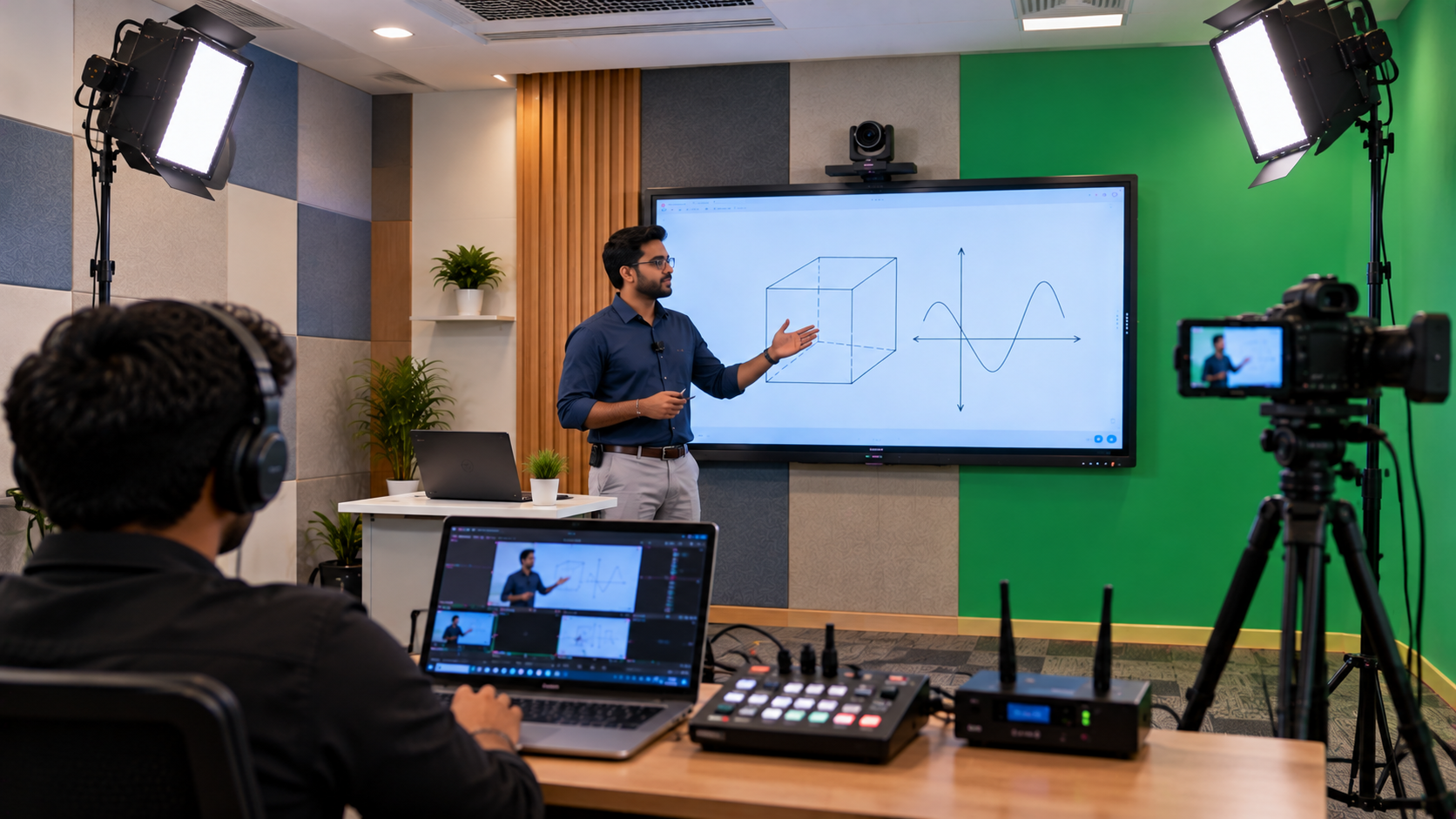
The recording workflow must transfer the camera feed into a computer or recording device reliably. Depending on the camera and connection type, a compatible HDMI video capture device may be required.
Software such as OBS Studio can help record video, combine supported video and audio sources, and manage scenes. The setup must be configured for the institute’s camera output, computer performance, storage capacity, and desired recording resolution.
A practical workflow includes:
Connect and configure the camera.
Connect a compatible capture device if required.
Select the correct video and audio sources in the recording software.
Test resolution, frame rate, sound levels, and storage.
Record a sample lecture and review it before regular use.
A writing pad for PC or pen tablet can also help teachers annotate slides and explain diagrams while recording. Confirm compatibility with the teaching computer and the software being used.
Step 5: Plan Lighting, Installation, and Teacher Training
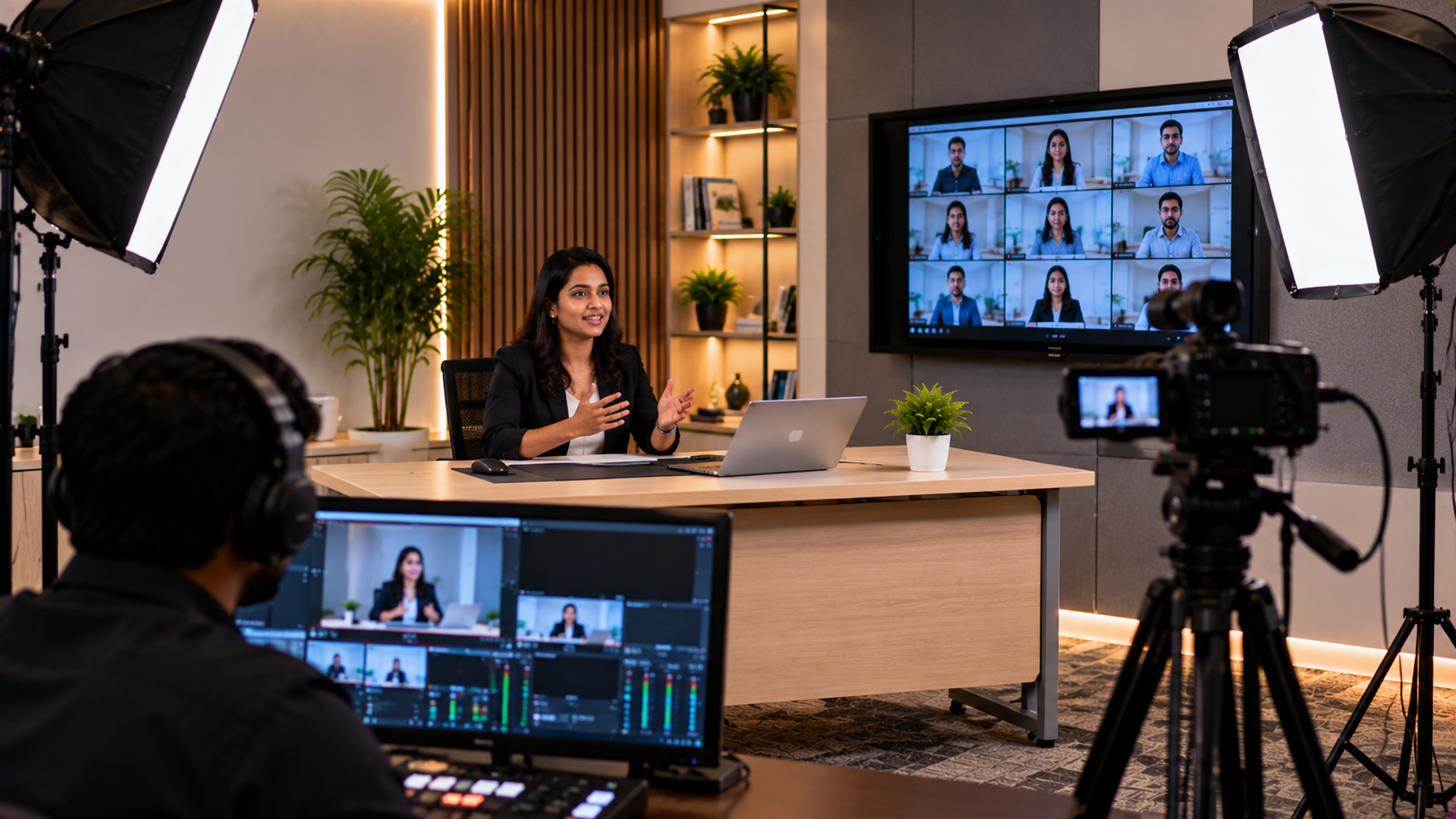
Good lighting can improve the clarity of recorded lessons, especially when teachers appear on camera. A ring light or a suitable classroom lighting arrangement may help in smaller spaces, while larger rooms may require a more carefully planned lighting setup.
The installation plan should account for camera mounting, cable routing, power supply, display placement, teacher movement, and classroom safety. Equipment should be arranged so that it does not obstruct students or create avoidable trip hazards.
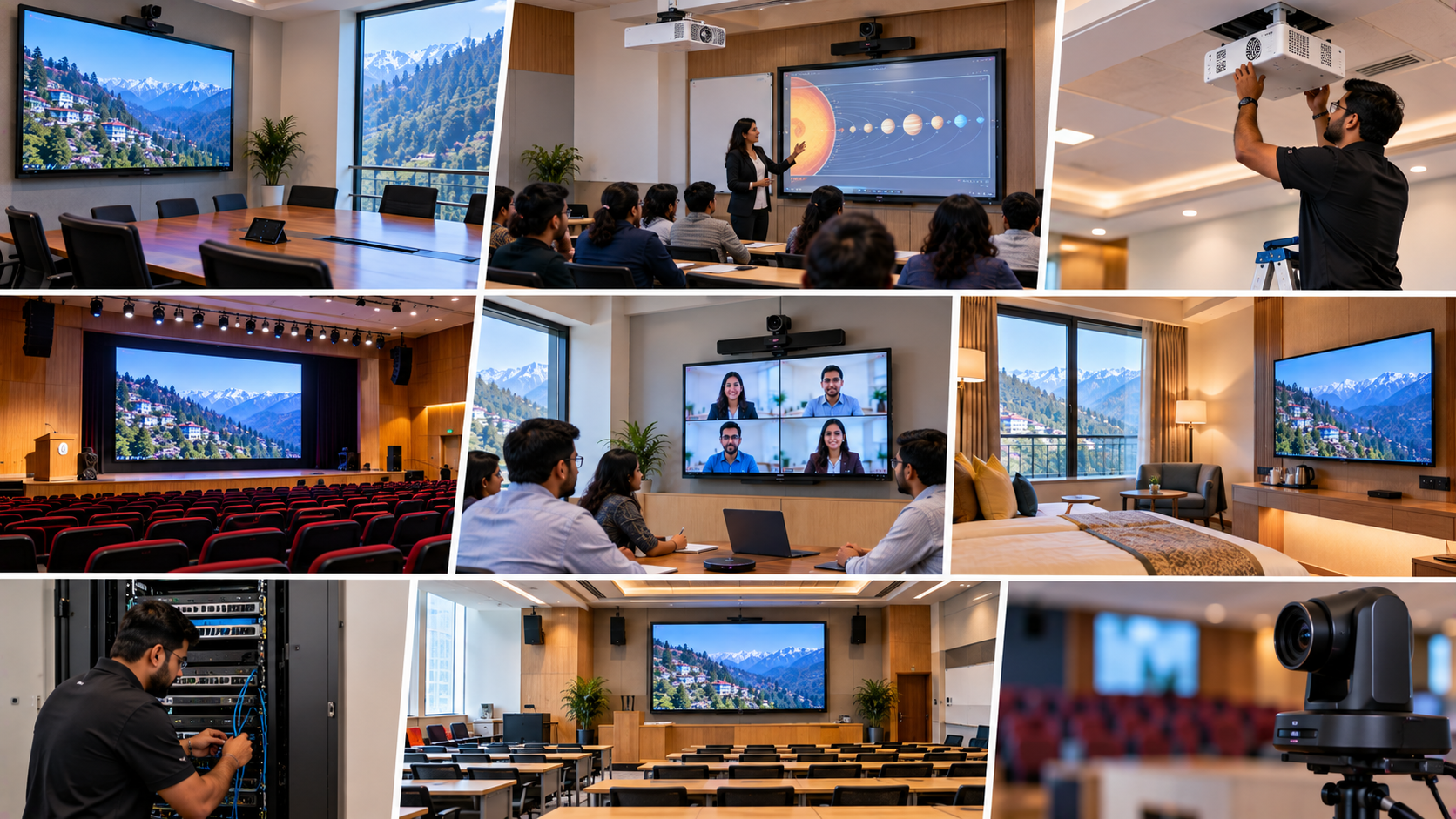
GoLive eTechnologies can be approached to discuss the complete solution, including:
Requirement assessment and equipment selection.
Compatibility checks across camera, display, audio, and computer.
Installation and configuration planning.
Recording workflow testing and teacher orientation.
Ongoing support options, subject to the agreed service scope.
This end-to-end approach can reduce the burden on institute staff who would otherwise have to coordinate several separate vendors.
What Does a Lecture Recording Setup Cost in Khargone?
The cost depends on the equipment and the complexity of the installation. A small teaching room with a camera, microphone, lighting, and recording computer will have different requirements from a larger classroom with a PTZ camera, interactive panel, audio system, and multiple recording sources.
|
Setup level |
Typical requirements |
|---|---|
|
Basic |
Webcam or entry-level camera, microphone, computer, recording software |
|
Intermediate |
Higher-quality camera, dedicated microphone, lighting, capture device |
|
Advanced |
PTZ camera, interactive panel, professional audio, mounting, configuration and training |
These are planning categories, not quoted package prices. For a useful estimate, share the classroom size, number of rooms, preferred camera quality, display requirements, and whether live streaming is needed.
GoLive eTechnologies can help you evaluate product options and request a configuration-specific quotation. Confirm the current price, stock, delivery to Khargone, warranty, installation charges, and applicable taxes before placing an order.
Why Consider GoLive eTechnologies for Your Education Technology Needs?
Selecting the equipment is only part of the job. A dependable solution also needs compatibility checks, correct installation, configuration, and support when teachers begin using it.
GoLive eTechnologies’ brand promise is “Technology that works, backed by people who help.” Its approach focuses on helping customers choose suitable equipment and plan the steps from selection to installation and beyond. Customer feedback can be reviewed to understand experiences with service, delivery, installation, training, and assistance; individual reviews should be checked for their context and relevance.
For an education institute in Khargone, the benefit of a properly planned solution is straightforward: less technology headache and more confidence that lessons can be recorded and used effectively.
Plan Your Lecture Recording Setup with GoLive eTechnologies
Whether you need an EVOTA PTZ camera, an interactive panel, a teacher microphone, a capture device, or a complete teaching studio setup, begin with your classroom requirements rather than a product list alone.
Visit GoLive eTechnologies at golivetechnologies.in to explore suitable products and discuss a lecture recording solution for your institute in Khargone, Madhya Pradesh, or another location in India.
Choose the right solution, plan the installation, and give your teachers the confidence to focus on teaching.
Your email address will not be published. Required fields are marked *

By Inhype • September 12, 2026
A smart classroom is only as effective as the technology supporting it. Interactive panels, smart boards, PTZ cameras, microphones, speakers, PCs and
Read More
By Inhype • September 12, 2026
Higher education is rapidly moving beyond traditional chalkboards and projectors. Today, colleges and universities need technology that supports inter
Read More
By Inhype • September 12, 2026
A smart classroom for CBSE schools is no longer simply a classroom with a digital board. Modern schools are building connected learning environments t
Read More
By Inhype • September 12, 2026
Planning a smart classroom project for 10, 20 or even 50 classrooms requires more than simply purchasing digital boards. Schools, colleges, universiti
Read More
By Inhype • September 12, 2026
A smart classroom can transform the way teachers explain concepts, students interact with lessons, and institutions deliver digital education. From in
Read More
October 19, 2026





Golive eTechnologies India Private Limited (CIN - U31909UP2021PTC148242) is one of India's leading providers of smart classrooms, interactive boards, video conferencing solutions, and display technologies for the education, healthcare, corporate, and government sectors.






No comments yet. Be the first to comment!