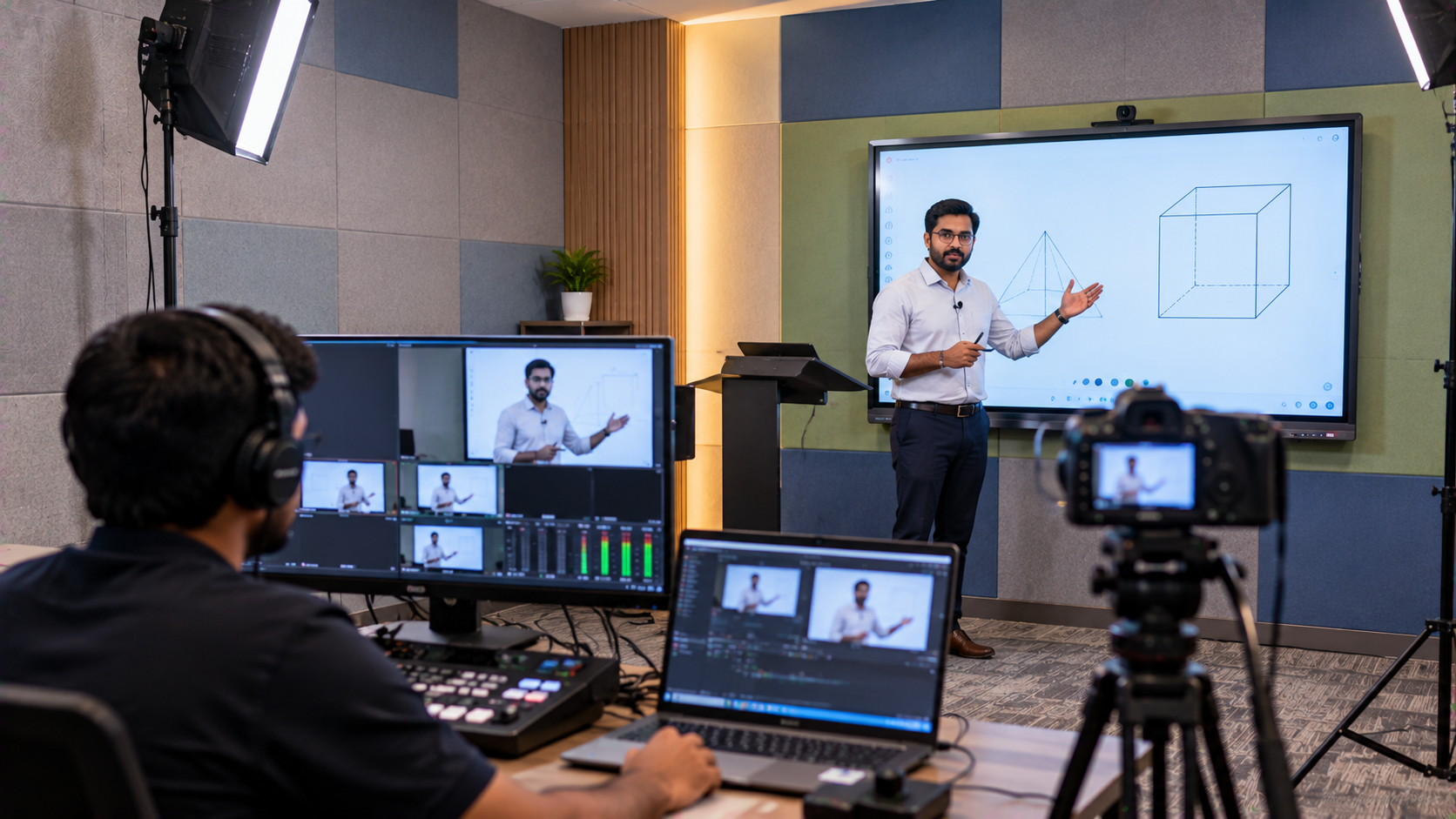
For coaching institutes, schools, colleges and professional training centres, classroom teaching is no longer limited to students sitting physically in front of a teacher. Recorded lectures, hybrid classes, revision videos and online courses allow institutes to extend their teaching beyond the classroom. However, creating professional educational videos requires more than simply placing a camera in a classroom. Audio quality, lighting, presentation visibility, camera positioning, interactive displays and video capture all need to work together. This is where GoLive eTechnologies can help education institutes in Indirapuram, Delhi NCR and across India plan an integrated online teaching equipment and lecture recording studio setup. The Challenge: Turning a Regular Classroom into a Professional Teaching Studio An education institute may already have classrooms, teachers and digital content, but recording lectures introduces several challenges: Poor or inconsistent audio quality Fixed camera angles that limit classroom coverage Insufficient lighting on the teacher Difficulty capturing the teacher and digital board simultaneously Complicated video switching and recording workflows Lack of technical support during installation and operation Uncertainty around recording studio setup cost in India Instead of purchasing individual products without considering compatibility, institutes can plan an end-to-end teaching studio setup based on room size, teaching style, number of instructors and content requirements.
GoLive eTechnologies: Professional Lecture Recording Solutions for Indirapuram Education Institutes
GoLive eTechnologies India Private Limited focuses on technology solutions that combine product selection, deployment, installation and support.
Its brand promise is simple:
Technology that works, backed by people who help.
For an education institute planning a digital classroom setup, online classes setup or professional recording studio, this approach means the technology solution can be planned around the institute's actual teaching workflow rather than around individual products.
A Typical Lecture Recording Studio Setup
A professional setup can combine:
|
Requirement |
Possible Solution |
|---|---|
|
Interactive teaching |
Evota interactive panel / Evota smart board |
|
Teacher video |
Evota 4K PTZ camera / Evota PTZ camera |
|
Lecture capture |
HDMI video capture device / capture card |
|
Presentation |
Interactive flat panel display |
|
Teacher audio |
Wireless microphone / wired microphone |
|
Classroom audio |
Conference speakers / professional speakers |
|
Lighting |
Professional ring light / studio lighting |
|
Video production |
Video mixer / video switcher |
|
Content display |
Digital board / interactive panel |
|
Recording workflow |
OBS Studio-compatible setup |
The exact configuration should be selected after assessing the classroom, teaching methodology and desired recording quality.
Interactive Teaching with Evota Smart Boards and Interactive Panels
An interactive display can become the centre of a modern lecture recording environment.
An Evota smart board, Evota interactive panel or Evota interactive flat panel can allow teachers to write, annotate presentations, explain diagrams and interact with digital learning content.
For example, a mathematics teacher can explain a problem directly on the digital board while a camera captures the instructor and lesson environment.
For larger classrooms, institutes can evaluate options such as:
Evota 75-inch interactive panel
Evota smart board
Evota digital board
Interactive flat panel for education
Digital board for teaching
Smart board for classroom
Interactive panel board
Rather than relying on generic searches such as digital board price in India, institutions should compare display size, operating system, touch capability, connectivity, installation requirements and after-sales support.
Evota 4K PTZ Camera for Lecture Recording
A PTZ camera can make lecture recording significantly more flexible.
The Evota 4K PTZ camera can be considered for institutes that require high-resolution classroom recording and controlled camera movement. A PTZ setup can be useful for capturing:
Teacher presentations
Full classroom views
Digital board demonstrations
Training sessions
Online lectures
Hybrid classes
Recorded course content
Institutes may also explore options such as the Evota 10X HD PTZ camera, depending on the required coverage and room configuration.
Searches such as Evota 4K PTZ camera price or Evota camera price are useful starting points, but the final requirement should be based on specifications, installation and intended usage rather than price alone.
Better Audio for Recorded Lectures
Students may tolerate slightly imperfect video, but unclear speech can make recorded lectures difficult to follow.
A professional online teaching setup should therefore give audio priority.
Depending on the classroom, an institute may consider:
Wireless microphone for teachers
Wired microphone
Collar microphone
Conference microphone
Mixer/amplifier
Classroom speakers
Audio interface
Four Tips to Record Good-Quality Sound
Keep the microphone close enough to the teacher for clear speech.
Reduce background noise and unnecessary room reflections.
Test microphone levels before beginning the lecture.
Monitor the recording to identify distortion or low volume.
The objective is simple: students should hear the lesson clearly without constantly adjusting their device volume.
Video Capture, Switching and Recording
A lecture recording studio becomes more useful when the institute can combine different video sources.
For example:
Teacher → PTZ Camera → Video Capture → Computer → Recording Software
and
Interactive Panel → HDMI Output → Capture Device → Recording System
A suitable HDMI video capture device, capture card, video mixer or video switcher can help bring these sources into a controlled recording workflow.
Institutes using OBS Studio can also design a recording environment around multiple video and audio inputs, subject to hardware and software compatibility.
From Classroom Installation to Working Studio
Building a professional teaching studio should not stop at product delivery.
GoLive eTechnologies' end-to-end approach can cover:
1. Requirement Assessment
Understand the classroom, faculty requirements and recording objectives.
2. Solution Selection
Identify suitable interactive panels, PTZ cameras, microphones, capture equipment and accessories.
3. Installation
Install and configure the selected equipment.
4. Integration
Connect displays, cameras, audio equipment and recording devices.
5. Testing
Check video, audio, connectivity and classroom usability.
6. Training & Assistance
Help faculty and staff understand the equipment and operating workflow.
This supports GoLive eTechnologies' core USP:
Right solution + fast deployment + installation + support.
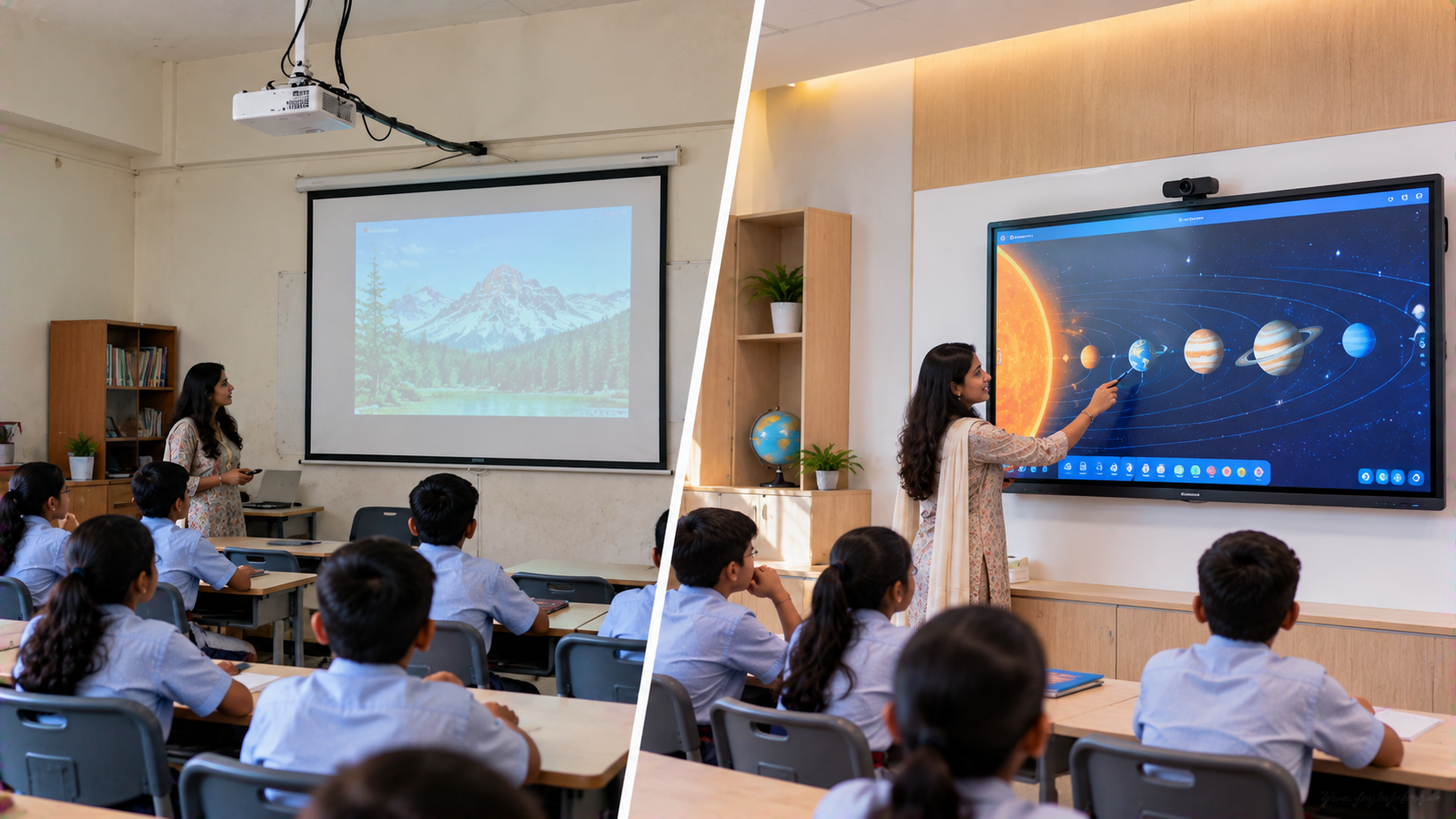
Comparing a Basic Classroom Recording Setup with a Professional Setup
|
Basic Setup |
Professional Studio Approach |
|---|---|
|
Laptop webcam |
PTZ / professional camera |
|
Built-in microphone |
Dedicated teaching microphone |
|
Ordinary classroom display |
Interactive flat panel |
|
Manual recording |
Integrated capture workflow |
|
Limited camera positioning |
PTZ movement and positioning |
|
Minimal lighting |
Planned studio lighting |
|
Self-installation |
Professional installation and support |
The right configuration ultimately depends on the institute's budget, room size, content strategy and expected number of recorded lectures.
What About Lecture Recording Studio Pricing?
There is no single studio setup price because the final investment varies according to:
Camera resolution and quantity
PTZ functionality
Interactive panel size
Microphone system
Speakers and amplifier
Capture equipment
Video switching requirements
Lighting
Installation
Cabling and accessories
Training and support
Similarly, searches such as Evota smart board price, Evota smart board 75 inch price, newline smart board price, LG interactive digital board price, or Maxhub smart board price in India should be treated as product-level research rather than a complete studio quotation.
GoLive eTechnologies can help institutions identify the combination that fits their teaching and recording requirements.
Why Choose GoLive eTechnologies for Education Technology?
For an institute in Indirapuram or elsewhere in India, the technology itself is only one part of the investment.
GoLive eTechnologies' customer proposition focuses on reducing technology-related headaches through:
Product selection assistance
Fast deployment
Professional installation
Technical support
Training and assistance
Integrated technology solutions
The intended outcome is less technology headache and more confidence that everything will work.
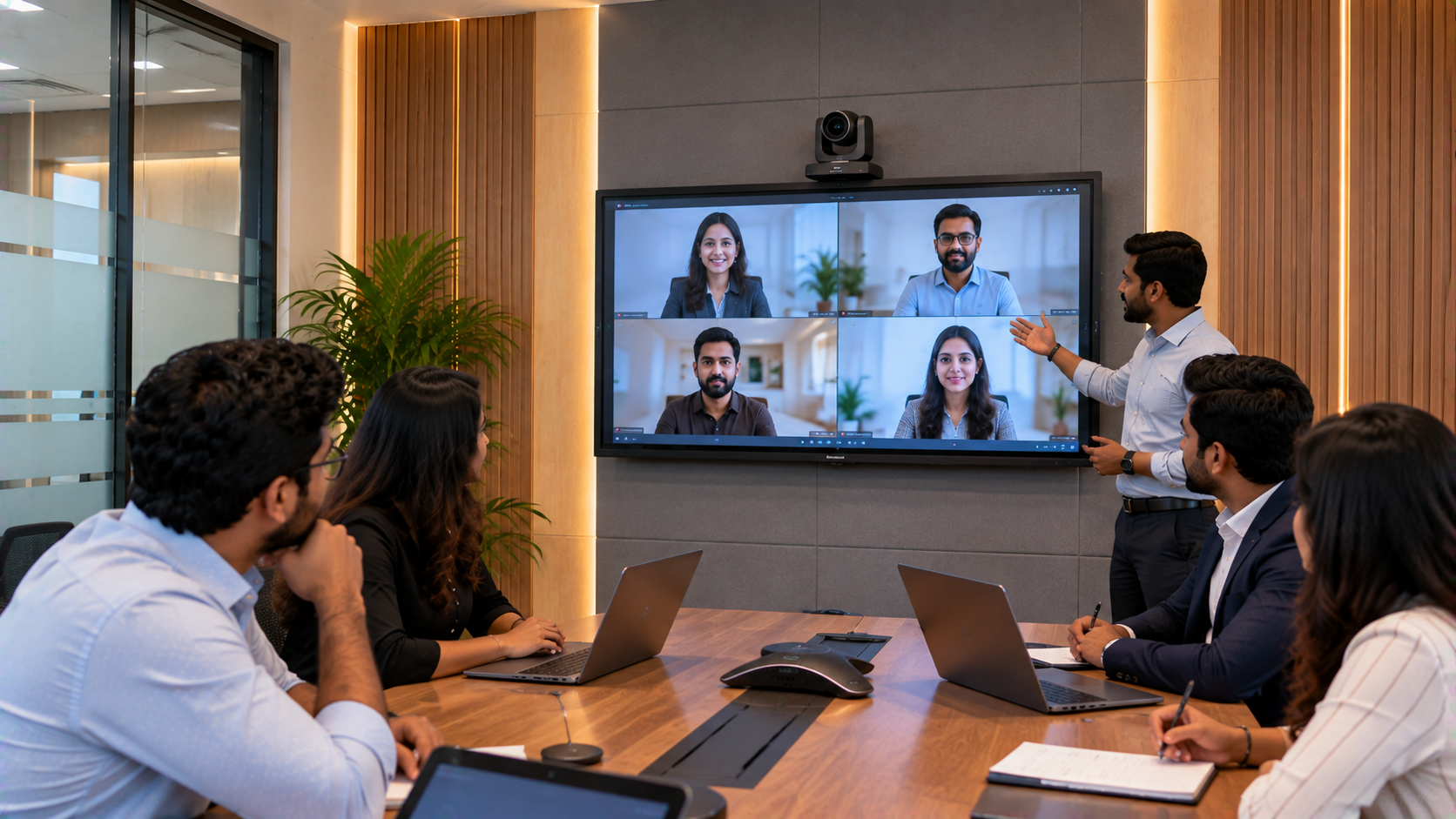
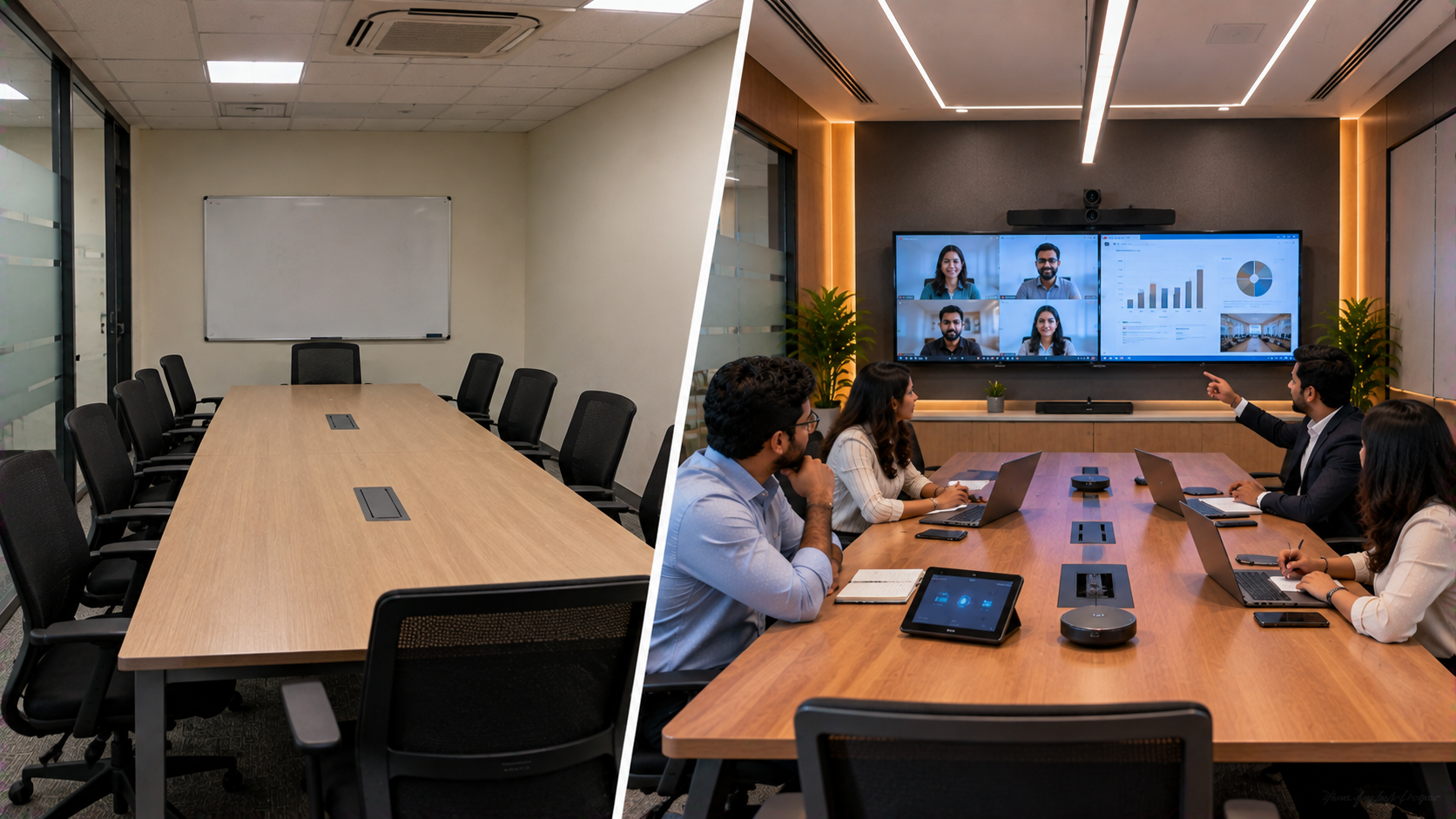
For institutions planning a smart classroom, hybrid classroom, online teaching setup, digital classroom setup or professional recording studio, an integrated approach can simplify deployment and future expansion.
Build Your Education Recording Studio with GoLive eTechnologies
Whether you need an Evota interactive panel, Evota 4K PTZ camera, digital board, lecture capture camera, microphone, capture card or complete teaching studio setup, the right solution starts with understanding your classroom.
GoLive eTechnologies helps you move from product selection to installation and beyond—so your teaching technology is ready for the classroom, the camera and the next generation of digital learning.
Ready to Build Your Lecture Recording Studio?
Talk to GoLive eTechnologies for a customised education technology solution covering product selection, installation, deployment and support.
Your email address will not be published. Required fields are marked *

By Inhype • September 12, 2026
A smart classroom is only as effective as the technology supporting it. Interactive panels, smart boards, PTZ cameras, microphones, speakers, PCs and
Read More
By Inhype • September 12, 2026
Higher education is rapidly moving beyond traditional chalkboards and projectors. Today, colleges and universities need technology that supports inter
Read More
By Inhype • September 12, 2026
A smart classroom for CBSE schools is no longer simply a classroom with a digital board. Modern schools are building connected learning environments t
Read More
By Inhype • September 12, 2026
Planning a smart classroom project for 10, 20 or even 50 classrooms requires more than simply purchasing digital boards. Schools, colleges, universiti
Read More
By Inhype • September 12, 2026
A smart classroom can transform the way teachers explain concepts, students interact with lessons, and institutions deliver digital education. From in
Read More




Golive eTechnologies India Private Limited (CIN - U31909UP2021PTC148242) is one of India's leading providers of smart classrooms, interactive boards, video conferencing solutions, and display technologies for the education, healthcare, corporate, and government sectors.

No comments yet. Be the first to comment!